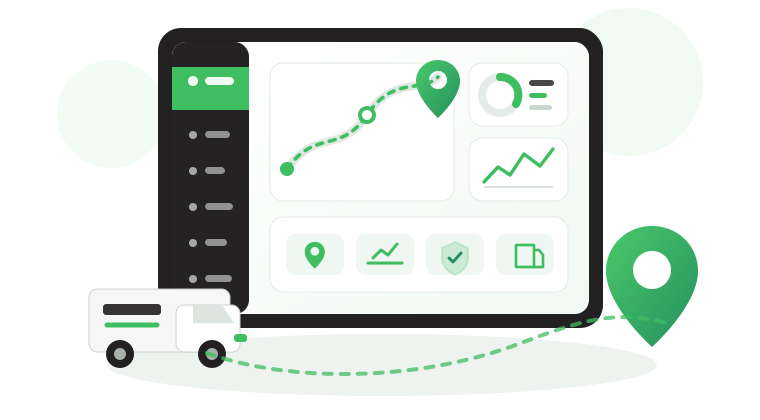

How Door Status Monitoring Strengthens Cold Chain Control
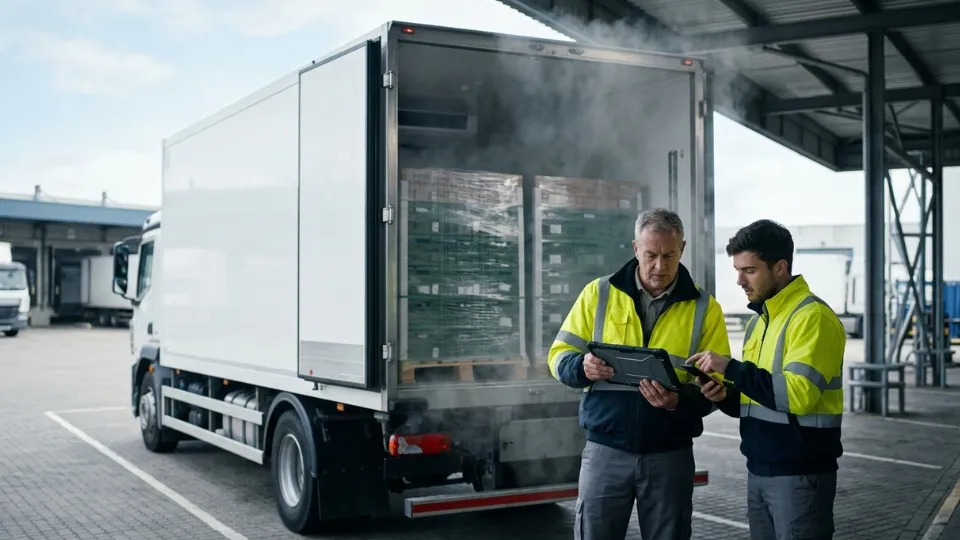
A cold chain issue does not always begin with temperature. In many B2B fleets, it starts when a fridge door opens at the wrong stop, stays open too long, or opens without a clear operational reason. By the time a team checks a manual note, reviews a spreadsheet, or reacts to a customer complaint, cargo integrity, service quality, and accountability may already be under pressure.
In this guide, we explain why door status monitoring matters, where teams track it inside Safee, how reporting and audit review work, and how fleets across the GCC as well as broader international operations can use it to strengthen cold chain control.
Why is door status monitoring critical for fleet integrity?
For refrigerated transport, fleet integrity is not only about location. A vehicle can follow the planned route and still create cargo risk if the fridge door is opened too long, opened at the wrong stop, or repeatedly opened without clear operational justification. Door Status Monitoring gives operations teams the missing context between route data and cargo-condition data.
In practical B2B operations, this matters because a door event can explain a temperature rise, confirm whether handling matched standard operating procedures, support proof-of-delivery review, or reveal a pattern that needs coaching or escalation. This is especially relevant for GCC fleets serving food, pharmaceuticals, chemicals, and other sensitive cargo, where service reliability and audit readiness matter at the same time. It is just as relevant for regional hubs and internationally distributed operators that need one repeatable workflow across vehicles, depots, and customers.
- Confirm whether a fridge door opened during an approved delivery window.
- Check whether a rear or side door stayed open longer than expected.
- Review whether a door event aligned with a temperature or humidity change.
- Identify repeated exceptions by route, customer site, or vehicle.
- Export evidence when a client or internal team asks what happened during a trip.
For a broader view of how Safee combines door, temperature, and humidity data, explore our Cold Chain Solution and Temperature Sensors module.
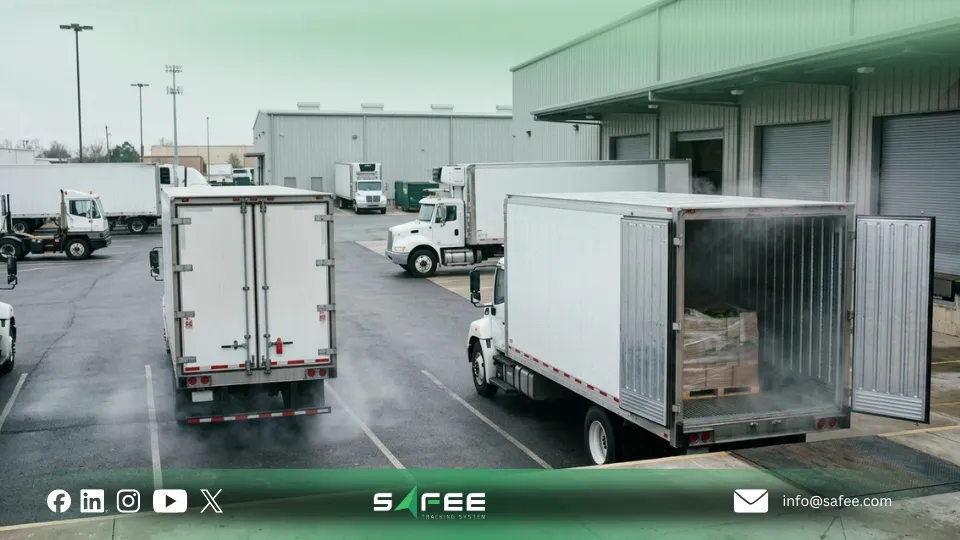
Where can you track door status in Safee?
Inside Safee, Door Status Monitoring should sit inside the wider visibility layer, not in a disconnected sensor screen. The point is not only to show open or close status. The point is to show what the vehicle was doing when the event happened, which door was involved, and whether that event needs action.
The most useful monitoring views usually include:
Live vehicle monitoring
Control-room teams and dispatchers need real-time visibility when a refrigerated vehicle is at a depot, customer location, checkpoint, warehouse, or unplanned stop. A live view helps teams see whether a door is currently open, closed, or unavailable so they can respond during the shift rather than after the trip.
Vehicle timeline
A timeline is critical because a door-open event is only meaningful when reviewed in context. Safee’s cold-chain workflow is strongest when teams can investigate door activity alongside movement, stops, and environmental signals rather than reading isolated sensor records.
Reports and exports
Reports turn raw door data into a documented operational record. That is where Door Status Monitoring becomes commercially useful for customer questions, internal reviews, service verification, and evidence-based follow-up.
Alerts and exception review
Door events create more value when linked to exception management. That could mean a door opening outside an approved stop, remaining open too long, or appearing while cargo conditions are already outside policy.
Need help deciding which views your team should monitor daily?
Talk to Safee about your cold-chain setup and we can map live monitoring, alerts, and reports around your cold-chain workflow.
How does door monitoring work in Safee?
Door monitoring works by receiving door-status signals from connected vehicle inputs or door sensors, then placing that signal inside Safee’s monitoring, timeline, and reporting workflows. In practice, the operational value comes from how Safee organizes the event, not from the raw signal alone.
A practical workflow usually looks like this:
- A door-status signal is captured from the connected vehicle or sensor setup.
- Safee displays whether the relevant door is open, closed, or unavailable.
- The event is reviewed alongside live vehicle status, trip movement, stops, and cold-chain data where available.
- Teams investigate exceptions based on location, timing, duration, or operating policy.
- The data can then be reported or exported for operations, client proof, or internal review.
This approach matters because fleets rarely need door visibility in isolation. They need a usable operating workflow. On Safee’s platform, the same monitoring environment can also connect to live vehicle tracking, alarms, and broader fleet reporting, which is why the system works for local GCC fleets and for international operators that need a scalable cold-chain control layer.
To understand the wider platform around this workflow, review our Live Vehicle Tracking, Alarms and Alerts, and Fleet Reporting.
How to use reports for audits and compliance?
Door-status reports help teams move from assumptions to recorded evidence. For cold chain operators, that means being able to answer a client, quality team, or internal reviewer with a documented view of what happened during the trip. Safee’s reporting layer is particularly valuable here because the platform already supports exportable reporting and structured historical review.
A useful report should help your team confirm which vehicle had door activity, which door was involved, when the event happened, how it aligned with stops or route logic, and whether a temperature or humidity issue appeared nearby in time. That does not automatically create a legal compliance guarantee on its own. It creates stronger operational evidence, which is exactly what many B2B fleets need for internal governance, customer communication, and audit preparation.
A practical reporting framework should define:
- Which door events are normal and which should be reviewed.
- Who checks exceptions and how often.
- Which fields must appear in client-facing or internal exports.
- Who can view, investigate, and export reports.
- What escalation path should apply to unexplained door events.
If your team needs stronger evidence workflows, see how our Fleet Reporting supports structured exports and repeatable operational review.
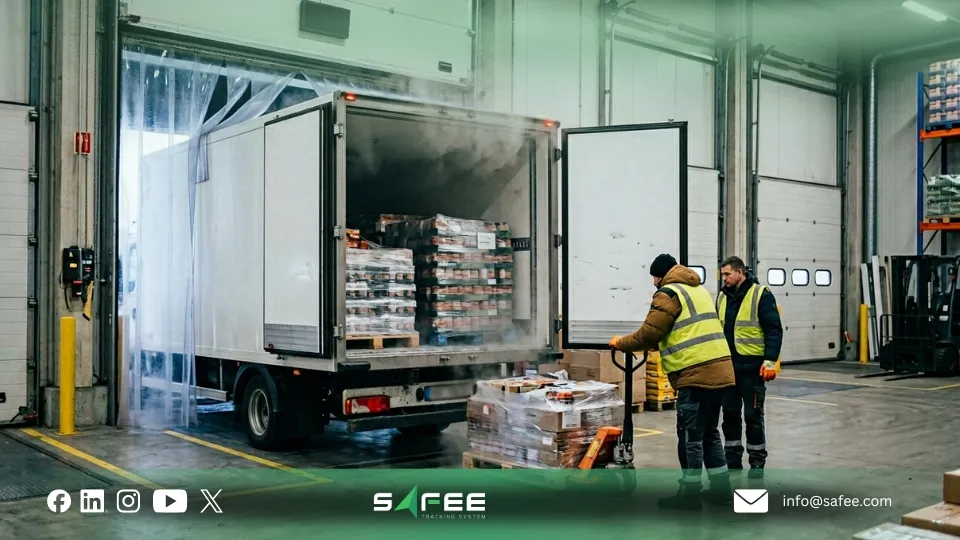
Pairing door events with Temperature & Humidity?
Door Status Monitoring becomes far more valuable when paired with temperature and humidity. Temperature tells you what changed inside the cargo environment. Humidity can show silent moisture risk. Door events help explain one likely reason why the environment changed.
This is exactly how Safee positions its cold-chain offer: a centralized workflow that brings temperature, humidity, and door activity into one operational view. That matters because teams can investigate a temperature rise after a door opening, a humidity spike during unloading, or a repeated pattern of long door-open events at a specific customer site without switching between disconnected systems.
Examples of useful paired reviews include:
- A temperature rise after a rear-door opening.
- A humidity shift during unloading or repeated stop activity.
- A long door-open period during hot-weather deliveries.
- An unavailable door signal on a vehicle assigned to sensitive cargo.
If environmental monitoring is already part of your operating model, connect this article with our Fleet Management Sensors guide, which explains how Safee operationalizes temperature, humidity, and door data across live monitoring, alarms, and reporting.
Also read: IoT Fleet Management: A Complete Guide.
Turning door status into a managed process
The strongest fleets do not treat door sensors as a passive data source. They treat Door Status Monitoring as a governed process. That means defining the policy, configuring the right alerts, deciding who reviews exceptions, training the relevant teams, and improving the workflow over time.
A practical Safee rollout usually follows four steps:
1. Define the policy
Decide which vehicles need door monitoring, which doors matter, what counts as a normal opening, what counts as an exception, and which routes or clients require exported evidence.
2. Configure alerts and reports carefully
Too many alerts create noise. Too few hide risk. The best setup is the one that reflects real operational thresholds and assigns ownership for response.
3. Train teams on the investigation workflow
Drivers, dispatchers, supervisors, and quality teams should all understand what the door data means, when events are expected, how exceptions are handled, and who to contact if a signal appears unavailable.
4. Review and improve
Door data often reveals patterns that are easy to miss manually, such as repeated long door-open events on one route or one customer site. These insights can improve route planning, unloading practices, driver coaching, and customer communication.
This process view also fits Safee’s wider positioning as a connected fleet platform. From the homepage positioning to the added-value modules, Safee presents one platform that unifies tracking, alerts, reporting, sensors, and journey workflows for fleets across the GCC, Africa, and the EU, which makes the platform suitable for both local and cross-border operating models.
For a broader operational context, also read Why Digital Transformation Matters for Modern Fleets
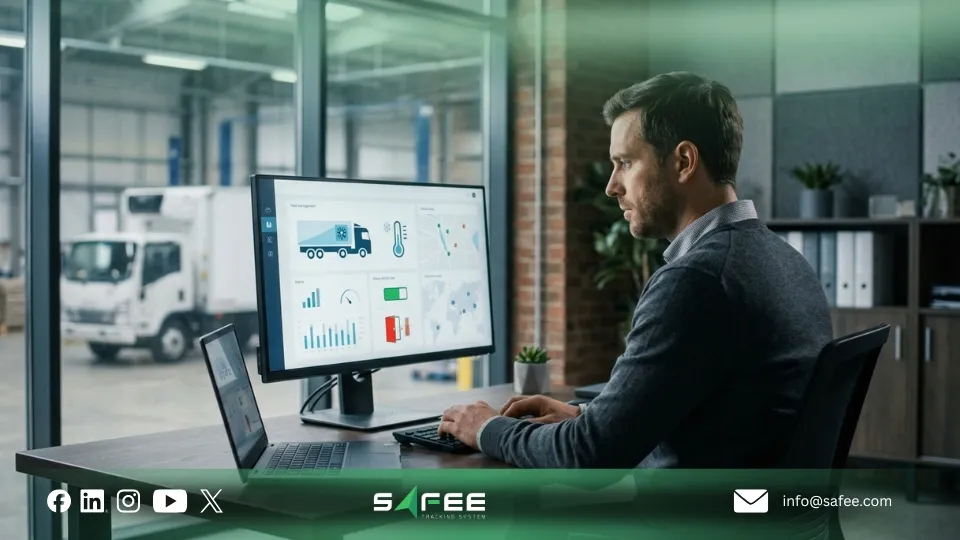
FAQs about Safee’s door status monitoring
What exactly is door status monitoring in Safee?
Door Status Monitoring in Safee helps fleet teams track whether a fridge, side, or rear door is open, closed, or unavailable, then review that status inside a wider cold-chain workflow that includes timeline context, reporting, and environmental signals where configured.
Can I monitor multiple doors per vehicle (Side vs. Rear)?
Yes. Safee’s cold-chain positioning states that door monitoring can track up to 8 doors per vehicle, which is useful when your operation needs different visibility for rear, side, or compartment doors.
Why does a door show as unavailable and how to fix it?
Unavailable status usually means the platform is not receiving a usable signal from the configured door setup. The right response is to check sensor configuration, installation, connectivity, or vehicle-device mapping so the status can be restored reliably.
How can I export door activity as proof of delivery for my clients?
Use Safee’s reporting workflow to review the relevant vehicle, trip, and date range, then export the recorded door activity together with the operational context your client requires, such as time, route, or supporting cargo-condition information.
Ready to improve your fleet operations?
Tell us what you would like to improve. A Safee specialist will reply by email.
Usually replies within one business day • No sales spam
Your details are used only to respond to your request. Privacy Policy