

How Fleet Temperature Monitoring Reduces Cold Chain Risk
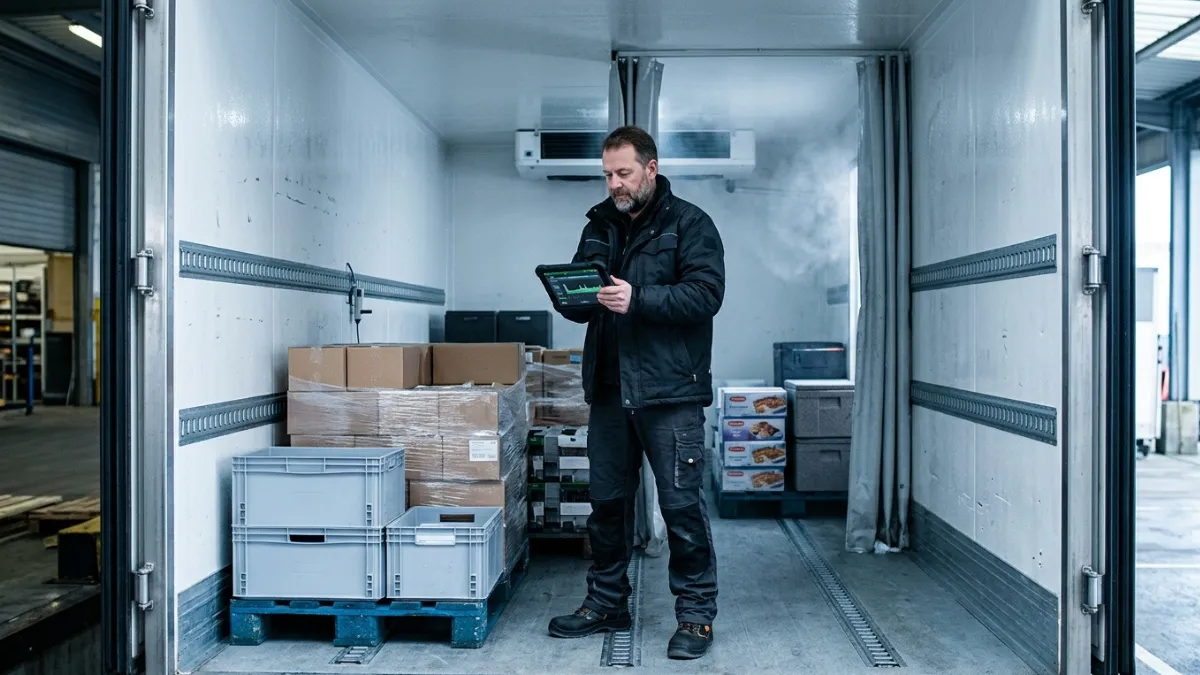
A temperature issue in cold chain fleets usually does not begin as a major failure. It starts as a small deviation that goes unnoticed until the load, service quality, or compliance record is already at risk. That is why fleet temperature monitoring matters for B2B fleets moving food, pharmaceuticals, chemicals, and other temperature-sensitive cargo.
At Safee, we support this through our Temperature Sensors and broader Cold Chain Solution, combining live visibility, temperature alerts, reporting, and refrigerated workflow control in one platform. In this guide, we explain how fleet temperature monitoring works in Safee, how alerts and governance should be configured, and how Saudi fleets can approach Wasl fridge status workflows.
Why does fleet temperature monitoring matter and who needs it?
Temperature deviations create more than cargo risk. They create service risk, claim risk, compliance risk, and trust risk. For a B2B fleet, that can mean rejected deliveries, disputed handovers, internal escalation, and avoidable revenue loss.
This is why Fleet Temperature Monitoring matters. It gives operations teams the chance to detect change while the trip is still recoverable, not after the shipment has already failed. In practice, the value is not only in collecting readings. The value is in turning those readings into action, escalation, and proof.
At Safee, this matters most for:
- Fleet managers who need to know which refrigerated assets are operating within policy and which ones require intervention.
- Operations teams that need live visibility to respond quickly, reroute decisions, or coordinate corrective action.
- HSE and compliance stakeholders who need event history, reporting, and traceability that support governance.
- Logistics and cold chain operators handling multi-vehicle, multi-depot, or multi-customer distribution.
- Saudi fleets that need refrigerated workflows aligned with Wasl-related reporting and fridge status handling.
For GCC fleets, the pressure is often higher because service commitments, multi-site operations, and regulatory expectations leave less room for delayed discovery. That is exactly why Safee positions Fleet Temperature Monitoring as part of a broader operating workflow, not as an isolated hardware feed.
For a broader cold chain view, see our Cold Chain Fleet Management guide
How do you set up temperature monitoring in Safee?
A strong setup starts with the operating model, not only the device. At Safee, Fleet Temperature Monitoring is typically implemented through the temperature sensors module and, where refrigerated process control is broader, through the cold chain solution. The aim is to create a usable flow from sensor input to dashboard visibility, alert logic, and governed response.
A practical setup usually follows these steps:
- Connect the temperature data source through the approved in-vehicle hardware or integration path.
- Map each sensor feed to the correct vehicle, trailer, or refrigerated compartment.
- Define temperature thresholds based on cargo type, route conditions, customer requirements, or internal policy.
- Configure single-zone or multi-zone monitoring where different compartments need separate visibility.
- Set alert rules so the right teams are notified when conditions move outside the acceptable range.
- Validate how readings, exceptions, and histories appear in dashboards and reports before go-live.
- Agree on escalation ownership so the response process is clear once an event is triggered.
This is where Safee adds practical value. We do not treat fleet temperature monitoring as a generic plug-in. We help fleets align thresholds, alerts, user views, and refrigerated workflows with the way the business actually operates.
If you want to map sensors, compartments, and alert policies correctly from day one, request a Safee walkthrough.
You can also review our Fleet Management Sensors guide for the broader sensor strategy.
Where can you monitor your cold chain data inside Safee?
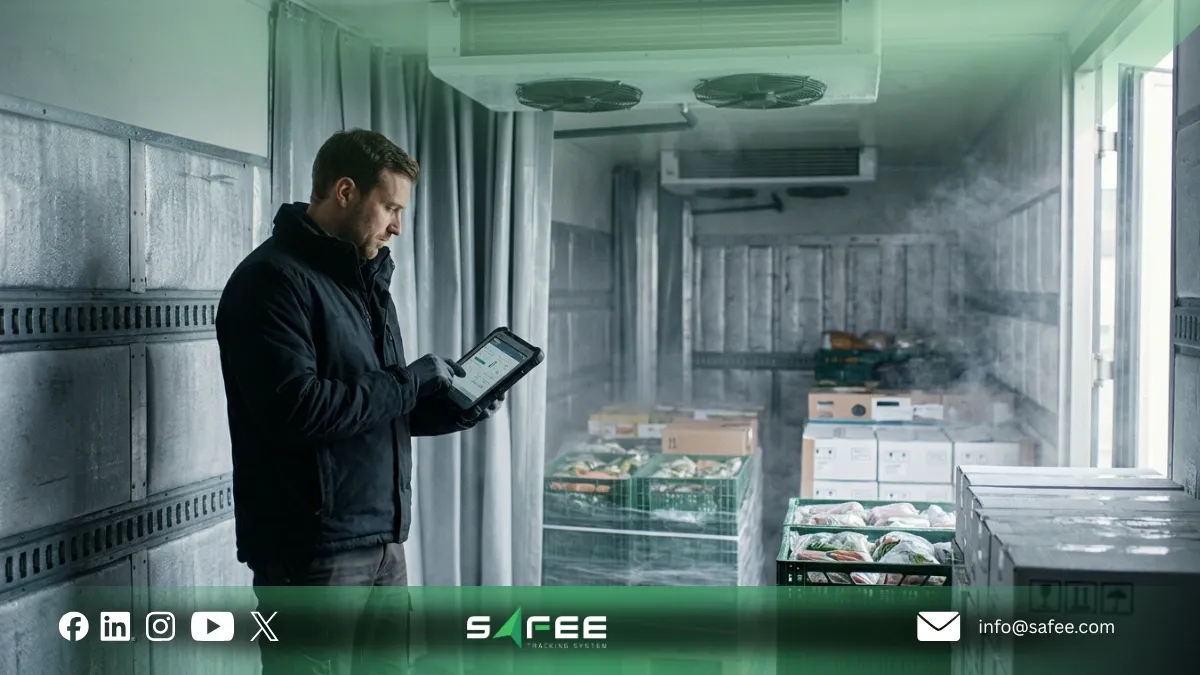
Once configured, fleet temperature monitoring should be visible in the places where teams actually make decisions. In Safee, temperature data is most useful when it supports live monitoring, exception handling, trip review, and management reporting from one connected environment.
Common monitoring layers include:
Live fleet view
Operations teams can identify which refrigerated assets are in range, which vehicles need attention, and where exceptions are happening right now.
Vehicle-level view
Teams can inspect one vehicle or compartment in more detail, including recent temperature behavior, exception history, and related trip context.
Alert and exception views
These views help managers see threshold breaches, unresolved deviations, and repeated incidents that need follow-up.
Historical review
Completed-trip analysis helps teams understand when a deviation started, how long it lasted, and whether action was taken in time.
Reporting workflows
Managers and governance stakeholders need recurring review, exportable logs, and traceable records, not only live screens.
This matters because B2B fleets do not manage temperature only at the moment. They also need proof, post-trip review, and management visibility. Safee is built to support all three.
To see how live visibility fits the wider platform, explore our Fleet Monitoring and Insights and Fleet Reporting.
How to manage alerts and temperature governance?
Alerts only help when they are credible, actionable, and assigned to the right people. If every small fluctuation creates a notification, teams stop trusting the system. If alert logic is too loose, the fleet sees the problem too late. That is why Safee treats temperature alerting as both a technical and governance decision.
A practical model starts with policy:
- What is the acceptable range for each cargo type or route?
- What counts as an early warning versus a critical breach?
- Who owns the first response, and when does the issue escalate?
- Which stakeholders need live alerts, and which only need periodic reporting?
From there, Safee can support tiered alerting, role-based notification logic, and tolerance-based rules that reduce noise while preserving control. Depending on the operating model, fleets may also align temperature conditions with broader workflow logic such as trip context or geofence-linked conditions.
Good governance means the team can answer five basic questions with confidence: what happened, when it happened, who was notified, what action was taken, and whether the issue was resolved.
If your current setup creates too many alerts or too little accountability, our Alarms and Alerts module can be configured alongside your cold chain workflows. For a consultative review, contact our team.
How does Safee handle Wasl fridge status compliance?
For Saudi fleets, fleet temperature monitoring often needs to support more than internal operations. It may also need to align with Wasl-related refrigerated workflows and fridge status handling. Safee supports this by combining refrigerated data visibility with Wasl-oriented workflow setup rather than treating compliance as a separate afterthought.
Operationally, that means fleets should verify:
- Which refrigerated vehicles and assets are in scope.
- Which fridge status and related data points must be surfaced and reviewed.
- How exceptions should be flagged for operations and compliance teams.
- What historical visibility and export process are needed before go-live.
- How dashboard access and review responsibility should be structured.
The most important point is this: Wasl readiness is not only about transmitting data. It is about building a workflow that operations and compliance teams can actually run with confidence. Safee helps fleets design that workflow from the start.
For Saudi refrigerated operations, review our Wasl Integration article and speak with us about the right fridge-status setup for your fleet.
The implementation blueprint: From hardware to dashboard
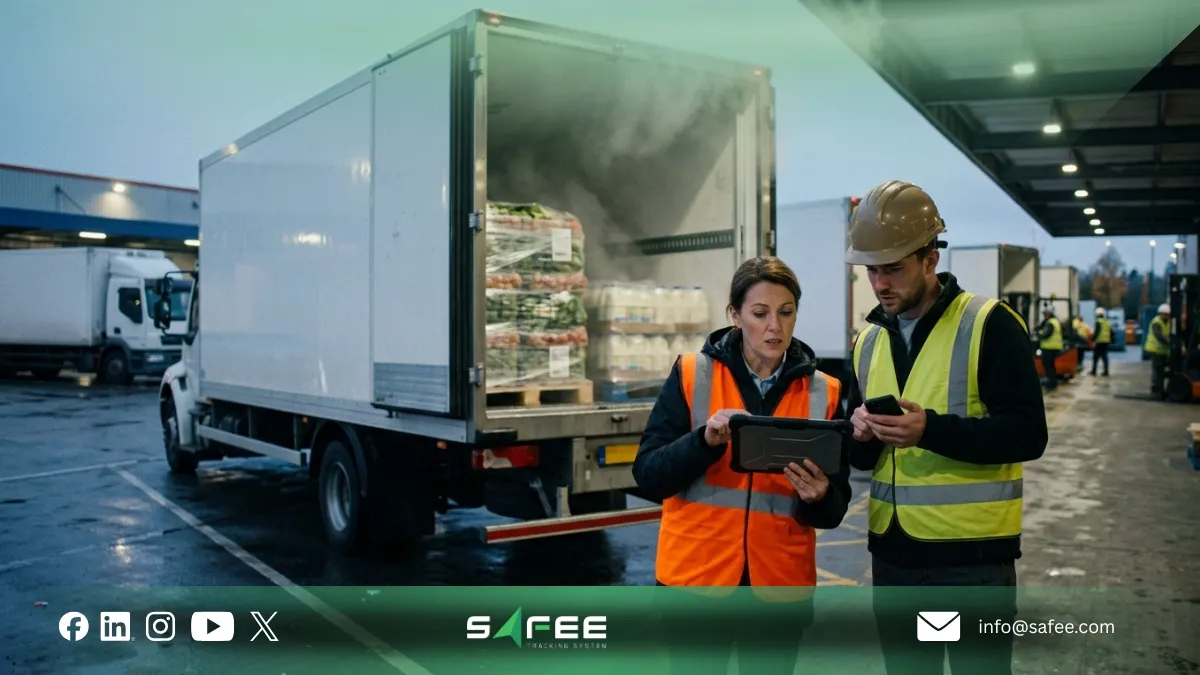
Fleet temperature monitoring delivers the best results when deployment is phased and governed. A practical Safee rollout usually follows this path:
- Hardware and connectivity planning: confirm supported sensors, vehicle environment, and data reliability.
- Vehicle and asset mapping: link every feed to the right vehicle, trailer, or compartment structure.
- Threshold and alert design: define acceptable ranges, alert windows, escalation timing, and ownership.
- Dashboard and user setup: prepare the operational, management, and governance views required by each role.
- Testing and validation: verify data capture, multi-zone visibility, alert triggering, history, and reporting logic.
- Operational onboarding: train teams to interpret readings, respond to events, and review completed trips properly.
- Optimization after go-live: refine alert volume, thresholds, dashboards, and recurring reports based on actual usage.
This blueprint matters because cold chain monitoring fails most often at the handoff points: between hardware and software, between alerts and ownership, and between live events and post-trip review. Safee helps close those gaps.
For fleets with more structured trip workflows, our Journey Management System can add another layer of control by linking trip logic with cargo requirements and journey oversight.
Why do you invest in Safee’s temperature module?
The business case for Fleet Temperature Monitoring is not simply better data collection. It is better to control.
At Safee, the Temperature Module helps fleets:
- Improve visibility with real-time and historical temperature insight across vehicles and compartments.
- Respond faster through tolerance-based alerts instead of delayed manual checking.
- Protect service quality by reducing preventable spoilage, disputes, and rejected deliveries.
- Strengthen governance through event history, recurring reporting, and clearer accountability.
- Scale refrigerated operations more consistently across branches, depots, routes, and customers.
- Connect temperature monitoring with the wider fleet system instead of running another disconnected tool.
This last point is where Safee stands apart. We do not present fleet temperature monitoring as a stand-alone gadget. We deliver it as part of a connected fleet platform that can combine temperature control with tracking, alerts, reporting, journey management, and broader cold chain workflows.
If your operation is still reacting to temperature issues after the fact, book a Safee demo and see our Advanced Modules for Smarter Fleet Management Solutions
FAQs about Safee’s temperature module
How does Safee collect temperature data from vehicles?
Safee collects temperature data through the fleet’s configured in-vehicle sensor setup and approved telematics or integration pathway. The exact deployment depends on the refrigerated vehicle environment and the operating model required by the fleet.
Can I monitor multiple temperature zones in one truck?
Yes. Safee can support multiple temperature zones when the hardware setup and compartment mapping are configured correctly. That is especially useful for fleets moving mixed cargo or operating separate refrigerated sections in one vehicle.
How do I avoid getting too many temperature alerts?
Start with threshold design and alert ownership, not with mass notification. Safee supports tolerance-based and role-based alert logic so fleets can reduce noise and focus on the events that actually require action.
Does Safee support Wasl fridge status reporting for Saudi fleets?
Safee can support refrigerated workflows that include Wasl fridge status handling and related visibility needs. The exact setup should be reviewed during implementation so it matches your Saudi operational and reporting requirements.
Ready to improve your fleet operations?
Tell us what you would like to improve. A Safee specialist will reply by email.
Usually replies within one business day • No sales spam
Your details are used only to respond to your request. Privacy Policy