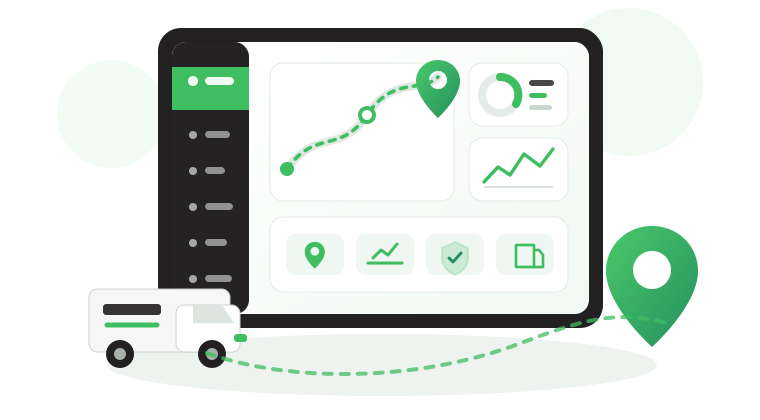

How a Weight Monitoring System Helps Prevent Overloads
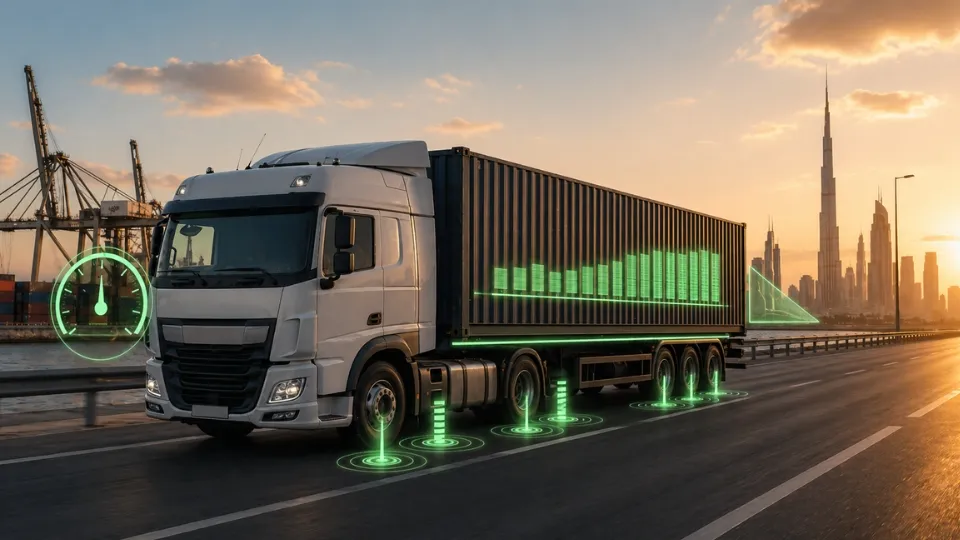
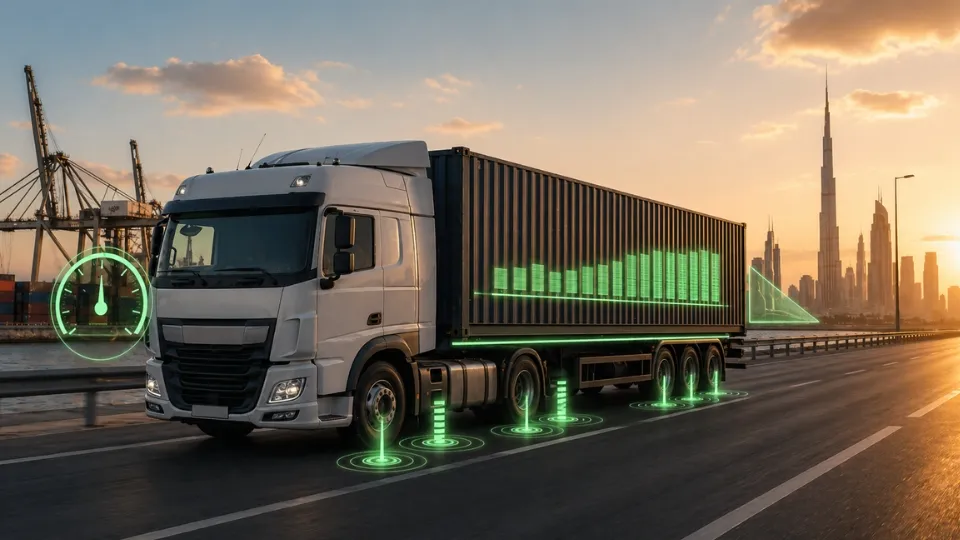
An overloaded or badly distributed vehicle rarely announces itself early. In many B2B fleet operations, the problem appears only when the truck reaches a weigh station, a trailer becomes unstable, a customer disputes the load, or maintenance starts paying for avoidable axle, suspension, and tire wear. That is why a Weight Monitoring System matters.
At Safee, we provide a Weight Monitoring System as an advanced module inside our broader fleet management platform, not as an isolated sensor screen. In this guide, we explain what the Safee Weight Module measures, which sensors it supports, how to set it up, how to monitor exceptions, and how to turn weight data into a repeatable operating process.
Why do weight sensors matter in fleet operations?
Weight sensors matter because location alone does not tell you whether a vehicle is overloaded, unevenly loaded, unexpectedly unloaded, or operating with a suspicious reading.
For logistics, construction, oil and gas, retail distribution, waste, and government fleets, weight visibility supports better dispatch checks, safer axle distribution, cleaner trailer oversight, and faster investigation of unexplained load changes.
Within Safee, weight data becomes more valuable because it sits inside the same operating environment as live vehicle status, trip context, alarms, and reporting rather than living in a disconnected hardware view.
In general, a weight Monitoring System helps fleet teams answer these operational questions faster:
- Is the vehicle within the planned load range before departure?
- Is the load distributed safely across axles or axle groups?
- Was the trailer included correctly in the total combination?
- Did the load change at the right place and at the right time?
- Do repeated overload patterns point to a site, route, or loading-process issue?
What is the Safee weight module?
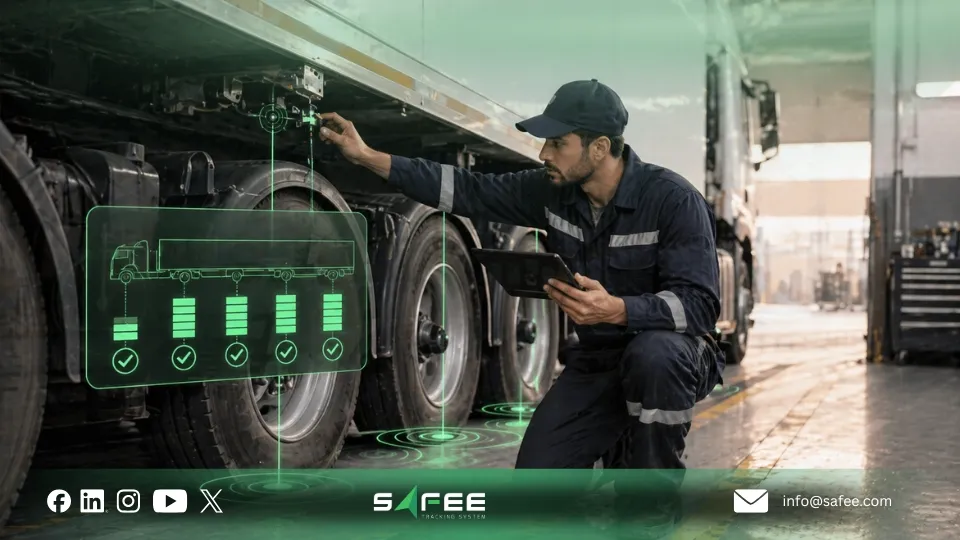
Our weight module is designed to turn raw weight sensor signals into operational readings that teams can monitor, review, and act on.
Based on Safee’s solutions, the core readings that provides your fleet mamagers are:
Per-axle load
Use this to detect imbalance, repeated overload on a specific axle position, and loading issues that total weight alone can hide.
Total vehicle weight
Use this for dispatch checks, route suitability, and matching planned load against actual operating load.
Trailer weight
Use this to confirm the correct trailer configuration and to understand whether the head-trailer combination is being measured as intended.
Historical weight graphs
Use these to spot recurring overload peaks, likely loading and unloading points, and trends by vehicle, depot, route, or shift.
This is also where our platform positioning matters. A Weight Monitoring System is most useful when the number is not only visible but also connected to live monitoring, alerts, and scheduled reports. review our essential modules for more details.
Also read: Fleet Management Sensors Guide

Weight sensor options in Safee
At Safee, we present our weight monitoring solution as supporting Analog, ROADEK, and KIMAX sensor types. The right choice depends on your vehicle type, axle layout, trailer logic, suspension behavior, and the level of visibility you need.
Sensor option | Best fit | What to verify |
KIMAX | Multi-axle trucks and more demanding fleet environments | Channel requirements, axle grouping, calibration flow, and expected load variability |
Analog Weight | Voltage-based sensor deployments or traditional truck weight setups | Signal stability, calibration points, suspension type, and anomaly handling |
ROADEK | Fleets using supported ROADEK hardware | Compatibility, installation needs, data mapping, and reporting workflow |
Choose the setup that produces stable, readable, auditable data for the way your fleet actually operates. For mixed fleets, if you have, it is often better to define vehicle profiles before scaling the rollout.
How do you set up weight sensors in Safee?
A reliable weight monitoring system starts with operational design, not just installation. At Safee, the setup should be treated as a workflow covering readiness, mapping, calibration, alert logic, and user ownership.
- Confirm vehicle readiness: asset identity, axle layout, trailer relationship, sensor type, tracker compatibility, and who owns calibration approval.
- Map axles, axle groups, and trailers clearly so the platform reflects the physical vehicle and head-trailer structure accurately.
- Calibrate unloaded and loaded states using controlled reference conditions and document who approved the calibration.
- Create operational profiles for similar vehicles so standardized fleets do not need to be configured from scratch each time.
- Run a validation phase before enabling critical alerts, especially for mixed trailers, multi-axle vehicles, or variable-load operations.
If your fleet has complex axle layouts or frequent trailer swaps, contact us for a configuration review before rollout.
Daily weight monitoring and historical review
Day-to-day monitoring should stay simple for operations teams and detailed enough for management, HSE, and compliance reviewers. The Safee approach is to combine weight data with live vehicle context, then use historical graphs and reports when an exception needs deeper review.
Here is a practical daily workflow:
- Before departure: check total unit weight, per-axle load, trailer inclusion, and active alarms.
- During the trip: watch for overload, unexpected weight change, or changes outside approved loading and unloading zones.
- After the trip: review weight at departure and arrival, compare planned vs. actual load, and investigate repeated exceptions by route, site, vehicle, or driver.
For deeper review, use our live tracking and reporting layers together. Our live vehicle tracking helps your teams understand where and when the event happened, while fleet reporting helps them review trends and share findings across teams.
Also read: Why Digital Transformation Matters for Modern Fleets?
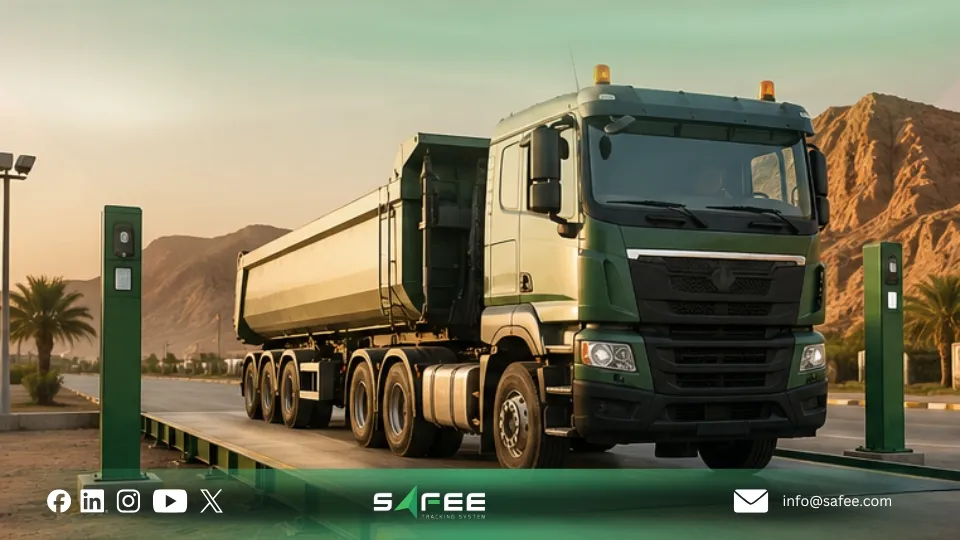
How do you configure weight alerts and handle exceptions?
Weight alerts should be configured as operational controls, not as generic notifications. Safee’s wider alarm layer is useful here because it lets teams route the right event to the right owner instead of flooding everyone with noise.
High-value alerts for most fleets:
- Overload alert
- Per-axle overload alert
- Unexpected weight increase
- Unexpected weight decrease
- Weight change outside approved zone or schedule
- Tampering or unreliable reading indicator
- Trailer mismatch or missing trailer context
Each alert should have an owner: dispatch for active trip exceptions, operations for loading issues, maintenance for sensor-related concerns, HSE for safety-critical patterns, and management for recurring trends.
Our Alarms and Alerts module gives this section of the program real value because it lets you link threshold logic, routing, and escalation to your actual fleet workflow.
How do you roll out the system and track performance?
The strongest rollout is phased, measurable, and role-based. The goal is not only to install sensors. The goal is to create trusted weight data that improves safety, load control, and reporting quality.
Pilot the right vehicle group
Start with representative vehicle types, typical routes, and active users so you can test real operating conditions before scaling.
Validate readings and calibration
Check stability, loaded vs. unloaded accuracy, trailer inclusion, alert sensitivity, and report usefulness.
Train users by role
Dispatchers, fleet managers, maintenance teams, HSE, compliance, and drivers all need different workflows and expectations.
Track performance indicators
Useful indicators include overload counts, repeated axle imbalance events, unexplained weight changes, alert closure rate, and time from alert to action.
Move from monitoring to governance
Once the data is trusted, formalize who sets thresholds, who approves calibration changes, who reviews exceptions, and which reports are retained.
Also read: Real-Time GPS Fleet Tracking: Benefits, Challenges & Best Practices
Safee platform is the best for fleet weight monitoring
Safee is a strong fit for fleet weight monitoring because we do not treat weight as a disconnected sensor reading. We connect weight data with live tracking, alerts, reports, trailer context, and wider fleet workflows so operations teams can understand what changed, where it changed, and what should happen next.
For B2B fleets across the GCC and wider international operations, that matters because a Weight Monitoring System becomes valuable only when it is:
- Visible in real time
- Mapped correctly to axles and trailers
- Connected to GPS location and trip history
- Governed by practical alert rules
- Reviewable through historical reports
- Usable by dispatch, operations, HSE, maintenance, and compliance teams
Our platform also fits well when your business wants one platform rather than isolated tools. On the site, weight monitoring sits alongside Live Vehicle Tracking, Fleet Reporting, Maintenance Module, and other advanced modules inside one fleet environment.
Ready to review your setup? Request a Safee demo to discuss vehicles, sensors, alerts, reports, and rollout priorities.
FAQs about Weight Monitoring System
What is a fleet weight monitoring system?
A fleet weight monitoring system uses onboard sensors, telematics, and a cloud platform to track axle loads, total vehicle weight, trailer weight, and weight-related changes over time.
How does remote weight monitoring work in Safee?
Safee receives weight sensor data through the vehicle’s telematics environment, then displays the readings in dashboards, alerts, and historical views that teams can review from the platform.
Can Safee detect loading/unloading automatically?
Safee can highlight unexpected weight increases or decreases and help teams review those changes in operational context. The exact classification logic should be configured and validated for your fleet during deployment.
How do I audit loads over time for operations or compliance?
Use historical weight graphs, trip context, driver and trailer filters, alert history, and exported reports. For country-specific compliance workflows, verify the local reporting and retention requirements before finalizing the process.
Ready to improve your fleet operations?
Tell us what you would like to improve. A Safee specialist will reply by email.
Usually replies within one business day • No sales spam
Your details are used only to respond to your request. Privacy Policy