

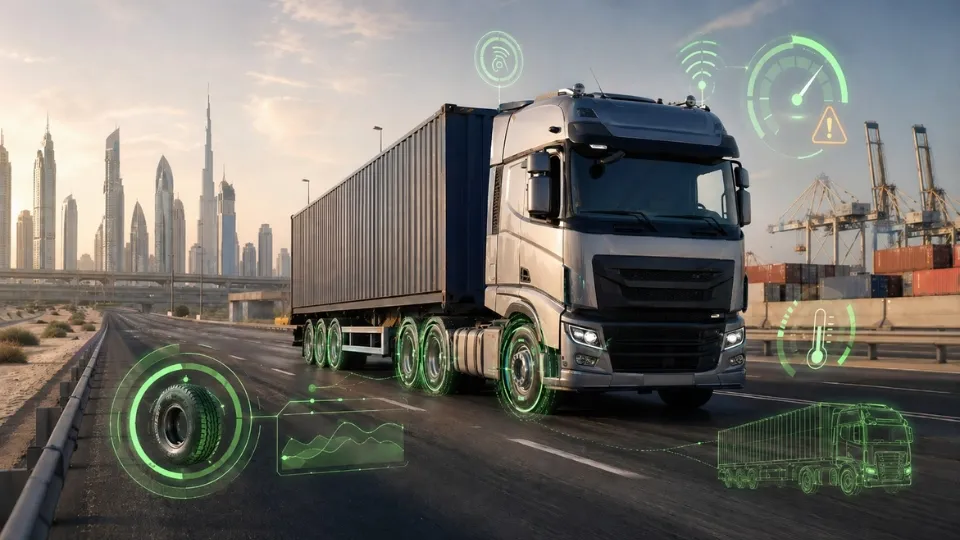
7 Steps to Implement a Tire Pressure Monitoring System
A tire issue rarely begins as a dramatic roadside failure. In most B2B fleets, it starts as a small pressure loss or heat build-up that goes unnoticed until it drives fuel waste, tire wear, downtime, or safety risk. That is where a Tire Pressure Monitoring System becomes operationally valuable.
At Safee, we deliver Tire Pressure Monitoring System capabilities through a broader fleet platform built for real operations, not isolated sensor readings.
In this guide, we explain how to implement TPMS in Safee, how to govern alerts, how to review the right KPIs, and how to turn tire events into repeatable operational action.
Why does tire management fail without TPMS?
Tire programs usually fail because the business tries to manage a moving, high-risk asset with periodic checks alone.
Manual inspections still matter, but they do not show what happens when a truck is loaded, a trailer is moving between hubs, or a vehicle is running long-haul in hot GCC conditions.
Without a Tire Pressure Monitoring System, fleets usually lose control in five places:
- Issues are discovered late, after fuel efficiency, tire life, or safety has already been affected.
- Dispatch sees delays or breakdowns, but not the tire condition that started the problem.
- Maintenance teams receive symptoms instead of a usable event history.
- Alerts are either missing or unmanaged, which creates blind spots or notification fatigue.
- Weekly reports stay descriptive instead of turning into maintenance decisions and policy improvement.
At Safee, we position TPMS as the layer that closes these gaps. Our TPMS module provides real-time tire pressure and temperature monitoring, sensor-based tire history, custom alerts, and integration with broader fleet workflows so your team can detect, classify, and respond before a tire issue becomes a downtime event.
To understand how this sits inside the wider platform, review our TPMS module and our advanced modules.
Understanding a tire pressure monitoring system in fleet operations
A Tire Pressure Monitoring System is a live monitoring layer for tire pressure and temperature. In fleet operations, that means the system should help operations teams, maintenance teams, HSE, and management act on tire conditions while the asset is still in service.
In Safee, TPMS is:
- A source of real-time tire pressure and temperature visibility.
- A trigger for actionable alerts, not only a passive dashboard.
- A way to build tire history through sensor-based tracking.
- A decision input for dispatch, maintenance, safety, and weekly management review.
In Safee, TPMS is not:
- A replacement for physical inspections or workshop discipline.
- A guarantee that tire incidents will never happen.
- A standalone sensor feature that should stay disconnected from reporting and maintenance.
- A successful program if alert ownership, severity, and escalation are unclear.
The practical value comes from how the data is used. In Safee, a Tire Pressure Monitoring System should feed three connected workflows: real-time response, maintenance follow-up, and management reporting. That is what makes the program relevant for GCC fleets and for global B2B operations that need one operating model across sites, routes, and asset types.
For the live context around tire events, pair TPMS with our live vehicle tracking.
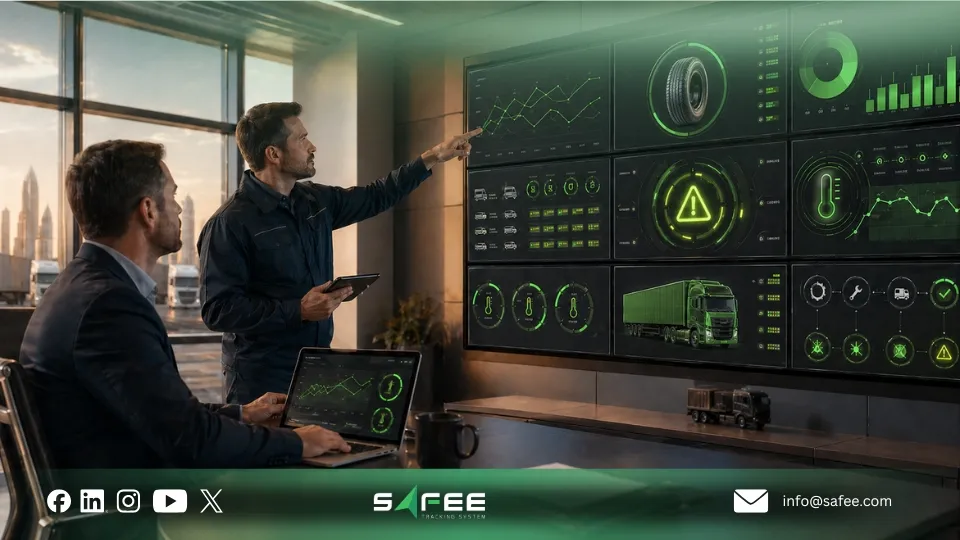
Which does TPMS option fit your fleet?
The best TPMS option depends on your asset mix, route risk, and how your team assigns responsibility between dispatch, maintenance, and trailer operations.
TPMS Option | Best Fit | What It Gives You | Main Question Before Rollout |
Vehicle-only TPMS | Fleets where tires stay with the same powered unit | Pressure and temperature visibility per vehicle | Are the most costly tire events happening on trucks, not trailers? |
Trailer TPMS | Logistics, cold chain, and drop-and-hook fleets | Visibility over trailer tire risk between tractor changes | Can we maintain trailer-level tire history and ownership? |
Mixed truck and trailer TPMS | B2B fleets with tractors, trailers, and special assets | Unified monitoring across the full fleet | How will we standardize sensor IDs, tire positions, and maintenance ownership? |
High-risk pilot | Fleets starting with remote, hot, heavy-load, or service-critical routes | Fast proof of value without a noisy full-fleet launch | Which assets create the highest tire-related downtime or safety exposure? |
Because Safee supports trucks, trailers, and mixed fleets, the stronger question is not only which sensors to install. It is which rollout model creates a workflow your team will actually follow.
A useful supporting read here is our fleet management sensors guide, which explains how sensor data becomes governed fleet action.
What can you operationalize with TPMS in Safee?
A dashboard only shows what is happening. A fleet program defines what the team does next. In Safee, TPMS becomes more valuable when it is operationalized across the modules your B2B teams already use.
- Exception detection: define under-pressure, over-pressure, and high-temperature conditions that deserve action.
- Asset accountability: track each tire through sensor ID, tire position, vehicle, or trailer context.
- Dispatch triage: review severity, route stage, location, and repeat behavior before deciding whether to continue, slow down, stop, or reroute.
- Maintenance prioritization: distinguish between events to monitor, events to inspect, and events to escalate immediately.
- Reporting and governance: schedule weekly reviews, compare assets and routes, and keep audit-ready records.
This is where our wider platform matters. TPMS can work alongside Alarms and Alerts, Fleet Reporting, Maintenance Module, Administration Panel, and live fleet visibility so the business does not treat tire data as a separate island.
Related read: The Complete Guide to Fleet Safety & Fleet Safety Management
How to set up TPMS in Safee?
A strong Tire Pressure Monitoring System rollout starts with operating design, not with a sensor list alone. At Safee, we recommend a structured setup sequence so the system fits real fleet workflows from day one.
Here are the 7 steps to follow:
- Define the rollout scope: trucks, trailers, high-risk routes, or the full fleet.
- Standardize the asset structure: vehicles, trailers, branches, and operational ownership.
- Assign sensor IDs and tire positions consistently.
- Set pressure and temperature thresholds by asset type, route, and operating reality instead of copying one rule everywhere.
- Configure alert channels and escalation ownership.
- Connect serious or repeated events to the maintenance workflow.
- Test before go-live using real user roles, real routes, and real alert scenarios.
For GCC operators, setup discipline matters even more because high ambient temperature, long-haul routes, heavy loads, and mixed truck-trailer operations increase the cost of noisy or weak alert logic. For global fleets, the same principle applies across regional hubs: standardize what must be standard, then tune thresholds locally where operating conditions differ.
Start with the right setup, not just the right sensors. Request our demo to review the TPMS module, alert policy, and reporting workflow that fit your fleet.
How to design a TPMS alert policy?
Alert fatigue is one of the fastest ways to make TPMS fail. If every short fluctuation gets the same urgency, users stop trusting the system. A working policy should separate signal from noise.
At Safee, here is the practical TPMS alert policy should define four things:
- Severity: advisory, warning, critical, and repeated exception.
- Duration: when a condition should persist long enough to count as a real event.
- Asset context: a loaded trailer on a long-haul route does not carry the same risk as an empty yard asset.
- Ownership: dispatch, maintenance, HSE, and management should not receive the same alerts for the same reason.
The policy should also define what not to alert. Some tire readings belong in reports and trend review, not in urgent notifications. That is how the Tire Pressure Monitoring System stays useful for B2B teams instead of becoming another source of noise.

Daily tire pressure monitoring system workflow
A TPMS program becomes valuable when it enters the daily operating rhythm. In Safee, the daily workflow should be simple enough for busy shifts and clear enough to prevent open alerts from drifting with no owner.
Before dispatch
- Review active TPMS alerts and confirm no critical tire exceptions remain unresolved.
- Check high-risk assets planned for long routes, heavy loads, or temperature-sensitive service.
- Verify that repeated tire issues already have maintenance decisions attached.
During the shift
- Monitor critical alerts in real time.
- Check location, route stage, and asset context before contacting the driver.
- Escalate repeated or worsening events to maintenance.
- Record the decision: continue, monitor, slow down, stop, inspect, or route to workshop.
At handover and end of day
- List open TPMS events and assign ownership.
- Convert necessary tire events into maintenance actions.
- Capture notes for the weekly KPI review.
Need the operational layers around TPMS? Explore our essential modules, especially Alarms and Alerts, Fleet Reporting, and Maintenance Module.
Weekly tire pressure monitoring system KPIs and reports
Weekly reporting is where a Tire Pressure Monitoring System becomes a management program rather than a stream of alerts. The goal is not to review every reading. The goal is to identify patterns that affect safety, uptime, tire cost, and maintenance discipline.
KPI | Why It Matters | Use It To |
Critical TPMS events by asset | Shows which vehicles or trailers create repeated high-risk tire conditions | Prioritize inspection and maintenance review |
Repeated pressure loss by tire position | Signals leaks, valve issues, tire damage, or unresolved service work | Create or reopen inspection tasks |
High temperature events | May indicate tire stress, braking issues, overload, or route risk | Escalate for technical review |
Open TPMS alerts not closed | Shows process weakness, not only tire weakness | Assign owners and tighten follow-up |
Maintenance actions created from TPMS | Measures whether the alert program leads to service action | Improve workflow if alerts die in inboxes |
What to ignore or de-prioritize are:
- Raw data dumps with no severity
- Single short fluctuations that do not persist
- KPI lists that no department owns.
In Safee, a useful weekly report should answer four questions: what happened, where it happened, who owns the next action, and whether the issue repeated.
For fleets building broader connected workflows, see our IoT fleet management guide.
Turning TPMS events into maintenance actions
TPMS alerts create business value only when they lead to better maintenance decisions. A tire exception should not stop at a notification.
TPMS Event Pattern | Meaning | Maintenance Action |
One non-critical pressure alert | Early issue or temporary fluctuation | Monitor and review trend |
Repeated pressure loss on the same tire | Leak, valve issue, tire damage, or sensor issue | Create inspection task |
High temperature alert | Tire stress, brake drag, overload, or operational risk | Immediate technical check |
Recurring alerts after service | Root cause not solved or repair quality issue | Reopen maintenance review |
Trailer tire alerts across changing tractors | Trailer-level issue, not driver-only issue | Track by trailer and tire position |
Talk to our team about connecting TPMS events to your maintenance model.
Turn TPMS into a repeatable fleet program with Safee
A Tire Pressure Monitoring System succeeds when it becomes repeatable: configured properly, reviewed daily, escalated clearly, reported weekly, and connected to maintenance action. That is the angle that best fits Safee’s value proposition.
- Standardize tire-position mapping and sensor naming.
- Start with a small number of high-value alerts.
- Route notifications by role and severity.
- Use live monitoring for immediate decisions and reports for trend review.
- Convert repeated or unresolved events into maintenance tasks.
- Review the policy regularly to reduce noise and improve response quality.
As a UAE-based fleet technology provider, Safee speaks directly to B2B fleets across the GCC while also supporting wider global operations that need scalable fleet control, reporting, and maintenance discipline. That makes TPMS in Safee relevant both for regional operators and for organizations managing cross-border or multi-country fleet standards.
To see the wider platform context, request a tailored demo.
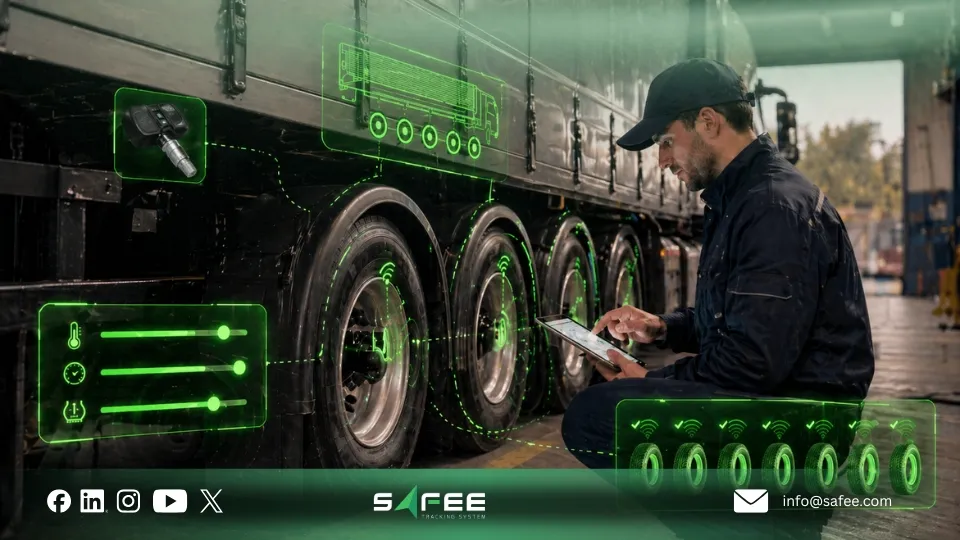
FAQs about tire pressure monitoring system
Can Safee cover trucks and trailers in the same fleet?
Yes. Safee’s TPMS module is positioned for trucks, trailers, and mixed fleets, which makes it suitable for operators that need tire visibility across both powered units and trailer assets.
Which TPMS alerts should we enable first to avoid alarm fatigue?
Start with the alerts that require real action: critical under-pressure, critical over-pressure where relevant, high temperature, and repeated pressure loss. Expand only after your team has proven ownership and response discipline.
Which notification channels can we use for TPMS alerts?
Safee supports alert delivery through SMS, email, and in-app notifications. The best setup depends on which teams need immediate response and which teams only need scheduled review.
How do we turn TPMS events into maintenance action instead of just alerts?
Define a rule for each event type. Repeated pressure loss should create an inspection task, high temperature should escalate to technical review, and repeated post-service alerts should reopen the maintenance case. In Safee, that link between alerts, reporting, and maintenance is what makes the program operationally useful.
Ready to improve your fleet operations?
Tell us what you would like to improve. A Safee specialist will reply by email.
Usually replies within one business day • No sales spam
Your details are used only to respond to your request. Privacy Policy

