
How to Choose Government Fleet Management Software
A government agency can have the right vehicles, experienced drivers, and clear service priorities, yet still struggle to prove what happened across the fleet. A vehicle may be idle while a department waits for support. A public works unit may miss a route because maintenance status was unclear. An after-hours movement may trigger questions. Finance may ask which cost center owns a vehicle expense. An auditor or records team may request trip evidence that is hard to collect from disconnected systems.
For public-sector fleet leaders, the challenge is not only tracking vehicles. The challenge is controlling daily operations while keeping data organized for procurement, IT, finance, compliance, operations, and leadership review. Safee is based in the UAE and supports B2B and public-sector fleet teams across the GCC and global markets with tracking, alerts, reporting, maintenance, driver visibility, journey control, and fleet data analysis in one connected workflow.
This guide explains how to evaluate government fleet management software for real software-buying needs. For the broader management concept, read our Government Fleet Management guide.
What is government fleet management software?
Government fleet management software is a platform used by public agencies to track vehicles, manage drivers, monitor routes, control maintenance, configure alerts, review utilization, and produce reports that support operational accountability. It is different from a basic tracker because public-sector fleets usually involve multiple departments, depots, cost centers, access rules, records requests, procurement processes, and audit expectations.
A city, municipality, ministry, school district, public works department, utility authority, or emergency support unit needs more than a live map. The agency needs a structured way to show which vehicles were active, who had access to fleet data, which alerts were reviewed, which maintenance issues were still open, and which reports can support management or records review.
In Safee, this foundation can start with Essential Modules, including live tracking, alerts, fleet reporting, driver management, maintenance, and fuel visibility. The final configuration should match the agency’s policies, IT requirements, and operating model.
- Which vehicles are active, idle, unavailable, underused, or overdue for service?
- Which department, depot, project, or cost center owns each vehicle?
- Which users can access vehicle, driver, route, alert, and report data?
- Which alerts were triggered, acknowledged, escalated, or closed?
- Which records are needed for audit, finance, public information requests, or internal review?
- Which integrations are required with ERP, HR, procurement, finance, maintenance, or asset systems?
How it differs from basic fleet tracking
Purpose-built fleet management software for the government should support governance, not only location tracking. A generic commercial system may show vehicle positions and simple trip history, but a public-sector buying decision must verify user roles, alert ownership, exportable records, department-level views, maintenance workflows, and integration readiness.
The most important difference is the operating model. The system should help the agency define who owns each alert, who reviews each report, how exceptions are closed, how records are exported, and how departments use the same platform without exposing unnecessary data to the wrong users.
- Role-based access for dispatch, maintenance, finance, auditors, public works leaders, and agency leadership.
- Department, depot, branch, project, vehicle class, or cost-center grouping.
- Configurable Alarms and Alerts for speeding, unauthorized use, geofence breaches, route deviations, long stops, device events, and maintenance triggers.
- Fleet Reporting for scheduled reports, dashboards, management review, and exportable records.
- Driver Management for assignment visibility, behavior review, tasks, and accountability workflows.
- Maintenance Module workflows for service schedules, open defects, readiness status, and follow-up tasks
- Integration readiness with ERP, HR, procurement, finance, maintenance, dispatch, and asset systems.
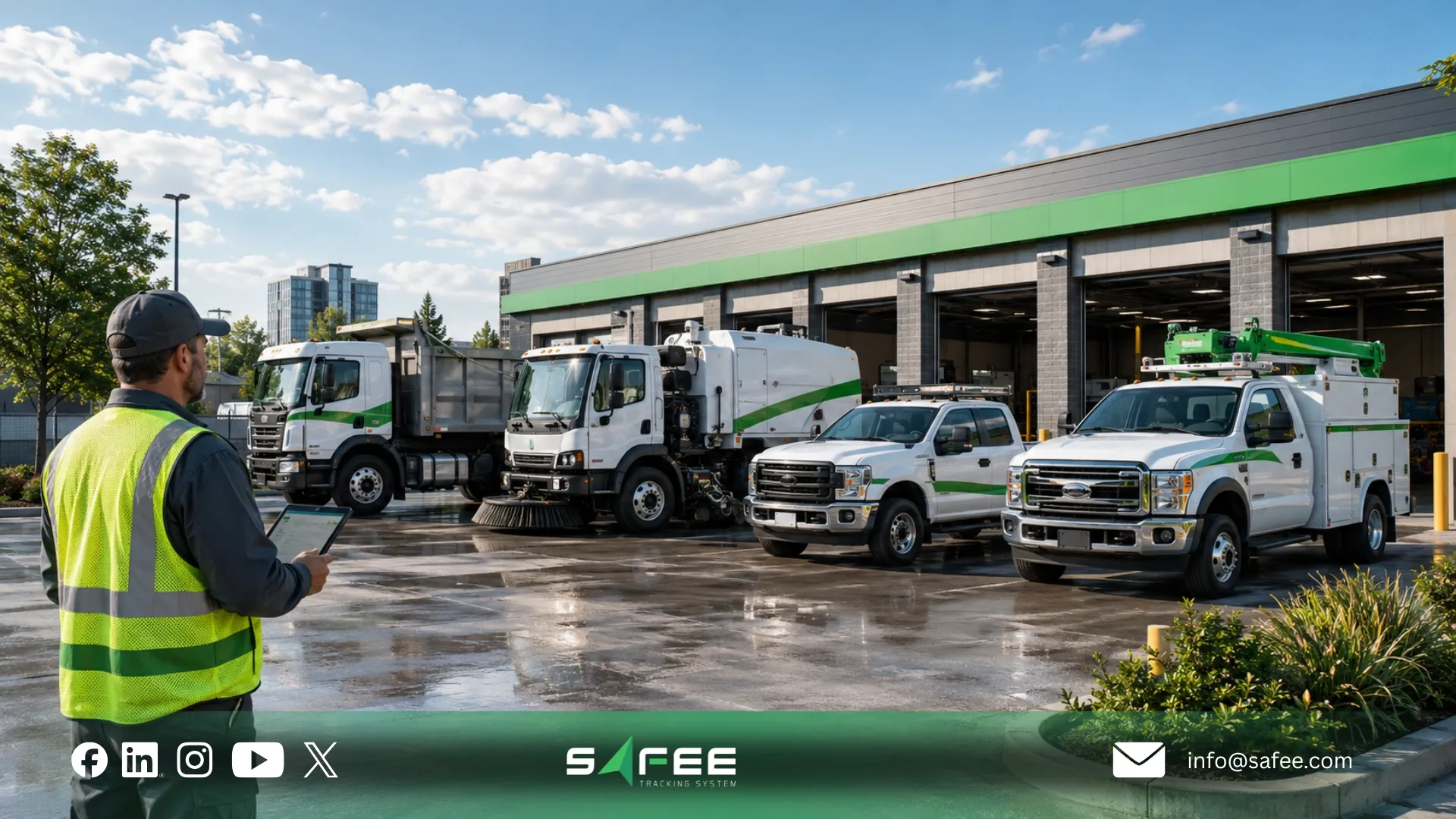
Government fleet software evaluation framework
A procurement team should evaluate government fleet management software with a documented framework. A demo can make any platform look useful, but public-sector buyers need a practical scorecard that reflects the agency’s real vehicles, departments, records obligations, users, reports, and integration environment.
- Define the fleet profile: vehicle classes, depots, departments, garages, drivers, supervisors, maintenance teams, and external users.
- Document governance requirements: user roles, data retention, report exports, access approvals, privacy expectations, and public-records workflows where applicable.
- Build a weighted vendor scorecard: tracking, alerts, reports, RBAC, audit history, integrations, security, usability, support, and deployment readiness.
- Validate implementation support: onboarding, hardware needs, user training, alert configuration, report setup, integration scoping, and post-launch optimization.
- Ask vendors to demonstrate workflows, not only features: unauthorized-use alert, maintenance escalation, report export, department dashboard, and audit review.
When comparing the best fleet management software for government, avoid choosing by price or dashboard appearance alone. The better question is whether the platform can support the agency’s control process from deployment to long-term reporting.
Contact Safee to review your RFP categories, department structure, access rules, public-records expectations, and reporting needs before choosing a system.
Technical requirements for public agencies
Technical requirements should connect daily operations with accountability. A strong fleet management software government evaluation should not stop at “does the system track vehicles?”
It should ask how tracking, users, alerts, reports, maintenance, journeys, integrations, and exports work together.
- Live Vehicle Tracking for real-time location, trip activity, geofences, vehicle status, and operational visibility.
- Alarms and Alerts for route, safety, maintenance, unauthorized-use, and geofence exceptions.
- Fleet Reporting for scheduled reports, dashboards, management review, and exportable records.
- Journey Management System for planned routes, approvals, active trip monitoring, and post-trip review where structured journey governance is needed.
- Maintenance Module for service schedules, maintenance alerts, unresolved defects, and readiness follow-up.
- Mobile App for supervisors and managers who need controlled visibility away from the office.
- Tracking Data Analyzer for deeper review of recurring exceptions, utilization, routes, and operational trends.
Audit trail, user access control, and public records readiness
Auditability is central to public-sector fleet control. An audit trail can support internal investigations, management review, incident analysis, budget accountability, and public-records preparation where relevant. The platform should make records easier to explain, not harder to reconstruct.
Agencies should verify whether the system can capture vehicle location history, trip start and end, stops, idling, route deviations, geofence activity, unauthorized movement alerts, user access changes, alert acknowledgement, maintenance actions, and report exports. Exact records obligations should always be verified with the agency’s legal, procurement, IT, or records management teams.
A responsible setup also defines what is tracked, who can see it, when tracking applies, how long data is retained, and how reports are used. Driver accountability should support fair review, coaching, maintenance control, and service delivery, not hidden surveillance.
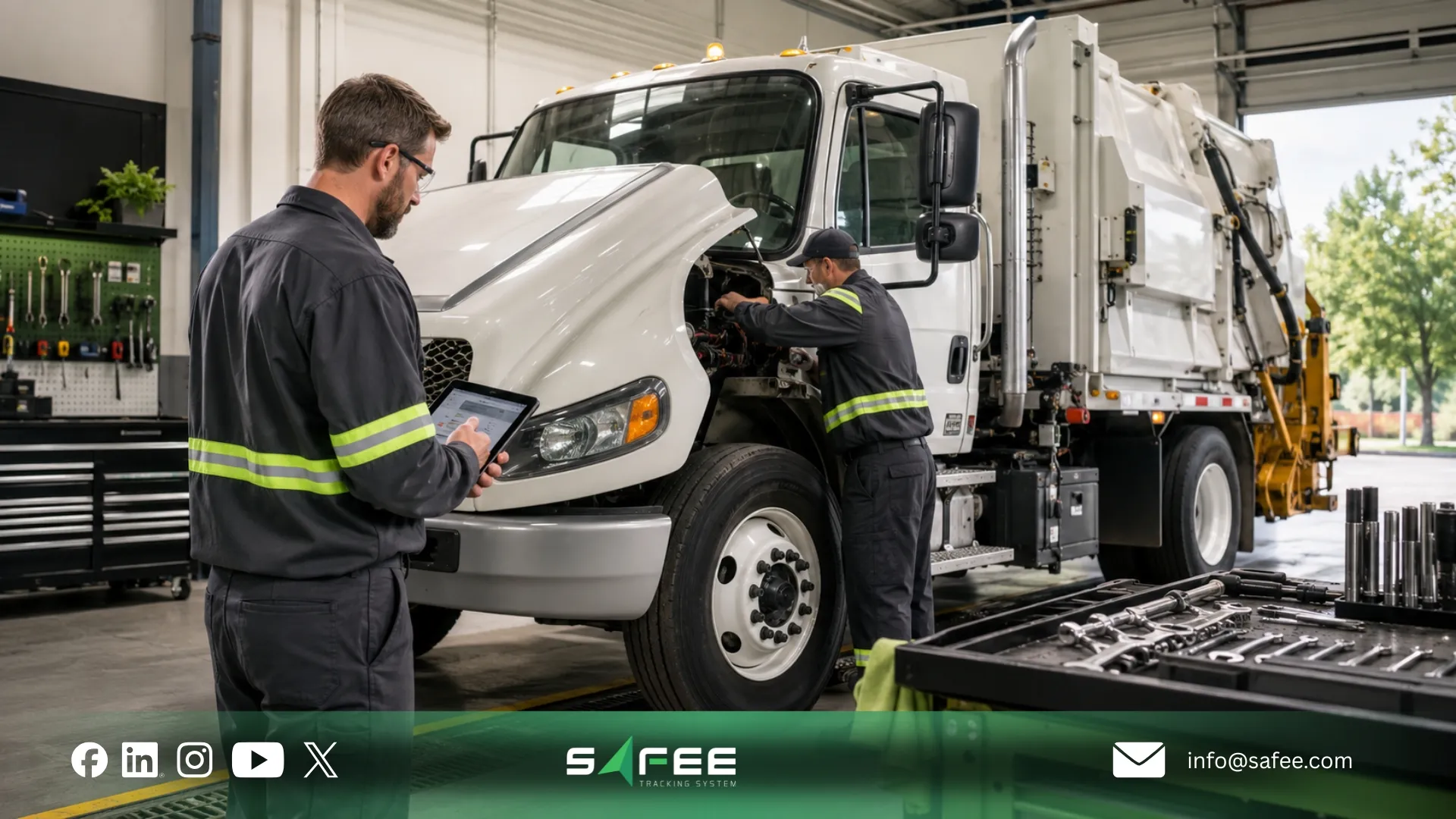
Public works fleet management software
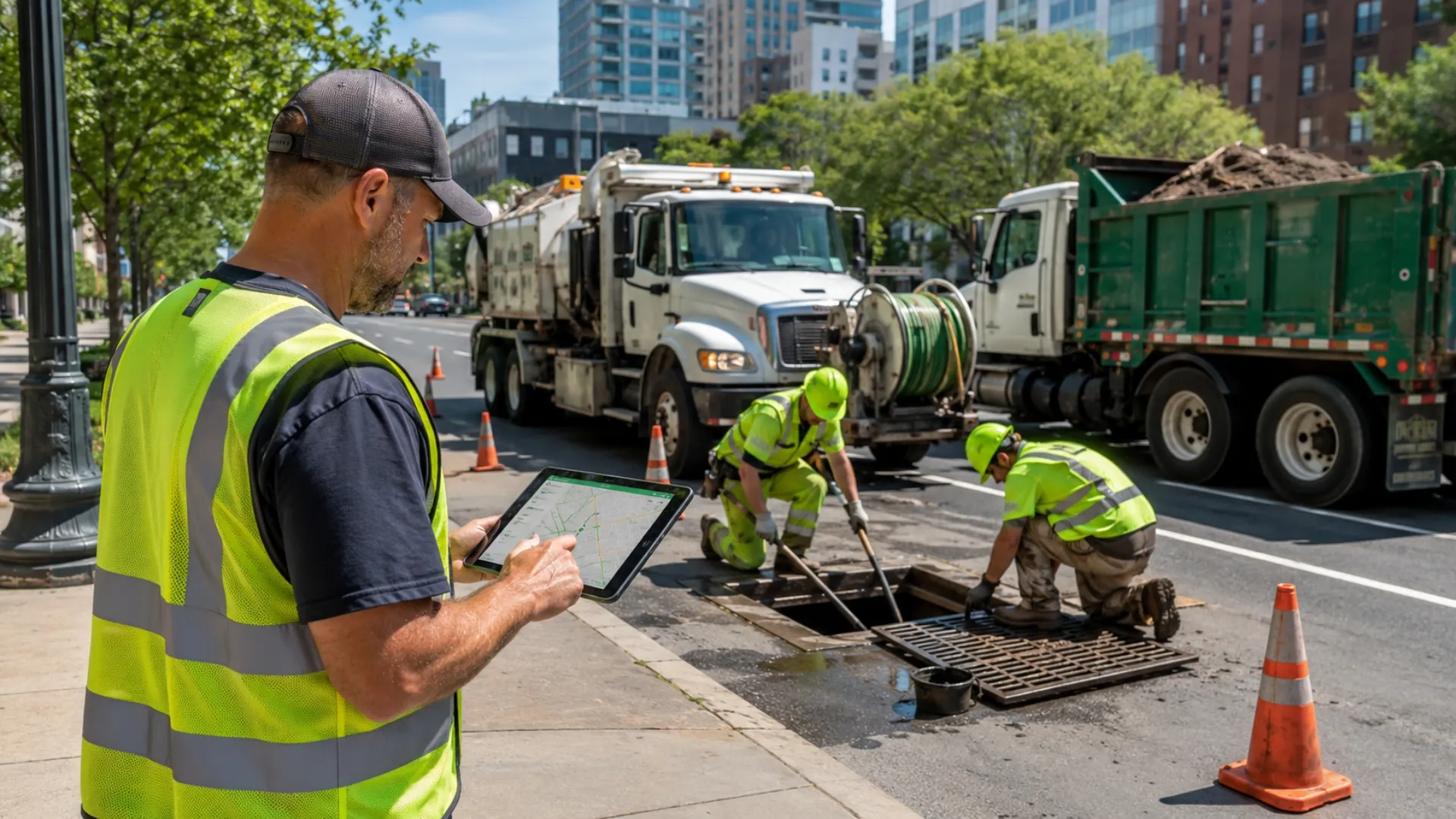
Public works fleet management software should be evaluated as one use case inside the wider government software decision. Public works teams may operate road maintenance trucks, inspection vehicles, sanitation assets, water tankers, parks vehicles, utility service units, emergency support vehicles, trailers, and shared pool vehicles.
The software question is whether each vehicle group can have the right alerts, reports, geofences, access rules, and maintenance workflows without turning the platform into a disconnected departmental tool.
Department / Function | Typical Need | Safee Workflow Focus |
Roads and maintenance | Route visibility, work zones, readiness | Live tracking, geofences, maintenance alerts |
Water and utilities | Tanker movement, service zones, emergency response | Depot zones, service reports, journey monitoring |
Sanitation | Route completion, utilization, missed service questions | Route history, exception reports, geofence records |
Parks and facilities | Mixed vehicles, trailers, equipment support | Vehicle groups, mobile access, maintenance readiness |
Inspection teams | Field visits, proof of activity, accountability | Trip history, customer/site geofences, scheduled reports |
Administration | Pool vehicles, policy use, cost control | Driver assignment, after-hours alerts, department reports |
For broader operating principles, link once to Safee’s Government Fleet Management guide. For day-to-day public works readiness, use the Public Works Fleet Management article. Keep this software article focused on selection, procurement, reporting, access control, and integration requirements.
Budget and cost allocation in fleet management software for government
Department-level cost allocation helps agencies connect fleet activity with financial accountability. Fleet data becomes more useful when finance and operations can review utilization, maintenance status, idling patterns where configured, vehicle availability, and department-level usage from the same reporting structure.
Before integration, define clean master data: vehicle IDs, department codes, cost centers, driver IDs, route IDs, asset classes, maintenance categories, and reporting owners. Without this structure, the software may collect activity but fail to support budget decisions.
- Can vehicles be assigned to departments, depots, projects, or cost centers?
- Can reports be filtered by department, vehicle class, user group, and time period?
- Can maintenance, utilization, fuel-related indicators, and activity reports be exported for finance review?
- Can the system integrate with ERP, procurement, HR, or finance systems?
- Which system remains the source of truth for vehicle, driver, department, and cost-center records?
Comparing government fleet management software platforms
Use this comparison checklist when evaluating fleet management software for government. Treat it as a procurement discussion guide, then verify final configuration, data retention, deployment model, integration scope, and support responsibilities during the buying process.
Requirement | Why It Matters | What to Verify | Safee Fit to Discuss |
Live tracking | Operational visibility | Update frequency, history, geofences | Live Vehicle Tracking and dashboards |
Role-based access | Department data protection | Permissions by role, depot, function | Administration and role configuration |
Audit-ready records | Internal and external review | Trip, alert, user, report, maintenance history | Reporting and export workflows |
Alerts and escalation | Faster exception response | Owner, severity, closure status | Alarms and Alerts configuration |
Maintenance readiness | Reduced avoidable downtime | Service rules, open defects, overdue tasks | Maintenance Module workflows |
ERP/HR/procurement integration | Less duplicate work | API/export scope, source of truth | Integration scoping with Safee |
Mobile access | Supervisor visibility | Security, access rights, report views | Mobile App role-based use |
A strong comparison process should also include fleet operations, public works, IT, procurement, finance, legal or records management, maintenance, and department supervisors. Each team sees a different risk, and the software should support all of them without creating unnecessary complexity.
Local vs. federal agency requirements
Local agencies and federal government organizations share the same foundation, but they often prioritize different levels of complexity. Local agencies may care most about public works visibility, department reporting, vehicle utilization, maintenance follow-up, and public-records readiness. Federal or national agencies may place more emphasis on multi-region deployment, security review, integration architecture, standardized reporting, and formal data governance.
The right platform should match the agency’s scale. Local agencies should avoid overbuying complexity they will not use. Larger agencies should avoid tools that cannot scale into formal governance, integration, and access-control requirements.
Why choose Safee as your government fleet management software?
Safee is a practical fit for government teams that need to evaluate, configure, and operate more than basic vehicle location. We help agencies connect vehicles, drivers, departments, routes, alerts, maintenance, reports, and operational governance into one working model that can be reviewed by operations, IT, procurement, finance, and leadership.
- Real-time vehicle visibility through Live Vehicle Tracking.
- Department, depot, route, and vehicle grouping for cleaner oversight.
- Alarms and Alerts for unauthorized use, route deviation, speeding, geofence events, long stops, maintenance triggers, and operational exceptions.
- Driver Management for assignment visibility, behavior review, tasks, and accountability workflows.
- Maintenance Module workflows for service schedules, maintenance alerts, open defects, and readiness follow-up.
- Fleet Reporting for scheduled reports, audit evidence, performance review, and management dashboards.
- Journey Management System for planned routes, approvals, active trip monitoring, and post-trip review.
- Tracking Data Analyzer for recurring exception review and deeper operational insight.
For government buyers comparing fleet management for government, Safee should be evaluated around operational fit: departments, depots, vehicle groups, users, routes, service zones, alert owners, maintenance rules, report schedules, and integration scope.
Safee’s integration ecosystem
Government fleet software becomes more useful when it reduces duplicate entry and connects operational activity with existing agency systems. Integration planning should be based on workflow: budgeting, procurement decisions, driver records, maintenance follow-up, asset lifecycle planning, and management reporting.
A government fleet integration may need to connect vehicle IDs, driver IDs, department codes, cost centers, depot records, route plans, work orders, maintenance tasks, procurement records, fuel or idling indicators, asset lifecycle records, ERP financial records, HR data, and reporting outputs.
Before integration, define which system is the source of truth for each record. HR may own employee records, ERP may own cost centers, procurement may own vendor records, and Safee may own vehicle activity, alerts, trips, and fleet reports.
Safee’s security and data compliance architecture for government IT requirements
Government IT teams should evaluate security, access control, hosting, data retention, auditability, API governance, mobile access, device data handling, and report export permissions. Exact requirements vary by agency, geography, procurement policy, and internal IT standards, so the safest approach is to verify requirements before deployment.
Security is an operating discipline, not only a software checkbox. Agencies should document who can create users, approve access, edit vehicle records, export reports, configure alerts, view driver behavior, and access historical data. A pilot rollout can test user roles, alerts, reports, integration fields, mobile access, and audit evidence before scaling.
How GPS tracking government fleet workflows support accountability
A gps tracking government fleet workflow supports accountability when location data connects with alerts, reports, user access, and records policy. GPS tracking can show route history, stops, geofence activity, unauthorized movement, route deviations, and timestamps. It becomes more valuable when those events can be reviewed by the right users and exported in a structured way.
With Safee, live tracking can be combined with Alarms and Alerts, Fleet Reporting, Driver Management, Maintenance Module, Journey Management System, Mobile App access, and Tracking Data Analyzer so public-sector teams can move from scattered data to controlled review.
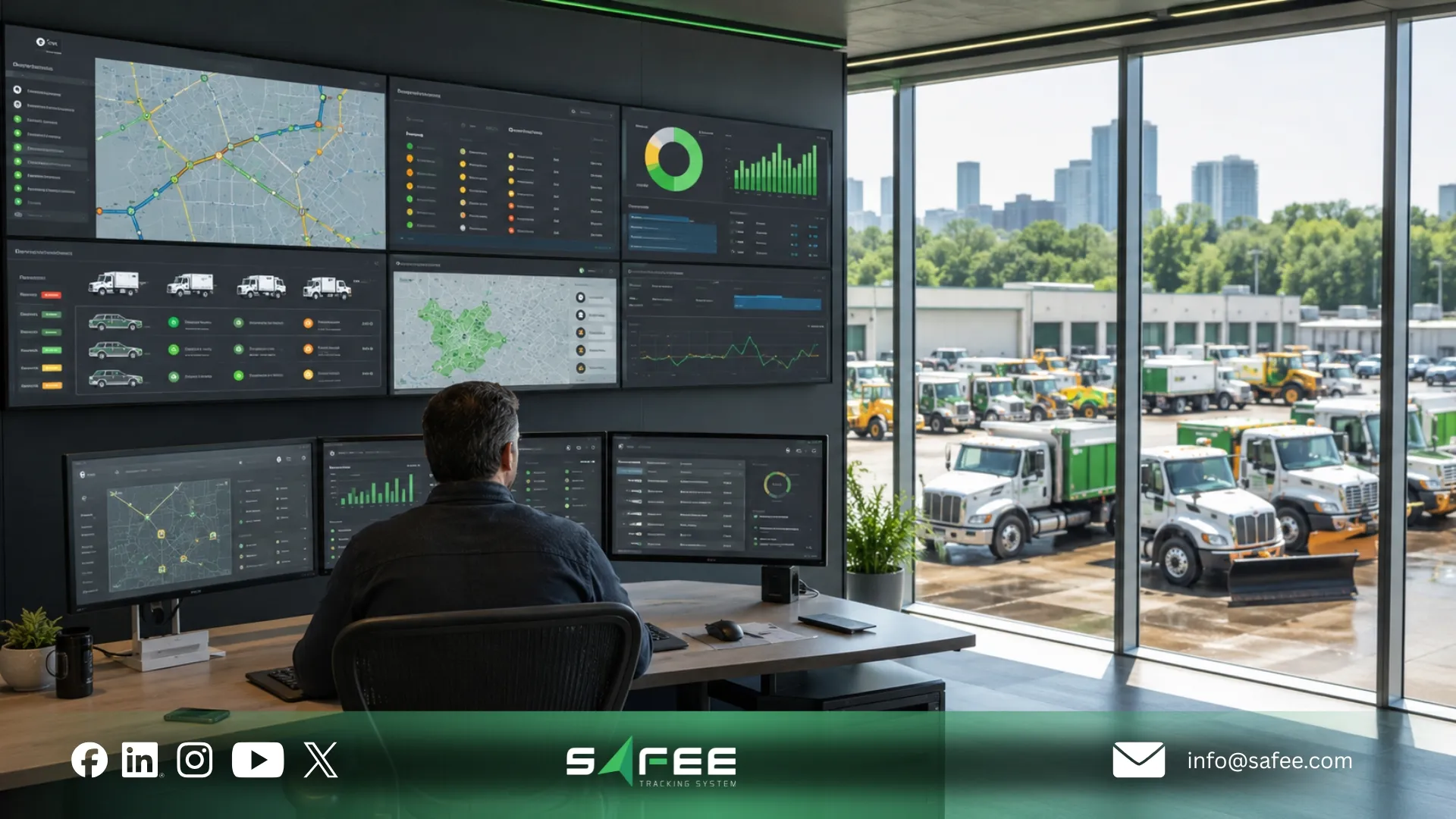
Choose government fleet management software that supports control and evidence
The best government fleet management software is the platform that fits the agency’s real operating model. Public-sector buyers should evaluate tracking, user access, audit trail, reporting, maintenance, public-records readiness, department-level cost allocation, ERP integration, mobile visibility, and implementation support before making a decision.
Safee can help government and public-sector fleet teams across the GCC and global markets build a connected workflow for vehicles, drivers, departments, routes, maintenance, alerts, reports, and integrations. The right setup should be configured around your agency’s policies, users, procurement process, and records requirements.
Request a Safee consultation to evaluate government fleet management software for your procurement process, public works operations, reporting needs, ERP integration, access control, and data governance requirements.
FAQs about government fleet management software
What is government fleet management software?
Government fleet management software helps public agencies track vehicles, monitor drivers, manage maintenance, configure alerts, review routes, control user access, and produce reports for operations, finance, leadership, audits, and public-records workflows where applicable.
What features should fleet management software for government include?
It should include live vehicle tracking, role-based access, audit history, configurable alerts, fleet reporting, maintenance workflows, driver management, route or journey control, data exports, mobile access, and integration readiness with ERP, HR, procurement, finance, maintenance, or asset systems.
How is public works fleet management software different from general fleet software?
Public works fleet management software must support mixed service fleets, depots, departments, service zones, route history, maintenance readiness, public-facing service delivery, and reports by vehicle, department, route, and exception.
How should agencies compare the best fleet management software for the government?
Agencies should use a weighted scorecard that reflects their real vehicles, departments, users, audit needs, access rules, reporting cadence, integration requirements, support needs, and procurement process. Vendors should demonstrate workflows, not only list features.
Can government fleet software integrate with ERP or HR systems?
Yes, if the integration scope, data fields, source-of-truth rules, authentication requirements, and implementation responsibilities are clearly defined. Agencies should verify whether the connection is API-based, export-based, connector-based, or custom during procurement.
Where does Safee fit for public-sector fleet teams?
Safee fits agencies that need more than basic tracking. It connects Live Vehicle Tracking, Alarms and Alerts, Fleet Reporting, Maintenance Module, Driver Management, Journey Management System, Mobile App access, and Tracking Data Analyzer into one configurable workflow.
Ready to improve your fleet operations?
Tell us what you would like to improve. A Safee specialist will reply by email.
Usually replies within one business day • No sales spam
Your details are used only to respond to your request. Privacy Policy