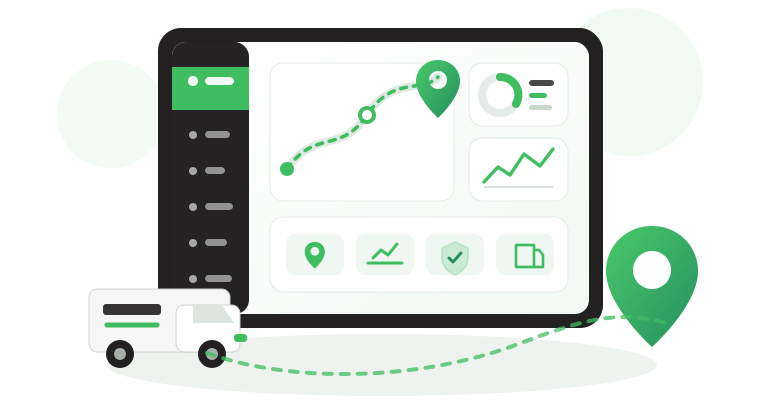


How Fleet Fuel Level Monitoring Detects Loss and Waste
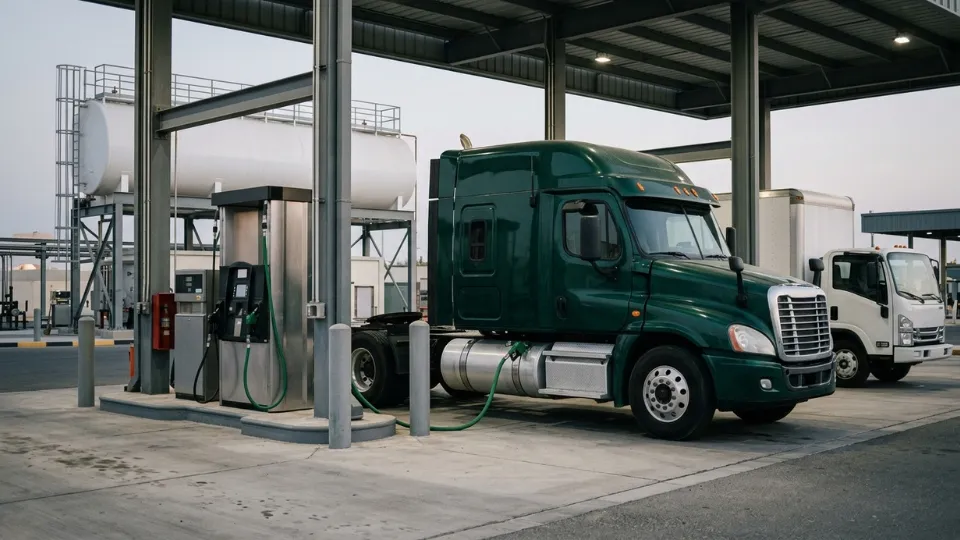
Fuel loss rarely starts as a dramatic event. In most B2B fleets, it starts as a small discrepancy that no one can verify quickly enough. That is why fleet fuel level monitoring matters. For fleets operating across the Gulf and wider international routes, fuel data is not just a dashboard metric. It is a control layer for cost, accountability, and day-to-day operational discipline.
In this guide, we explain how fuel level data reaches Safee, how teams set it up and trust it, how refuels and theft-related events are detected, and how B2B operators can turn fuel readings into decisions.
As a UAE-based provider, Safee supports fleets across the GCC while also serving wider international operations that need scalable fuel governance.
Why is fuel level your ultimate operational control point?
Fuel is one of the easiest fleet costs to hide inside routine operations. A vehicle can complete its route, reach the destination, and still leave behind unanswered questions about waste, theft risk, idle consumption, or refueling discipline. That is why Fleet Fuel Level Monitoring becomes valuable long before finance closes the month. It gives fleet, operations, and finance teams a faster way to verify what happened while the context is still available.
At Safee, fuel level becomes a working signal rather than a static number. Teams can review changes against trip activity, location, idle time, and configured alert logic. That matters for mixed fleets in the GCC where branches, depots, subcontractors, and long routes increase the chance of disputed fuel events, and it matters just as much for global fleets that need a consistent control model across different operating environments.
A strong fuel control process should help teams answer questions such as:
- Was fuel added where the vehicle was actually expected to refuel?
- Did fuel drop during a stop that needs investigation?
- Was the change large enough and stable enough to count as a true event?
- Do repeated patterns point to driver behavior, route design, poor calibration, or possible loss?
- Can the team export enough evidence for internal review or client-facing discussions?
See how Safee turns fuel visibility into control through Fuel Monitoring Module, Live Vehicle Tracking, and Alarms and Alerts.
How does fuel level data reach Safee?
Safee supports Fleet Fuel Level Monitoring through more than one data path. On the product side, this is presented as a dedicated fuel monitoring capability that can work with CANbus, analog, digital, pulse-based, and BLE fuel sensor setups.
In other words, yes, Safee offers fuel monitoring as a clear module of its own, but it is not positioned as an isolated tool. Its practical value comes from being integrated into the wider Safee platform for tracking, alerting, exploration, and reporting.
Typical sources include:
- CANbus data where the vehicle exposes reliable fuel information
- Analog or digital external fuel sensors
- BLE fuel sensor deployments where compatible
- Pulse-based or pulse counter sensors configured through custom formulas
For B2B operators, the source itself is only the beginning. What matters is whether the signal is stable enough to support decisions. Safee receives the fuel input, maps it to the correct asset, calibrates the signal, applies filtering, and then turns meaningful changes into refuel, theft-risk, low-fuel, or consumption-related views.
For broader context on how sensors fit into controlled operations, read The Essential Guide to Fleet Management Sensors.
How to set up and trust your fuel data?
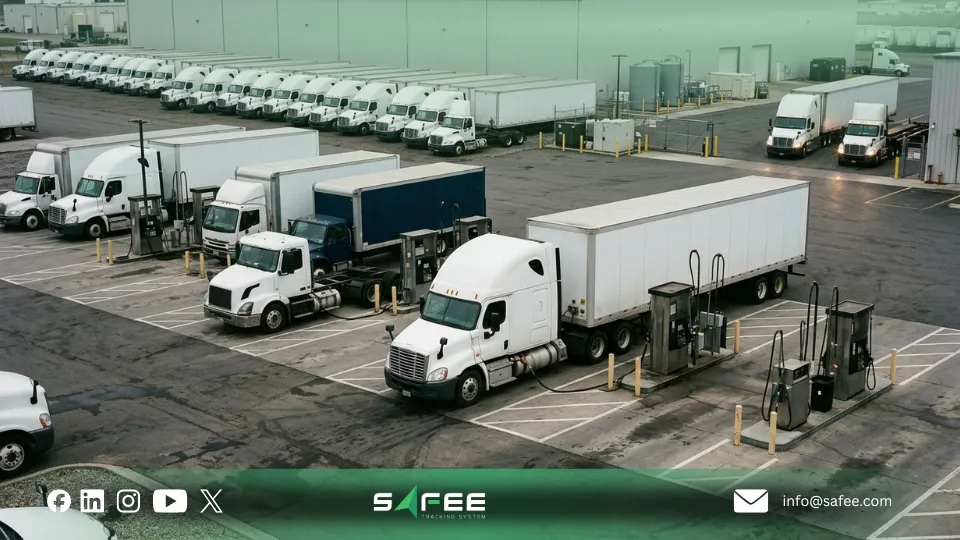
This is where many fleets fail. They install a sensor, see numbers appear, and assume the data is ready for alerts. In practice, trusted Fleet Fuel Level Monitoring depends on setup quality: source selection, tank-size accuracy, calibration depth, noise filtering, and real-world validation against known events.
Safee’s fuel module is built for that operational reality. The platform supports defining fuel type and tank size, selecting the source, calibrating the tank with up to 30 points, choosing linear or polynomial mapping, and filtering anomalies caused by rough terrain or unstable readings.
A practical trust-building workflow looks like this:
- Confirm the right source for each vehicle type instead of forcing one method across the fleet.
- Set tank size and fuel type correctly before interpreting percentages or event sizes.
- Calibrate against real fuel levels rather than relying only on installation defaults.
- Filter sloshing and unstable movement before activating sensitive alert logic.
- Validate readings against known refuels, known routes, and normal consumption behavior.
This matters for local and international operations alike. A GCC fleet may deal with heat, long idle periods, and mixed route conditions, while a wider global fleet may need one governance model across different countries and asset types. In both cases, trusted data is what makes the platform usable.
If your current readings are visible but still not trustworthy, contact Safee for a setup review before you build alerts on top of unstable fuel data.
How to use fuel explorer and history?
Fuel Explorer and fuel history are where raw readings become usable evidence. A live widget may show that the tank level changed, but investigation needs more than a snapshot. Teams need a timeline: what changed, when, where the vehicle was, whether it was moving or idle, and what happened before and after the event.
In Safee, Fuel Explorer supports viewing fuel usage by trip, per 100 km, or overall, while the history layer helps teams analyze graphs, sudden drops, and full fuel-change records. This is especially useful for B2B fleets that need to explain unusual events quickly to operations, management, or finance.
A practical review flow is:
- Select the vehicle and date range.
- Review the fuel graph for meaningful increases or drops.
- Compare the change with movement, stop history, and idle periods.
- Check whether the vehicle was inside an approved refueling zone.
- Export the event if it needs internal follow-up or management review.
Safee’s Fleet Reporting module helps turn these investigations into repeatable reports for branch managers, finance teams, and leadership.
How to catch refuels and thefts automatically?
Automatic detection is only useful when it separates meaningful events from normal tank movement. Safee approaches Fleet Fuel Level Monitoring with configurable logic: thresholds, tolerances, time windows, speed conditions, and geofence context that help distinguish a real fill from a false spike or a suspicious drop from normal consumption.
That means Safee is not just showing fuel changes. It is helping teams classify them. A Fuel Fill should be large enough and stable enough to count as refueling. A Fuel Theft-type event should reflect an abnormal drop that does not match expected movement or consumption logic.
To reduce false positives, teams should define:
- What minimum increase counts as a true refuel
- What minimum drop counts as a suspicious loss
- Whether the vehicle must be stationary for the alert to trigger
- Whether depot or approved-site refuels should be treated differently
- Who receives the first notification and who validates the event
For GCC fleets, geofence-based logic can be especially valuable because approved refueling behavior often depends on depot networks, project locations, or cross-branch controls. For global fleets, the same principle scales well across different countries: define policy once, then adjust thresholds by operating context.
Need a cleaner event model for Fuel Fill and Fuel Theft alerts? Speak with Safee about thresholds, geofences, and notification routing.

How to turn fuel level into actionable KPIs?
Fuel KPIs should help managers make decisions, not just fill a report. The strongest fuel metrics in Safee are the ones that connect directly to operational questions: which vehicles waste fuel, which routes consume abnormally, where refuels happen, and which exception patterns deserve action.
Useful KPI categories include:
- Fuel usage per trip
- Fuel usage per 100 km
- Idle fuel usage
- Fuel Fill count and location
- Sudden-drop or theft-related events
- Low-fuel alert frequency
- Fuel change history by asset
Because Safee connects fuel with tracking, alerts, and reports, these KPIs can support daily review, weekly exception analysis, and monthly management reporting. That makes the module commercially valuable for finance and operations at the same time: teams can spot waste sooner and report trends more cleanly.
For a wider strategic view, read Best Fleet Fuel Management System for Smarter Operations in 2026.
How to deploy and troubleshoot fuel monitoring?
A strong rollout should be treated as an operational deployment, not just a hardware installation. Most failures in Fleet Fuel Level Monitoring come from source mismatch, weak calibration, poor signal stability, or alert rules that were activated before the data was validated.
A practical deployment sequence is:
- Assess each vehicle type, tank setup, and operating use case.
- Choose the right source: CANbus, analog, digital, BLE, or pulse-based.
- Verify signal flow and asset mapping inside Safee.
- Configure tank size, fuel type, and source settings.
- Complete calibration and early graph review before turning on high-priority alerts.
- Test Fuel Fill, Fuel Theft, and low-fuel logic in controlled conditions.
- Train operations, fleet, finance, and HSE users on what each event means.
Pulse counter sensors deserve special attention. Safee supports them, but the formula and conversion logic must be validated carefully before the readings are used for exception handling. This is one of the clearest examples of why the feature should not be sold as just a sensor connection. The platform must also help the team trust the result.
Planning a rollout across mixed assets in the Gulf or across multiple countries? Book a Safee consultation to align source selection, calibration, and alert testing before deployment.
How to make your fuel data actionable?
Fuel data becomes actionable when it is trusted, owned, and tied to a response process. Without that, even accurate readings become passive dashboard data. The practical Safee model is simple: define the policy, configure the logic, assign ownership, investigate events in Fuel Explorer, report trends, and improve the operating rules over time.
That matters because different stakeholders care about different outcomes:
- Fleet managers need clearer visibility into abnormal fuel behavior.
- Operations teams need faster investigation and faster escalation.
- Finance teams need stronger evidence around waste, refuels, and disputes.
- Leadership needs reporting that is easy to review across branches and regions.
This is also the best way to explain Safee’s position on the service itself. Yes, we offer fuel monitoring as a dedicated module. But we do not position Fleet Fuel Level Monitoring as a standalone reading page. We position it as a governed workflow inside the wider Safee ecosystem, connected to tracking, alerts, reporting, and broader fleet control.
For teams also reviewing platform architecture and wider control needs, see How Telematics Vehicle Tracking Is Redefining Modern Fleet Management.
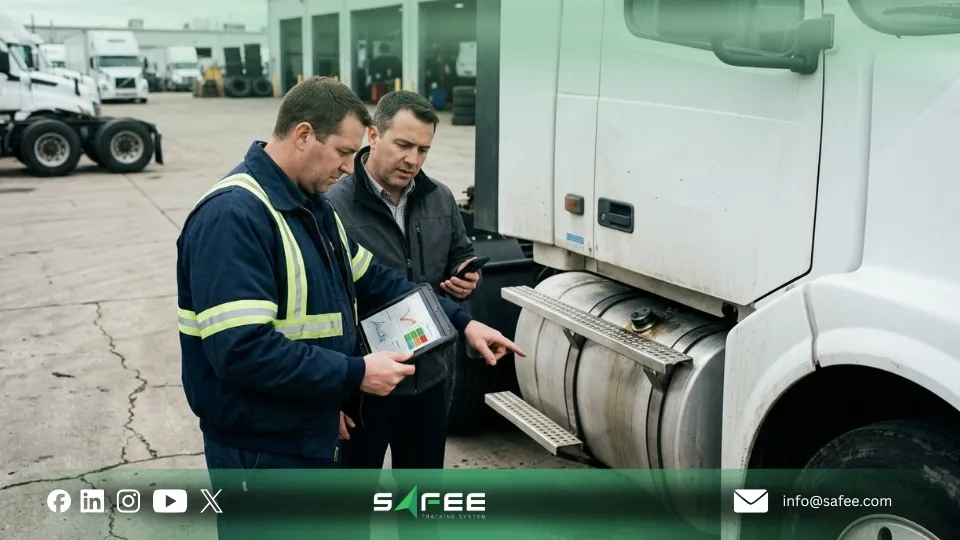
FAQs about fleet fuel level monitoring
What hardware do I need to get fuel level in Safee?
Safee supports Fleet Fuel Level Monitoring through CANbus, analog, digital, pulse-based, and BLE fuel sensor setups, depending on the vehicle and installation environment. The right choice depends on tank design, required accuracy, and the operating model you need to support.
Why isn’t my fuel fill or fuel theft alert triggering?
The event may not meet the configured logic. Review threshold size, time window, speed condition, geofence context, ignition status, signal stability, and calibration quality before assuming the platform failed. In most cases, alert accuracy depends on configuration discipline.
How do I reduce false refuel/theft alerts?
Start with calibration, then refine tolerances, time windows, and movement constraints. Approved geofences can also help separate normal depot behavior from events that need investigation. The goal is to reduce noise without hiding meaningful fuel changes.
Can I get fuel level if I use a pulse counter fuel sensor?
Yes. Safee supports pulse-based fuel sensors with custom formulas, but the signal must be converted and validated carefully. Pulse support is useful, yet it only becomes operationally reliable after mapping, formula testing, and real-world verification.
Ready to improve your fleet operations?
Tell us what you would like to improve. A Safee specialist will reply by email.
Usually replies within one business day • No sales spam
Your details are used only to respond to your request. Privacy Policy