
How Liquid Amount Monitoring Strengthens Cargo Control
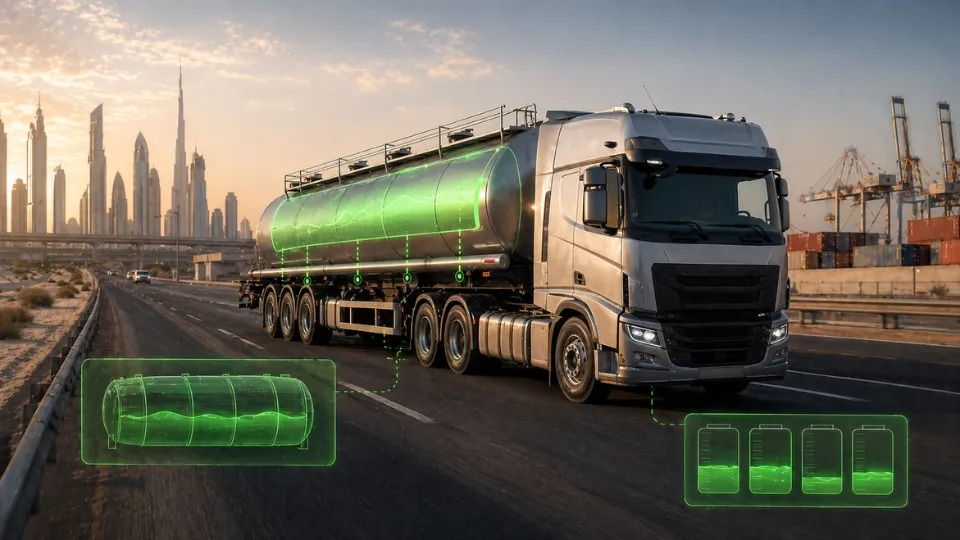
A liquid fleet can arrive on time and still lose money when quantity changes are discovered too late. That is why Liquid Amount Monitoring matters for B2B fleets moving fuel, water, chemicals, lubricants, and other measurable cargo.
At Safee, we use Liquid Amount Monitoring as part of a broader operational workflow that connects live visibility, alert logic, investigation, and reporting. In this guide, we explain how it works in Safee, how teams validate events, and how fleets across the GCC and wider markets can use it for better control.
Why do liquid amount sensors matter for liquid fleets?
Liquid fleets do not only move vehicles. They move measurable inventory. A GPS location can confirm that a tanker reached a depot, terminal, or customer site, but it cannot confirm how much liquid was actually carried, loaded, unloaded, or left in the tank.
That is why Liquid Amount Monitoring matters. It helps operations teams reduce manual logs, investigate unexplained quantity changes faster, and build stronger control over filling, emptying, and overload events. Our public sensor guidance positions liquid amount as a monitored value used to detect fill and empty operations and reduce manual records.
At Safee, we frame the value in practical B2B terms: fewer disputes, faster review, clearer evidence, and tighter control over high-value liquid movements across local GCC routes and wider regional or international operations.
For the broader sensor framework behind Liquid Amount Monitoring, see Fleet Management Sensors: Practical Setup Guide.
What does Liquid Amount mean in Safee?
In Safee, Liquid Amount is the usable business value shown in the platform after a sensor signal is converted into an operational liquid quantity. It is not just a raw reading.
This distinction matters. A raw signal may come from weight-based logic or another configured sensor input. Liquid Amount is the number your operations team actually needs for live monitoring, alert rules, explorer review, and reports.
On our public sensor guidance, liquid amount is described as a value calculated from weight and used to detect fill and empty operations. On the operational side, that means the platform is designed to move from sensor signal to governed action.
How does Safee convert sensor readings into liquid amounts?
A useful liquid value does not start with the dashboard. It starts with a setup that tells the platform what the signal represents, which asset it belongs to, and when a change should count as a real operational event rather than normal tank movement.
The workflow looks like this:
- The incoming signal is linked to the correct vehicle, tank, or compartment.
- The reading is interpreted using the right tank and cargo logic so it reflects a usable liquid amount.
- Normal movement inside the tank is filtered out to reduce false readings.
- Dwell & Idle logic is applied to distinguish between routine fluctuation and a real fill or emptying event.
- The result is pushed into alerts, Explorer history, and reports so the operations team can review what happened in context.
For B2B fleets, that distinction matters. A raw reading may show movement, but it does not explain whether the event was expected, where it happened, or whether it needs action. What makes Liquid Amount Monitoring valuable is turning that signal into a trusted operational record.
That is why we at Safee treat the setup as a control process, not just a sensor connection. When the mapping, conversion logic, and event rules are configured properly, the data becomes far more useful for daily monitoring, incident review, and reporting.
Want to validate your sensor-to-volume logic before rollout? Talk to Safee about the right setup for your vehicles, tank profiles, and alert rules.
Also read: How Telematics Vehicle Tracking Is Redefining Modern Fleet Management?
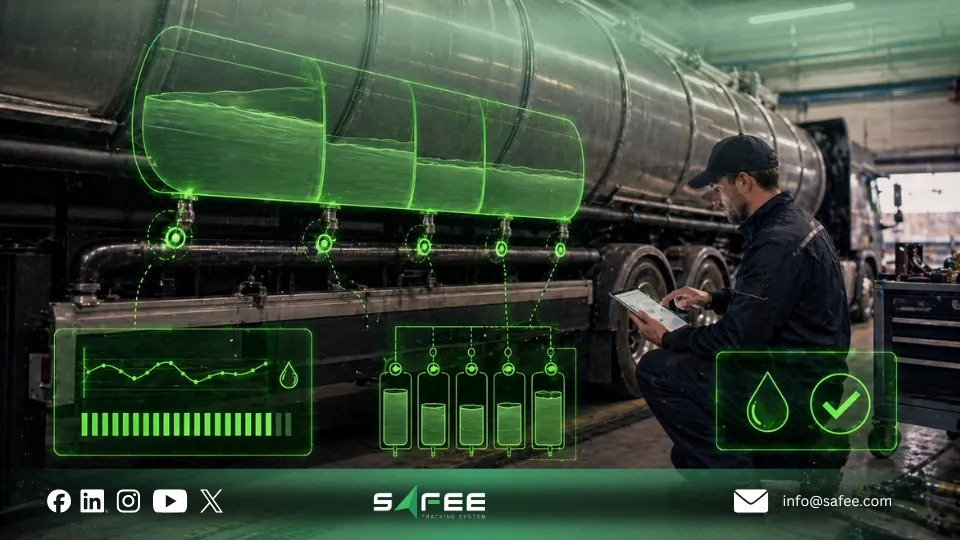
How do you set up the sensor-to-volume conversion per vehicle?
At Safee, we recommend setting up sensor-to-volume conversion per vehicle or per relevant tank context, not assuming that one rule fits every asset. Tank shape, cargo behavior, sensor placement, and operating conditions can vary from one vehicle to another.
Use a 7-disciplined-setup process:
- Confirm which vehicles, tanks, trailers, or compartments need Liquid Amount Monitoring.
- Map the sensor input to the correct vehicle or tank.
- Define the conversion logic based on the approved cargo and tank setup.
- Validate the reading against known reference events such as controlled fill or empty operations.
- Apply event thresholds for fill, empty, overload, and normal variation.
- Add context rules such as geofences, schedules, and movement conditions.
- Run a dry test before enabling high-priority alerts.
When the configuration is approved, document who validated it, which reference events were used, and which thresholds went live. That improves trust later when your team needs to investigate a quantity dispute.
How do you monitor liquid levels across the fleet in the Operations view?
Liquid Amount should be monitored as an exception-first signal. The goal is not to watch every vehicle continuously. The goal is to identify which assets need attention now.
Safee’s live monitoring environment supports filtering by values such as liquid amount where the relevant module applies. That helps operations teams isolate vehicles with unusual tank-level changes, confirm where the vehicle is, and check whether the event happened during movement, idle time, or an approved stop.
In practice, a strong monitoring routine uses three layers:
- Live visibility to see the current Liquid Amount, vehicle status, and location.
- Exception filtering to isolate vehicles with fill, empty, overload, or abnormal changes.
- Context review to compare the event with geofence, route, schedule, and movement status.
If you want Liquid Amount Monitoring tied to live map visibility, filters, and vehicle context, review our Live Vehicle Tracking.
How to use the right Safee screen for each liquid amount task?
Different tasks belong in different Safee screens. The fastest way to work is to match the question to the right workflow.
- Use the Operations or main monitoring view for what is happening now. Use filters there to isolate vehicles by Liquid Amount conditions.
- Use Vehicle Timeline when you need the sequence of events around a quantity change. Safee describes Vehicle Timeline as a chronological view for incident investigation.
- Use Explore History when you need the broader route and movement history over a chosen period.
- Use the Liquid Transportation Explorer or historical review workflow when you want liquid-specific trends, event patterns, or supporting context around fill and empty activity.
- Use the Alarm Conditions workflow to configure thresholds, geofences, schedules, and notification routing.
- Use Reports and exports when the result needs to be shared with management, finance, HSE, or the customer.
How do you automate tank events with alerts
Good automation starts with event definition. A fill or empty event should not trigger every time the liquid moves inside the tank. Safee’s sensor guidance ties liquid event detection to thresholds and Dwell & Idle logic so the system can separate normal fluctuation from a real operational event.
At Safee, we usually recommend building alert logic around these variables:
- Threshold size: how much the amount must increase or decrease before it matters.
- Stability or dwell logic: whether the change remains stable long enough to count as a real event.
- Movement context: whether the vehicle is idle, stationary, or in motion.
- Geofence: whether the event happened at an approved depot, terminal, branch, or customer site.
- Schedule: whether the event happened during approved operating hours.
- Ownership and escalation: who receives the alert first and who reviews unresolved events.
This is where Liquid Amount Monitoring becomes a business control tool rather than just a sensor view.
Need cleaner fill, empty, and overload logic? Explore our Alarms and Alerts or contact our team for an alert-policy review.
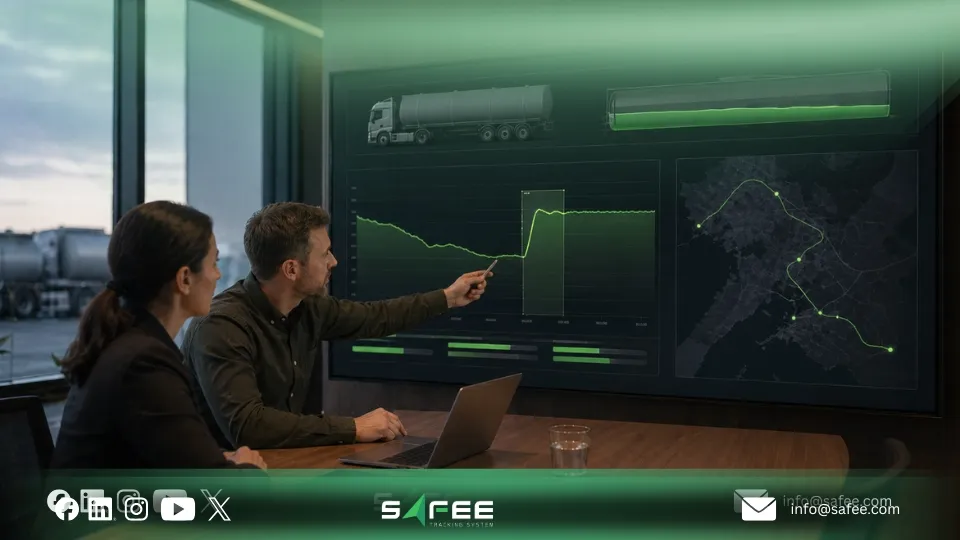
How to investigate liquid amount incidents in Explorer and Export logs?
When a Liquid Amount incident appears, the investigation should start with the event but not stop there. The team should review what changed, when it changed, where the vehicle was, whether the vehicle was moving or idle, and whether the event matched approved operational behavior.
Safee’s Explorer and historical review workflows support that process by helping teams compare quantity changes with location, stops, geofences, and route history. Exported logs then turn that review into evidence for management discussion, customer clarification, or internal audit-style checks.
The strongest value is not only in single incidents. It is also in recurring patterns. Over time, Explorer and reports can help teams identify repeated unexplained emptying, noisy thresholds, weak geofence design, unstable assets, or sites that generate repeated exceptions.
To turn Liquid Amount Monitoring into management evidence, review our Fleet Reporting.
How to route and escalate liquid amount alerts in Safee?
An alert without a clear owner becomes noise. Safee’s wider sensor guidance is very clear on this point: operators need fewer low-value notifications and better classification of critical events.
For liquid fleets, routing should follow business risk. A normal fill at an approved depot may go first to operations for confirmation. An emptying event outside an approved geofence may go directly to operations and a supervisor. An overload event may need immediate escalation to HSE and fleet management.
A practical escalation model is:
- Operations desk for first review and context checking.
- Supervisor for classification and corrective action.
- HSE, compliance, finance, or leadership for repeated patterns or higher-risk cases.
we recommend you to match every alert type to an owner, a response rule, and a review cadence.
Also read: Fleet Monitoring is one of the Advanced Capabilities in Safee.
How can Safee help you deploy liquid amount sensor monitoring?
Scaling Liquid Amount Monitoring is not only about adding more sensors. It is about giving your team a system they can trust across vehicles, depots, customer sites, and daily operations. That is where we at Safee add real value to your fleet.
We help liquid fleets move from scattered readings and manual checks to one governed workflow that connects sensor input, conversion logic, live monitoring, alerts, investigation, and reporting in a way that operations teams can actually use.
For B2B fleets, this matters when growth starts making quantity control harder to manage. As routes expand, assets increase, and more teams become involved, it becomes easier for fill and empty events to be missed, questioned, or discovered too late. Safee helps you bring that process under control by standardizing how liquid events are detected, reviewed, escalated, and reported across the fleet. That means stronger accountability for your team, clearer visibility for management, and fewer disputes around what happened, where it happened, and how it should be handled.
We usually recommend starting with the vehicles, depots, or routes where liquid exceptions already create the most operational friction, then expanding once the workflow is proven and trusted.
If you want Liquid Amount Monitoring to work as a controlled B2B workflow—not just a raw sensor feed—request a demo and let us map the right setup for your fleet.
FAQs about Liquid Amount Monitoring
What is the Liquid Amount in Safee?
It is the calculated liquid value shown in the platform after the configured sensor signal is converted into an operational quantity. It is designed to support live monitoring, event detection, investigation, and reporting rather than showing raw data only.
Can Safee automatically detect filling and emptying events?
Yes. Safee can automatically detect filling and emptying events when the fleet’s sensor setup, thresholds, and event logic are configured correctly. Safee uses thresholds and Dwell & Idle logic to tell the difference between normal liquid movement inside the tank and a real filling or emptying event.
Where can I view historical Liquid Amount and export it?
Use Explorer and historical review workflows for investigation, then use reporting and exports when the event history needs to be shared with management, finance, HSE, or the customer.
How do I filter vehicles by Liquid Amount in the main dashboard?
Use the Operations or main monitoring view filters. Safee’s live monitoring guidance states that the platform supports filtering by values such as liquid amount where the relevant module or license applies.
Ready to improve your fleet operations?
Tell us what you would like to improve. A Safee specialist will reply by email.
Usually replies within one business day • No sales spam
Your details are used only to respond to your request. Privacy Policy