

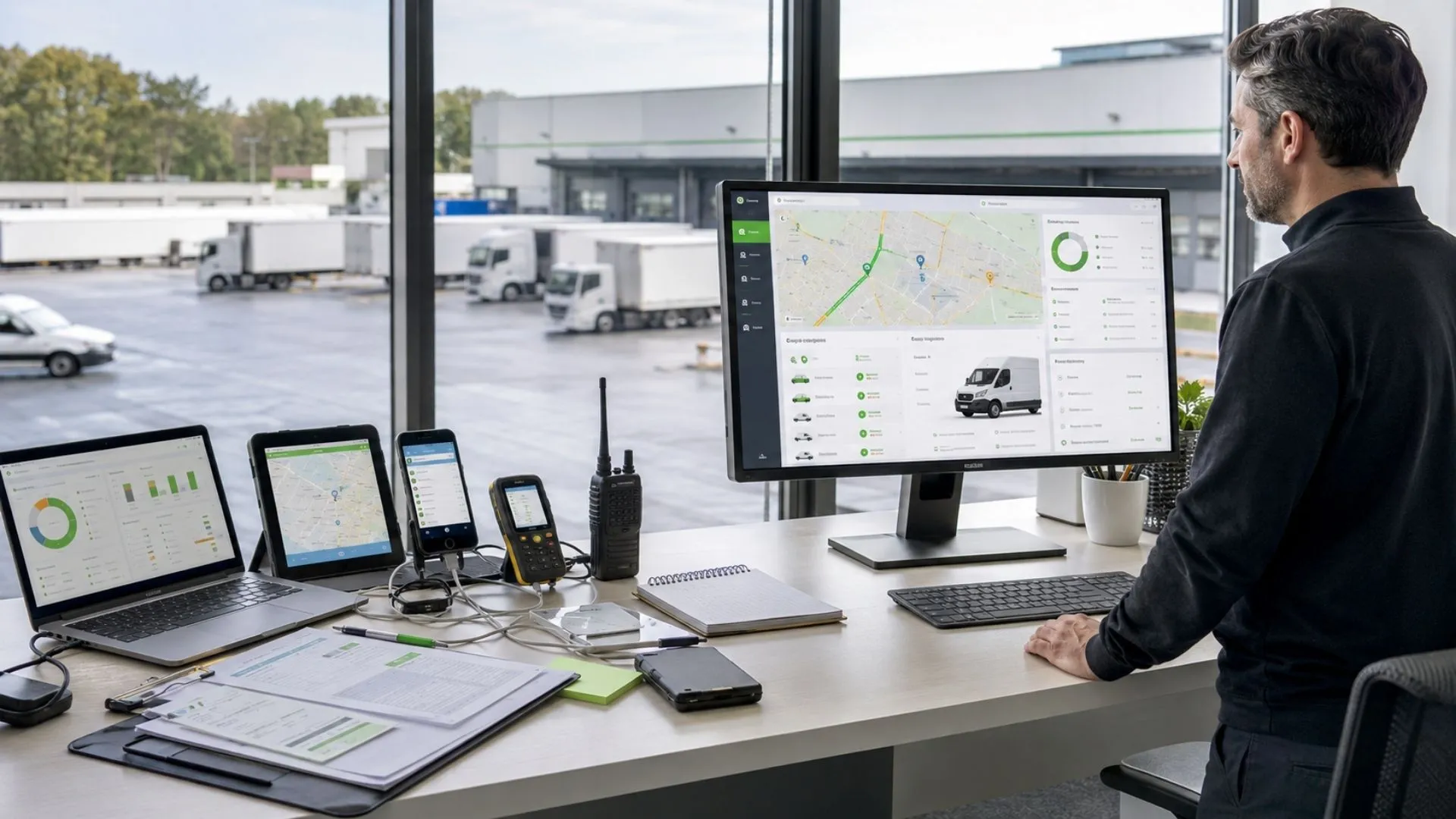
Fleet Management Platform vs Point Tools: One System or Five?
A fleet can buy five capable tools and still make supervisors rebuild one operational event across five screens. When tracking, drivers, journeys, maintenance, alerts, and reporting live in separate environments, the real question is no longer which product has the longest feature list; it is whether the fleet management platform reduces handoffs without sacrificing the specialist systems the business still needs.
This guide compares both architectures across integrated fleet management, total operating cost, interfaces, asset and maintenance boundaries, and the signals that consolidation may be justified. It also shows how the Safee’s Fleet Management System can keep core fleet workflows connected while integrating external business systems where they should remain authoritative.
What ‘fleet management platform’ means vs a collection of point tools
A fleet management platform is a connected software environment in which multiple fleet functions can share operational context. Depending on the deployment, that can include vehicle tracking, drivers, alerts, reports, maintenance, journeys, sensors, mobile access, and integrations with other business systems.
A point tool, by contrast, solves a narrower problem. A GPS application might show vehicle location. A maintenance product might schedule services. A driver application might manage assignments. An analytics tool might process exported data.
There is nothing inherently wrong with specialization. A point tool can be appropriate when a company has one narrow requirement or when an existing enterprise application already owns a specific process. Problems begin when separate tools become the day-to-day operating environment without a clear data and workflow architecture.
The distinction is therefore less about the number of features on a product page and more about what happens after an operational event.
Consider a route deviation. Does the supervisor see the event in one system, identify the driver in another, check journey information elsewhere, export evidence for a report, and then record the response manually? Or do those elements remain connected closely enough for the team to investigate and act without reconstructing the event across multiple systems?
That is the practical test buyers should apply when comparing fleet management platforms.
Integrated fleet management vs integrated fleet management solutions
- Integrated fleet management describes the operating model: vehicle, driver, journey, maintenance, alert, reporting, and other relevant fleet information is connected rather than managed as unrelated data islands.
- Integrated fleet management solutions usually describe the software capabilities, modules, devices, and integrations used to create that operating model.
The distinction matters during procurement. Buying several products described as “integrated” does not automatically create integrated fleet management. The buyer still needs to establish:
- Which application owns each record;
- Which identifiers are shared between systems;
- Which events move automatically;
- Which workflows still require manual transfer;
- Who controls user permissions;
- Where reports are generated;
- How duplicate or conflicting records are resolved;
- Which team owns an integration when it fails.
An integrated fleet management system therefore needs both functional breadth and operational connections between those functions.
At Safee, our Fleet Management System combines integrated GPS fleet tracking and Telematics with multiple fleet modules in one wider operating environment. The aim is to keep relevant fleet data connected instead of turning every operational requirement into a separate portal.
Want to see which of your current fleet workflows could remain inside one operating environment? Request a Safee demo and map your existing tools against the modules and integrations you actually need.
Fleet management website vs platform and how the terms differ
A fleet management website can mean several things in search queries.
Sometimes it simply means the public website of a fleet-management provider. In other cases, buyers use phrases such as fleet management web or fleet management websites when they actually mean a browser-based operational system.
Those are different concepts.
A website primarily presents information. A fleet management web application or platform lets authorized users perform operational work: viewing vehicle activity, checking alerts, reviewing reports, managing users, analyzing data, or configuring parts of the fleet environment.
That makes the fleet management software interface more important than whether the system is technically accessed through a browser.
During evaluation, ask:
- What can supervisors actually do after signing in?
- Are tracking, alerts, reports, drivers, and maintenance connected?
- Does the user leave the platform for common fleet tasks?
- Are permissions consistent across functions?
- Does information displayed in one module retain context when another team needs it?
- Can required external systems be integrated without turning every workflow into another manual handoff?
The useful buying term is therefore not simply “fleet management website.” The real requirement is a fleet management platform with the operating functions, governance, integrations, and interfaces the fleet needs.
Integrated fleet management vs five separate tools and the cost difference
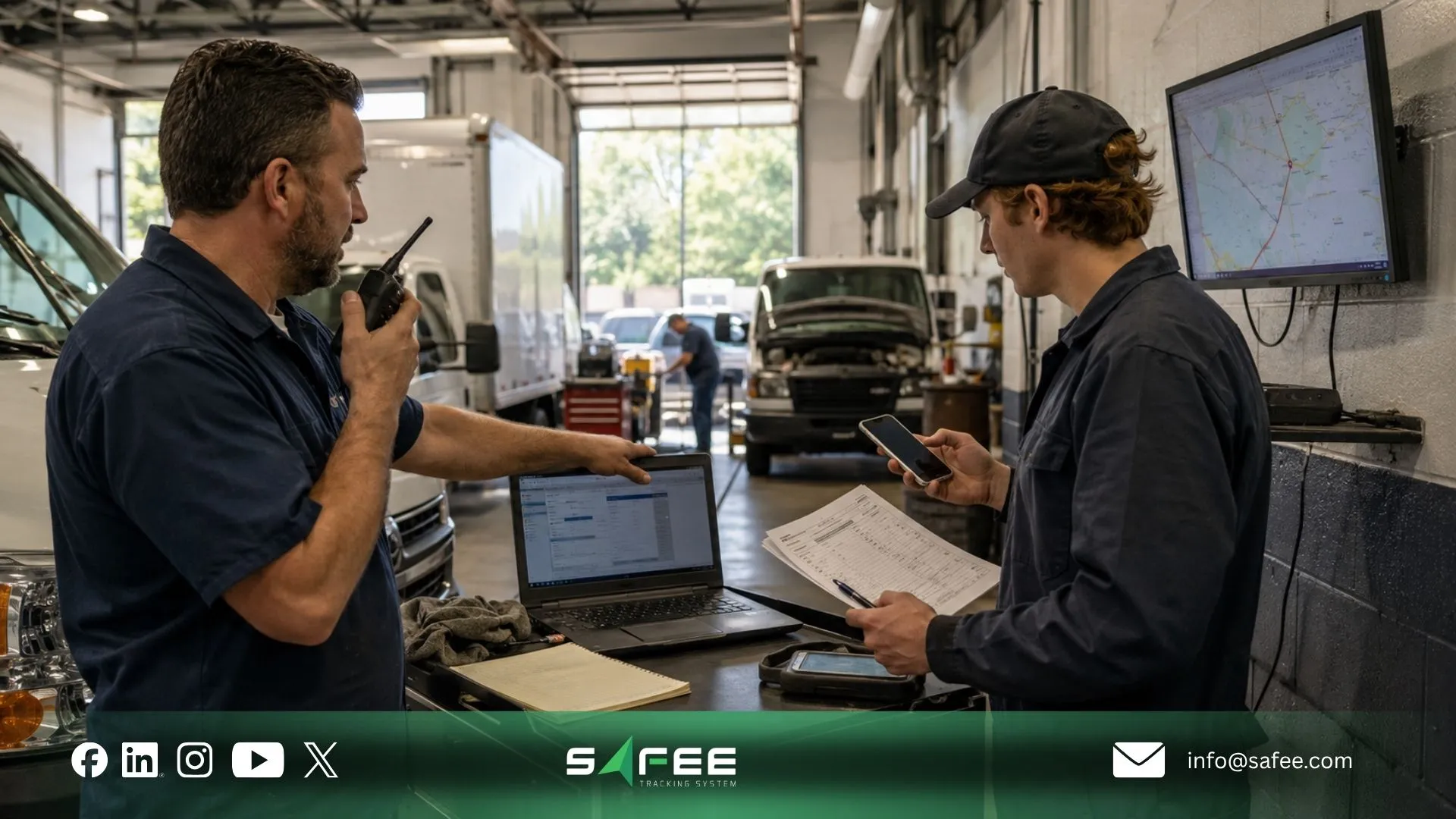
The cost difference between integrated fleet management and several separate tools cannot be reduced to subscription price.
A specialized stack may appear attractive when each product is evaluated individually. One tool handles tracking well. Another handles maintenance. Another provides dashboards. Another manages drivers. Another solves a specialized operational requirement.
But the procurement price is only one layer.
The broader operating cost can include:
- Integration design and maintenance.
- Duplicate user administration.
- Reconciliation between different vehicle or driver records.
- Multiple training processes.
- Different report definitions.
- Repeated exports and spreadsheet work.
- Separate vendor-support processes.
- Permission management across systems.
- Changes required when one vendor modifies an interface.
- Time spent switching between applications during daily operations.
None of these costs should be assumed without examining the actual fleet environment. A small fleet with two well-connected systems may have little fragmentation. A large operation with multiple overlapping tools may have substantial process overhead.
That is why a useful fleet management solutions comparison measures workflow complexity as well as licensing.
Fleet management solutions comparison between a platform and a best-of-breed stack
A best-of-breed stack selects a specialized product for each requirement rather than relying on one wider platform.
That architecture has legitimate advantages. A highly specialized workflow may require functionality that a broader fleet platform does not provide. An enterprise may also need to retain an ERP, TMS, payroll platform, financial system, or another application as the authoritative system for certain records.
The choice is therefore not “integration good, specialist software bad.”
Instead, compare the two architectures across these areas:
| Evaluation area | Integrated fleet platform | Best-of-breed stack |
| Operational context | Multiple fleet functions can share the same environment | Context may need to move between tools |
| Specialist depth | Depends on available platform modules | Can select a specialized application for each requirement |
| Integration | Fewer internal fleet boundaries when capabilities are native to the platform | Interfaces between products must be designed and maintained |
| User experience | Potentially fewer interfaces for common fleet work | Users may switch between applications |
| Governance | Permissions and fleet structures can be managed more centrally | Governance must remain consistent across vendors and systems |
| Change management | Related workflows may evolve inside one platform environment | Changes may require coordination across multiple suppliers |
| Enterprise systems | Platform still needs defined integration boundaries | Specialized enterprise systems can retain record ownership |
The most important question is where specialization creates business value and where it merely recreates a capability the fleet platform already provides.
Our Business Integration approach follows the same architectural distinction. An ERP does not need to become a Telematics platform, and the fleet platform does not need to become a financial ledger. Define record ownership first, then exchange approved data between systems where the business process requires it.
That is a stronger integration model than attempting to force every business process into one application.
Mixed operating system fleet management solutions and the cost of fragmentation
Mixed operating system fleet management solutions become difficult when different parts of the operation use systems that were never designed around the same records, permissions, or workflow.
The fragmentation cost usually appears in handoffs.
A vehicle may have one identifier in a tracking system and another in an asset-management application. A driver may be reassigned in one tool but remain attached to a previous vehicle elsewhere. A maintenance alert may exist without the driver or utilization context needed to prioritize it. A supervisor may receive an exception but need another application to determine what happened before and after it.
The issue is not simply technical integration. It is operational reconciliation.
Fleet teams evaluating a mixed environment should map:
- Vehicle identifiers;
- Driver identifiers;
- Site and branch structures;
- User roles;
- Journey records;
- Alert ownership;
- Maintenance records;
- Asset references;
- Reporting definitions;
- External systems of record.
Then document which system creates, updates, and closes each record.
This prevents “integration” from becoming a collection of APIs without clear governance.
At Safee, we support Business Integration through advanced APIs for ERP, waybill, and asset-management environments. We also describe our platform as Hardware Agnostic, so compatible hardware and sensors can connect without making one device ecosystem the entire fleet-management architecture. The exact interfaces and implementation scope still need to be validated for each deployment.
Talk to our fleet expert about your existing ERP, asset-management, tracking, sensor, or operational systems before deciding what should be consolidated and what should remain integrated externally.
Fleet tracking asset management platforms vs standalone tools
The phrase fleet tracking asset management platforms often combines two related but different responsibilities.
Fleet tracking focuses on operational movement and activity. Asset management can cover a wider asset record: ownership, classification, lifecycle, cost center, financial treatment, or other enterprise information.
A fleet platform may need asset context, but that does not automatically mean it should own every enterprise asset record.
A useful architecture separates three questions:
- What does Fleet Operations need? Vehicle location, utilization, driver assignment, journey activity, exceptions, maintenance status, and other operational information.
- What does the enterprise asset system need? The authoritative business or financial asset information defined by the organization.
- What information must pass between them? Only the identifiers, events, status data, or approved outputs necessary to complete the business workflow.
The same principle applies to a fleet tracking maintenance software platform. Tracking and maintenance can gain value from being connected because actual vehicle activity can provide context for service workflows. But buyers still need to confirm what maintenance functionality is available, which data triggers it, and whether another maintenance system must remain authoritative.
Our Maintenance Management capability supports scheduled maintenance, alerts, and maintenance tracking within the broader Fleet Management System, while Business Integration can connect relevant fleet data with external business systems where required.
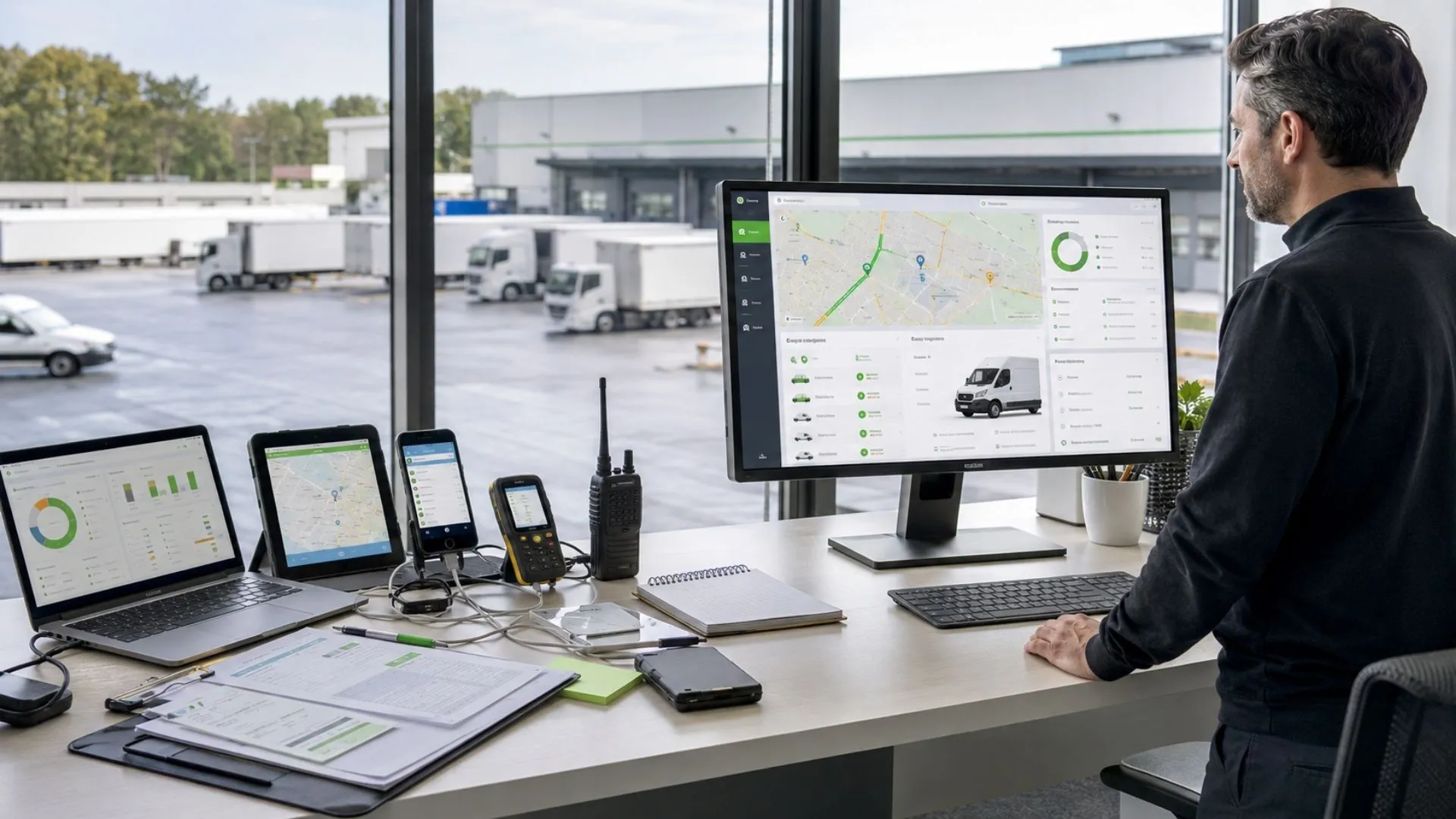
The fleet management interface test for daily screen switching
A procurement checklist can contain dozens of features and still miss one of the most visible symptoms of fragmentation:
How many interfaces must a supervisor open to complete a normal operating task?
This is the fleet management interface test.
Choose a real event rather than asking for a generic dashboard demonstration. For example:
When a vehicle deviates from an expected route, the supervisor needs to identify the driver, understand the journey, review the exception, determine whether action is required, and include the event in later reporting.
Now count the system changes.
Does the user:
- Receive the alert in one system;
- Open a GPS tracking dashboard;
- Find driver details in another tool;
- Check the journey in a separate application;
- Export data;
- Update a report;
- Record follow-up somewhere else?
Each switch introduces another point where context can be lost, users can select the wrong record, or an action can remain undocumented.
The objective is not literally to eliminate every other business system. The objective is to reduce unnecessary switching inside the fleet workflow.
Fleet management interface design and what consolidation looks like
Good fleet management interface design does not mean placing every possible metric on one enormous screen.
Consolidation means related workflows remain connected while users see the information appropriate to their responsibility.
A fleet supervisor may need vehicle status, drivers, alerts, journeys, and operational reporting. Maintenance users may need service tasks and vehicle context. HSE teams may focus on exceptions, journey controls, and evidence. Management may need structured reporting rather than second-by-second tracking data.
A consolidated platform should therefore provide role-relevant access, not identical screens for everyone.
Our Administration Panel centralizes management of users, vehicles, sites, groups, permissions, and configurations. Across the wider Safee environment, role-based permission structures help align access with operational responsibility.
That distinction is important. Interface consolidation without access governance can create information overload. Access governance without connected workflows can create unnecessary handoffs. A useful platform needs both.
Fleet management software dashboard vs GPS tracking dashboard
A fleet management GPS tracking dashboard answers an important but limited question:
Where are the vehicles and what are they doing now?
A broader fleet management software dashboard should support decisions that begin with location but do not end there.
For example:
- Which driver is associated with the activity?
- Is the event expected within the journey?
- Does it trigger an operational alert?
- Is there relevant maintenance context?
- Does the event need to appear in a report?
- Who owns the response?
- What evidence will management need later?
GPS data is therefore an input to fleet management, not the entire operating model.
Our Live Vehicle Tracking provides real-time GPS fleet tracking and simultaneous fleet visibility, while Alarms and Alerts, Fleet Reporting, Driver Management, Maintenance Management, and Journey Management System (JMS) extend the workflow beyond map visibility.
For deeper analysis, our Tracking Data Analyzer (TDA) turns connected tracking data into dashboards, visualizations, analytics, and reporting rather than treating raw location records as the final output.
The procurement question is therefore not “Does the software have a dashboard?” It is “Can the interface take the team from visibility to a governed operational response?”
14 signs you need integrated fleet management solutions
No single sign proves that a fleet must replace its current tools. Several appearing together, however, indicate that the architecture deserves review.
- Supervisors keep several fleet applications open throughout the day.
Daily work depends on switching interfaces rather than following one connected workflow. - Vehicle information differs between systems.
Teams regularly reconcile vehicle names, IDs, categories, sites, or statuses before trusting a report. - Driver assignments must be updated in more than one place.
The same change is re-entered across tracking, safety, journey, or administrative tools. - GPS tracking ends at the map.
Location is visible, but alerts, drivers, maintenance, journeys, or reporting remain detached from it. - The team relies on spreadsheets to combine operational records.
Exports are repeatedly joined before management can answer a basic fleet question. - An alert does not carry enough context to act on it.
Users must search other systems to identify the driver, journey, vehicle history, or related operating condition. - Maintenance and vehicle utilization are disconnected.
Maintenance users cannot easily relate service requirements to the operating information relevant to the task. - Different departments calculate the same KPI differently.
Operations, HSE, Maintenance, and management use inconsistent definitions or datasets. - New users need separate accounts across multiple fleet tools.
Onboarding and offboarding involve repeated permission changes. - Permissions are difficult to govern consistently.
A role change in the organization does not translate easily into appropriate access across the fleet stack. - Integration failures create vendor ambiguity.
Teams spend time determining which application, API, device, or supplier owns a failed workflow. - Adding a new fleet requirement means adding another portal.
Every new sensor, workflow, report, or operating need increases interface fragmentation. - Management cannot trace an operational decision back to its supporting records.
Evidence is scattered across exports, emails, applications, or spreadsheets. - The fleet has outgrown basic tracking.
Driver management, maintenance, journey governance, alerts, reporting, mobile workflows, sensors, or business integration have become part of daily operations.
A fleet showing several of these signs should not automatically replace everything. It should first document its present architecture and decide which workflows belong inside an integrated fleet management system and which specialist enterprise systems should remain connected externally.
Chat with us to review your current fleet-tool stack and identify where consolidation could remove unnecessary screens, duplicated data, and manual handoffs.
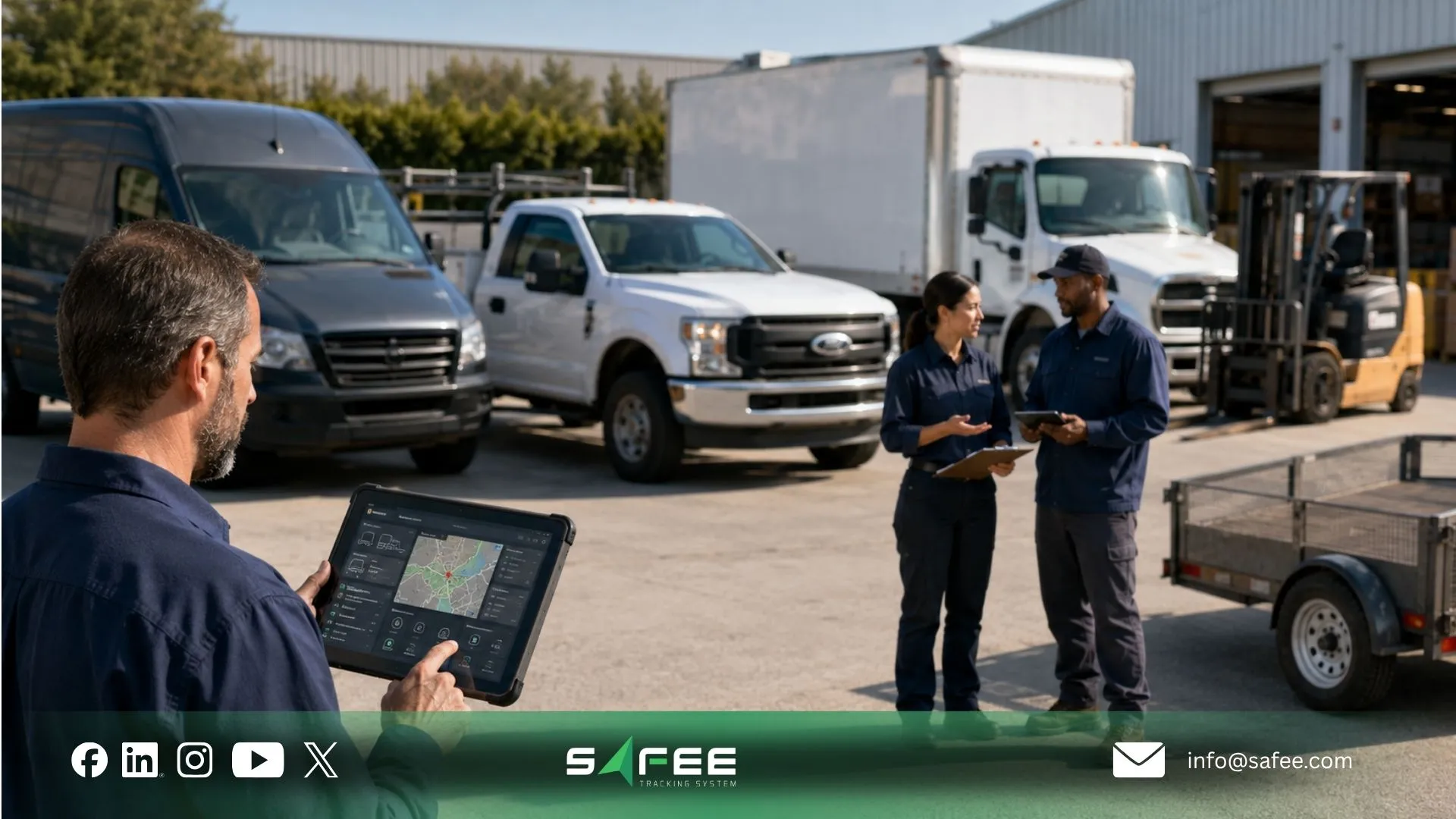
Safee: An integrated fleet management system, not five tools
At Safee, we provide a Fleet Management System and a broader Fleet Management and Telematics environment rather than only a GPS tracking portal.
Our platform can bring multiple fleet capabilities into the same wider environment, including Live Vehicle Tracking, Fleet Reporting, Alarms and Alerts, Driver Management, Maintenance Management, Journey Management System (JMS), Administration Panel, Tracking Data Analyzer (TDA), mobile capabilities, and specialized modules depending on the approved deployment.
The architecture also leaves room for systems that should remain outside the fleet platform. We support Business Integration through advanced APIs for ERP, waybill, and asset-management environments, while our Hardware Agnostic approach supports diverse compatible hardware and sensors.
That is an important distinction.
An integrated fleet management platform should reduce unnecessary fragmentation inside fleet operations without pretending that payroll, ERP, finance, TMS, asset management, or every specialist enterprise workflow needs to be replaced.
The target architecture is not “one piece of software owns everything.”
It is:
one connected fleet operating environment, with clearly governed integrations to the external systems that still need to own their records.
Safee vs a stack of point tools
The table below compares the architecture rather than claiming that every point-tool deployment has the same number of applications, costs, or support arrangements.
| Dimension | Stack of point tools | Safee’s platform |
| Systems a supervisor opens daily | Potentially several, depending on the selected stack and workflow | Configured Safee fleet modules operate within the same wider Fleet Management and Telematics environment |
| Data consistency | Separate systems may require record matching, synchronization, or reconciliation | Fleet capabilities can share a connected operational environment |
| Integration cost | Each required interface can add implementation, maintenance, testing, and change-management work | Safee supports Business Integration through advanced APIs; exact scope and implementation requirements must be validated |
| New feature rollout | Changes depend on the roadmap, configuration, and interfaces of each selected vendor | Safee modules sit within the same wider platform environment; availability and deployment scope still depend on the selected solution |
| Support | Cross-system problems can require coordination between several vendors or internal owners | Safee provides support for its platform; responsibilities for third-party systems and integrations should be defined during implementation |
| User administration | Roles may need to be maintained separately across products | Administration Panel supports centralized management of Safee users, vehicles, sites, groups, permissions, and configurations |
| Fleet reporting | Data may need consolidation before cross-functional review | Fleet Reporting operates alongside other connected Safee fleet capabilities |
| Hardware | Individual tools may depend on particular hardware ecosystems | Safee describes its platform as Hardware Agnostic for diverse compatible hardware and sensors |
| Enterprise systems | Direct point-to-point connections may accumulate as the stack grows | Business Integration supports connections with external business systems while preserving system-of-record boundaries |
This modular model is deliberate: our fleet-management functions can operate within one connected environment, while our APIs provide an integration path to relevant external business systems.
How many systems a Safee’s supervisor opens vs a point-tool supervisor
There is no defensible universal number for how many systems a point-tool supervisor opens. One fleet might use two. Another might use five or more. The number depends on the architecture.
Any screen-switching example should therefore be treated as an illustrative operating scenario, not an industry benchmark.
The better measurement is workflow completion.
Take five recurring tasks:
- Investigate an alert;
- Identify a driver;
- Review vehicle activity;
- Check maintenance context;
- Prepare an operational report.
Then record every system, login, export, spreadsheet, and manual handoff required from beginning to end.
With Safee, configured capabilities such as Live Vehicle Tracking, Alarms and Alerts, Driver Management, Fleet Reporting, Maintenance Management, and other selected modules can sit within the wider Fleet Management System. A point-tool supervisor may need to move between separate products to complete the equivalent workflow. Review our Essential Modules to map common operational requirements to the relevant core modules.
That is the more meaningful fleet management interface metric: not how many logos the company buys, but how many boundaries an employee crosses before the work is complete.
FAQs about fleet management platforms vs point tools
Fleet management platform vs point solutions: What differs?
A fleet management platform connects multiple fleet workflows and data sources within a broader operating environment. Point solutions specialize in narrower functions, which can be valuable but may require additional integration and screen switching when several tools must work together.
Is it cheaper to buy one platform or several specialized tools?
Neither model is automatically cheaper. Compare licensing with integration work, user administration, support coordination, training, data reconciliation, and ongoing change management before deciding which architecture has the lower total operating cost.
What is integrated fleet management?
Integrated fleet management connects relevant vehicle, driver, journey, maintenance, alert, reporting, and other operational data so teams can use shared context across workflows. External systems such as ERP or asset management can still remain authoritative for the records they are designed to own.
How do I know if my fleet tools need consolidating?
Look for repeated screen switching, duplicate data entry, spreadsheet reconciliation, inconsistent records, fragmented permissions, or alerts that require several systems to investigate. Multiple signs usually justify an architecture review, although they do not automatically mean every existing tool should be replaced.
Ready to improve your fleet operations?
Tell us what you would like to improve. A Safee specialist will reply by email.
Usually replies within one business day • No sales spam
Your details are used only to respond to your request. Privacy Policy

