

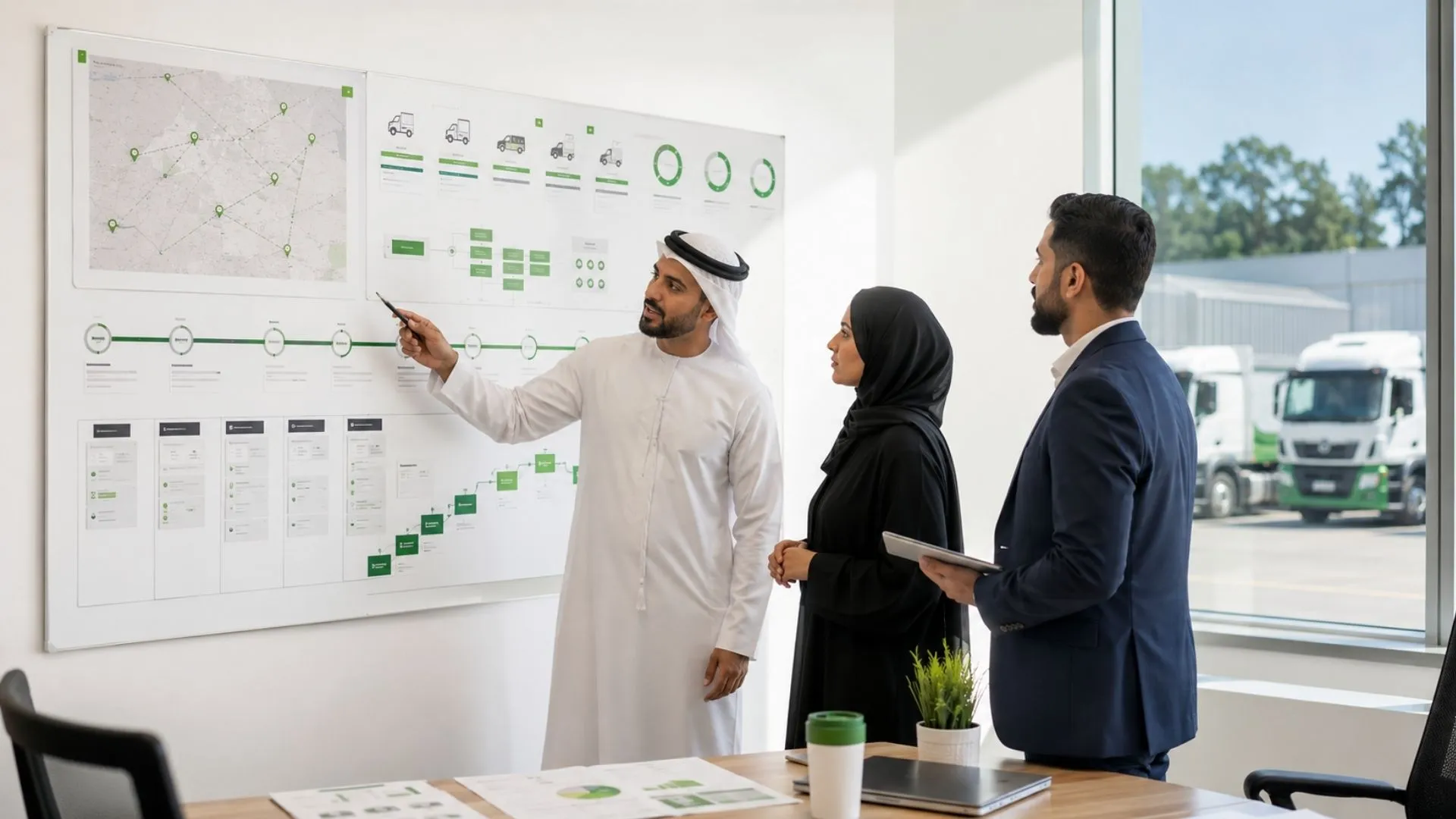
Fleet Management Program: 14 Essentials to Build It Right
A fleet management program can go live on schedule and still fail operationally if nobody owns the alerts, permissions, maintenance actions, reports, and review cycle behind it. The distinction is simple: a program is the ongoing operating framework for managing the fleet, while a project is a one-time rollout or implementation task within that framework.
In this guide by Safee, you will see how to structure that ongoing program, choose the fleet management modules that belong in it, define portal access and ownership, distinguish an FMS from a fleet information management requirement, and use practical Month 1, Month 3, and Month 6 checkpoints to move from deployment into repeatable fleet control.
What a fleet management program actually is
A fleet management program is the ongoing framework used to manage fleet operations after implementation. It connects operational objectives with named responsibilities, workflows, data, system configuration, and a recurring review cycle. A vehicle fleet management program can therefore contain multiple projects over time without becoming a one-off project itself.
The technology sits inside that framework.
At Safee, our connected fleet environment includes Live Vehicle Tracking, Fleet Monitoring & Insights, Alarms and Alerts, Driver Management, Maintenance Management, Fleet Reporting, Journey Management System (JMS), Tracking Data Analyzer (TDA), and the Administration Panel. These capabilities provide the operating tools; the program determines how the organization uses them, who owns the resulting information, and what action should follow.
A practical program therefore answers questions such as:
- Which vehicles, assets, drivers, sites, and groups are in scope?
- Which fleet risks or operational outcomes matter?
- What information should be monitored live?
- Which exceptions should generate an alarm?
- Who receives each alarm?
- Who is responsible for responding?
- Which maintenance activities need structured follow-up?
- Which journeys need additional governance?
- Which reports go to Operations, HSE, Maintenance, Finance, or management?
- Which users need access to which vehicles, sites, modules, and reports?
- Which information needs to be exchanged with ERP, waybill, asset-management, or other business systems?
- How will the team review whether the program is working?
That operating model is what turns fleet technology into an actual management program.
To see the connected platform behind this operating model, explore Safee’s fleet management platform.
Planning a new program rather than buying another isolated fleet tool? Contact us to map the operational objectives, modules, users, alerts, and reporting requirements before configuration begins.
Fleet management program vs project and why the difference matters
A fleet project has a defined piece of work to complete. A fleet management program continues after that work is completed.
Installing tracking devices, migrating vehicle records, configuring users, establishing integrations, or launching a new module can each be treated as projects within the broader program. The fleet management program, however, continues through monitoring, exception management, reporting, maintenance control, user administration, governance, and optimization.
The distinction prevents a common implementation mistake: measuring success only by whether the technology went live.
A deployment may technically be complete while operational questions remain unresolved:
- Are driver assignments accurate?
- Are unused alarms creating noise?
- Does every critical alert have an owner?
- Are maintenance tasks being closed?
- Are managers reviewing the right reports?
- Do user permissions still match current responsibilities?
- Are inactive vehicles or former users still present?
- Are integrations exchanging the correct records?
- Are reports producing decisions, or simply accumulating?
A program treats those questions as recurring management responsibilities rather than post-implementation cleanup.
This also changes how ROI should be evaluated. Instead of asking only whether the system was installed, management can review whether it is improving visibility, strengthening policy enforcement, reducing unmanaged exceptions, improving maintenance discipline, supporting productivity, or making operational records easier to review.
Vehicle fleet management program ownership and who should lead it
A vehicle fleet management program needs one accountable owner, but it should not become one department’s isolated system.
For many organizations, the logical program owner sits close to fleet operations because that team sees the daily interaction between vehicles, drivers, journeys, availability, exceptions, and service requirements. The exact title can differ by organization.
Ownership can be structured as follows:
| Role | Typical program responsibility |
| Fleet / Operations | Overall program ownership, operating priorities, vehicle utilization and exception response |
| HSE | Safety events, driver-risk policies, journey controls and escalation requirements |
| Maintenance | Service schedules, maintenance tasks, vehicle readiness and closure workflows |
| IT | Access architecture, integrations, technical governance and system administration |
| HR / Driver Management | Driver records, assignments and approved driver processes |
| Finance / Procurement | Cost visibility, asset information and relevant business-system interfaces |
| Management | Objectives, governance expectations, review cadence and escalation |
The critical principle is accountability without fragmentation.
One person or function should own the overall program. Individual workflows can then have named owners.
The modules a real fleet management program needs
The modules in a fleet management program should follow operational requirements rather than a feature checklist.
Start with the decisions the organization needs to make. Then identify the data and workflow required to support those decisions.
Safee separates fleet capabilities into operational modules while keeping them within one connected environment. The current platform includes core functions for monitoring, administration, alerts, driver management, maintenance, reporting, journey management, data analysis, and integrations. That structure is useful for program design because it lets teams start with essential operating controls and add specialist workflows only where the business case requires them.
That provides a useful way to think about module selection: core operating control first, specialized workflows where the business case requires them.
Fleet management modules for core and optional functions
Not every organization needs every capability on day one.
The better approach is to classify fleet management modules according to the operational problem they solve. Each fleet management module should have a defined user, data requirement, owner, and reason to be activated.
Core operating layer
These are the functions most fleets should evaluate when establishing their management foundation:
- Administration Panel — manages users, vehicles, sites, categories, groups, configurations, and role-based permissions within a centralized administrative area.
- Live Vehicle Tracking — provides current vehicle and asset visibility within the connected fleet environment.
- Fleet Monitoring & Insights — provides live and historical fleet context for monitoring and investigation.
- Alarms and Alerts — supports configured exception monitoring and notification workflows.
- Driver Management — supports driver records, assignments, identification, and driver-related operational visibility.
- Maintenance Management — supports scheduled maintenance, maintenance alerts, tracking, and follow-up.
- Fleet Reporting — provides filtered, exportable, customizable, and scheduled fleet reports for recurring review.
Operational or specialist layer
Other requirements can then be introduced where the operating model demands them. Safee’s wider environment includes capabilities such as Journey Management System (JMS) and Tracking Data Analyzer (TDA) alongside additional specialized solutions and integrations.
The decision should therefore be:
What operational workflow needs control?
not:
How many modules can we activate?
A delivery operation may emphasize live visibility, driver assignments, alerts, and utilization. An oil and gas fleet may place greater weight on HSE access, journey governance, vehicle readiness, reporting, and exception escalation. A temperature-sensitive operation may require additional sensor and cold-chain visibility.
Review our Essential Modules to compare the core controls available within the platform before deciding what belongs in the day-one scope.
Ask us for a module-mapping session if your team needs to separate day-one requirements from capabilities that can be introduced as the program matures.
Fleet management portal
A fleet management portal should not give every employee the same view.
Access should follow operational responsibility.
Safee’s Administration Panel supports user-account management and tailored permissions. For a fleet management portal, that means access should be designed around operational roles and the vehicles, sites, groups, modules, and reports each role actually needs rather than giving every user the same view.
That means portal design should start with roles rather than usernames.
For example:
- Fleet Manager: operational fleet visibility, exception monitoring, vehicle status and reporting.
- Dispatcher / Operations: vehicles and groups relevant to dispatch and active journeys.
- HSE: safety events, driver behavior, journey information and appropriate reports.
- Maintenance: service requirements, maintenance tasks and vehicle history.
- Management: dashboards, trends, exceptions and scheduled reporting needed for oversight.
- IT / Administrator: users, permissions, configurations and integration responsibilities.
Safee specifically notes that different teams may require different fleet-data access and that permissions should align with the information and tools needed for their responsibilities.
Before activating access, define:
- What the role must see.
- What the role must configure.
- What the role can change.
- Which vehicle groups or sites it covers.
- Which reports it can access.
- Which alerts it receives.
- Who approves permission changes.
- What happens when the person’s role changes.
Permissions are therefore part of fleet governance, not an IT setting that should be configured once and forgotten.
Fleet management system (FMS) vs fleet management information system
The terms fleet management system (FMS), fleet management system FMS, and fleet information management system can appear differently across procurement documents and organizations. Relying on the label alone can create unnecessary ambiguity.
A more useful distinction is functional.
An FMS requirement usually centers on managing fleet operations through capabilities such as vehicles, drivers, tracking, maintenance, alerts, journeys, and reports.
A fleet management information requirement places greater emphasis on how fleet records are structured, accessed, reported, shared, retained, and exchanged with other business functions.
In practice, a modern platform can address both types of requirements. The procurement team should therefore evaluate the capability rather than assuming that two different acronyms automatically require two separate systems.
Ask:
- Can the system manage the required operational workflows?
- Does it maintain the required fleet records?
- Can authorized teams access the information they need?
- Are reports configurable for management review?
- Are user permissions structured appropriately?
- Can fleet information exchange with other approved business systems?
- Which system owns each shared record?
- How are duplicate or conflicting records prevented?
Safee supports Business Integration through APIs for connections with ERP, waybill, and asset-management tools. The exact objects, fields, authentication, interface direction, and implementation requirements should still be confirmed for the specific deployment rather than assumed from the existence of an API.
For a deeper view of record ownership and enterprise data exchange, review our fleet management ERP integration guidance.
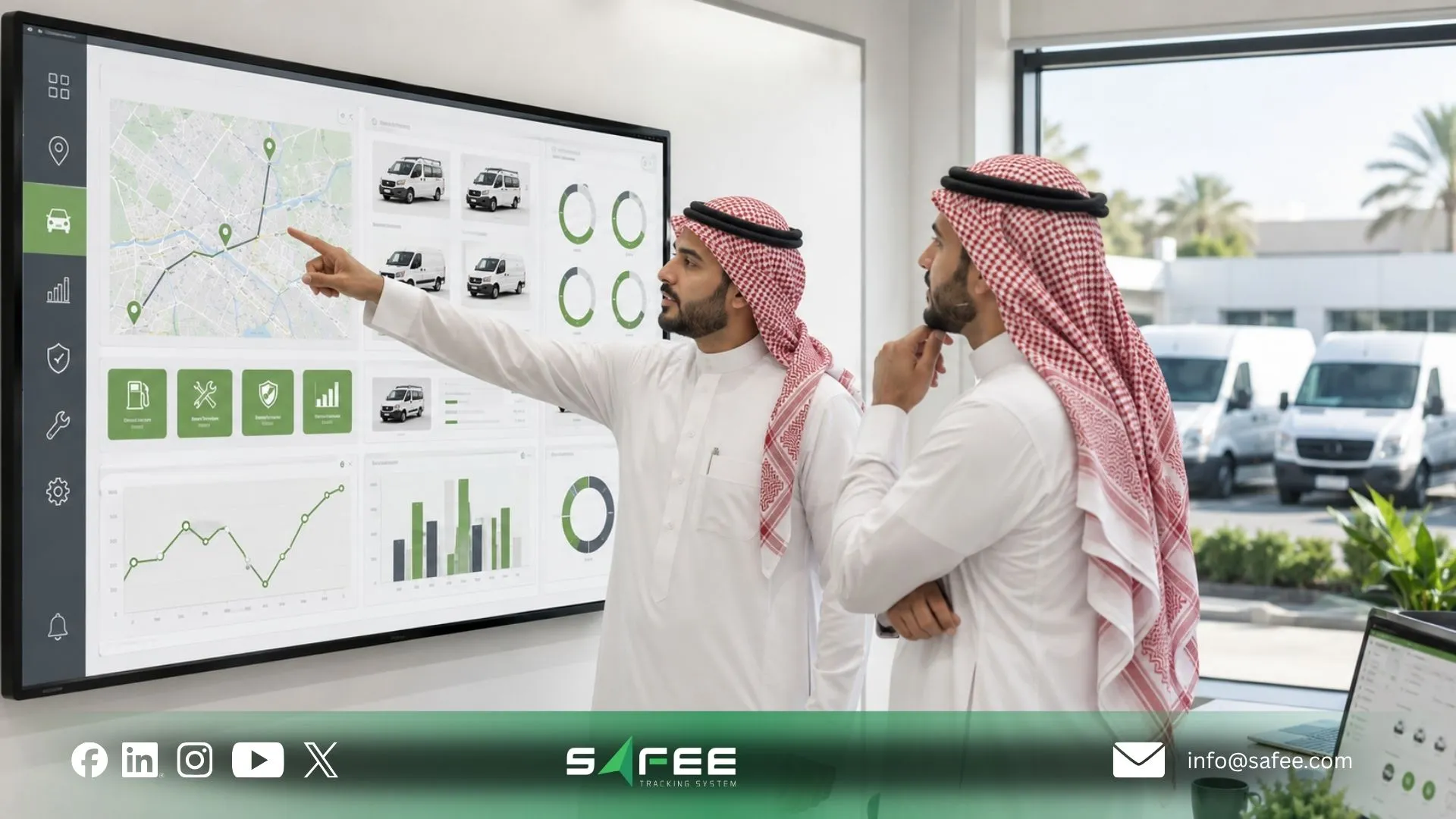
Rolling out your fleet management program month by month
A rollout should progressively turn technology into an operating routine. Different fleet management programs may activate different modules and workflows, but the sequence should still move from correct structure and ownership toward adoption, governed exceptions, recurring reporting, and management review.
There is no universal month-by-month deployment schedule. Fleet size, existing data quality, hardware, integrations, business processes, operating locations, internal approvals, and selected modules can all change the implementation path.
The stages below should therefore be treated as management checkpoints, not promised implementation dates.
At each checkpoint, review four layers:
- Configuration: Is the system structured correctly?
- Adoption: Are the intended users actually working through it?
- Governance: Are alerts, permissions, tasks, and reports owned?
- Outcome: Is the program helping management make better fleet decisions?
A practical sequence begins with visibility and ownership, then strengthens exception handling and operational workflows, and finally focuses on recurring review and optimization.
Bus fleet management programs and other specialized variants
Bus fleet management programs follow the same program architecture as other vehicle fleets, but the emphasis of individual workflows can differ. The framework stays consistent; the operating risks, roles, routes, alerts, and reporting priorities determine how it is configured.
A bus operation may need stronger attention to:
- Vehicle groups and operating sites;
- Routes and Geofences;
- Driver identification and assignments;
- Operating schedules;
- Vehicle readiness;
- Maintenance;
- Location exceptions;
- Driver behavior;
- Reporting by vehicle, group, site, or operating period.
Other specialized fleets adjust the same underlying framework.
An oil and gas operation may put greater emphasis on Journey Management System (JMS), HSE access, driver monitoring, remote operations, maintenance readiness, and exception escalation. Safee positions JMS around structured journey planning, monitoring, and review.
Cold-chain operations may need temperature-related sensor information alongside vehicle location and operational data. Government fleets may emphasize access control, accountability, reporting, journey governance, and auditable operational records.
The lesson is not to create a completely different program for every industry. Keep the governance architecture consistent, then change the modules, alerts, roles, data sources, and review criteria around the actual operating risk.
Fleet management program sample for months 1, 3 and 6
The following fleet management program sample illustrates how an organization might structure management checkpoints after deployment begins. It is not a prescribed Safee implementation timeline.
Month 1: Establish the operating baseline
The first review should confirm whether the program’s foundations are usable.
Check whether:
- The correct vehicles are represented;
- Driver assignments are working as intended;
- Sites and vehicle groups match the operating structure;
- Users have the right permissions;
- Relevant vehicles are communicating;
- Important alerts are configured;
- Alert recipients and escalation owners are defined;
- Managers know where to find the information required for daily control.
This is primarily a data, configuration, ownership, and adoption review.
Month 3: Move from visibility to managed workflows
Once teams have operational experience, review whether the configuration creates useful actions rather than simply more data.
Look at:
- Alert noise versus useful exceptions;
- Unresolved alarms;
- Driver assignment quality;
- Maintenance workflow;
- Reports actually being opened and reviewed;
- Repetitive manual exports;
- Information that another business system requires;
- Access requests or unnecessary permissions;
- Functions users are bypassing through spreadsheets or messaging.
This checkpoint identifies whether the technology has become part of the operating process.
Month 6: Evaluate management value
The later review should focus increasingly on decisions.
Which exceptions keep recurring? Which reports change action? Which workflows remain manual? Which teams still work from different versions of the same fleet information? Does a specialist module now have a justified use case?
Safee’s Fleet Reporting can support scheduled reporting, while Tracking Data Analyzer (TDA) provides deeper analysis of operational data where deployed.
Use our Fleet Reporting Module to review how filtered and scheduled reporting can support recurring program reviews.
Want to turn these checkpoints into a program specific to your fleet? Request a Safee demo focused on your users, modules, reports, alerts, and review workflow rather than a generic feature tour.
14 things fleet management modules must cover from day one
A strong day-one setup does not mean activating everything. It means making sure the essential control questions have answers.
- Fleet structure: Define vehicles, assets, sites, categories, branches, groups, and other organizational structures needed to manage access and reporting.
- User ownership: Identify the person responsible for overall program governance and the owners of individual workflows.
- Role-based permissions: Define which users can access which vehicles, sites, drivers, modules, and reports.
- Vehicle visibility: Establish which assets require live operational visibility and what status information users need.
- Driver identification and assignment: Decide how drivers are connected to vehicles and who maintains those records.
- Alarm policy: Define each important alarm condition, recipient, response, escalation path, and closure expectation.
- Geofence and route requirements: Determine which sites, operating zones, or route boundaries need monitoring.
- Maintenance ownership: Define maintenance tasks, triggers, responsibility, follow-up, and vehicle-readiness review.
- Journey governance: Identify which operations require structured journey planning, authorization, monitoring, or post-journey review.
- Reporting cadence: Decide which information requires live monitoring and which should be reviewed through recurring reports.
- Data quality responsibility: Name the team responsible for correcting driver, vehicle, device, grouping, and other master-data problems.
- Integration boundaries: Identify which records belong in the fleet environment and which information must be exchanged with ERP, waybill, asset-management, or other systems.
- Exception escalation: Define what happens when a vehicle disconnects, an alert remains unresolved, maintenance becomes overdue, or another important workflow fails.
- Management review: Establish a recurring review of permissions, alerts, reports, adoption, recurring exceptions, module use, and operational outcomes.
Our own IoT fleet-management guidance similarly emphasizes mapping incoming device information into operational fleet context, assigning access and permissions, defining alert logic, establishing reporting cadence, and planning business-system integrations instead of treating connected data as an end in itself.
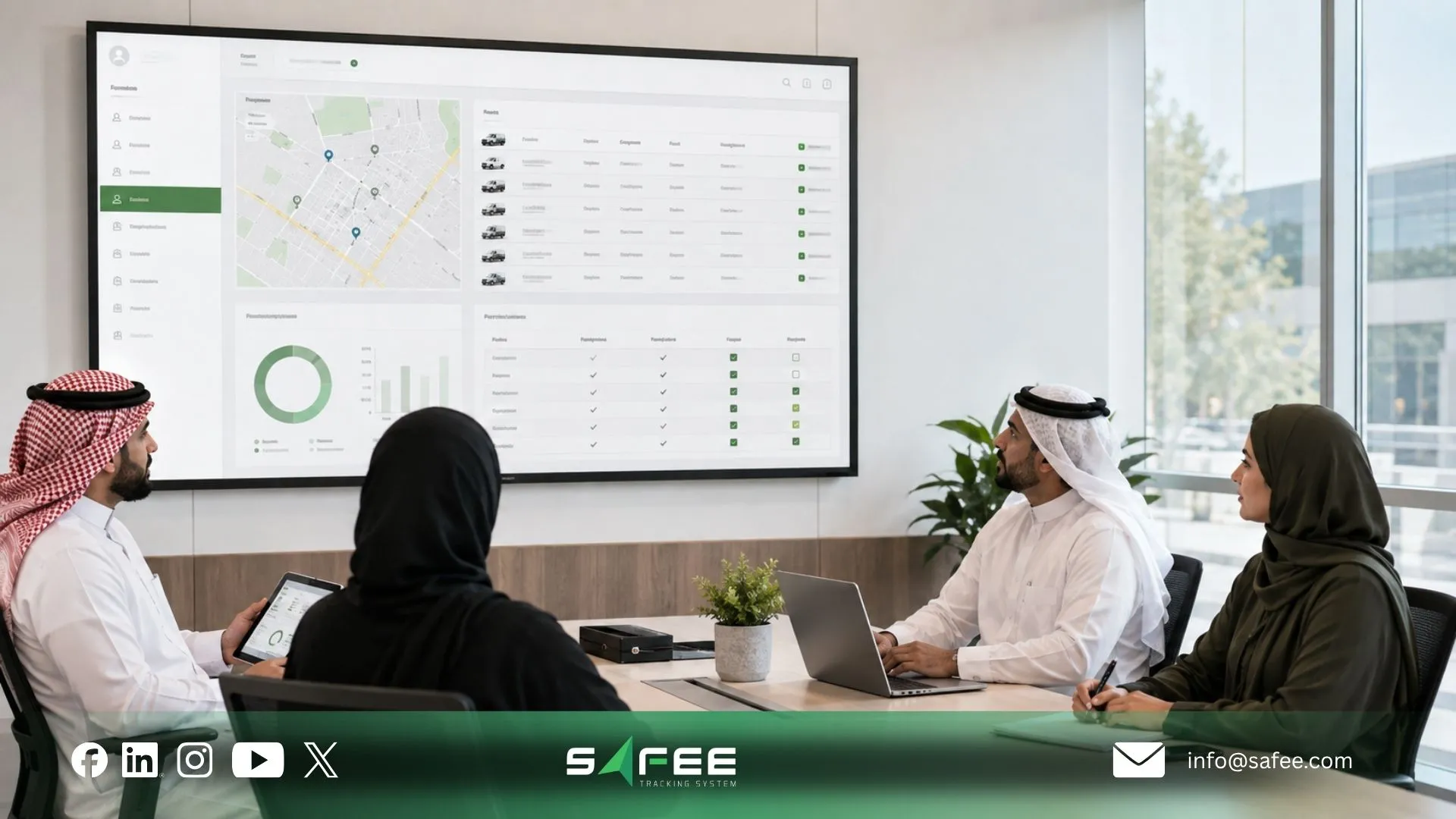
Safee: The fleet management program in a single portal
Safee brings fleet-management and telematics capabilities into one connected platform, including administration, tracking, monitoring, alerts, driver workflows, maintenance, reporting, journey management, analytics, sensors, and supported integrations. For a fleet management program, the value of that architecture is that governance can be designed around connected operational context rather than around a separate process for every isolated tool.
That distinction fits the requirements of a fleet management program particularly well.
The goal is not simply to centralize screens. The program needs shared operational context:
- Vehicle data connected with driver information;
- Alerts connected with the people expected to respond;
- Maintenance connected with vehicles and assigned tasks;
- Journeys connected with operational monitoring;
- Reporting connected with management review;
- Permissions connected with organizational responsibility;
- Integrations connected with clearly defined record ownership.
Our Administration Panel supplies the administrative structure around users, vehicles, sites, groups, configurations, and permissions. Other modules then operate within that broader environment.
Safee vs a program built from separate modules
| Element | Separate Modules | Safee |
| Portal & permissions | Access and permission models must be managed across the selected tools. | Administration Panel supports centralized user and vehicle management with tailored role-based permissions. |
| Module structure | Capabilities depend on the scope and architecture of each selected tool. | Essential, Advanced, and Added Value Modules are available within the platform. |
| Business integration | Interfaces must be planned for each system that needs to exchange fleet data. | Our platform states that its APIs support integration with ERP, waybill, and asset-management tools. |
| Hardware support | Compatibility depends on the hardware and interfaces supported by each tool. | Safee is Hardware Agnostic and supports integration with diverse compatible hardware and sensors. |
| Support | Support coverage depends on the vendor and contract for each tool. | 24/7 support is available. |
The important difference is operational: a connected platform reduces the number of separate environments the organization must govern, but it does not remove the need to define ownership, permissions, data quality, escalation, and review responsibilities.
With disconnected point tools, the organization must decide how identities, vehicle records, permissions, integrations, and reports stay aligned across each environment. Even when every specialist tool performs its individual task well, the organization still owns the work of connecting those tasks into one program.
With Safee, capabilities such as Administration Panel, Fleet Monitoring & Insights, Alarms and Alerts, Driver Management, Maintenance Management, Fleet Reporting, JMS, and TDA can sit within the same broader fleet-management environment.
That does not eliminate the need for governance. It makes it possible to apply that governance without designing a separate operating model around every individual fleet tool.
How Safee structures the modules, portal and review cycle for you
At Safee, we support the three layers a structured fleet program needs.
- 1. Structure the operating environment: The Administration Panel provides the administrative foundation for users, vehicles, drivers, sites, categories, configurations, groups, and permissions. That gives the organization a place to translate its operational structure into system access.
- Connect the required fleet workflows: The relevant modules can then support the processes the organization actually needs: Live Vehicle Tracking and Fleet Monitoring & Insights for visibility, Alarms and Alerts for configured exceptions, Driver Management for driver-related workflows, Maintenance Management for maintenance control, JMS where structured journey workflows are required, and TDA for deeper analysis.
- Create a review cycle: Fleet Reporting can turn fleet information into scheduled and filtered reporting for recurring operational review rather than forcing teams to reconstruct the same management view manually each time.
The program owner can then review what matters: unresolved exceptions, vehicle readiness, driver activity, operational trends, permissions, data quality, reporting needs, and whether additional modules or integrations now have a defined business case.
To discuss program configuration, users, modules, and rollout requirements, contact us.
For API and enterprise-system planning, review our Business Integration guidance.
FAQs about setting up a fleet management program
How is a fleet management program different from an FMS?
A fleet management program is the ongoing operating framework covering ownership, workflows, policies, modules, permissions, reporting, and review. A fleet management system (FMS) is the technology used to support those activities, so the system is part of the program rather than the entire program.
Which modules should you activate first?
Start with the modules required to establish operational control: administration and permissions, vehicle visibility, alerts, driver management, maintenance, and reporting where relevant. Add specialist capabilities only when there is a defined workflow, responsible user, data requirement, and operational reason to use them.
Who should own the fleet programme inside a company?
Assign one accountable program owner close to fleet operations while giving HSE, Maintenance, IT, Finance, and other relevant teams ownership of their specific workflows. A single overall owner prevents fragmented governance while shared role-based visibility keeps the program cross-functional.
How often should the programme be reviewed?
Review frequency should follow the operational decision being made rather than one universal schedule. Live exceptions may require immediate attention, operational reports can follow the organization’s chosen cadence, and broader program reviews should periodically reassess permissions, alerts, workflows, data quality, module use, and outcomes.
Ready to improve your fleet operations?
Tell us what you would like to improve. A Safee specialist will reply by email.
Usually replies within one business day • No sales spam
Your details are used only to respond to your request. Privacy Policy

