

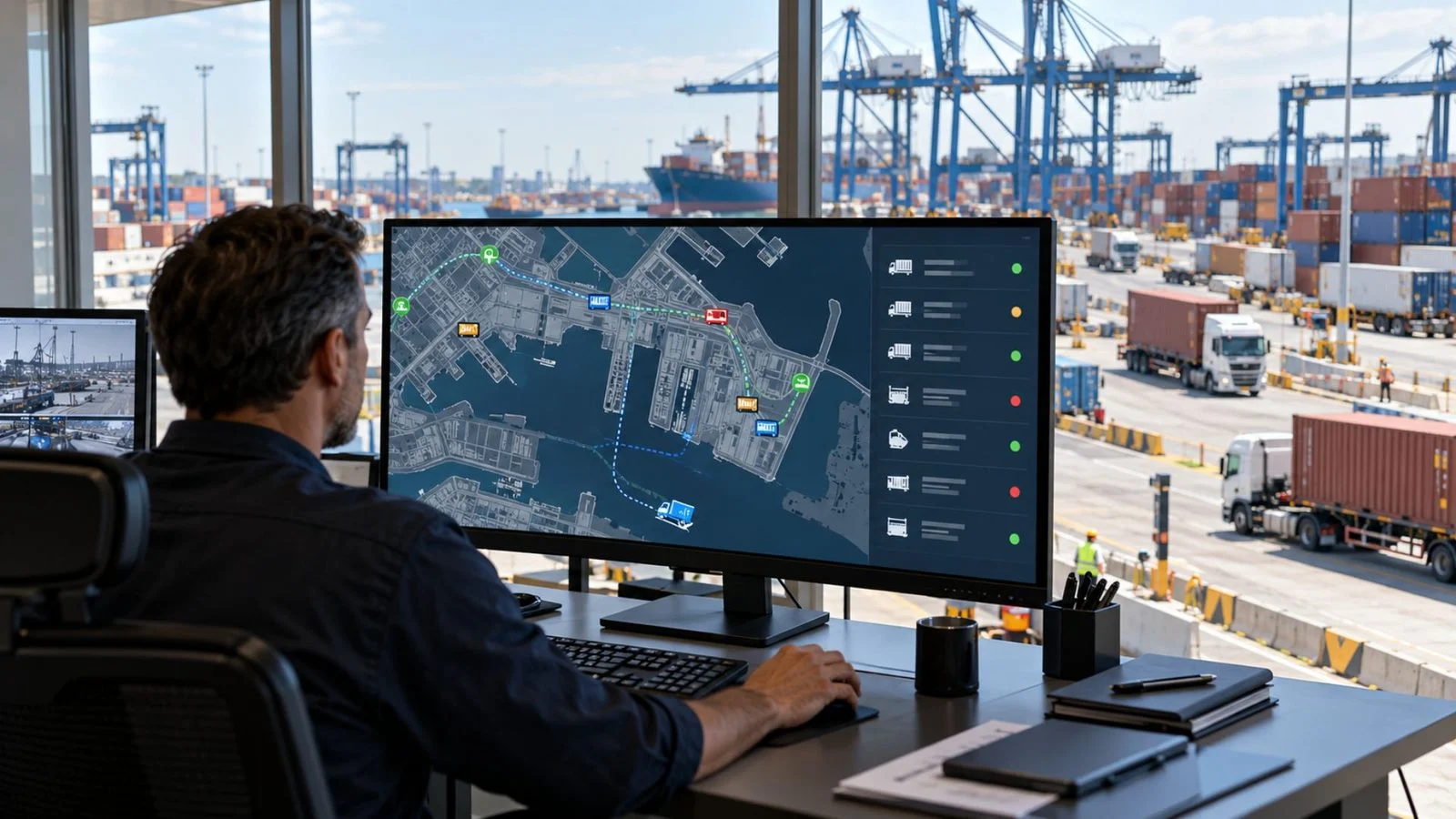
Container Tracking System: Track Containers, Not Just Trucks
With containers moving between GCC ports, yards, and customer sites, a container tracking system has to show more than where the truck is. Containers change trailers, wait in yards, and pass through terminal gates. Your team also needs to know which truck carried each one and who holds it now.
Many fleets can see the truck on the map but cannot say where the container went after a yard drop or a trailer swap. The truck is tracked; the container is assumed.
What does a container tracking system show?
A container tracking system combines asset identifiers, location data, and movement records to show where a container was last recorded and, when supported, where it is now. Direct location updates require a compatible tracking device on the container, while vehicle assignments and handover records provide inferred locations or documented movements.
Three things are often mixed up: the truck, the trailer or chassis the container sits on, and the container itself. Each can have a location, but they do not always move together. A truck reports through its own tracking unit. A trailer reports through the truck while attached, or through its own unit if one is fitted. Without its own location tracker, a container has no independent live position feed. Its movements may still be recorded through RFID or barcode scans and handover records, but these provide recorded events rather than continuous GPS location updates.
What matters is a clear link between each container, the trailer and truck carrying it, and the trip. With that link, your team can answer “who had this container, and when?” without phoning drivers or rebuilding events from spreadsheets.
Container position vs truck position
Container GPS tracking means a position reported by a device on the container itself, not inferred from the vehicle carrying it. When a container is confirmed to be on a trailer attached to a tracked truck, the truck’s position can serve as an inferred container location. It is not an independently verified container position, and the inference stops being reliable when the container-to-vehicle link changes or cannot be confirmed.
That guide stops working when:
- The trailer is detached and left in a yard, at a customer site, or at a terminal.
- The container is lifted off and stacked, or moved to another chassis.
- The truck leaves on another trip while the trailer or container stays behind.
- The truck’s tracking unit is replaced, offline, or linked to a different vehicle record.
- The container number on record does not match what was actually loaded.
Our Live Vehicle Tracking gives your team current vehicle position, geofence activity, and trip history for tracked vehicles. It answers where the truck is. On its own, it does not answer where the container is, and treating the two as the same is a common mistake.
A simple test: if the truck drives away, can your team still show where the container is? If the answer is “we would call someone,” the container is not really tracked yet.
Which container tracking method fits your operation?
The right tracking method depends on whether your team needs a container’s current location, its last recorded movement, or proof of a handover.
| Operational need | Tracking method | What your team can verify |
|---|---|---|
| Locate a container after it leaves the truck or trailer | A dedicated container GPS or satellite tracker | Direct location updates, subject to device power and connectivity. |
| Follow a container while it travels on an assigned truck or trailer | Vehicle or trailer tracking linked to the container ID | An inferred container location while the asset association remains valid. |
| Confirm movement through ports, terminals, or yards | Gate records, barcode scans, or RFID events | Where and when a container was recorded at a specific checkpoint, not its continuous location. |
| Verify a container handover between operators | Timestamped handover records linked to the container ID | Who released or received the container, when, and where the handover was recorded. |
Truck tracking alone cannot confirm a container’s location after it is unloaded or reassigned. Before choosing a system, identify which movements need direct tracking and which can be documented through asset assignments or handover records.
Safee supports the vehicle, trailer, and journey side of this process. Direct container tracking devices and external terminal data connections require separate technical scope confirmation.
Why visibility breaks at a handover
Container visibility rarely fails mid-road. It fails at handovers, where the container changes carrier, location, chassis, or responsible party. Typical points include terminal gates, yard drops, trailer swaps, driver changes, transfers between subcontractors, and delivery to a customer who holds the unit until collection.
At each handover, three things can break:
- Identity: The container number, trailer ID, truck, and driver sit in different places, or one is missing.
- Location: The truck leaves, so its position no longer represents the container.
- Time: Nobody can say exactly when the handover happened, so delay, detention, or damage questions stay open.
Ports make this more important. DP World’s Jebel Ali Port page describes terminal services such as direct truck access, digital container track-and-trace systems, and reefer container handling and monitoring. The terminal operator keeps those records, while Safee covers the truck, trailer, and journey on the fleet side. Decide in advance which record you will trust for each question.
If your team still relies on driver calls and gate notes to find a container, talk to a Fleet Expert to map one real container trip with us.
Also read: 6 Ways Asset Tracking in Fleet Operations Protects ROI
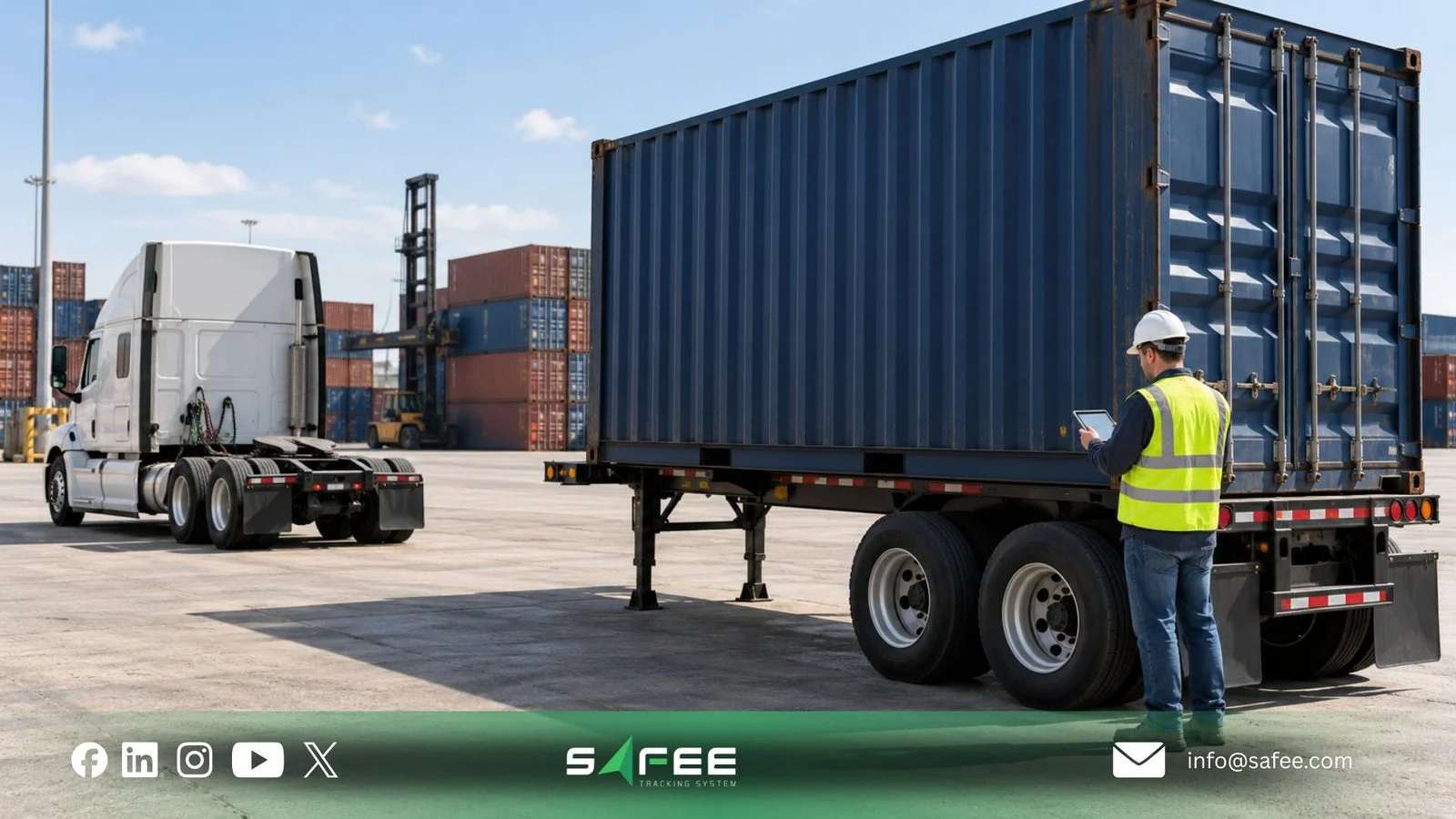
Trailer and container tracking: identity, power, and handovers
Trailer and container tracking works when three questions have clear answers. What identifies each asset? What powers its tracking device? How is each handover recorded? Identity decides whether records can be linked, and power decides whether a device keeps reporting after the truck leaves. Handover records show who held the container and when.
Settle these before you choose hardware. A setup built around the wrong power or identity model can look complete in a demo and fail in the yard.
Linking containers to trailers and journeys
In Safee, you manage the truck, trailer, and journey parts of that link directly:
- Trailer records: Your team creates and manages trailers in the Administration Panel, alongside vehicles, drivers, sites, categories, and groups.
- Trailer assignment: You can assign a trailer to a vehicle manually, by trailer or by vehicle. Safee can also assign it dynamically from trailer connect and disconnect events, where the device is set up to send them. A third option is an API vehicle update with a trailer reference.
- Trailer history: Trailer reports show which vehicles pulled a trailer, and which trailers a vehicle pulled, over a chosen period.
- Trailer details in other reports: You can add trailer information to the Journey Report, Alarms Report, Load Tracking Report, vehicle trips report, and geofence movement report.
- Trailer Explorer: One view lists your trailers, the vehicle currently connected, the last connected vehicle after a detach, the last location, and the recent trail.
Use the container’s ISO 6346 identification number as the primary reference for intermodal freight containers. Verify the number against the physical container and shipping documents before linking it to a trailer, vehicle, or journey.
In Safee, agree on where this reference will be recorded, such as the shipment reference in the Shipment Report, and who will update the association whenever a container is picked up, transferred, or released. A reference field alone does not automatically verify the container’s identity or maintain its assignment history.
Our commercial fleet management guide makes the same point: vehicle, trailer, container, load category, journey, weight, and location records may each need to be managed separately. For the trip itself, our Journey Management System (JMS) supports planned and approved journeys, and Fleet Reporting gives your team scheduled, exportable records to review.
Powered and unpowered assets
Power separates assets that keep reporting from assets that go silent. A truck’s tracking unit draws power from the vehicle. A trailer may have power only while connected to a truck. A dry container usually has no power of its own, while a refrigerated unit may.
Each asset type gives you a different kind of visibility:
- Truck: Powered and reporting through its tracking unit, with position, trip, and driver details.
- Unpowered container: Needs a battery-powered tracker, a tag, or another device to be tracked directly.
- Attached trailer: Identified through assignment, connect events, or its own unit, with its position following the truck.
- Refrigerated container: May share temperature or status data through its own controller or a fitted sensor. Confirm what can be read and how it reaches the platform.
- Detached trailer: Provides independent location updates only when a compatible tracker is fitted and reporting. Otherwise, your team relies on its last recorded location and assignment history, which do not confirm its current position.
Safee supports weight sensing for vehicles and trailers, and temperature sensing for vehicles, where compatible sensors are installed. It also supports a workflow where an RFID-tagged waste container is linked to a collection event, vehicle, time, location, and weight. That waste workflow is not intermodal or tank-container management.
We do not list direct position tracking of unpowered shipping containers, or a dedicated container ID field, among our standard features today. Treat both as project scope to confirm with us before you buy hardware.
Detached trailers can still keep their identity. Where supported trailer-mounted weight units are used, the unit’s serial number can act as the trailer ID for dynamic assignment. Check that your hardware supports this before relying on it.
Tracking handovers with geofences
Handovers are easier to record when they are tied to places such as a yard, depot, terminal gate, or customer site. Geofences are virtual boundaries drawn around a location, and they make those places visible to the system.
Safee supports geofences with entry and exit alarms, and geofence reports that show how vehicles moved through them. The movement-between-geofences report starts a journey when a vehicle leaves a start geofence and ends it when the vehicle returns. Destinations passed on the way appear as sub-journeys. Our logistics guidance recommends geofences for warehouses, hubs, yards, depots, and customer sites.
For each container handover, record the container ID, event time and location, releasing and receiving parties, and the associated vehicle or trailer where applicable. Identify whether the event was confirmed manually, through a device event, or by an external record.
Geofence and trailer connection events can support this record, but they do not independently confirm that responsibility for the container has transferred. Keep the handover confirmation alongside the relevant journey or shipment reference.
When a trailer is detached, review these points:
- Check that the disconnect event, or the manual assignment change, was recorded with a time.
- Review the trailer’s last location, recent trail, and last connected vehicle in Trailer Explorer.
- Check whether the trailer disconnect event was recorded while the truck was inside the expected yard, depot, or customer geofence. This helps verify the detach location but does not confirm that the container was unloaded or handed over.
- Check whether anyone acted on the trailer connected or disconnected alarm.
- Open the Journey Report with trailer details shown, and check that the container reference matches.
Common mistakes include leaving a trailer assigned to a truck that has moved on and using the truck’s route as the container’s route. Another is a disconnect alarm that nobody receives. Alarms and Alerts can surface the events you configure, but your fleet decides who receives them and what happens next.
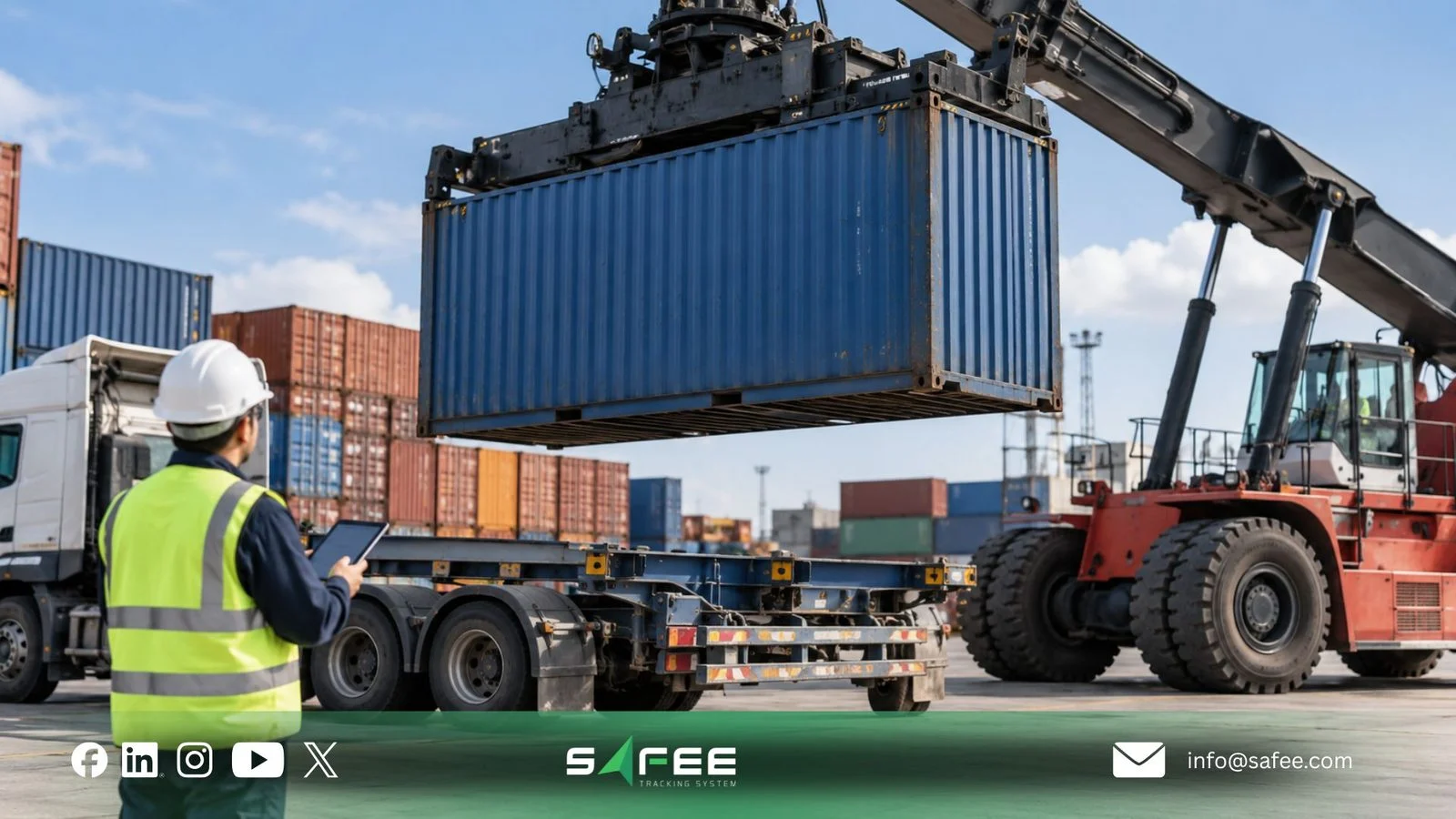
How to prepare a container tracking system deployment
Preparing a container tracking system starts with the question you need to answer, not the device you want to buy. Do you need to know where a container is, when it changed hands, how long it stayed at a site, or what condition it was in? Each question points to different hardware, IDs, and reports.
Choosing container hardware
Choose container hardware to suit the asset it will sit on. A device that works on a powered trailer may not suit an unpowered container, and the reverse.
Before you buy, agree on:
- Whether each container is powered, unpowered, or refrigerated.
- Where the device mounts, and whether it survives stacking, handling, and weather.
- Battery life, reporting interval, and what happens when the battery runs low.
- Network coverage on your routes, in yards, and inside terminal areas.
- How the device ID links to the container number, the trailer, and the journey.
- Who the container belongs to, and who installs, maintains, and recovers the devices.
Also ask what the platform shows when a device stops reporting, and which reports can carry the container number.
If you want to know what Safee can support for your containers, request a Safee Fleet Demo to review your container hardware with our team before you buy.
11 things to check before rollout
- Container number: Verify the ISO 6346 identifier for each intermodal freight container and consistently link it to the correct shipment, trailer, and vehicle records.
- Trailer records: Set up every trailer or chassis that carries containers as a trailer record with its own ID.
- Trailer assignment: Decide whether each trailer is assigned manually, dynamically, or via API, and who updates it.
- Container types: List powered, unpowered, and refrigerated containers separately.
- Container devices: Confirm which device, if any, will report from each container type.
- Coverage: Test coverage on the route, in yards, and around the terminal.
- Geofences: Set up yards, depots, terminals, and customer sites as clearly named geofences.
- Handover records: Document each pick-up, transfer, drop-off, and release with the event time, location, responsible parties, and confirmation source.
- Reports: Test the Journey, Shipment, Load Tracking, and trailer reports with real container references.
- Alarm response: Name the person who acts on each trailer disconnect or geofence exit alarm.
- Access and privacy: Agree on user roles, retention rules, and what you tell drivers.
On the last point, our driver welfare and privacy guidance recommends telling drivers what is monitored, why, and who reviews it. It also recommends retention rules, role-based access, and exception-based review instead of continuous surveillance.
If several of these checks still live in separate spreadsheets, get a Fleet-Fit Recommendation to see which ones Safee can bring into one place.
Also read: Port Fleet Management in the UAE: From Yard and Gate to Delivery
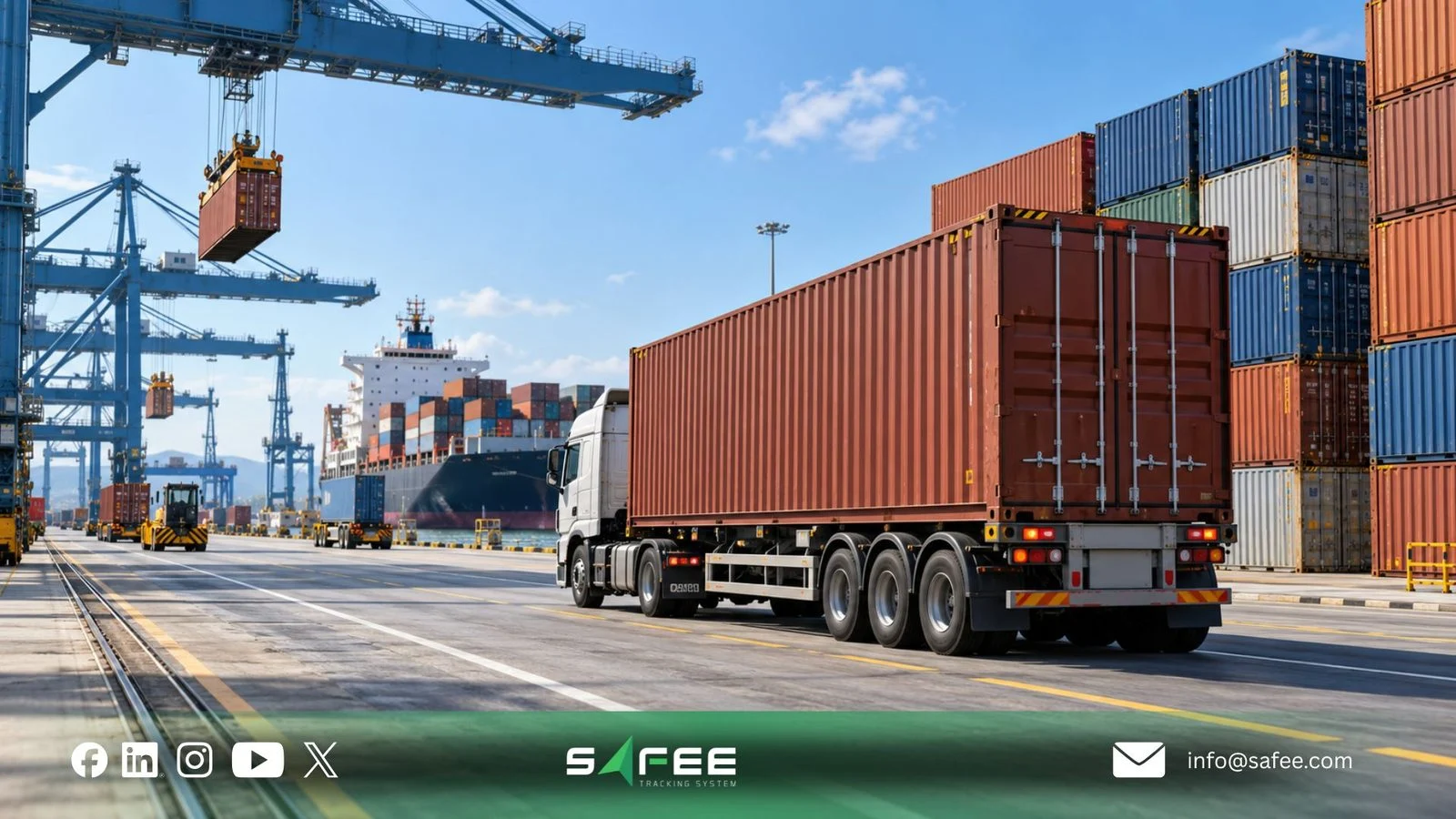
How Safee helps with container tracking
At Safee, we help you track the road side of every container trip: the truck, the trailer, and the journey. With Safee, your team gets:
- Live Vehicle Tracking for current truck position, geofence activity, and trip history.
- Administration Panel records for vehicles and trailers, with manual, dynamic, or API trailer assignment.
- Trailer Explorer and trailer reports to see where a trailer was last seen and which vehicles pulled it.
- Geofences and Alarms and Alerts for entry, exit, and trailer connect or disconnect events.
- JMS for planned and approved journeys, and Fleet Reporting for scheduled, exportable records.
- Weight sensing for vehicles and trailers, and temperature sensing for vehicles, where compatible sensors are installed.
We do not connect to terminal or port systems, and we do not track vessels or AIS. Our role covers the road side of the container trip.
Truck-only tracking vs Safee's trailer and journey visibility
| What to compare | Truck-only tracking | Safee’s truck and trailer management |
|---|---|---|
| Asset identity | Truck location, with container and trailer details maintained separately. | Vehicle and trailer records, with manual, dynamic, or API-based trailer assignment where supported. |
| After a trailer detach | The truck’s position no longer represents the detached trailer or container. | Trailer Explorer provides the last recorded trailer location and connected vehicle. Live trailer positioning requires compatible tracking hardware. |
| Container handovers | Driver calls and manually maintained gate or delivery records. | Geofence and trailer connection events help verify movements, but container handovers still require confirmation records. |
| Trip history | Truck movement history without a confirmed container association. | Journey and trailer reports provide movement and assignment history, with container references maintained through the agreed workflow. |
| Container visibility | Container location is inferred from the truck while their association remains valid. | Truck and trailer data help trace container movements, but direct container tracking requires separately confirmed devices and integration scope. |
Safee helps fleet teams manage the road-side movement of containers through vehicle, trailer, journey, and event records. It does not independently confirm every container’s current location or transfer of custody without the necessary tracking and handover data.
What to track after go-live
These indicators show whether container visibility is improving:
- Share of container moves with a complete link between container, trailer, truck, and journey.
- Container location visibility: Measure how long it takes to retrieve the latest available location or movement event, including its timestamp and source. Distinguish between directly tracked, inferred, and last-known locations.
- Trailers still assigned to a truck that has already left.
- Trailer disconnect alarms that nobody acted on.
- Containers whose reference is missing from journey or shipment reports.
If you are weighing a container tracking system for mixed powered and unpowered assets, contact our team to plan a test on your own trailers and containers.
FAQs about container tracking systems
Does the truck position show where the container is after a detach?
No. Once the trailer is detached or the container is moved, the truck position no longer represents the container. You need the last trailer assignment, the trailer’s last location, the geofence where the detach happened, and a device on the trailer or container if one is fitted.
Can a trailer be linked to a truck automatically?
Yes. Safee can assign a trailer dynamically from connect and disconnect events, when the device sends them. An API vehicle update with a trailer reference works too. You can also assign trailers manually, by trailer or by vehicle.
What is the difference between a trailer and a container in tracking?
A trailer or chassis is the unit the container sits on, and Safee manages it as its own record with assignment and history. A container is the box itself, and it reports a position only if a device or tag is fitted to it.
Does Safee track vessels or connect to port systems?
No. Safee covers the road side of the trip: trucks, trailers, handovers, and journeys. Vessel and AIS tracking are outside our role, and terminal records stay with the terminal operator.
Ready to improve your fleet operations?
Tell us what you would like to improve. A Safee specialist will reply by email.
Usually replies within one business day • No sales spam
Your details are used only to respond to your request. Privacy Policy

