

Offline Fleet Tracking: What to Do When Coverage Drops
Offline fleet tracking starts with one question: what happens to your data when the network drops? Where is it stored, when is it sent, and who knows that it is late? On desert, mining, oil and gas, and long-haul routes, the answer decides whether a coverage gap is a short delay or a real blind spot.
In this article, we cover:
- What offline fleet tracking means in practice.
- Why a vehicle stops reporting, and how to read the signs.
- How stored records and SatComm fit on remote routes.
- How to test coverage on your own routes before rollout.
- How Safee helps you see and manage connectivity gaps.
What is offline fleet tracking?
“Offline” describes the data path, not the vehicle. A truck can be moving normally, with its tracking unit powered and receiving satellite signals, while the control room sees nothing new on the map.
A position passes through five steps before it reaches your screen. The tracker calculates a position and attempts to transmit it. Depending on the device, it may store records during a connection loss. The platform displays received data and generates alerts when the configured conditions are met. Each step fails for different reasons, so treating every gap as one “connection problem” slows down the response.
Position without a mobile network
A tracker can calculate its position without a mobile network. GPS is one of several satellite navigation systems (GNSS), and the receiver uses their signals to work out where the vehicle is. Sending that position to the platform is a different step. As our GPS tracking accuracy guide explains, it usually needs a separate communication channel, and most standard deployments use cellular networks.
So a vehicle can “know” where it is while the control room does not. The reverse also happens: the network is fine, but the receiver cannot see the sky. Tunnels, underground parking, covered yards, steel structures, mines, and enclosed industrial sites can block satellite signals completely. Tall buildings can also reflect signals, which distorts the position and causes GPS drift.
Installation and antenna placement affect GPS positioning accuracy, while surrounding structures can block or reflect satellite signals. Reporting intervals and delayed transmission affect how current a vehicle’s position appears on the platform. Test both location accuracy and data freshness on your actual vehicles and routes before relying on the results.
In Safee, each vehicle card shows a GPS status of Good, Acceptable, or Bad, based on how many satellites the unit is using to calculate position and speed.
Common causes of a silent vehicle
When someone in the control room says “no signal,” it can mean several different things:
- No position fix: The receiver cannot see enough satellites because of an obstruction, antenna placement, or installation.
- Position but no transmission: The unit knows where it is but cannot reach the network, because of a coverage gap or a SIM or network setting.
- Device or power fault: Poor placement, loose mounting, damaged wiring, grounding faults, SIM issues, unsuitable firmware, or worn hardware.
- Late data: Records arrive, but well after the device created them.
- Old position on screen: The platform keeps showing the last valid point until reporting resumes.
So an offline status does not always mean the GPS failed. Often the device has only lost communication.
A short triage order saves time:
- Compare the last update time with when the vehicle should have reported.
- Check the connection status: Connected, Delayed, or Disconnected.
- Check the last reported GPS status and its timestamp. If the vehicle is disconnected, this reflects the last received data, not necessarily the device’s current ability to determine its position.
- Check whether the last known position was near a known weak-coverage area.
- Check whether other vehicles on the same corridor are also silent.
The last step separates a pattern from a fault. If three tankers stop reporting on the same stretch of desert road, coverage is the likely cause. If one vehicle goes silent while its neighbors keep reporting, check its device, power, SIM, or installation first.
If your control room cannot tell a coverage gap from a device fault, talk to a Fleet Expert to review a few of your silent vehicles with our team.
Also read: Wasl Connection Issues in Saudi Arabia: Diagnose the Data Flow
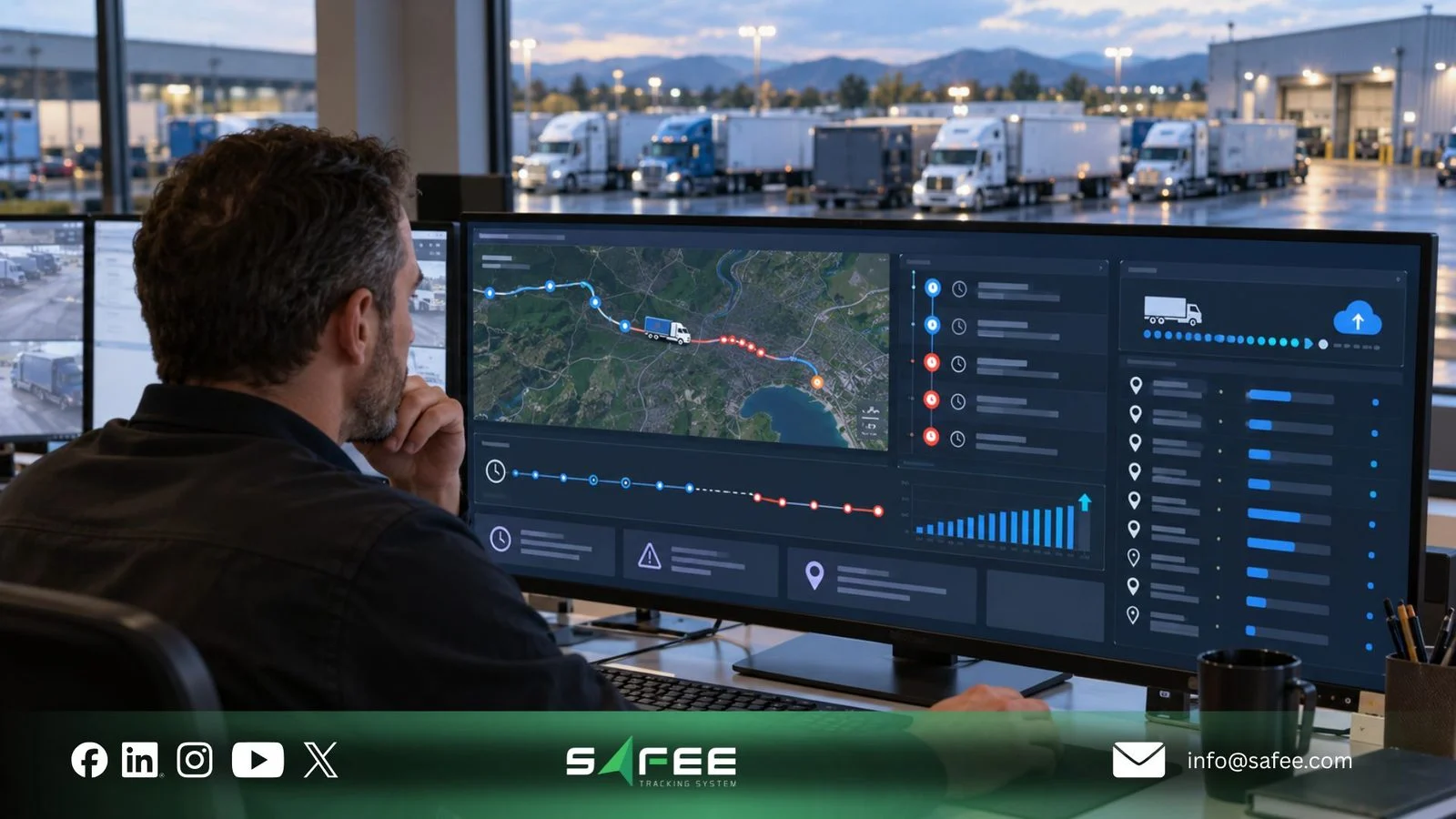
Remote fleet connectivity: position, storage, and transmission
Remote fleet connectivity comes down to three questions. Where is the vehicle? Was its position kept while the network was down? Did it reach the platform, and the right people, in time? The answers depend on the device, the communication service, and the reporting setup.
Reading the last update time
During a coverage gap, the last update time is the most honest information on the screen. The last known location is only the latest valid point received, and a precise-looking point can still be old.
Read every position with its timestamp, the connection status, ignition and movement at the last message, and the route leading up to the gap.
At Safee, we distinguish three communication conditions:
- Connected (Online): The vehicle is communicating normally within its expected reporting interval.
- Delayed: Messages reach the server more than two minutes after they were recorded by the device.
- Disconnected (Offline): No new messages have been received for longer than the company’s configured offline threshold.
The two-minute delay rule measures how late received data arrives. The offline threshold is a separate setting that determines when a vehicle is classified as disconnected.
The difference between device time and server receive time shows how late a received record arrived. It cannot confirm whether other records were lost. To identify possible data loss, compare the received records against the expected reporting interval and review any remaining gaps after reconnection.
You decide when a vehicle becomes Disconnected. In Vehicle Offline Settings, the company administrator sets how long the platform waits for a new message before it changes the status. Disconnected vehicles then appear in dark gray across the platform, and their history stays available.
Choose offline thresholds based on vehicle purpose, reporting intervals, and route connectivity. Where group-specific settings are supported, use different thresholds for vehicles with different operating conditions. A threshold that is too short creates unnecessary alerts, while one that is too long delays the detection of genuine communication problems. Known weak-coverage stretches matter too. A threshold that is too tight floods the control room with false alarms, while one that is too loose lets a real problem sit unnoticed.
Store-and-forward records
Some devices keep recording while they cannot transmit and send the stored records when the connection returns. This is called store-and-forward.
Do not assume every device does this. Storage support and limits vary by model. Missing points come back after reconnection only when the device and its setup support local storage.
Stored records improve the history, so you can rebuild the route and review speed and stop events. They do not give the control room a live view while the vehicle is out of coverage. A route history can be complete by evening even though the vehicle was invisible during the hours that mattered.
Before you commit to a device, ask:
- Does it store records during communication loss, and how many?
- When storage is full, does it lose the oldest records or the newest?
- Does it store events, alarms, and sensor values, or positions only?
- Does it keep the original event time after sending, or the arrival time?
- Do stored records survive a power loss or restart in the dead zone?
- How do reports and integrations handle records that arrive late?
To compare devices, run three scenarios on a real route: a short gap, a long gap, and a gap that ends with a power cycle. Then compare what each device returns: missing points, timestamps, order, and alarms.
Satellite tracking and remote alerts
When a route leaves mobile coverage entirely, our SatComm module adds a satellite path. It supports Orbcomm and Iridium devices in remote and low-coverage areas such as deserts, border areas, and long-haul Gulf routes, as our FAQ also notes.
The satellite device works as a secondary tracker next to the vehicle’s main unit. Your partner grants the module and registers the devices. Your company administrator then assigns it to vehicles and sets a communication threshold for each one: the longest time allowed without a message. If that time passes in silence, the platform raises a Communication lost alarm. Because the threshold is set per vehicle, you can match it to each vehicle’s type of work.
With SatComm, your team can query a vehicle’s current location, explore its location history, and receive panic alarms from in-cab panic buttons. A license sets the maximum number of location requests per day, and satellite communication may carry extra cost under the agreement between the partner and your company.
Remote operations need two kinds of alert:
- In-cab alert: A buzzer or prompt raised by the device itself. It reaches the driver without a network, but whether a device offers it depends on the hardware and setup.
- Control-room alert: A notification to managers, dispatchers, or HSE. Alarms and Alerts sends it by SMS, email, or the app to recipients your fleet defines. Outside coverage, it depends on the satellite channel or on the connection returning.
SatComm is a backup channel that reduces blind spots. It does not guarantee continuous position updates. For remote fleets, a sound setup combines three things: an in-cab alert for the driver, a satellite path for serious events, and clear thresholds for the control room.
If part of your route runs outside mobile coverage, request a Safee Fleet Demo to see how SatComm and the Communication lost alarm work on a remote vehicle.
When to use store-and-forward or satellite tracking
Choose your tracking setup based on what your operation needs during a coverage gap. Store-and-forward and satellite tracking solve different problems.
| Operational need | What to consider | Key limitation |
|---|---|---|
| Recover route history after temporary coverage loss | Store-and-forward on a compatible GPS device | Stored records arrive only after connectivity returns. |
| Check vehicle location or receive supported emergency alerts beyond cellular coverage | A satellite device with Safee SatComm | Update frequency, supported alerts, and costs depend on the device and service plan. |
| Maintain detailed trip records and remote safety communication | Both technologies, where supported | Satellite communication does not automatically transmit all records stored by the primary GPS tracker. |
For remote fleet operations, the deciding factor is whether delayed trip records are acceptable or supervisors need vehicle updates and emergency communication while cellular coverage is unavailable. Test the selected setup on your actual routes before deployment.
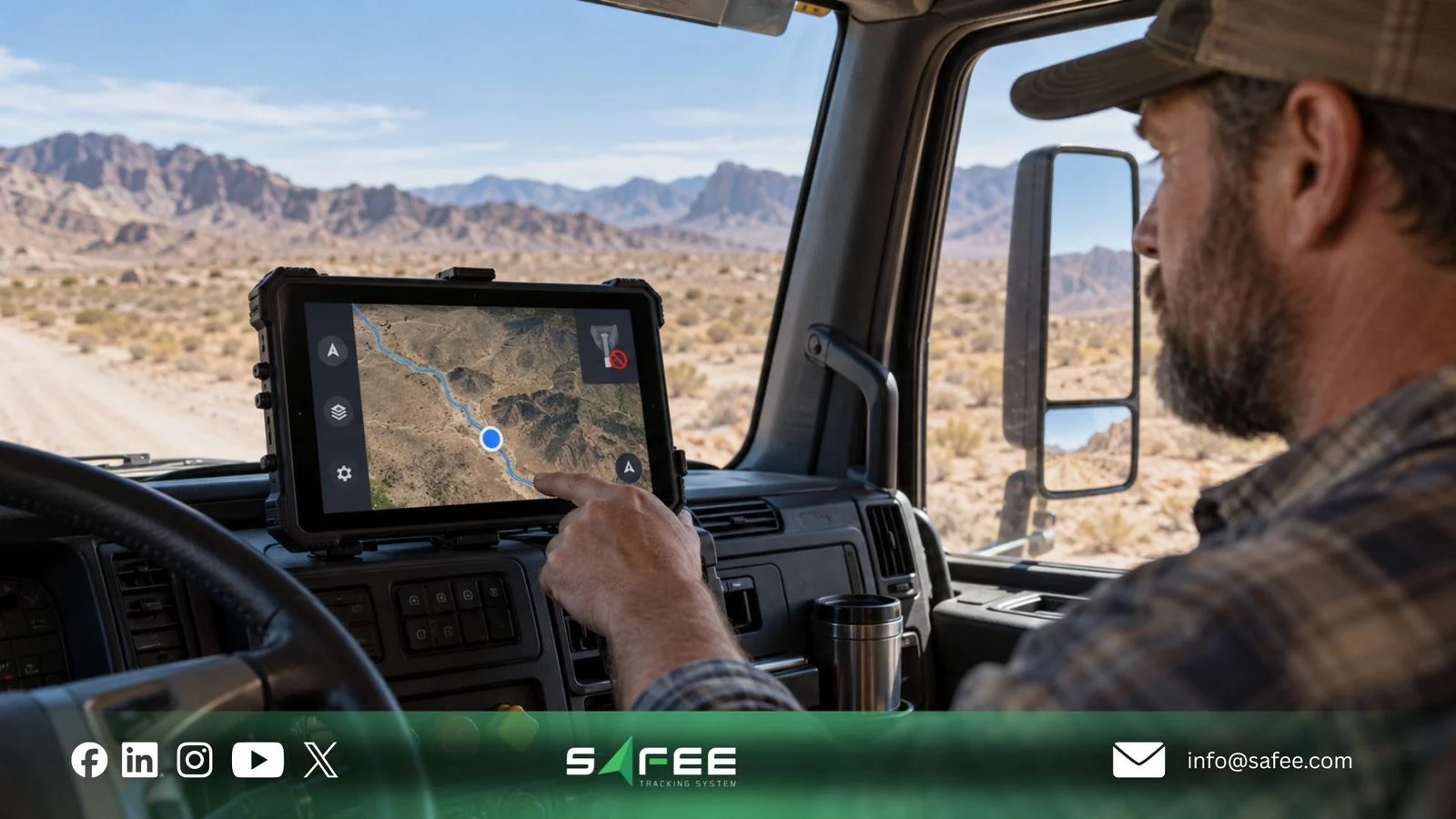
How to test offline fleet tracking on your routes
Do not rely on coverage claims alone. Test them on your own routes. Our oil and gas fleet management guide makes the same point. Remote tracking depends on device setup, connectivity, map coverage, configuration, and operating conditions, so check coverage and update frequency during evaluation.
Before the first test drive, decide how old is too old for each vehicle group. A tanker on live dispatch needs a tighter rule than an asset checked once a day. Then link each rule to a setting. Vehicle Offline Settings drive the Disconnected status, the SatComm communication threshold drives the Communication lost alarm, and alarm recipients decide who hears about it.
12 things to check before rollout
- Route coverage: Mark weak-coverage stretches on each route, using drivers’ experience and past gaps.
- Vehicle purpose: Note whether each vehicle needs live dispatch visibility, route history, or periodic checks.
- Reporting interval: Confirm that the configured interval gives the detail you need.
- Antenna and installation: Check receiver placement, antenna direction, mounting, and wiring on every unit.
- GPS status by site: Use the Good, Acceptable, or Bad status to find yards and sites where satellite signals drop.
- SIM and network: Check SIM status and network settings, since SIM issues can look like coverage gaps.
- Device storage: Confirm whether each device stores records during a gap and keeps them after a restart.
- Event times: Check that records sent after reconnection keep their original event time.
- Disconnected threshold: Configure the available Vehicle Offline Settings thresholds according to operating needs and test when each vehicle changes status.
- Communication lost alarm: Set the SatComm threshold per vehicle and confirm that the alarm reaches the right people.
- Who acts: Name who responds to a Delayed status, a Disconnected status, and a Communication lost alarm.
- Satellite license and cost: Confirm the daily location-request limit and any extra satellite cost in your agreement.
If you want a second opinion on these checks before the first test, get a Fleet-Fit Recommendation to match your devices, thresholds, and alert rules to your routes.
Testing along the actual route
Run the route test as a planned exercise, with success criteria agreed in advance:
- Record each vehicle’s device, reporting interval, thresholds, and alert recipients before the drive.
- Tell the control room, the driver, HSE, and alert recipients what you will test and when. Never run a test that could be mistaken for a real emergency or that distracts the driver.
- Drive the real route in the real vehicle at the usual time, through known weak spots.
- At agreed checkpoints, note the time, GPS status, last update time, and connection status shown in Safee.
- On SatComm vehicles, query the current location at agreed points and note how long the update takes.
- After coverage returns, review the Communication Report and route history for missing points, timestamps, and order.
- Record a pass, a fail, or an open question for each route.
Common mistakes include testing only in good coverage, testing a single vehicle, changing several settings at once, and treating one good drive as proof. If you plan remote trips with approvals and monitoring, use the test results when you set up routes in our Journey Management System (JMS).
Also read: Tanker Fleet Management: Routes, Driver Risk, and Connectivity

How Safee helps with offline fleet tracking
At Safee, we help you see when a vehicle goes quiet, understand why, and decide who acts. Our tools for connectivity gaps include:
- Live Vehicle Tracking shows each vehicle’s GPS status and connection status, and keeps offline units visible.
- Vehicle Offline Settings let your administrator decide when a vehicle turns Disconnected.
- Alarms and Alerts include a device disconnection alarm, with notifications by SMS, email, or the app to the people you choose.
- SatComm adds the satellite path, location queries, panic alarms, and a per-vehicle Communication lost alarm.
- Fleet Reporting supports gap reviews, including the Communication Report and route history.
We do not promise zero blind spots, because what each tool delivers depends on the device, network, and setup on your routes.
Cellular-only tracking vs Safee with SatComm
| What to compare | Cellular-only tracking setup | Safee with optional SatComm |
|---|---|---|
| Location during coverage loss | No new positions reach the platform until cellular connectivity returns. | Supported satellite devices enable on-demand location requests beyond cellular coverage. |
| Tracking history | Compatible devices may store records and upload them after reconnection. | Safee displays received trip history; SatComm does not automatically transmit stored records from the primary tracker. |
| Connection monitoring | Last-update indicators and disconnection alerts depend on the tracking platform. | Safee shows Connected, Delayed, and Disconnected statuses, with configurable offline thresholds. |
| Remote emergency alerts | Cellular-dependent alerts cannot be transmitted during a complete coverage loss. | Supported SatComm devices can transmit panic alerts triggered by an in-cab button over satellite communication. |
| Deployment requirements | Cellular devices, SIM connectivity, and coverage along operating routes. | Additional compatible satellite devices, service configuration, and potentially extra communication costs. |
SatComm helps reduce connectivity blind spots on remote routes, but its capabilities depend on the selected devices, satellite service, and configuration. It does not guarantee continuous tracking or replace the need to test actual operating routes.
What to track after go-live
These indicators show whether your gaps are shrinking:
- Vehicles showing Delayed or Disconnected at each review, by route.
- How long gaps last, and where they cluster on the route.
- Communication lost alarms on SatComm vehicles, and how fast someone responds.
- Gaps filled by stored records after reconnection, and gaps that stayed empty.
- Units with a Bad GPS status, by vehicle and site.
If you rely on offline fleet tracking for remote routes, contact our team to plan a route test before wider rollout.
FAQs about offline fleet tracking
Can GPS find a position without a mobile network?
Yes. The tracker calculates its position from satellite signals alone. Sending it to the platform usually needs cellular or satellite communication, so the control room may not see it until the link returns.
Do stored records give live visibility?
No. A device with local storage keeps recording while it cannot transmit and sends the records later. That improves the history, not the live view. Whether a device stores data, and how much, depends on the hardware and setup.
Does a Disconnected status mean the GPS has failed?
Not necessarily. Disconnected means the platform has received no messages within the threshold you set. The cause can be a coverage gap, a SIM issue, or a power fault, not the satellite signal.
Does Safee SatComm guarantee coverage everywhere?
No. SatComm is a backup satellite channel that reduces blind spots, but it does not guarantee continuous position updates in every condition. Test it on your actual routes before you rely on it.
Ready to improve your fleet operations?
Tell us what you would like to improve. A Safee specialist will reply by email.
Usually replies within one business day • No sales spam
Your details are used only to respond to your request. Privacy Policy

