


Commercial Fleet Management: From DVIR to Asset Lifecycle
A fleet can have complete GPS visibility and still lack control over whether the right vehicle is ready, correctly classified, inspected, assigned, loaded, maintained, and retained in service. That is the practical gap commercial fleet management must close for organizations running revenue-earning or operationally critical vehicles.
In this guide, we at Safee explain how duty and weight class, DVIR and defect-control workflows, heavy-vehicle requirements, container and load context, and truck lifecycle decisions fit into one operating model. We also show where our connected Fleet Management and Telematics environment can support administration, monitoring, maintenance, reporting, journeys, sensors, and integrations and where jurisdiction-specific rules, approval authority, or statutory forms must still be defined and verified by the fleet.
What commercial fleet management covers, and what it doesn’t
Commercial fleet management is the coordinated control of vehicles and related fleet assets used to perform business operations. It connects vehicle administration, driver assignment, operational visibility, inspections, maintenance, safety controls, reporting, asset utilization, and lifecycle decisions.
The important word is commercial. A vehicle exists because it supports an operating obligation: delivering goods, moving equipment, servicing a site, transporting materials, completing long-haul work, supporting field operations, or performing another revenue-producing or organizational function.
That makes the management question broader than:
Where is the vehicle?
The stronger operating questions are:
- Is this the correct vehicle for the job?
- Which vehicle category or operating group does it belong to?
- Is the driver authorized and correctly assigned?
- Is there an unresolved inspection or maintenance issue?
- Is the vehicle, trailer, or load within the operating controls defined for that assignment?
- Which alerts require action before the next dispatch?
- Which records must remain available for management or compliance review?
- Is the vehicle being maintained and utilized well enough to justify keeping it in service?
Our Administration Panel centralizes vehicles, trailers, drivers, sites, categories, groups, user accounts, permissions, and configuration. Those structures can provide the administrative foundation for separating commercial operating groups instead of treating the fleet as one undifferentiated list.
What commercial fleet management doesn’t do is replace the organization’s regulatory interpretation, maintenance engineering, legal responsibilities, workshop decisions, or HSE approval authority. Software can structure records, alerts, assignments, maintenance tasks, reporting, and operational evidence. The organization still needs to determine which rules apply and who is authorized to release, restrict, repair, replace, or dispatch each asset.
Commercial fleet management vs vehicle-type classification
Vehicle-type classification is one input into commercial fleet management, not a substitute for it.
A fleet may classify assets as:
- Passenger vehicles;
- Light commercial vehicles;
- Pickups;
- Service vans;
- Rigid trucks;
- Tractor units;
- Trailers;
- Refrigerated vehicles;
- Specialist vehicles;
- Heavy equipment.
Those labels help describe the fleet. They do not automatically determine the operational rules.
A long-distance truck and a city-service vehicle may both belong to the same company but require different maintenance triggers, driver rules, journey controls, alerts, reports, and inspection procedures. For the vehicle-type split itself, see our Vehicle Fleet Management guide; the operating principle is the same: different vehicle groups can share one platform without automatically sharing identical rules.
A useful commercial-fleet data model therefore separates at least four concepts:
- Vehicle type describes what the asset physically is.
- Duty or weight class identifies the applicable weight-based classification used by the organization or relevant authority.
- Operational category describes what the asset does—for example long haul, site support, refrigerated delivery, or field service.
- Compliance profile identifies which inspection, document, driver, load, maintenance, reporting, or other controls need to be applied.
This prevents a common mistake: assuming two trucks should receive the same controls simply because both appear under the label “truck.”
Heavy duty fleet management starts with weight classification
Weight classification is an important starting point for heavier commercial vehicles because it can change inspection, maintenance, route, load, driver, and reporting considerations.
The precise thresholds and legal consequences of each weight class vary by jurisdiction, so they should not be hard-coded from a generic international article. Fleet teams should instead maintain the classification that applies to the vehicle and connect it to the relevant operating policy.
A practical data record can include:
- Asset identity;
- Vehicle or trailer category;
- Applicable weight or duty classification;
- Operating site or depot;
- Driver assignment rules;
- Load profile;
- Maintenance schedule;
- Inspection workflow;
- Permitted operating scope;
- Alert policy;
- Reporting requirements.
Our Administration Panel can organize vehicles and trailers through sites, categories, groups, users, permissions, and other fleet configuration structures. We also document Weight Sensors for supported real-time vehicle and trailer weight monitoring. A dedicated statutory duty-class field or jurisdiction-specific weight-class configuration should be confirmed for the proposed deployment rather than inferred from those broader capabilities.
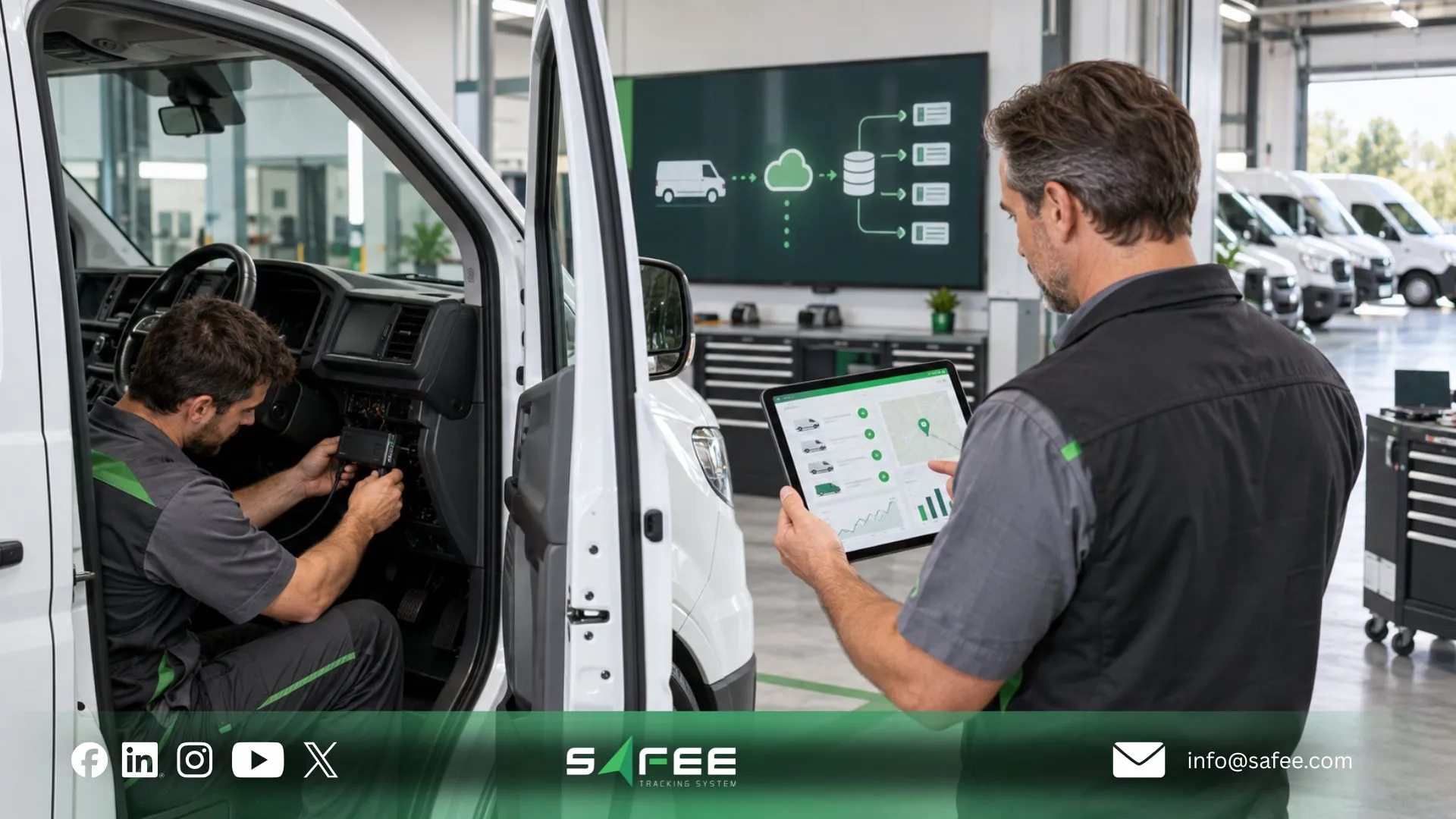
Heavy duty fleet management for readiness and compliance
Revenue-earning commercial vehicles must balance utilization with readiness.
For an earning vehicle, uptime is valuable only when the vehicle is fit for the assignment. That makes compliance an operating workflow rather than an occasional administrative exercise.
The software layer can help preserve continuity between these steps. Our Maintenance Module supports maintenance tasks and alerts based on dates, odometer readings, combinations of time and distance, periodic rules, and ignition time. Tasks can also connect with driver responsibility through the wider mobile workflow.
This matters particularly in high-utilization heavy-vehicle operations because a defect does not become less important when utilization is high. The opposite is usually true: heavily used vehicles require stronger control over whether inspection findings become assigned and closed actions.
Commercial fleet DVIR management software for inspection records
When evaluating commercial fleet DVIR management software, the objective should not be merely to replace a paper checklist with a screen.
A Driver Vehicle Inspection Report (DVIR) workflow needs to create usable evidence around vehicle condition and the treatment of defects. The exact statutory form, inspection frequency, required signatories, retention period, and release-to-service procedure must be verified for the fleet’s jurisdiction.
Operationally, the workflow should be able to establish:
- Which vehicle or trailer was inspected;
- Who performed or submitted the inspection;
- When the inspection occurred;
- Which inspection points were reviewed;
- Which defects or observations were reported;
- Whether supporting evidence such as photos was attached where required;
- Who received responsibility for the defect;
- Whether maintenance or technical review was required;
- What action was completed;
- Whether the asset remained restricted or was returned to service under the organization’s authorized process.
We document several components that can support such a process. The Driver App can support assigned tasks, required-field completion, issue reporting, photographic evidence where the workflow requires it, and digital task completion. Our Maintenance Module can then provide the task, scheduling, alert, and follow-up layer around vehicle maintenance.
That is useful inspection infrastructure, but it should not be described automatically as a jurisdiction-certified DVIR workflow. During procurement, verify whether the proposed Safee configuration supports the exact DVIR fields, acknowledgement steps, signatures, retention requirements, defect categories, and export format your operation requires.
Questions to ask the provider
- Can the inspection template match our required vehicle and trailer checks?
- Can different vehicle categories use different inspection workflows?
- How is inspector or driver identity recorded?
- Can photographs or other evidence be attached?
- How are defects escalated into Maintenance Module tasks?
- Can unresolved defects be highlighted before dispatch?
- Which acknowledgement or sign-off steps are configurable?
- How are completed inspections searched and reported?
- Which export formats are available?
- What retention, audit-history, and jurisdiction-specific requirements must be configured or handled outside the platform?
Ask Safee’s experts to demonstrate the inspection-to-maintenance workflow using one of your actual vehicle categories. For formal DVIR requirements, bring your required form and approval process so the proposed deployment can be checked field by field.
Heavy duty fleet management controls as operations get more complex
As commercial operations become heavier, longer-distance, more specialized, or more load-sensitive, a fleet usually needs more granular governance.
That can affect:
- Pre-dispatch inspection;
- Brake, tire, coupling, and trailer readiness;
- Load and weight monitoring;
- Service intervals;
- Engine-hour or mileage-based maintenance;
- Driver assignment;
- Route and journey review;
- Safety-event escalation;
- Defect closure;
- Trailer association;
- Management reporting.
Our preventive fleet maintenance management guide explains why service logic should not use one generic interval for the entire fleet. Mileage, engine hours, calendar time, vehicle category, route severity, load profile, climate, and asset criticality can all influence how maintenance should be planned.
For long-haul vehicle readiness, practical inspection areas include tires, brakes, fluids, cooling systems, batteries, lights, trailers and couplings, and unresolved defects. These are useful operational checkpoints, but the final inspection standard should still align with manufacturer requirements, fleet policy, and the applicable authority.
The software should therefore allow the organization to make controls more specific as risk or operating complexity increases—not force every asset through the same workflow.
Container and tankcontainer fleet management by load type
Container fleet management adds another layer because the transport unit and the load context may need to be managed separately from the powered vehicle.
The fleet team may need to distinguish:
- Tractor or truck;
- Trailer;
- Container or load unit;
- Load category;
- Operating site;
- Assigned journey;
- Driver;
- Weight data where supported;
- Temperature or environmental data where relevant;
- Pickup, handover, delivery, or collection evidence.
For teams responsible for tankcontainer fleet management, the same data-model logic applies, but requirements can become more specialized depending on the commodity, tank specification, operating region, customer requirements, and applicable transport rules.
We document trailer management, Administration Panel support for trailers, weight-sensor capabilities, temperature and Cold Chain functions, and specialized RFID-based waste-container tracking. These capabilities show that the platform can work with asset and load contexts beyond a powered vehicle. They do not, by themselves, establish a dedicated tank-container regulatory workflow for every commodity or jurisdiction; that scope should be mapped during solution design.
Our Waste Management Solution illustrates how a specialist container-related data model can connect an RFID-tagged container with a collection event, vehicle, timestamp, location, load-weight context, and history. That documented workflow should not be confused with intermodal or tank-container regulatory management.
For other container operations, ask what should be treated as the system of record for:
- Container identity;
- Trailer identity;
- Commodity or load category;
- Customer or transport order;
- Weight;
- Inspection;
- Load status;
- Journey;
- Supporting documents.
- Cleaning or readiness records where applicable;
That system-of-record decision becomes especially important when Safee connects with ERP, Transportation Management System (TMS), asset-management, or other business applications. Our Fleet Management ERP Integration guide explains why each business object should have a defined system of record instead of assuming one platform must become the definitive source for everything.

Truck fleet life cycle management from acquisition to disposal
The lifecycle covers the controlled life of an asset from acquisition and onboarding through operation, maintenance, utilization review, replacement planning, and disposal.
The key word is lifecycle. Maintenance asks, “What must we do to keep this truck ready?” Lifecycle management also asks, “Should this truck still be in the fleet?”
A practical lifecycle can be structured as:
- Acquisition and specification: Define what the asset is expected to do, including operating category, load profile, environment, expected duty, compatible equipment, and data requirements.
- Fleet onboarding: Create the vehicle record, assign it to the correct site/category/group, connect compatible telematics, configure users and permissions, and verify the reporting structure.
- Operational deployment: Connect driver assignment, tracking, alerts, journeys, load context, and site rules as required.
- Inspection and maintenance control: Use service schedules, maintenance tasks, defect follow-up, and readiness review to preserve availability.
- Utilization and performance review: Determine whether the asset is being used as expected. Repeated underutilization, high downtime, recurring defects, or a changing operating model can alter the business case for keeping it.
- Replacement assessment: Review technical condition, maintenance history, utilization, operational suitability, and financial inputs held by the relevant business systems.
- Disposal and record closure: Remove operational assignments and access, archive the necessary history according to policy, reconcile integrations, and complete disposal through the organization’s approved process.
Our documented contribution is strongest in the operational middle of that lifecycle: vehicle administration, utilization context, maintenance tasks and alerts, driver assignments, telematics data, historical reporting, and supported integrations. Financial depreciation, acquisition accounting, disposal proceeds, and final accounting treatment may belong in ERP or finance systems rather than the fleet platform itself.
Truck fleet life cycle management for resale and replacement decisions
Protecting resale value starts long before a vehicle is advertised for disposal.
The fleet needs a defensible operational history showing that servicing was not simply remembered informally. Consistent maintenance, controlled defect follow-up, sensible utilization, and accurate asset records can make replacement decisions easier and reduce the uncertainty surrounding an aging vehicle.
Useful lifecycle evidence can include:
- Acquisition or in-service date held in the appropriate system;
- Vehicle identity and configuration;
- Odometer or supported usage history;
- Engine working time where available;
- Service schedule;
- Maintenance tasks;
- Completed and overdue maintenance;
- Repeat defects;
- Driver or operating assignments;
- Utilization;
- Downtime;
- Relevant alerts;
- Accident or damage information where maintained;
- Final replacement or disposal decision.
Our Maintenance Module supports date-, odometer-, combined-, recurring time/distance-, and ignition-time-based maintenance triggers. Fleet Reporting can provide customizable reports filtered by relevant fleet dimensions and export them in PDF or Excel. Together, these tools can support lifecycle review without implying that Safee alone determines the accounting or market resale value of a truck.
A good replacement policy therefore avoids a single universal age limit. The decision should consider actual use, condition, repair requirements, criticality, business demand, manufacturer guidance, financial policy, and the cost and risk of keeping the vehicle in service.
Commercial fleet management solutions for compliance workflows
A practical commercial fleet management solution should connect administration, operations, maintenance, evidence, and management review across these layers:
| Layer | What the fleet needs to control | Relevant Safee capability |
| Fleet structure | Vehicles, trailers, sites, categories, groups and access | Administration Panel |
| Live operations | Location, movement and vehicle context | Live Vehicle Tracking / Fleet Monitoring & Insights |
| Driver accountability | Driver records and assignments | Driver Management |
| Exceptions | Configured operational and safety events | Alarms and Alerts |
| Maintenance | Service schedules, tasks and due alerts | Maintenance Module |
| Journey control | Planned and reviewed journey workflows where required | Journey Management System (JMS) |
| Heavy/load context | Supported weight and other sensor information | Weight Sensors / supported sensor modules |
| Reporting | Recurring, filtered and exportable records | Fleet Reporting |
| Analysis | Historical and recurring-pattern review | Tracking Data Analyzer (TDA) |
| Connected systems | Controlled exchange with business systems | Business Integration |
These module names and capabilities follow our published terminology. The final configuration should still be mapped to the fleet’s required inspections, documents, regulatory obligations, operating regions, and systems of record.
A procurement team should resist evaluating a solution only by counting features. Instead, test whether information moves cleanly from an operational event to a responsible owner and then into a reviewable record. Our Fleet Management Program guide provides a broader framework for assigning ownership to alerts, maintenance actions, reports, permissions, and recurring review.
Contact Safee to map your commercial-fleet workflow before deployment. Bring your inspection forms, vehicle categories, report requirements, and system-integration list so the configuration discussion starts from real operational requirements rather than a generic feature list.
15 compliance items in commercial fleet management
- Vehicle classification
- Driver authorization and assignment
- Pre-use or required inspection workflow
- Defect reporting
- Defect ownership and escalation
- Release-to-service control
- 7. Preventive maintenance scheduling
- Open and overdue maintenance review
- Trailer and connected-asset records
- Weight and load controls
- Journey and route governance
- Alert ownership
- User access and permissions
- Reporting and evidence retention
- Management review and continuous improvement
These 15 items should operate as one governance model: inspection, maintenance, driver authorization, safety controls, operational monitoring, reporting, access, and exception ownership are connected management responsibilities rather than isolated software features.
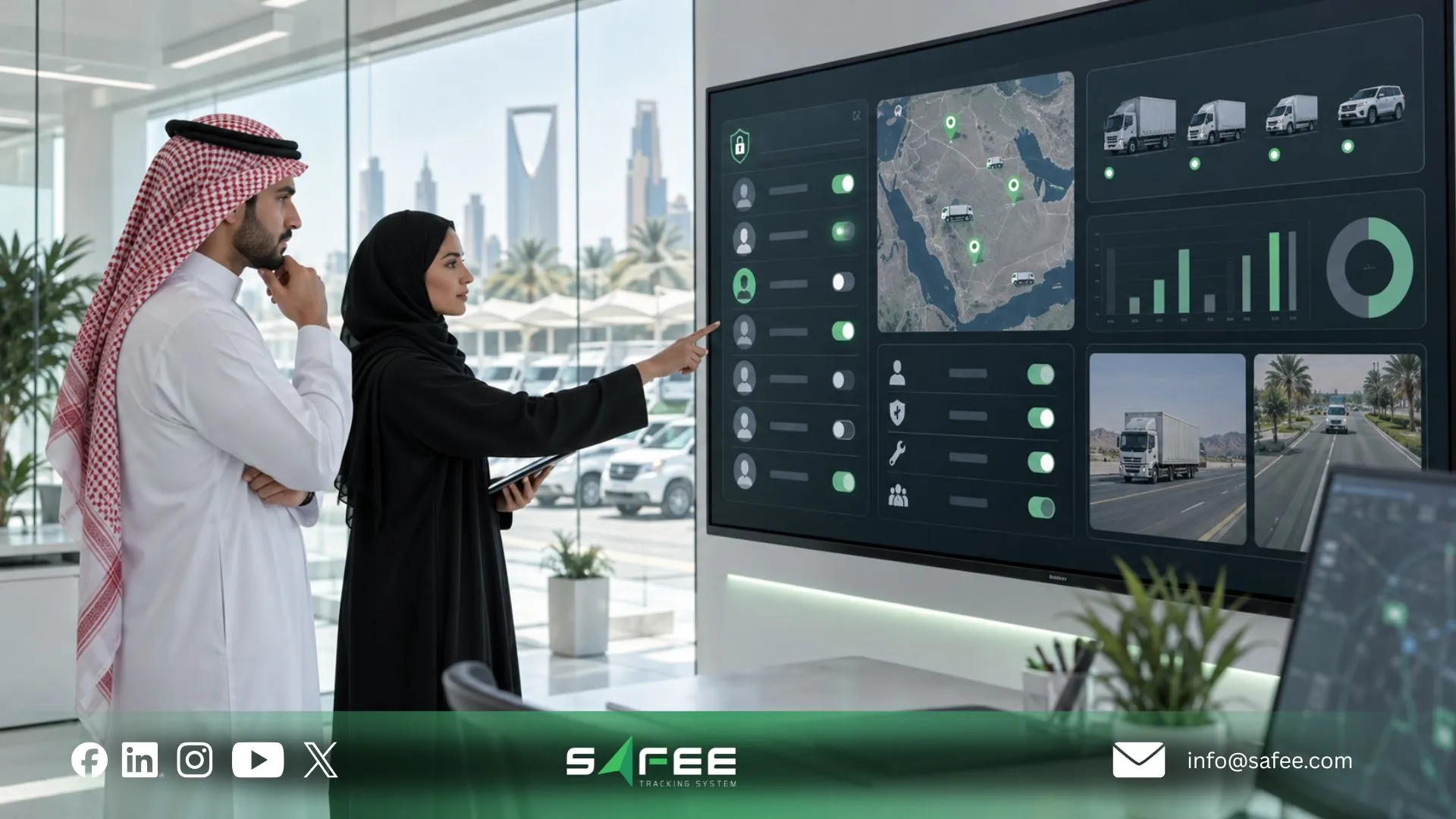
Safee: Commercial fleet management solutions for compliance workflows
At Safee, we support this operational model by connecting the records commercial fleets need to control rather than treating tracking as an isolated GPS function.
A suitable configuration may combine the core controls described in our Essential Modules with specialist modules where the operating model requires them:
- Administration Panel for vehicles, trailers, drivers, sites, categories, groups, users, permissions, and configurations;
- Live Vehicle Tracking for current vehicle visibility;
- Fleet Monitoring & Insights for wider live and historical operating context;
- Driver Management for records and assignments;
- Alarms and Alerts for configured exceptions;
- Maintenance Module for service schedules, maintenance tasks, alerts, and readiness follow-up;
- Fleet Reporting for customizable, scheduled, PDF/Excel-exportable records;
- Journey Management System (JMS) where structured journey governance is required;
- Tracking Data Analyzer (TDA) where deeper analysis is needed;
- compatible weight, temperature, CANbus, or other supported data sources where the use case requires them;
- Business Integration where fleet data must connect with ERP, TMS, waybill, asset-management, or other supported systems.
We position these capabilities as connected parts of a broader Fleet Management and Telematics environment. That architecture is particularly relevant to commercial fleets because vehicle activity needs operational context: the vehicle, driver, maintenance state, alerts, reporting structure, site, group, journey, and connected systems.
Safee vs a generic tracker for compliance
| Requirement | Generic Fleet Tracker | Safee |
| DVIR digital inspection | Often outside basic GPS tracking | Driver App supports assigned tasks, required fields, issue reporting, photos and digital completion; Maintenance Module supports task follow-up. Confirm DVIR-specific fields, signatures and statutory workflow for your deployment. |
| Duty / weight class tagging | Often handled in a spreadsheet or external master data | Administration Panel supports sites, categories, groups, vehicles and trailers; Weight Sensors support compatible weight monitoring. Confirm whether your required duty-class field and classification logic are configured directly. |
| Load / container tracking | May require a specialist system | Safee documents trailer workflows, weight-sensor capabilities and specialist RFID waste-container tracking. Intermodal container and tank-container requirements should be mapped separately. |
| Asset lifecycle alerts | Basic trackers may provide mileage only | Maintenance Module supports date, odometer, time/distance and ignition-time maintenance triggers. Replacement-cycle rules based on age, finance or disposal policy should be confirmed or integrated with the appropriate system of record. |
| Compliance audit export | Often assembled manually from tracking history | Fleet Reporting supports configurable filtering, scheduled delivery and PDF/Excel exports. Required regulatory templates, retention periods and audit-history coverage must still be verified. |
This distinction matters. A comparison should not claim that Safee provides a dedicated regulatory function merely because several underlying modules could support parts of that workflow.
Our Fleet Management Information System (FMIS) guide applies the same discipline: role-based permissions, reporting, exports, and specific logged histories can support stronger operational records, while requirements such as immutable audit logs, mandated government formats, field-level permissions, or specific retention periods still need to be checked against the actual deployment.
How Safee supports reviewable DVIR and load records
For this article, audit-ready means that supported operational records are structured well enough to be retrieved, reviewed, and explained. It does not mean statutory certification or a guarantee that every Safee record automatically meets every regulator’s audit standard.
A stronger records workflow starts with structure.
The Administration Panel provides the administrative context around vehicles, trailers, drivers, sites, categories, groups, user accounts, configurations, and role-based permissions. This reduces the risk of trying to review operational data without knowing which vehicle, driver, site, or business group it belongs to.
The Driver App can support field evidence through assigned tasks, required-field completion, issue reporting, photographs, and digital task confirmation. For inspection use cases, these capabilities can help move evidence out of paper, messaging apps, and disconnected photographs, subject to the inspection template and approval requirements configured for the operation.
The Maintenance Module supplies the follow-up layer. A reported defect is more useful when it becomes an owned task with a due condition, alert, status, and subsequent maintenance history rather than remaining only in the original inspection record.
For load-related operations, we can add supported sensor and specialist-module context. Our Weight Sensors module provides compatible weight readings for vehicles and trailers, while other modules can supply temperature, location, journey, or container-specific information depending on the application.
Finally, Fleet Reporting provides the management-output layer. We document customizable reports, filtering, scheduled delivery, and PDF/Excel exports, allowing supported fleet information to be reviewed outside the live monitoring screen.
FAQs about commercial fleet management
Commercial vs private fleet management: What differs?
Commercial fleet management controls vehicles used for business operations, so it usually connects vehicle readiness, driver assignment, maintenance, operating policies, reporting, and compliance requirements. Private vehicle management is generally centered on individual ownership and use rather than a governed multi-vehicle operating workflow.
What is DVIR and why does it matter for commercial fleets?
DVIR means Driver Vehicle Inspection Report. It helps a commercial fleet document vehicle-condition checks, reported defects, and the actions taken before or after operation, while the exact form, frequency, approval, sign-off, and retention requirements must be verified for the applicable jurisdiction.
How often should commercial fleet vehicles be replaced?
There is no universal replacement age that fits every commercial fleet. Replacement decisions should consider usage, condition, maintenance history, downtime, asset criticality, manufacturer guidance, operating requirements, financial policy, and resale considerations rather than relying on age alone.
Do container fleets need different management rules?
Often, yes. A container operation may need to distinguish the powered vehicle, trailer, container, load category, journey, weight, location, and related records, while tank-container requirements can add commodity- and jurisdiction-specific controls that should be validated rather than inferred from standard vehicle tracking.
Ready to improve your fleet operations?
Tell us what you would like to improve. A Safee specialist will reply by email.
Usually replies within one business day • No sales spam
Your details are used only to respond to your request. Privacy Policy

