8 Must-Have Car Rental Fleet Management Software Features
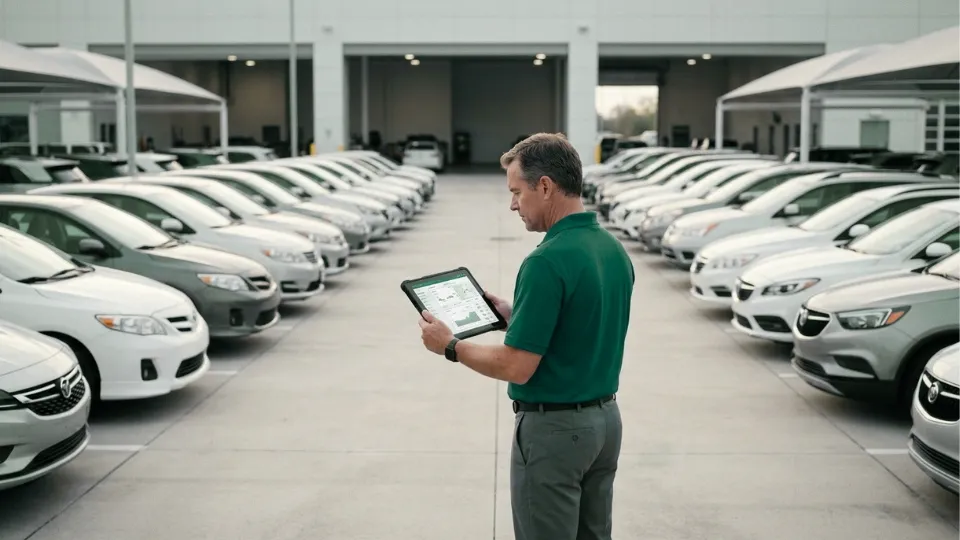
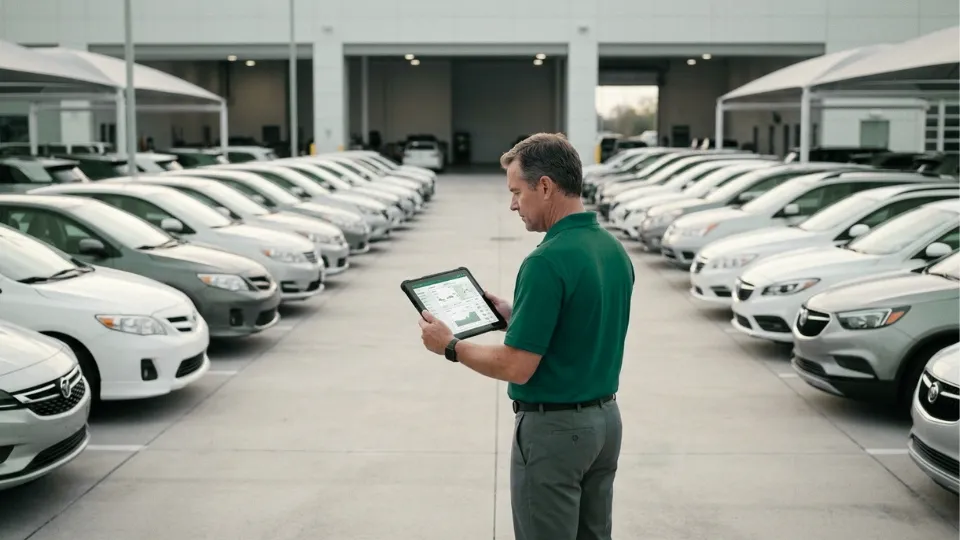
As a car rental business grows, control usually weakens before teams notice it. Vehicle status becomes harder to confirm, branch coordination slows down, maintenance follow-up slips, and too many decisions depend on calls, spreadsheets, or memory.
That is where car rental fleet management software becomes essential. It helps rental businesses control vehicle movement, improve visibility, reduce downtime, and manage exceptions with less manual effort. In practical terms, it replaces fragmented updates with a more reliable operating model.
What is car rental fleet management software?
Car rental fleet management software helps rental businesses monitor and manage the vehicles used across rentals, returns, branch transfers, service activity, and internal operations.
It helps teams answer operational questions faster:
- Which vehicles are available now?
- Which units are moving?
- Which vehicles need service attention?
- Which trips triggered an exception?
- Which patterns are reducing utilization or uptime?
Instead of relying on separate logs and delayed updates, the business works from one clearer operating view.
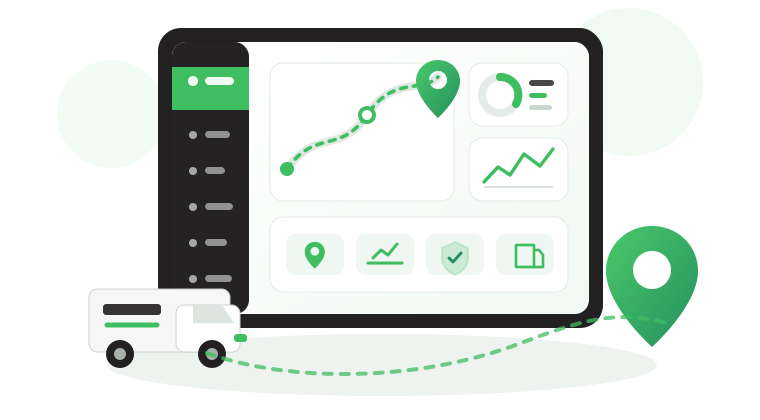
That visibility is powered by telematics. It connects vehicle location, trip activity, alerts, and operating data so teams can see what is happening now, review what happened earlier, and act sooner when something goes off track.
For rental businesses, the best systems support five things well:
- live fleet visibility
- branch coordination
- maintenance planning
- reporting
- exception handling
To see how this works in practice, start with Live Vehicle Tracking
Why does rentals need fleet management software?
A rental business needs this software when manual control stops scaling with the operation.
The most common reasons are clear:
- Better visibility: Teams need to know where vehicles are, how they are being used, and which units are ready for the next booking.
- Stronger control: Rental fleets move constantly between bookings, returns, cleaning, maintenance, transfers, and support activity. Without alerts and reporting, teams react too late.
- Better uptime: Revenue depends on vehicles being ready when the next booking starts. Missed maintenance and weak exception handling reduce availability.
- Cleaner accountability: As the fleet grows, managers need a dependable way to review utilization, idling, trip history, branch activity, and exceptions.
This is exactly where Safee fits. In this context, we help rental businesses strengthen the fleet-control side of the operation through tracking, alerts, reporting, and maintenance oversight.
When does our car Rental business outgrow spreadsheets?
Spreadsheets usually fail operationally before teams admit they have failed.
You have likely outgrown them if:
- Vehicle availability takes too long to confirm
- Different teams work from different answers
- Exceptions are discovered after the fact
- Reporting takes too much management time
- Growth is creating confusion between branches
- Important decisions still depend on memory or calls
At that point, the issue is no longer admin efficiency. It is a control problem.
That is usually the right time to move from manual tracking to live fleet visibility and structured reporting.
Also read: How Telematics Vehicle Tracking Is Redefining Modern Fleet Management.
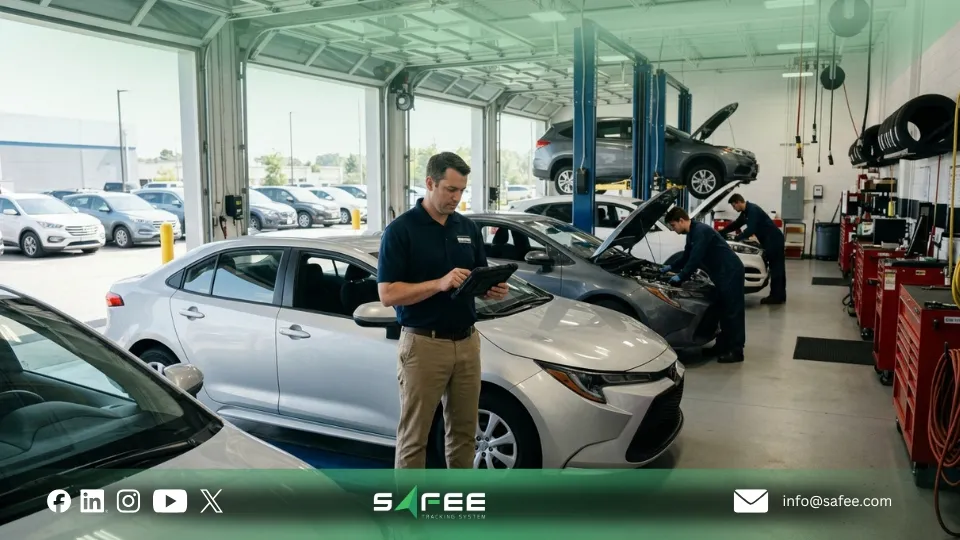
8 must-have car rental fleet software features
The best systems do more than show where vehicles are. They help rental teams operate with more control.
- Real-time GPS fleet tracking: Teams need live visibility into vehicle location and status.
- Configurable alarms and alerts: Alerts should notify the right people about the events that matter.
- Fleet reporting: A strong system should support utilization reviews, trip history, idle time, branch activity, and exception trends.
- Maintenance planning: Service schedules, due dates, odometer-based tasks, and maintenance records should be easy to manage.
- Driver traceability: Rental teams often need visibility into internal drivers, transfer teams, or support staff tied to vehicle movement.
- Geofencing and journey visibility: Geofences help define branches, parking areas, and restricted zones. Journey history helps teams review what actually happened.
- Integration readiness: Fleet software should fit into the wider business environment instead of creating another silo.
- Room to scale: As operations grow, the platform should support additional control needs without forcing another system change.
If you are comparing options, focus less on feature quantity and more on whether the platform connects tracking, alerts, reporting, and maintenance into one usable workflow. Safee’s Essential Modules are built around exactly that.
Key benefits of car rental fleet software
The biggest value is not the software itself. It is the control the business gains from it.
Key benefits include:
- Stronger day-to-day control
- Better vehicle utilization
- Reduced downtime
- Faster response to problems
- Better accountability
- Cleaner scalability
- More consistent customer readiness
For rental businesses, these improvements usually come from better visibility and faster action, not from adding more manual checks.
At Safee, we support this through the core operating layers that matter most in rental environments: Live Vehicle Tracking, Alarms and Alerts, Fleet Reporting, and Maintenance Management.
Also read: Dealership Loaner Fleet Management: Track Courtesy Cars and Reduce Misuse
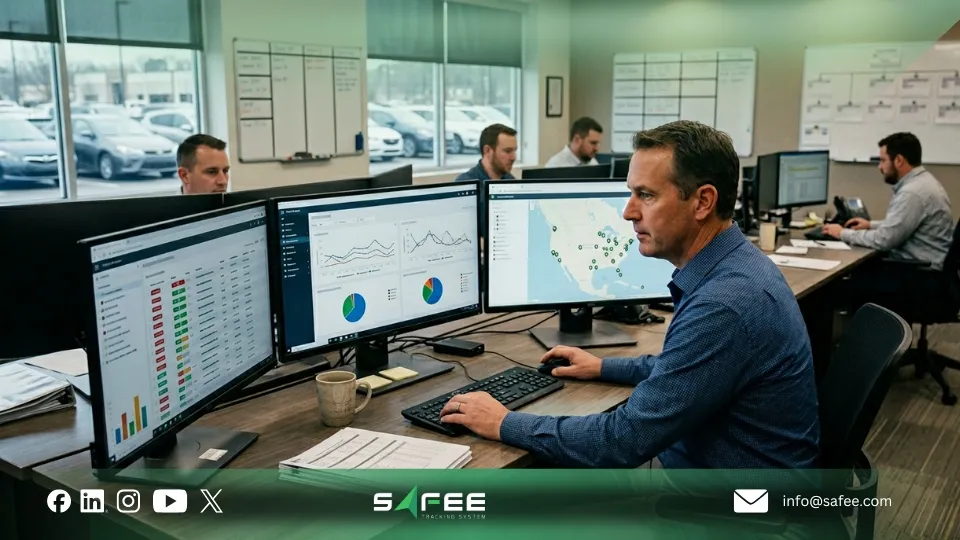
Daily operations with fleet management software
In daily use, the system acts as a live control layer for the fleet.
At the start of the day
Managers review:
- Active vehicles
- Parked vehicles
- Service exceptions
- Unresolved alerts
- Fleet status by branch or segment
During the day
Teams monitor movement, check exceptions, confirm whether vehicles are where they should be, and review journey history when context is needed.
At review points
Reporting turns activity into management insight through utilization trends, idle time, branch performance, trip history, and exception patterns.
In maintenance coordination
Service reminders and structured follow-up help more vehicles remain ready for the next booking cycle.
Rental businesses that want tighter daily control usually get the most value by connecting tracking, alerts, and reporting instead of treating them as separate decisions.
How to switch without disrupting your business?
The safest switch is not a software rollout. It is an operational rollout.
A smoother transition usually follows five steps:
- Identify the biggest control gap first
- Map current workflows
- Clean core data before migration
- Roll out in phases
- Verify reporting, permissions, and alert ownership before launch
For most rental businesses, the right rollout order is:
- Live tracking
- Alerts
- Reporting
- Maintenance workflows
- Added modules only if needed later
This is also the most practical way to adopt Safee. Start with the control layer you need most now, then expand only where complexity justifies it.
If you are planning a rollout, contact Safee to discuss the setup, reporting logic, and branch workflow your fleet actually needs.
Best practices to get the most out of your system
Software adds value only when it is used with discipline.
The most useful practices are simple:
- Define ownership clearly
- Keep alert rules focused
- Build a reporting cadence
- Review geofences and business rules regularly
- Connect maintenance and operations
- Use reporting for improvement, not only monitoring
- Scale configuration gradually
This is where Safee helps most in a rental setting: not as a reservations platform, but as the system that helps teams control fleet visibility, exceptions, reporting, and readiness across day-to-day operations.
If your operation needs tighter movement control or more structured trip governance between branches, Safee can also support that through Journey Management System (JMS).
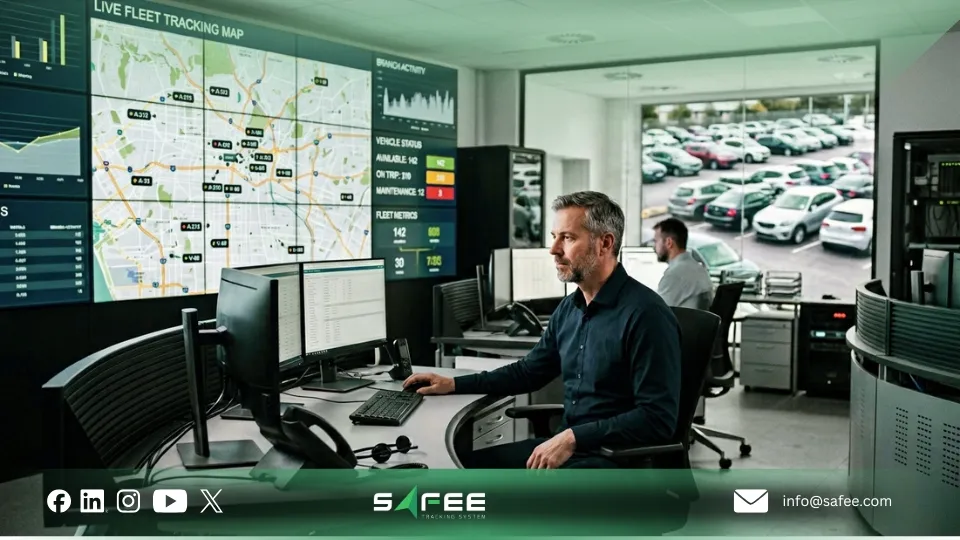
How does Safee fit car rental operations?
At Safee, we help rental businesses strengthen the fleet side of the operation.
That means helping teams:
- See vehicle movement in real time
- Respond faster to exceptions
- Review cleaner reports
- Reduce avoidable downtime
- Maintain better control across branches
At Safee, we are most useful through four practical capabilities:
The value is not just seeing vehicles on a map. It is creating a more repeatable way to manage exceptions, protect availability, and improve fleet performance as the rental business grows.
Ready to improve control across your rental fleet? Contact us or request a demo to discuss the setup that fits your branches, vehicles, and operating model.
FAQs About car rental fleet management software
Is car rental fleet management software suitable for small fleets?
Yes. Small fleets can benefit when the business needs better visibility, stronger maintenance control, and cleaner reporting without depending on manual tracking.
What’s the typical cost structure for fleet management software?
Cost usually depends on fleet size, hardware scope, modules, reporting needs, support level, integration requirements, and rollout complexity.
Can I migrate from my existing car rental software without losing data?
In many cases, yes. The outcome depends on data quality, field mapping, testing, and rollout planning.
Car rental fleet management software becomes necessary once manual checks, fragmented updates, and delayed reporting begin to slow the business down. At that point, the issue is no longer convenience. It is control.
Ready to improve your fleet operations?
Tell us what you would like to improve. A Safee specialist will reply by email.
Usually replies within one business day • No sales spam
Your details are used only to respond to your request. Privacy Policy