

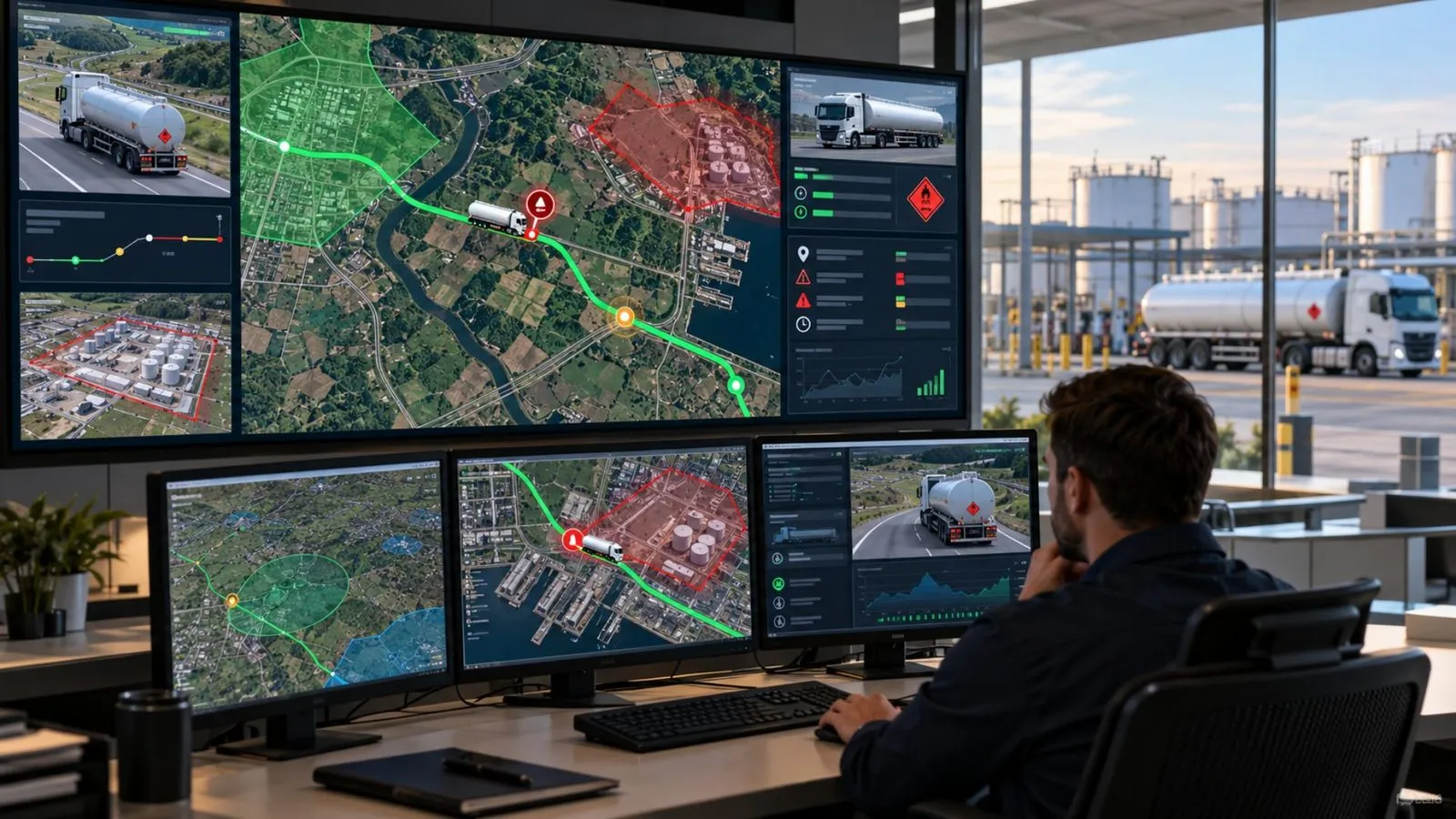
Dangerous Goods Transport Management: Plan, Monitor & Respond
A dangerous goods truck can leave the depot with the right paperwork and a working GPS tracker, yet still deviate from its approved route. If that happens, will your team detect it in time, know who should respond, and have the information needed to act?
That is the real challenge of dangerous goods transport management: ensuring that driver and vehicle readiness, cargo information, journey risk assessments, approved routes, and emergency procedures work together—not just exist as separate checks.
This guide shows fleet managers and HSE teams how to prepare dangerous goods journeys, monitor route deviations and communication gaps, manage alerts and escalation, and measure operational performance. You’ll also see how Safee’s fleet management solutions support these controls before, during, and after each trip.
What is dangerous goods transport management?
Dangerous goods transport management is the process of planning, authorizing, monitoring, and reviewing road journeys carrying hazardous materials (hazmat). It connects driver and vehicle readiness, cargo requirements, route risk assessments, and emergency response procedures to manage risks throughout each journey.
It answers practical questions for every trip. Which driver and vehicle are assigned to this load? Were they checked before departure? Which route was approved? Who is watching the journey, and who acts if something goes wrong?
Dangerous goods transport requirements vary by jurisdiction, material classification, quantity, and transport conditions. Regulatory authorities establish the applicable legal requirements, while clients may impose additional contractual or site-specific controls. Confirm both before defining your fleet’s operating procedures. This guide focuses on fleet operations rather than country-specific regulations. Verify the applicable legal requirements with the relevant authority and any additional contractual or site-specific requirements with your client.
Transport permits vs fleet operations
Permits and licenses answer one question: is this carrier, driver, vehicle, or movement allowed to carry this material? Fleet operations answer another: is the allowed trip actually running as planned?
Regulatory and contractual requirements determine:
- Which materials, vehicles, and drivers fall under the rules.
- Which permits, licenses, and qualifications are required.
- What emergency information and documents must travel with the load.
Your fleet manages:
- Driver, vehicle, and cargo records that match what was approved.
- Routes, stops, and geofences for each trip.
- Alerts and the people who receive them.
- A clear record of what happened, for later review.
Mixing the two leads to a common mistake: assuming that an online tracker proves a permit condition was met. It does not, and a permit does not cover daily stops, deviations, or lost contact either.
The Safety Data Sheet (SDS) provides important information about a material’s hazards, handling, and emergency measures. However, it does not automatically replace the dangerous goods transport documents or emergency instructions required by the applicable regulations.
Why tracking needs an emergency plan
When a dangerous goods vehicle breaks down, loses contact, or becomes involved in an incident, detecting the event is only the first step. Your team needs predefined response procedures, clear escalation responsibilities, and immediate access to the relevant cargo and emergency information.
Before dispatch, confirm:
- Who receives each critical alert, who provides backup coverage, and when the issue must be escalated.
- Which emergency contacts and cargo details the driver and control room can reach.
- What the driver does while waiting for help.
- How location, driver, vehicle, and cargo details reach the responders.
- How the incident is recorded and reviewed afterward.
If your alerts and emergency roles are still planned separately, talk to a Fleet Expert to see how they can connect in your operation.
Also read: Tanker Fleet Management: Routes, Driver Risk, and Connectivity
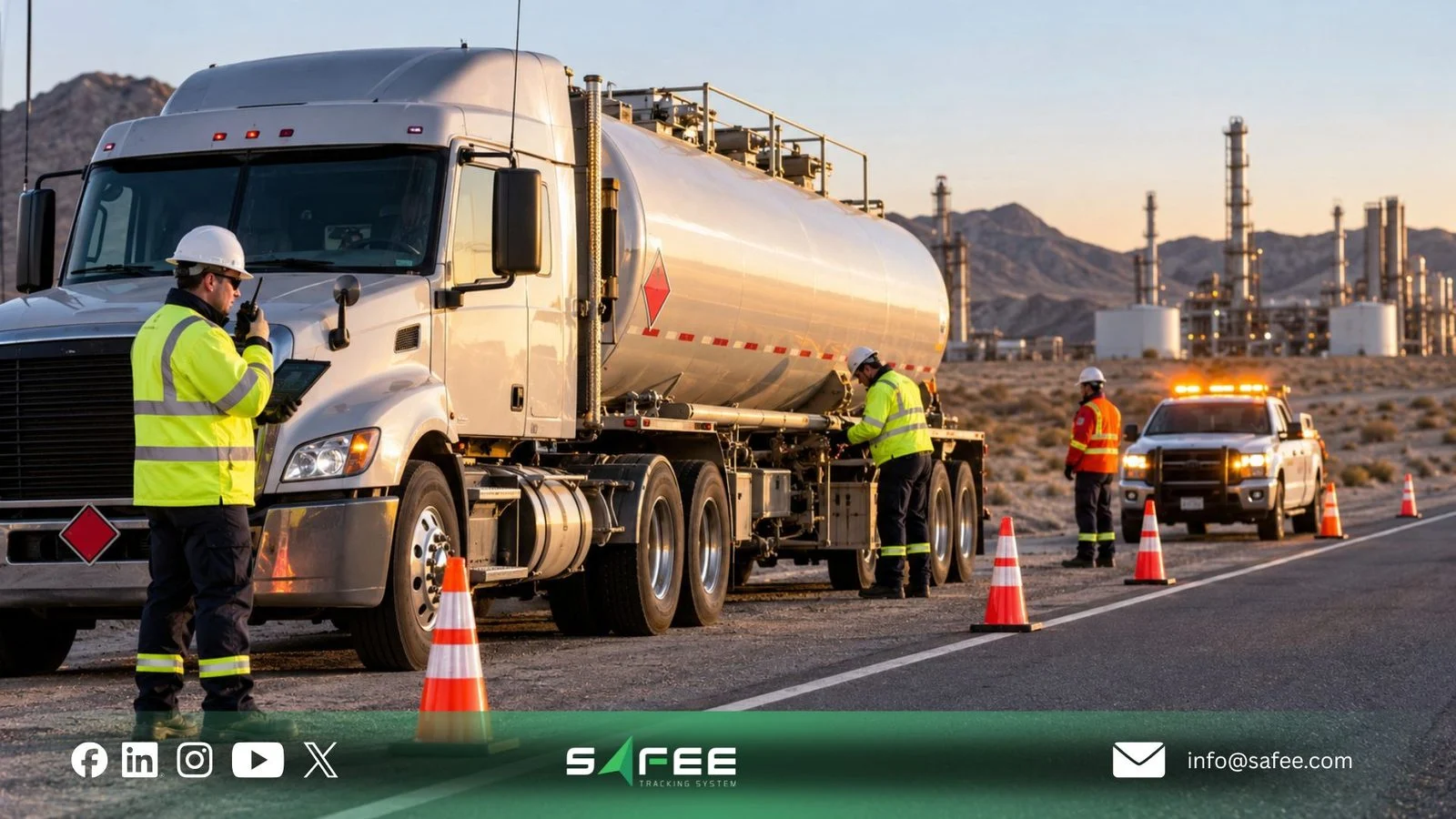
How dangerous goods vehicle tracking supports each trip
Dangerous goods vehicle tracking is most useful when it is linked to the other controls around the journey. Dangerous goods vehicle tracking becomes more valuable when live vehicle data is connected to an approved journey plan. Fleet managers need to verify that the right driver and vehicle are assigned to the load, detect route deviations or unauthorized stops, and ensure critical alerts reach the people responsible for taking action.
Tracking provides visibility into the journey, while verified dispatch and HSE records provide the cargo and safety information needed to interpret what happens on the road.
Our Oil and Gas Fleet Management Software page shows how live visibility, alarms, journeys, drivers, maintenance, and reporting work together in high-risk fleets. The same approach applies to any dangerous goods operation.
Matching driver, vehicle, and cargo records
Three records must agree before a trip starts: the driver, the vehicle, and the cargo.
- Driver record: Shows who is assigned, the qualification or training the load requires, and the driver’s history.
- Vehicle record: Shows the vehicle is the one approved for this load, is maintained, and carries the right equipment.
- Cargo record: Shows what is carried, how much, in what packaging, and which hazard and emergency details go with it.
Safee’s Driver Management module maintains driver profiles and trip history, supports driver identification, and links drivers to their assigned vehicles. These records help fleet teams verify who is operating each vehicle, while dispatch and HSE teams remain responsible for confirming cargo classification and the qualifications required for each load.
Qualification and document-expiry tracking should be verified against the capabilities configured for your deployment.
The Journey Management System (JMS) adds checks before dispatch. These cover the driver (license validity, fatigue, and training), the vehicle (maintenance status, inspection results, and equipment), and the cargo (load specifications and transport certification requirements).
A failed check needs a clear result. Decide in advance whether it blocks departure, needs escalation, or needs a recorded exception, and who may approve that exception.
Setting approved routes and geofences
Once a trip is approved, tracking should show whether the vehicle stays inside the plan. A route boundary is a set corridor around the approved path. A geofence is a virtual boundary on the map that logs an event or raises an alert when a vehicle enters or leaves it.
For dangerous goods, the route itself is a safety control. Operators often choose corridors that avoid crowded areas, sensitive sites, restricted roads, or known hazards. An unplanned deviation may expose the vehicle to roads or conditions that were not assessed for the load. When it occurs, the operations team should verify the reason, assess the new route, and follow the approved escalation or rerouting procedure.
In JMS, routes take account of traffic, road quality, regulatory restrictions, and vehicle requirements. Depending on the configured devices and notification channels, detected route deviations or unauthorized entries can trigger alerts for the relevant operations team and, where supported, the driver. Live Vehicle Tracking adds geofence entry and exit tracking, trip replay, historical route analysis, and tracker connectivity monitoring.
Useful boundary rules for a dangerous goods operation include:
- Approved corridor: Alert when the vehicle leaves the planned route, with a tolerance your team agrees.
- Restricted zones: Mark areas the load must not enter, such as sensitive sites or zones excluded by the client.
- Authorized stops: Set where parking, rest, and loading are allowed, and alert on unplanned stops elsewhere.
- Origin and destination: Confirm the vehicle left and reached the right sites for handover.
A geofence alert means a set boundary was crossed. It does not prove misconduct or delivery, so review it in context before you act. Tune your boundaries too, so crews do not learn to ignore false alerts.
Who acts on each alert
Every alert should end with a named person taking a named action. Before the first trip, decide for each alert category:
- Who sees it first: Usually the control room operator or dispatcher on duty.
- What they check: The trip record, driver, vehicle, cargo details, and last known location.
- Who they call: The driver, the supervisor, the HSE lead, the client site, or the emergency contact in your plan.
- When it escalates: The conditions that turn a routine exception into an emergency.
- Who closes it: The person who records the outcome and any follow-up.
Alarms and Alerts lets you set alarm types and send notifications by SMS, email, or the app. Your team still needs its own response and escalation steps and its own severity levels, such as critical, high, medium, and informational. Ask us which escalation options fit your setup.
For dangerous goods journeys through areas with limited cellular coverage, our SatComm provides satellite-supported location requests and in-cab panic alerts through compatible devices. It gives operations teams an additional communication option when cellular tracking is unavailable, although actual availability depends on the satellite equipment, coverage, and installation.
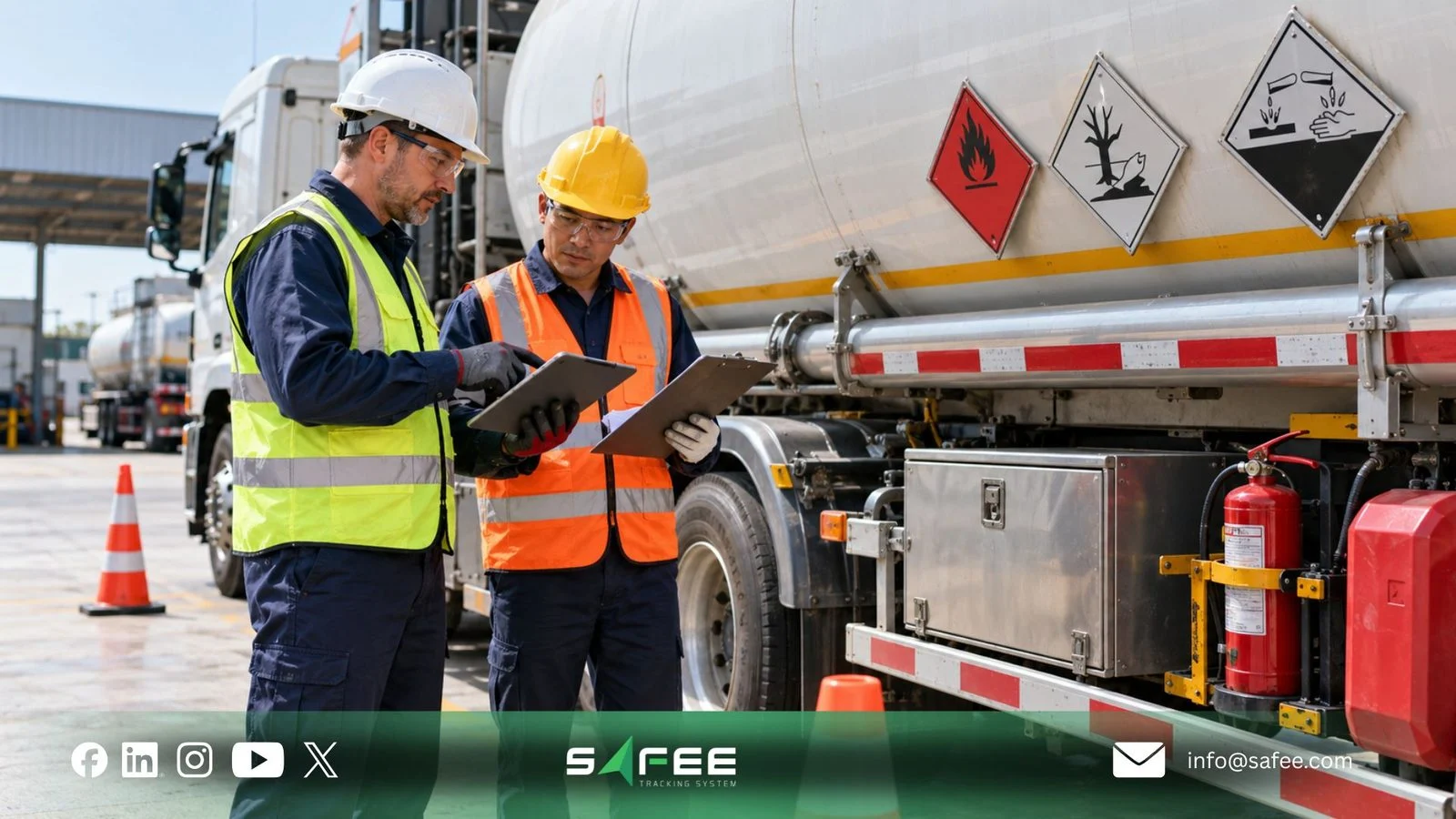
How to Prepare Your Dangerous Goods Fleet and Monitor Performance
Before deploying dangerous goods transport management across your fleet, verify that journey risks have been assessed, critical controls have been tested, and responsibility for approving or stopping each trip is clear. Once operations begin, monitor exceptions and performance to identify where those controls need improvement.
Assessing journey risk before dispatch
Before releasing a dangerous goods vehicle, assess the risks associated with its cargo, route, driver, vehicle, and operating conditions. The assessment should identify risks that require additional controls, rerouting, or a decision to hold the journey.
Our Journey Management System (JMS) supports pre-trip risk assessments and configurable approval workflows using factors such as driver readiness, maintenance status, weather, and route hazards. Your operations and HSE teams define the acceptance criteria, approval responsibilities, and cargo-specific requirements.
For dangerous goods, a useful assessment asks:
- Cargo hazard and quantity: What could happen on this route if containment fails?
- Route exposure: Which populated areas, sensitive sites, tunnels, bridges, or restricted roads are on or near the corridor?
- Timing and conditions: Do the departure time, weather, or daylight change the risk?
- Driver: Is the driver qualified, rested, and correctly assigned?
- Communications: Is there a coverage gap, and what is the plan if contact is lost?
- Response access: Can emergency services and your own responders reach the route?
The outcome is a decision: release, release with controls, hold, or reroute. Record it with the approver’s name and keep it with the trip, so a later review shows what was known at departure.
For more on checks before dispatch, handover controls, and approved corridors, read our article on road oil safety for GCC fleets.
Dangerous goods fleet go-live readiness checklist
Before the first live journey, verify these six areas against the applicable regulatory, contractual, and operational requirements:
- Regulatory and contract requirements: Confirm the applicable permits, transport documents, emergency instructions, and additional client or site requirements.
- Cargo and dispatch records: Verify that the cargo classification, quantity, packaging, assigned driver, and vehicle match the approved journey records.
- Driver and vehicle readiness: Check the required qualifications, training, inspections, maintenance status, and safety equipment.
- Routes and communications: Test approved routes, restricted zones, geofences, planned stops, and backup arrangements for limited-coverage areas.
- Alerts and emergency response: Test critical notifications, escalation procedures, emergency contacts, and response arrangements.
- Go-live approval: Record test results, resolve critical issues, and obtain the required operational sign-off before deployment.
What to track after go-live
A trip is not finished when the vehicle arrives. Review exceptions daily and trends on a set schedule, then feed the lessons back into routes, alerts, and roles.
These indicators show whether your controls are working:
- Alert response time: Minutes from an alert to the first review, and from the alert to closure.
- Alerts closed with a reason: Share of alerts closed with a recorded outcome, not left open or dismissed.
- Repeat deviations: Route deviations and unplanned stops on the same lane or at the same site.
- Communication gaps: Lost-contact events by route, to show where coverage needs a backup.
- Failed pre-trip checks: Trips held, rerouted, or released with an approved exception.
Repeated deviations on the same route should trigger a review of the approved corridor, operating conditions, and underlying causes—not simply an adjustment to alert thresholds.
Safee’s Fleet Reporting supports scheduled reports on driver behavior, geofence events, connectivity, and operational violations, with PDF and Excel export options. Combine the available system data with your team’s incident and action records to review response times, recurring exceptions, and corrective actions.
Preparing to deploy dangerous goods fleet controls? Talk to Safee to review the pre-trip checks, monitoring capabilities, and reporting tools that fit your operation.
Also read: Dangerous Goods Transport in Saudi Arabia: Fleet Controls

How Safee helps with dangerous goods transport management
Managing dangerous goods journeys requires more than knowing where each vehicle is. Your operations and HSE teams need to know whether a trip was approved, identify deviations from its planned route, and have the information needed to investigate incidents or escalate critical alerts.
ِِِِِAt Safee, we support these workflows by combining journey risk assessments, driver records, vehicle tracking, configurable alerts, and fleet reporting. The goal is to help your team make informed decisions before dispatch, during each journey, and after an exception occurs.
With Safee, your fleet team can:
- Assess journeys before dispatch: Use the Journey Management System (JMS) to assess journey risks, review driver and vehicle readiness, and manage configurable approval workflows.
- Verify driver assignments: Use Driver Management to connect driver identities with assigned vehicles, maintain driver profiles, and review driving history.
- Monitor approved routes: Use Live Vehicle Tracking to follow active vehicles, monitor geofence events and connectivity, and investigate journeys through trip replay.
- Identify critical exceptions: Configure Alarms and Alerts to notify relevant team members about supported events, including route deviations, unauthorized movement, and selected vehicle or sensor issues.
- Support remote-route communications: Use SatComm with compatible satellite devices for on-demand location requests and in-cab panic alerts when cellular coverage is limited.
- Review performance after each journey: Use Fleet Reporting to analyze available journey, driver, geofence, and connectivity data, and schedule reports for operational reviews.
Safee does not issue transport permits, determine cargo classification, or replace the emergency procedures and transport documents your operation must maintain. Its role is to support journey monitoring, alerts, and operational records. Available capabilities depend on the connected devices, configuration, and network coverage.
Need to strengthen journey approvals, route monitoring, and alert response across your dangerous goods fleet? Request a Safee Demo to see how these capabilities can support your existing operations and HSE procedures.
FAQs about dangerous goods transport management
Is GPS tracking enough to manage dangerous goods transport safely?
No. GPS tracking provides vehicle location and movement data, but effective dangerous goods transport management also requires pre-trip risk assessments, driver and vehicle checks, approved routes, emergency procedures, and clearly assigned response responsibilities. Tracking supports these controls but cannot replace them.
What should the control room do if a dangerous goods vehicle deviates from its approved route?
First, verify the alert, the vehicle’s latest reported location, and the reason for the deviation. Follow the approved communication and escalation procedure, assess any additional route risks, and coordinate with the driver and HSE team as required. Record the event, the decision taken, and the outcome. Avoid directing an unsafe stop or reroute without assessing the circumstances.
Can a journey management system prevent an unapproved trip from starting?
A journey management system can flag failed checks, apply configured approval rules, and hold or reject a trip within its digital workflow. However, the fleet operator must ensure that dispatch procedures enforce those decisions. Digital approval controls do not automatically guarantee that a vehicle cannot physically depart.
What should happen if a dangerous goods vehicle loses tracking connectivity?
Your team should follow a predefined lost-contact procedure, including the reporting threshold, responsible person, alternative communication method, and escalation conditions. Where compatible equipment is available, satellite communication can provide an additional channel for location requests or panic alerts. Review the tracking records once connectivity returns.
What should fleet operators verify before choosing dangerous goods transport management software?
Ask the provider to demonstrate pre-trip risk checks, approval workflows, route-deviation monitoring, alert notifications, connectivity monitoring, and post-trip reporting. Confirm which capabilities depend on additional hardware, how cargo-specific information is handled, and which emergency-response activities remain your team’s responsibility.
Ready to improve your fleet operations?
Tell us what you would like to improve. A Safee specialist will reply by email.
Usually replies within one business day • No sales spam
Your details are used only to respond to your request. Privacy Policy

