


Fleet Inventory Management Guide: From Asset Records to Control
When vehicles, trailers, equipment, attachments, and GPS devices live in different spreadsheets or systems, fleet teams lose time reconciling identifiers, assignments, locations, and status. A unit can be active in Operations, retired in Finance, and still reporting under an unrelated tracker ID. That is the operational gap fleet inventory management is meant to close: one reliable asset record that helps your team know what it controls, where it is, what it is doing, and who is responsible for the next action.
In this guide, we at Safee—a UAE-based fleet management company serving B2B operations across the GCC and international markets—show how to structure the asset register, connect vehicles and equipment with GPS and Telematics data, roll out tracking without identity gaps, build audit-ready records, and evaluate fleet inventory management software against real operating workflows.
What is fleet inventory management?
Fleet inventory management is the process of maintaining an accurate, usable record of the vehicles and operational assets a fleet controls. Here, inventory means the operating asset base—not spare parts or warehouse stock—including vehicles, trucks, trailers, equipment, attachments, and other trackable resources with a defined identity, status, assignment, and history.
A useful inventory should let the team answer, without searching across multiple files:
- What assets do we currently control, and which are active, idle, unavailable, under maintenance, or retired?
- Where is each connected asset, and when did it last move or report data?
- Which branch, site, vehicle, project, or operating unit is responsible for it?
- Is the tracking device communicating, and has the asset entered or left a defined operating area?
- Which operational records belong to that specific asset?
The inventory becomes operationally useful when it supports decisions, not merely when it proves that an asset exists.
Fleet inventory management beyond a spreadsheet
A spreadsheet can hold an inventory, but fleet inventory management needs a persistent identity for every managed asset. Depending on the asset and operating model, the record may include:
- Internal asset ID; vehicle registration or VIN where applicable; equipment or serial number.
- Asset class, ownership or lease status, branch, site, or department.
- Current operational status and assigned driver, vehicle, trailer, or project.
- GPS device or tracker ID, last known location, and last communication timestamp.Mileage, engine hours, or working hours where available; maintenance and inspection status.
- Retirement or disposal status.
Consistency is the control. If the same trailer has different identifiers in tracking, Operations, and the asset register, staff must reconcile those records every time an exception occurs. A controlled inventory gives the asset one recognized operational identity and connects supporting data to it.
Why asset and fleet management break down without a system
Asset and fleet management usually becomes unreliable through small ungoverned changes: a sold vehicle remains active, a trailer changes depot without an assignment update, or a tracker is replaced without updating the associated asset record.
Common breakdowns include:
- Duplicate records or inconsistent asset naming.
- Assets without clear owners or a defined current operating status.
- Tracker IDs that are not linked to the physical asset.
- Retired assets remaining active in reports.
- Missing handovers, stale GPS devices, and disconnected maintenance or utilization records.
- Different departments maintain different versions of the inventory.
An asset management fleet model therefore needs ownership rules as much as technology: who creates an asset, approves changes, updates assignments, and closes the record when it leaves service. A sound fleet & asset management workflow combines one identification model with defined responsibilities, controlled updates, and recurring review.
What does fleet inventory management software track?
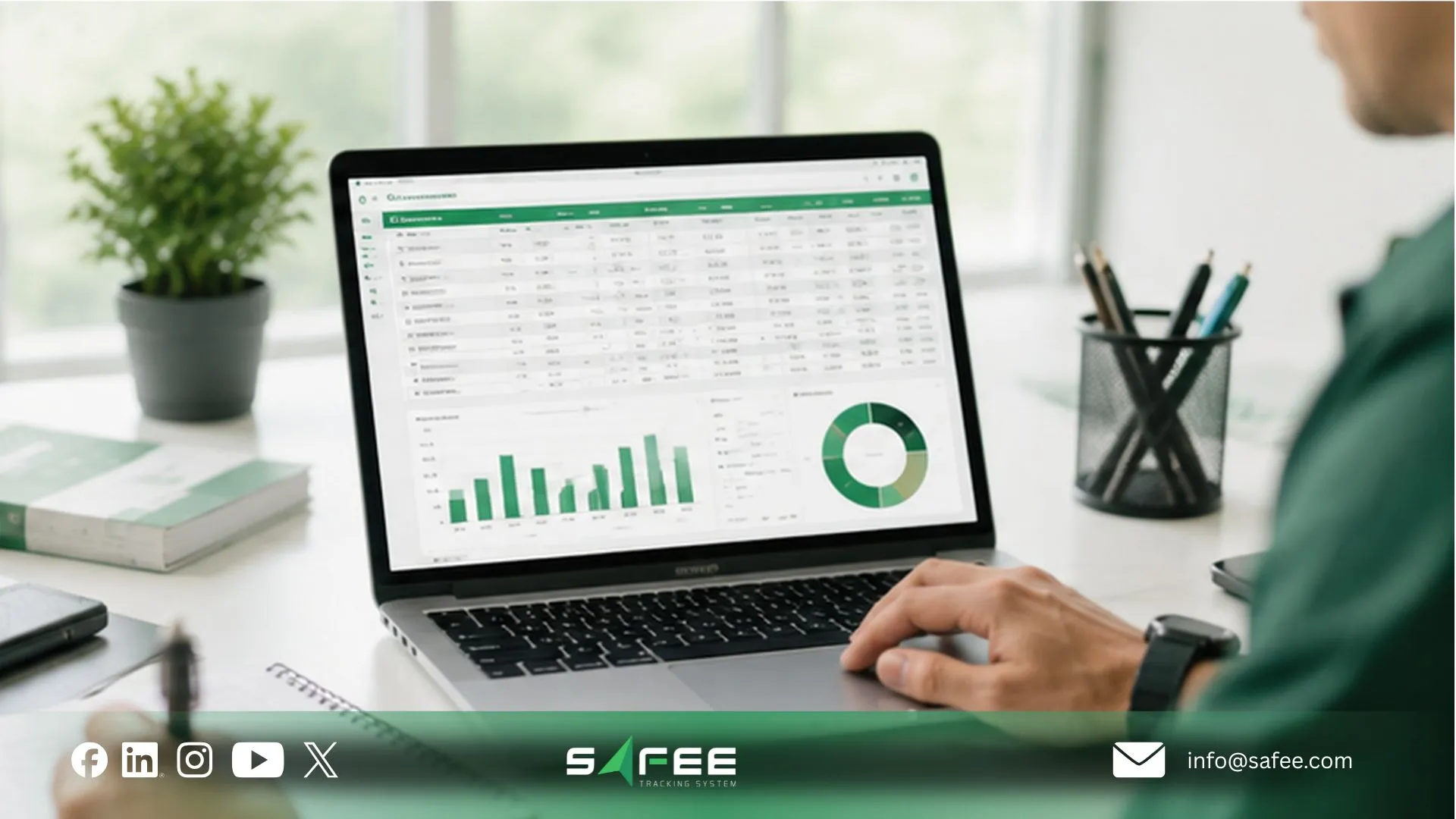
Fleet inventory management software should make the register operational. It can connect the asset record with GPS, Telematics, movement events, equipment readings, status changes, assignments, maintenance information, and reporting where the required data is available.
For a B2B buyer, the better question is not how many fields the platform stores, but which asset decisions the team can make from those fields.
That may include identifying:
- Assets that have not moved recently or are underused.
- Trailers or equipment at the wrong site.
- Trackers that are offline or stale.
- Assets that crossed a Geofence or require operational follow-up.
- Records that are incomplete before an audit.
- Equipment assigned to a specific project or vehicle.
- Assets that should remain active in the platform.
At Safee, our Advanced Modules include equipment monitoring with Movement Tracking and Real-Time Sensor Data, while Live Vehicle Tracking connects available GPS information with status, history, Geofences, alerts, and reporting. The point is to connect asset identity with usable operating context rather than leave GPS as a separate map.
Fleet asset tracking software for vehicles and equipment together
Fleet asset tracking software is more useful when vehicles and supporting equipment can be managed in one control framework without treating every asset as if it behaves like a road vehicle.
This is the core asset management for fleet and equipment requirements. A truck may provide mileage and engine data; a trailer may mainly need location and movement visibility; equipment may provide working-hour or sensor data depending on the connected device and configuration.
Evaluate whether the system can support:
- Different asset classes and identifiers.
- Powered and non-powered asset requirements and different tracking-device types.
- Location and movement history plus equipment-specific data where available.
- Assignment relationships and device communication status.
- Geofence-based operating controls and reports filtered by asset category.
For asset tracking fleet management, the objective is one accountable environment that preserves the operational differences between vehicles, trailers, and equipment.
Truck fleet asset management for trailers and attachments
Truck fleet asset management becomes more complex when the tractor is only one part of the operation. Tractors, trailers, specialized bodies, attachments, and equipment can move between vehicles, drivers, depots, customers, or projects.
For each trailer or attachment, the team needs to know:
- Current operational status and most recent known location.
- Whether it is attached or assigned, and which depot or operating area controls it.
- Whether the tracker is communicating or the asset moved unexpectedly.
- Whether the physical identity matches the digital record and whether the assignment changed.
A “missing” asset may simply have moved correctly while the digital assignment remained stale. The investigation should verify both physical movement and the inventory record before escalation.
For trucking fleets, gps fleet and asset tracking for trucking strengthens that process by connecting asset identity with current or historical movement information.
Fleet & asset management records that survive an audit
An audit-ready fleet & asset management record does not make an organization automatically compliant. It means the organization can reproduce the information used to explain how an asset was controlled.
Depending on the audit scope, useful evidence may include:
- Asset identity, classification, ownership, and operational responsibility.
- Current status and assignment history.
- Location history where tracked and device or communication status.
- Maintenance-related records, movement exceptions, and Geofence activity.
- User access or change records where supported, plus review and corrective-action records.
The core control is traceability: when management or an auditor asks why an asset was active, where it was assigned, when it moved, or why a tracker stopped reporting, the team should be able to trace the supporting record instead of reconstructing events from memory.
Our Fleet Reporting and Tracking Data Analyzer (TDA) can support recurring review and historical investigation when the required data is captured and available. If your current inventory has to be reconciled manually before every management review, this is a practical point to evaluate in your next system review.
How to set up GPS tracking for fleet assets?
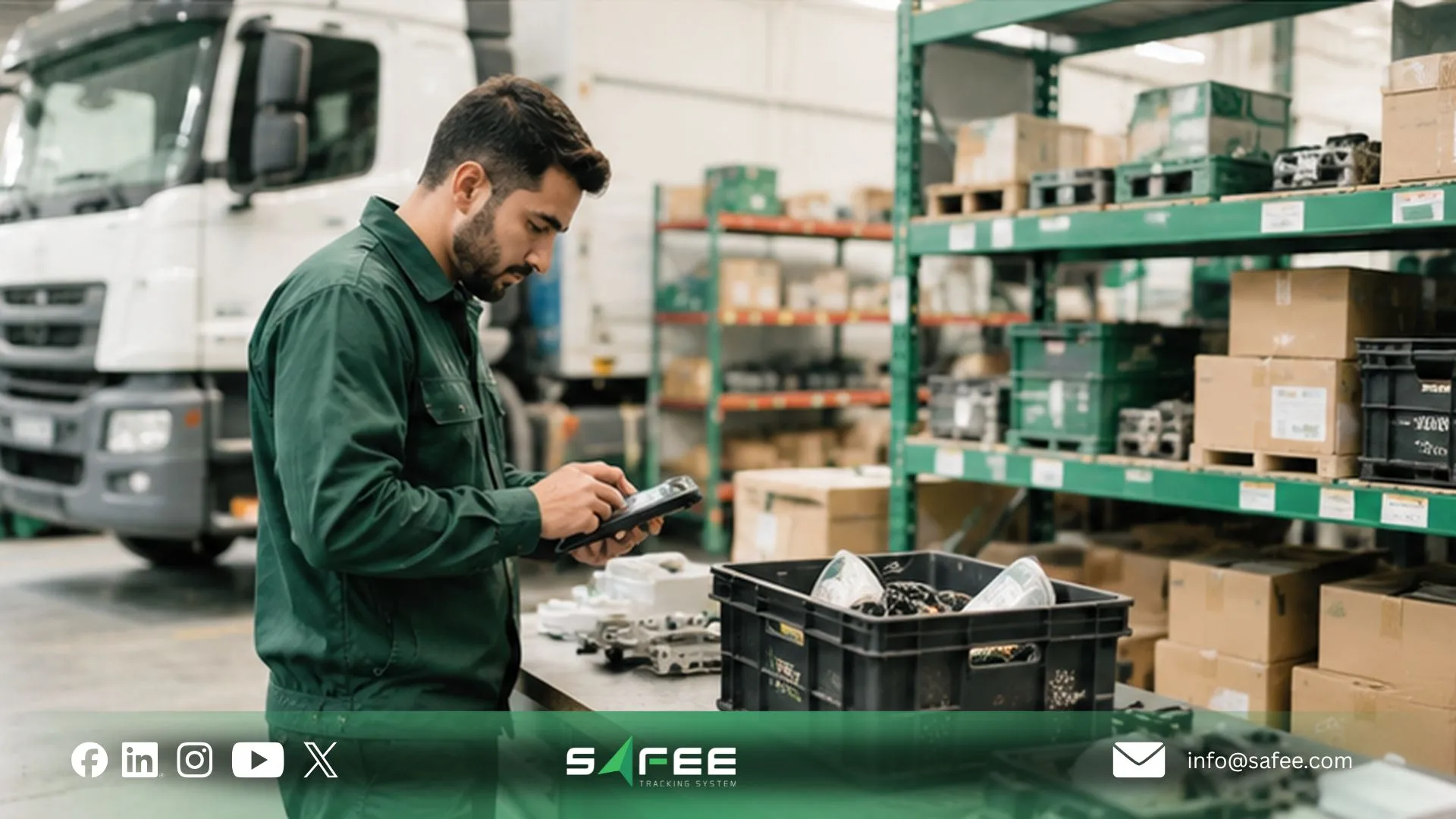
GPS tracking for fleet assets should start with the operating requirement, not the tracker. A powered truck, trailer, attachment, and equipment unit can have different power, movement, communication, and installation conditions.
Before choosing hardware or configuration, define:
- Asset type, value, operational importance, and powered versus non-powered operation.
- Expected movement and required location-update frequency.
- Communication availability, operating environment, and installation constraints.
- Required sensor or equipment data and Geofence requirements.
- Alert recipients, reporting requirements, and device-health monitoring.
- Data-access responsibilities and any local privacy or regulatory requirements that must be verified.
These variables determine what the fleet needs from gps fleet asset tracking. GPS should support the asset-control process rather than create another disconnected dataset.
8 steps to roll out GPS fleet asset tracking without gaps
A structured rollout reduces the risk of installing trackers while leaving the underlying inventory unreliable.
- Build the controlled asset list: Confirm the vehicles, trailers, equipment, and attachments genuinely in scope instead of importing every legacy record.
- Assign one permanent operational identity: Use a clear asset ID and naming rule that can be recognized across Operations, tracking, maintenance, Finance, and audit workflows wherever practical.
- Classify assets by operational requiremen: Separate vehicles, trailers, powered equipment, non-powered equipment, and other categories so one tracking configuration is not applied to fundamentally different assets.
- Match the tracking method to the asset: Define the device, power arrangement, communication method, update behavior, sensor inputs, and installation approach; validate hardware suitability with the provider.
- Link the physical asset to the digital tracker record: Verify that each physical asset is correctly associated with its asset ID, tracking device, and corresponding platform record. This relationship is a critical control in a fleet asset tracking system.
- Configure Geofences, alerts, and responsibilities: Define which movements need action, who receives the alert, and what that person should do next.
- Validate the data before rollout: Confirm asset identity, position reporting, communication status, supported sensor values, Geofence behavior, alert delivery, history, and report visibility.
- Establish recurring inventory governance: Define onboarding, tracker replacement, assignment changes, record audits, offline-device investigation, and retirement. Without this step, even a well-designed deployment becomes inaccurate over time.
For step 6, our Alarms and Alerts Module can route configured tracking, Geofence, communication, and supported device events to relevant users, helping turn an exception into an assigned response.
What is a GPS fleet and asset tracking for trucking?
The search “what is gps fleet and asset tracking for trucking” points to a practical operating question: how does a trucking organization keep tractors, trailers, and supporting assets visible within one model?
In practice, gps fleet and asset tracking for trucking connects a known physical asset to a digital record and then adds available location and movement information.
Instead of asking only “Where is truck 218?”, Operations can ask:
- Which trailer is assigned to it, and does the digital assignment match the operational assignment?
- Where was the trailer last reported, and when did it last move?
- Has it entered or left the expected depot?
- Is its tracker currently communicating?
- Which asset record belongs to the device reporting that position?
Because tractor, trailer, and attached equipment do not always remain together, each asset needs its own identity before reliable relationships can be built between them.
Choosing fleet asset GPS tracking software that fits your fleet
Choosing fleet asset gps tracking software should start with the workflows the fleet must control, not a generic feature count.
Typical use cases include:
- Prevent unknown asset locations and track trailer movement between depots.
- Monitor equipment across project sites and identify inactive or underused assets.
- Detect unexpected movement and monitor tracker communication health.
- Connect supported equipment readings with asset identity.
- Produce recurring asset reports, support audit investigation, and reduce manual reconciliation.
Then evaluate the fleet asset tracking software across the areas that matter to those workflows:
- Asset model and tracking compatibility.
- Equipment data and location history.
- Communication health and exception control.
- Reporting by asset type, branch, project, or operational status.
- Access governance, integration readiness, and lifecycle management.
Before selecting a fleet asset tracking system, ask the provider:
- Which asset classes and device types can the proposed setup support?
- How are trackers associated with individual asset records, and how are replacements handled?
- What happens outside cellular coverage, and how are stale or offline devices shown?
- Which Geofence, unauthorized-movement, and supported sensor alerts can be configured?
- How can authorized users review historical location information and scheduled reports?
- Which roles can access or modify asset information, and how are assets retired?
- Which integrations are available, and what data-retention or privacy requirements must be defined for the operating market?
Actual tracking performance and data availability depend on the selected devices, installation, asset compatibility, network availability, operating conditions, configuration, and integrations.
Planning a GPS asset rollout? Talk to Safee about your asset classes, sites, tracking requirements, alerts, and reporting workflow before finalizing the deployment.
Safee is your fleet inventory management software company
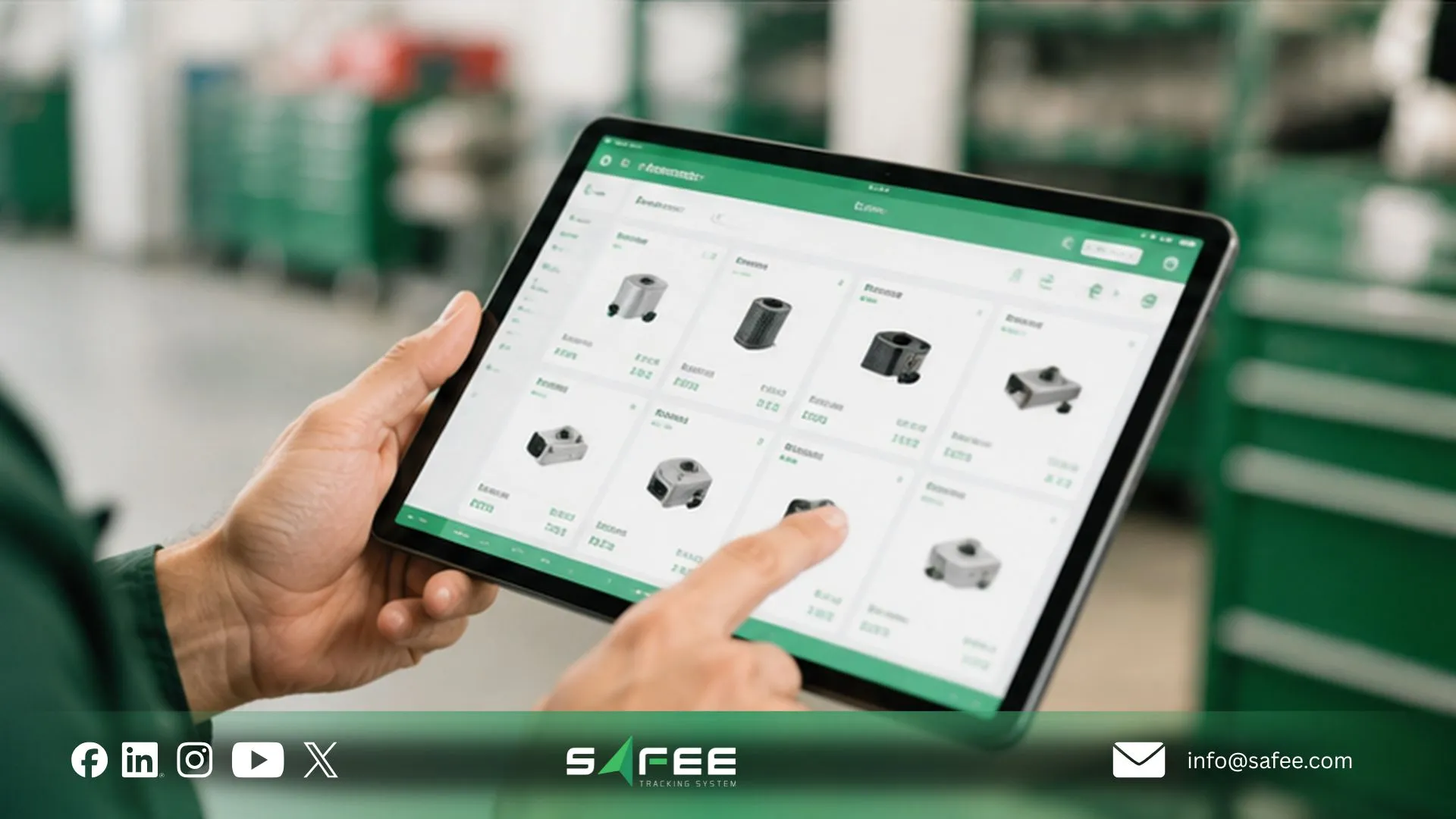
For B2B organizations evaluating fleet inventory management software, we are always seeking to position Safee as the best choice when the requirement is to connect asset visibility with wider fleet operations instead of using GPS as an isolated map. Our platform brings together equipment monitoring, Movement Tracking, Real-Time Sensor Data, Live Vehicle Tracking, Alarms and Alerts, Fleet Reporting, and analytical tools within one broader fleet-management environment.
That supports a connected asset and fleet management workflow: identify the asset, review its current or last reported status, investigate movement history, detect exceptions, and route the result into reporting or follow-up. For operations managing vehicles alongside trailers, project equipment, or other connected resources, this reduces the need to treat location data and asset records as separate control systems.
Explore Safee’s fleet management platform and its linked tracking, monitoring, alerting, and reporting modules to map the workflow to your own fleet structure.
Safee vs manual asset tracking fleet management
| Control area | Manual asset tracking fleet management | Safee |
| Asset location | Staff check spreadsheets, phone teams, or reconcile separate systems. | Connected assets can be reviewed through Live Vehicle Tracking where tracking data is available. |
| Movement history | Depends on manually retained movement records. | Historical tracking records can support investigation. |
| Equipment monitoring | Equipment status may sit in separate logs. | Equipment monitoring can connect movement and supported sensor data. |
| Geofence control | Site entry or exit may be recorded manually. | Geofence events can support exception monitoring. |
| Unexpected movement | Usually discovered after someone notices an asset is missing. | Configured alerts can notify relevant users when supported movement conditions are detected. |
| Tracker health | Offline units may remain unnoticed. | Communication and tracker status can be reviewed through tracking workflows. |
| Operational reporting | Data must be manually compiled. | Fleet Reporting can support recurring structured review. |
| Historical analysis | Requires comparing multiple spreadsheets or logs. | Tracking Data Analyzer can support investigation of recurring tracking patterns. |
| Audit evidence | Depends heavily on manually maintained records. | Connected tracking records can support review where the required data is captured. |
| Fleet visibility | Vehicles and equipment may be managed separately. | Safee supports vehicle tracking and equipment-monitoring workflows within its broader fleet-management environment. |
The exact workflow depends on the devices, modules, integrations, and configuration selected for the operation.
How Safee supports fleet asset tracking for lost equipment recovery
When an asset cannot be located, connected tracking gives the fleet a structured investigation path instead of starting with calls across depots and separate spreadsheets.
- Confirm the asset identity: Verify that the physical asset matches the correct platform record and tracker.
- Check tracker status: Determine whether the tracking unit is communicating, delayed, or offline.
- Review the current or last reported position: Use the most recent available position to narrow the search area.
- Review movement history: Check when the asset last moved and whether its movement departed from the expected workflow.
- Review Geofence and alert context: Check for entry, exit, unauthorized-movement, or communication events.
- Coordinate the operational response: Give Operations, security, fleet, or site teams a defined location and event history to investigate.
- Preserve the record: Keep the relevant movement, alert, and investigation data for management review and internal follow-up.
Our Live Vehicle Tracking provides current or most recently received positioning and historical context where data is available; Alarms and Alerts can route configured movement, Geofence, and communication exceptions; Fleet Reporting and TDA can support historical review.
GPS software cannot guarantee asset recovery. Power, installation, signal conditions, connectivity, tampering, permissions, update configuration, and the operating environment affect the information available. The operational advantage is a faster, evidence-based investigation path—not a promise that an asset can never be lost.
Want to review how vehicles, trailers, equipment, GPS data, alerts, and reports could fit into one workflow? Request a Safee demo and map the deployment around your actual asset classes and operating sites.
FAQs about fleet inventory management
Is fleet inventory management the same as asset tracking?
No. Fleet inventory management covers asset identity, status, assignment, responsibility, and lifecycle records. Asset tracking is one part of that process, focused mainly on an asset’s location and movement.
Can fleet inventory management software track non-vehicle assets?
Yes, when the asset, device, power model, and connectivity support the required tracking setup. Trailers, equipment, and attachments may require different configurations from vehicles. Safee supports equipment monitoring through Movement Tracking and Real-Time Sensor Data for supported configurations.
How accurate is GPS tracking for fleet assets?
GPS tracking accuracy depends on factors such as satellite visibility, device quality, installation, communication coverage, asset power, and reporting configuration. Fleet teams should also verify that the tracker is assigned to the correct asset and that its location data is recent and communicating correctly.
What should a fleet asset tracking system report weekly?
A weekly fleet asset tracking system report should highlight operational exceptions, including:
- Active, added, and retired assets.
- Unknown locations or Geofence exceptions.
- Offline or stale tracking devices.
- Unexpected movement or low utilization.
- Maintenance or working-hour exceptions where available.
- Assignment changes requiring review.
The report should help each responsible team identify exceptions that require action rather than simply export all available asset data.
Ready to improve your fleet operations?
Tell us what you would like to improve. A Safee specialist will reply by email.
Usually replies within one business day • No sales spam
Your details are used only to respond to your request. Privacy Policy

