
How to Choose a Fleet Truck Tracking System for Heavy Fleets

A heavy fleet can look active while managers still lose control. Semi trucks leave the depot, OTR drivers cross long routes, forklifts move inside warehouses, and yard equipment shifts between zones, yet dispatchers may still chase updates by phone, supervisors may not know which asset is being used, and HSE teams may only see risky events after the fact. For GCC fleets operating across roads, ports, yards, warehouses, borders, deserts, and customer sites, basic GPS dots are not enough.
This guide explains how to choose a fleet truck tracking system that fits real heavy-fleet operations. You will learn how fleet truck GPS tracking works, what to check before buying GPS tracking devices for fleet trucks, how OTR fleet management and semi trucking fleet management differ from forklift and lift truck fleet management, and how Safee helps connect live tracking, geofences, alerts, driver identity, reports, journey visibility, SatComm, and mobile access in one practical workflow.
What is a fleet truck tracking system?
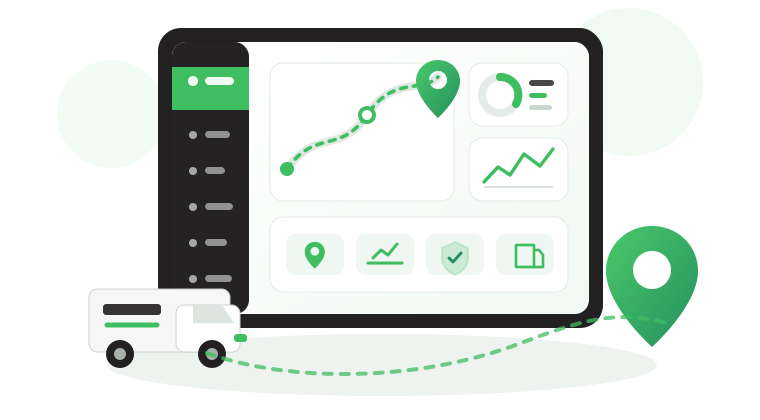
A fleet truck tracking system is a connected telematics workflow that helps companies monitor trucks, drivers, equipment, routes, zones, alerts, and reports in real time. The value is not only knowing where a truck is; it is knowing what needs action, who should respond, and what the data says after the route, shift, or job is complete.
For road fleets, the system may support live vehicle location, driver behavior, route deviation alerts, trip replay, and utilization reports. For yards and warehouses, it may support lift truck fleet management, forklift truck fleet management, operator identity, safety zones, movement history, and asset usage patterns. The best setup should reflect each operating environment instead of treating every asset like a standard road vehicle.
For real-time truck location, driver identity, alarm status, geofence compliance, trip history, and performance visibility, review our Live Vehicle Tracking module.
How does fleet truck GPS tracking work from device to dashboard?
Fleet truck GPS tracking starts with hardware installed in or attached to the vehicle. The device collects location, movement, ignition, driver, sensor, or vehicle data, then sends it to a cloud platform through cellular, dual-SIM, satellite, or other connectivity options. The dashboard turns that data into live visibility, alerts, history, and reports for operations, HSE, maintenance, and management teams.
Some GPS tracking devices for fleet trucks use OBD or plug-and-play connections. Heavy trucks, OTR vehicles, semi trucks, refrigerated vehicles, and high-value assets often need hardwired devices, CANbus integration, backup battery, rugged installation, driver ID, or sensor support. Exact update intervals, CAN data, and connectivity performance should be verified by vehicle type, route, geography, and hardware model before deployment.
- Device layer: GPS, ignition, movement, driver ID, CANbus, fuel, or sensor data where configured.
- Connectivity layer: cellular, dual-SIM, satellite fallback, or delayed upload depending on route coverage.
- Platform layer: live map, dashboard views, geofences, alerts, reports, trip replay, and role-based access.
- Action layer: dispatch response, HSE review, driver coaching, maintenance follow-up, security escalation, or management reporting.
Our Alarms and Alerts can help teams turn live tracking events into configurable notifications for speeding, geofence breaches, unauthorized use, harsh driving, vehicle health, and other exceptions.
Also read: Heavy Equipment Fleet Management Software in the GCC: Maximize Uptime on Every Job Site
Why do OTR and long-haul fleets need real-time truck tracking?
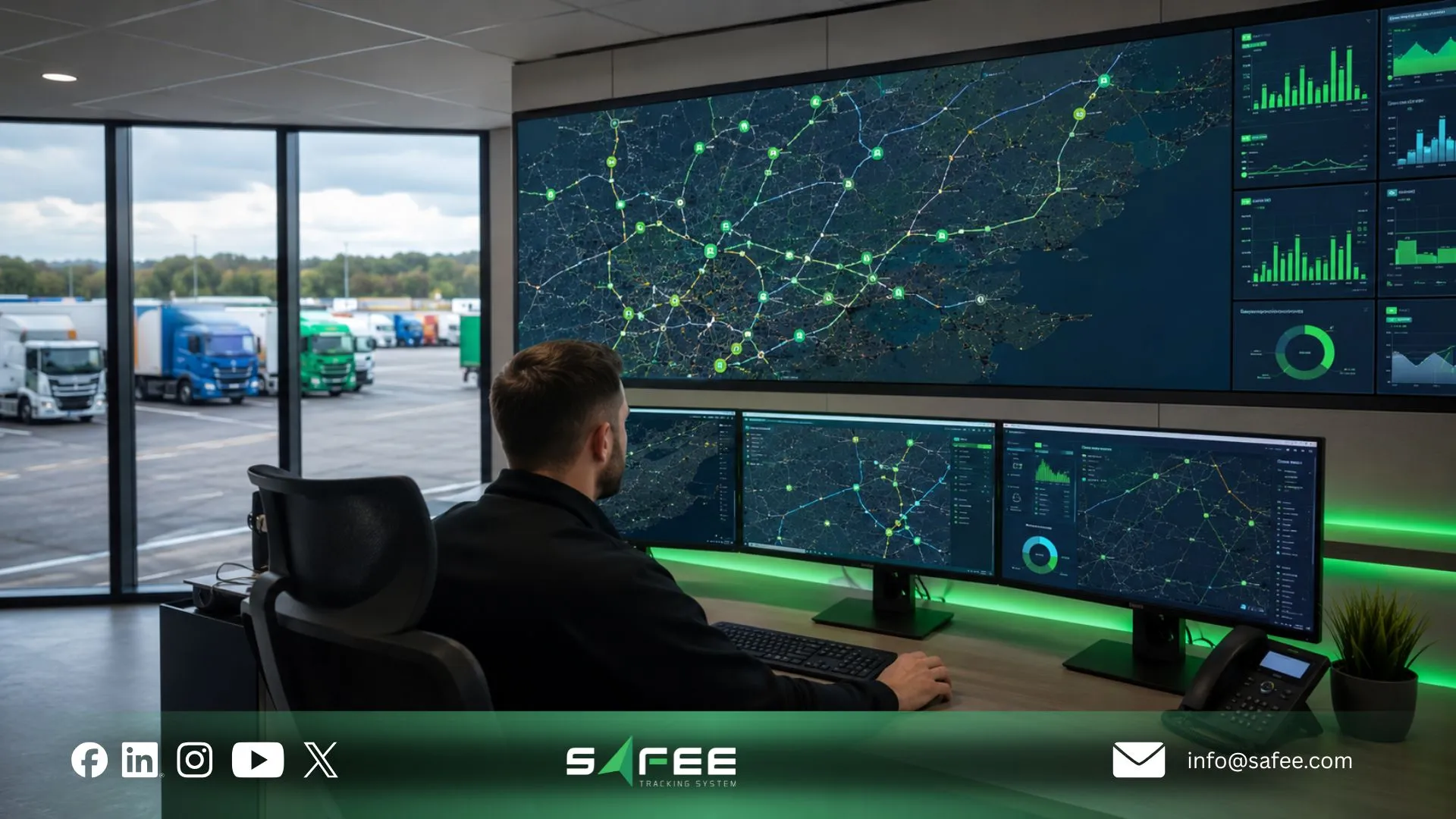
OTR fleet management needs real-time tracking because long-haul trucks operate far beyond the depot. Dispatch teams need visibility across border routes, ports, rest points, customer sites, remote roads, low-coverage areas, and high-value cargo movements. Without live visibility, delays, unauthorized stops, route deviations, and driver-risk events may be discovered too late.
For over the road fleet management, the system should help managers answer practical questions: Is the truck on the approved route? Has it stopped too long? Is the customer ETA still realistic? Did the driver enter an unauthorized zone? Does the route need SatComm or dual-SIM support? Which trip exceptions should appear in the weekly report?
- Monitor live truck location and route progress.
- Review stops, delays, and border or checkpoint movement.
- Use trip replay and route history for post-route review.
- Connect alerts with driver accountability, maintenance context, and customer communication.
- Configure geofences for depots, ports, customer sites, rest areas, and restricted zones.
For planned routes, trip monitoring, delay detection, and post-trip review, our Journey Management System can support a more controlled long-haul workflow.
For remote GCC routes where cellular coverage may be weak, SatComm module can support satellite visibility and emergency communication workflows where required.
Fleet truck GPS tracking by vehicle type
A strong fleet truck tracking system should support different vehicle types without forcing the same workflow on every asset. Semi trucks need route visibility and long-haul control. OTR vehicles need coverage planning and exception escalation. Forklifts and lift trucks need indoor or yard visibility, operator accountability, safety-zone rules, and utilization reporting.
Semi truck and OTR fleet GPS tracking
Semi trucking fleet management is built around long-distance movement, customer commitments, route discipline, driver accountability, maintenance readiness, and exception review. A semi truck may cross multiple cities, borders, depots, ports, or industrial zones before returning to base. The tracking setup should show live location, trip history, stop patterns, driver events, geofence activity, and reporting by vehicle, route, driver, and branch.
A fatigue risk management system for trucking fleet operations may also be part of the wider safety strategy. It should not be treated as a single device claim. The right workflow may involve driver identity, driving-hour policy, rest-area geofences, alerts, route planning, behavior monitoring, and management review according to the company policy and applicable market requirements.
For driver assignment, behavior visibility, tasks, and driver-vehicle interaction, our Driver Management module is a relevant internal link in this section.
Lift truck fleet management for yard and warehouse operations
Lift truck fleet management focuses on assets that may work inside warehouses, yards, factories, ports, distribution centers, and loading bays rather than public roads. Standard GPS may be weak indoors, so the deployment may need indoor positioning, zone-based tracking, RF, BLE, Wi-Fi, UWB, or a mixed approach depending on the site layout.
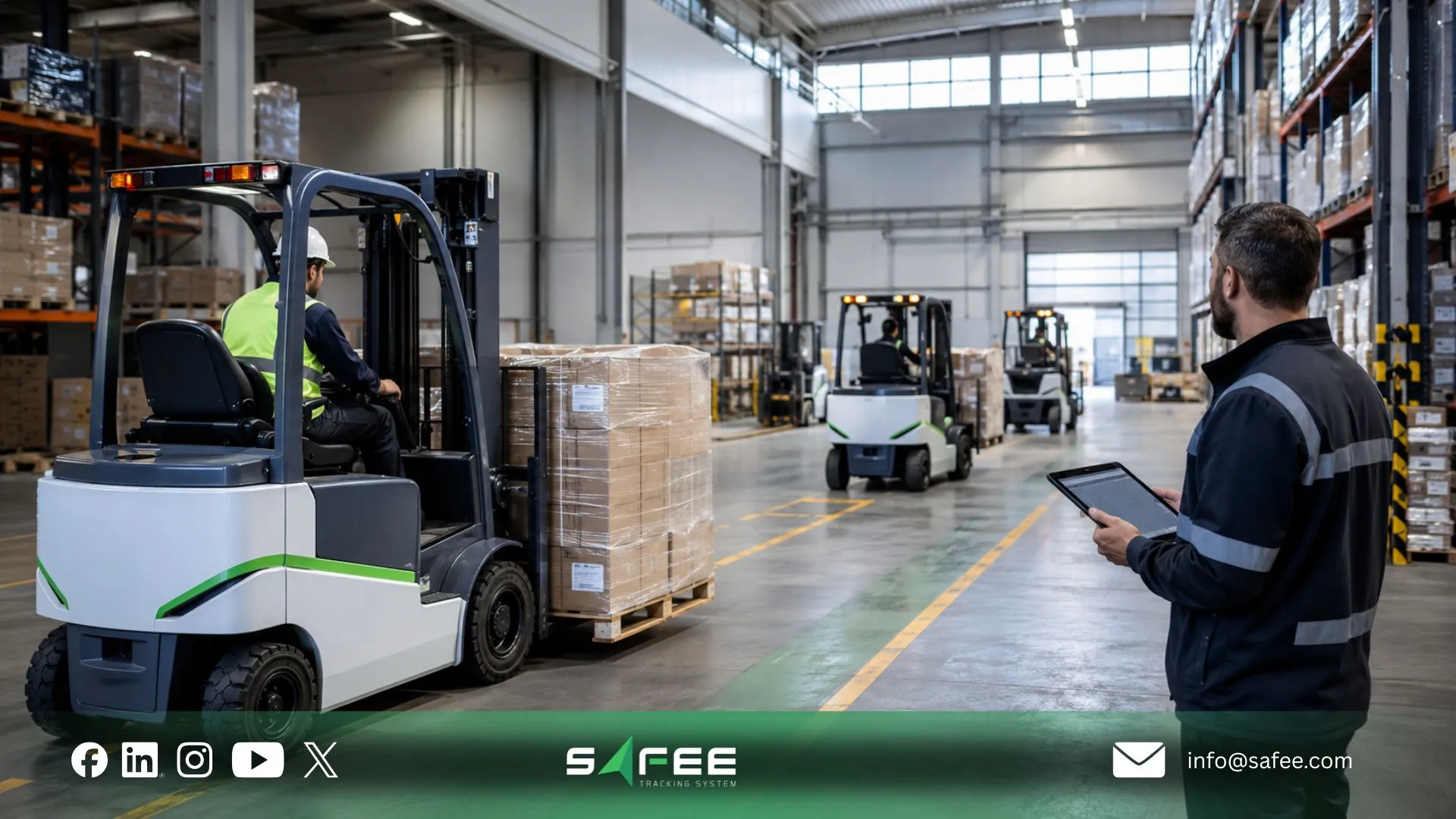
The business value is different from long-haul tracking. Supervisors need to know which lift trucks are active, idle, underused, assigned to the wrong zone, or operated outside approved rules. HSE teams need safety-zone visibility. Maintenance teams need usage-based follow-up. Managers need utilization reports by asset, zone, shift, and operator.
Forklift Truck Fleet Management and Operator Control
Forklift truck fleet management should connect equipment usage with operator accountability, safety zones, maintenance triggers, and utilization reporting. Forklifts directly affect loading speed, warehouse safety, yard productivity, and customer service levels. A basic location view is not enough if managers cannot connect usage to operator ID, shift, zone, and safety events.
- Track forklift utilization by shift, zone, asset, and operator where configured.
- Use safety-zone rules for restricted or high-risk warehouse areas.
- Link equipment usage with driver or operator ID where required.
- Plan maintenance based on operating hours and usage patterns.
- Review impact, harsh movement, or unsafe activity where compatible hardware is installed.
Our Fleet Reporting and Tracking Data Analyzer can help teams review utilization, shift activity, driver behavior, exceptions, and operating patterns across road, yard, and warehouse assets.
Also read: Fleet Management Checklist for GCC Desert Truck Operations
15 technical specifications to check before buying GPS tracking devices for fleet trucks
Before buying GPS tracking devices for fleet trucks, evaluate the operational fit, not only the device price. A device that works for a light vehicle may fail to support heavy trucks, OTR routes, forklifts, yards, harsh weather, remote roads, or mixed indoor/outdoor operations. Use this checklist before procurement.
- Location update interval: Confirm the update frequency needed for dispatch, route monitoring, and exception response. Higher frequency may affect data usage, power, and cost.
- Hardwired vs. OBD installation: Heavy trucks often need hardwired installation for stability, tamper resistance, and deeper data access. Verify by vehicle class.
- CANbus integration: Useful for supported engine diagnostics, RPM, fuel level, fault codes, and maintenance workflows. Availability depends on vehicle and hardware.
- Backup battery: Helps detect power disconnect, tampering, and unauthorized movement after external power loss.
- Rugged housing: Important for heat, dust, vibration, humidity, and industrial environments. Verify rating from the device datasheet.
- Driver ID support: RFID, NFC, PIN, or app-based identification can connect vehicle activity with the responsible driver or operator.
- Accelerometer support: Can support harsh braking, harsh acceleration, cornering, impact, and movement-event detection where configured.
- Dual-SIM or satellite fallback: Important for OTR fleet management, remote routes, borders, deserts, ports, and low-coverage areas.
- OTA firmware updates: Allows remote updates, bug fixes, security improvements, and configuration changes without removing devices.
- Communication protocols: Ask your IT team to verify MQTT, TCP/IP, API, webhook, and integration requirements.
- History and trip replay: Check retention needs for route history, audit review, customer disputes, compliance-related workflows, and reporting.
- Geofence engine: Look for polygon and radius zones, entry/exit alerts, dwell-time rules, restricted areas, and route-deviation logic.
- Integration readiness: Confirm API, webhook, ERP, dispatch, maintenance, payroll, and reporting integration options.
- Forklift-compatible tracking: Indoor tracking may require BLE, RF, Wi-Fi, UWB, or zone-based systems instead of normal GPS.
- Fatigue-risk workflow support: For semi trucks and long-haul operations, verify how driver hours, route planning, rest areas, alerts, and safety review can work together.
Comparing hardware? Ask our experts to review your truck types, forklift environment, OTR routes, connectivity gaps, integration needs, and alert policy
How to Deploy your fleet truck tracking system?
Deploying a fleet truck tracking system is not only a hardware installation project. It is an operating change that affects dispatchers, drivers, warehouse supervisors, HSE, maintenance, finance, and leadership. The rollout should define what data is collected, who receives alerts, which reports matter, and how teams respond after go-live.
- Audit vehicles and assets: semi trucks, OTR units, yard trucks, forklifts, lift trucks, trailers, and service vehicles.
- Map operating environments: road routes, remote corridors, warehouses, yards, depots, ports, and restricted zones.
- Select hardware by use case: road tracking, indoor positioning, CANbus, backup battery, sensors, or SatComm.
- Configure geofences and alerts: depots, yards, warehouses, customer sites, borders, rest areas, and high-risk zones.
- Set driver and operator rules: driver ID, assignments, authorized operators, safety checks, and role-based access.
- Build dashboards and reports: views for dispatch, HSE, maintenance, warehouse supervisors, finance, and management.
- Train users and review adoption: make sure the system supports real workflows, not just technical monitoring.
For mobile access to locations, alerts, and reports while teams are away from the office, our Mobile App can support supervisors and fleet managers on the move.
How do geofences and alerts improve fleet truck GPS tracking?
Geofences and alerts turn truck tracking into fleet control. Without alerts, teams must keep watching the map. With the right rules, the system can notify the right person when a vehicle enters a restricted area, leaves a depot after hours, stops too long, deviates from a route, or shows a driver-risk event.
- Create zones for depots, customer sites, ports, borders, fuel stations, maintenance workshops, yards, warehouses, and loading bays.
- Set alerts for unauthorized movement, route deviation, speeding, harsh braking, long stop duration, power disconnect, tampering, and geofence activity.
- Define alert owners by role: dispatcher, HSE, maintenance, warehouse supervisor, security, or management.
- Review repeated exceptions through scheduled reports instead of reacting only to single events.
Use our Alarms and Alerts module with Fleet Reporting to move from one-time notifications to structured exception review.
ِAlso read: Trucking Fleet Management Software for GCC Fleets
Why choose Safee for fleet truck GPS tracking?
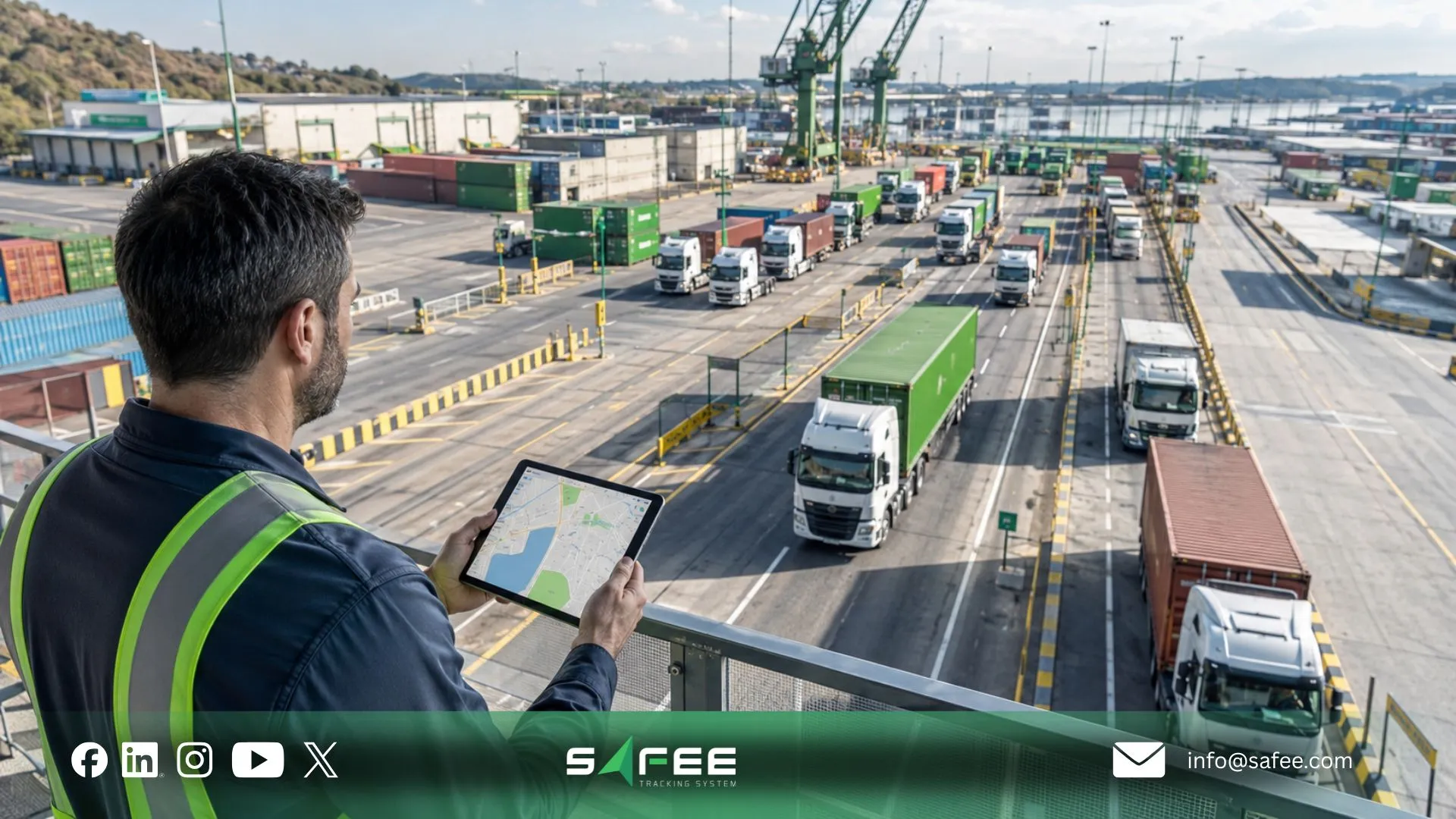
Safee is a strong fit for fleets that need road, yard, warehouse, and long-haul visibility in one workflow. Instead of treating tracking as a simple map, we help teams connect live location, geofences, alerts, driver identity, trip replay, reports, mobile access, fuel context, journey planning, and satellite visibility where needed.
- For dispatch teams: live visibility into vehicles, routes, stops, and active exceptions.
- For HSE teams: configurable alerts for speed, geofence breaches, unauthorized use, and driver behavior.
- For warehouse teams: lift truck and forklift fleet management workflows around usage, zones, and operator accountability.
- For long-haul teams: OTR route monitoring, journey planning, SatComm discussion, and post-trip review.
- For management: scheduled reports, utilization trends, driver behavior insights, and operational evidence.
For deeper analysis of trip history, utilization, and exception patterns, our Tracking Data Analyzer can help teams turn tracking data into practical management insight.
How does Safee support GPS tracking for heavy fleet vehicles?
Hardware compatibility should be scoped before rollout because every fleet environment is different. A long-haul semi truck may need rugged hardwired tracking, CANbus data, route geofences, driver ID, and coverage planning. A warehouse forklift may need indoor positioning, operator authorization, safety-zone mapping, and utilization reports. A yard truck may need geofences, gate history, after-hours alerts, and shift reports.
At Safee, we help teams match the tracking setup to the actual operating model. That means reviewing vehicle types, routes, warehouse layout, connectivity gaps, sensors, dashboards, reports, and user roles before choosing devices.
Need a practical recommendation? Share your truck list, forklift count, warehouse layout, OTR routes, and reporting goals with us to plan the right setup.
How does Safee help reduce unauthorized vehicle use with real-time tracking?
Real-time tracking can help reduce unauthorized vehicle use when it is connected to clear governance. The result does not come from a GPS device alone. It comes from combining approved-driver rules, geofences, after-hours alerts, trip replay, driver ID, supervisor review, and exception reporting.
A practical Safee workflow may include approved driver assignments, depot and yard geofences, power-disconnect alerts, after-hours movement alerts, unauthorized zone exits, weekly exception reports, and follow-up actions by operations or security teams. Any specific percentage reduction, such as a 45% improvement claim, should be published only when Safee has verified the case evidence, baseline, measurement period, fleet scope, and approval to use the result.
- Define what counts as unauthorized use before deployment.
- Configure alerts by depot, route, driver, yard, or operating schedule.
- Review exceptions weekly by vehicle, driver, site, and shift.
- Connect findings to driver policy, supervisor action, and management reporting.
Also read: Logistics Fleet Management: From Fleet Data to Supply Chain Control
FAQs about fleet truck tracking systems
What is a fleet truck tracking system?
A fleet truck tracking system is a telematics platform that helps companies monitor trucks, drivers, routes, zones, alerts, and reports in real time. It supports live GPS visibility, geofencing, driver accountability, trip history, asset utilization, and operational control.
What is the difference between fleet truck GPS tracking and basic GPS tracking?
Basic GPS tracking shows location. Fleet truck GPS tracking should connect location with driver identity, alerts, geofences, trip replay, reports, maintenance context, and management workflows so teams can act on the data instead of only watching the map.
What should I check before buying GPS tracking devices for fleet trucks?
Check update interval, installation method, CANbus support, backup battery, rugged housing, driver ID, accelerometer, dual-SIM or SatComm requirements, OTA firmware, history retention, geofence support, API options, and indoor tracking needs for forklifts or lift trucks.
How does OTR fleet management benefit from real-time tracking?
OTR fleet management benefits from live tracking because dispatchers can monitor route progress, stops, delays, border or checkpoint movement, unauthorized locations, driver behavior, and customer ETA risks across long-haul routes.
How does forklift truck fleet management work inside warehouses?
Forklift truck fleet management may use indoor positioning, operator ID, zone mapping, utilization reports, safety-zone alerts, and maintenance triggers. The right setup depends on warehouse layout, interference, asset type, operator policy, and reporting needs.
Can Safee support semi trucking fleet management and fatigue-risk workflows?
Safee can support semi trucking fleet management through live tracking, driver assignment, route visibility, alerts, reporting, and Journey Management workflows. A fatigue risk management system for trucking fleet operations should be configured around driver policy, route length, rest rules, alert escalation, and applicable local requirements.
Ready to improve your fleet operations?
Tell us what you would like to improve. A Safee specialist will reply by email.
Usually replies within one business day • No sales spam
Your details are used only to respond to your request. Privacy Policy