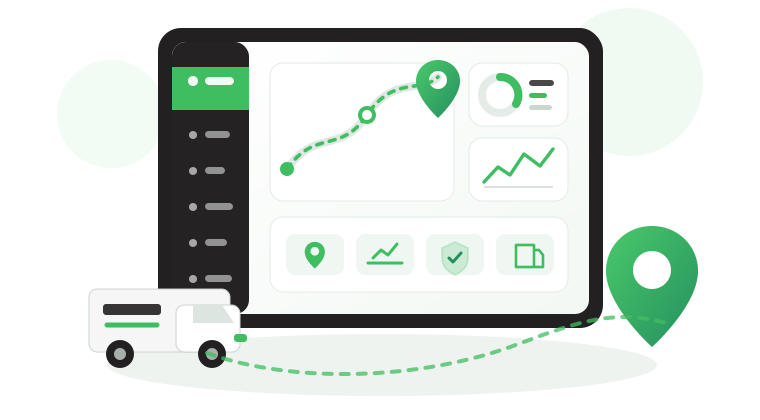


5 Safee Notification Channels for Real-Time Fleet Alerts
In today’s fast-paced and interconnected world, effective communication and timely information play a critical role in optimizing fleet management.
Safee understands this need and offers a diverse range of notifications channels to ensure that fleet managers and operators stay connected and well-informed at all times.
Web Interface
Access notifications through our user-friendly web interface.
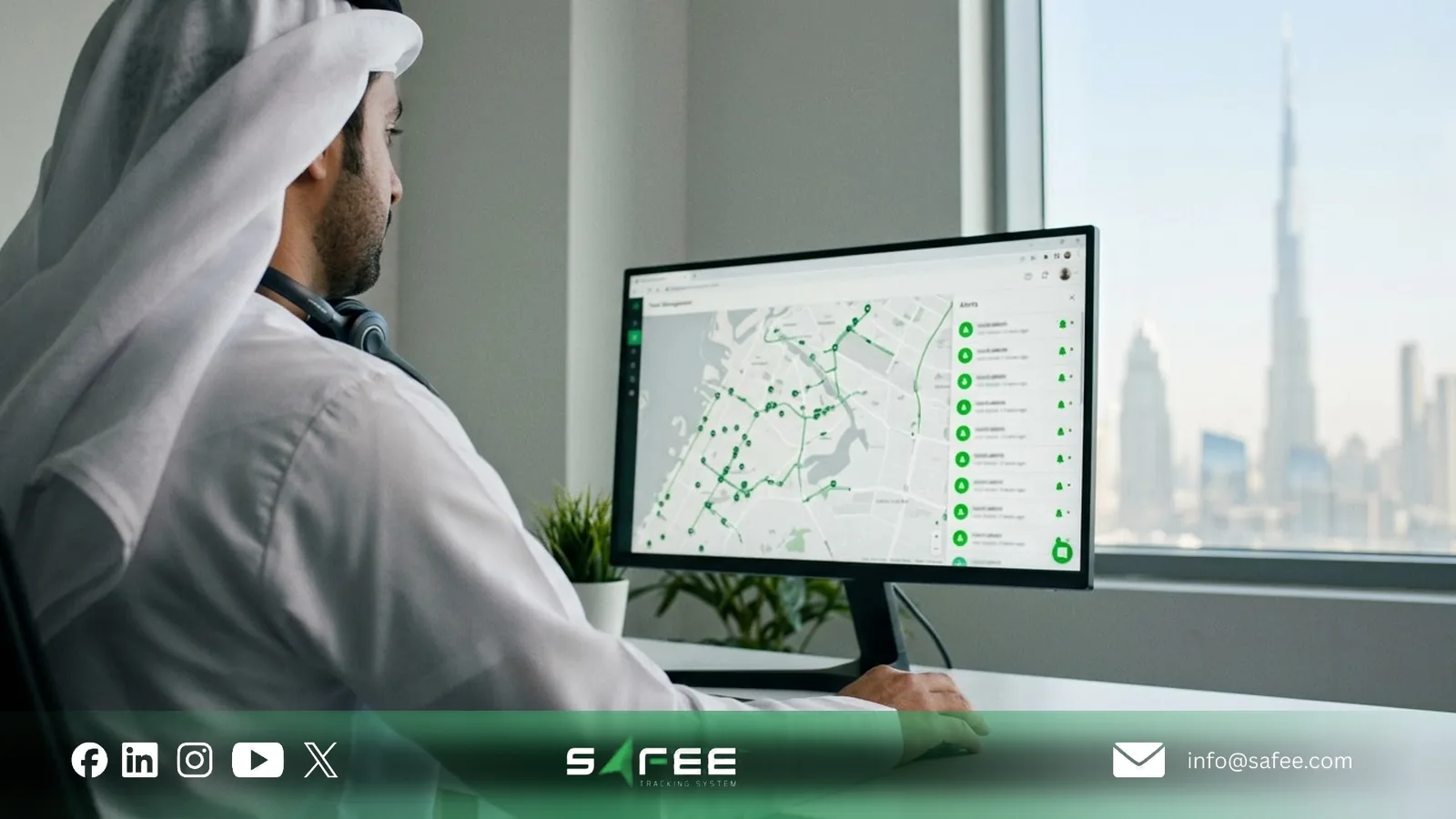
This channel suits control-room and dispatch teams who work in the platform throughout the day, since notifications appear right where they already monitor vehicles and reports.
Receive notifications directly into your email inbox.
Email works well for supervisors and managers who do not watch the platform all day, and it keeps a written record of each alert that can be forwarded to the people responsible.
Mobile App
Stay connected to your fleet on the go with notifications delivered to Safee mobile app.
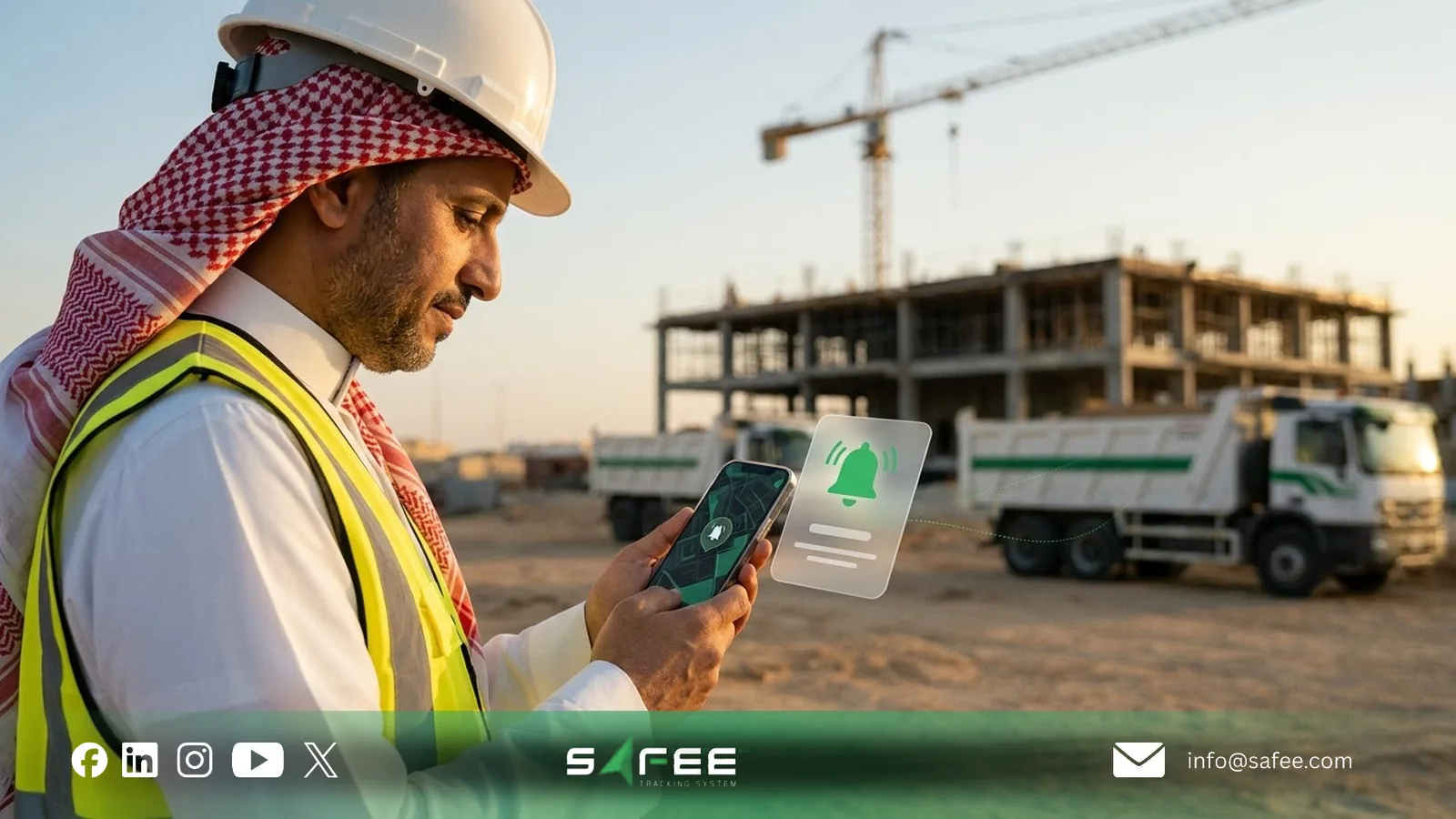
This is the right channel for field supervisors and managers on the move who need to hear about critical events, such as an alarm on one of their vehicles, without being at a desk.
Popup
Get real-time alerts with popup notifications that appear across all open tabs.
Pop-ups make sure urgent alerts are not missed while you are working in another tab, which makes them useful for events that need an immediate response.
Seamless WhatsApp Notifications
Seamlessly receive notifications through one of the world’s most widely used messaging apps. WhatsApp has become a ubiquitous platform for instant messaging and communication. Safee recognizes the immense potential of WhatsApp and has seamlessly integrated it into its notifications system, allowing fleet managers to receive real-time updates and alerts directly on their WhatsApp accounts.
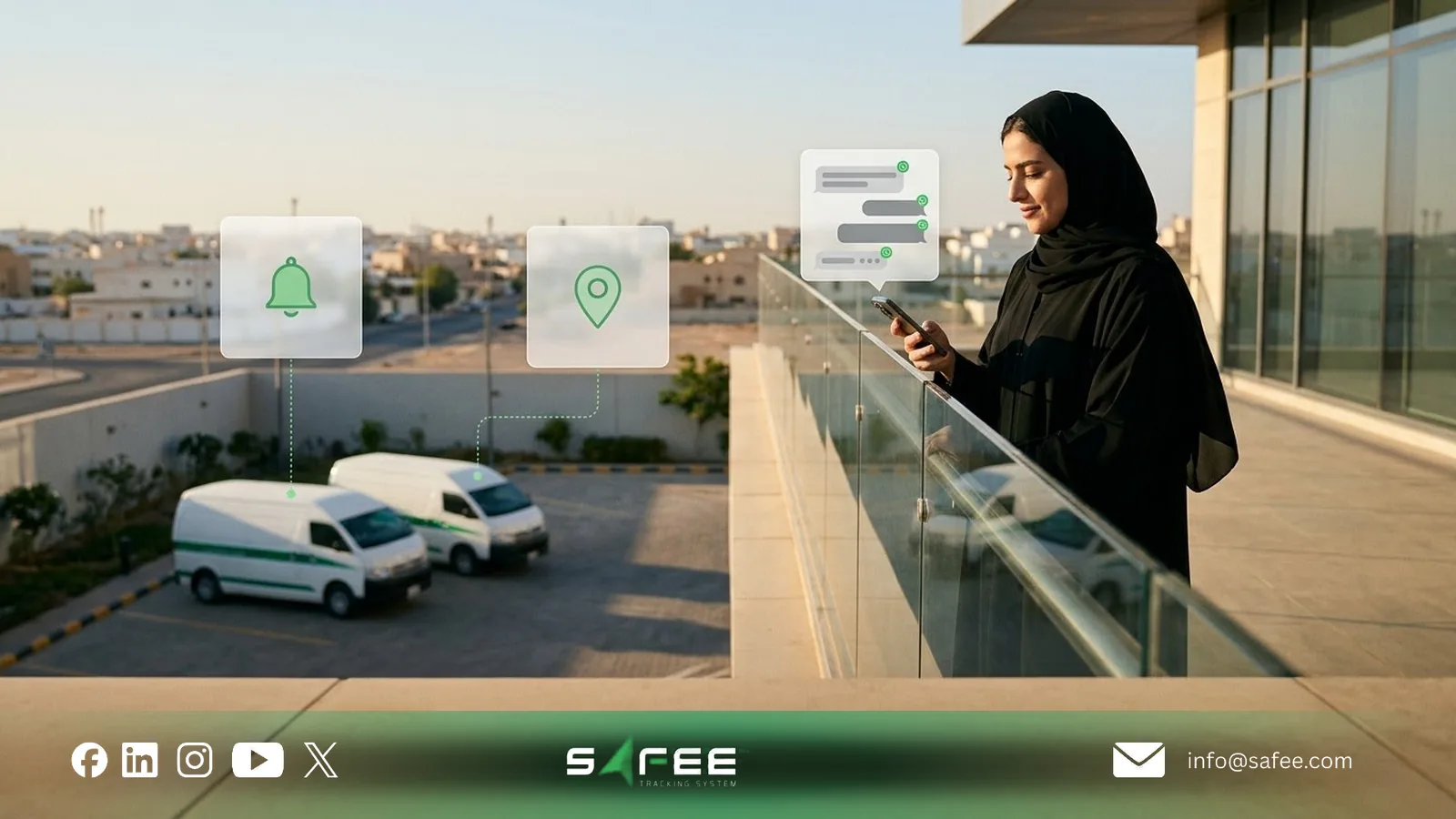
To enable the WhatsApp feature in Safee, the process is straightforward and user-friendly. Fleet managers can follow these simple steps:
Allocating WhatsApp Quota
To take advantage of this feature, contact the Safee team or your authorized Safee distributor to agree on how many accounts are allowed to receive WhatsApp notifications. This number is referred to as the “Quota” and includes both the administrative account and other qualifying accounts.
Activating WhatsApp Notifications
After obtaining the allocated quota, you’re ready to divvy it up among your affiliated companies. To do this in the system, head over to the Management Tab, then click on Companies Configurations, and finally select WhatsApp Quota. Next, hit the Edit button and enter the amount you want to allocate. This amount will then be split between the company’s administrative account and its associated client accounts.
Ready to improve your fleet operations?
Tell us what you would like to improve. A Safee specialist will reply by email.
Usually replies within one business day • No sales spam
Your details are used only to respond to your request. Privacy Policy