
Makkah Waste Hauler Requirements: How to Qualify & Prepare Your Fleet
Makkah waste hauler requirements cover more than vehicle tracking. Companies collecting and transporting commercial waste must review municipal qualification conditions for business documents, MWAN licensing, operating facilities, personnel, vehicles, containers, and AVL tracking equipment.
Meeting these requirements is only the first step. As fleets change, operators must keep vehicle, container, and tracking records aligned with their actual operations. This guide explains Makkah’s published qualification requirements, how to prepare for registration, what to verify before deploying AVL devices, and how to maintain fleet readiness.
What are Makkah waste hauler requirements?
Makkah waste hauler requirements are the municipal conditions a company must meet to carry commercial waste in the Holy Capital. The Holy Makkah Municipality publishes a qualification document for commercial waste carriers on its own site, hmm.gov.sa.
The municipality also runs this work through Madinati. According to a Saudi Press Agency report of December 5, 2024, Makkah’s Madinati platform qualifies commercial waste carriers and tracks the vehicles of qualified carriers using IoT technologies.
What the municipal document covers
Makkah’s commercial waste carrier qualification document covers administrative, licensing, operational, and technical requirements. The main conditions include:
| Requirement | What the published document specifies |
|---|---|
| Business documentation | Valid company documents and a commercial registration covering an eligible waste-related activity. |
| Operating facilities | A properly licensed office and a vehicle and container storage yard of at least 800 m². |
| MWAN licensing | An activity license from the National Center for Waste Management (MWAN) and the required supporting certificates. |
| Personnel | One field supervisor, one driver, and two workers for each waste compactor truck. |
| Waste containers | A stated minimum of 20 two-yard, 10 four-yard, and 15 six-yard containers, with provisions for other container sizes according to operational needs. |
| Collection vehicles | Specified combinations of compactors, including two large trucks or a combination of large and small trucks, with separate conditions for operations limited to the central area. |
| Vehicle condition | Ownership or qualifying lease arrangements, vehicles meeting the stated age and condition rules, and technical inspection evidence where applicable. |
| Tracking equipment | AVL equipment for each vehicle and electronic container chips that meet the applicable connectivity specifications. |
| Operating capacity | Workload limits based on compactor capacity. |
The document also sets specific vehicle configurations and collection-capacity limits. For example, it lists two 32-, 22-, or 18-yard large compactors as alternative configurations, and three 7- or 10-yard small compactors for operations limited to the central area. Different configurations are subject to their stated conditions.
These figures come from the municipality’s published qualification document. Before purchasing vehicles, containers, or tracking equipment, confirm that the document remains applicable and check for updated requirements or additional instructions from the municipality.
Why qualification is only the start
Qualification shows that your company met the conditions when it applied. It does not show that today’s trucks, devices, and records still match. Common gaps include:
- A replaced truck that was never updated on the fleet list.
- A tracking unit swapped without being linked to the right vehicle.
- A license copy kept by one person only.
- A data request that nobody can answer quickly.
These gaps require consistent fleet records, supported by tracking data where applicable.
If you want a second check on your vehicle list, talk to a Fleet Expert to compare it with the points in the Makkah document.
Also read: Wasl vs Madinati in Saudi Arabia: Which Applies to Your Fleet?
Makkah vehicle AVL and licensing: what does your fleet need?
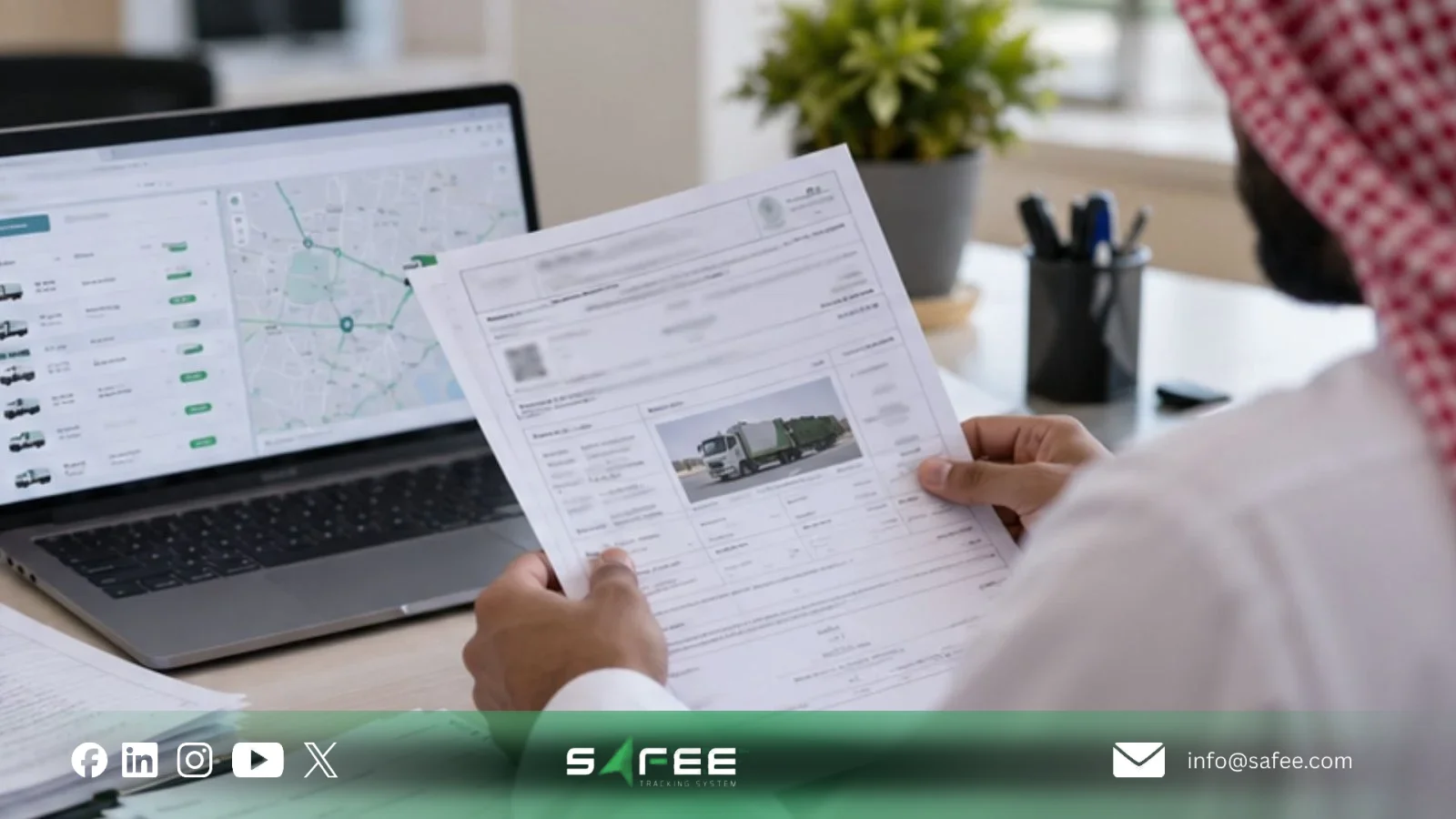
Day to day, the municipal text comes down to your vehicle records. When a requirement mentions Makkah vehicle AVL, your team needs three answers: which vehicles, which device, and which records show that the device is working.
Keep internal vehicle records organized by activity and contract, but distinguish these operational lists from official registration records. Balady’s published guidance requires carriers to register all available vehicles and containers. Confirm the applicable registration scope with the municipality before submitting or updating your qualification records.
Vehicle information to keep consistent
Maintain an internal vehicle list for each qualified activity using the contract, municipal requirements, and your full asset register. Match each record against the physical vehicle and reconcile the list with the vehicles registered through the applicable municipal process. Useful fields include:
- Plate number and internal fleet number.
- Vehicle category, body type, and operational role.
- Whether the truck is owned, leased, or subcontracted.
- The branch or depot the vehicle serves.
- Current status: active, under maintenance, or awaiting documents.
- The tracking device identifier linked to the vehicle.
The municipality decides which fields it needs. Your list keeps your own records consistent, and when the two differ, the municipal document comes first.
The AVL device and the connection clause
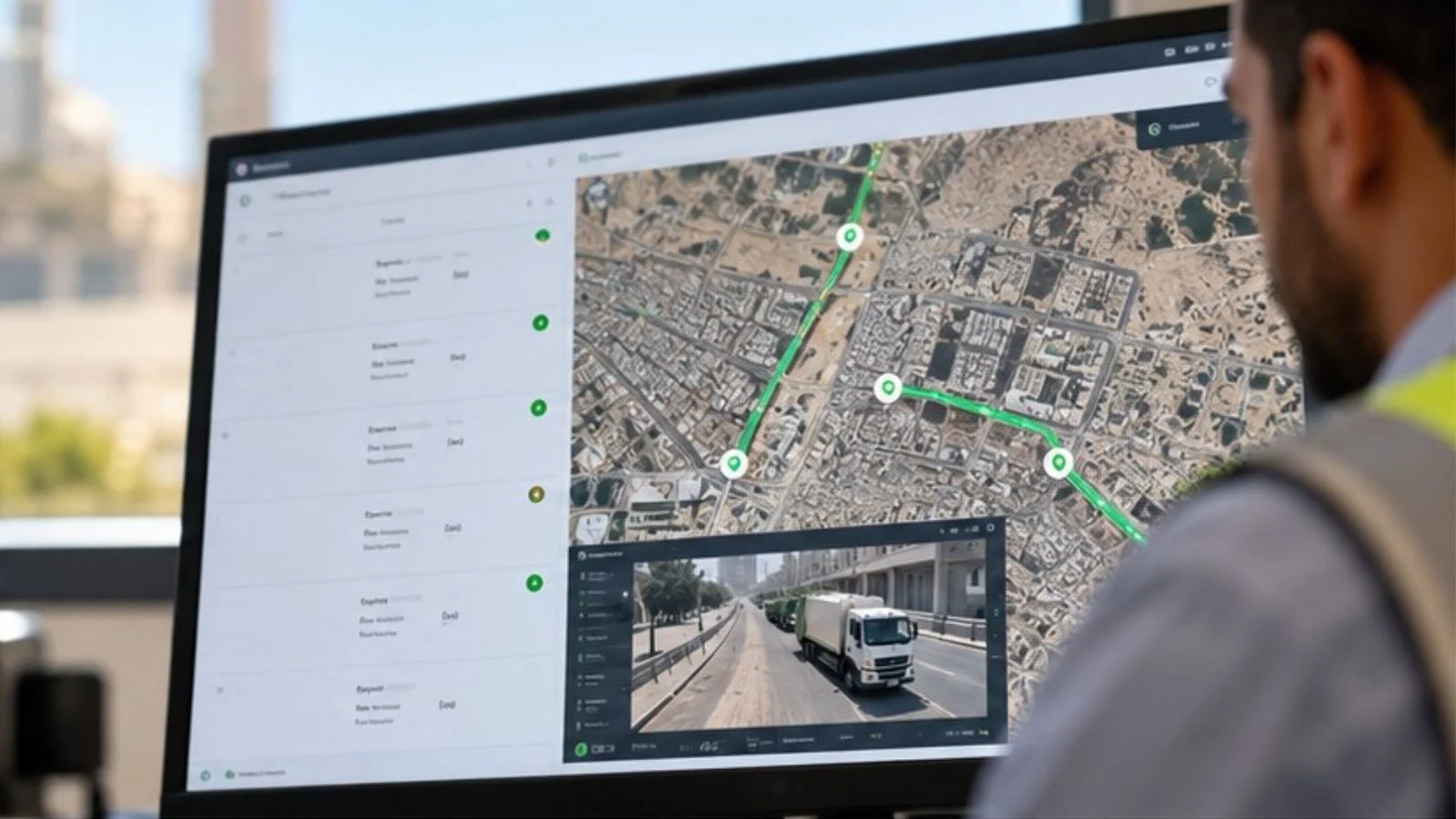
AVL, or Automatic Vehicle Location, is a device and system that finds a vehicle’s position automatically and reports it at regular intervals. In a waste fleet, it also builds the movement history behind route, stop, and site visit reviews.
The published municipal document addresses three connected elements:
- Vehicle tracking: An AVL device installed on each qualifying vehicle.
- Container identification: Electronic chips for waste containers.
- Electronic connectivity: Equipment specifications that allow connection to an electronic platform in the future.
The ability to connect electronically does not establish that a particular tracking provider is approved or that a live integration already exists. Makkah’s Madinati announcement also refers to requirements for tracking service providers.
Before installing equipment, confirm the applicable device, container-chip, supplier, and connectivity requirements with the municipality.
Before you install anything, agree on:
- The exact AVL wording, including any device specification or supplier condition.
- Which vehicles need a device.
- The container-chip specifications and how each chip is linked to its container record.
- Who supplies and installs each device.
- How each device is linked to its vehicle, and how replacements are handled.
- Which data can be exported, in which format, and who can access it.
- Who acts when a vehicle stops reporting.
If you want to see how device linking and data export would work for your trucks, contact Safee to walk through it with our technical team.
Matching the MWAN license to the actual work
The National Center for Waste Management (MWAN) is the body authorized to grant licenses for waste-management activities. Read the license category, validity, and conditions from the license itself and from MWAN’s current official source, not from a summary.
The real risk is simple: the license covers one activity while the trucks do another. Fleets change over time. A new contract adds a service, a subcontractor joins, or a truck moves to another waste stream. When that happens, your waste carrier qualification can come into question, even if every vehicle is listed correctly.
Check the license against the real operation every time the fleet changes:
- Does the activity named on the license match the work your trucks do?
- Is the license holder the same company that holds the contract and the vehicle records?
- Is someone tracking the validity dates, with a reminder before renewal?
- Does any vehicle or subcontractor work outside the licensed activity?
How to prepare your fleet for Makkah waste hauler requirements
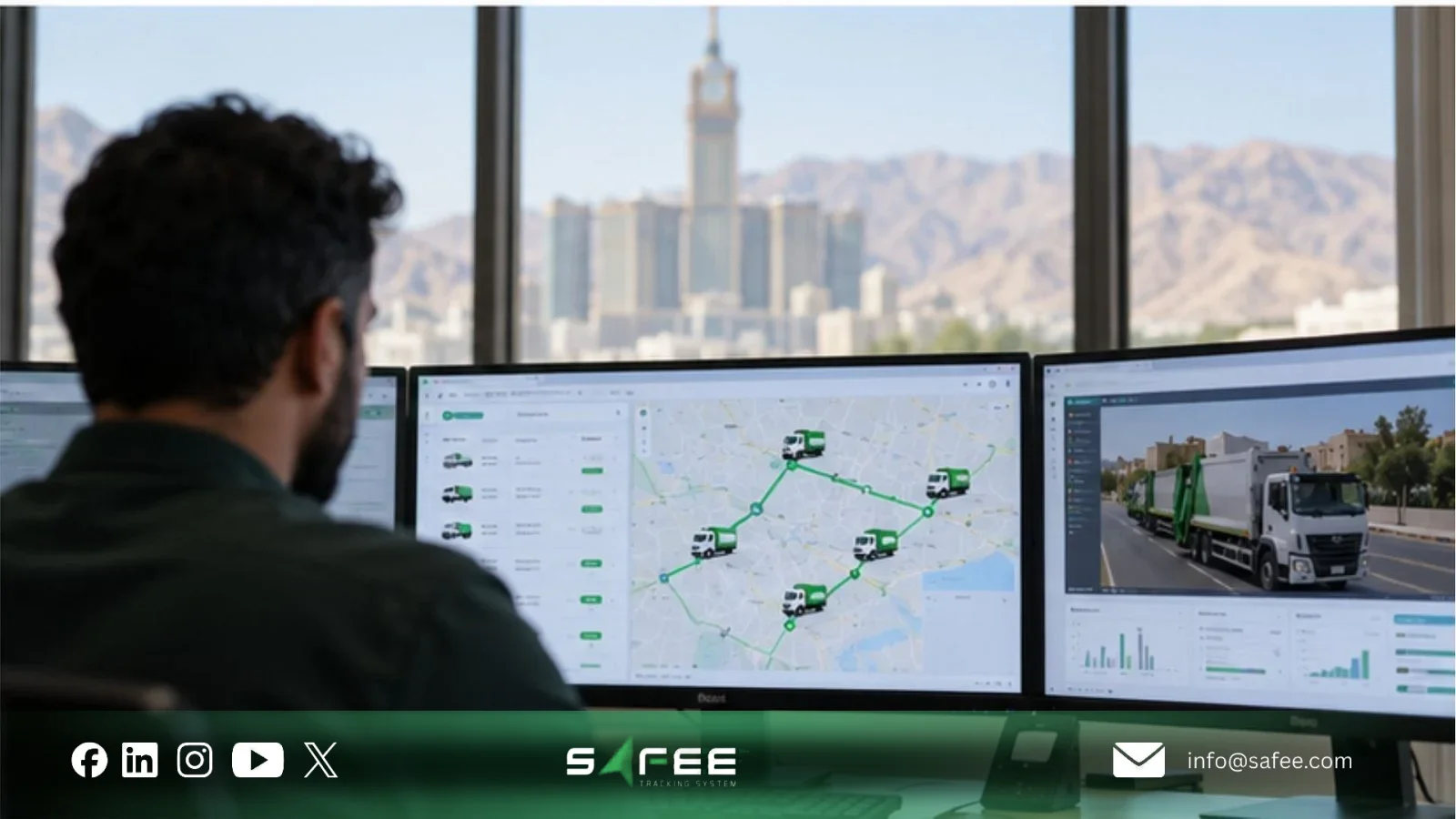
Prepare in a short sequence: check the document, update the fleet list, test the devices, match the license to the work, and name who acts on problems. The municipal clauses define what is required, and your fleet records show whether you meet it.
Start with the document itself. Open it from the municipality’s site, note its date or version, and look through the municipality’s electronic services pages for related or newer documents. Repeat this before a renewal, a contract change, or a major fleet change.
How to apply for waste hauler qualification
Saudi Arabia’s Balady platform provides an electronic Waste Transporters Qualification Service under the Waste Management (Madinati) system.
The published registration process includes:
- Access the Waste Transporters Qualification Service through Balady.
- Enter the carrier’s required information, including personnel, vehicles, containers, and supporting attachments.
- Submit the application for municipal review and approval.
- Obtain the electronic registration certificate once the application is approved.
Before submitting, confirm with the Holy Makkah Municipality whether additional local qualification conditions or Makkah Madinati technical requirements apply to your activity.
Municipal qualification and MWAN activity licensing are separate requirements. A registration certificate does not replace the relevant MWAN license or establish approval of a particular tracking system.
10 things to check before deploying vehicle AVL in Makkah
Use these checks before devices are installed or activated. They are internal fleet checks, not an official municipal list.
- Document date: Confirm the issue date and version of the document you are working from.
- Activity: Identify which waste activities and vehicle groups the clauses apply to in your operation.
- MWAN license: Confirm that the license covers the work you actually do and is still valid.
- Same company: Make sure the license holder, contract party, and vehicle operator match, or that the relationship is recorded.
- Vehicle identity: Match plate, fleet number, and vehicle record across fleet, contract, and municipal files.
- Vehicle category: Check that the category and body type in the system reflect what each truck really does.
- Device link: Confirm that every tracking unit is linked to the right vehicle, and agree how replacements are re-linked.
- Live test: Check that each device reports while the truck is moving, not only while it is parked at the depot.
- Container identification and connectivity: Confirm container-chip requirements, device-to-asset records, and any outstanding electronic connection or tracking-provider approval conditions.
- Response: Name the person who acts when a vehicle goes offline, a device is swapped, or records do not match.
After these checks, you can show, truck by truck, which activity, device, and records support each vehicle.
If your vehicle records are spread across spreadsheets and tracking portals, request a Safee Fleet Demo to see vehicles, devices, and trip history together in one place.
What to track after go-live
Once the devices are live, a few indicators tell you whether the fleet still matches the file:
- Linked vehicles: How many qualified vehicles have a confirmed identity and a linked device?
- Silent vehicles: Which vehicles have stopped reporting, and for how long?
- Device changes: How many swaps or removals are still waiting to be updated in the records?
- Activity mismatches: Which vehicles appear at sites or in areas that do not fit the licensed activity?
- Open cases: How many offline or mismatch cases are still open, and how old are they?
Also read: Balady Waste Hauler Qualification in Saudi Arabia: Fleet Readiness Guide
How Safee helps with Makkah waste fleet records
At Safee, we help waste operators keep vehicles, devices, and trip records in one place. Our waste management fleet tracking setup brings live tracking, geofences, alerts, reports, and administration together. It is built around the questions waste fleets ask every day: where the vehicles are, whether they visited the right sites, and what records exist afterward.
With Safee, your team can:
- Follow current position, trip history, and playback with Live Vehicle Tracking.
- Set geofences around depots, transfer stations, recycling centers, landfills, and customer zones.
- Get Alarms and Alerts for route deviation, unusual dwell time, after-hours movement, excessive idling, and unauthorized movement.
- Give supervisors and management regular reviews through Fleet Reporting.
- Add collection details with the Waste Management module, including optional RFID container recognition and load weight where weight sensors are fitted.
- Organize vehicles, drivers, sites, categories, groups, and permissions in the Administration Panel, with driver records in Driver Management.
Our Madinati integration was built for Jeddah Amanah requirements and reports vehicle location, weight, and status. Makkah also uses Madinati, but we have no documented integration with Makkah’s systems today. For a Makkah fleet, we confirm the connection requirements with you before any technical commitment. Safee does not issue licenses or approve vehicles.
If you are preparing for Makkah waste hauler requirements, get a Fleet-Fit Recommendation to choose the modules that suit your vehicles and waste activity.
Safee vs manual fleet records
Many fleets start with spreadsheets, folders, and message threads. Here is how the two compare day to day:
| What you compare | Manual records | With Safee |
|---|---|---|
| Vehicle list | Spreadsheets updated by hand | Vehicles, groups, and categories in the Administration Panel |
| Device link | Noted once at installation | Each tracking unit linked to its vehicle |
| Reporting status | Found when someone checks | Connection status, plus alerts when data stops |
| Trip history | Rebuilt from calls and messages | Trip history and playback in Live Vehicle Tracking |
| License vs activity | Compared by hand, if at all | Vehicle grouping supports internal activity checks; license validity and scope must be verified separately with MWAN. |
| Open problems | Spread across chats | Alarms and Alerts, plus Fleet Reporting |
FAQs about Makkah waste hauler requirements
Is the published Makkah qualification document still current?
Not necessarily. Municipal documents can be revised, so open the current version on the Holy Makkah Municipality site and compare its date with any copy you hold. Ask the municipality directly if any wording is unclear.
What does vehicle AVL mean for a waste fleet?
AVL means Automatic Vehicle Location: a device and system that reports where a vehicle is automatically. For a waste fleet, it supports route, stop, and site visit reviews. The exact device and data expectations come from the current municipal document.
Does a connection clause mean a live integration exists?
No. A clause about the ability to connect electronically describes what the municipality may require, not an existing link. A live integration needs a defined platform, data fields, and approval from the relevant authority.
Is Safee integrated with Madinati in Makkah?
Not currently. Our Madinati integration was built for Jeddah Amanah requirements, even though Makkah also uses the Madinati platform. Safee does not issue licenses or approve vehicles. Our role is to keep the vehicle, device, and trip records that support your qualification in order.
Ready to improve your fleet operations?
Tell us what you would like to improve. A Safee specialist will reply by email.
Usually replies within one business day • No sales spam
Your details are used only to respond to your request. Privacy Policy