

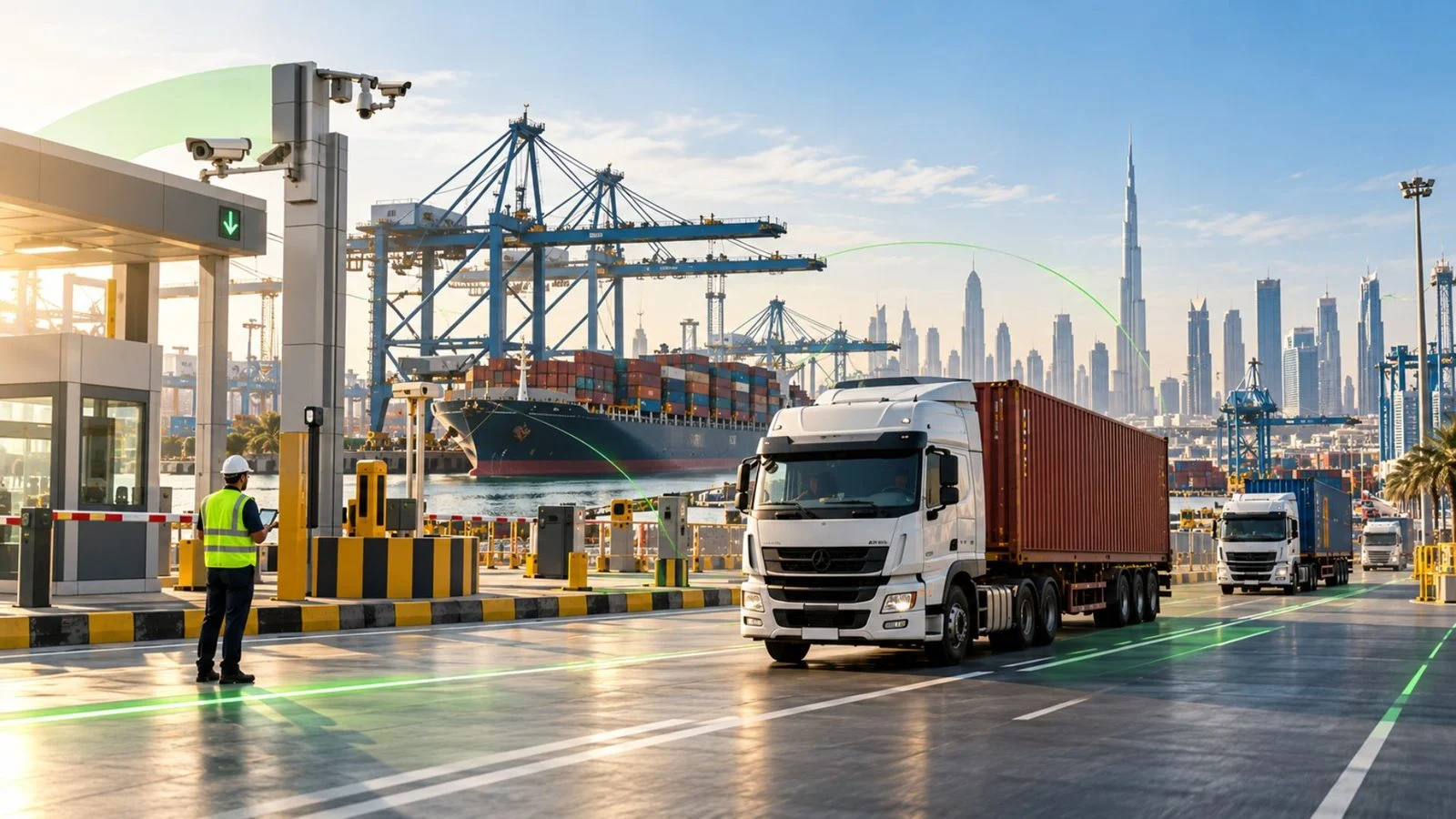
Port Fleet Management in the UAE: Truck Delays, Yard Dwell & Delivery
In port fleet management in the UAE, knowing where a truck is does not always explain why a delivery is late. A container truck may spend hours waiting at a port gate, experience delays inside the terminal, or miss its warehouse delivery window. For fleet managers and logistics operators, these delays can increase operating costs, disrupt vehicle schedules, and leave customers waiting for updates without a clear explanation.
Effective port fleet management connects vehicle tracking with trip planning, gate and yard visibility, driver assignments, and delivery monitoring. This guide explains how UAE transport companies can identify where delays occur, measure waiting times, respond to operational exceptions, and improve truck movements from port to customer. It also clarifies what fleet tracking systems can measure and which information must come from terminal operators.
What is port fleet management in the UAE?
Port fleet management is the process of managing trucks, trailers, drivers, and transport journeys involved in moving cargo to and from ports. For road transport operators, it focuses on coordinating vehicle movements, monitoring delays, managing handovers, and ensuring shipments reach warehouses, depots, or customers as planned.
Unlike basic GPS tracking, which primarily shows vehicle location, port truck fleet management connects movement data with operational decisions. It helps fleet teams determine whether a truck is approaching a terminal, waiting at a gate, spending longer than expected inside a yard, or experiencing a delay on its delivery route.
For UAE logistics and container haulage companies, the main responsibilities include:
- Truck and driver coordination: Assign vehicles and drivers to port collections and deliveries while maintaining accurate trip records.
- Gate queue monitoring: Estimate waiting times on port approaches and identify recurring congestion patterns.
- Yard dwell time analysis: Monitor how long trucks remain within defined terminal or yard areas and investigate extended stays.
- Truck, trailer, and container coordination: Maintain accurate assignments and container references throughout collections, transfers, and deliveries.
- Port-to-warehouse tracking: Monitor departures, routes, stops, and delivery progress to identify exceptions before they disrupt receiving schedules.
At Jebel Ali Port, for example, DP World provides road transport connectivity and vehicle booking services alongside its terminal operations. Transport companies must coordinate truck movements with these terminal processes while managing their own drivers, vehicles, and onward deliveries. The same operational distinction applies across UAE ports, although access procedures and booking requirements vary by terminal.
Port fleet management vs vessel and terminal operations
Port operations involve several systems, but they serve different purposes:
- Vessel operations: Manage ship movements, berthing, and marine navigation using maritime systems such as the Automatic Identification System (AIS).
- Terminal operations: Manage cranes, container handling, storage yards, and official gate transactions through terminal operating systems (TOS).
- Landside fleet operations: Manage the trucks, trailers, drivers, and road journeys responsible for collecting and delivering cargo.
Understanding these differences matters when selecting a port vehicle tracking system in the UAE. A road fleet platform can help transport operators monitor vehicle movements and operational delays, but it does not replace the terminal’s official gate records, container handling systems, or access procedures.
Fleet managers should therefore identify which information comes from GPS tracking, which records require confirmation from the terminal, and who is responsible for each stage of the journey.
Why gate and yard visibility matters for fleet operators
A truck arriving late at a warehouse does not necessarily mean the driver departed late or followed the wrong route. The delay may have started at the port approach, during gate processing, while waiting for container availability, or after leaving the terminal.
Without reliable movement records, dispatchers often depend on driver calls and manual updates to reconstruct what happened. This makes it difficult to distinguish recurring operational bottlenecks from isolated delays, explain delivery failures to customers, or make informed scheduling decisions.
Port truck tracking and geofencing can help teams build a clearer picture of these movements. By defining zones around port approaches, yards, and delivery locations, operators can examine vehicle entry and exit events, prolonged stops, and journey history.
However, GPS and geofence timestamps provide estimates of vehicle movement, not necessarily official gate transaction times. Accurate reporting requires carefully defined zones, reliable device connectivity, and validation against available terminal records.
For fleet managers, this visibility supports practical decisions: adjusting truck dispatch schedules, investigating repeated waiting patterns, coordinating with terminal operators, and informing warehouses or customers when deliveries are at risk.
With oLive Vehicle Tracking, operations teams can monitor vehicle locations, driver assignments, GPS connectivity, and geofence activity. Combined with configurable alerts and fleet reports, this data can help identify abnormal stops and recurring delays across port-related journeys.
Safee supports the transport operator’s visibility and decision-making rather than controlling terminal queues or replacing port systems. For a broader view of how vehicle data supports dispatch, warehouse coordination, and delivery performance, see How Logistics Fleet Management Improves Supply Chain Control.
Also read: Container Tracking System: Link Containers, Trucks, and Journeys
The stages of the road leg from port gate to delivery
A container truck can arrive at a UAE port on schedule and still miss its warehouse delivery window. To identify the cause, fleet managers need to separate time spent approaching the gate, waiting inside the terminal, completing the container handover, and travelling to the destination.
Port fleet management works best when each stage has a defined checkpoint, a reliable source of information, and a team responsible for resolving delays.
For a typical container collection, monitor five stages:
| Stage | What to monitor | Operational action |
|---|---|---|
| 1. Port approach | Arrival time, traffic, booking status, and waiting before the gate | Check access readiness and investigate recurring queues |
| 2. Gate processing | Official gate admission and any access or documentation issues | Coordinate with the terminal or responsible transport partner |
| 3. Yard operations | Time inside the terminal, extended stops, and container readiness | Confirm the cause of the delay with the relevant party |
| 4. Container handover | Container reference, truck and trailer assignment, and release confirmation | Verify the correct cargo and update transport records |
| 5. Road delivery | Terminal departure, route progress, stops, and delivery completion | Manage exceptions and update the receiving customer or warehouse |
The exact sequence differs between container collection, drop-off, and empty-container returns. Use the stages that match each operation rather than applying one workflow to every trip.
Gate queue time and yard dwell time
For port vehicle tracking in the UAE, two important measures are gate queue time and yard dwell time. They help fleet operators distinguish delays before terminal entry from time spent inside the terminal.
- Gate queue time: The estimated time between a truck reaching an agreed queue-start point and being admitted through the gate.
- Yard dwell time: The time between terminal entry and exit, including waiting and operational activity within the terminal area.
Together, these measurements help explain port-related truck turnaround time, although the exact definition of turnaround must be agreed before reporting.
GPS tracking and geofencing can estimate when a truck enters or leaves a defined area. However, a geofence event is not necessarily the same as an official gate transaction. GPS accuracy, connectivity gaps, and the location of virtual boundaries can affect recorded times.
Fleet teams should therefore define their measurement points, test them on actual trips, and compare GPS timestamps with available terminal records.
Safee Alarms and Alerts supports configurable geofence, idling, and route-deviation alerts. Fleet Reporting provides location, geofence, and time-and-activity reports that can support queue and dwell analysis. Whether these measurements require additional processing or a specific report configuration should be confirmed before deployment.
The objective is not simply to record waiting time. Compare delays by terminal, time of day, and operating period to identify patterns that dispatch can address or raise with the terminal operator.
Linking truck, trailer, driver, and container
A truck’s GPS position tells dispatch where the vehicle is, but it does not necessarily confirm which container it carries or whether the terminal has released that container.
For container truck tracking in the UAE, operators need a reliable connection between the truck ID, trailer or chassis ID, assigned driver, container reference, and transport journey. Record relevant handover and gate transaction references when available.
Every trailer change or container handover must be reflected in the operational records. Otherwise, a fleet manager may see a truck moving towards the customer without being able to confirm that the correct container was collected.
Documentation is equally important. At Jebel Ali, Dubai Trade’s July 2026 driver guidance instructs drivers to carry a valid PCFC Tasreeh Gate Pass and the applicable cargo documents, such as an E-Token, Inbound Gate Pass, or Pre-Gate Advice, before proceeding to the gates.
Before dispatch, confirm that the driver has the required documents and understands the applicable terminal procedures. Requirements must be checked for the specific port and operation.
Safee can support vehicle visibility, driver assignments, and journey monitoring. Trailer identification and container-reference workflows should be verified against the fleet’s hardware and operating systems before rollout. Tracking a truck does not automatically provide independent container tracking or access to terminal records.
From port to warehouse and customer
Once the truck leaves the terminal, the operational priority changes from gate and yard delays to route progress, delivery timing, and customer coordination.
A delayed departure may cause a truck to miss its warehouse unloading slot. An unexpected road stop or route deviation can create further disruption, especially when the vehicle is scheduled for another collection.
Fleet managers should monitor the planned route, actual departure, extended stops, and delivery status. When a delay threatens the receiving window, dispatch should confirm the cause, inform the receiving team, and adjust the delivery or next vehicle assignment where necessary.
Safee Journey Management System (JMS) supports journey planning, risk-based approvals, route monitoring, checkpoints, and post-trip reviews. These capabilities help operations teams compare planned movements with actual journey activity and investigate exceptions.
For operations involving multiple delivery stops or customer handovers, Safee’s Last Mile Delivery Solution adds dispatch, route optimization, scheduling, and proof-of-delivery capabilities, including signatures, scans, and delivery photos where permitted.
Not every container haulage operation needs both modules. A direct port-to-warehouse movement may primarily require tracking, alerts, and journey reports, while more complex distribution operations may need additional delivery workflows.
The goal is to give dispatchers enough reliable information to identify a delay, assign responsibility, and take action before it affects the next delivery or vehicle assignment.
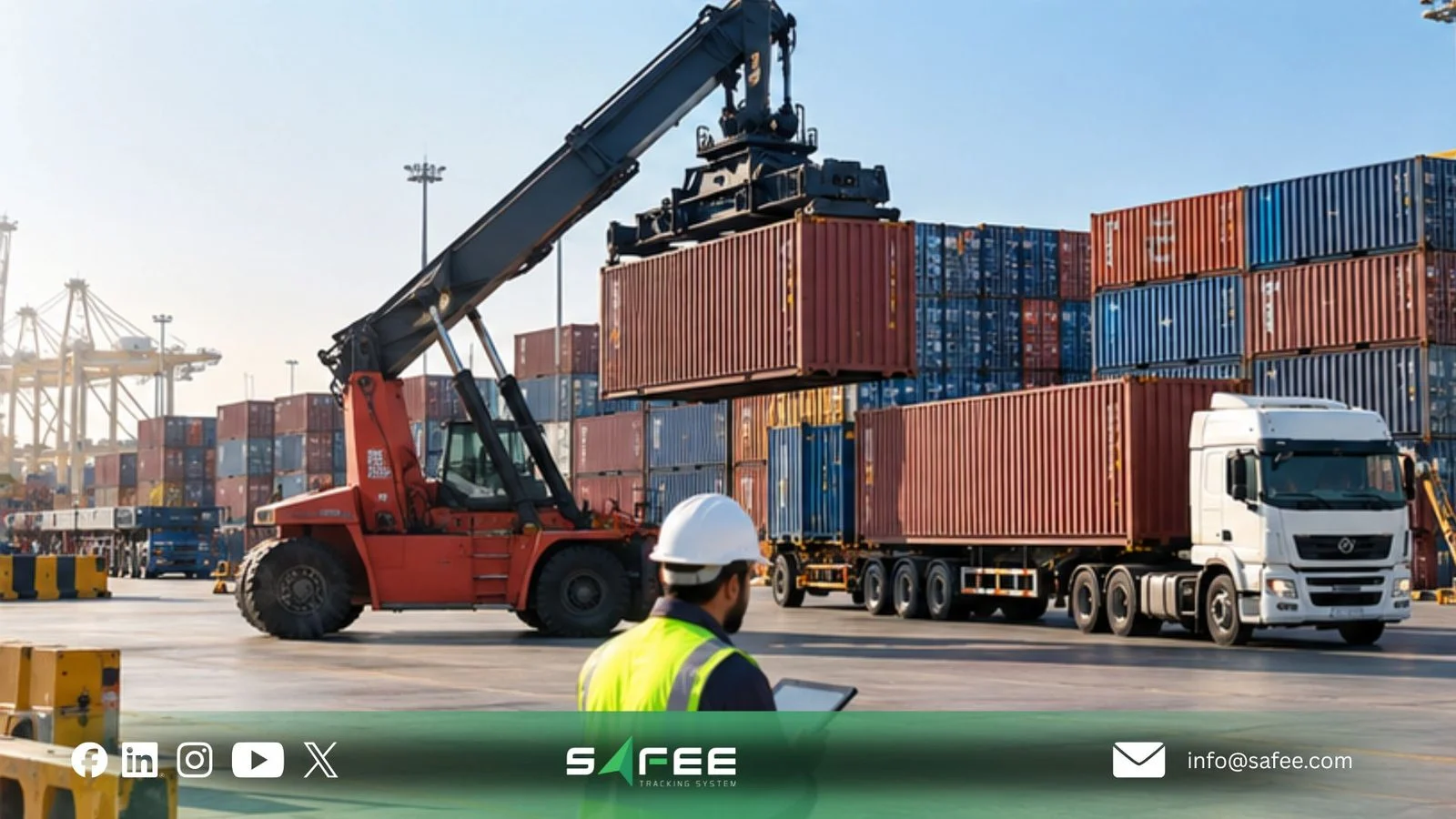
How to prepare port vehicle tracking before rollout
A port vehicle tracking system in the UAE must reflect how your fleet operates before devices are installed and alerts are activated. A container haulier serving several terminals has different requirements from an industrial fleet making scheduled deliveries through one port gate.
Start by identifying the vehicles, drivers, terminals, and transport activities the system must cover. Confirm which trucks and trailers are owned or subcontracted, whether assets need independent tracking, and whether the fleet handles standard containers, refrigerated cargo, or dangerous goods.
Also review mobile network coverage, existing tracking hardware, and the transport management system (TMS), warehouse management system (WMS), or ERP records used by your operations team. These decisions determine what data the tracking platform can provide and which information must come from another source.
Set zones, gates, and stops
Geofences help fleet managers identify vehicle movements around port facilities, but their accuracy depends on where boundaries are placed and how reliably devices report their locations.
For each port or terminal, define the operating zones your team needs:
- Approach zone: The area before the port gate where arriving trucks may queue.
- Gate zone: A defined area around gate access points, used to estimate arrivals and departures rather than replace official gate records.
- Yard or terminal zone: The area used to monitor time spent inside the terminal, where location data and access permissions allow.
- Delivery zones: Warehouses, depots, and customer locations where arrival and departure events support delivery monitoring.
Test these boundaries against actual vehicle movements before using them for operational reports. Oversized zones may combine gate queues with yard time, while narrow boundaries can produce inaccurate entry and exit events.
Stop alerts also need operational context. A truck waiting for a booked gate slot should not trigger the same response as a vehicle stopped unexpectedly on its delivery route.
Review actual waiting patterns, set different thresholds for port approaches and road journeys, and assign responsibility for each alert. Dispatch should know when to contact a driver, check booking or container status, escalate a delay, or simply record an expected wait.
12 things to check before port vehicle tracking goes live
Use this checklist to confirm that the tracking setup matches your operations and can produce reliable information from the first day.
- Operational scope: Confirm which ports, terminals, gates, routes, and vehicle groups are included. Verify applicable access and booking requirements with each terminal operator.
- Vehicle records: Give every truck and trailer a consistent identifier, and confirm ownership, operating group, and subcontractor details.
- Driver and trailer assignments: Establish who assigns drivers and trailers to trucks, how changes are recorded, and who corrects missing or inaccurate assignments.
- Container and handover records: Define how container references are linked to transport journeys. Specify which records confirm collection, release, and delivery, without assuming GPS tracking verifies the physical container or its contents.
- Tracking hardware: Check device compatibility, installation, power availability, and whether trailers or other unpowered assets require separate tracking equipment.
- Network coverage: Test connectivity at port approaches, permitted yard areas, and delivery routes. Confirm how the system handles offline devices and delayed location updates.
- Geofence accuracy: Validate entry and exit events using real trips. Where available, compare estimated movements with terminal timestamps before relying on queue or dwell reports.
- Waiting-time definitions: Agree on how gate queue time, yard dwell time, and extended stops are calculated. Apply consistent definitions when comparing terminals or reporting trends.
- Alert responsibilities: Set appropriate thresholds for idling, route deviations, and prolonged stops. Assign each alert a responsible team member and an escalation procedure.
- Data ownership and integration: Identify which system maintains each vehicle, driver, container, and journey record. Test required data exchanges with existing TMS, WMS, or ERP systems rather than assuming compatibility.
- Access and accountability: Give dispatchers, supervisors, and subcontractors only the information needed for their roles. Establish appropriate controls for driver location history and operational records.
- Pilot testing: Run representative trips before full deployment. Check tracking accuracy, device connectivity, alert relevance, handover records, and report consistency. Record unresolved issues and approve rollout only when agreed acceptance criteria are met.
A successful rollout is not simply one in which every truck appears on the map. Dispatchers should be able to identify a delayed vehicle, determine which information is reliable, understand who must respond, and produce a usable journey report without reconstructing events from phone calls.
For fleets operating across several UAE ports, start with a representative group of vehicles and expand once tracking, reporting, and alert procedures have been validated.
If your operation needs help defining its tracking setup, contact Safee for a fleet assessment based on your vehicles, terminals, and reporting requirements
Also read: 7 Key Features of a GPS Vehicle Tracking System in the UAE
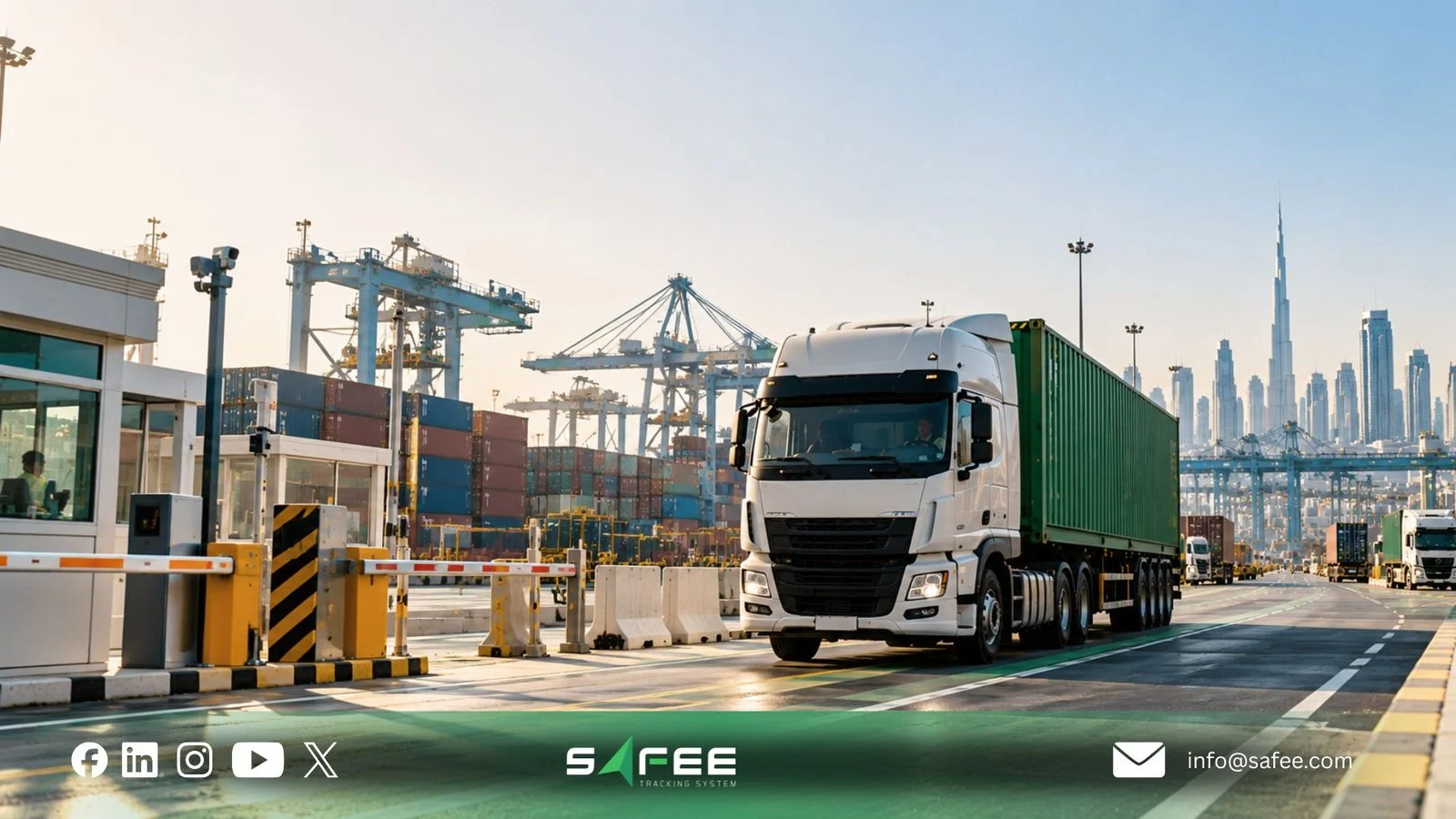
How Safee helps with port truck operations
For transport companies operating around UAE ports, the challenge is not simply locating trucks. Fleet managers need to know which vehicles are delayed, whether drivers and trailers are correctly assigned, and how disruptions will affect warehouse arrivals and the next scheduled trips.
At Safee, we support port fleet management by connecting vehicle visibility, operational alerts, journey control, and reporting. Its modules help transport teams manage the fleet-side activities they control:
- Live Vehicle Tracking: Monitor truck locations, vehicle status, driver assignments, and device connectivity to identify vehicles requiring attention.
- Alarms and Alerts: Detect configured geofence events, prolonged idling, route deviations, and unauthorized movements so dispatchers can investigate exceptions.
- Fleet Reporting: Review trip histories, geofence events, idling, and vehicle activity to identify recurring delays and compare operating periods.
- Journey Management System (JMS): Plan, approve, monitor, and review road journeys with defined routes, checkpoints, and exception procedures.
- Last Mile Delivery Solution: Support dispatch, multi-stop deliveries, and proof of delivery when shipments move beyond the port to customer locations.
- Driver Management: Maintain driver assignments and records, helping operations teams identify who was responsible for each vehicle movement.
These capabilities support different operating requirements. A container haulier running direct port-to-warehouse trips may need tracking, alerts, and reporting, while a distribution fleet with multiple delivery stops may also benefit from JMS and Last Mile Delivery.
Safee does not control terminal queues, issue gate permits, approve port entry, or replace official gate and container records. Any required connection with terminal systems or existing logistics software must be confirmed before deployment.
Safee vs road tracking without yard context
A location-only GPS view can show where a truck is, but it may not explain why a collection took longer than expected or what dispatch should do next.
The comparison below distinguishes basic location visibility from an operational workflow configured using Safee. It does not imply that other GPS platforms lack these capabilities.
| Operational requirement | Location-only tracking | With a configured Safee setup |
|---|---|---|
| Truck visibility | Vehicle position and movement history | Vehicle status, driver assignments, and connectivity monitoring |
| Gate and yard activity | Stops visible on the map | Geofence events to support estimated waiting and dwell analysis |
| Unexpected delays | Dispatcher manually checks stopped vehicles | Configurable idling, route, and location alerts |
| Driver and trailer records | Separate assignments may be needed | Driver assignments and trailer linking with compatible configurations |
| Road journey control | Historical route tracking | JMS planning, approvals, checkpoints, and post-trip reviews |
| Delivery confirmation | Separate confirmation process | Proof-of-delivery workflows when the relevant module is deployed |
Geofence records do not replace official terminal timestamps. Trailer identification depends on the configured method and compatible equipment, while container references require a defined data-recording process.
What to track after go-live
A port truck tracking system should help operations teams improve performance, not simply generate more reports.
Agree on baseline figures, data sources, and reporting responsibilities before rollout. The following KPIs help evaluate whether the system is delivering operational value:
- Gate queue time: Estimated waiting time before entry, monitored by terminal and operating period, with official records used for validation when available.
- Yard dwell time: Time spent inside defined terminal areas, kept separate from gate queues to identify where delays occur.
- Truck turnaround time: Total time from the agreed port approach or arrival point to terminal exit, measured consistently across comparable trips.
- On-time delivery rate: Percentage of port-to-warehouse or customer trips arriving within their agreed delivery windows.
- Trip record completeness: Percentage of journeys with the required truck, driver, trailer, and container references recorded.
- Alert response time: Time between a relevant operational alert and the first documented response.
- Tracking data availability: Percentage of trips with sufficiently complete location records for reliable review.
Not all these indicators are necessarily available as ready-made reports. Some require configured geofences, operational records, or calculations combining fleet and terminal data.
Review performance trends against the pre-rollout baseline. For example, repeated long waits at one terminal may justify changes to dispatch timing, while frequent late deliveries after terminal exit may point to route planning or vehicle scheduling issues.
How to evaluate Safee for your port fleet
Before selecting a port fleet management solution in the UAE, test it against a representative journey rather than relying on a feature demonstration.
Use a real or representative container movement, from truck assignment and port approach to terminal departure and warehouse delivery. Check whether the proposed setup can:
- Identify the truck, assigned driver, and relevant trailer records.
- Show usable movement history around the port and delivery route.
- Distinguish expected waiting from delays requiring operational attention.
- Produce the reports needed to investigate exceptions and evaluate performance.
- Record or connect the required container and delivery references through an agreed process.
The result should be a clear understanding of what Safee can provide directly, what requires additional configuration or equipment, and which information remains with the terminal or your existing systems.
If your company operates container haulage, distribution, or industrial transport fleets around UAE ports, request a Safee Fleet Demo focused on your actual truck movements, operating constraints, and reporting requirements.
FAQs about port fleet management in the UAE
Can GPS tracking measure gate queue time and yard dwell time?
GPS and geofencing can estimate when trucks enter or leave defined port areas. However, these events may differ from official gate transaction times. Fleet operators should validate tracking data against available terminal records before using it for formal performance reporting.
Can Safee track containers independently from trucks?
Tracking the truck does not automatically track the physical container. Container references need to be linked to the relevant transport records, while independent container tracking requires suitable hardware or another verified data source.
Does Safee integrate with DP World or issue port gate permits?
Safee does not issue gate permits, authorize port access, or replace terminal operating systems. This article does not assume a direct DP World or terminal-system integration. Any proposed integration or exchange of gate records must be confirmed with the relevant parties before deployment.
Which Safee modules does a port transport company need?
The appropriate configuration depends on the operation. Live Vehicle Tracking, Alarms and Alerts, and Fleet Reporting support core visibility and monitoring. JMS adds structured journey planning and control, while Last Mile Delivery supports more complex dispatch and delivery confirmation workflows. The required modules should be determined through an operational assessment.
Ready to improve your fleet operations?
Tell us what you would like to improve. A Safee specialist will reply by email.
Usually replies within one business day • No sales spam
Your details are used only to respond to your request. Privacy Policy

