

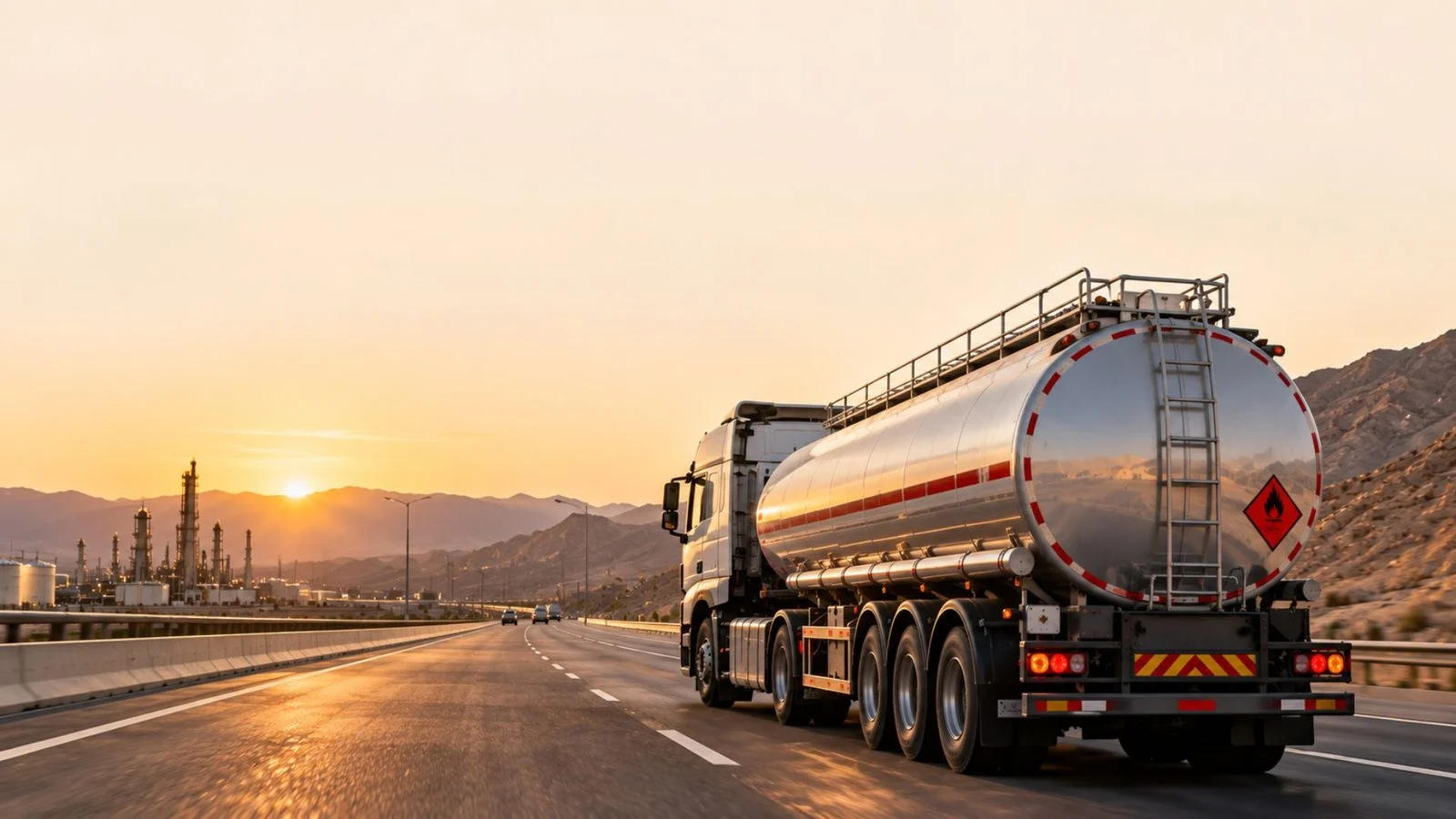
Tanker Fleet Management: Plan Trips, Review Loads & Manage Risk
In tanker fleet management, a tanker can look fine on the map all day and still stop for an hour off-route without anyone noticing. The fix is not another screen. It is a clear journey plan, linked to the driver and the vehicle, with someone responsible for following it.
Tanker fleets cover different operations, from local water and food-grade liquid deliveries to fuel and industrial liquid transport. The cargo, route, and loading or unloading sites determine which journey controls, monitoring devices, and delivery records each fleet needs.
What makes tanker fleet management different?
Tankers differ from general freight in three ways. The load is liquid, so loading, unloading, and movement need their own attention. Sites are often controlled, so arriving at the right place and time is part of the job. The consequences of an unsafe journey also vary by cargo, so planning, monitoring, and emergency response procedures should match the load and route.
Not every tanker carries dangerous goods. Water, food-grade liquids, and fuel follow different rules, and the operator is responsible for the cargo classification and permits. Refer to the latest official sources to see what applies to your tankers.
A tanker tracking system is most useful when it links three records that are often kept apart:
- Driver: Identity, pre-trip check, and driving hours.
- Vehicle: The tanker head, the trailer attached to it, and its maintenance and tire condition.
- Journey: The planned route, the approval, the load, and the actual trip.
Together, these records show which driver took which tanker on which route, whether the trip was approved before it started, and what happened at each stop. In Safee, trailers can be assigned to vehicles manually or dynamically, and the Journey Management System (JMS) assigns a vehicle and a driver to each journey task. Where trailers move between heads, agree on how the assignment is recorded so each trip shows the right tanker.
If your driver, vehicle, and trip records still sit in separate files, request a Safee Fleet Demo to see them linked in one journey record.
Also read: Dangerous Goods Transport Management: Routes and Response
Key risks on tanker journeys
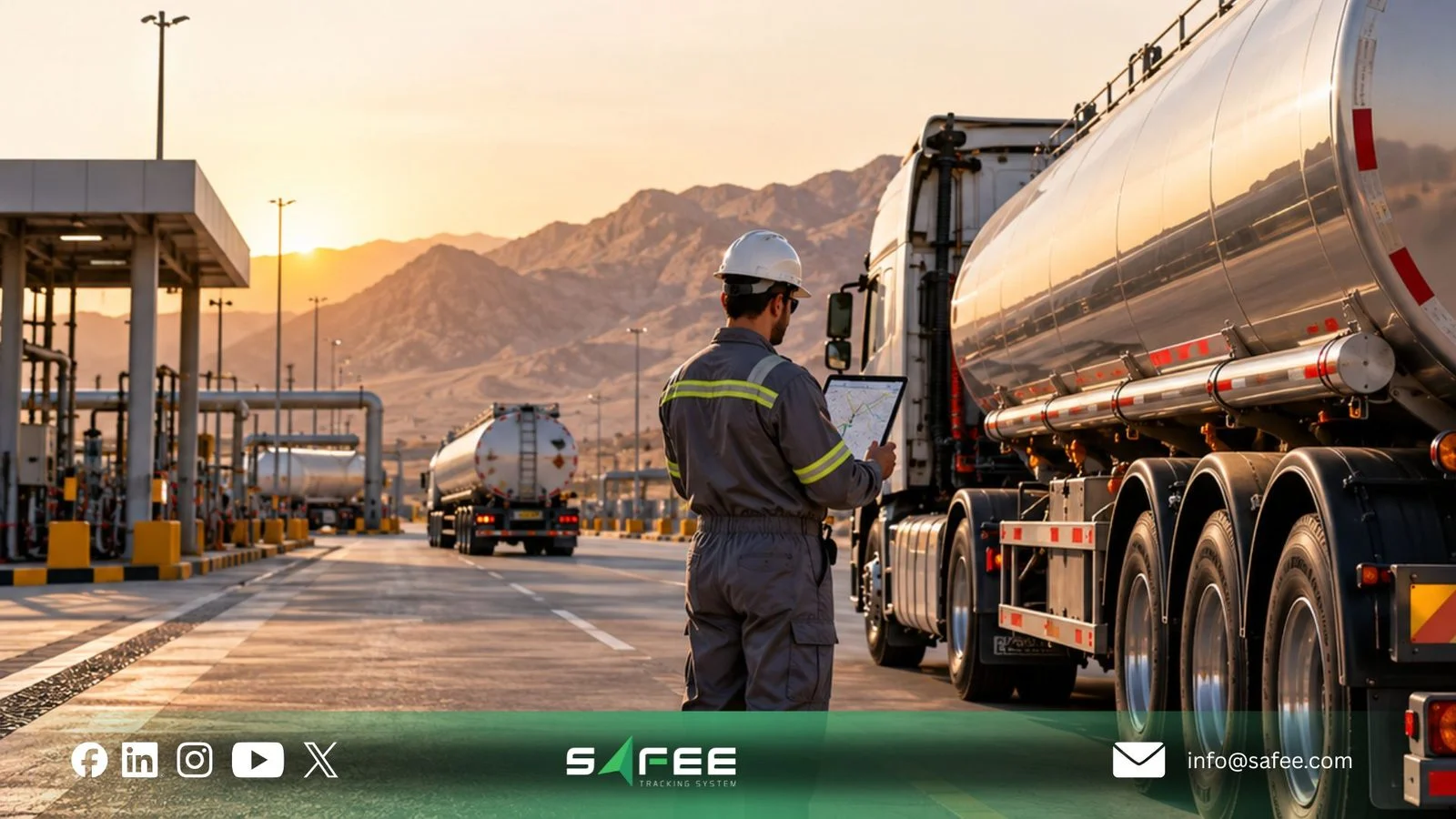
Risk monitoring in tanker fleet management starts with the cargo and journey plan. A location pin shows where a tanker is, not whether it is following its approved route or stop schedule. Review each position against:
- The approved route, and the geofences around terminals, depots, stations, and restricted zones.
- The journey’s start and end conditions and its expected duration.
- The driver’s recent hours and any driver-state events.
- Speed, stops, and idling during the trip.
- The tracker’s communication status.
Without that context, every alert looks the same, and reviewers start to ignore them.
Route, stop, and checkpoint reviews
Tanker GPS tracking shows where the vehicle went, how fast, and where it stopped. Live Vehicle Tracking gives your team current position, path history, and playback. JMS adds geofences around approved routes, work sites, and restricted zones, with alerts for route deviation or entry into an unauthorized area. Alarm conditions also cover stops inside or outside a geofence beyond a time limit, speeding, and movement outside working hours.
Each JMS journey task can also include checkpoints: places the tanker must pass, drawn on the map as circles or polygons. During the trip, Safee records whether each checkpoint was visited, how many times, how long the tanker stayed, and its average and maximum speed there. Use checkpoints to verify arrival and dwell time at loading, unloading, and rest sites. A checkpoint visit does not confirm that liquid was transferred or accepted by the receiving party. Match the visit with the relevant loading record, quantity evidence, or delivery confirmation maintained by the operator.
After each trip, the review should answer:
- Did the tanker follow the approved corridor?
- Did it pass every checkpoint, and stay for the planned time?
- Where did unplanned stops happen, and for how long?
- Did speed alarms repeat on the same stretch of road?
- Did the tanker enter a restricted area?
Liquid amount and loading/unloading events
GPS tracking can confirm that a tanker reached a loading terminal or customer site, but it cannot show how much liquid was loaded, unloaded, or left in the tank.
With compatible sensors and proper calibration, Safee’s Liquid Transportation module calculates liquid amount from weight readings and detects filling and emptying events using configured thresholds and dwell/idle logic.
Review these events alongside journey history, stop locations, and approved loading or unloading sites. Unexpected quantity changes require investigation, while sensor readings alone do not prove the amount delivered or confirm a completed handover.
For sensor configuration, calibration, and event detection, see our Liquid Amount Monitoring guide.
Driver, tanker stability, and tire risk
Tanker stability depends on driver behavior, vehicle condition, and the liquid load. In partially filled tanks, liquid surge during braking or cornering can affect vehicle handling and increase rollover risk. Before departure, confirm the load distribution and tank configuration, and make sure drivers understand the risks of sudden braking and sharp turns.
Where the tracking device supports harsh-cornering events, review them alongside speeding and harsh-braking alerts. These events help identify risky driving behavior, but they do not directly measure liquid movement or calculate rollover risk.
Safee’s Driver Monitoring and Assistance System and Video-iVMS can detect supported driver states, such as fatigue, drowsiness, and distraction. The IVMS road safety and driver rating reports summarize speeding, harsh events, and seatbelt violations based on SP2000 alarm conditions. Detection is most useful when it sits next to realistic journey plans and a clear rest policy.
TPMS reads the pressure of each tire, and in some systems its temperature. Tire sensors are among the sensor types Safee supports, and the readings depend on the TPMS hardware you fit.
Three measurements are easy to mix up:
- Tire pressure and temperature: Come from TPMS sensors on the wheels.
- Cargo temperature: Comes from a temperature sensor fitted for that cargo, where the load needs it.
- Tank pressure: Belongs to the cargo system. TPMS does not measure it, and it needs separate hardware.
Remote and low-coverage routes
Coverage requirements vary by operation. Local water or food-grade liquid deliveries may remain within reliable cellular coverage, while remote fuel and industrial routes may have significant gaps. Assess actual route coverage before deciding whether satellite backup is necessary.
Fleets usually choose between three setups:
- Primary tracker only: Enough where coverage holds along the whole route.
- Primary tracker plus a satellite device: Adds a second channel for position and panic alarms in coverage gaps.
- Lost-communication limit in JMS: Flags missing vehicle updates after a configured threshold. This indicates a communication gap, not the tanker’s current location or the reason contact was lost.
Safee SatComm uses a compatible Orbcomm or Iridium device as a secondary communication channel for remote routes. It supports location requests, location history, and panic alarms, subject to device and service configuration. A missing-communication alarm can be generated when expected updates do not arrive within the configured threshold, but it does not confirm the vehicle’s current position.
Before deployment, verify which messages can use the satellite connection, the daily location-request limit, and how notifications reach the responsible team. Do not assume that all IVMS events or video data are transmitted over satellite, or that every generated alarm has been received. SatComm reduces visibility gaps but does not guarantee continuous updates.
Our oil and gas fleet management software page gives the wider buyer view. For journey risk across the region, see road oil transport safety for GCC fleets.
If your tankers run long desert routes, talk to a Fleet Expert to plan where a satellite device makes sense.
Also read: Driver Fatigue Management: Rest Policies and Alert Response
How to run a tanker journey from plan to review
A tanker journey runs well when it follows a clear order: a complete record before departure, a fixed routine for exceptions, and regular review afterward.
Prepare the journey record
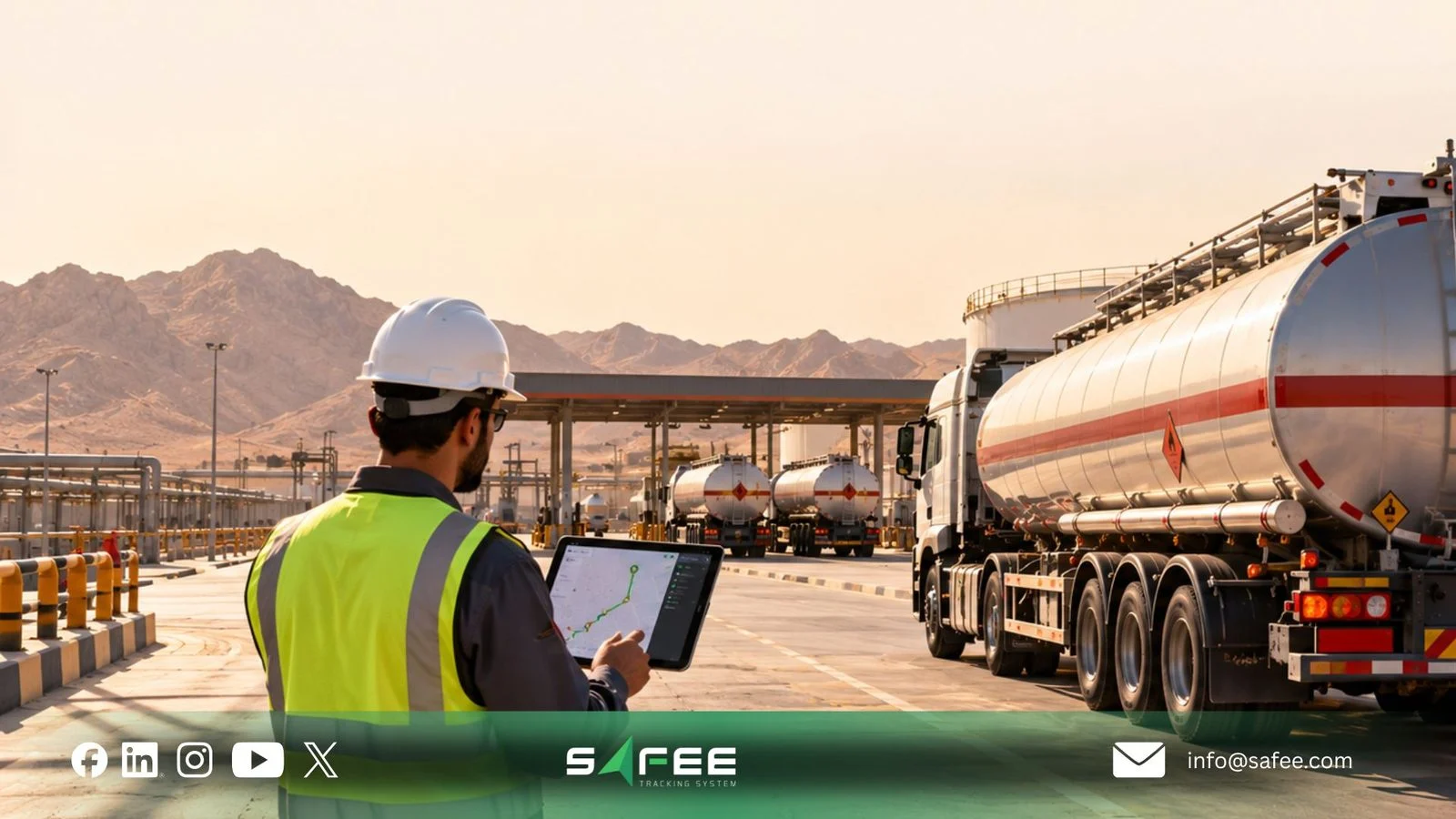
Tracking data is easier to review when the journey was set up properly before it started. In JMS, the journey task wizard captures the vehicle, driver, start and end criteria, evaluation limits, and checkpoints. It then follows the trip and shows whether each task is pending, ongoing, completed, or overdue.
For each trip, we recommend confirming:
- Vehicle and trailer: The tanker head, the trailer, and how they are assigned.
- Driver: The named driver and the result of the pre-trip check.
- Route and stops: The approved corridor, restricted areas, and loading, unloading, and rest points.
- Cargo: Record the liquid type, expected quantity, handling conditions, and the method used to confirm loading and delivery, such as a loading ticket, calibrated meter record, or signed delivery document.
- Limits: Expected duration, distance, and maximum speed.
- Communication plan: How the tanker will be reached, and what happens if it cannot be.
Handling journey exceptions
Not every tanker journey exception requires the same response. Route deviations, unplanned stops, speeding, and communication gaps can follow a defined operational review process. A reported or suspected spill, fire, rollover, or serious collision requires immediate escalation under the operator’s emergency response plan.
For routine operational exceptions, use the following workflow:
- Receive: The alert reaches a named reviewer through the agreed channel.
- Check: The reviewer looks at the journey plan, route, driver hours, and recent events.
- Contact: The supervisor calls the driver, or the escalation contact if the driver cannot be reached.
- Decide: Continue, hold, reroute, or stop, under your procedure.
- Record: Save the decision, time, and reason with the event.
- Review: Check repeated exceptions by route, driver, or site every week.
For suspected serious incidents, activate the cargo-specific emergency plan and notify the appropriate emergency services and site authorities as required. Share the cargo information and latest reliable vehicle location, and keep untrained personnel away from a potentially hazardous release. GPS, IVMS, and liquid amount readings may support the investigation, but they do not independently confirm a leak or establish that the scene is safe.
Alarms and Alerts, journey records, and Fleet Reporting support this record and review. They do not replace your emergency response plan or the authority’s requirements.
12 things to check before launch
Before you launch or review a tanker program, check these points:
- Cargo and permits: The operator has confirmed the classification and permits for each tanker group.
- Heads and trailers: Every tanker head and trailer is recorded and correctly assigned.
- Driver identification: Each trip and event can be tied to a named driver.
- Pre-trip check: Confirm driver and vehicle readiness, tank condition, valves, hoses, closures, and any cargo-specific safety equipment before departure.
- Routes and geofences: Approved corridors, terminals, depots, stations, and restricted zones are mapped.
- Checkpoints: Loading, unloading, and rest points are set as checkpoints on each journey task.
- Speed and stop limits: Limits are set per vehicle group and route type, with time limits for stops.
- Hours and rest: Your driving and rest rules are defined before anyone configures the fatigue alarm.
- Driver monitoring and video: Cameras, supported event types, footage access, and retention are agreed.
- Tire and cargo sensors: Test TPMS and any required cargo temperature or liquid amount sensors, including calibration and expected fill/empty events where liquid monitoring is installed.
- Coverage and SatComm: Coverage gaps are mapped, and any satellite device, threshold, and request limit are confirmed.
- Alert routing: Confirm which events trigger supported in-cab warnings, how remote notifications reach named recipients, and what escalation applies when coverage delays an alert or the driver cannot be reached.
If you are preparing a new tanker contract, get a Fleet-Fit Recommendation to match these checks to the modules and devices your routes need.
What to track after go-live
Once tankers are running, these indicators show whether the journey controls work:
- Journey completion: Journeys planned, approved, and completed on time.
- Liquid movements: Unplanned filling or emptying events, quantity discrepancies investigated against loading and delivery records, and unresolved exceptions where calibrated liquid monitoring is installed.
- Route discipline: Deviations, unplanned stops, and missed checkpoints by route.
- Driver events: Speeding, harsh events, and driver-state alerts by driver group.
- Lost communication: Missing-communication events and how long each one lasted.
- Response time: Time from alert to first response, and cases closed with a recorded decision.
Also read: Offline Fleet Tracking: What Happens When Coverage Fails?
How Safee helps with tanker fleet management
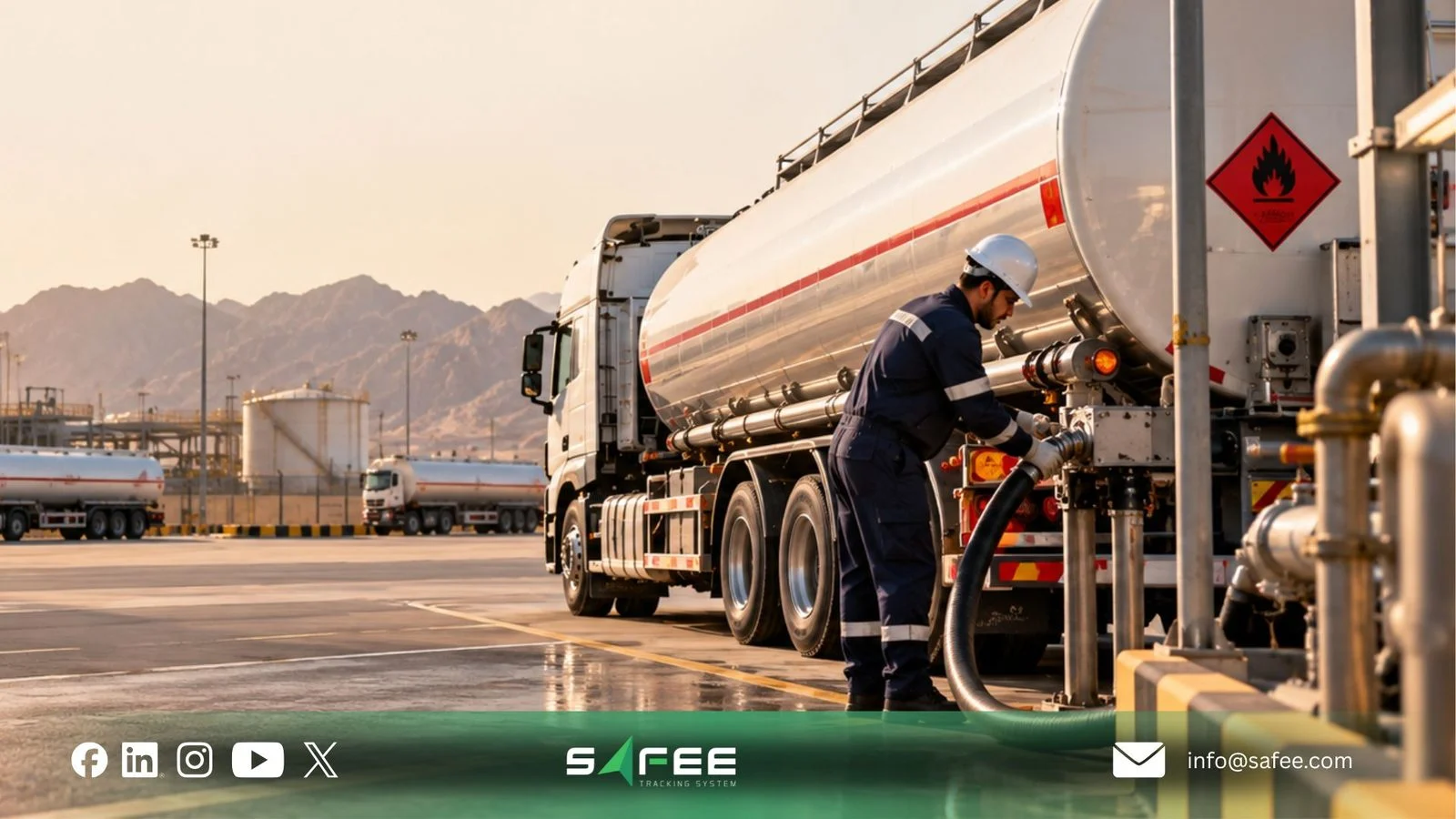
At Safee, we set up the platform around your tankers, routes, drivers, devices, and response roles. Our modules support each step of the tanker trip:
- Journey Management System: Planned routes, risk assessment, approvals, geofences, checkpoints, and post-journey reports.
- Live Vehicle Tracking and Alarms and Alerts: Position, history, and alarms for stops, speed, and deviation.
- Video-iVMS and Driver Monitoring and Assistance System: Driver-state events and video, where the devices and license support them.
- SatComm: A backup satellite channel with panic alarms and a communication threshold for remote routes.
- Fleet Reporting: Scheduled HSE, operations, and management reports.
- Liquid Transportation: Calculated liquid amounts and configurable filling and emptying events, using compatible sensor inputs and calibrated settings.
Technology supports your safety policy. It does not replace it. Safee does not classify cargo, issue permits, or replace your emergency plan. Our role is to help you plan each trip, follow it, and keep a clear record.
Basic GPS tracking vs Safee’s tanker fleet management
| What to compare | Basic GPS tracking alone | Safee with the relevant modules configured |
|---|---|---|
| Journey readiness | Shows vehicle movement but does not itself establish pre-trip risk assessment or approval. | JMS supports journey risk assessments, approval workflows, and planned trip records. |
| Route control | Shows current and historical locations without necessarily checking an approved journey plan. | JMS supports planned routes, geofences, checkpoints, and configurable deviation alerts. |
| Stops and checkpoints | Records stop locations and duration but cannot independently confirm loading or delivery. | JMS helps compare actual stops with planned checkpoints and journey conditions. |
| Liquid movements | Vehicle location does not establish how much liquid was loaded or unloaded. | Liquid Amount Monitoring supports calculated quantities and filling or emptying events with compatible, calibrated sensors. |
| Driver safety | Location and speed data alone do not establish driver fatigue, distraction, or other device-specific events. | Supported IVMS and Video-iVMS devices provide driver events and evidence for safety reviews. |
| Tire condition | GPS location does not measure tire pressure or temperature. | TPMS provides tire readings and alerts where compatible sensors are installed. |
| Remote routes | Cellular updates may be unavailable during coverage gaps, although supported devices may store data for later transmission. | SatComm provides a secondary channel for supported location requests and panic alarms, subject to hardware and service configuration. |
| Exception response | Tracking events alone do not define who must respond or escalate. | Configurable alerts, journey records, and reporting support a documented response workflow managed by the fleet team. |
The difference is not that basic GPS tracking has no value. It provides essential vehicle visibility. Safee adds journey planning, supported safety and cargo monitoring, and operational reporting when the required modules and devices are configured. Fleet teams remain responsible for validating alerts, confirming deliveries, and responding to incidents.
If your tanker fleet management covers fuel, oil, or other liquid cargo, contact our team to see how we would plan and follow your tanker journeys.
FAQs about tanker fleet management
Does a tanker always carry dangerous goods?
Not necessarily. Tankers carry water, food-grade liquids, fuel, and other products, and only some are classified as dangerous. The operator confirms the classification and permits with the relevant authority.
Does TPMS measure tank pressure?
No. TPMS reads tire pressure, and in some systems tire temperature. Pressure inside the tank needs separate hardware.
What is the difference between an in-cab alert and a remote notification?
An in-cab alert warns the driver at the moment of the event, through a sound or a visual signal from a monitoring device. A remote notification reaches a supervisor through the platform, for example as a system message or an email.
Does Safee issue tanker permits or classify cargo?
No. Permits and cargo classification stay with the operator and the relevant authorities. Our role is journey planning, tracking, alerts, and reports that support your safety procedures.
Ready to improve your fleet operations?
Tell us what you would like to improve. A Safee specialist will reply by email.
Usually replies within one business day • No sales spam
Your details are used only to respond to your request. Privacy Policy

