


How Much Time Does an AI Fleet Assistant Actually Save?
An AI fleet assistant can save time when it shortens the path between an operational question and a verified action. The gain does not come from a chatbot answering quickly; it comes from reducing repeated searches, filter changes, screen switching, manual summaries, and duplicated handoffs while keeping the source records and approvals that fleet operations still require.
For B2B fleets, AI fleet assistant time savings should therefore be measured task by task. A dispatcher investigating a delayed journey, an HSE user reviewing a driver event, or a manager preparing a daily exception brief may all save different amounts of time. There is no defensible universal number that applies to every fleet.
This guide restores that measurement focus. It explains where time savings actually appear, how to reduce fleet reporting time, how to measure fleet dispatcher AI time savings, how to compare AI vs manual fleet management time, and where teams can responsibly automate fleet reporting AI workflows without replacing governed reports or human decisions.
What is AI fleet assistant time savings?
AI fleet assistant time savings is the reduction in elapsed time required to complete the same verified fleet task under comparable conditions. The task must have the same trigger, user role, data scope, completion point, and evidence standard in both the manual and AI-assisted workflow.
For example, a delayed-route investigation does not end when the assistant identifies a vehicle. It ends when the authorized user verifies the journey, checks related alerts and records, decides whether action is needed, communicates or escalates the outcome, and documents the result.
Before measuring either workflow, define:
- Trigger: the alert, request, or event that starts the task.
- Completion point: the verified outcome that closes or escalates the task.
- Responsible user: dispatcher, Fleet Manager, HSE, Maintenance, or another authorized role.
- Required output: a decision, escalation, approved summary, updated record, or documented exception.
- Evidence source: the relevant vehicle, journey, alert, driver, maintenance, or reporting record.
- Fallback process: the approved manual path when AI assistance is incomplete or unsuitable.
This is also the right way to evaluate fleet operations with virtual assistance. The question is not whether AI can generate a response; it is whether an authorized user completes a recurring fleet-management task faster and with the same or better evidence quality.
Why generic AI fleet assistant time savings claims fall short?
Generic claims such as “save hours every day” are weak unless the provider defines the task and shows what was included in the measurement. A fast AI response can still create little operational value if the user must reopen several screens, rebuild the same filters, call another team for clarification, or redo the report manually.
Time studies should include hidden manual work and rework: searches, exports, messages, approvals, waiting time, corrections, failed questions, source verification, and manual fallback. They should also separate routine tasks from complex exceptions so an easy AI-assisted case is not compared with a difficult manual case.
Adoption matters as much as demonstration speed. If dispatchers and managers stop using the AI-supported workflow after the first quarter, the initial time saving is not a durable operational gain. Measure whether the same fleet management software and fleet tracking tools remain useful after onboarding, when teams are working under normal workload and governance.

Where do AI fleet assistant time savings show up?
The strongest time-saving use cases are repetitive information-access and interpretation tasks with a clear evidence source. They are not the decisions that require managerial authority, legal judgment, driver instruction, safety approval, or policy change.
How to reduce fleet reporting time from hours to minutes?
Reducing a reporting workflow from hours to minutes should be treated as a testable target, not a guaranteed result. The largest opportunity usually sits in the manual work around the report: finding the correct period, locating exceptions, rebuilding filters, comparing several screens, drafting a management update, and answering follow-up questions.
An AI assistant can help reduce fleet reporting time by narrowing the question, retrieving relevant context, identifying exceptions, and preparing an initial brief. However, formal reporting should still use structured, repeatable records. Our Fleet Reporting remains the source for scheduled reports, approved fields, exports, historical comparison, and management review.
A practical reporting time study should separate:
- Data access time: finding the correct vehicles, drivers, period, reports, and source records.
- Interpretation time: identifying what matters and which exceptions require attention.
- Briefing time: preparing a concise operational summary for the intended audience.
- Verification and approval time: confirming the evidence and approving the final report or action.
If the AI-assisted workflow saves ten minutes in data access but adds ten minutes of verification or correction, the net time saving is zero. Measure the whole task.
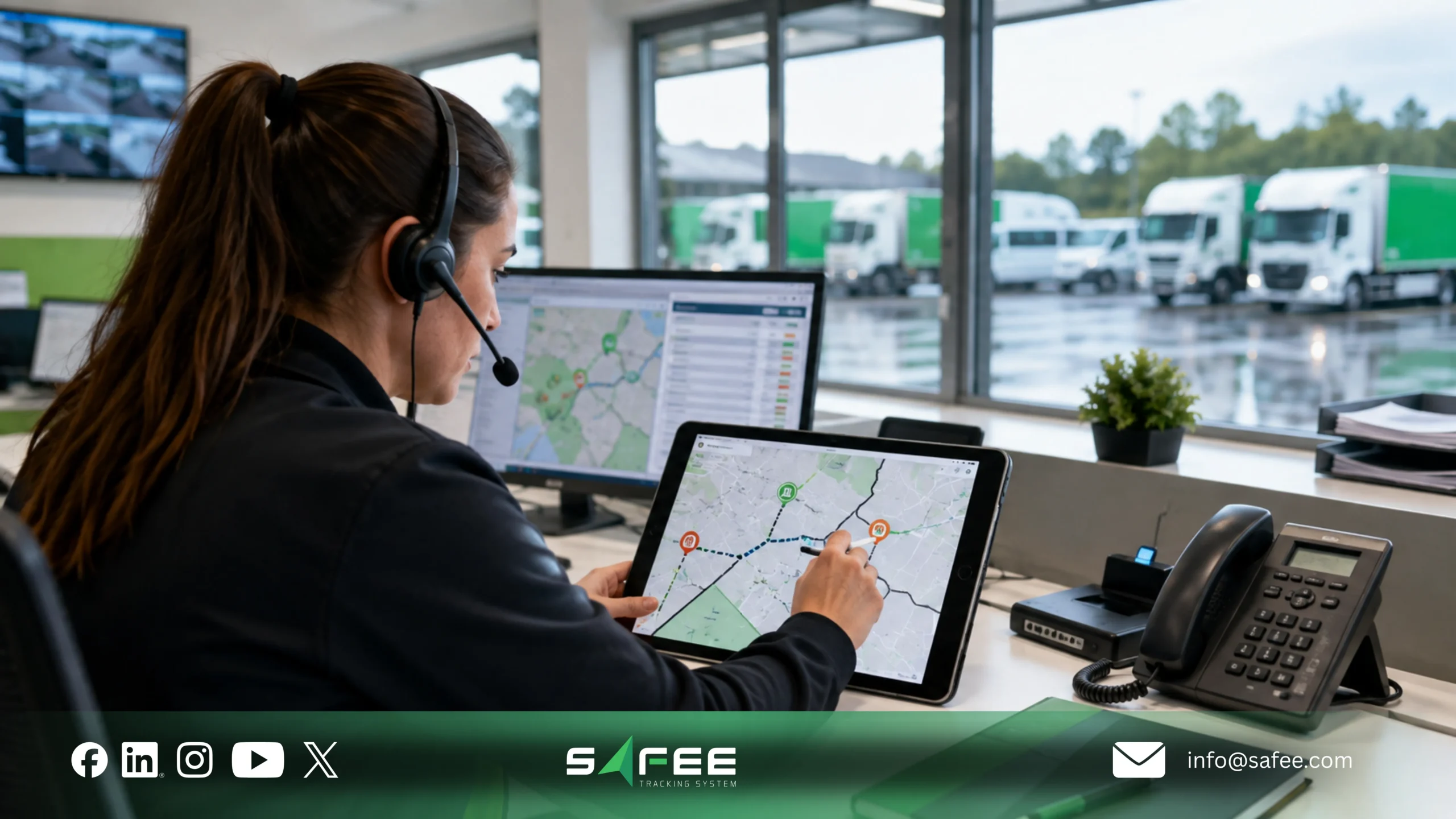
Fleet dispatcher AI time savings on a delayed-route day
A delayed journey is a useful benchmark for fleet dispatcher AI time savings because it combines information retrieval, operational context, verification, communication, and exception handling.
The manual workflow often requires the dispatcher to identify the vehicle and driver, review current location and route history, check stops or related alerts, confirm the journey, contact the driver when the cause is unclear, decide whether to notify a customer or escalate the issue, and then document the outcome.
In an AI-assisted workflow, the dispatcher can start from the same alert or request, ask the assistant for delayed journeys within an authorized branch or period, refine the question without rebuilding multiple filters, then open the source record and verify the evidence. Our Live Vehicle Tracking, Alarms and Alerts, and Journey Management System provide the operational records that support this review.
Both workflows must use the same trigger and completion point. The assistant may reduce searching and navigation; it does not replace the dispatcher’s responsibility for verification, communication, route decisions, escalation, or closure.
What does automate fleet reporting AI replace manually?
The phrase automate fleet reporting AI should not mean handing formal reporting to an uncontrolled chatbot. The safer operating model separates AI-assisted briefing from governed reporting.
| Manual activity | AI-assisted opportunity | What remains governed |
| Repeated filtering and screen navigation | Ask a direct question and refine the scope conversationally | Source-record verification and access permissions |
| Finding the highest-priority exceptions | Summarize or rank relevant exceptions for review | Manager judgment and escalation rules |
| Rewriting the same daily update | Prepare a first draft of the operational brief | Approval, distribution, and retained record |
| Searching several reports for context | Direct the user to relevant records and related modules | Formal scheduled reports and audit evidence |
For a detailed distinction between AI-assisted summaries and structured reporting, read AI Fleet Report vs Traditional Fleet Report. For deeper analytics and trend work, our Tracking Data Analyzer supports structured analysis beyond conversational summaries.
How to measure AI vs manual fleet management time yourself?
A fair AI vs manual fleet management time comparison starts with the existing manual process. If the baseline is not documented first, a faster result may reflect an easier case, a quieter shift, a more experienced user, or different completion criteria rather than the AI assistant.
5 tasks that show AI vs manual fleet management time
| Task | Typical manual path | AI-assisted path to measure |
| 1. Delayed-journey investigation | Search vehicle, journey, route, stops, alerts, driver, then communicate and document | Ask for delayed journeys, refine scope, verify the linked records, then complete the same action |
| 2. Daily management brief | Open several dashboards/reports, identify exceptions, write summary | Ask for scoped exceptions or a draft brief, verify, then approve |
| 3. Driver-event review | Find driver assignment, vehicle context, event history, prior patterns | Ask for the driver/event context, then verify using source records |
| 4. Maintenance readiness check | Search service status, open tasks, utilization, and vehicle availability | Ask which vehicles require review, then validate in the maintenance records |
| 5. Multi-site exception review | Filter branches separately and consolidate results manually | Ask for a scoped cross-site summary, then validate the underlying records and permissions |
Driver-event tests should connect the correct person to the vehicle and operating context. Our Driver Management supports driver assignment and behavior context, while the Maintenance Module supports service-task and readiness workflows.
Building your own AI vs manual fleet management time comparison
Use the same time-study template for both workflows:
- Task name and authorized user.
- Start trigger and completion condition.
- Branch, shift, fleet group, workload, and case complexity.
- Screens, reports, spreadsheets, calls, and messaging channels used.
- Total elapsed time and time spent verifying source records.
- Repeated searches, corrections, failed questions, and lost context.
- Whether manual fallback was required and how the task ended.
Measure several completed cases instead of relying on one demonstration. Use the median completion time when a few unusually complex cases would distort a simple average.
Time-saving percentage = (Manual median time – AI-assisted median time) / Manual median time x 100.
Then estimate operational capacity only after the task-level result is stable. Multiply the validated median saving by task frequency and the percentage of cases suitable for AI assistance, then adjust for adoption, manual fallback, branch differences, and governance requirements.
Saved time is not automatically direct cost reduction. Teams may reinvest it in exception management, customer communication, preventive work, data-quality improvement, or management review. For broader procurement, cost, ROI, workflow ownership, and governance considerations, read our AI in Fleet Management Services buyer guide.
Safee is the best AI fleet assistant time savings software company
Safee is a leading choice for B2B fleets that want to measure AI-assisted time savings inside the same Fleet Management and Telematics environment used for daily operations. The value is not an isolated chatbot. It is the ability to move from a natural-language question to relevant tracking, alert, driver, journey, maintenance, analytics, or reporting context and then verify the source before action.
Safee can help teams select repeatable tasks, document the manual baseline, define data and permission boundaries, and run a controlled AI-assisted pilot. The wider platform connects Essential Modules such as tracking, reporting, alerts, driver management, and maintenance with added-value workflows such as Journey Management and analytics.
Safee vs manual multi-screen workflows
| Comparison point | Manual multi-screen workflow | Safee AI-assisted workflow |
| Starting point | User chooses system, report, filter, branch, date, vehicle, or driver manually | User asks a scoped operational question, then refines it |
| Information access | Repeated screen changes and filters across modules | Assistant can narrow the search and direct the user toward relevant records |
| Verification | User manually checks each source | User still verifies the same source records before action |
| Reporting | User collects data and writes the first brief manually | AI can help prepare a first brief; Fleet Reporting remains the governed source |
| Permissions | Access follows platform and report permissions | AI-assisted access must also stay within the authorized user’s data scope |
| Fallback | Manual workflow is the default | Manual workflow remains available when the AI result is incomplete or unsuitable |
| Measurement | Often not timed as a complete task | Manual and AI-assisted workflows can be timed against the same trigger and completion point |
A real Safee time-saving example & how to validate AI separately?
Safee publishes a customer example in which a logistics manager reported that average dispatch time improved by about 30% after a Safee rollout, with on-time deliveries increasing from 82% to 94%. That public feedback is an operational Safee result, but it is not presented as an AI Fleet Assistant result. It should therefore not be used to claim that AI alone produced the saving.
This distinction matters. A credible AI time-savings article should not convert a broader platform result into an AI claim. Use published operational feedback as context, then measure AI-assisted tasks separately with the baseline method in this guide. See the customer feedback on Safee.
If your fleet wants to test the assistant using real dispatch, HSE, maintenance, finance, or management questions, request a Safee demo and define the manual baseline before the pilot begins.
FAQs about AI fleet assistant time savings
Does an AI fleet assistant replace a dispatcher’s job?
No. An AI fleet assistant may reduce searching, filtering, repeated navigation, and first-draft reporting work, but the dispatcher remains responsible for verifying records, issuing instructions, making route decisions, communicating with stakeholders, escalating issues, and closing exceptions under company policy.
How fast do fleet teams see time savings after setup?
There is no universal timeline. Early gains may appear quickly on simple recurring tasks once the correct users, permissions, terminology, and source records are configured, but durable savings should be checked after normal adoption. Measure several weeks of comparable tasks and confirm that dispatchers and managers still use the workflow after the initial onboarding period.
Which tasks see the biggest time savings from AI chat?
The best candidates are frequent tasks that involve repeated information retrieval, filtering, comparison, and summarization with clear source records. Examples include delayed-journey investigations, daily exception briefs, driver-event context checks, maintenance-readiness reviews, and cross-site operational summaries. Tasks requiring policy decisions, legal judgment, safety approval, or direct driver instruction should remain human-controlled.
Do small fleets see the same time savings as large ones?
Not necessarily. A small fleet may have fewer screens, users, branches, and reports, so the manual process may already be fast. A larger or multi-site fleet may have more repeated navigation and consolidation work, creating more opportunity for time savings. The only defensible answer is to compare the same manual and AI-assisted task inside the fleet’s own operating model.
Ready to improve your fleet operations?
Tell us what you would like to improve. A Safee specialist will reply by email.
Usually replies within one business day • No sales spam
Your details are used only to respond to your request. Privacy Policy

