


Fleet Management App: 15 Requirements to Check Before Rollout
A fleet management app is easy to evaluate while everyone is connected to office Wi-Fi. The real test begins when a driver enters a low-signal yard, a tunnel, a remote route, or a construction site and still needs the app to preserve the right work, respect permissions, and reconnect without creating missing or duplicate records.
This guide by Safee explains what to require from the mobile layer before rollout: offline behavior, GPS and connectivity limits, driver-versus-supervisor access, Android and iOS deployment, battery and data testing, tablet use, real-world adoption, and the acceptance checks that show whether a fleet management application is ready for daily field operations.
What a fleet management app actually needs to do?
Useful fleet management apps extend fleet operations into the field rather than reproduce a few dashboard widgets on a smaller screen.
At Safee, our Mobile App Module gives managers and supervisors access to real-time GPS fleet tracking, alerts, reports, driver information, vehicle activity, Geofences, and other operational information from a smartphone or tablet. We separate that management use case from the Safee Driver App, which is designed around the driver’s own journeys, tasks, vehicle information, navigation, and AVL tracking.
That distinction matters because a commercial fleet management app may serve several users with very different responsibilities:
- A driver needs assigned work and only the information required to complete it.
- A dispatcher needs movement and journey status.
- A supervisor needs operational exceptions and notifications.
- An HSE team may need driver or safety-related events.
- Management needs reports and broader fleet visibility.
Putting all of those functions into the same unrestricted mobile view creates complexity rather than mobility.
Want to see how Safee separates driver workflows from management visibility? Request a Safee demo using your actual fleet roles and field processes.
Fleet management application vs app
The terms fleet management application and fleet management app are often used interchangeably, but they can describe two different layers of the system.
A fleet management application can refer to the broader operational platform: vehicle tracking, drivers, alerts, reporting, journeys, administration, integrations, and historical analysis. A mobile app is the field-access layer through which specific users reach the functions they need from a phone or tablet.
That difference becomes more important for enterprise fleets. A vehicle fleet management app should not become a separate island of data. Events recorded by drivers, fleet information viewed by supervisors, and actions completed in the field should remain connected to the wider fleet-management workflow.
At Safee, we use this connected model: the Mobile App extends the wider platform to authorized users, while Live Vehicle Tracking, Alarms and Alerts, and Fleet Reporting remain part of the same operational environment.
For buyers comparing fleet management applications, a useful test is therefore not “Does it have an app?” but:
- Which platform functions are actually available on mobile?
- Which actions belong to drivers?
- Which actions belong to supervisors?
- Does mobile activity remain connected to reports and operational records?
- What happens when the phone temporarily loses connectivity?
Mobile fleet management beyond a smaller dashboard
Good mobile fleet management is task-driven.
A driver who is standing beside a vehicle does not need the same interface as a Fleet Manager reviewing fifty vehicles. Likewise, a supervisor responding to an operational exception should not have to navigate a desktop-style hierarchy to reach the relevant vehicle, journey, or alert.
Our mobile model reflects that difference. Managers can access vehicle location, alerts, and reports remotely, while the Safee Driver App gives drivers access to assigned journeys, tasks, vehicles, navigation, notifications, and driver-specific information. The Driver App can also use AVL functionality so a smartphone can provide location, speed, distance, and event information to the platform when configured for that workflow.
That is a better benchmark for mobile access: the interface should be built around the decision or action the user needs to complete.
A manager may need to review an alert. A driver may need to start a journey. A construction supervisor may need to see the last available status of an asset. A delivery driver may need to capture Proof of Delivery (P.O.D.). A car fleet management app may focus on a narrower passenger-vehicle workflow, while a commercial fleet management app may need to support more varied driver, asset, and field tasks. Those are operational workflows, not merely dashboard views.

Mobile fleet management offline for real-world field operations
A fleet works across roads, depots, underground parking areas, industrial sites, construction zones, remote routes, warehouses, and other locations where connectivity is not uniform.
That makes offline behavior a core requirement for mobile fleet management, not an optional convenience.
There are also two separate signal problems that buyers should not confuse.
Loss of internet or cellular connectivity affects the phone or tracking device’s ability to send data to the platform immediately.
Loss of GPS signal affects the ability to determine or update location accurately.
Our Mobile App can record operational data locally when connectivity drops and synchronize that data when the connection returns. Separately, Safee’s EULA explains that location accuracy depends on the GPS signal received by the tracker; where sufficient GPS signal is unavailable, location information may not be accurate.
That distinction should shape every offline test. A serious fleet team should therefore document:
- ًWhat can still be entered offline;
- What is stored locally;
- Whether timestamps are preserved;
- What requires a live server connection;
- What happens when GPS is unavailable;
- What happens when GPS exists but mobile data does not;
- How synchronization conflicts are handled;
- What the user sees before synchronization is complete.
GPS fleet tracking app features that should work without a signal
A GPS fleet tracking app cannot create reliable live location data when the underlying GPS source itself cannot determine a position. Offline capability should therefore be judged by the workflow the app preserves, not by an unrealistic promise of continuous real-time tracking everywhere.
Useful offline capabilities can include:
- retaining trip or journey records already generated;
- storing driver activity and operational events locally;
- preserving forms or task information entered in the field;
- retaining timestamps until synchronization;
- allowing supported delivery evidence to be captured before reconnecting;
- showing the driver clearly that information is waiting to synchronize;
- preventing duplicate submission when connectivity returns.
Our Mobile App documentation states that trip records, driver activity, and event logs can be stored while connectivity is unavailable and synchronized when service returns. In the Safee Driver App workflow, Electronic Proof of Delivery (P.O.D.) can also be completed offline, including forms, photos, and signatures, with synchronization after reconnection.
That is different from saying every function is available offline. Features that depend on fresh server information, live dispatch updates, new alerts, current traffic data, or newly transmitted vehicle positions naturally depend on connectivity between the relevant systems.
For any GPS fleet tracking app, the offline acceptance test should reproduce actual field conditions rather than simply switching Wi-Fi off in an office.
Test a complete operating sequence:
- Start with connectivity;
- Begin the relevant task or journey;
- Remove connectivity;
- Complete supported field actions;
- Capture required evidence;
- Reconnect;
- Verify synchronization;
- Confirm the corresponding management record;
- Verify that duplicate or missing records were not created.
Operating in remote routes, yards, industrial areas, or construction sites? Contact Safee to map which driver actions must remain available during low-connectivity periods before rollout.
Mobile fleet management software vs fleet management tracking app
A fleet management tracking app may answer one question well: where is the vehicle?
Mobile fleet management software needs to answer a broader set of questions:
- Which driver is responsible?
- Which journey or task is active?
- Has an operational exception occurred?
- Who should receive the notification?
- Does the supervisor need to act?
- What record will management review later?
- Does the driver need to submit information?
- Should the event appear in reporting?
That is the practical difference between location access and operational management.
Our Mobile App connects mobile visibility with the wider Safee’s platform, including Live Vehicle Tracking, Alarms and Alerts, and Fleet Reporting. Our Driver App adds driver-facing workflows around journeys, tasks, vehicle assignments, navigation, and field completion.
A fleet management tracking application can be sufficient for fleets that only need basic monitoring. A GPS fleet management app should be evaluated more broadly when drivers, HSE responsibilities, dispatch, delivery evidence, maintenance actions, multiple branches, or governance workflows depend on the same data. A fleet management app free option may help test a basic workflow, but production suitability still depends on offline behavior, permissions, reporting, support, and integration with the wider system.
What real-time mobile fleet management really requires
The phrase real time mobile fleet management can create the impression that the smartphone itself is the entire tracking system. In practice, several components have to work together.
In our Live Vehicle Tracking architecture, installed GPS devices can transmit location coordinates, speed, engine data, and supported sensor information through cellular connectivity to the platform. The platform processes the information and makes it accessible from a browser or the Safee Mobile App.
That means real-time mobile visibility depends on the data chain:
- Vehicle/device
- Positioning and vehicle data
- Network
- Platform
- Mobile application
- Authorized user
A failure or delay at any point can affect what appears on the phone.
For buyers evaluating fleet tracking software with mobile integration, ask the provider:
- Where does the location originate: installed tracker, smartphone AVL, or both?
- What happens when the tracking unit cannot communicate?
- Can users distinguish current data from last-received data?
- Which alerts reach mobile users?
- Which roles receive which notifications?
- What information remains available after connectivity drops?
- How are mobile events synchronized into reporting?
- How are device and app issues diagnosed?
- Which integrations depend on live connectivity?
- What support path exists when a field device stops reporting?
Also read: Best Fleet Management Software by Industry & Fleet Size: 8 Questions to Ask
Android fleet management, iOS, permissions and battery
Mobile fleet deployment is partly a software project and partly a device-governance project.
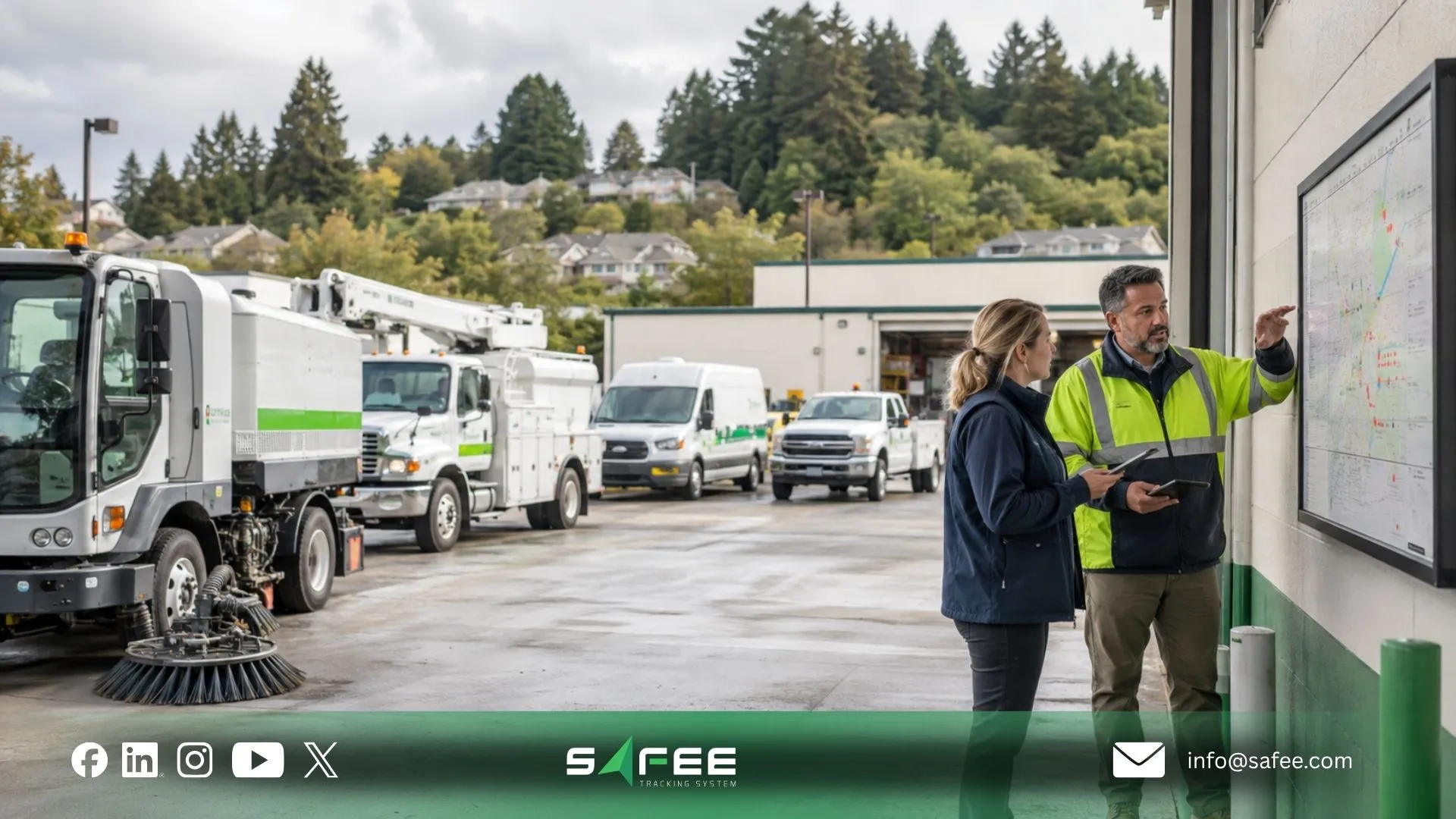
An organization may have company phones, driver-owned devices, rugged Android units, iPhones, shared tablets, or a fleet management tablet mounted or carried for field operations. Mobile fleet management solutions must work within that device environment rather than assume every user has the same hardware and configuration.
Our Mobile App supports Android and iOS smartphones and tablets. Our EULA also notes that the mobile app can continue working in the background and may access location services, while users can revoke that location permission or log out when appropriate.
This makes permissions part of fleet policy.
Before rollout, define:
- Which users require location access;
- When background operation is required;
- Which notifications are operationally necessary;
- Whether drivers use corporate or personal devices;
- Whether camera or photo access is needed for supported field workflows;
- Which device versions the fleet will support;
- Who maintains device settings;
- How updates are tested before large-scale deployment.
Battery and data usage should be measured under the fleet’s real configuration rather than estimated from a generic specification. Screen usage, navigation, background location activity, notifications, media uploads, network quality, and the exact driver workflow can all influence device resource use. During the pilot, measure real-world adoption as well: successful logins, completed assigned workflows, offline synchronization, recurring support issues, and whether drivers continue using the app correctly after initial training. An install count alone is not an adoption rate.
Android vs iOS / iPhone fleet management
For android fleet management and iphone fleet management, the procurement goal should be operational parity, not visual similarity.
A driver using one operating system should not be placed into a weaker workflow simply because the fleet has mixed devices.
Our mobile application is designed for both Android and iOS, including smartphones and tablets, while the Safee Driver App is also positioned for use across both platforms.
For a mixed-device rollout, test the same workflow on both platforms:
| Test area | What the fleet should verify |
| Login and session | Users can access the correct account and role |
| Location | Required tracking or location workflow operates as configured |
| Background operation | Required activity continues when the app is not foregrounded |
| Notifications | Critical operational notifications reach the intended user |
| Offline records | Supported records remain intact until reconnection |
| Synchronization | Data appears correctly after the connection returns |
| Navigation | Driver route workflow behaves consistently |
| Media capture | Required photos or delivery evidence can be submitted |
| Tablet layout | Operational controls remain usable on supported tablets |
| Updates | New app versions do not break critical field workflows |
This is particularly important when evaluating a fleet management iphone app, an android gps fleet tracking app, an ios gps fleet tracking app, an ipad gps fleet tracking app, or a mixed environment using phones and tablets.
Do not treat “available on both platforms” as the end of acceptance testing. Use your actual devices, permissions, network conditions and user roles.
Mobile fleet management Apps for Construction Sites
Mobile fleet management apps for construction face a different environment from an office-based delivery fleet, and they expose the practical limits of mobile fleet management apps quickly.
Vehicles may move between project gates, yards, temporary access roads and active work areas. Fleets may also manage machinery, generators, trailers or other mobile assets alongside road vehicles. Safee’s Mobile App supports visibility beyond cars and trucks, including machinery and other mobile assets.
Construction teams should evaluate the app around field decisions:
- Can the supervisor reach the relevant vehicle or asset quickly?
- Can Geofences represent project sites, yards or restricted areas?
- Can configured Alarms and Alerts reach the right operational owner?
- Can drivers complete assigned actions without calling the office?
- What remains recorded if cellular coverage drops?
- Can mobile access work effectively on phones and tablets?
- Are role-based views appropriate for drivers, supervisors and management?
- Can historical records support later operational review?
A passenger-vehicle app may be adequate for a homogeneous fleet, but construction operations often need broader asset visibility. That is why mobile evaluation should begin with asset classes and workflows rather than the number of screens the app offers.
15 requirements every fleet management app should meet
- Reliable offline recording: The app should preserve supported operational information when connectivity drops rather than forcing drivers to repeat work after reconnection.
- Controlled synchronization after reconnection: Offline data should return to the main platform in an orderly workflow, with clear handling of pending records and duplicate submissions.
- A clear distinction between connectivity and GPS availability: The app should not imply that offline data storage can replace a missing GPS position. Fleet teams need to know whether they are looking at live, delayed or last-received information.
- Role-based access: Drivers, supervisors, dispatchers and managers should not automatically receive identical visibility. Access should follow operational responsibility.
- Driver-specific journeys and tasks: A serious driver-facing fleet app should give field users a practical way to see and complete the work assigned to them, rather than forcing them through management screens.
- Background operation where required: Tracking, AVL or notification workflows may need to continue while the user is working in another app or while the screen is not active. The deployment must define where this is operationally required.
- Actionable Alarms and Alerts: Notifications should be tied to configured operational events and assigned recipients rather than creating indiscriminate notification noise.
- Mobile access to Live Vehicle Tracking: Authorized supervisors should be able to reach vehicle-location and movement context without returning to a desktop.
- Connected Fleet Reporting: Mobile activity should remain part of the reporting environment so operational events can be reviewed later rather than disappearing into a standalone app.
- Android and iOS support: A mixed fleet should be able to operate without building separate processes for common Android and iPhone workflows.
- Tablet usability: A fleet management tablet should offer a usable operational layout for supervisors, field teams or other tablet-based users rather than simply enlarging a phone screen.
- Permission governance: Location, background access, notifications and any media-related permissions required by the workflow should be deliberately configured and documented.
- Field evidence capture where required: Delivery, inspection, damage or task workflows may require forms, photographs, signatures or other evidence. The fleet should verify what can be captured and what remains usable offline.
- Integration with the wider fleet platform: The mobile layer should not operate as an isolated tracking tool when alerts, journeys, drivers, reports, or other fleet modules need the same data.
- A tested deployment, adoption and support process: Before fleet-wide rollout, test the application with representative drivers, device types, network conditions, permissions, routes, and operational tasks. Define who owns app support, device support, adoption review, and escalation when something fails, then confirm that users can complete the intended workflow consistently after launch.
These requirements provide a more useful buying framework than comparing app-store feature lists. The mobile layer is the field endpoint of a connected fleet management platform, not an accessory added after the desktop system has been chosen.
Bring Safee your device mix, field roles and offline scenarios. A deployment discussion can map the Mobile App and Safee Driver App to the workflows your drivers and supervisors actually need.
Also read: Fleet Management Implementation: From Plan to Daily Workflow
Safee: A fleet management app built for real-world operations
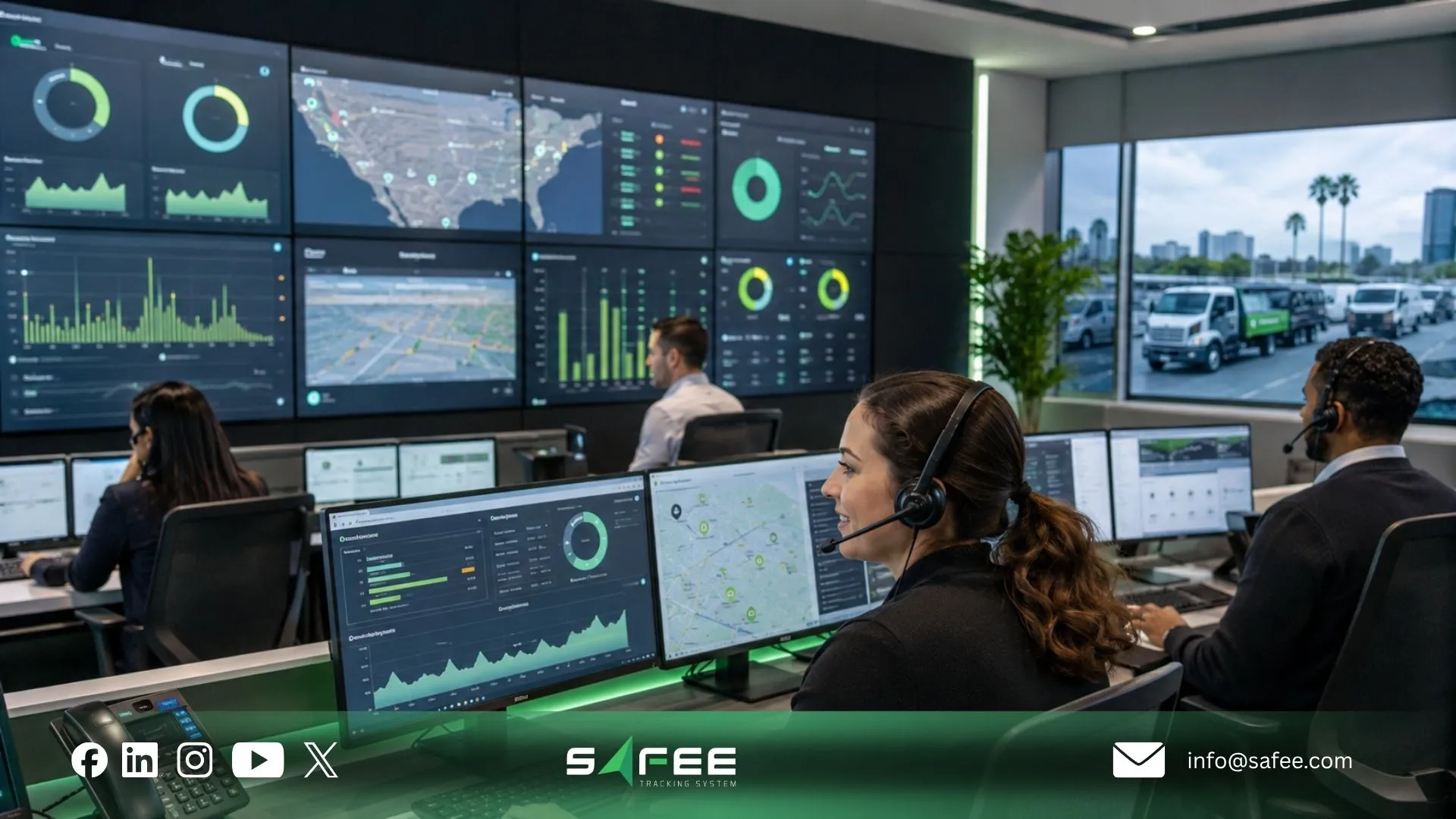
At Safee, we approach mobile fleet management as two connected operational experiences.
Our Mobile App extends fleet visibility to managers and supervisors through real-time GPS tracking, alerts, reports, Geofences, driver information, and other fleet data. The dedicated Safee Driver App focuses on the driver’s daily activities, including journeys, tasks, vehicle information, navigation, notifications, and AVL tracking.
The distinction is operationally important.
A supervisor does not need to perform a driver’s task. A driver does not need unrestricted access to the supervisor’s fleet view. Role-based access and driver-specific workflows help keep mobile use aligned with responsibility.
Our Driver Management documentation describes layered permissions in which access can be restricted according to user roles, while the wider Safee platform also uses role-based permission structures to control access to fleet information and workflows.
For drivers, the Safee Driver App can support assigned journeys, task status, navigation, vehicle information and field completion. In configured AVL workflows, the driver’s smartphone can also operate as a real-time tracking point and continue tracking in the background.
This makes the app relevant not only to office-based fleet monitoring but also to drivers and supervisors working across delivery routes, construction sites, industrial areas and other field environments.
Safee app vs a typical fleet management app
| Requirement | What to verify in any fleet app | Safee documentation |
| Offline mode | What data is stored locally and how synchronization works after reconnect | Trip records, driver activity, and event logs can be stored locally and synchronized after connectivity returns |
| Battery usage | Measure battery use on the actual devices, permissions, navigation, and background workflow | Background operation is supported; Safee does not publish a universal battery-consumption figure |
| Role-based views | Confirm what drivers, supervisors, and managers can see or change | Dedicated driver workflows plus role-based permission structures |
| Platform support | Test required workflows on the Android and iOS devices used by the fleet | Android and iOS are supported |
| Tablet support | Confirm the required workflows remain usable on the supported tablet devices | Smartphone and tablet access is supported |
The table highlights the criteria fleets should test rather than accept from a sales presentation. For example, offline mode should be tested through a complete loss-and-reconnection cycle. Platform support should be verified on representative Android, iOS and tablet devices. Role-based access should be checked with actual driver and supervisor accounts.
We confirm Android and iOS support for the Mobile App, including smartphone and tablet use. Safee also documents local recording and synchronization when connectivity drops, dedicated driver workflows, background operation, and role-based access across the mobile and platform environment.
How Safee’s app performs in low-signal and offline conditions
Our offline model is based on preserving supported operational records until connectivity returns.
Our Mobile App documentation states that trip records, driver activity, and event logs can be stored locally during a connectivity interruption and synchronized automatically after the network returns.
The Safee Driver App adds a practical example through Electronic Proof of Delivery (P.O.D.). Drivers can complete supported forms, attach photos and collect signatures offline, with the information synchronized after reconnection.
For remote operations, this creates an important distinction between continuity of work and continuous real-time visibility.
A driver may still be able to complete an offline-supported workflow while the network is unavailable. That does not mean dispatch receives new data in real time during the outage. Once connectivity returns, stored information can synchronize back to the platform.
GPS availability is another separate variable. Safee’s terms explain that accurate location depends on the GPS signal received by the tracking source. In a tunnel or another environment without sufficient GPS signal, location data may not be accurate.
Fleet teams should therefore test at least four field states:
| Field condition | What to verify |
| GPS available + internet available | Normal live workflow |
| GPS available + internet unavailable | Local recording and later synchronization |
| GPS unavailable + internet available | How last/current location status is represented |
| GPS unavailable + internet unavailable | Which non-location tasks can still be completed and preserved |
For operations that require additional communication options in remote areas, Safee also positions SatComm as a complementary capability. It should be evaluated separately from ordinary app offline behavior because satellite communication and local offline storage solve different operational problems.
Need to validate Safee against specific dead zones, remote routes or field procedures? Contact us or start a WhatsApp discussion with your operating scenarios and deployment requirements.
FAQs about fleet management apps
Does a fleet management app work without internet or GPS signal?
A fleet management app can support some workflows without the internet if it stores supported records locally and synchronizes them after reconnection. Loss of GPS signal is different: without sufficient GPS positioning, the system cannot produce an accurate new location until positioning becomes available again. Safee documents offline recording and later synchronization while separately noting the dependency of location accuracy on GPS signal.
Is there a free fleet management app that actually works for fleets?
A fleet management app free option may be useful for basic testing, but fleet suitability depends on more than license cost. Evaluate offline behavior, user permissions, reporting, alerts, device support, integrations, operational support and how the application connects with the wider fleet-management process before choosing a production system.
What permissions should a driver vs a supervisor have in the app?
Drivers should receive the data and controls required for their assigned journeys, tasks, vehicle information and approved field actions, while supervisors need broader operational visibility for vehicles, exceptions, alerts and reports. Safee uses driver-specific workflows alongside role-based permissions so access can reflect responsibility rather than giving every user the same view.
How much battery and data does a fleet management app use?
There is no reliable universal battery or mobile-data figure for a fleet management app because usage depends on the device, background activity, navigation, location services, screen time, notifications, media uploads and connectivity conditions. Safee confirms that its app can operate in the background and use location services, so fleets should test battery and data consumption on their actual Android, iOS and tablet configurations before rollout.
Ready to improve your fleet operations?
Tell us what you would like to improve. A Safee specialist will reply by email.
Usually replies within one business day • No sales spam
Your details are used only to respond to your request. Privacy Policy

