


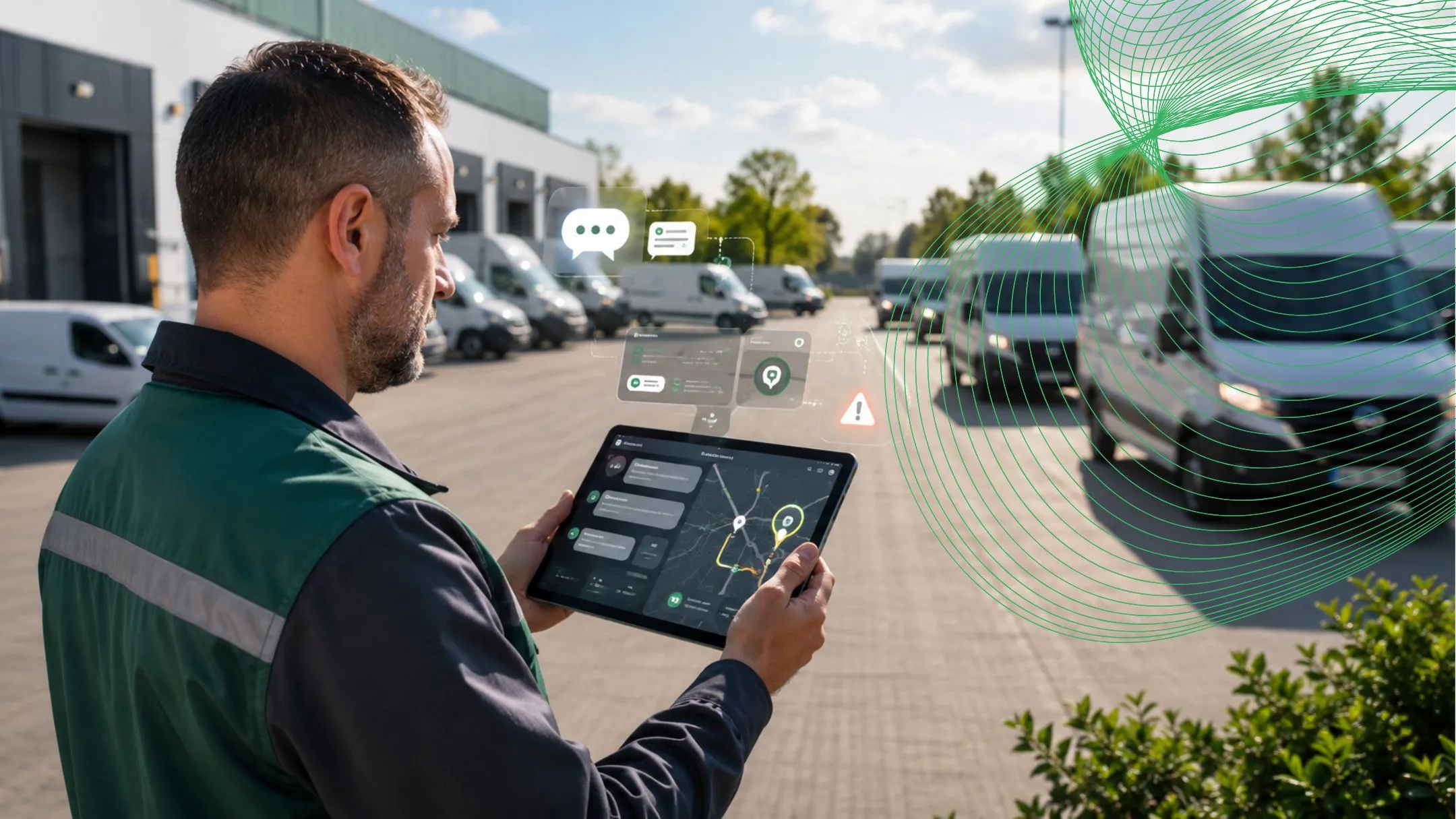
What Can an AI Fleet Assistant Do for Your Team?
Your team should not need to open five screens to answer one fleet question. A dispatcher wants to know which vehicles are delayed. An HSE manager wants the drivers behind repeated safety alerts. Maintenance needs to know which vehicles may affect tomorrow’s dispatch. The information is already inside the fleet platform, but finding it can still take too long.
Safee’s AI Fleet Assistant gives authorized users a chat window inside the platform where they can ask questions about their fleet in everyday language. They can ask where a vehicle is, what happened on a route, which alerts need attention, what a report shows, or which issues deserve review first. They can then continue the conversation with follow-up questions instead of rebuilding filters and searches from the beginning.
In this guide, we show how the AI Fleet Assistant brings chat, vehicle tracking, alerts, operational ideas, and reporting into one workspace for B2B teams across the UAE, the GCC, and global operations. Available answers and actions depend on the Safee modules connected to the customer account, user permissions, and the deployed configuration.
What is an AI fleet assistant?
An AI Fleet Assistant is a chatbot connected to the fleet data available inside the Safee platform. Instead of searching manually through maps, dashboards, alerts, vehicle records, and report menus, the user opens the assistant and asks the operational question directly.
A fleet manager might ask, “Which vehicles need attention today?” The assistant can search the connected data, return a prioritized answer, and point the manager to the relevant vehicles, trips, alerts, or reports. The user can then ask, “Which issue is most urgent?” or “Show me the records behind that answer.”
This is the main value of a fleet management AI assistant: It turns the platform from a collection of separate screens into a conversation with the fleet’s own operational data.
AI fleet chatbot vs. basic support chatbot
- A basic support chatbot explains how a product works or answers general account questions.
- An operational AI fleet chatbot works with approved fleet records.
Subject to configuration and permissions, AI fleet chatbot can help users investigate vehicle status, trips, routes, drivers, geofences, alerts, maintenance, utilization, and reports. Its answer should connect back to the source record instead of giving a generic response.
Conversational fleet analytics with AI fleet assistant
This kind of analytics is useful for more than retrieving a single fact. Users can also ask it to summarize a problem, suggest areas to investigate, compare patterns, and organize the issues that should be reviewed first. This helps teams start from the business problem rather than from the name of a dashboard or report.
Ask direct fleet questions
- Where is vehicle 214 now?
- Which active trips are delayed?
- Which safety alerts remain unresolved?
- Which vehicles have overdue maintenance?
- Which branch had the highest idling time yesterday?
Also you can ask for ideas and areas to review
- What should the operations team review first today?
- Which routes deserve investigation for repeated delays?
- What could explain the increase in idle time?
- Which vehicles should maintenance review before tomorrow’s dispatch?
- What issues should management discuss in the weekly fleet meeting?
The fleet data assistant can use the approved data from connected modules to surface priorities and possible areas for investigation. It can also guide the user to the correct Safee workspace for the next step. The responsible manager still reviews the source evidence and decides what action is appropriate.
Continue with follow-up questions
A conversation can move from a broad question to the exact vehicles and records involved:
- Why did idle time increase yesterday?
- Which depot contributed most to the increase?
- Which vehicles were involved?
- Did the same pattern happen earlier this week?
- Show the related records and prepare a short summary.
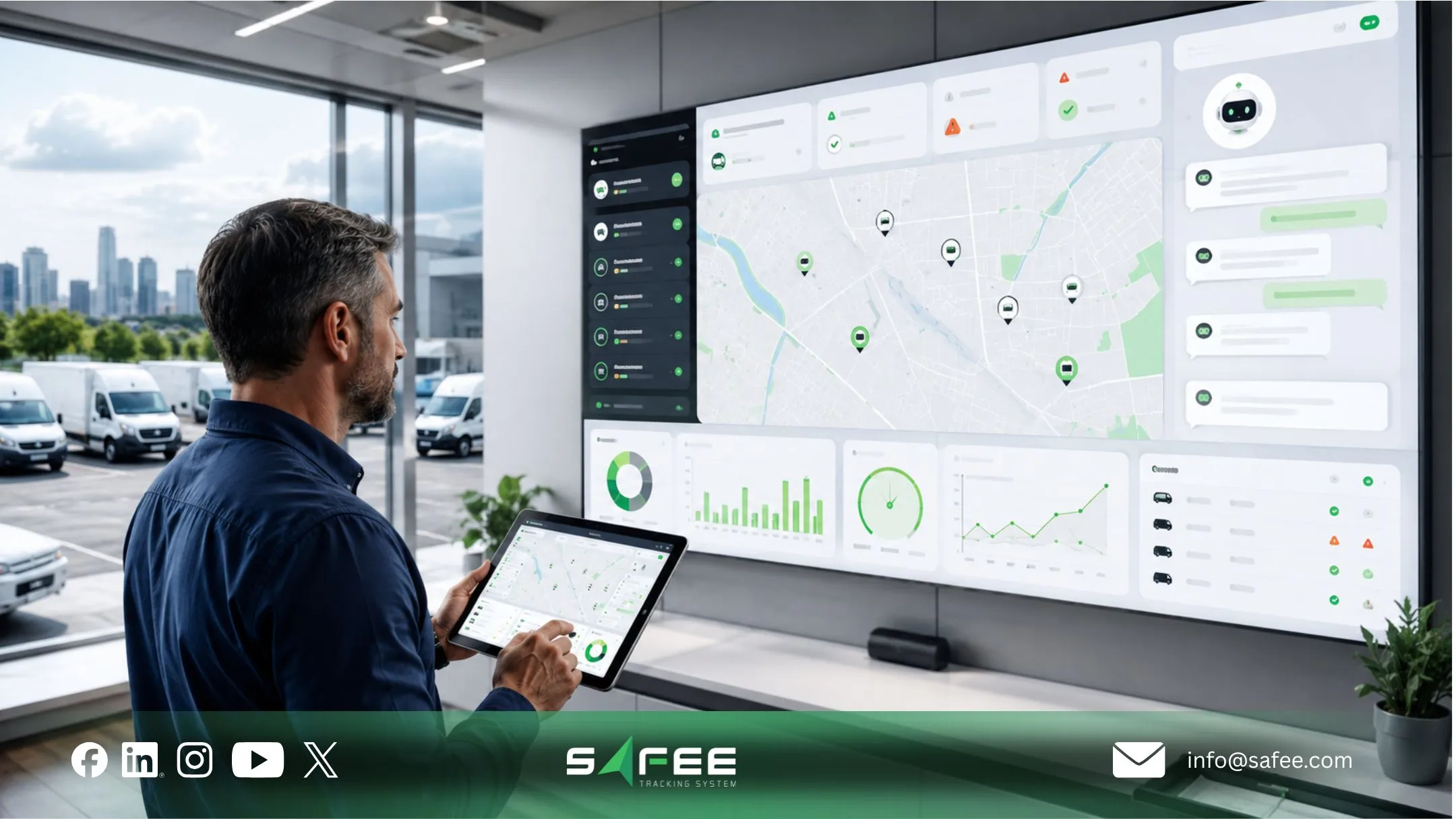
How Safee’s AI fleet assistant connects chat, track, and report?
The experience is designed around one simple flow across the connected Safee environment: Ask, Find, Explain, Verify, and Follow Up.
- Ask: The user writes a natural-language question inside the Safee platform.
- Find: The AI Fleet Assistant searches the authorized dashboards, module records, notifications, and reports connected to that user.
- Explain: It returns a clear answer, summary, priority list, or suggested area to review.
- Verify: The answer points back to the supporting Fleet Monitoring dashboard, vehicle, driver, journey, alarm, maintenance task, analytics view, or report.
- Follow Up: The user continues the same conversation to investigate the issue in more detail.
Natural language fleet queries
Natural language fleet queries let users ask “What needs attention today?” or “Why was this route delayed?” without knowing the exact name of a report or filter. The assistant interprets the time period, vehicle group, branch, route, event type, and requested output, then asks for clarification when the question is too broad.
Track vehicles and operational events
When connected to current fleet data, the assistant helps users reach live or historical vehicle context, including location, movement status, route progress, geofence activity, long stops, journey delays, and unresolved exceptions. Live Vehicle Tracking provides the map, status, driver, route, and historical context, while Alarms and Alerts provides the exception records the assistant can help users investigate.
AI fleet reporting without searching menus
AI fleet reporting allows a user to ask for a daily fleet summary, driver-safety overview, route-performance review, maintenance-readiness list, or management briefing. The AI Fleet Assistant can help retrieve, summarize, or direct the user to the appropriate information, while Fleet Reporting remains the structured source for scheduled reviews, exports, and formal management records.
Request a Safee demonstration using questions from your own dispatch, HSE, maintenance, finance, or leadership workflows.
What can different fleet teams ask AI fleet chatbot?
The same AI Fleet Assistant can support different teams while respecting each user’s approved data access.
Team | Example Question | Useful Output |
Operations and Dispatch | Which active journeys need attention now? | Delayed journeys, long stops, route deviations, or unresolved operational alerts. |
HSE and Driver Safety | Which drivers had repeated safety events this week? | Relevant drivers, journeys, vehicles, and linked alert records for review. |
Maintenance | Which vehicles should we review before tomorrow’s dispatch? | Open tasks, overdue service, repeated alerts, and vehicle-readiness context. |
Finance and Procurement | Which departments show unusual utilization or fuel patterns? | Approved utilization, activity, idling, or fuel-related indicators where connected. |
Leadership | What should management review first this week? | A prioritized overview of repeated exceptions, trends, and supporting records. |
AI fleet assistant vs. AI fleet dashboard and reports
The assistant does not replace Safee’s dashboards, notifications, operational modules, or reports. It gives users a faster conversational route into the right workspace and source record.
- Chat works best for direct questions, ideas, cross-module investigation, and follow-up.
- Fleet Monitoring dashboards remain essential for continuous visual monitoring, the Alarms and Alerts module remains the source for configured notifications, and reports remain essential for structured historical review and governance.
- Operational modules remain the place to manage journeys, drivers, maintenance tasks, fuel events, and detailed analytics after the assistant identifies what needs review.
Area | Dashboard | AI Fleet Assistant |
Starting point | Open a screen, filter, or report | Ask a business question |
Best use | Continuous monitoring and detailed review | Fast answers, ideas, and investigation |
User knowledge | Requires familiarity with menus and filters | Uses ordinary operational language |
Output | Maps, tables, charts, and scheduled reports | Answer or summary with source context |
Follow-up | User rebuilds filters or opens another view | User continues the same conversation |
Safee’s Fleet Monitoring and Insights provides the live map and dashboard environment that complements conversational investigation.
What powers the AI fleet assistant inside Safee?
The assistant is useful because it sits on top of a connected fleet platform. At Safee, the conversation can draw context from the modules and records available to the customer account.
- Live Vehicle Tracking: Location, status, movement, route history, geofence, and vehicle context.
- Alarms and Alerts: Configured safety, route, idling, geofence, and operational exceptions.
- Fleet Reporting: Structured reports, filters, scheduled reviews, and exportable records.
- Driver Management: Driver identity, assignments, behavior events, and accountability context.
- Maintenance Module: Service schedules, maintenance alerts, open tasks, and readiness records.
- Journey Management System: Planned journeys, route controls, approvals, monitoring, and post-journey review.
- Tracking Data Analyzer: Deeper analysis of utilization, delays, idling, routes, and recurring patterns.
Reliable answers, permissions, and human review
The fleet data assistant should make information easier to reach without turning a generated answer into an unreviewed operational decision. Reliability depends on connected data, clear fleet definitions, appropriate user permissions, and a path back to the supporting record.
- Connected data: Vehicle, driver, journey, alert, maintenance, fuel, and report records must be current.
- Clear definitions: Terms such as delayed, idle, unavailable, unresolved, and high risk should have agreed meanings.
- Role-based access: Users should only see the vehicles, departments, drivers, and reports authorized for their role.
- Source traceability: Important answers should link to the supporting vehicle, journey, alert, report, or maintenance record.
- Human review: Managers remain responsible for dispatch, safety, maintenance, disciplinary, financial, and compliance decisions.
How to start using an AI Fleet Assistant
A controlled rollout starts with the questions teams already ask every day.
- List the repeated questions asked by operations, dispatch, HSE, maintenance, finance, and leadership.
- Standardize vehicle names, driver records, branches, routes, depots, and fleet groups.
- Define important terms such as delayed, idle, critical alert, and maintenance risk.
- Set permissions and decide which modules and historical records each role can access.
- Pilot the assistant with one team, compare answers with source records, and refine the questions.
AI fleet assistant for GCC and Global B2B fleets
Safee is based in the UAE and supports B2B fleets across the GCC and wider international markets. Multi-branch and multi-country deployments can configure vehicle groups, departments, time zones, user permissions, reporting ownership, and data access around the customer’s operating structure.
The AI Fleet Assistant gives these teams one conversational entry point while keeping the underlying Safee dashboards, alerts, records, and reports available for verification and detailed review.
Why choose Safee’s AI fleet assistant?
Safee already connects tracking, monitoring, alerts, drivers, journeys, maintenance, analytics, and reporting in one platform. This fleet management AI assistant makes that environment easier to use by letting authorized users start with the question in their mind instead of the screen they think may contain the answer.
- Chat directly with connected fleet data from one workspace.
- Ask practical questions about vehicles, drivers, trips, alerts, maintenance, and reports.
- Request ideas, priorities, summaries, and areas that deserve investigation.
- Continue with follow-up questions without starting the search again.
- Open the supporting record before making an operational decision.
- Support operations, dispatch, HSE, maintenance, finance, and leadership from the same connected platform.
Book a Safee AI Fleet Assistant demo to see how your team can chat with fleet data, ask for answers and ideas, locate vehicles, investigate exceptions, and reach the right reports in one place.
FAQs about AI fleet assistants
What is an AI fleet assistant?
An AI Fleet Assistant is a chatbot inside a fleet platform that lets authorized users ask questions about connected fleet data and receive answers, summaries, ideas, or links to supporting records.
What can I ask Safee’s AI fleet assistant?
Users can ask about vehicle location, trip delays, route deviations, driver events, unresolved alerts, maintenance readiness, idling, utilization, reports, and the issues their team should review first, depending on connected data and permissions.
Can the AI fleet assistant suggest ideas?
It can help surface priorities, patterns, possible areas to investigate, and follow-up questions from the available fleet data. Responsible managers still review the evidence and decide the action.
Can it answer live tracking questions?
It can support current tracking questions when the customer account is connected to up-to-date tracking data and the user has access to the relevant vehicle or fleet group.
Can it help with fleet reports?
It can help users retrieve, summarize, or reach the relevant reporting information according to the deployed configuration. Fleet Reporting remains the structured source for formal review and exports.
Does it replace dashboards and fleet managers?
No. Chat provides a faster way to ask questions and investigate. Dashboards support continuous monitoring, reports support structured review, and managers remain responsible for operational decisions.
How does Safee protect fleet information?
Access follows approved user roles, branches, departments, vehicle groups, report permissions, and connected data scope.
Ready to improve your fleet operations?
Tell us what you would like to improve. A Safee specialist will reply by email.
Usually replies within one business day • No sales spam
Your details are used only to respond to your request. Privacy Policy

