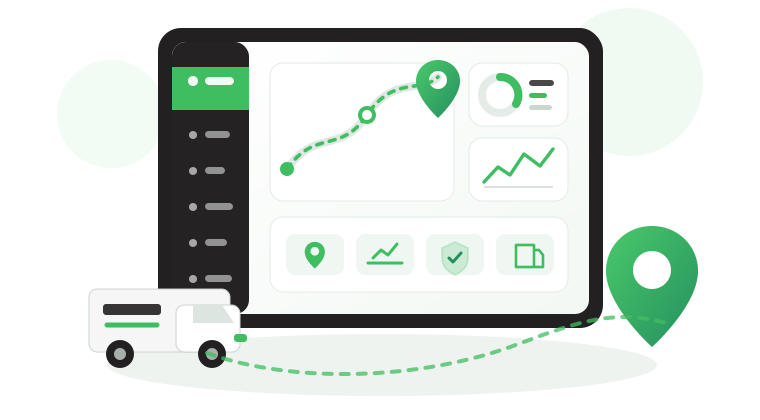

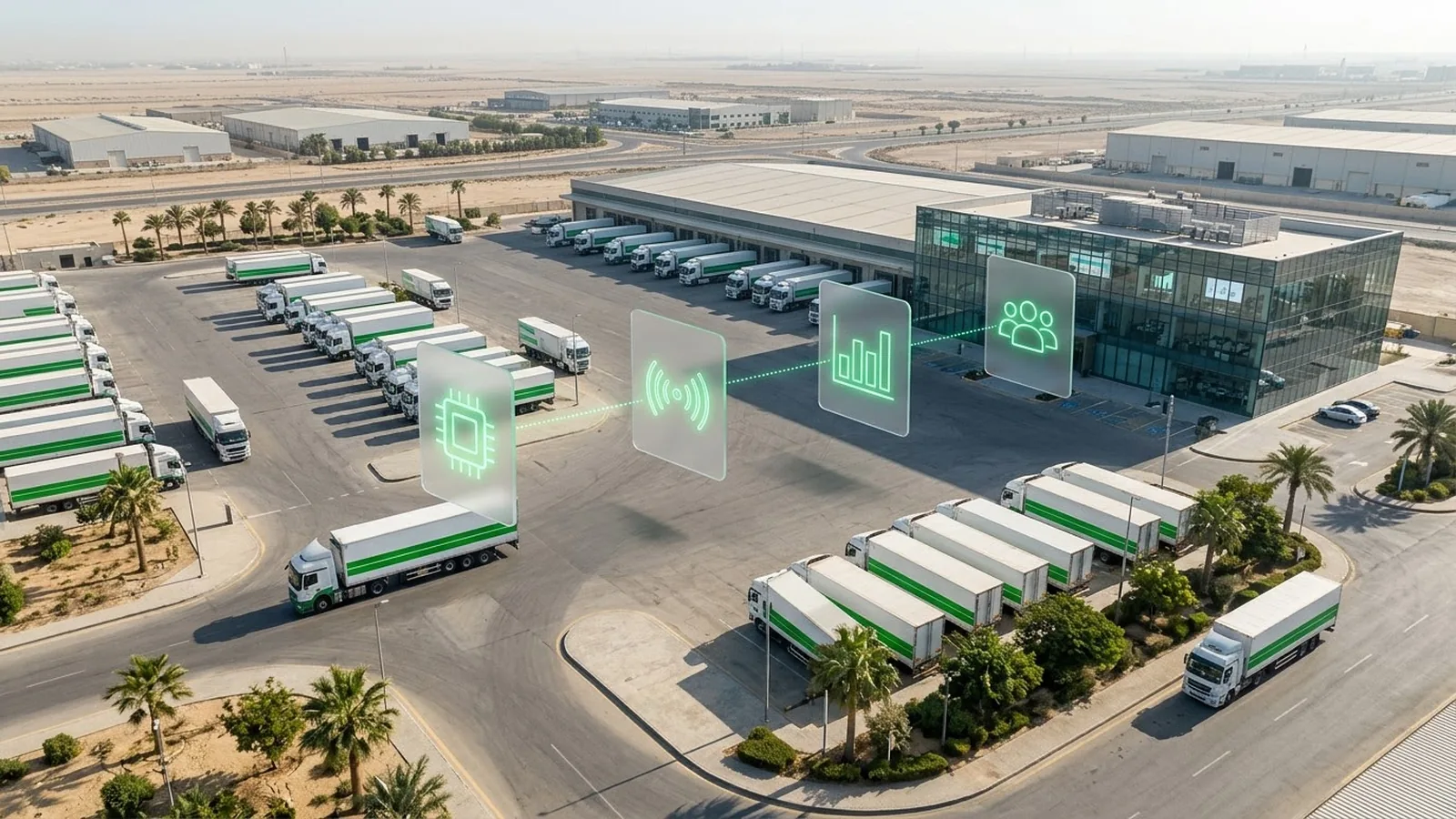
Fleet Management System: How It Works & How to Choose
Installing GPS trackers does not automatically give a company control over vehicle availability, maintenance, driver performance, or operating costs. That requires reliable data, connected processes, and clear responsibility for responding to operational issues.
A fleet management system brings these elements together, helping teams identify problems, coordinate action, and evaluate performance. This guide explains its components, how they work together, what different fleets require, and how to assess a system before deployment, including relevant Saudi requirements.
What is a fleet management system?
A fleet management system (FMS) is a combination of software, data sources, integrations, and configured workflows used to monitor and manage vehicles, drivers, maintenance, and fleet operations.
Depending on the deployment, it may use GPS trackers, vehicle manufacturer (OEM) data, sensors, and communication networks to collect information. The software organizes this information into operational views, alerts, and reports that support decisions across Fleet, Operations, Maintenance, and HSE teams.
The distinction is important: the system provides the information and tools, while fleet management involves the decisions and responsibilities required to keep vehicles operating safely and efficiently.
Fleet management system vs fleet management software
The terms are often used interchangeably, but they describe different scopes when planning a deployment.
Fleet management software is the application used to view vehicle activity, manage records, configure alerts, and review performance. A fleet management system includes the software and the data sources, connectivity, integrations, and operational configuration needed to support the required workflows.
Not every function depends on vehicle hardware. A document-expiry reminder can work from a date entered into the software, while a live speeding alert requires a reliable speed-data source and a connection that delivers the event to the platform.
For companies evaluating the application itself, our guide to fleet management software features explains which capabilities to test before buying.
GPS tracker vs fleet management system
A GPS tracker provides vehicle location and movement data, often alongside speed and other supported vehicle events. It can support tracking alerts, but it does not independently provide the wider management processes needed for maintenance, driver accountability, operating costs, or compliance.
A fleet management system connects available tracking information with those operational functions. For example, recorded mileage can support a maintenance schedule, while driver assignments help supervisors investigate events against the person responsible for the vehicle.
When comparing solutions, establish whether the proposal covers vehicle tracking alone or the wider fleet management functions your operations require.
Our guide to GPS fleet tracking systems explains how to evaluate tracking capabilities and their technical limitations.
What does a fleet management system include?
A fleet management system combines four core components. Their configuration depends on your vehicle types, operating conditions, and management requirements.
| Component | What it includes | What to verify before deployment |
|---|---|---|
| Vehicle Data Sources | GPS trackers, OEM telematics, CANbus interfaces, and optional fuel or temperature sensors, cameras, and driver identification devices | Compatibility with vehicle models, availability of required data, and accuracy of sensor readings |
| Network Connectivity | Cellular connections, supported offline data storage, and optional satellite communication for selected backup functions | Network coverage, reporting delays, offline data recovery, and backup communication capabilities |
| Fleet Management Software & Integrations | Vehicle monitoring, maintenance and driver records, alerts, dashboards, reports, and integrations with ERP or TMS platforms | Required modules, user permissions, data accessibility, and compatibility with existing business systems |
| System Configuration & Operational Controls | Monitoring rules, speed thresholds, geofences, alert recipients, escalation procedures, and reporting schedules | Alert ownership, response procedures, access controls, and applicable driver-data protection requirements |
Also read: 6 Ways Asset Tracking in Fleet Operations Protects ROI
How does a fleet management system work?
A fleet management system works through four connected stages: collecting vehicle data, processing it against operational rules, supporting corrective action, and reviewing performance.
The system automates data collection and monitoring, while your team remains responsible for investigating exceptions and making operational decisions.
Step 1: Collect and transmit vehicle data
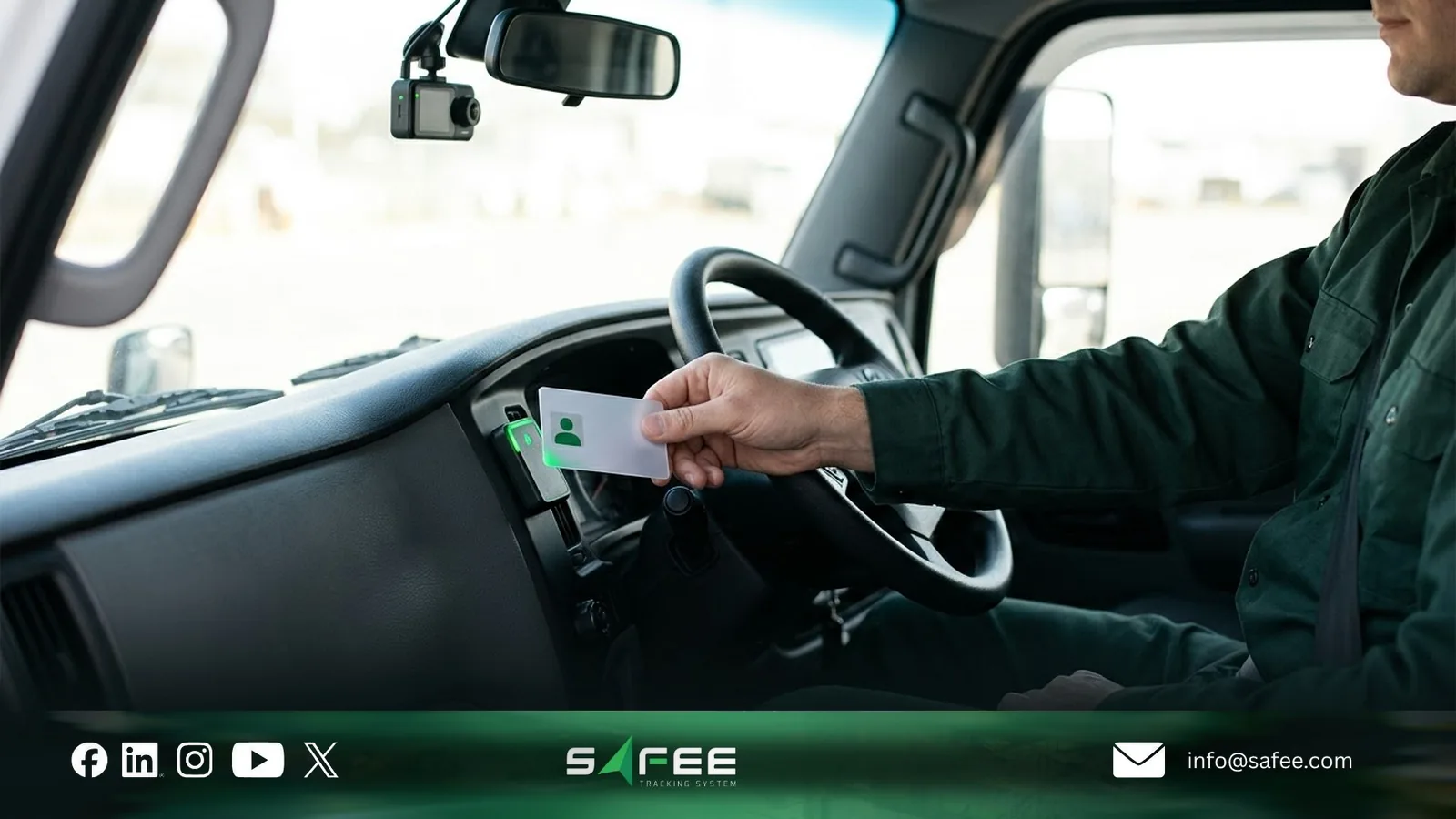
The system receives information from GPS trackers, vehicle data interfaces, compatible sensors, or other connected data sources. Depending on the equipment, this may include location, speed, ignition status, mileage, and driver identification.
Consider a truck travelling between Riyadh and Dammam overnight. Its tracking device records the vehicle’s speed, location, and event timestamp, then transmits the available data to the management platform.
Connectivity determines how quickly this information becomes available. If cellular coverage is lost, compatible devices may store records locally and upload them once communication resumes.
The platform may distinguish between Online, Delayed, and Offline reporting conditions. However, a vehicle’s last recorded location is not necessarily its current position, and delayed records cannot provide the same immediate visibility as live data.
For remote operations, managers should verify reporting intervals, offline storage capabilities, and connectivity coverage before deployment. See our guide to offline fleet tracking for detailed testing considerations.
Step 2: Process data and generate alerts
The device or platform evaluates incoming information against configured operational rules, such as speed thresholds, geofence restrictions, maintenance intervals, or permitted operating hours.
In our truck example, the system identifies a speeding event when the recorded speed meets the configured alarm conditions.
Depending on the system’s settings, the event can generate a notification for the responsible supervisor through the platform, mobile application, or another supported channel.
Effective alert configuration requires three decisions:
- Trigger: Which condition requires attention, and what threshold applies?
- Recipient: Who receives the notification, including outside normal working hours?
- Priority: Which events require immediate escalation, and which can be reviewed later?
The reliability of time-sensitive alerts also depends on data transmission. An event received after a coverage interruption may still support investigation, but it cannot trigger an immediate response at the time it occurred.
Step 3: Investigate events and take action
Once an alert reaches the responsible team, the next step is to establish what happened and determine the appropriate response.
For the speeding event, the supervisor reviews the vehicle’s location, event time, recorded speed, and available driver assignment. If compatible video equipment is installed and configured, the associated footage may provide additional context.
The supervisor then evaluates the circumstances and follows the company’s safety and escalation procedures. Depending on the findings, the response may involve contacting the driver when safe, documenting the event, or referring repeated violations for further review.
An automated alert identifies a condition requiring attention; it does not independently establish fault or complete the corrective action.
Assigning ownership and documenting the response allows the fleet manager to verify that the issue has been addressed rather than simply acknowledged.
Step 4: Review reports and improve fleet performance
Individual alerts help teams respond to events, while dashboards and scheduled reports support broader operational reviews.
Fleet managers use these outputs to identify recurring problems, compare performance, and determine whether previous interventions have been effective.
For example, a Driver Performance Report may reveal repeated speeding events involving particular vehicles, routes, or drivers. The manager can investigate the pattern, review any actions already taken, and assess whether additional coaching, supervision, or changes to operating procedures are appropriate.
The same approach applies to maintenance delays, excessive idling, vehicle utilization, and other measurable fleet activities.
Set a review frequency for each priority KPI, assign responsibility for corrective actions, and compare subsequent results against the established baseline.
Our guide to fleet management reporting explains how to organize reports for operational teams and management decisions.
The process is complete when data leads to a decision, the required action is implemented, and its outcome is reviewed.

Fleet management system requirements by fleet type
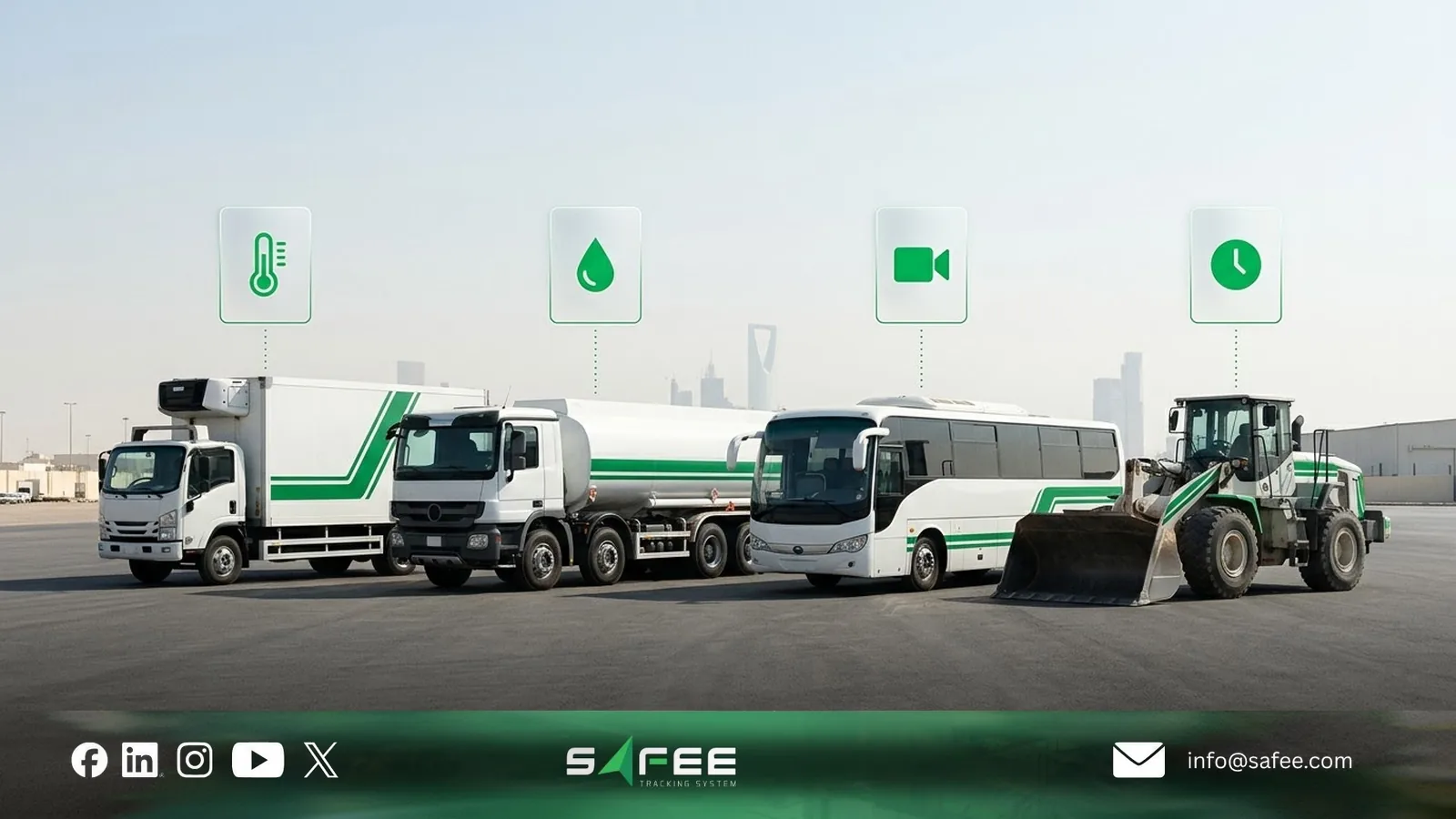
The right fleet management system depends on the vehicles you operate, the risks you need to control, and the decisions your team makes every day. A delivery fleet, a construction fleet, and a transport company subject to Saudi regulations may need different data sources, modules, and integrations.
Use the following comparison to identify the capabilities worth evaluating for your fleet.
| Fleet type | Operational priorities | System capabilities to evaluate |
|---|---|---|
| Sales and field service vehicles | Driver accountability, vehicle utilization, and service scheduling | Vehicle tracking, driver assignments, trip history, and dispatch or job-management integration |
| Transport trucks | Vehicle readiness, route monitoring, and regulatory reporting | GPS tracking, journey alerts, and Wasl integration where required by the licensed activity |
| Refrigerated fleets | Temperature control and evidence of transport conditions | Temperature monitoring, configurable excursion alerts, timestamped records, and door sensors where needed |
| Tankers and fuel distribution fleets | Journey safety, vehicle fuel control, and cargo accountability | Route monitoring, driver identification, compatible fuel data, and separate cargo-monitoring capabilities where required |
| Staff and school buses | Driver safety, route compliance, and passenger transport reliability | Driver assignments, route monitoring, safety alerts, and compatible video or driver-monitoring systems where appropriate |
| Construction and heavy equipment | Equipment utilization, maintenance scheduling, and asset availability | Location tracking where needed, engine-hour records, preventive maintenance alerts, and equipment activity reports |
| Remote and oil and gas fleets | Journey safety, communication gaps, and emergency response | Journey management, communication-loss alerts, and compatible satellite location or emergency messaging where required |
These are configuration priorities, not mandatory equipment packages. For example, a refrigerated fleet needs reliable temperature records, but whether it requires additional sensors depends on the vehicle’s existing equipment and available integrations.
Similarly, Saudi transport operators must verify which Wasl requirements apply to their licensed activities. Weight monitoring should be specified only where operational or regulatory requirements justify it, rather than added automatically to every truck.
Choosing the right configuration
Before selecting modules or installing additional hardware, identify the operational decisions each vehicle group needs to support.
For a refrigerated fleet, the requirement may be proving whether cargo temperatures remained within the specified range throughout a journey. For construction equipment, it may be scheduling maintenance from reliable engine-hour readings rather than mileage.
Then verify three things with your provider: whether the required data is available from your vehicles, whether the system supports the alerts and reports your teams need, and whether the complete workflow performs correctly during a trial.
If your company operates several fleet types, evaluate them separately rather than purchasing one equipment package for every vehicle. This helps avoid unnecessary hardware while identifying important capabilities that a basic tracking configuration may miss.
You can use our GPS Tracker and Sensor Selector to explore suitable configurations or discuss your fleet requirements with Safee before deployment.
Fleet management system requirements in Saudi Arabia
Companies deploying a fleet management system in Saudi Arabia must check which regulatory and technical requirements apply to their transport activities, vehicles, and contracts. Not every fleet needs the same government integrations.
Before approving a system, verify the following:
- Wasl integration: The Transport General Authority (TGA) requires applicable transport activities to meet specific registration, tracking, and data-sharing requirements through Wasl. Confirm which vehicles and data fields are covered, and test the transmission and message status rather than relying on a provider’s claim that the system supports Wasl.
- Tracking provider registration and qualification: Verify the legal entity providing the tracking service and its registration with the Communications, Space and Technology Commission (CST). Where TGA technical-provider qualification is required, check that separately, along with applicable device requirements. CST registration does not replace TGA qualification.
- Municipal integrations: Some operations have additional requirements. For example, waste-management fleets working under relevant Jeddah municipal arrangements may need Madinati integration. Confirm the specific contract, municipality, vehicle records, and reporting fields before deployment.
- Personal data protection: Driver identities, location histories, and identifiable video records may fall under Saudi Arabia’s Personal Data Protection Law (PDPL). Review the purposes of processing, driver notices, access permissions, retention periods, and applicable data-transfer requirements.
- Data hosting and access: Ask where fleet data is stored and processed, whether it is transferred outside Saudi Arabia, who can access it, and which contractual and regulatory controls apply. Do not assume that every fleet management system must use the same hosting arrangement.
These checks should become part of the system’s deployment requirements. Assign an owner for each obligation and retain the relevant provider documents, configuration records, and integration test results.
For more detail, read our Wasl integration guide and fleet management system launch guide for Saudi Arabia.
How to choose a fleet management system
Choosing a fleet management system requires more than comparing feature lists. The right solution must provide reliable data for your vehicles, support the decisions your team makes, and meet the operating and integration requirements of your business.
Use three steps to evaluate shortlisted systems before committing to a full deployment.
Step 1: Define your operational requirements
Start with the problems the system must help your team address, then identify the data and functions needed.
For example:
- Driver accountability: If vehicles are shared between drivers, determine how assignments will be recorded and linked to trips and driving events.
- Worksite safety: If vehicle speed must be monitored inside designated sites, verify configurable geofence-based speed alerts.
- Remote operations: If vehicles regularly lose cellular coverage, evaluate offline data storage and any additional communication requirements.
- Business integration: If Operations, Maintenance, or Finance needs fleet data in an ERP or TMS, identify the required records, system ownership, and available integration methods.
Separate essential requirements from optional features. Document which vehicle groups need each capability, what evidence the provider must demonstrate, and who will use the resulting information.
Our guide to fleet management software features explains how to turn these requirements into practical system tests.
Step 2: Test the system on representative vehicles
Run a pilot using vehicles that reflect your actual operating conditions, including different models, equipment types, and coverage environments where relevant.
Agree on acceptance criteria before testing. The pilot should establish whether:
- Vehicle data is accurate: Location, timestamps, mileage, driver assignments, and required sensor readings match independent records where verification is possible.
- Alerts work as configured: Relevant events reach the intended recipients through the selected channels, including during supported operating hours and after connectivity interruptions.
- Reports support decisions: The available information allows managers to investigate the problems identified in Step 1.
- Integrations function correctly: Required records reach the intended business or regulatory system, with errors visible to the responsible team.
Record failed tests, assign corrective actions, and repeat the affected checks before expanding deployment.
Step 3: Confirm costs, support, and data access
A successful pilot does not establish whether the proposed service will remain suitable throughout the contract.
Before signing, confirm the complete cost of devices, installation, connectivity, software modules, integrations, maintenance, and support. Review service levels, replacement-device procedures, warranty terms, and responsibility for resolving data or connectivity problems.
Also establish who owns the fleet data, which records can be exported, and how access and data handover will work if you change providers.
Document the agreed capabilities and support commitments in writing. Our tracking provider questions checklist helps teams compare these terms consistently.

How Safee supports your fleet management system
At Safee, we help companies bring supported tracking devices, vehicle data, alerts, and operational records into a shared fleet management environment. Our modules can be configured around different vehicle groups and management responsibilities.
Here’s how we support the requirements discussed in this guide:
- Vehicle monitoring and connectivity visibility: Live Vehicle Tracking provides vehicle locations, trip histories, and reporting status. Operations teams can investigate missing updates and review recorded activity rather than relying on the latest map position alone.
- Configurable operational alerts: Alarms and Alerts supports conditions such as speeding, geofence events, and selected driving or sensor exceptions. Recipients and notification channels can be configured according to the available functions and operational requirements.
- Driver identification and safety review: Driver Management supports manual and dynamic vehicle assignments. With compatible Video-iVMS equipment and modules, supervisors can also review supported video and driver-monitoring events.
- Connectivity support for remote fleets: Compatible tracking devices can retain data during cellular interruptions for later transmission. Our SatComm module provides a secondary communication option for supported location requests and emergency messages using compatible satellite devices.
- Reporting and business integration: Fleet Reporting supports configurable reports and scheduled delivery. Our business integration capabilities can connect supported fleet data with ERP, TMS, or other systems once the required records and interface scope are defined.
- Saudi regulatory data monitoring: For applicable transport operations, our Wasl integration supports data transmission and tools such as Wasl Explorer and Wasl Vehicle Messages Report. These help teams review vehicle information, message status, and transmission issues. We also support Madinati integration for relevant Jeddah operations.
These functions depend on the selected modules, compatible devices, available data, and deployment configuration. They do not replace your organization’s regulatory responsibilities, safety procedures, or decisions about how to respond to operational events.
Before deployment, we can review your vehicle types, required data, integrations, and operational workflows to define which Safee capabilities need to be tested.
Request a Safee Fleet Demo to evaluate the relevant modules against your fleet’s requirements.
FAQs about fleet management systems
What does FMS stand for in fleet management?
FMS commonly stands for Fleet Management System, although it can also refer to fleet management software. A Fleet Management Information System (FMIS) emphasizes the organization and use of fleet records. Terminology can vary between providers.
Does every vehicle need its own GPS tracker?
No. Vehicle data may come from an installed tracker, supported manufacturer telematics, or another suitable source. The choice depends on the required data, available integrations, and whether additional sensors or tracking functions are needed.
Does a fleet management system work without network coverage?
The platform can continue operating for connected vehicles. A device outside coverage may store readings and upload them later if supported. Satellite communication can provide selected backup functions, but it does not guarantee uninterrupted transmission of all fleet data.
Will Safee manage alerts and drivers for my company?
No. We provide the configured alerts, records, and reporting tools. Your team or contracted fleet operator remains responsible for investigating events, contacting drivers, and taking corrective action.
Ready to improve your fleet operations?
Tell us what you would like to improve. A Safee specialist will reply by email.
Usually replies within one business day • No sales spam
Your details are used only to respond to your request. Privacy Policy