


Fleet Management Information System (FMIS): From Data to Decisions
A fleet management information system can fail even when every vehicle is visible on the map. If vehicle, driver, site, permission, event, and report records are not connected, teams may have data without having a reliable operating record.
In this guide, we at Safee trace that record flow from data source to database context, access control, monitoring, reporting, and governance. You will see what the administrative layer must maintain, how records should relate to one another, what different roles should be able to access, and how our modules support the flow without treating an FMIS as a static spreadsheet or an unrestricted backend database.
What a fleet management information system is, and isn’t
An FMIS is useful only when operational data is connected to the organization’s structure.
Vehicle information should not sit apart from drivers, sites, groups, permissions, events, journeys, reports, or other fleet context. Each record needs enough context to show what it represents, who is responsible for it, and which operational decision it supports.
At Safee, we separate administrative structure from operational use across our Essential Modules. The Administration Panel maintains users, vehicles, drivers, sites, categories, groups, permissions, and configurations, while Live Vehicle Tracking, Fleet Monitoring & Insights, Driver Management, and Fleet Reporting use connected fleet data for monitoring, investigation, and reporting.
A fleet management information system (FMIS) is a structured environment for collecting, organizing, accessing, and reporting information about fleet operations.
In procurement language, the phrase fleet management information system FMIS should refer to more than GPS tracking. A useful FMIS should be able to answer four practical questions:
- What happened? Vehicle movement, a driver assignment, an alarm, a journey, a maintenance activity, or another supported operational event.
- Which business record does it belong to? A vehicle, driver, site, group, journey, or other managed entity.
- Who is allowed to work with the information? Fleet, Operations, HSE, Maintenance, Management, administrators, or another authorized role.
- How will the organization use it? Monitoring, investigation, recurring reporting, exception management, management review, or integration with another business system.
An FMIS is therefore more than a database or a tracking dashboard. The database stores and organizes records; the wider information system adds collection, context, permissions, workflows, reporting, integrations, and governance around them.
In Safee, Fleet Reporting turns supported fleet data into customizable reports with filters, scheduled delivery, and export options, while the Administration Panel provides the administrative structure behind users, vehicles, drivers, sites, categories, and permissions.
How fleet management administration organizes fleet records
Fleet management administration is the work that keeps the operational data model usable after the initial setup.
Account creation and settings are only part of that job. A vehicle assigned to the wrong site, an outdated driver assignment, excessive permissions, or an inconsistent group structure can change how the same operational data is interpreted.
Our Administration Panel is the canonical Safee module for this layer. It centralizes sites, categories, vehicles, trailers, drivers, user accounts, permissions, and configurable settings so administrators can keep operational structures aligned with monitoring and reporting.
That administrative layer should keep the following questions current:
- Which vehicles currently belong to each site or operating unit?
- Which drivers are active and how are they organized?
- Which users require access?
- Which vehicle or driver groups should be used for monitoring?
- Which permissions belong to each operational role?
- Which configuration changes need governance?
- Which records require correction when organizational structures change?
When these records are maintained deliberately, administration becomes part of data governance rather than clerical maintenance.
Want to review how users, vehicles, sites, groups, permissions, and reporting would map to your operating model? Request a Safee demo and walk through representative fleet workflows with our team.
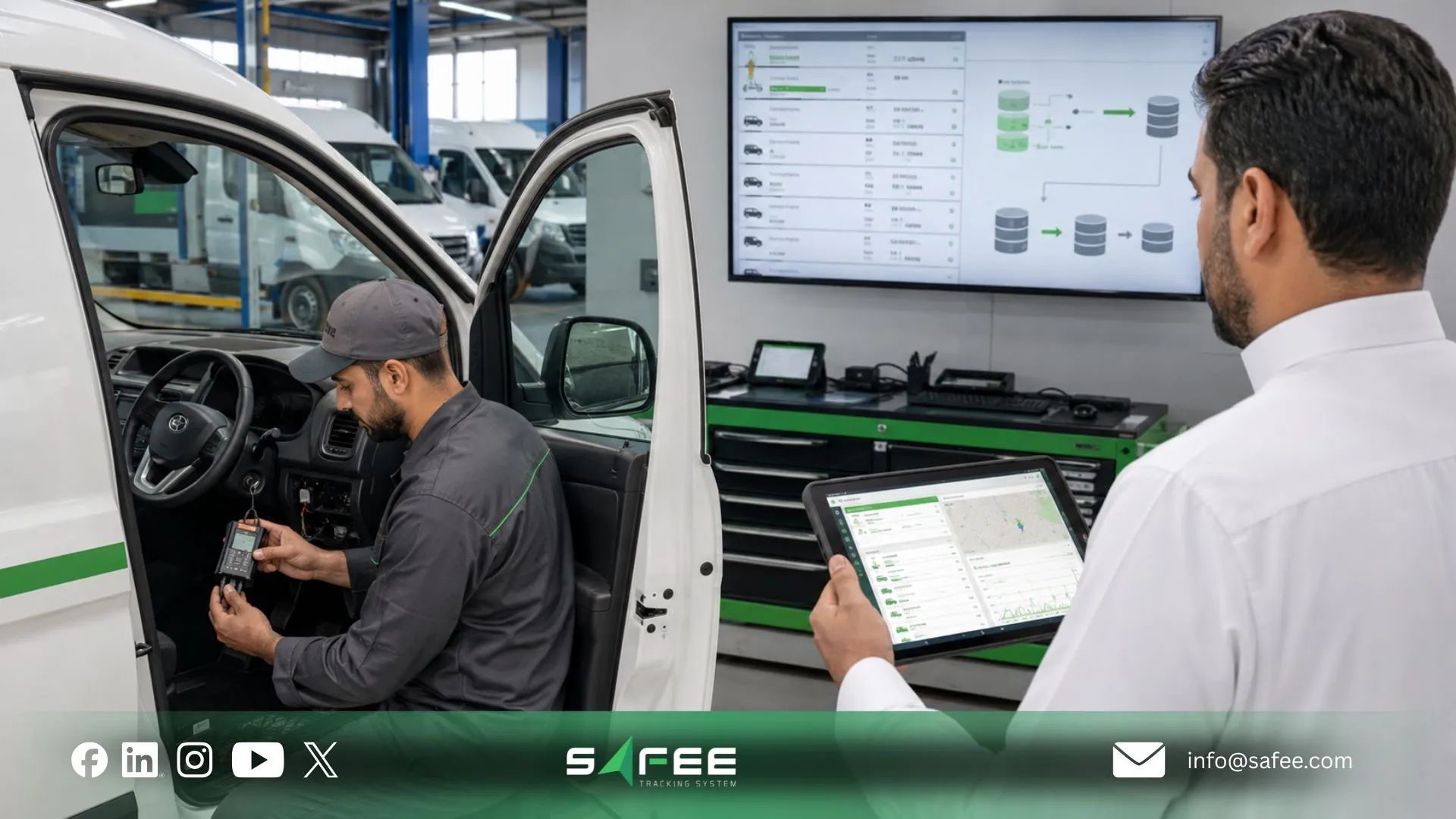
How a fleet management system works
The clearest method is to follow one record from its source to the person who uses it.
A vehicle signal has limited business meaning on its own. The platform must receive it, associate it with the correct asset, place it in an operational context, preserve the required record, and expose the result only to the users and workflows that need it.
Our fleet management using IoT guidance describes that transition from device data to fleet context: supported protocols and fields are ingested and mapped so raw messages can become vehicle, driver, status, trip, Geofence, alarm, dashboard, and reporting information.
A simplified record flow looks like this:
- A source generates information: The source may be a supported tracking device, vehicle interface, sensor, driver interaction, system configuration, manual record, or approved connected business system.
- The platform receives the information: For connected devices, the technical layer must understand the applicable protocol and available fields. In our IoT architecture, protocol ingestion and field mapping are part of converting device messages into usable fleet information.
- The information is associated with fleet context: A coordinate becomes more useful when it belongs to a known vehicle; an event becomes more useful when it can be connected with the relevant driver assignment, site, group, journey, Geofence, or other configured context. Our Driver Management module adds driver records and assignment context, while the Administration Panel organizes the vehicle, driver, group, and site structures that those records depend on.
- The record becomes operational information: Authorized teams can review the result through Live Vehicle Tracking, Fleet Monitoring & Insights, an alarm workflow, a historical view, or another relevant module. Fleet Monitoring & Insights provides live and historical vehicle context, filters, vehicle information, paths, events, and communication status.
- Reporting turns records into recurring management output: Fleet Reporting can filter supported fleet information and produce scheduled or exportable reports for operational and management review.
The result is not simply ‘GPS data appears on a screen.’ A usable information flow preserves the relationship between the incoming record and the business entity, authorized user, workflow, and decision that depend on it.
What a fleet management database looks like
A fleet management sample database is useful as a conceptual model, but it should not be treated as the proprietary schema of a specific software platform.
For an operational fleet, the logical model will usually need relationships such as:
- Vehicle records: identity, category, site, operational status, associated equipment, and applicable configuration.
- Driver records: driver identity, group, assignments, and applicable activity context.
- Assignment records: which driver was associated with which vehicle during the relevant operating period.
- Location and movement records: vehicle position, movement context, historical paths, and related tracking information.
- Trip or journey records: start/end context, route or journey information, and relevant driver and vehicle association.
- Exception records: alarms, violations, configured conditions, or events requiring review.
- Maintenance records: applicable maintenance tasks, alerts, schedules, and history.
- Administrative records: users, sites, groups, categories, permissions, and configurations.
- Reporting records: filters, reporting periods, recipients, and the operational data required for recurring review.
The design principle that matters most is the relationship between records.
A spreadsheet may place a vehicle registration in one tab, a driver in another, and a trip reference somewhere else. A managed information system should preserve enough structure to show which records belong together and which record is authoritative.
How fleet database management keeps fleet data consistent
Fleet database management does not end when the initial vehicle list is imported.
Fleet information changes continuously: vehicles move between sites, drivers change assignments, users join or leave teams, groups are reorganized, devices are replaced, configurations change, and integrations introduce additional data sources.
Our fleet management ERP integration guidance treats consistent master data as a core control. Stable references such as vehicle IDs, driver IDs, branches, sites, departments, cost centers, and equipment classes need clear ownership so they remain consistent across connected systems.
A practical maintenance process should therefore define:
- Who creates each master record;
- Which system owns each identifier;
- Who can edit each record;
- How duplicate vehicles or drivers are prevented;
- How vehicle transfers between sites are handled;
- How driver reassignment is recorded;
- What happens when a device is replaced;
- How inactive records are handled without breaking history;
- How integration mappings are reviewed;
- Who investigates inconsistent information.
Within Safee, the Administration Panel supports changes to sites, categories, vehicle and driver structures, user accounts, and permissions. Where records are exchanged with other business systems, our integration approach also requires clear ownership of identifiers and mappings.
If the database issue is really a master-data or integration issue, contact Safee to map the vehicles, drivers, sites, groups, data sources, and downstream systems before configuration begins.
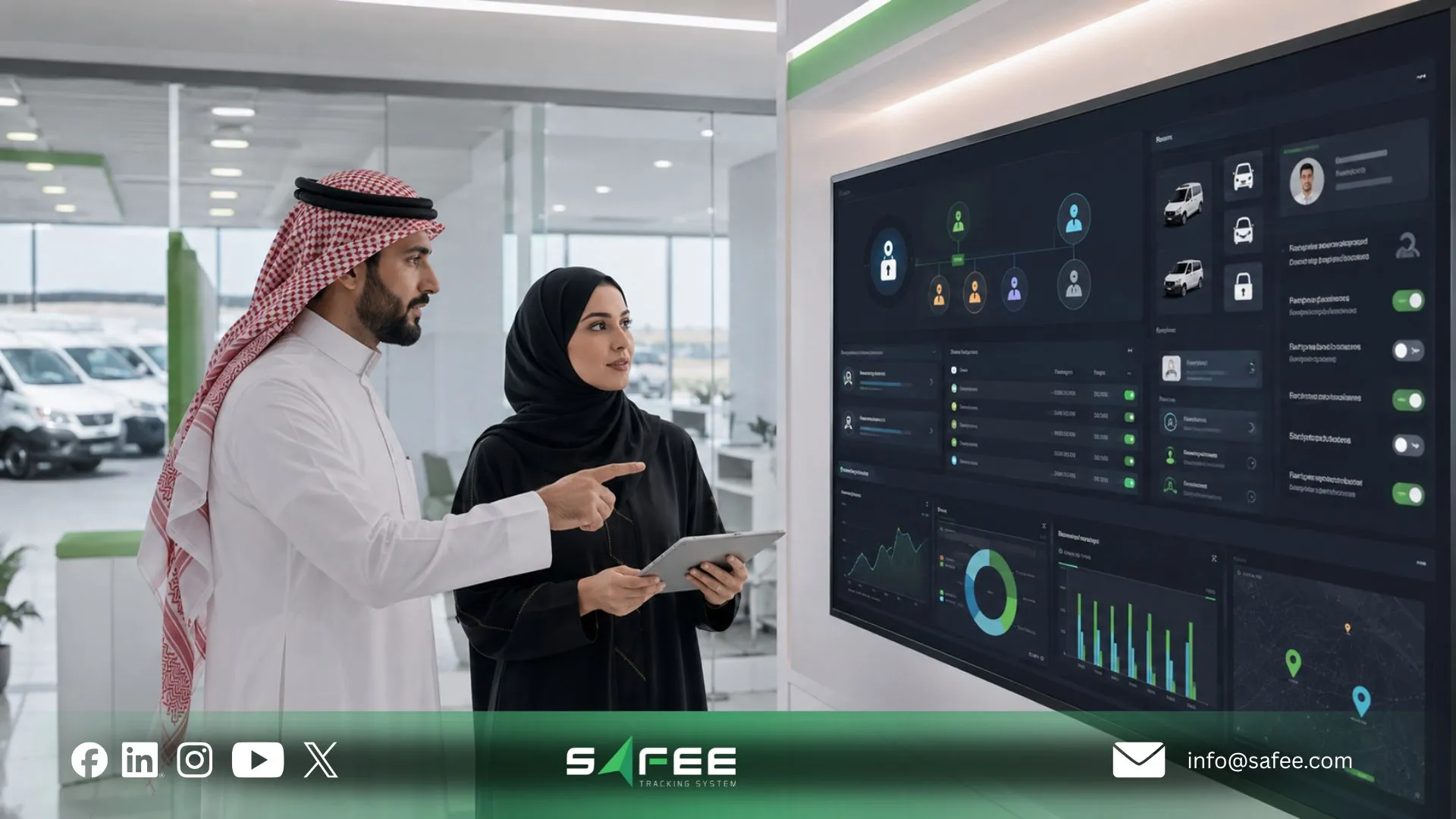
Fleet management access, console and the data model
A fleet information system becomes a governance issue as soon as more than one team uses it.
Fleet, Dispatch, HSE, Maintenance, IT, Management, and external stakeholders do not necessarily need the same records or the same ability to change them.
That makes fleet management access part of the data model rather than a separate login decision. This fleet management system guide treats permissions, reporting access, exports, administration, and integration as distinct control layers; buyers comparing fleet management information system software should verify each one against the roles that will actually use the system.
Fleet management console
The phrase fleet management console is a useful generic term, but our product terminology is more precise.
For system administration, we use the Administration Panel. For operational monitoring, we use Fleet Monitoring & Insights and related tracking views. Keeping those functions distinct makes it clearer which users are configuring the environment and which users are working with live or historical fleet information.
The Administration Panel supports user accounts and tailored role-based permissions. We recommend aligning access with operational responsibility rather than giving every user the same fleet view.
A practical role model can distinguish responsibilities such as:
- Fleet Manager: fleet visibility, operational exceptions, vehicle status, and relevant reports.
- Operations or Dispatch: vehicles, groups, trips, or journeys required for active operations.
- HSE: appropriate safety, driver, journey, and exception information.
- Maintenance: vehicle readiness, applicable maintenance information, and service workflows.
- Management: dashboards, trends, exceptions, and management reporting.
- Administrator or IT: users, permissions, configurations, and integration responsibilities.
These are operating-model examples, not fixed Safee role templates. Each organization should decide which records, vehicles, sites, reports, and actions belong to each role.
Access fleet management database
The search phrase access fleet management database can be misleading because application access and direct backend database access are not the same thing.
Most fleet users need controlled access to records and workflows, not direct access to the underlying database technology.
Before procurement or integration, distinguish among:
- Access through the user interface;
- Access to specific vehicle or driver groups;
- Reporting access;
- Export access;
- Administrative access;
- API-based application access;
- Direct backend database access, if it is offered at all.
We publicly document role-based permissions in the Administration Panel and API-based Business Integration with ERP, waybill, and asset-management tools. That should not be read as unrestricted direct database access; the exact technical access model for a specific integration should be verified with our team.
The same precision is required when evaluating audit trails.
For example, our Fleet Control documentation states that Command Service history records the targeted vehicle, command type, execution time, and command response or result. That supports logged command activity for that function, but it should not be generalized into a claim that every field change across every Safee module has identical audit-history behavior.
For governance-sensitive deployments, ask:
- Which user actions are logged?
- Which configuration changes retain history?
- Which records include timestamps?
- Can administrators review permission changes?
- How long are different record types retained?
- Can historical records be exported?
- How are deleted or inactive entities handled?
- What logs are available for API activity?
- Which records can users modify after creation?
- What evidence can be produced for an internal or external audit?
These checks matter especially where organizational policy, contracts, privacy obligations, public-sector reporting, or audit requirements affect how records must be accessed, retained, or evidenced.
13 things a fleet management database should get right
- Stable record identity: Vehicles, drivers, devices, sites, groups, and other core entities need identifiers that remain consistent enough to support reliable matching.
- Clear record ownership: Teams should know which system is authoritative for each master-data field when multiple systems exchange information.
- Correct vehicle-driver relationships: Operational reviews become unreliable when driver assignments and vehicle records are disconnected or outdated.
- Timestamp context: Events need enough time context to reconstruct what happened and when, particularly when comparing tracking, journey, alarm, and command records.
- Source traceability: Teams should know whether information came from a tracking device, vehicle interface, sensor, user action, imported file, or connected business system.
- Consistent master data: Vehicle IDs, driver IDs, branches, sites, departments, and other stable references should not drift between systems.
- Organizational hierarchy: Sites, categories, groups, and other operational structures should match the way the organization actually manages the fleet.
- Role-based access: Users should receive the fleet information and administrative capabilities required for their responsibilities rather than universal access.
- Historical continuity: Replacing a device, moving a vehicle, or changing a driver assignment should not destroy the ability to understand past operations.
- Exception context: An alarm or violation should be linked to enough vehicle, driver, time, location, and operating context to support investigation.
- Reporting usability: Records should support filtered, recurring, and exportable management output rather than requiring teams to reconstruct the same analysis manually.
- Controlled integrations: API and business-system exchanges should define which fields move, which application owns them, and how synchronization errors are handled.
- Data-quality governance: Someone must own incomplete, duplicated, inconsistent, or incorrectly mapped information and have a defined process for correcting it.
These are database-management requirements, not claims that every platform implements every control identically. In Safee, relevant documented building blocks include the Administration Panel, Driver Management, Fleet Reporting, connected tracking modules, and API-based integrations.
Evaluating permissions, reporting, and integration together? Ask Safee for a workflow demonstration using your actual Fleet, Operations, HSE, Maintenance, IT, and management roles instead of evaluating the platform through one administrator account.
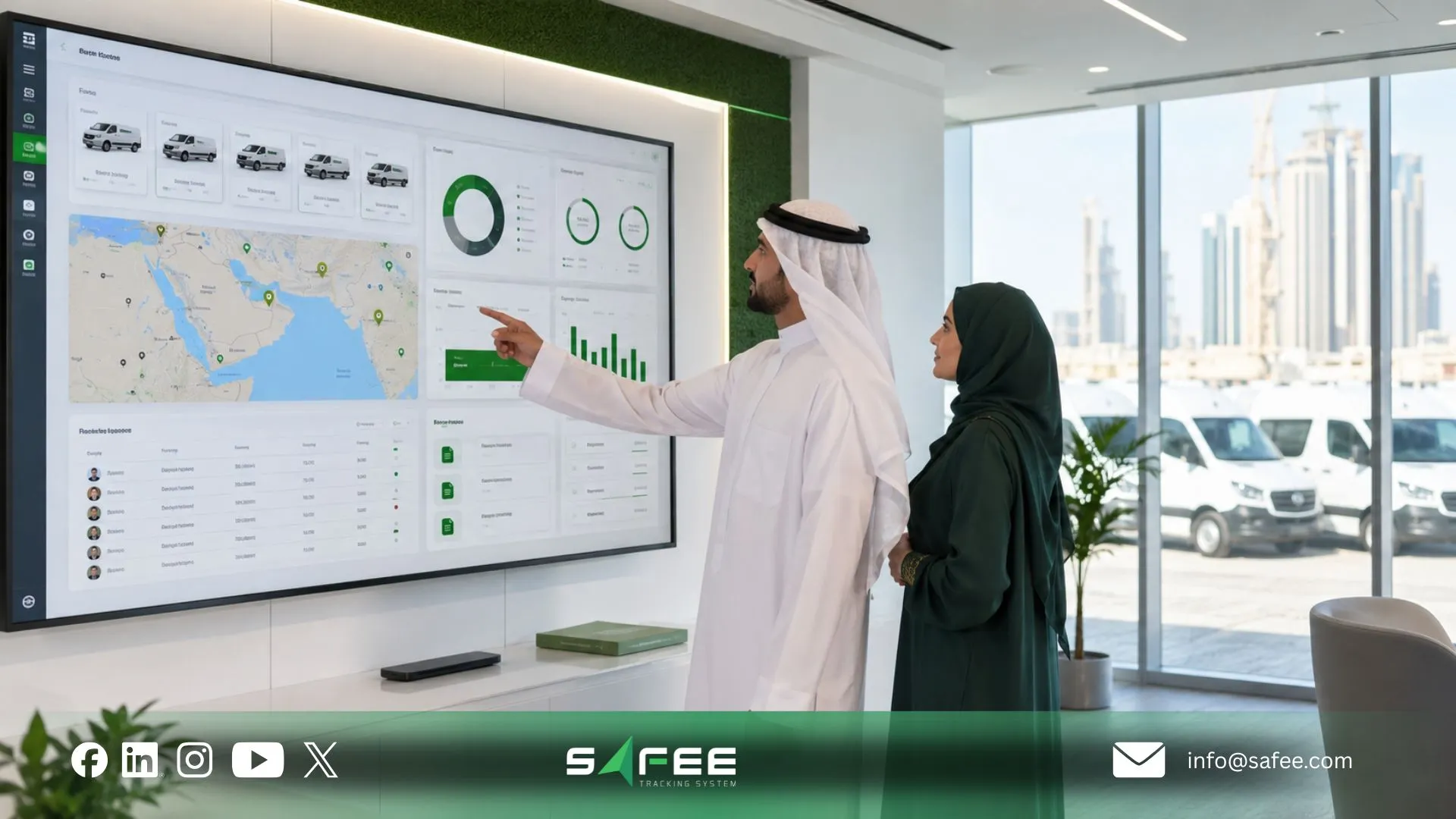
Safee: Fleet management information system software for records
At Safee, we do not position our platform as a static fleet database. Our documented architecture connects administration, tracking and monitoring, driver information, operational events, reporting, analysis, and supported integrations across specialized modules.
In the context of fleet management information system software, the value is the movement from raw operational information to controlled records and usable management outputs.
The Administration Panel structures users, vehicles, sites, categories, drivers, groups, permissions, and configurations. Fleet Monitoring & Insights provides current and historical fleet context; Fleet Reporting converts applicable data into filtered and scheduled reporting; Driver Management adds identity and assignment context; and API-based Business Integration can connect defined fleet information with other systems where required.
Safee vs a spreadsheet-based fleet database
| Records task | Spreadsheet database | Safee |
| Data model | Often flat or manually linked across sheets | Fleet information can be structured around vehicles, drivers, sites, groups, assignments, monitoring data, and relevant modules |
| Access control | Often controlled mainly at file, folder, or sheet level | Administration Panel supports user accounts and tailored role-based permissions |
| Audit trail | Depends on file history and manually maintained logs | Specific Safee functions document system history or logged actions; exact audit-history coverage should be verified by record type |
| Device-to-report flow | Operational data often requires manual import or re-entry | Connected fleet data can flow through Safee modules into monitoring and Fleet Reporting workflows |
| Public-sector reporting formats | Required outputs may need to be rebuilt manually | Fleet Reporting supports configurable, filtered, scheduled, PDF/Excel-exportable reporting; any mandated government format should be verified for the applicable requirement |
This comparison avoids assuming undocumented capabilities. We document role-based permissions, connected monitoring, customizable Fleet Reporting, export options, and specific logged histories such as Command Service activity. Requirements such as immutable audit logs, particular government templates, field-level permissions, or specific retention periods should still be confirmed against the proposed deployment.
How Safee supports audit-ready fleet records
Here, audit-ready means an operational records-management objective, not a certification, statutory guarantee, or claim that every Safee record automatically meets every audit requirement.
We provide several documented capabilities that can support stronger record readiness:
- Structured administration: The Administration Panel centralizes users, vehicles, drivers, sites, categories, groups, configurations, and role-based permissions, helping the organization establish who manages the underlying fleet structure.
- Connected driver and vehicle context: Driver Management supports driver records and assignments, helping preserve accountability around who is associated with a vehicle or activity where the relevant workflow is configured.
- Historical operational context: Fleet Monitoring & Insights includes historical paths, events, vehicle information, communication status, alarms, and other monitoring context that can support investigation.
- Recurring reporting: Fleet Reporting supports customizable filters, scheduled delivery, and PDF or Excel export, helping management create repeatable review processes instead of rebuilding the same view manually.
- Logged command history where documented: For Command Service, we document the targeted vehicle, command type, execution time, and command result or response.
- Controlled integration planning: Our ERP-integration guidance emphasizes master-data consistency, clear record ownership, API integration, and deliberate decisions about which information downstream systems actually require.
An audit-sensitive deployment should still verify:
- Retention periods;
- User-action logging coverage;
- Change history;
- Permission-change history;
- Record export requirements;
- Legal or contractual retention rules;
- Deletion and archival behavior;
- Integration logs;
- Privacy requirements;
- Any specific regulator or government reporting format.
That is the difference between having operational records and designing an information-governance process around them. For the wider governance model, see our Fleet Management Program guide.
Ready to evaluate an FMIS around your own records, roles, reports, and integrations? Contact Safee to review the operating model before configuration.
FAQs about fleet management information systems
What does FMIS stand for in fleet management?
FMIS stands for Fleet Management Information System. It describes a structured environment for collecting, organizing, accessing, and reporting fleet information across vehicles, drivers, operations, users, and management workflows.
How does a fleet management system actually work behind the dashboard?
A fleet management system receives information from supported devices, vehicle sources, users, or connected systems, associates it with the relevant fleet records, and makes it available through monitoring, alerts, analysis, or reporting. In Safee, Administration Panel, Driver Management, Fleet Monitoring & Insights, and Fleet Reporting support different stages of that information flow.
Who should have access to the fleet management database?
Access should follow operational responsibility rather than giving every user the same fleet view. Fleet, Operations, HSE, Maintenance, Management, and administrators may need different vehicles, sites, records, reports, and configuration permissions; our Administration Panel supports tailored role-based permissions.
Is FMIS software different from regular fleet management software?
The terms can overlap, so the label alone is not enough. An FMIS emphasizes how fleet information is structured, governed, accessed, connected, and reported, while general fleet management software can describe a broader set of tools; buyers should compare the actual data model, permissions, modules, reporting, and integrations rather than rely on terminology alone.
Ready to improve your fleet operations?
Tell us what you would like to improve. A Safee specialist will reply by email.
Usually replies within one business day • No sales spam
Your details are used only to respond to your request. Privacy Policy

