

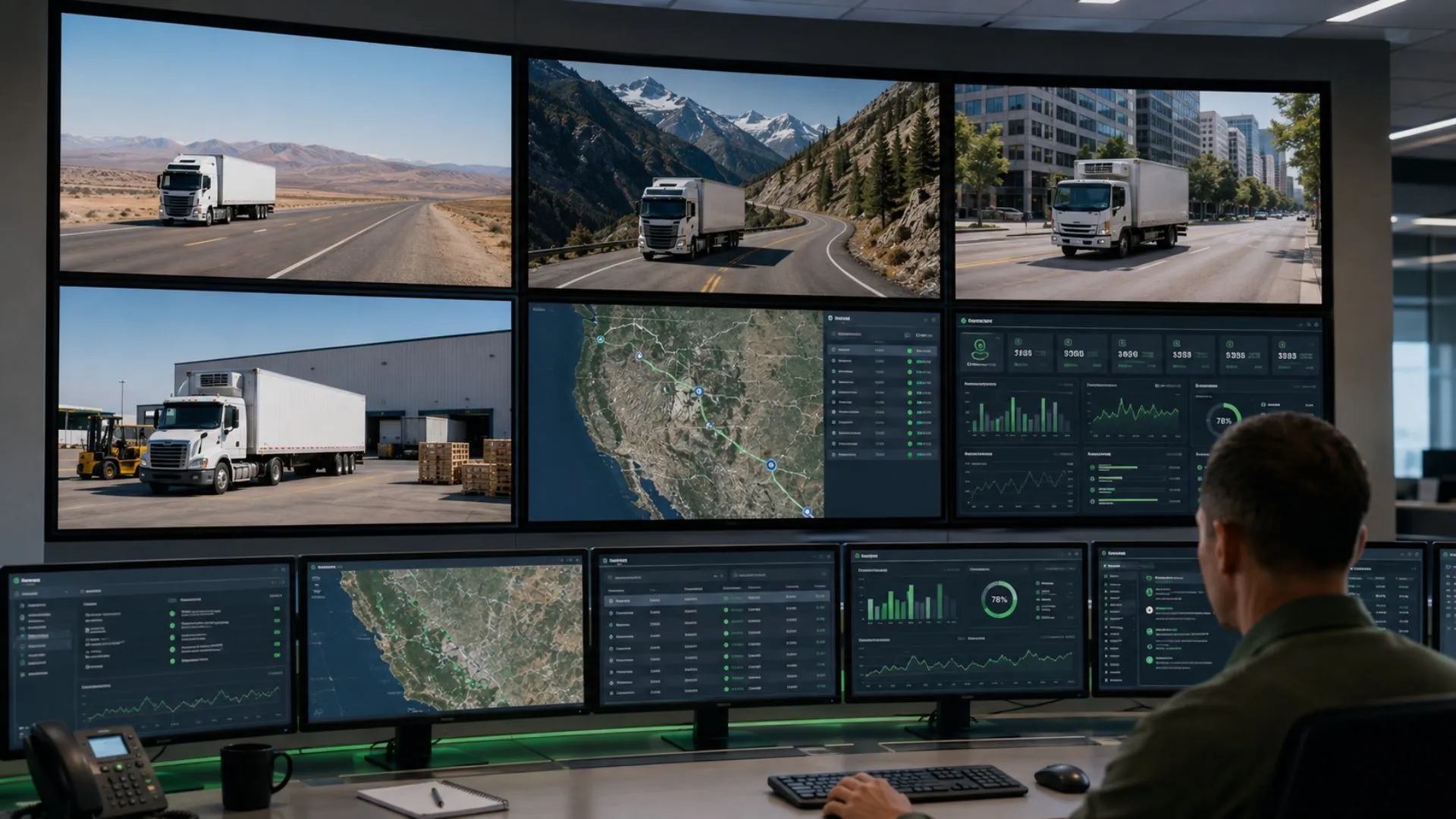
Fleet Management Hardware & IoT: The Tech Behind a Connected Fleet
Your fleet may already have trackers, sensors, driver IDs, and vehicle data, yet Operations still has to switch between portals, chase drivers for context, or discover an exception after it has already disrupted the day. The issue is rarely a lack of fleet management hardware. It is disconnected hardware that produces data without a clear operational response. At Safee, we connect those signals with Telematics workflows so Fleet, Operations, HSE, Maintenance, and management teams can see what matters and act on it.
In this guide, we explain what fleet management hardware includes, how RFID, sensors, geofencing, diagnostics, satellite connectivity, touchscreens, and alerts fit together, and what B2B buyers should compare before deployment.
What does count as fleet management hardware?
Fleet management hardware includes the physical devices, interfaces, identifiers, sensors, and communication components that capture or transmit operational data to the fleet platform.
Depending on the fleet and vehicle type, that hardware may support:
- Vehicle location, movement, ignition, and trip activity;
- Driver or operator identification;
- Supported engine and diagnostic data;
- Tire pressure, temperature, weight, fuel, or other condition data;
- Equipment and asset activity;
- Entry, exit, or movement around defined operating areas;
- Communication in remote or low-cellular-coverage locations;
- Driver-facing interaction with approved workflows.
These inputs are not interchangeable. GPS answers a different question from RFID; CANbus data serves a different purpose from a weight sensor; and satellite communication solves a different problem from a driver-facing interface. Define the decision first, then select the hardware that can provide the required signal.
A practical way to classify fleet management hardware is by the information it is expected to capture and the workflow that will use it.
Location and movement data usually starts with GPS-enabled tracking hardware. In Safee, that data can support Live Vehicle Tracking, route history, trip review, Geofences, and movement-based alerts.
Identity data answers who is responsible for a vehicle or activity. Our Driver Identification System can use supported identifiers such as RFID, iButton, BLE, or fingerprint ID to connect a driver with a Telematics identity.
Vehicle and engine data may come from supported interfaces such as Controller Area Network bus (CANbus) or On-Board Diagnostics II (OBD-II). Compatibility and available signals vary by vehicle and hardware, so they must be validated before deployment.
Condition data comes from fleet management sensors chosen for a defined operating requirement. Safee supports specialized capabilities including Weight Sensors and Tire Pressure Monitoring System (TPMS), while other inputs depend on the selected vehicle, sensor, installation, and module.
Connectivity hardware determines how information reaches the platform. Cellular connectivity suits many normal routes; remote operations may need an additional communication layer. Driver-facing hardware should likewise be chosen only when the workflow requires active driver interaction.
Before specifying hardware, ask six questions:
- What event or condition must we capture?
- Which device or vehicle interface can capture it?
- How accurately and consistently can it be captured?
- How will the data reach the platform?
- Which software workflow will use it?
- Who must act when the data indicates an exception?
Why engine fleet management data alone isn’t enough
Engine fleet management data is useful because supported CANbus or diagnostic integrations may expose signals such as engine health, RPM, fuel level, battery voltage, brake usage, engine hours, or other available diagnostic information.
But engine data does not provide the full operational context. A maintenance signal alone may not show:
- Where the vehicle is or whether it is on the approved route;
- Which driver is assigned;
- Whether movement occurred inside an approved area or shift;
- Whether connectivity was lost;
- Whether the issue is recurring and who owns the response.
A diagnostic event becomes more useful when it is reviewed with vehicle identity, location, driver assignment, movement history, maintenance records, alerts, and reporting context.
Want to see which signals your fleet actually needs? Request a Safee demo and map your vehicles, drivers, sensors, diagnostic inputs, connectivity gaps, and operational exceptions before defining the deployment scope.

What does connected fleet management hardware add beyond GPS?
GPS answers one essential question: where is the vehicle or asset? A connected fleet usually needs more context: who is operating it, whether it is inside an approved area, whether a condition is outside range, whether the vehicle is communicating, and which exception needs action now.
Identity technology, Geofences, fleet management sensors, diagnostics, communications, and fleet management alerts add those layers around basic location tracking.
Fleet management RFID for asset and driver identification
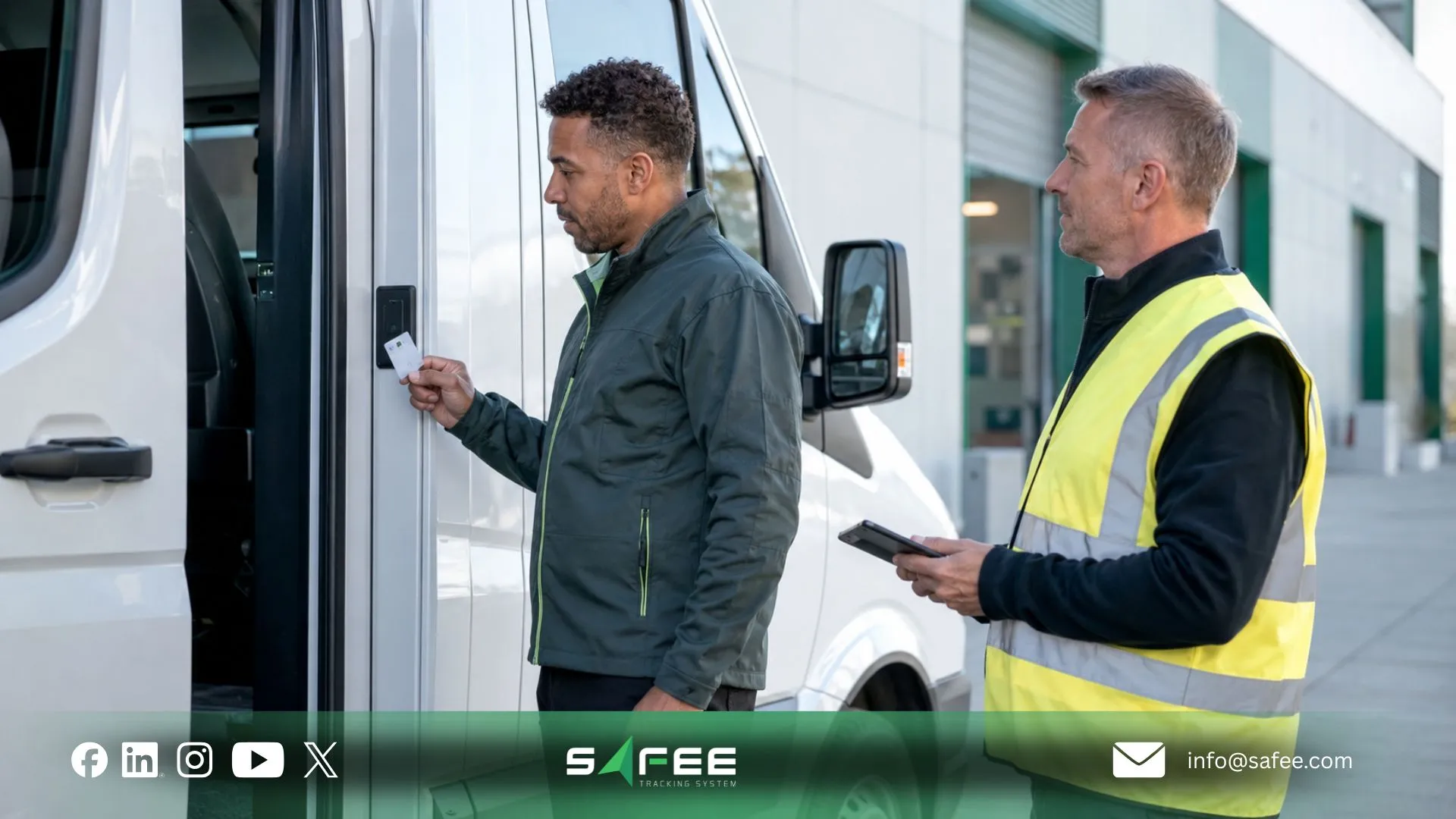
Radio Frequency Identification (RFID) uses an identifier that can be associated with a person, vehicle, asset, or workflow depending on the implementation. In Safee, a clearly defined use is driver identification through compatible RFID cards and other supported identifiers.
This makes fleet management RFID useful when the operational question is not only where a vehicle moved, but who was responsible for it. In an RFID fleet management workflow, identification can support:
- Dynamic vehicle assignment;
- Driver accountability and trip review;
- Shift handovers for shared vehicles;
- Driver-performance analysis;
- Investigation of unauthorized vehicle use.
RFID is not a replacement for GPS. GPS primarily provides location and movement; RFID primarily establishes identity or association in the configured workflow. Fleets often need both when location and responsibility must be reviewed together.
Before purchasing RFID hardware, confirm how identifiers will be issued, revoked, replaced, and assigned across shared vehicles and shifts, and how failed identification will appear in alerts and reports.
Fleet management geofencing to catch unauthorized movement
A Geofence is a virtual boundary around a real location. When a connected vehicle enters or exits it, the system can evaluate that event against the fleet’s operating rules.
In Safee, Alarms and Alerts can use Geofence events around depots, warehouses, project sites, restricted zones, customer facilities, yards, and loading or unloading locations. That makes fleet management geofencing a control mechanism, not just a map feature.
Effective geofencing and fleet management requires three layers:
- Location rule: where is the virtual boundary?
- Operating rule: which vehicles, drivers, times, or activities does it apply to?
- Response rule: what should happen when the event occurs?
The Geofence itself does not determine whether movement is acceptable. Policy, schedule, vehicle group, and operational context determine whether an entry or exit is normal or needs investigation. Too many Geofences without ownership and response logic create noise instead of control.
Satellite fleet management for fleets without cell coverage
Cellular connectivity is sufficient for many urban and highway operations, but remote routes create a different requirement. Fleets operating across isolated areas, desert corridors, mining sites, field operations, or other low-coverage locations may need satellite fleet management as part of the connectivity design.
Safee provides SatComm for relevant remote or low-coverage operations. Before adding satellite connectivity, map:
- Actual operating routes and cellular dead zones;
- Remote work locations;
- Which events must reach Operations quickly;
- How delayed or offline data should be handled;
- Which vehicles genuinely require added communication capability.
This avoids paying for extra complexity where normal coverage is adequate while reducing blind spots where remote visibility matters to safety or operations.
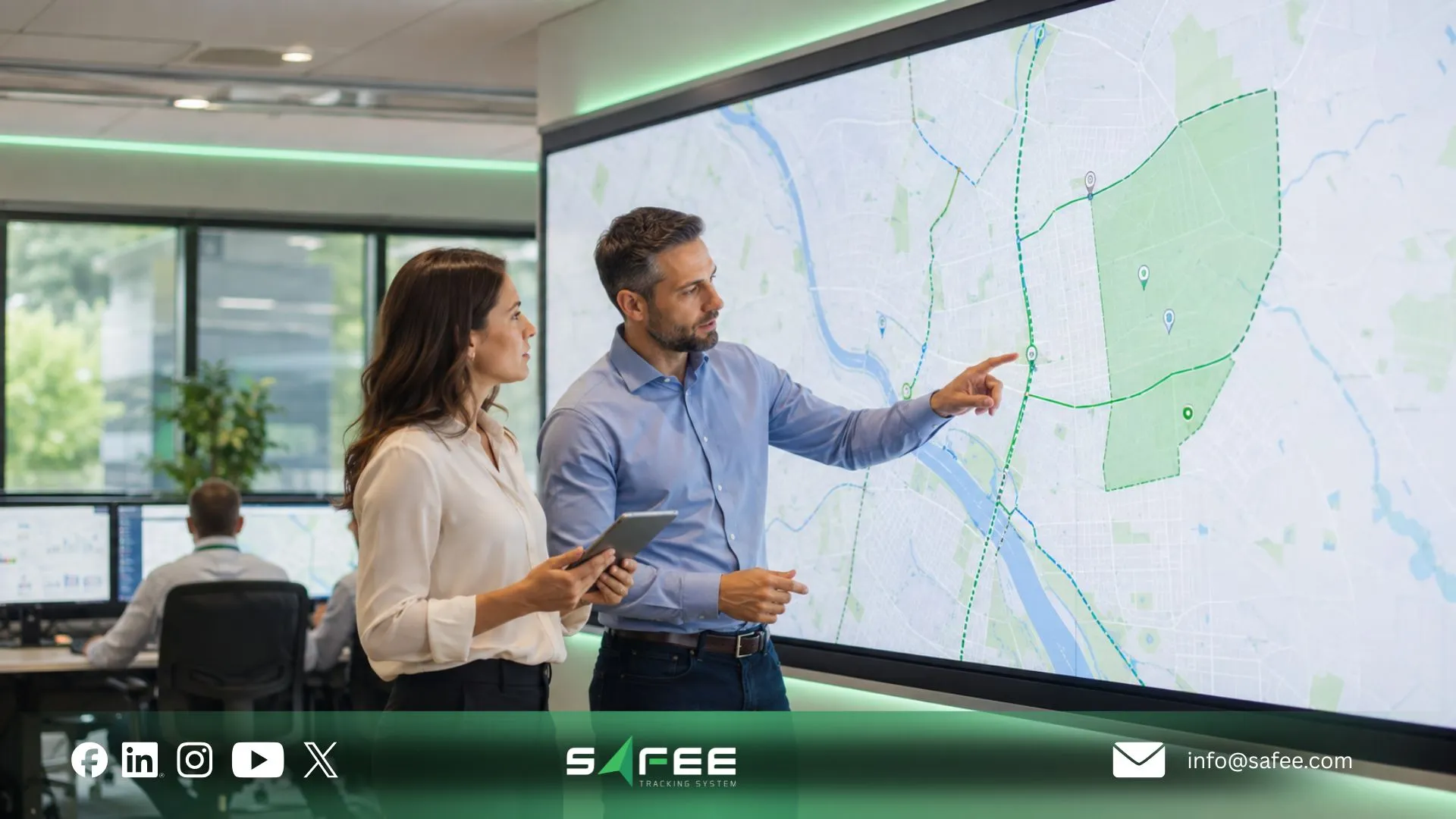
How to choose fleet management hardware for your fleet
Choose hardware from the operational requirement backward, not from a device catalogue. Start with the decisions each team cannot currently make quickly or reliably enough.
- Fleet Managers may prioritize location, utilization, and exception visibility.
- HSE teams may prioritize driver identity, movement restrictions, and safety-related events.
- Maintenance teams may need engine hours, supported diagnostics, TPMS, or service inputs.
- Logistics teams may prioritize routes, stops, Geofences, and driver accountability.
- Oil & Gas, mining, and field operations may need remote connectivity and equipment data.
- Government fleets may require stronger access control, reporting, auditability, and asset responsibility.
The same physical device can therefore be suitable for one fleet and inadequate for another.
9 things to compare before you buy fleet management sensors
Use these nine criteria when comparing fleet management sensors and related connected hardware.
- Business question. Define the decision the sensor is meant to improve: safety, maintenance, fuel control, load management, asset security, compliance-related governance, productivity, or another specific workflow.
- Vehicle and equipment compatibility. Validate vehicle class, equipment type, power source, interface, mounting, and installation method. CANbus, OBD-II, and external sensor compatibility should never be assumed across every asset.
- Data quality and usefulness. Confirm what the device measures, how the value is produced, and how the platform shows missing or invalid data. The objective is reliable data for a defined decision, not maximum data volume.
- Connectivity. Map normal coverage and known gaps. Confirm whether data is buffered during interruptions, what is transmitted later, and which alerts require immediate connectivity.
- Configuration and calibration. Define normal ranges, exception thresholds, who validates the setup, when recalibration is required, and how sensor-health issues are identified.
- Installation and power. Review wiring, power source, mounting, tamper risk, environmental exposure, vehicle downtime, and installer responsibility. One installation method will not fit every car, truck, trailer, or machine.
- Cybersecurity and access governance. Clarify responsibility for device access, firmware, connectivity, permissions, configuration changes, data handling, incident escalation, and decommissioning across the fleet, IT, Safee, connectivity providers, and third-party suppliers.
- Operational integration. Confirm where the signal appears after it reaches the platform and whether it supports Live Vehicle Tracking context, Alarms and Alerts, Maintenance, Fleet Reporting, Driver Management, dashboards, APIs, or management review.
- Lifecycle support. Define how damaged, disconnected, reassigned, recalibrated, replaced, or decommissioned devices will be handled without losing data continuity.
Before approval, ask the provider which vehicle types are validated, which signals come from GPS/CANbus/OBD-II/RFID/external sensors, what happens during power or connectivity loss, which data can trigger alerts, and who owns installation, configuration, replacement, and troubleshooting.
Fleet management touchscreens and driver-facing trade-offs
Fleet management touchscreens should be evaluated as part of the driver workflow, not as an isolated feature. A driver-facing touchscreen or similar interface can be useful when drivers must interact with routes, forms, tasks, messages, checklists, proof-of-service steps, or status updates.
Before adding a dedicated screen, evaluate:
- Driver distraction and the amount of interaction required while the vehicle is moving;
- Task complexity and the number of taps or screens needed;
- Mounting, visibility, heat, dust, vibration, gloves, and sunlight;
- Authentication during driver changes;
- Which functions must work during weak connectivity;
- Ownership of charging, updates, replacement, mounts, and access changes.
A dedicated touchscreen is not always necessary. We also provide Mobile App access for authorized users, so the right interface should be selected around the minimum interaction needed to complete the workflow correctly.
Setting up fleet management alerts without alert fatigue
A strong fleet management alert system makes exceptions easier to prioritize. A weak one makes every event look urgent.
Our Alarms and Alerts Module supports configurable alarm conditions and sensor-based events. Before activating fleet management alerts, define an alert policy for each condition:
- Trigger: what exactly creates the event?
- Scope: which vehicles, drivers, groups, sites, or routes does it cover?
- Threshold and priority: when does normal variation become an actionable exception?
- Recipient and channel: who needs to know, and where should the alert be delivered?
- Action and escalation: what should happen, and what happens if nobody responds?
- Closure and review: what proves the issue was reviewed, and which patterns should management revisit?
For example, a normal Geofence exit does not need to alert every manager. An unexpected after-hours exit may go to Operations, while a defined high-risk movement exception may follow a separate escalation path. The aim is operational significance, not notification volume.
Contact us to review your hardware list, sensor inputs, CANbus requirements, Geofences, and alert rules before deployment. The goal is a controlled workflow, not simply more connected devices.
Safee is the best fleet management hardware software company
For B2B fleets, the strongest hardware strategy is not a collection of independent devices. It is an operating architecture in which each approved hardware input has a defined place in the fleet workflow.
At Safee, we connect compatible tracking devices, driver identification, diagnostics, sensors, remote communication, alerts, reporting, maintenance, and operational visibility through one configurable platform. Our hardware-agnostic approach is designed to let the fleet scope devices and data sources around vehicle type, geography, and use case instead of forcing one hardware model across every asset.
That matters because a sensor is valuable only when its reading reaches the right user, appears with the right context, triggers the right action, and remains available for later review. Safee connects those layers through capabilities such as Live Vehicle Tracking, Alarms and Alerts, Maintenance, Fleet Reporting, Driver Management, SatComm, and Mobile App access.
Safee vs fragmented hardware vendors
| Evaluation Area | Fragmented Hardware Environment | Safee Connected Approach |
| Tracking data | Vehicle location may remain in a standalone tracking portal. | Live Vehicle Tracking places vehicle movement inside the broader fleet workflow. |
| Driver identification | Driver IDs may be maintained separately from vehicle activity. | Supported RFID, iButton, or BLE identifiers can connect driver identity with vehicle assignment. |
| Sensors and diagnostics | Each device may create another data source or portal. | Compatible CANbus, diagnostic, and sensor inputs can be scoped around the vehicle and operating requirement. |
| Geofences and alerts | Location events may require manual interpretation or separate notification tools. | Geofence events can work with Alarms and Alerts under defined operational rules. |
| Remote connectivity | Low-coverage routes may require a separate visibility process. | SatComm can extend visibility for relevant remote or low-coverage operations. |
| Maintenance | Engine or sensor exceptions can remain disconnected from service follow-up. | Supported data can be reviewed alongside the Maintenance Module and service workflows. |
| Reporting | Managers may export and reconcile data from several vendor portals. | Fleet Reporting can consolidate supported operational information for management review. |
| Mobile visibility | Managers may rely on several vendor applications. | Safee Mobile App access extends authorized fleet visibility away from the desktop. |
Compatibility still has to be validated. A connected platform does not mean every device, signal, or vehicle is automatically supported. Hardware, data fields, integrations, installation method, and regional connectivity should be defined during implementation.
How does Safee unify hardware data into one fleet dashboard
At Safee, we bring compatible hardware inputs into one fleet management platform so our customers can work with a unified operational view rather than separate device systems.
We combine GPS tracking, Driver Identification, CANbus and fleet management diagnostics, sensors, Geofences, and remote connectivity to build the context behind each vehicle activity. GPS shows where and how a vehicle is moving, driver identification shows who is responsible, diagnostics and sensors provide vehicle and condition data, and Geofences add location-based operating context.
We then connect this data with our fleet management workflows so teams can identify relevant exceptions, respond to them, and review the resulting activity over time. Instead of manually comparing information across different hardware portals, managers can access the connected data within one operating environment.
Our approach turns individual hardware signals into usable fleet information by connecting data, context, exceptions, actions, and reporting within the same platform. This gives Fleet, Operations, HSE, and Maintenance teams a clearer view of what is happening across the fleet and the information they need to act.
Request a Safee demo to see how we can bring your fleet hardware and operational data into one connected fleet management environment.
FAQs about fleet management hardware
Do I need a fleet management cybersecurity partner for IoT devices?
Not always as a separate provider. A connected fleet still needs clear ownership for device security, access, firmware, connectivity, configuration changes, data handling, incident response, and decommissioning. If you are evaluating a fleet management cybersecurity partner, first identify what internal IT, Safee, connectivity providers, and hardware suppliers already cover, then close the remaining gaps.
What’s the difference between RFID and GPS for fleet tracking?
GPS primarily shows where a vehicle or asset is and how it moved. RFID primarily supports identity or association, such as connecting a driver with a vehicle in a configured Driver Identification System. Many fleets need both because location and identity solve different operational problems.
How do fleet management diagnostics prevent breakdowns?
Fleet management diagnostics can surface supported vehicle signals or fault information earlier and connect them with Maintenance workflows. CANbus data can support maintenance review where the vehicle exposes the required signals, but diagnostics cannot guarantee that every breakdown will be predicted or prevented.
Is a fleet management alert system hard to configure?
The technical setup can be straightforward; deciding which events deserve action is the harder part. A useful fleet management alert system needs clear triggers, thresholds, vehicle scope, recipients, escalation rules, and ownership. Start with the events that require a real response, validate them, then add more only when their purpose is clear.
Ready to improve your fleet operations?
Tell us what you would like to improve. A Safee specialist will reply by email.
Usually replies within one business day • No sales spam
Your details are used only to respond to your request. Privacy Policy

