Fleet Management Software Development: Build, Buy, or Configure?
Fleet management software development becomes an expensive decision when every reporting, workflow, integration, or mobile requirement is treated as proof that a fleet needs a new platform. The real question is not whether custom software can be built; it is whether the business value of owning that product justifies engineering, integration, testing, support, security, maintenance, and continuous roadmap ownership.
At Safee, we use this guide to compare build, configure, integrate, and extend against the same operating scope. You will see how to separate genuine custom requirements from platform configuration, model the three-year ownership cost, choose a delivery model, scope mobile or low-code extensions, and identify the narrower cases where custom engineering is genuinely justified.
What ‘custom fleet management software’ means
Custom fleet management software should mean software built or materially engineered around requirements that cannot be satisfied through practical configuration, existing modules, supported integrations, or controlled extensions.
It should not mean changing a report filter, creating different user permissions, configuring alerts, grouping vehicles differently, changing operational schedules, or connecting approved data to an existing business system.
That distinction prevents a common procurement mistake: describing every workflow difference as a development requirement.
A fleet team should first separate its requirements into four categories:
- Configuration: Can the existing platform already perform the function if rules, users, permissions, reports, alerts, sites, groups, or workflows are configured correctly?
- Module selection: Is the capability already available as an existing fleet-management module?
- Integration or extension: Can an API or controlled interface connect the platform with ERP, waybill, asset management, or another approved business environment?
- Custom development: Does the requirement genuinely depend on software logic, architecture, interfaces, or workflows that the existing platform cannot reasonably support?
At Safee, our Administration Panel supports users, vehicles, drivers, sites, groups, permissions, and configurable settings, while Fleet Reporting supports customizable reporting and scheduled delivery. Business Integration uses advanced APIs for approved connections with ERP, waybill, and asset-management environments.
That means the first question in a custom fleet management software discussion should not be, “What should we code?”
It should be:
“Which requirement is genuinely missing after configuration, module mapping, and integration have been evaluated?”
Before classifying that gap as a development requirement, compare it with Safee’s Essential Modules.
How to create custom fleet management solutions?
There are three fundamentally different ways to create custom fleet management solutions.
- Build means owning a new software product. Your organization or development partner defines the architecture, interfaces, database model, user experience, mobile applications, security controls, release process, test environment, support model, integrations, monitoring, and long-term roadmap.
- Configure means taking an established platform and adapting its existing capabilities to your operating model. This can include user structures, vehicle and driver groups, permissions, schedules, alerts, reporting, operational rules, and module selection.
- Extend sits between the two. The core fleet platform remains intact, while APIs, integrations, specialist workflows, data interfaces, or supporting applications handle requirements outside the standard platform.
For us at Safee, this distinction is particularly relevant because our platform is modular and Hardware Agnostic. Depending on the approved operating requirement, the environment can combine Live Vehicle Tracking, Alarms and Alerts, Fleet Reporting, Driver Management, Maintenance Management, Journey Management System (JMS), Tracking Data Analyzer (TDA), Mobile App access, and Business Integration.
The decision framework is straightforward:
| Requirement | Configure | Extend / Integrate | Build |
| Different user access by role | First option to assess | Rarely required | Usually unnecessary |
| Fleet-specific reports | First assess Fleet Reporting | Extend if external data is required | Only if reporting logic cannot be supported |
| Operational alerts | Configure existing event rules first | Integrate downstream escalation if needed | Build only for genuinely unsupported logic |
| ERP data exchange | Not configuration alone | Strong integration candidate | Build the interface only if necessary |
| Driver/vehicle assignment | Assess Driver Management | Integrate external identity sources if required | Build only for unsupported workflows |
| Specialist business workflow | Check existing modules | Often a module/integration question | Build when the workflow is genuinely unique |
| Entirely proprietary product logic | Limited | Possibly | Stronger custom-build case |
The objective is not to avoid custom development at all costs. It is to reserve development for requirements that create a real competitive, operational, governance, or technical advantage.
Before commissioning software, request a Safee demo and map your requirements against existing modules, configuration options, permissions, reporting, hardware inputs, and Business Integration. That gap analysis can isolate what actually needs to be built.
Timeline of building a fleet management software
Teams searching how to build a fleet management software often begin with screens and features. The more important planning work happens underneath those screens.
There is no responsible universal timeline for a custom fleet system because the delivery path depends on scope and technical dependencies. A basic internal workflow is fundamentally different from a fleet platform expected to ingest tracking data, maintain driver and vehicle records, generate Alarms and Alerts, support mobile users, manage permissions, connect external systems, and remain supportable across changing operational requirements.
A credible development plan should therefore be phase-driven.
- Requirements and process ownership: Define what the fleet team is trying to control. Document users, roles, vehicles, assets, drivers, sites, exceptions, approvals, reports, mobile workflows, and external systems.
- Data architecture: Determine which system owns each record. Vehicle ID, driver ID, tracker identifier, site, department, journey, cost center, maintenance status, and external business identifiers need consistent ownership.
- Telematics and hardware interfaces: Define how vehicle, sensor, driver, and device data will enter the environment. Different hardware sources can create different message formats, update logic, connectivity behavior, and data-quality requirements.
- Workflow and alert logic: Specify what constitutes an operational exception, who receives it, who owns the response, when it escalates, and what evidence is retained.
- Reporting: Define management questions before designing dashboards. A useful report needs a clear purpose, data owner, audience, frequency, filters, and action.
- Mobile requirements: Separate manager, supervisor, dispatcher, technician, and driver use cases. They do not require the same screens, permissions, or actions.
- 7. Integration: Map required data exchange with ERP, TMS, waybill, asset-management, payroll, CRM, regulatory, or other business systems.
- Security and access: Define user roles, authentication requirements, permissions, administrative responsibilities, access review, and operational support.
- Testing: Test more than software functions. Fleet systems need realistic test cases around missing GPS, delayed communications, duplicated records, incorrect assignments, device replacement, integration failure, and user error.
- Deployment and adoption: A technically working product still needs users, configuration, master data, training, escalation ownership, support, and reporting routines.
The variables that can materially change the development timeline include:
- Number and complexity of operational workflows
- Web versus mobile scope
- Mobile App and Driver App requirements
- Telematics device diversity
- Sensor and CANbus requirements
- Number and depth of integrations
- Historical data migration
- Reporting complexity
- Identity and permission structure
- Security requirements
- Local hosting or data-governance requirements
- Testing and acceptance criteria
- Regulatory interfaces that must be validated
- Internal product-owner availability
This is why comparing a greenfield software build with deployment of an existing fleet platform on feature count alone produces misleading conclusions.
Also read: Fleet Management App: 15 Requirements to Check Before Rollout
Fleet management software development cost over 3 years
The meaningful fleet management software development cost is not the invoice for the first release. It is the total cost of owning a software product over time.
A three-year business case should separate at least five cost layers.
- Initial product development: requirements analysis, UX, architecture, front-end and back-end engineering, mobile development, integrations, testing, project management, DevOps, and launch preparation.
- Fleet data connectivity: telematics interfaces, device protocols, sensors, SIM/connectivity considerations, data ingestion, normalization, data-quality controls, and hardware compatibility work.
- Enterprise integration: ERP, waybill, asset-management, payroll, identity, finance, maintenance, or other required interfaces.
- Operational ownership: support, incident handling, monitoring, user administration, data correction, configuration management, release management, documentation, and training.
- Product evolution: security updates, OS changes, browser compatibility, API changes, hardware changes, new reports, revised workflows, new regulatory requirements, and new business priorities.
A useful TCO model therefore looks like:
Three-Year TCO = Initial Build + Integration + Infrastructure + Support + Maintenance + Product Enhancements + Internal Ownership + Change Risk
That model makes build-vs-buy analysis more disciplined.
A platform subscription or commercial license is visible. Internal product ownership is often less visible because employee time, technical debt, incident management, rework, and future development may sit in different departmental budgets.
What’s missing in fleet management software development cost
A fleet management software development cost estimate is incomplete when it covers only engineering hours.
The procurement team should ask whether the estimate includes:
- Requirements discovery
- Product management
- Architecture
- UX and interface design
- Web application development
- Mobile application development
- Backend services
- Database design
- Telematics ingestion
- Device and sensor compatibility
- API development
- External-system integration
- Data migration
- Role and permission design
- Testing and quality assurance
- Security review
- Infrastructure and monitoring
- Documentation
- Training and onboarding
- Production support
- Bug fixing
- Operating-system changes
- API version changes
- Future enhancements
- Disaster recovery and continuity planning
- Internal governance and ownership
The comparison should also include opportunity cost.
If internal engineering teams spend substantial capacity rebuilding fleet-management capabilities that already exist elsewhere, what product, customer, automation, or operational work is being deferred?
That question becomes particularly important when the requested development is largely duplicating standard fleet capabilities such as tracking, reporting, alerts, driver administration, permissions, or mobile visibility.
At Safee, we already expose configuration around these areas through the existing platform. The Administration Panel supports users, vehicles, sites, groups, permissions, and system configurations; Fleet Reporting supports customizable reports and scheduled delivery; and Alarms and Alerts supports configurable operational notifications.
Fleet management software development services
Organizations considering fleet management software development services generally have three delivery models.
- Internal product and engineering team: This provides direct ownership but requires enough permanent capability to manage the application after launch. Product management, architecture, development, QA, DevOps, support, security, integration ownership, and roadmap management do not disappear when version one is released.
- Hybrid model: The organization owns product strategy, architecture, governance, or selected integrations while external specialists provide defined engineering capacity.
- External fleet management software development company: An external provider can bring software engineering capacity, but procurement needs to establish ownership boundaries clearly.
Questions include:
- Who owns the source code?
- Who owns the product IP?
- Who controls hosting?
- Who maintains deployment environments?
- Who fixes production incidents?
- Who updates third-party integrations?
- What happens when the development contract ends?
- How are security updates handled?
- Who manages device compatibility?
- Who documents architecture and APIs?
- How is knowledge transferred?
Regardless of model, the work should be evaluated as an ongoing product capability rather than a one-time project. A fleet system sits inside a changing technical environment. Vehicles change. Devices change. Integrations change. User roles change. Operating processes change. Reporting requirements change. Someone must own those changes.
If the development brief mostly describes tracking, alerts, drivers, reports, permissions, mobile access, and integrations, talk to Safee’s experts before approving a software-build budget. Use our fleet management ERP integration guidance to test whether the requirement is actually an API, data-ownership, or system-of-record problem before treating it as a full build.
Personalized Fleet Management Solutions Without a Full Custom Build
Personalized fleet management solutions do not automatically require personalized source code.
A fleet can create a substantially different operating model by changing:
- Sites and organizational structure
- Vehicle and driver groups
- User permissions
- Operational schedules
- Alert rules
- Report filters
- Report distribution
- Driver assignments
- Journey workflows
- Module combinations
- Hardware and sensor inputs
- Business-system integrations
At Safee, our Administration Panel supports users, vehicles, drivers, sites, groups, permissions, and configurable feature settings. Fleet Reporting provides configurable reporting, while Business Integration supports approved data exchange through APIs.
This is the difference between custom fleet management software development and configuring a platform around the customer’s operating model. In many cases, custom fleet management solutions can be created through configuration and integration without creating a separate codebase.
The first modifies or creates software.
The second modifies how existing software is used.
Neither approach is universally superior. The correct approach depends on where the requirement lives.
If the difference is a rule, permission, alert, report, organizational structure, module, or supported integration, configuration should be investigated first.
If the difference is proprietary application logic that creates value and cannot reasonably sit on top of an existing environment, development becomes more defensible.
Also read: Fleet Management Using IoT: Devices, Protocols and Architecture
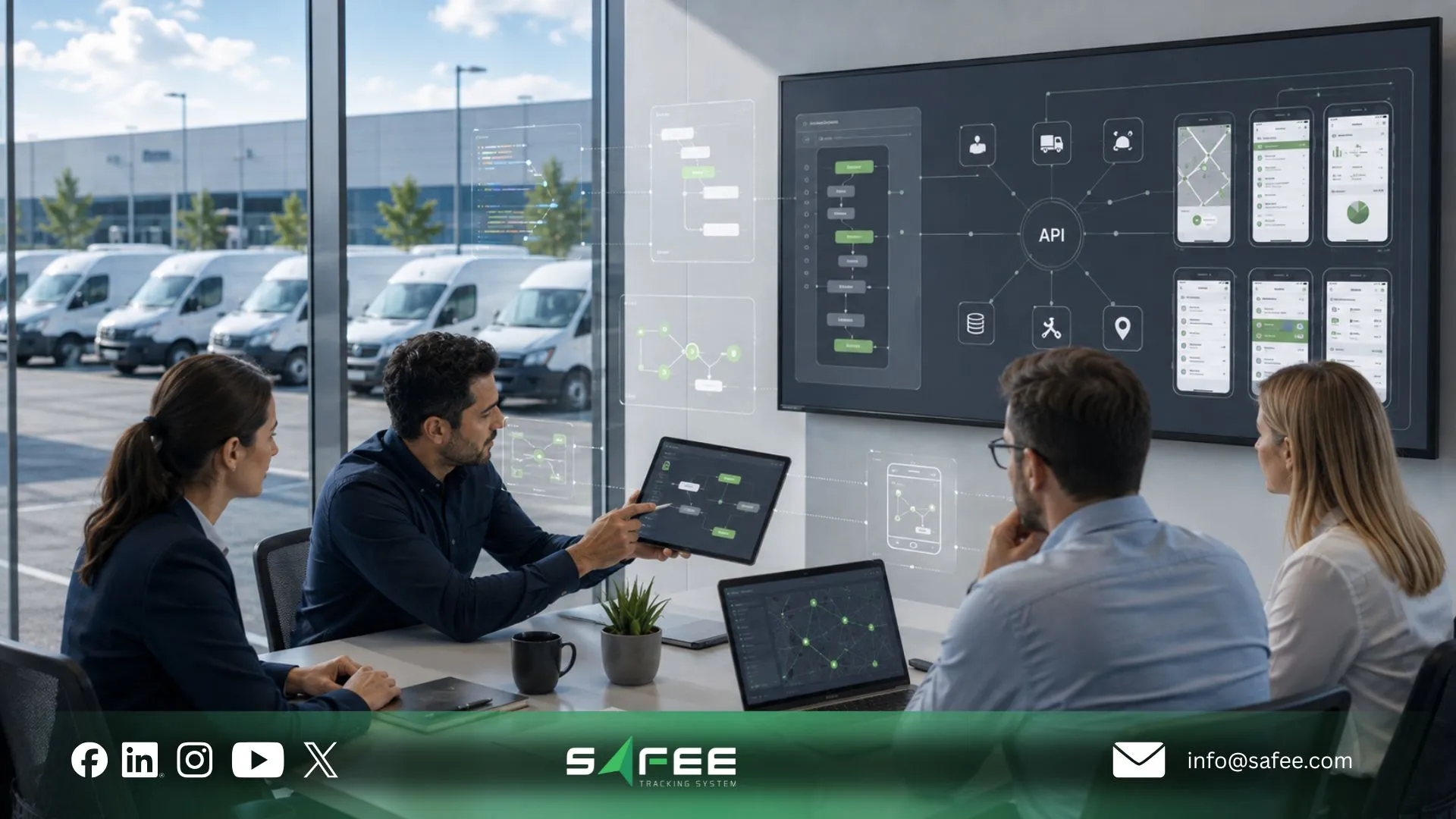
When is custom fleet management software justified?
Custom fleet management software development becomes stronger when the required capability is both materially important and materially unavailable through configuration, modules, or reasonable integration.
Examples may include:
- Proprietary dispatch or optimization logic central to the business model
- A unique customer-facing digital product rather than an internal fleet tool
- A specialist workflow not supported by available modules or APIs
- A required interface with a proprietary internal platform that cannot be addressed through existing integration patterns
- A data model that is fundamentally different from standard vehicle, driver, asset, journey, alert, and reporting structures
- A controlled requirement to own source code or application logic for strategic reasons
Even then, teams should challenge the scope.
You may need to build one differentiated component, not a complete telematics environment.
For example, a proprietary planning engine could remain custom while Live Vehicle Tracking, fleet events, user administration, reporting, hardware connectivity, and other standard capabilities remain within an established platform.
This architectural separation can keep custom engineering concentrated on the feature that genuinely differentiates the operation. It is also where fleet management software development solutions and fleet tracking software development become more defensible: not as replacements for standard fleet functions, but as targeted engineering around a verified gap.
Fleet management application development vs app development
Fleet management application development and fleet management app development are often treated as the same requirement, but they should be scoped differently.
An application can describe the wider operational environment: data model, web interface, rules, permissions, APIs, reporting, device data, integrations, and administrative functions.
An app usually describes a particular mobile experience.
That distinction matters because fleet managers and drivers have different responsibilities.
At Safee, we reflect this separation in our own mobile model. Safee’s Mobile App extends operational visibility to managers and supervisors, while the Safee Driver App is oriented toward driver activities such as journeys, tasks, vehicle information, navigation, notifications, and related workflows.
Before commissioning mobile development, define:
| User | What they actually need |
| Fleet manager | Fleet visibility, exceptions, reports, performance context |
| Dispatcher | Assignment, trip status, exceptions, response workflow |
| HSE | Safety events, evidence, escalation and review |
| Driver | Assigned work, journey/task information, navigation, notifications |
| Maintenance | Asset status, service requirements and relevant history |
| Executive | Aggregated performance and management reporting |
| IT/Admin | Users, permissions, integration and technical administration |
Building one mobile interface for every role usually creates unnecessary complexity.
Start with the work each role must perform, then determine whether the existing Mobile App, Driver App, web platform, configuration, or integration already covers it.
Fleet management power app
A fleet management power app can be considered as a low-code middle layer when a fleet needs a narrow internal workflow but does not need a replacement telematics platform.
The right question is not whether low-code is faster than conventional development in every case. It is whether the proposed app can remain a controlled workflow layer while the core fleet platform continues to own fleet data and telematics functions.
Potential low-code use cases include:
- Internal approval forms
- Exception follow-up
- Inspection workflows
- Operational task capture
- Supplemental data entry
- Department-specific views
- Requests passed to another system
- Lightweight workflow orchestration
However, low-code does not remove architecture questions.
The team still needs to establish:
- What is the system of record?
- Which data can the app read?
- Which data can it write?
- How is the user authenticated?
- Which permissions apply?
- How are duplicate records prevented?
- What happens if the integration fails?
- Who supports the workflow?
- How will changes be governed?
A low-code front end becomes dangerous when it quietly turns into a second fleet database.
The cleaner model is often to keep fleet records in the fleet environment and use an approved interface only where another workflow genuinely needs them.
Our Business Integration approach is relevant here because advanced APIs support integration with ERP, waybill, and asset-management tools, while the exact objects, fields, permissions, and interface design still need to be validated for each deployment.
12 questions before you commission custom fleet management software
Before approving custom fleet management software, ask these 12 questions:
- Which requirement cannot be achieved through configuration?
- Does an existing fleet module already solve the problem?
- Can Business Integration solve it without rebuilding the platform?
- Which system will own each master record?
- What data must come from vehicles or hardware?
- Who will own the product after launch?
- What does the mobile requirement actually contain?
- Which reports and alerts drive an action?
- What is the full three-year ownership model?
- How will access and governance work?
- What happens when an integration, device, or data feed fails?
- What business advantage requires custom code?
If the answer is simply “our process is different,” return to configuration and integration analysis. Custom code is easier to justify when it protects or enables genuinely differentiated business logic.
Bring those 12 answers to Safee’s requirements session. We can map them against existing modules, Administration Panel controls, Mobile App workflows, compatible hardware, Fleet Reporting, and Business Integration to isolate the part—if any—that genuinely requires a build.
Also read: Fleet Management ERP Integration: One Record for Drivers and Payroll
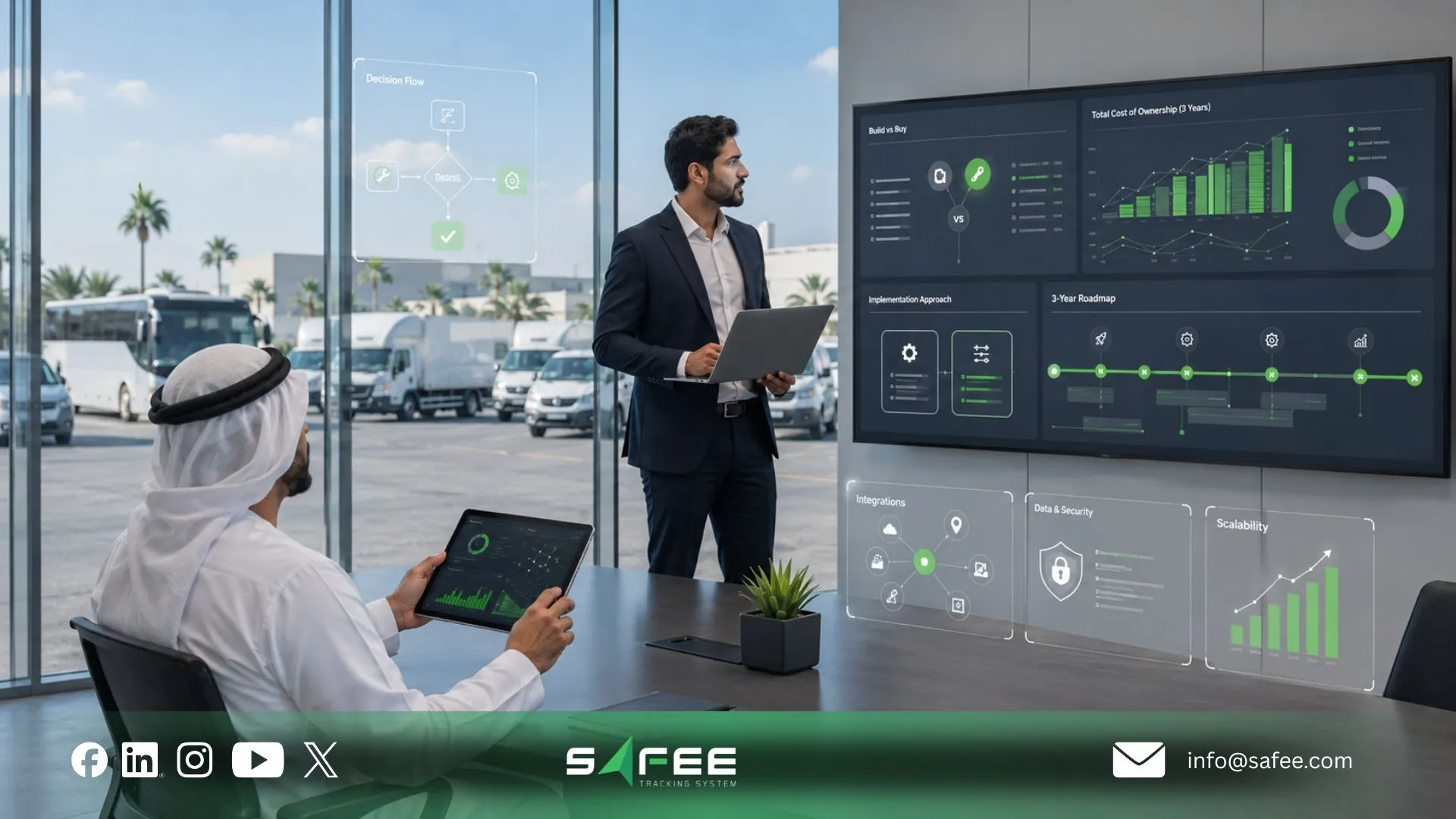
Safee: Personalized fleet management solutions without a build
At Safee, our approach to personalized fleet management solutions is based on configuring and connecting an existing Fleet Management and Telematics environment rather than requiring every customer to commission a separate platform.
We combine operational capabilities such as Live Vehicle Tracking, Fleet Monitoring & Insights, Alarms and Alerts, Driver Management, Maintenance Management, Fleet Reporting, Journey Management System (JMS), Tracking Data Analyzer (TDA), Mobile App access, Business Integration, and additional specialized modules according to the approved operating requirement.
Our platform is also Hardware Agnostic, allowing compatible devices and sensors to be evaluated around the fleet requirement rather than forcing the entire solution into one hardware source. Business Integration uses advanced APIs for approved connections with systems such as ERP, waybill, and asset-management tools.
That creates a different build-vs-buy question.
Instead of:
“Can we build software that matches our fleet?”
ask:
“How much of our operating model can be configured, connected, or extended before custom software becomes necessary?”
Safee (Configure) vs custom development (Build)
| Factor | Custom Build | Safee (Configure) |
| Time to launch | Depends on requirements, architecture, integrations, testing, security, migration, and rollout scope | Core platform already exists; deployment scope depends on modules, configuration, hardware, data, integrations, and onboarding |
| Year-1 cost | Includes development plus infrastructure, integration, testing, product ownership, and support | Commercial platform and implementation scope should be confirmed with Safee for the required deployment |
| Ongoing maintenance | Customer or development partner must own code, infrastructure, releases, bugs, security, integrations, and roadmap | No customer-owned greenfield codebase is required; exact support, maintenance, and customer responsibilities should be confirmed for the deployment |
| Feature roadmap | Organization owns prioritization and funding of future product development | Existing platform roadmap plus customer-specific configuration, modules, and validated integration requirements |
| Risk of a stalled project | Delivery risk sits with the organization and development model until the required product is operational | No greenfield fleet platform must be created; implementation risk shifts toward scope, configuration, integration, data quality, hardware readiness, and adoption |
This comparison deliberately avoids a universal promise about implementation time or cost.
A small configuration project and a multi-country enterprise deployment are not equivalent. Likewise, a narrow internal custom application and a greenfield telematics platform are not equivalent.
The correct procurement comparison must use the same operating scope on both sides.
Where Safee’s customers stop configuring and start building
Configuration should normally be evaluated first when the requirement involves:
- Users and permissions
- Vehicle or driver organization
- Sites and groups
- Operational settings
- Fleet monitoring
- Alerts
- Reports
- Driver assignments
- Mobile visibility
- Existing specialist modules
- Compatible hardware or sensors
Integration should normally be evaluated when the requirement is:
- Passing fleet data to another approved business system
- Receiving approved master data from another system
- Connecting ERP, waybill, or asset-management workflows
- Aligning fleet information with wider enterprise processes
- Exposing a defined fleet output to another application
Development becomes more defensible when a requirement is neither an existing capability nor a reasonable integration and the missing logic has enough business value to justify permanent software ownership.
That boundary is critical.
A company should not rebuild Live Vehicle Tracking because it needs a proprietary customer portal. It should not rebuild Driver Management because one internal approval process is unusual. And it should not create a second reporting database merely because one department wants a different presentation of approved information.
The architecture should preserve what already works and build only where differentiation is necessary.
FAQs about custom fleet management software development
Is it cheaper to build or buy fleet management software?
There is no universal cheaper option. Buying or configuring an established platform avoids creating the entire software product, while a custom build adds development, infrastructure, integration, support, maintenance, and roadmap ownership. Compare total cost of ownership against the same operational scope rather than comparing subscription cost with initial coding cost alone.
How much does custom fleet management software development cost?
Fleet management software development cost depends on scope, mobile requirements, telematics inputs, integrations, reporting, security, infrastructure, migration, testing, and ongoing support. A responsible estimate should include both initial development and the continuing cost of owning and maintaining the product.
What are the risks of building fleet management software in-house?
The main risks are not limited to development. The organization must continuously own architecture, product management, integrations, support, security, testing, device compatibility, releases, data quality, and future enhancements. Those responsibilities should be assigned and funded before development begins.
When does customizing fleet management software actually make sense?
Customization makes sense when a material business requirement cannot be addressed through existing modules, configuration, or supported integration. Custom fleet management software development is easiest to justify when the missing logic is strategically important enough to warrant permanent product ownership, rather than simply reflecting a different report, alert, permission, or workflow preference.
Ready to improve your fleet operations?
Tell us what you would like to improve. A Safee specialist will reply by email.
Usually replies within one business day • No sales spam
Your details are used only to respond to your request. Privacy Policy