


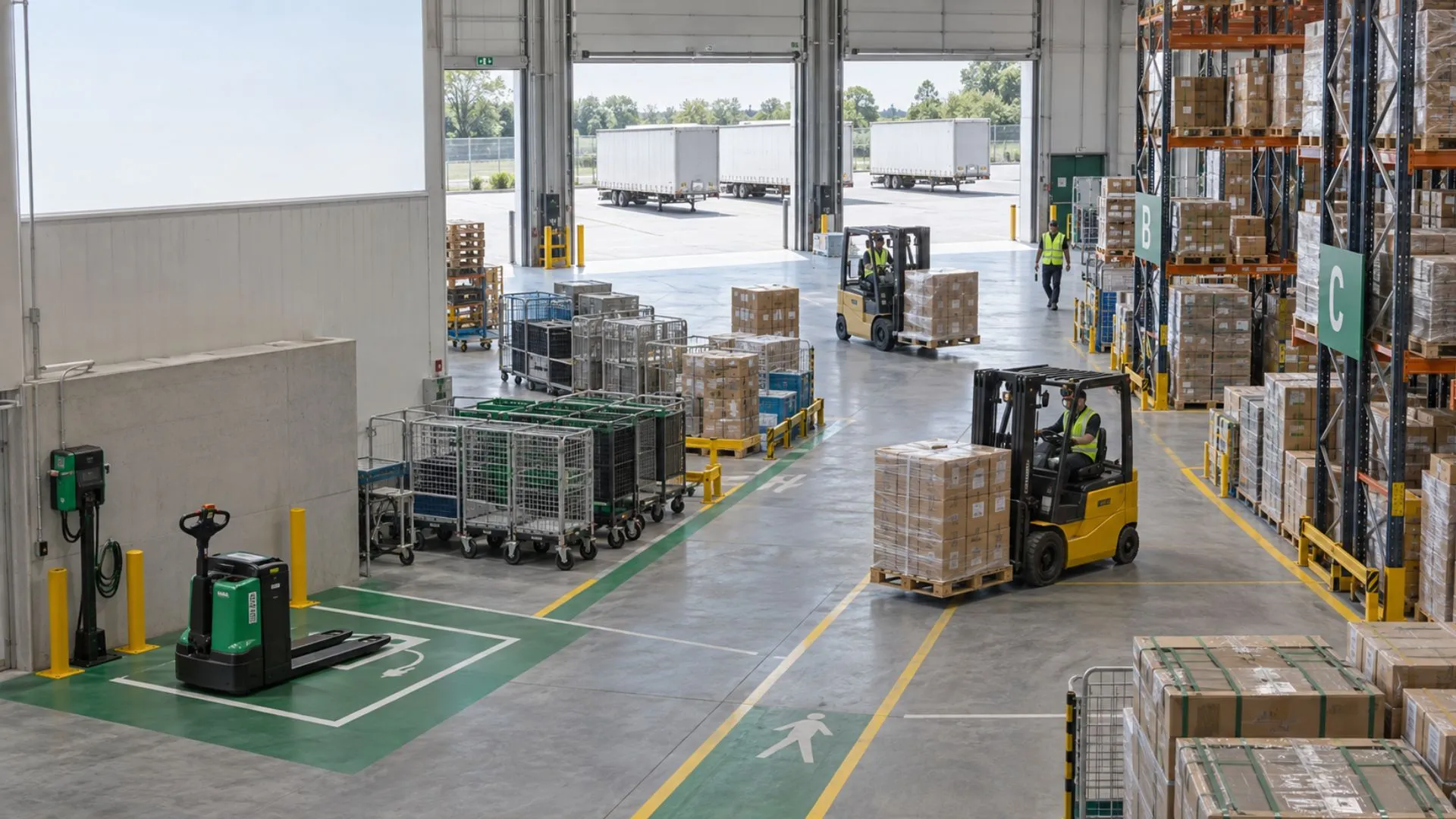
Warehouse Fleet Management: Track Forklifts, MHE & Trailers
Warehouse fleet management starts where conventional vehicle tracking becomes incomplete. A forklift may travel only a short distance while working for hours. A trailer may sit unpowered in a yard and later move with a different tractor. Material handling equipment may never leave one facility, yet its availability, activity and maintenance status can directly affect throughput.
That changes what the fleet team needs to measure. This guide explains how to approach forklifts, Material Handling Equipment (MHE), machines and trailers as distinct operational assets, when engine hours matter more than kilometres, how battery-powered tracking should be evaluated, and how Safee can bring supported equipment, trailers and fleet data into a connected Fleet Management and Telematics environment.
What counts as a warehouse fleet management asset
A warehouse fleet is broader than the vehicles arriving at the loading dock. Depending on the operation, warehouse fleet management can include powered industrial equipment, mobile machines, trailers, generators, support vehicles and other assets whose location, activity or readiness affects warehouse or yard operations.
The first implementation task is therefore not buying a tracker. It is defining the asset population.
A useful asset register should distinguish among:
- Mobile machines and generators.
- Yard tractors and support vehicles.
- Forklifts and other powered handling equipment.
- Trailers that may spend significant periods detached from a tractor.
- Road vehicles moving between the warehouse and external destinations.
- Material Handling Equipment (MHE) that moves goods within the facility or yard.
- Sensors or specialized equipment linked to temperature, humidity, load or other monitored conditions.
The important distinction is operational. A warehouse should not treat every item as though it were an on-road vehicle with a driver, odometer and continuous external route.
At Safee, we already separate fleet administration from monitoring. Our Administration Panel supports organizational elements including sites, categories, vehicles, trailers, drivers, user accounts and permissions, while Fleet Monitoring & Insights can provide centralized visibility across vehicles and equipment.
Warehouse fleet management vs on-road
On-road fleet management commonly revolves around questions such as:
- Where is the vehicle?
- Which route is it following?
- How far has it travelled?
- Which driver is assigned?
- When does mileage-based service become due?
- Is it speeding, stopping unexpectedly or leaving an approved area?
Warehouse and yard assets can require a different logic.
A forklift can be heavily utilized while moving within a relatively small geographic area. A machine may accumulate working time without accumulating meaningful road distance. A trailer can remain stationary for days before being reassigned. A generator can be operational while its GPS coordinates remain unchanged.
This means location still matters, but location alone may not describe productive use.
For equipment-oriented workflows, Safee documents Equipment Activity Monitoring for equipment status and activity, while its heavy-equipment guidance uses engine working hours, working time and idle time as operational indicators. The Maintenance Module also includes Ignition Time-Based Alerts, allowing maintenance logic to reflect runtime rather than relying only on odometer distance.
A practical warehouse deployment should therefore decide, asset by asset, whether the primary control metric is:
- Location.
- Movement.
- Engine or ignition time.
- Active versus idle status.
- Site or Geofence presence.
- Connectivity status.
- Environmental sensor data.
- Load or weight data.
- Maintenance readiness.
The result is a more useful operating model than applying one vehicle template across every asset.
Want to map your warehouse assets before selecting hardware? Request a Safee demo to review the equipment types, sites, monitoring requirements and operational workflows that need to be connected.
Forklift fleet management solutions and MHE fleet management
Forklift fleet management solutions need to answer a different set of questions from road-vehicle software.
A warehouse supervisor may care less about total kilometres and more about whether the forklift is available, active, idle, assigned to the correct area and approaching maintenance based on actual usage. Maintenance teams need usable service triggers. Operations need visibility over the equipment pool. Management needs reporting that shows whether assets are being used efficiently enough to justify the current fleet size.
The same principle applies to MHE fleet management.
MHE, or Material Handling Equipment, covers equipment used to move, handle or support the movement of materials through warehouses, yards and related operating areas. The individual asset types can differ significantly, so the system architecture should preserve those differences rather than forcing every asset into an identical vehicle record.
For a forklift or another powered MHE asset, the evaluation should establish:
- Whether compatible tracking or equipment-status data can be captured.
- Which status represents productive work.
- Whether ignition or engine working time is available.
- Which site, category or operational group owns the asset.
- Which maintenance trigger is appropriate.
- Which exceptions deserve an alarm.
- Which reports should Operations and Maintenance review.
- Who can see, configure or change the asset record.
Our platform is Hardware Agnostic, meaning it can integrate with diverse compatible hardware and sensors rather than requiring every workflow to depend on one device type. Equipment Activity Monitoring provides a specialist capability for equipment status, while the wider platform includes Fleet Reporting, Alarms and Alerts, Maintenance Module and centralized monitoring. Actual equipment compatibility still needs to be confirmed during deployment for the specific machine and data source.
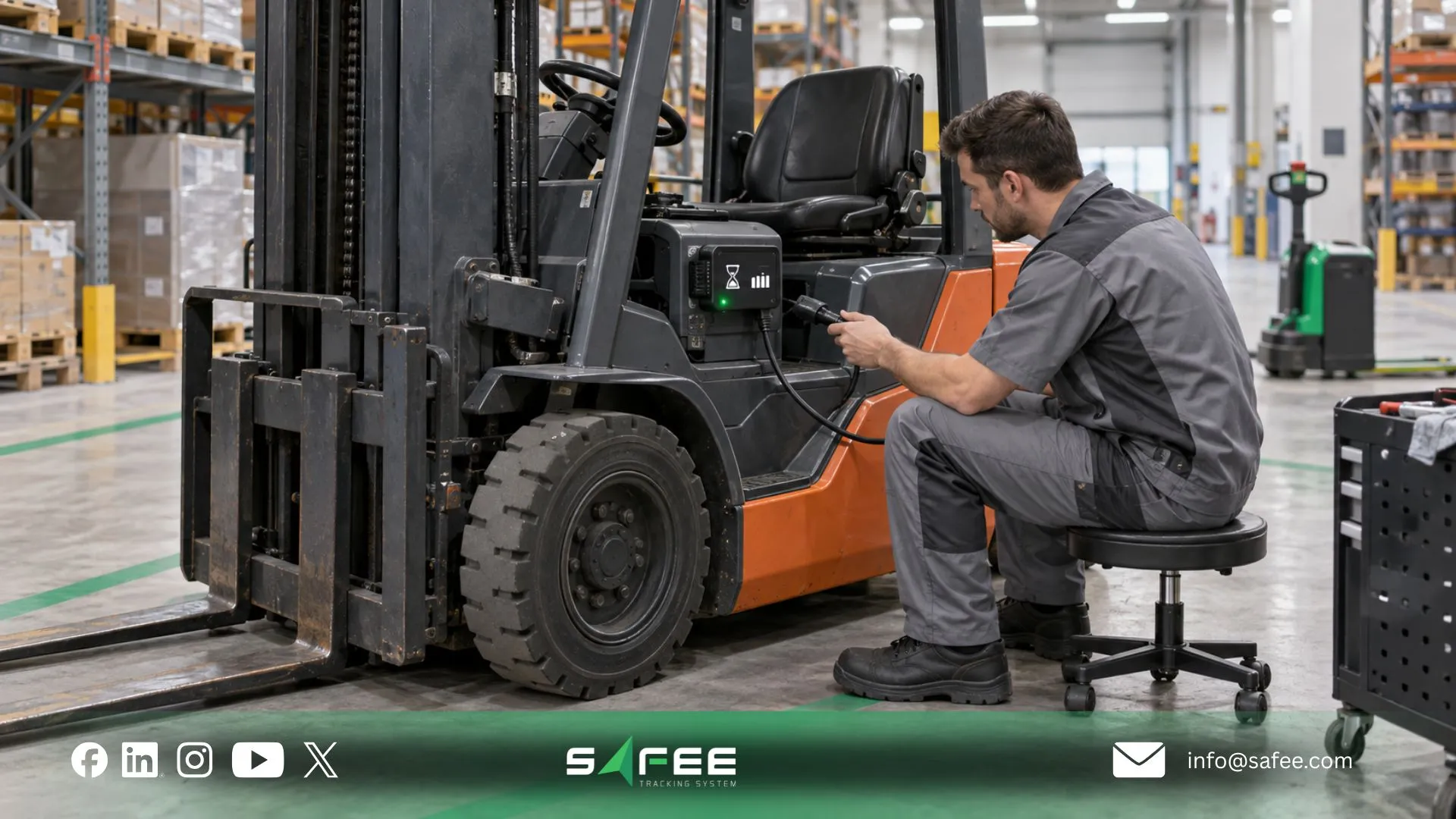
Machine fleet management with no permanent power source
The challenge becomes more obvious when machine fleet management includes assets that cannot provide continuous vehicle power.
A normal road vehicle can often power its telematics hardware while operating. An untethered trailer or non-powered asset does not offer the same electrical environment. The tracking design therefore has to consider both the information the business wants and how the device will remain operational.
That changes procurement.
Instead of asking only whether a tracker has GPS, define:
- How often the asset actually moves.
- How quickly Operations needs to know that movement occurred.
- Whether the asset spends long periods outside powered facilities.
- Whether external power becomes available periodically.
- Whether a battery-powered device is operationally practical.
- What happens when connectivity is unavailable.
- How low-battery or communication exceptions will be identified.
- Who owns battery replacement, charging or device inspection.
- Whether an alternative energy source such as solar is appropriate for the selected hardware and installation environment.
At Safee, our Hardware Agnostic positioning supports the use of diverse compatible trackers and sensors, but the exact tracker, power architecture and installation requirements must be validated against the selected asset and deployment.
Machine fleet management using engine hours instead of distance
Mileage is valuable when distance reflects use. For many machines, it does not.
That is why machine fleet management often needs an engine-hours or operating-time perspective. A machine can remain inside one yard and still complete a full working shift. Using distance alone could make a heavily used asset appear almost inactive.
Our platform documents this distinction clearly in its equipment-oriented fleet content. Its construction and heavy-equipment workflows use engine working hours and activity status to understand machine use, while the Maintenance Module supports Ignition Time-Based Alerts in addition to odometer- and date-based maintenance logic.
The operating rule should be simple: measure the variable that represents actual wear and operational use for that asset.
For a delivery van, that may be distant.
For a forklift or machine, it may be operating or ignition time.
For a trailer, it may be movement, location, dwell time, assignment or communication status.
For a warehouse sensor, it may be temperature or humidity readings rather than movement at all.
This is also why mixed-asset reporting needs context. A dashboard that ranks every asset by kilometres could provide an accurate calculation and still give Operations the wrong conclusion.
Trailer fleet management for untethered and unpowered assets
Trailer fleet management becomes difficult when the trailer is treated as an extension of the tractor.
The two assets do not necessarily remain together.
A tractor can drop one trailer, collect another and continue its route. The trailer may then stay in a depot, yard, customer location or loading area independently. If the digital system follows only the tractor, the business loses trailer-level context as soon as that relationship changes.
The trailer therefore needs its own asset identity.
Useful trailer controls can include:
- Trailer status.
- Current or last reported location.
- Yard or Geofence entry and exit.
- Assigned site or operational group.
- Unauthorized movement exceptions.
- Movement history where supported.
- Whether the tracking device is communicating.
- Tractor/trailer assignment where the workflow supports it.
- Weight or load information where compatible Weight Sensors are configured.
- Tire data where compatible Tire Pressure Monitoring System (TPMS) workflows are deployed.
Our Administration Panel explicitly includes trailers in its centralized fleet structure. Fleet Monitoring & Insights also supports filtering by trailer status, and our Mobile App documentation describes asset tracking beyond vehicles for trailers, machinery, generators and other mobile assets.
The objective is not to make a trailer behave like a truck in software. It is to preserve the trailer as an independently accountable asset.
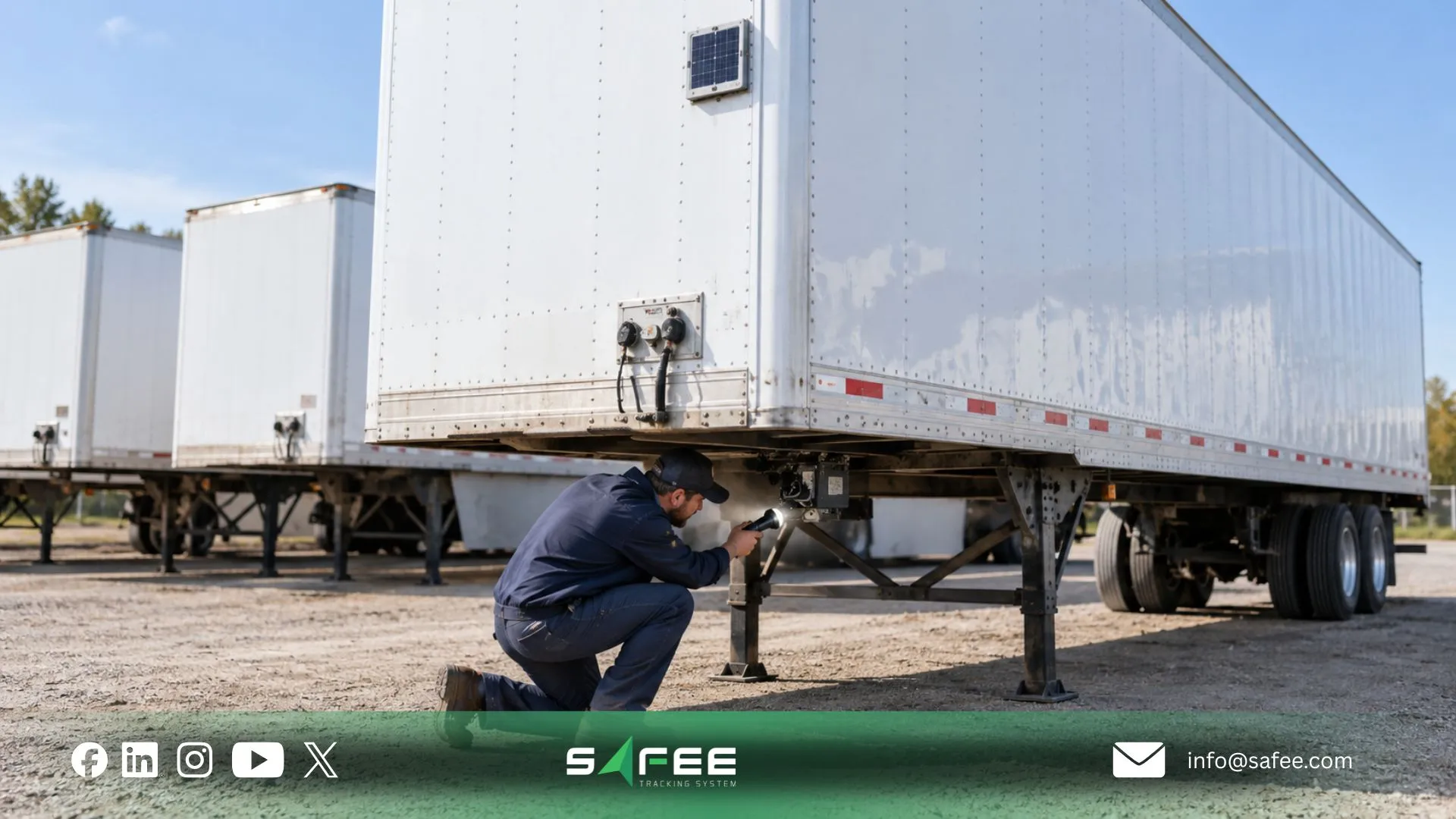
Fleet management GPS tracking trailers, batteries and yards
Yards create a visibility problem of their own. Hundreds of metres may matter operationally even when the assets never travel on a public road.
Teams need to know which assets are present, which are missing, which are available, which have moved and which digital records no longer match physical reality.
For organizations searching for fleet management GPS tracking trailers, the most important design decision is therefore not simply whether GPS is available. The system has to connect each reporting device to a reliable asset identity and then place that asset within the correct site, category, trailer or equipment context.
Our own Fleet Inventory Management guide makes the same distinction: trailers and attachments can move independently between tractors, depots, customers or projects, so physical identity and digital assignment need to remain aligned.
Fleet management GPS tracking trailers by power and battery requirements
There is no responsible universal answer to trailer-tracker battery life.
The result depends on the hardware and how it is configured. Reporting frequently consumes power differently from reporting only when movement occurs. Weak or inconsistent communications can also change device behavior. Environmental exposure, battery chemistry, installation, sensor load and the availability of external charging all matter.
Safee does not publish one universal battery-life figure for every trailer tracking configuration on the product pages reviewed for this guide. That means a deployment should use the tracker-specific technical specification rather than turning a generic battery estimate into an operational promise.
Key variables to verify include:
- Reporting interval while moving.
- Reporting interval while stationary.
- Movement-trigger behavior.
- Cellular or other communications requirements.
- Time spent in weak-coverage environments.
- Environmental and installation conditions.
- Additional connected sensors or inputs.
- Expected inspection and battery-service process.
Solar can be considered as a hardware option where the selected tracker supports it and the physical operating environment makes solar charging practical. But Hardware Agnostic should not be interpreted as proof that every solar tracker is automatically compatible with every Safee deployment. Compatibility, protocol support, installation and data requirements should be confirmed for the proposed hardware. We publicly state that our fleet management platform integrates with diverse hardware and sensors. For a broader device-selection framework, see our GPS Fleet Tracking Device guide, which compares power and installation approaches for different fleet assets.
Questions to ask the provider before deployment:
- What exact tracker model is proposed for each asset class?
- Which operating conditions were used for the quoted battery expectation?
- How does changing the reporting interval affect power consumption?
- Can the device report on movement and sleep while stationary?
- How is low battery identified?
- Is solar charging available for the proposed hardware, and under what installation conditions?
- Which protocol and data fields will Safee receive from the device?
- What happens to records when connectivity is temporarily unavailable?
Contact Safee with your trailer population, yard workflow and required reporting frequency to scope a compatible tracking approach instead of relying on a generic battery-life figure.
MHE fleet management starts with accurate asset identification
Before analyzing utilization, MHE fleet management needs a trustworthy count.
That sounds basic, but mixed warehouse fleets can become fragmented across procurement records, maintenance lists, local spreadsheets, site inventories and tracking systems. The same machine may appear under different naming conventions, while retired or transferred assets remain active in reporting.
The first useful dashboard is therefore built on clean asset identity.
For every MHE asset, establish:
- A unique internal asset ID.
- Asset type and category.
- Site or yard assignment.
- Operational status.
- Tracker or device identity, where fitted.
- Relevant power or engine data source.
- Maintenance ownership.
- User or team responsibility.
- Current availability.
- Any required sensor relationships.
Our Administration Panel gives administrators a structured way to organize sites, categories, vehicles, trailers, drivers and users, while Fleet Monitoring & Insights provides filters around site, group, category, status and other supported data. That structure matters because the value of the live data depends on knowing which physical asset the record actually represents.
A location dot with the wrong asset identity is not reliable fleet visibility. Likewise, a utilization report built on duplicate or retired equipment can distort capacity decisions.
Start by reconciling the physical asset population with the digital records. Then establish which assets need tracking, which need Equipment Activity Monitoring, which need Maintenance Module workflows and which simply need accountable administrative records. For operations spanning plants, depots and yards, our Industrial Fleet Management guide provides additional context for structuring sites, operating groups and mixed asset environments.
13 checks before you start warehouse fleet management
- Define the asset population. Identify forklifts, other MHE, machines, trailers, yard vehicles, generators and relevant support assets before discussing devices.
- Separate powered from unpowered assets. Assets without permanent power may require a different tracker and reporting strategy.
- Choose the correct utilization metric. Decide whether distance, ignition time, engine working hours, activity status, movement or another supported measure represents actual use.
- Create unique asset identities. Each machine or trailer should have a stable digital record that can be matched to the physical asset.
- Map assets to sites and categories. Define how warehouses, yards, depots and operating groups should appear in the fleet structure.
- Confirm hardware compatibility. Validate the tracker, sensors, installation method, protocol and required data fields for each asset class.
- Define yard and Geofence logic. Identify which entries, exits or unauthorized movements require operational attention.
- Set a battery-governance process. For battery-powered trackers, assign responsibility for low-battery review, inspection, charging or replacement.
- Define maintenance triggers by asset type. Do not assume every machine should follow an odometer-based schedule. Use the operational measure appropriate to the equipment.
- Decide which alarms require action. Configure exceptions around real operating policies and assign an owner to each response workflow. Safee’s Alarms and Alerts can use configured thresholds and conditions, with availability depending on the installed hardware, sensor compatibility, connectivity and configuration.
- Define reporting audiences. Warehouse supervisors, Fleet, Maintenance, HSE and Management may require different outputs from the same underlying asset data.
- Control user access. Define who can view assets, change configurations, administer records and review operational data.
- Pilot the workflow, not just the hardware. Validate asset identity, communication, monitoring, alerts, responsibilities, reporting and maintenance follow-up together before expanding the deployment.
Need help turning this checklist into a deployment scope? Talk to Safee about the asset classes, sites, user roles, data sources, alarms and reports that should be configured before rollout.
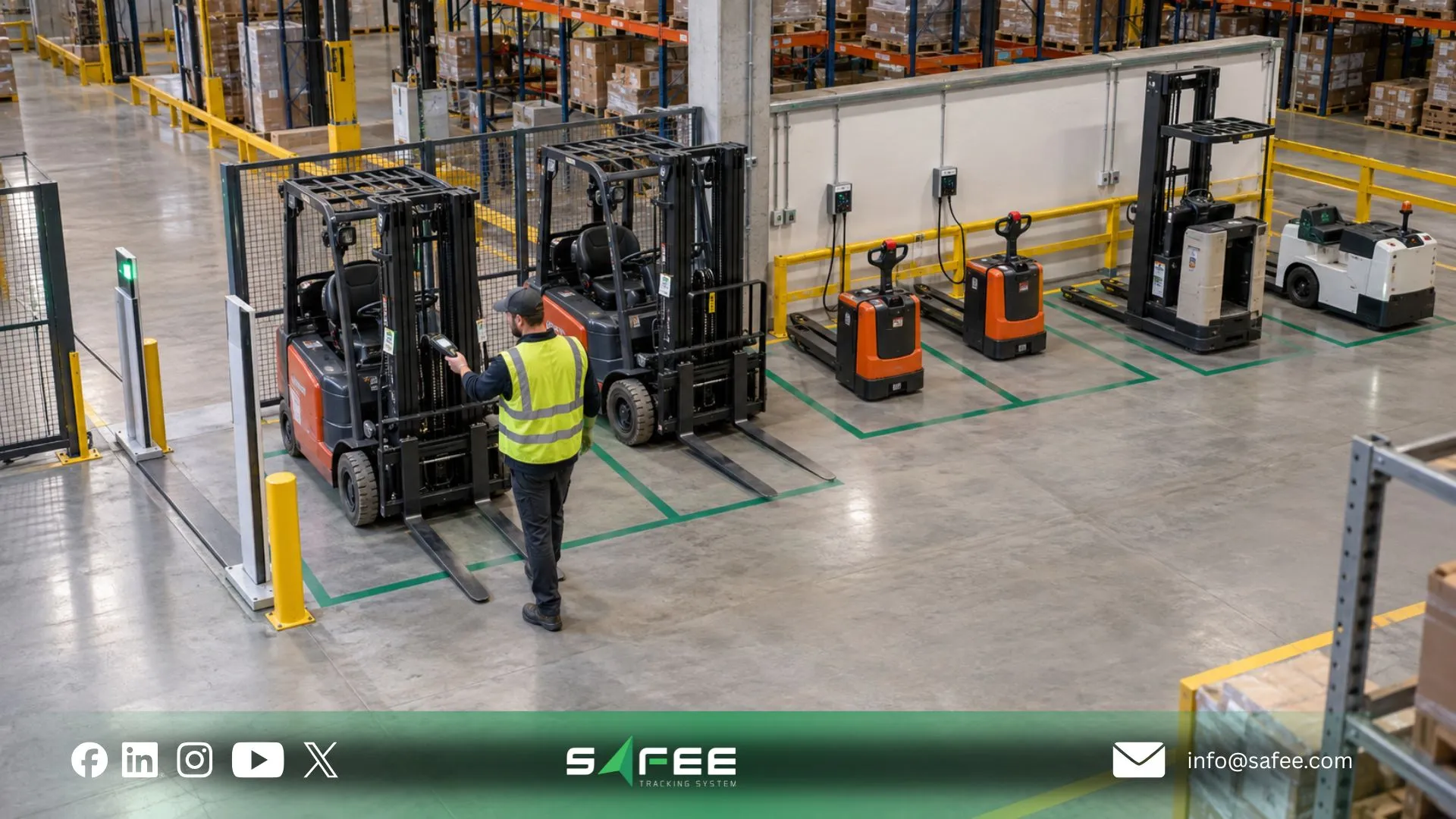
Safee: forklift fleet management solutions and trailer tracking
At Safee, we approach warehouse fleet management as part of a broader Fleet Management and Telematics environment rather than forcing forklifts, trailers, machines and road vehicles into an on-road-only tracking model.
That distinction is supported by the structure of the Safee platform.
- Equipment Activity Monitoring provides equipment-focused status visibility.
- Maintenance Module supports mileage-, date- and Ignition Time-Based Alerts.
- Administration Panel structures sites, categories, vehicles, trailers, drivers and user permissions.
- Fleet Monitoring & Insights provides centralized monitoring and filtering
- Fleet Reporting turns supported operational data into usable management output.
For warehouse operations that also require environmental oversight, We separately document Warehouse Monitoring for Fleets, including temperature and humidity monitoring in warehouses and vehicles. Where load monitoring is required, Weight Sensors supports real-time weight information using Analog, ROADEK and KIMAX sensor options.
Safee vs On-road-only fleet trackers
| Requirement | On-Road-Only Tracker | Safee |
| Battery-powered asset tracking | May depend on whether the product supports independent asset trackers | Hardware Agnostic platform; compatible tracker and power architecture should be selected and verified for the asset |
| Metric tracked | Often centered on distance, trips and road-vehicle activity | Supports distance/odometer workflows plus Ignition Time-Based Alerts; equipment workflows can use engine/activity context where the required data is available |
| Trailer / unpowered asset support | May be limited if the system treats the tractor as the primary tracked unit | Trailers are supported within Safee’s administrative structure, and Safee documents asset tracking for trailers and other mobile assets with compatible hardware |
| Warehouse monitoring | Often outside a road-tracking product’s scope | Warehouse Monitoring for Fleets supports temperature and humidity monitoring in warehouses and vehicles |
| Weight / load monitoring | Requires additional capability if not built into the platform | Weight Sensors supports real-time weight monitoring, including Analog, ROADEK and KIMAX sensor options |
The comparison should still be performed against the actual system being replaced. “On-road-only tracker” describes a category of limited deployment, not every competing fleet platform. Our relevant advantage for this use case is the ability to connect different asset, equipment, sensor and administrative workflows within the wider platform rather than limiting the operating model to road distance alone.
How Safee tracks forklifts, MHE and trailers on one dashboard
A useful mixed-asset deployment begins by preserving the identity and operating logic of each asset.
A forklift should not have to pretend to be a delivery truck. A trailer should not disappear digitally when it is detached from a tractor. A machine should not appear underutilized simply because it accumulated a few kilometres.
At Safee, we provide the building blocks for that operating model through:
- Administration Panel for sites, categories, trailers, vehicles, users and permissions.
- Equipment Activity Monitoring for supported equipment-status workflows.
- Live Vehicle Tracking and Fleet Monitoring & Insights for centralized operational visibility.
- Maintenance Module for service scheduling and runtime-related maintenance logic.
- Alarms and Alerts for configured operational exceptions.
- Fleet Reporting for recurring review and management output.
- Weight Sensors where load monitoring is required.
- Warehouse Monitoring for Fleets where temperature and humidity visibility is part of the warehouse operation.
- Mobile App for mobile access to fleet information and supported asset tracking beyond conventional vehicles.
The specific hardware and data available for each forklift, MHE unit or trailer still need to be scoped. That is especially important for unpowered assets, engine-hour collection and specialized sensors.
The goal is one operational environment without pretending that every asset produces the same data.
For Fleet and Operations teams, that creates clearer asset visibility. For Maintenance, it enables service logic based on a more appropriate usage signal. For warehouse supervisors, it improves accountability over what is actually present and available. For management, it creates a cleaner basis for reporting and utilization review.
FAQs About off-road and warehouse fleet management
Can GPS trackers be used on forklifts and warehouse equipment?
Yes, forklifts and warehouse equipment can use compatible tracking or equipment-monitoring hardware when the installation, power source and required data are suitable for the asset. With Safee, the exact hardware and data configuration should be verified for the equipment rather than assuming every forklift requires the same tracker.
What is MHE in fleet management?
MHE means Material Handling Equipment. In fleet management, it refers to equipment used to move or handle materials within warehouses, yards and related operations, where activity, operating time, availability and maintenance may matter more than road mileage.
How long does trailer GPS tracking battery life last?
There is no single battery-life figure that applies to every trailer GPS tracker. Battery performance depends on the selected hardware, reporting frequency, movement behavior, connectivity, environmental conditions and any additional sensor requirements, so the device-specific configuration should be verified before deployment.
Is warehouse fleet management different from vehicle fleet management?
Yes. Warehouse fleet management can include forklifts, MHE, machines and unpowered trailers that operate differently from road vehicles. It may therefore emphasize equipment activity, operating hours, yard location, asset identity and specialized sensors rather than relying mainly on routes and kilometres.
Ready to improve your fleet operations?
Tell us what you would like to improve. A Safee specialist will reply by email.
Usually replies within one business day • No sales spam
Your details are used only to respond to your request. Privacy Policy

