

How to Build a Dashcam Fleet Management Policy That Works?
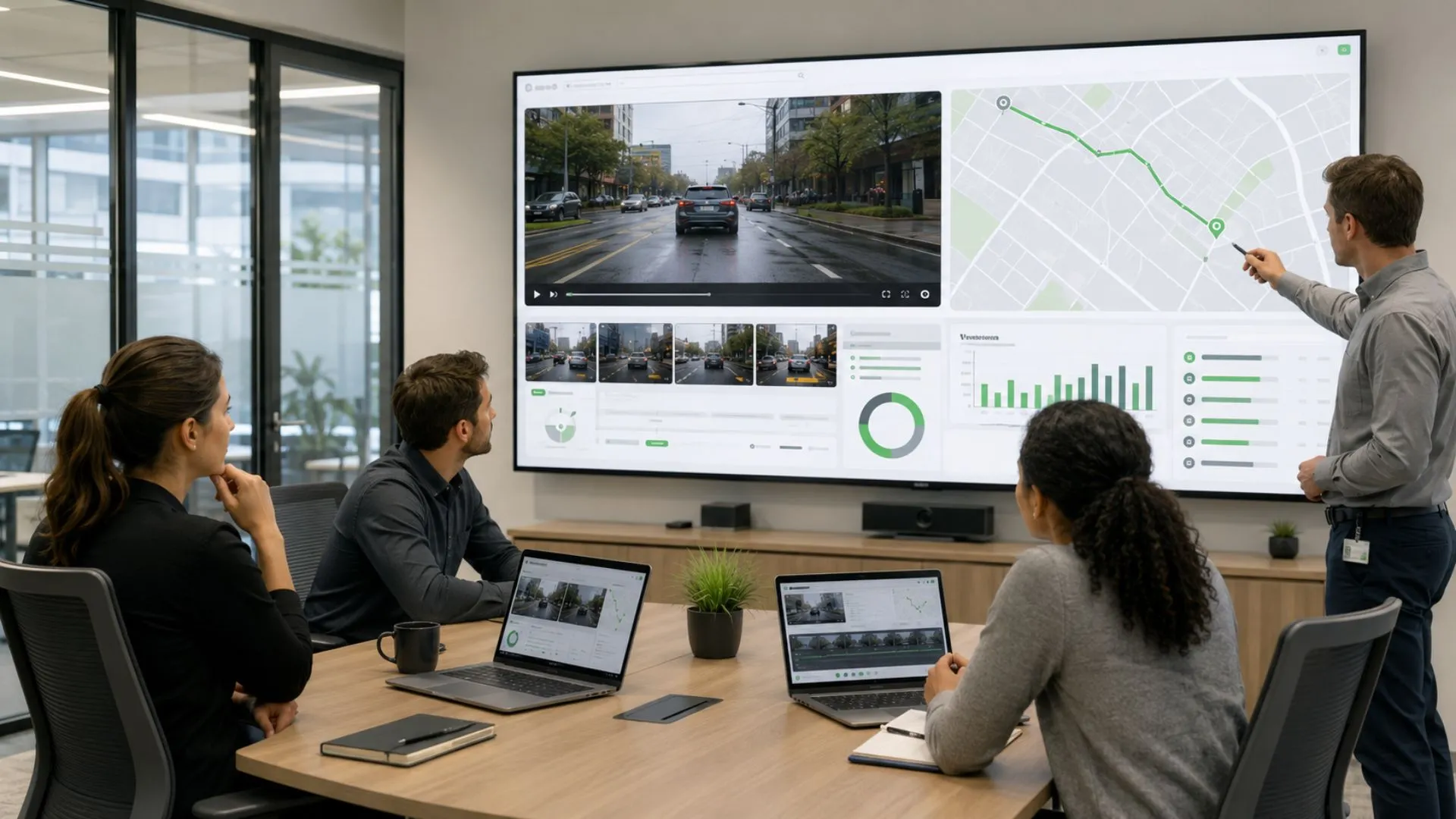
Dashcams can record an incident without creating a reliable review process. A clip may be overwritten, exported through an informal channel, or interpreted without GPS, driver, journey, or policy context. A dashcam fleet management policy closes these gaps by defining why footage is collected, who can access it, how long it is retained, and what evidence is required before action.
In this guide, we explain how commercial fleets can govern recording, access, retention, coaching, claims, HR involvement, and privacy. We also show how we connect approved video reviews with GPS, vehicle and driver context, alerts, history, and reports across the UAE, Saudi Arabia, the wider GCC, and international operations.
Why does dashcam fleet management require a clear policy?
Dashcam fleet management is the controlled use of commercial vehicle footage inside fleet operations. It defines why video is recorded, who may access it, how it is reviewed, how long it is retained, and which operational, safety, claims, or HR decisions it may support.
A camera can capture a useful road, cabin, cargo, or passenger view, but footage alone does not create a reliable process. Authorized reviewers must be able to connect each relevant clip to the correct vehicle, driver, time, location, journey, event, reviewer, and outcome.
Without a shared policy, fleets commonly face four risks:
- Footage is reviewed or exported without a defined business purpose.
- Relevant clips are overwritten before a claim or investigation hold is applied.
- Similar events receive different treatment across teams, branches, or countries.
- A short clip or automated alert is treated as proof without GPS, route, driver, or operating context.
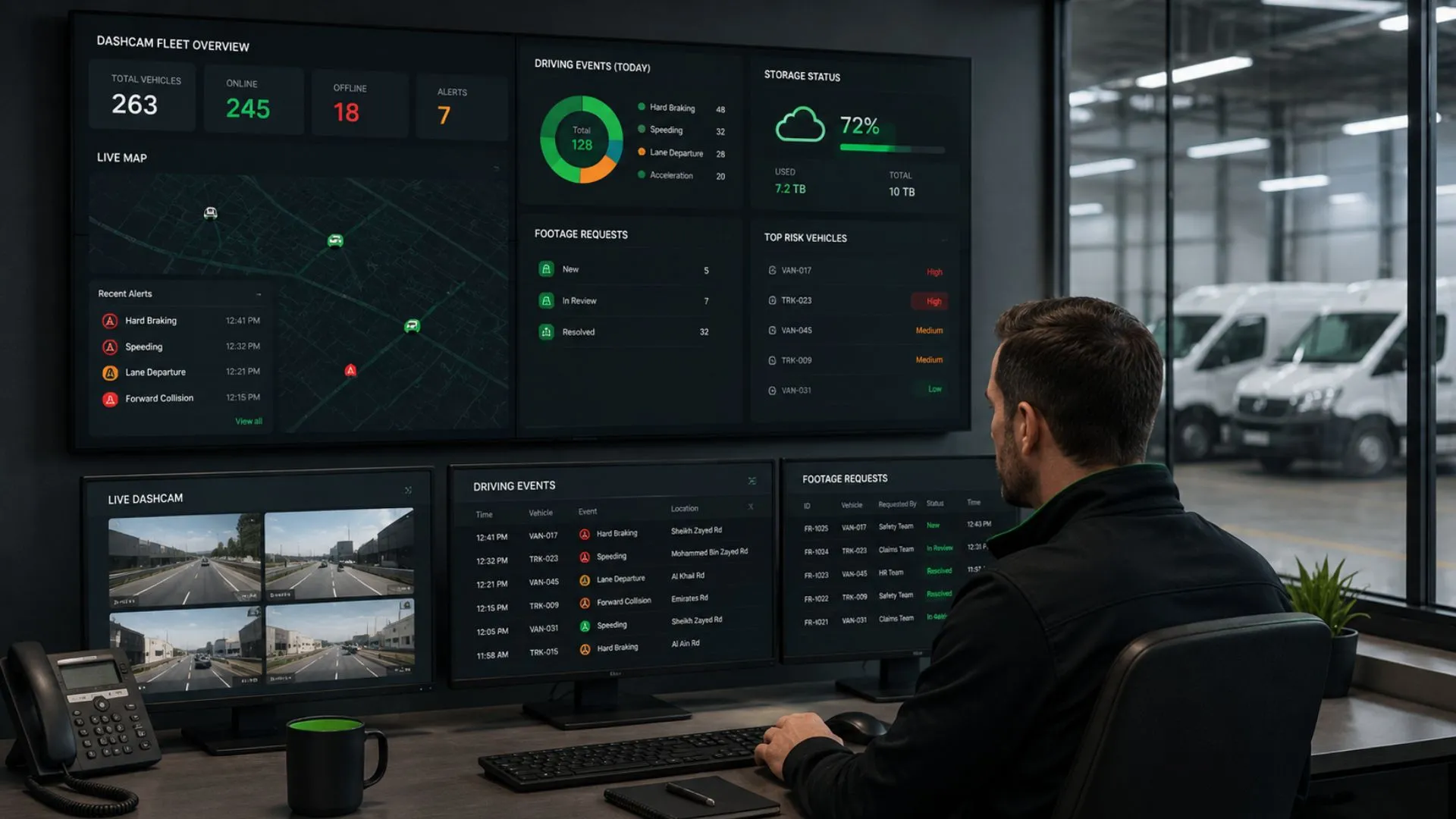
We provide the connected fleet management system layer that links supported video events with telematics, alerts, driver context, history, and reporting. The organization still defines the recording purpose, authorized roles, retention rules, and permitted actions.
For camera formats, placement priorities, and vehicle-specific views, review our fleet management cameras guide. This article focuses on the policy controls between recording, review, and action.
What must a dashcam fleet management policy define?
A dashcam fleet management policy must define the purpose of recording, the vehicles and views covered, authorized access, retention rules, permitted uses, and the evidence required before action. Each control should have an accountable owner and a record that shows how the decision was handled.
Purpose, scope, and recording
Define the operational purpose of every active view and identify the vehicles, branches, routes, shifts, drivers or contractors covered. Road-facing, driver-facing, cargo, passenger, audio, parked-recording, and live-view functions should only be used for approved purposes.
The policy should also state whether recording is continuous, ignition-based, trip-based, event-based, or incident-requested. These rules must reflect the compatible hardware and system configuration connected to the platform.
Access and retention
Access should follow job responsibility rather than seniority. Define who may view, search, export, share, preserve, delete, or change video and retention settings, and limit each role to the records required for its work.
Set separate retention rules for routine footage, event clips, exported copies, backups, claims, and legal holds. The policy should identify what is deleted automatically, who can preserve a clip, how long a hold remains active, and who authorizes its release.
Permitted and prohibited uses
Approved uses may include collision investigation, near-miss review, driver coaching, insurance claims, complaints, cargo incidents, HR cases, safety investigations, and lawful authority requests.
Prohibit personal viewing, entertainment, informal sharing, public posting, access unrelated to an assigned case, and reuse of footage for a new purpose without approval.
Review and audit records
Before assigning an action, reviewers should confirm the vehicle, driver, time, location, journey, camera view, and relevant GPS or telematics context.
The case record should show who accessed the footage, why the review was justified, what was examined, whether it was exported or shared, what decision followed, and whether the footage was preserved or deleted.
An audit record supports accountability and review, but it does not create legal compliance by itself.

How should a dashcam event be reviewed with GPS context?
A dashcam event should be reviewed through one consistent process that connects the relevant footage with the vehicle, driver, time, location, journey, and related telematics records. A clip should not be treated as conclusive until the reviewer checks the wider operating context.
Use the following sequence:
- Open the case. Record the alert, collision, complaint, claim, or approved reason for review.
- Confirm the event identity. Verify the vehicle, assigned driver, date, time, journey, and camera view.
- Retrieve only the relevant footage. Avoid reviewing unrelated clips or complete journeys without a documented need.
- Add GPS and telematics context. Check location, route history, speed, geofence activity, vehicle status, and related alerts where available.
- Assess the evidence. Review visibility, angle, timestamps, continuity, missing segments, and whether the clip supports a reliable conclusion.
- Classify the event. Confirm it, reject it, mark it inconclusive, or refer it for further investigation.
- Assign the approved action. This may include coaching, claims preservation, HR referral, safety correction, operational change, or no action.
- Document and close the case. Record the outcome, evidence, owner, retention status, and required follow-up.
GPS-connected review adds context that a standalone clip cannot provide. It helps authorized users confirm the route, location, preceding movement, vehicle assignment, geofence status, and related alerts before deciding what happened.
Our connected fleet management system integrates supported video events through ViVMS with Live Vehicle Tracking and Alarms and Alerts. This allows reviewers to examine the event inside the wider fleet record rather than matching isolated clips, vehicle data, and route histories manually.
The compatible hardware integrated with the platform, upload timing, storage behavior, and available data should still be validated during system implementation.
How should dash cam footage be used for driver coaching?
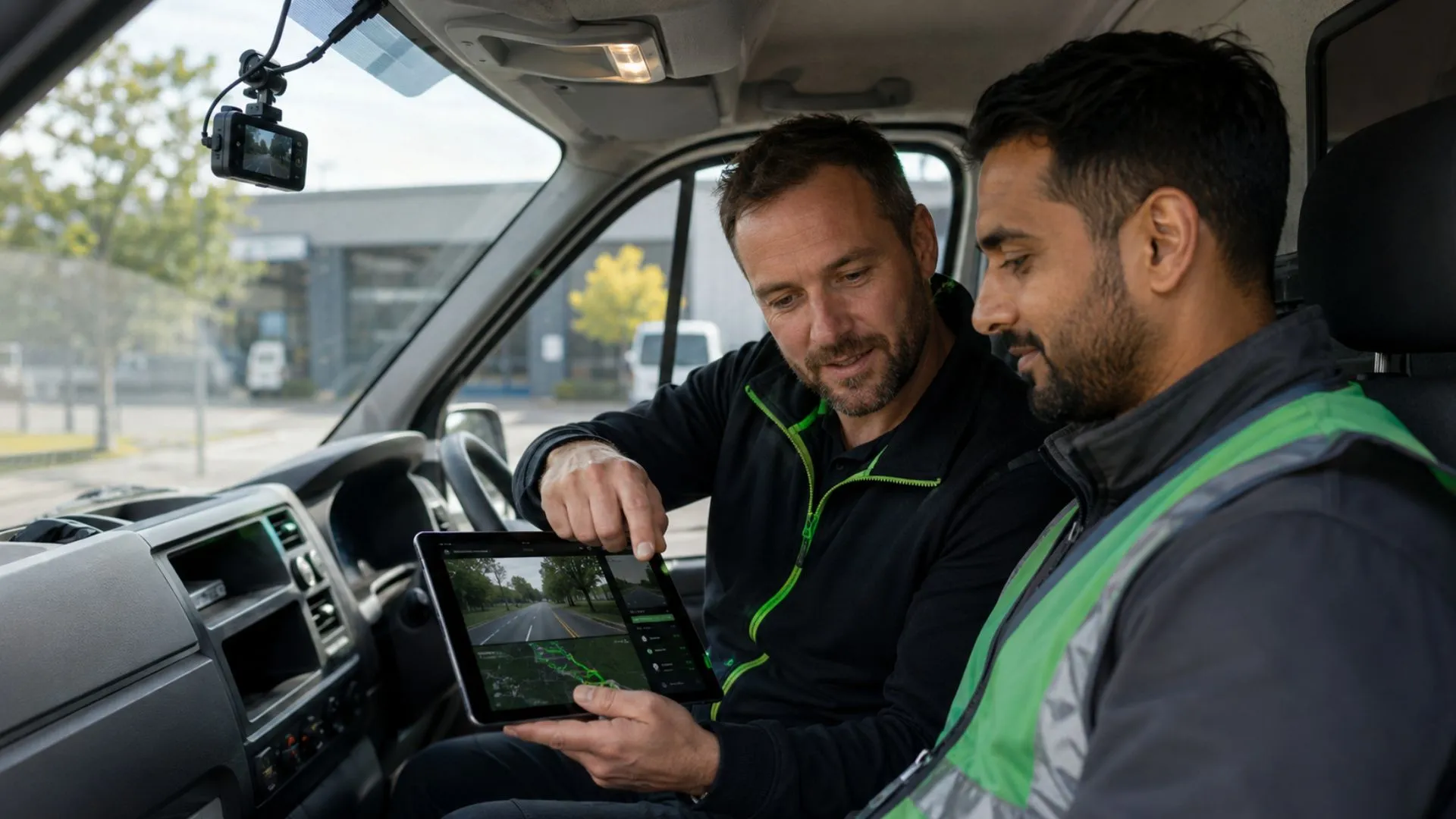
Dash cam footage should support fair, evidence-based coaching rather than automatic discipline. Before any action, the reviewer should confirm the driver, vehicle, journey, event, and relevant GPS or telematics context.
A practical coaching workflow should:
- Verify the event and supporting records.
- Separate confirmed behavior from road, vehicle, route, or scheduling conditions.
- Allow the driver to explain the event.
- Focus on observable actions rather than assumptions about intent.
- Record the coaching topic, agreed action, owner, follow-up date, and escalation rule.
Measurable coaching topics may include following distance, mobile-phone handling, seat-belt use, fatigue indicators, speed before junctions, mirror checks, and maneuvering at customer or project sites.
Our Driver Management module connects driver records and assignments with the wider review process, while our AI Driver Behavior Analysis content explains supported fatigue, distraction, and driving-risk detection in more detail. Authorized human review should still be required before a detection affects formal action.
What must fleets define for claims, HR, privacy, and local governance?
Dashcam footage may include employees, passengers, customers, road users, cargo areas, workplaces, or private locations. The policy must therefore define how video may be used in claims, HR, safety, and compliance workflows, while allowing each operating market to apply its own legal and procedural requirements.
Driver and passenger notification
Before deployment, explain which vehicles contain cameras, which views are active, whether audio or live view is enabled, when recording starts and ends, which events may be reviewed, who may access footage, and how affected people can raise questions.
Notification may be included in onboarding, policy acknowledgements, contractor instructions, vehicle handover, or passenger notices. The required format should be validated for the operating country and vehicle type.
HR and driver-related decisions
Define which events may enter an HR process, what supporting evidence is required, whether coaching should normally occur before escalation, who approves the outcome, and how consistency is checked across supervisors and branches.
An automated detection, alert, or short clip should not become an employment decision without authorized human review and the approved evidence process.
Claims and incident preservation
After a collision, complaint, cargo incident, theft allegation, or passenger event, the claims workflow should open a case and protect the relevant footage from routine deletion.
The case record should connect the vehicle, assigned driver, journey, time, location, video, GPS and telematics records, statements, photographs, and claim reference. The policy should also identify who may export footage and who may release it to an insurer, customer, investigator, or authority.
Country annexes and local governance
Use one core policy for purpose, access, review, prohibited uses, documentation, and change approval, then add separate country annexes for local notice, retention, audio, cabin recording, data transfer, employment, insurance, and authority-request requirements.
A policy approved for the UAE should not be copied unchanged into Saudi Arabia or another market. Each annex should identify the local owner, approving functions, vehicle groups, retention decisions, notice method, external-sharing rules, and escalation contacts.
Local implementation should also account for connectivity, upload delays, storage behavior, and operating conditions that affect evidence availability. The annex should be reviewed after any material legal, operational, hardware-integration, or system-configuration change.
Our connected fleet management system can support approved access, review, alert, driver, claims, and reporting workflows, but the organization remains responsible for local legal, HR, insurance, and compliance approval.
Dashcam fleet management policy checklist
Before approving or revising the policy, confirm that the fleet can answer these questions:
- Purpose and scope: Does every active camera view have a defined operational, safety, claims, or investigation purpose?
- Recording and notification: Are recording triggers, audio, live view, parked recording, and driver or passenger notification clearly documented?
- Access and retention: Are viewing, export, sharing, deletion, preservation, and configuration permissions limited by role, with separate rules for routine footage and incident holds?
- Evidence review: Must reviewers confirm the vehicle, driver, event, GPS, route, and supporting telematics context before assigning an action?
- Coaching, HR, and claims: Are coaching, escalation, formal action, claims preservation, and external sharing governed by approved workflows?
- Privacy and local approval: Has each operating market reviewed notice, cabin recording, audio, retention, employment, insurance, and data-transfer requirements?
- Audit and accountability: Are access, export, sharing, preservation, decisions, and deletion recorded with a responsible owner?
- System readiness: Can authorized users connect supported video events with GPS tracking, alerts, driver information, history, claims records, and reporting?
A fleet-wide rollout should be delayed if a critical control is missing. Policy readiness should be judged by whether the organization can govern recording, review, action, and evidence—not only by whether the connected cameras can capture footage.
Why choose Safee for GPS-connected dashcam fleet management?
Effective dashcam fleet management requires more than recorded footage. Authorized reviewers need a system that connects supported video events with the correct vehicle, driver, GPS location, journey, alert, history, and review outcome.
Our connected fleet management system integrates supported video events through ViVMS with Live Vehicle Tracking, Alarms and Alerts, Driver Management, and Fleet Reporting. This gives Operations, HSE, Fleet Managers, HR, and claims teams one structured environment for reviewing incidents, assigning actions, preserving evidence, and monitoring recurring events.
We configure the system around the organization’s approved camera purposes, user roles, branch structure, alert ownership, review procedures, and reporting requirements. The platform integrates with compatible camera and telematics hardware, while we provide the connected system and workflow layer through which approved video-review policies are applied.
Your organization continues to define retention periods, permitted uses, HR and claims procedures, escalation rules, and local legal requirements. We help apply those approved decisions consistently across the connected fleet management environment.
Book a Safee demo to see how our system can connect supported video events with GPS context, alerts, driver workflows, claims review, and fleet reporting.
FAQs about dashcam fleet management
What is dashcam fleet management?
Dashcam fleet management is the governed use of commercial vehicle cameras, GPS context, alerts, access permissions, retention rules, review procedures, driver coaching, claims preservation, and reporting across the footage lifecycle.
What should a dashcam fleet management policy include?
It should define purpose and scope, active views, recording triggers, audio and live-view rules, authorized roles, retention and deletion, claim or legal holds, permitted and prohibited uses, review workflow, coaching, HR escalation, external sharing, audit records, and local approval responsibilities.
Who should review fleet dash cam footage?
Only authorized roles with a documented business purpose should review footage. Depending on the case, these may include Fleet Managers, HSE, driver supervisors, HR, claims teams, legal personnel, or system administrators. Access should be limited to the vehicles, views, dates, and actions required for the role.
How long should commercial fleets keep dash cam footage?
There is no universal period. The retention schedule should reflect the stated purpose, country, privacy and labor review, insurance and claims process, customer contracts, storage model, and whether the footage is routine or preserved for an active case.
Can dash cam footage be used for driver coaching?
Yes, when the approved policy permits it. The reviewer should verify the driver and event, examine GPS and telematics context, distinguish confirmed behavior from external conditions, allow the driver to respond, document the action, and apply escalation consistently.
How do we connect fleet GPS tracking and dash cam review?
Our ViVMS can connect supported video events with telematics vehicle tracking. Related modules can add GPS and route context, alerts, driver information, historical records, and Fleet Reporting. The exact workflow depends on the cameras, devices, connectivity, available data, and deployment configuration.
Is a fleet GPS tracking dash cam enough without a policy?
No. A fleet GPS tracking dash cam can provide video and location context, but the organization still needs rules for purpose, access, retention, review, coaching, claims, HR, privacy, external sharing, and local legal validation.
Ready to improve your fleet operations?
Tell us what you would like to improve. A Safee specialist will reply by email.
Usually replies within one business day • No sales spam
Your details are used only to respond to your request. Privacy Policy

