
How to Evaluate a Forklift Fleet Management System
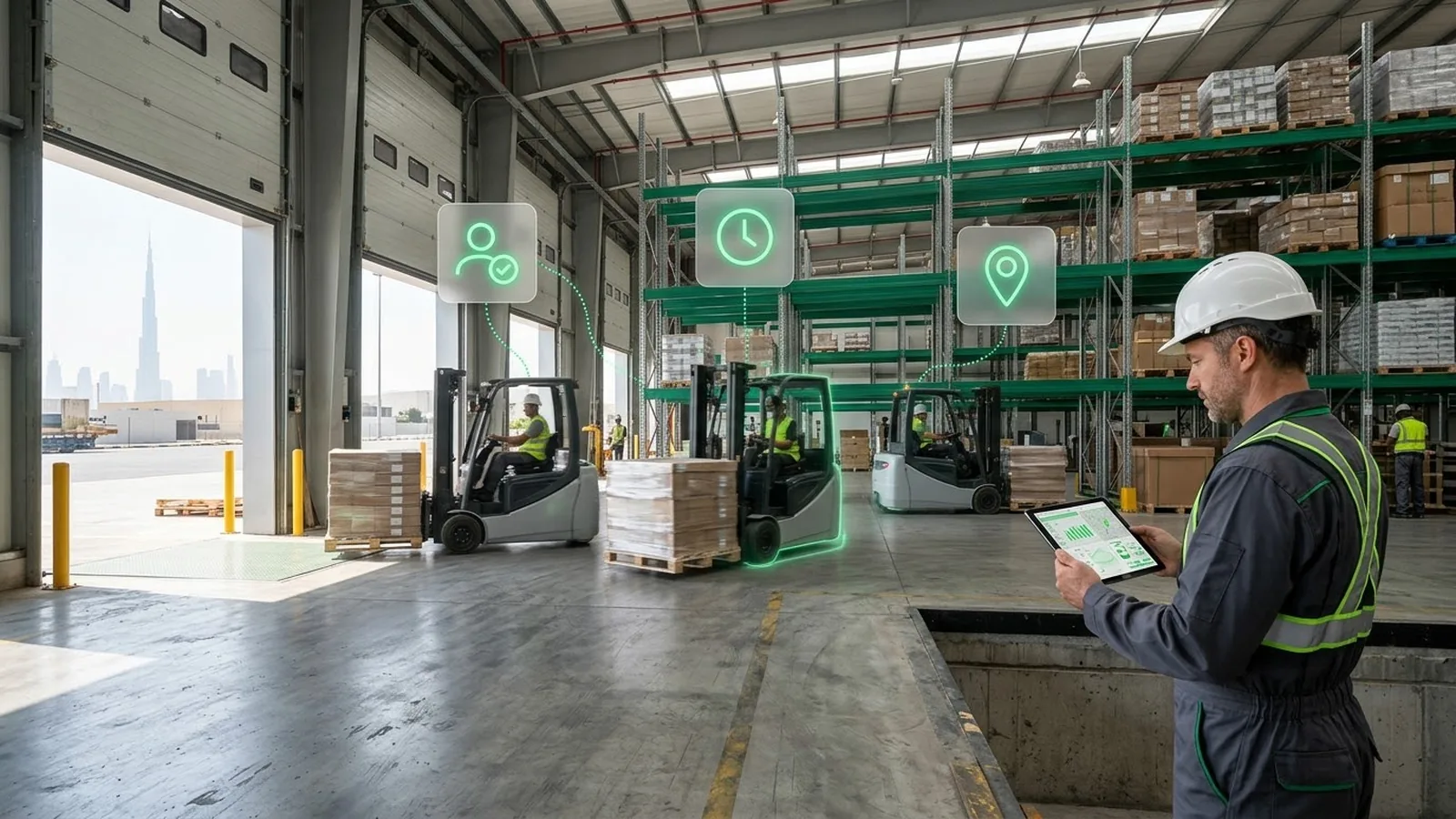
When forklifts operate without clear operator records or spend hours idle, warehouse teams struggle to investigate incidents and control equipment use. A forklift fleet management system helps monitor operator access, equipment activity, and maintenance needs.
This guide explains which features matter, what to check before installation, and how Dubai’s safety requirements affect operations.
What is a forklift fleet management system?
A forklift fleet management system combines onboard telematics hardware with software to monitor equipment activity, operator use, and maintenance needs. Depending on the installed devices and integrations, it may also support access control, impact detection, and digital pre-use inspections.
The resulting data helps warehouse, HSE, and maintenance teams investigate incidents, identify underused equipment, and plan servicing. These platforms are also known as forklift fleet management software.
What does a forklift fleet management system include?
A typical system combines four components, depending on the functions required:
- Onboard telematics unit: Collects available equipment signals and transmits data through supported cellular or Wi-Fi connections.
- Operator reader: Identifies operators using RFID cards, iButton keys, or PINs. Restricting start-up also requires compatible access-control hardware and configuration.
- Sensors and equipment inputs: May capture impacts, seat occupancy, travel, or hydraulic activity, depending on the forklift model and fitted hardware.
- Management software: Connects equipment and operator records with reports, alerts, and supported access or inspection workflows.
Not every forklift provides the same signals. Check hardware compatibility before selecting features. For more on integration requirements, see fleet management hardware and IoT.
Forklift tracking vs. fleet management
A forklift tracking system focuses on location and movement where positioning is available. Fleet management goes further: who operated the truck, whether access was authorized, what equipment activity was recorded, and when maintenance is due.
For forklifts operating mainly inside a warehouse, operator identification and working hours may matter more than continuous location tracking. For mixed indoor and outdoor operations, location monitoring may also be important.
Choose the system around the information your team needs to investigate operational problems, not simply the number of features offered.
Also read: 6 Ways Asset Tracking in Fleet Operations Protects ROI
Forklift operator access and pre-use checks
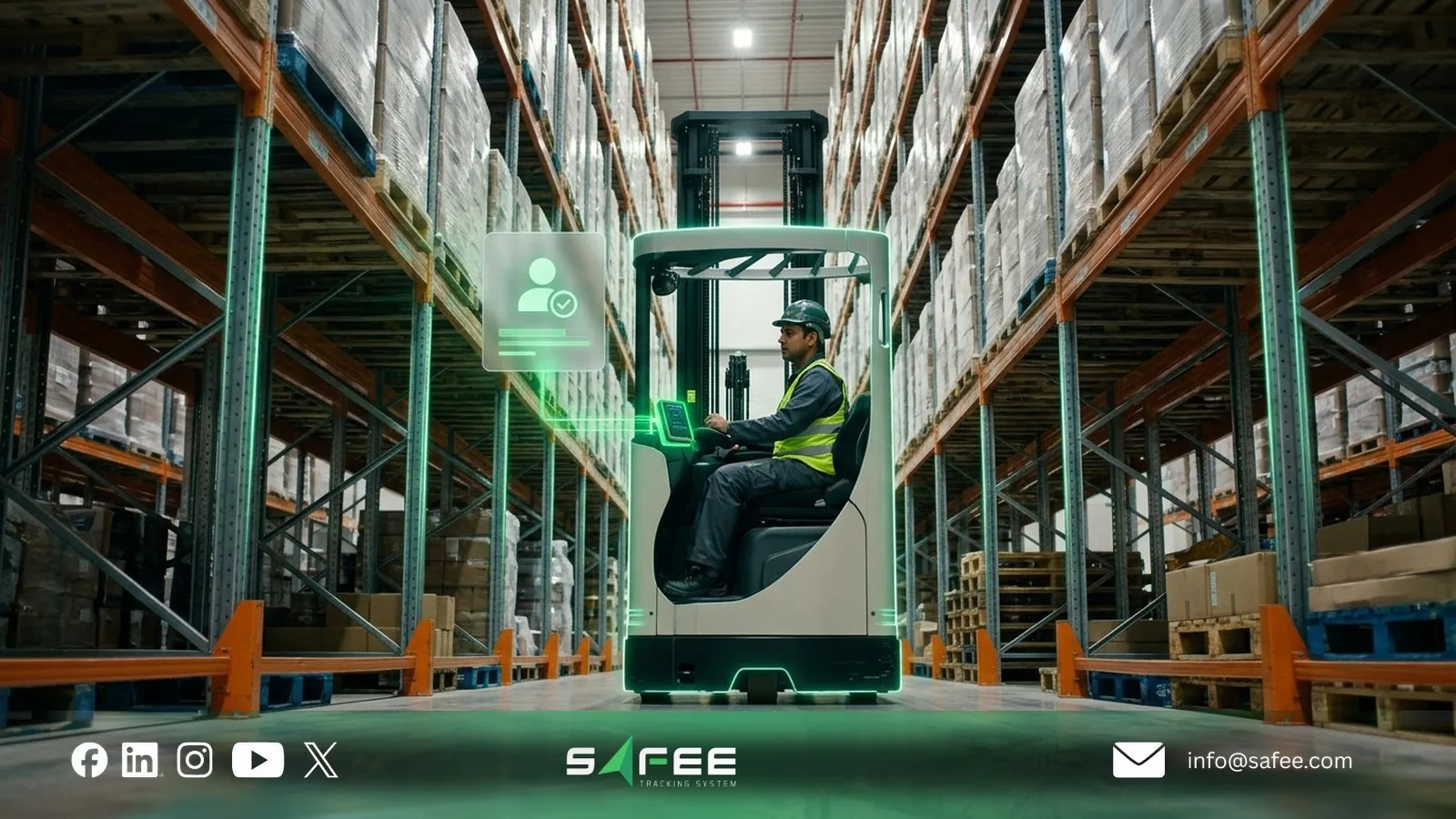
Forklift operator access control helps warehouses restrict equipment use to authorized operators and link activity to their identities. It should work alongside pre-use inspections, not replace them.
Dubai Municipality’s Safe Forklift Operations guideline requires controlled key issuance to authorized, certified operators and documented inspections before each shift.
Operator identification and access control
An RFID card, iButton key, or PIN identifies the operator. With compatible start-control hardware, the system can prevent unauthorized operators from starting the forklift.
Access should reflect the equipment each operator is trained to use. For example, authorization for a counterbalance forklift should not automatically grant access to a reach truck.
An access log also helps investigate who used a truck during a particular shift. However, shared credentials weaken accountability, even when the system records every login.
Expired operator certifications
Some forklift fleet management systems can restrict access automatically when an operator’s certification expires. Others require an administrator to update the authorized operator list.
Both approaches depend on accurate training records and timely updates to the onboard unit. Before deployment, verify how authorization changes reach forklifts with intermittent connectivity and what happens to previously approved credentials while a device is offline.
Pre-shift inspections
Digital forklift pre-use checklists can record inspection results against the operator, truck, and shift. Checks should follow the manufacturer’s instructions and cover items such as brakes, tires, forks, leaks, and fitted safety devices.
When a safety-critical defect is reported, the forklift must be removed from service until it is repaired and cleared for use. Some systems support start-up restrictions; others only record defects and notify supervisors.
The important requirement is a documented process from inspection to defect resolution and return-to-service approval, not simply a completed checklist.
Safee’s Forklift Daily Pre-Use Checklist provides inspection and defect records for this workflow.
Forklift impact detection and damage records
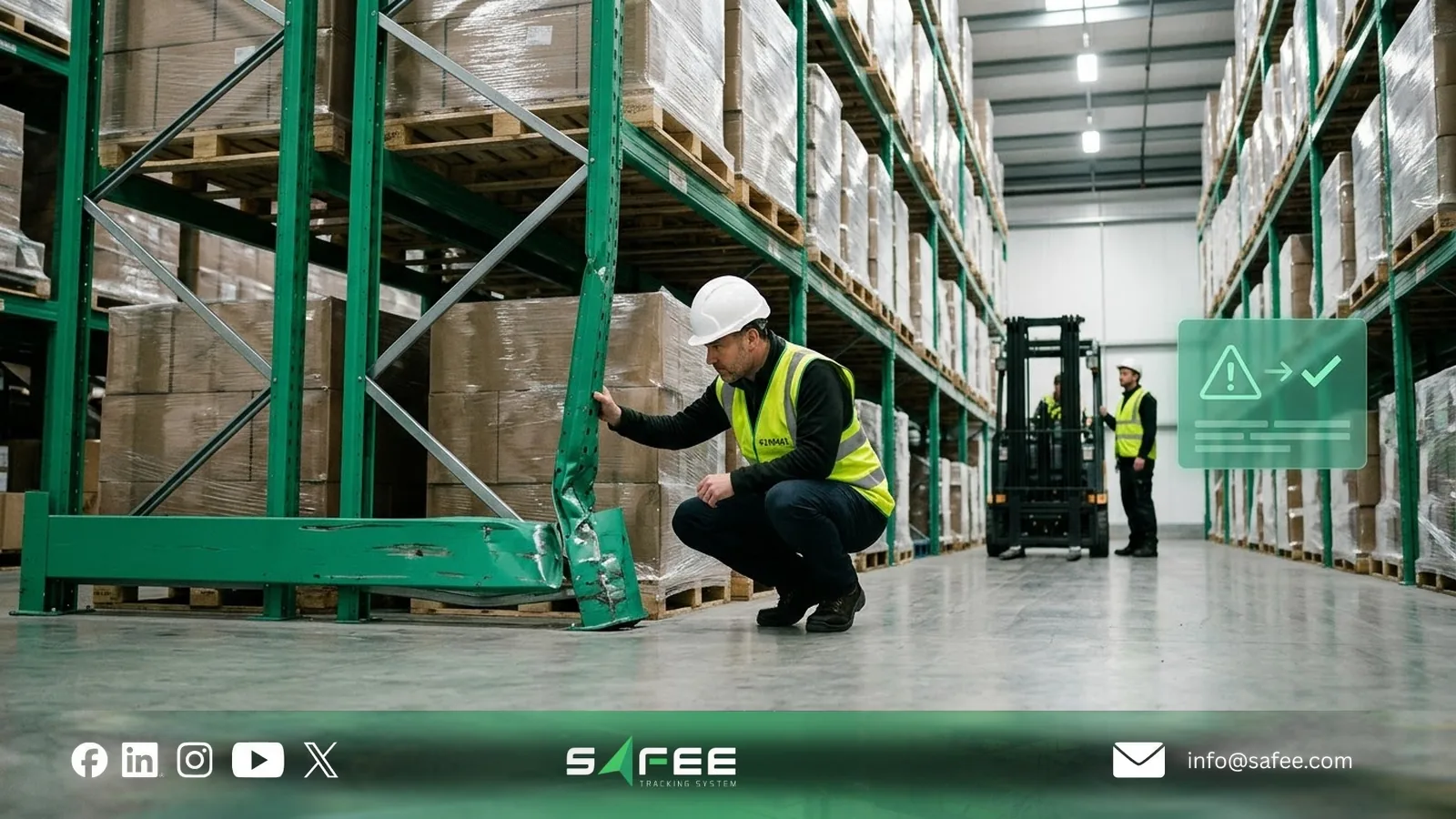
Warehouse damage is difficult to investigate when no one reports an incident during the shift. Forklift impact detection helps record unusual shocks and identify events that require investigation, but a sensor reading alone does not confirm damage or establish responsibility.
How impact detection works
An accelerometer measures sudden changes in acceleration. When readings exceed configured thresholds, the system records an event and may classify its severity.
Normal jolts from uneven floors, dock plates, or thresholds can also trigger alerts. Impact thresholds should therefore be tested under actual operating conditions before they are used to assess driver behavior.
Responding to severe impacts
Depending on the system and forklift integration, a severe impact may trigger:
- Alert: Notify a supervisor to investigate the event.
- Speed restriction: Limit operation where the forklift supports a manufacturer-approved control.
- Lockout: Restrict further use or restart after a safe stop until an authorized person clears the truck.
Automatic speed control and lockout require compatible equipment and safety-approved integration. A generic tracking device should not be assumed capable of safely stopping a moving forklift.
After a significant impact, the priority is to inspect the forklift and affected area, record any damage, and confirm whether the equipment is safe to return to service.
Linking impacts to operators and shifts
When impact monitoring is connected to operator identification, the event can be associated with the forklift, logged-in operator, and shift. Zone information requires compatible positioning or location records.
Compare verified impacts per 100 operating hours rather than relying on total counts alone. Repeated events may justify operator coaching, changes to aisle layouts, or equipment inspection, depending on the investigation findings.
Forklift operating hours and utilization
A forklift’s hour meter does not always distinguish productive work from time spent powered on or waiting. A forklift fleet management system can provide a clearer picture of equipment utilization when the required operating signals are available.
| Hours type | What it measures | Decision it supports |
|---|---|---|
| Key hours | Time the forklift is switched on | Identify powered-on time and compare it with actual activity |
| Seat hours | Time the operator-presence switch is active | Check operator presence, not productive work |
| Travel hours | Time the travel system is active | Assess movement and workload distribution |
| Lift hours | Time the lifting system is active | Assess lifting activity and relevant component use |
| Idle time | Powered-on time without recorded travel or lifting activity | Investigate waiting time and possible underutilization |
Which hours can your forklift report?
These measurements depend on the forklift’s available signals. Key hours may come from the ignition switch, seat hours from an operator-presence sensor, and travel or lift hours from the corresponding equipment controllers.
Not all models provide these signals, and manufacturers define hour-meter readings differently. Travel and lifting can also happen simultaneously, so their durations should not simply be added together.
Before installation, confirm which readings each model can supply and which hour meter the manufacturer uses for maintenance.
Idle time by shift
Forklift utilization monitoring helps identify equipment that spends much of its available operating time waiting rather than handling work.
Compare idle time across comparable trucks and shifts, alongside workload and peak demand. High idle time may indicate unnecessary equipment, but it can also reflect loading delays, operator availability, or required standby capacity.
For example, if two night-shift forklifts consistently show high idle time while morning-shift trucks operate near capacity, review workload and shift schedules before moving equipment or purchasing another truck.
Use the Forklift Fleet Size & Utilization Calculator to estimate fleet requirements using workload, peak demand, and available operating capacity.
Using operating hours for maintenance
Operating hours can trigger preventive maintenance based on actual equipment use rather than calendar dates alone.
Safee’s Equipment Activity Report tracks active and inactive periods when compatible activity signals are configured. Its maintenance tools can also issue reminders based on recorded ignition time.
Before enabling hour-based reminders, verify that the recorded time matches the service-hour definition and maintenance intervals specified by the forklift manufacturer.
Learn more about fleet maintenance management software.
Forklift tracking in warehouses and yards
Forklift tracking depends on where the equipment operates and how accurately its location must be known. Outdoor yards can use GPS, while indoor warehouses may need zone-level tracking or a more precise positioning system.
GPS tracking in outdoor yards
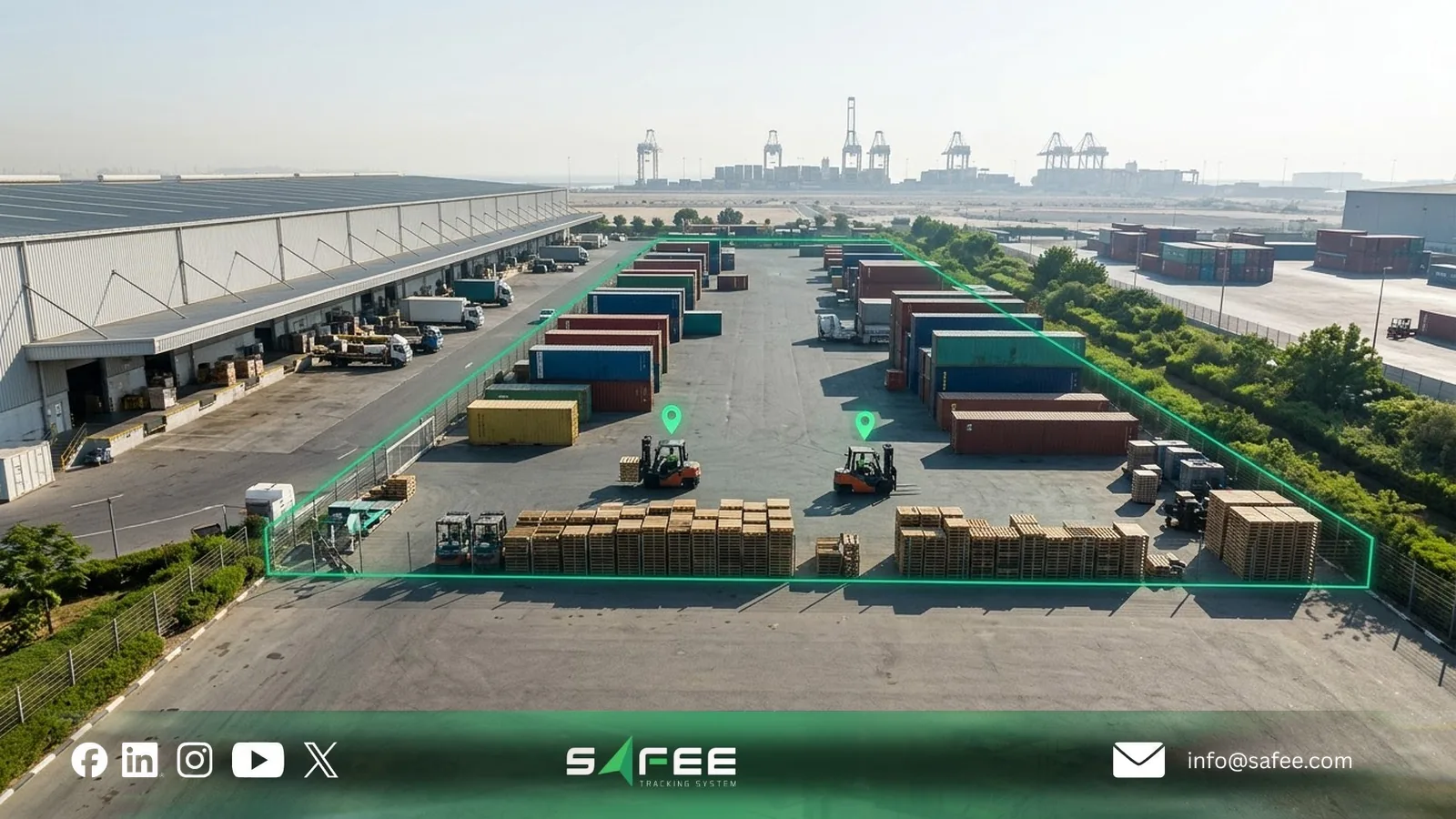
Forklift GPS tracking can monitor equipment in open yards, track movement, and trigger geofence alerts when a forklift leaves an approved area or operates outside scheduled hours.
Accuracy can deteriorate near metal structures, loading docks, and covered areas. Before relying on geofence alerts, test GPS reception at yard boundaries and warehouse entrances, where incorrect positions may trigger false events.
For more on geofencing and tracking requirements, see GPS fleet tracking system.
Indoor forklift tracking
GPS is generally unreliable inside enclosed warehouses. Indoor forklift tracking may instead use BLE-based zone monitoring or UWB positioning when greater accuracy is required.
Choose the technology according to the decision it supports:
- Zone-level tracking: Identify which aisle, loading area, or charging zone contains a forklift.
- Precise positioning: Track movements within specific lanes or operating areas where zone-level information is insufficient.
Both approaches require compatible tags, receivers, and software. They should not be assumed to work with a standard GPS tracker.
Indoor cellular coverage is a separate concern. If a device loses connectivity, stored activity records may upload after reconnection, provided its hardware supports local storage. Verify this behavior rather than assuming uninterrupted reporting.
Test before rollout
Run a pilot with two or three representative forklifts before equipping the entire fleet:
- Select representative models: Include different power types and check device voltage, available inputs, and warranty restrictions.
- Test coverage: Check GPS accuracy in yards, positioning in selected indoor zones if required, and connectivity near racks and dock doors.
- Verify data recovery: Disconnect and reconnect a device under controlled conditions to check whether stored records arrive with their original timestamps.
- Test enabled features: Verify operator identification, activity reporting, and configured alerts. Test impact detection only if the selected system supports it.
- Evaluate results: Review data gaps, false alerts, and reporting accuracy across operating shifts before approving wider deployment.
The pilot should establish whether the system delivers the data needed for your warehouse’s operational decisions—not simply whether the devices connect.
How forklift systems support Dubai’s safety requirements
Dubai Municipality’s External Circular 01/2026 requires industrial establishments and warehouses using forklifts to implement its safety measures by January 1, 2027.
A forklift fleet management system can support compliance by recording operator access, inspections, and maintenance activities. However, its contribution depends on the available features and equipment.
| Requirement | What Dubai Municipality requires | How a forklift system can help |
|---|---|---|
| Operator training | Accredited training and refresher courses | Record operator identities and track certification expiry, if supported |
| Key control | Secure keys and restrict access to authorized operators | Record operator logins and restrict start-up with compatible hardware |
| Pre-shift inspections | Document checks before each shift and remove defective trucks from service | Record digital checklists, defects, and approvals, where supported |
| Traffic management | Separate pedestrian routes, install barriers, and establish speed limits | Monitor speed and movement where suitable sensors and positioning are available |
| Cameras and proximity sensors | Install 360-degree cameras and proximity sensors, with functional testing and records | Log related events only when compatible systems are integrated; cannot replace the safety equipment |
| Maintenance | Follow manufacturer service schedules and document repairs and return-to-service checks | Track operating hours, service reminders, and maintenance records |
The circular does not explicitly require fleet management software. Physical safeguards, trained operators, inspections, and safe operating procedures remain mandatory regardless of the platform used.
Before choosing a system, identify which required records it can capture, which need separate equipment, and which must remain part of your site’s safety procedures. Dubai Municipality’s Safe Forklift Operations Technical Guideline 146 provides further details, including monthly proximity sensor tests and documented return-to-service approval.
To check which records Safee can support on your existing forklift models, get a Fleet-Fit Recommendation.
How Safee supports forklift fleet management
At Safee, we help warehouse teams identify who operates each forklift, monitor equipment activity, and track maintenance needs. The available controls depend on the tracking device, forklift model, and installed inputs.
- Operator identification and access: With compatible iButton or RFID readers, Safee links forklift activity to the identified operator. Supported start-control configurations can restrict operation to authorized IDs.
- Driver authorization: Administrators can authorize or remove operators across selected forklifts, subject to device compatibility. Driver Management maintains operator records and assignments.
- Equipment activity: Equipment Activity Status uses configured signals to distinguish active from inactive periods. The Equipment Activity Report helps identify underused forklifts and compare activity across shifts.
- Maintenance: Service reminders based on recorded operating or ignition time help maintenance teams identify when equipment is due for servicing.
- Monitoring and alerts: Alarms and Alerts supports configured notifications for events such as unauthorized movement or operation outside working hours.
- Reporting: Fleet Reporting allows teams to review equipment activity and schedule reports for supervisors.
- Immobilization: Authorized administrators can issue supported immobilization commands. Their availability and safe execution depend on the device, forklift configuration, and approved installation.
Safee does not currently document integrated forklift impact detection, onboard digital pre-use inspections, or indoor positioning as standard platform features. These requirements need separate compatibility and integration checks.
For inspection and site safety records, use our Forklift Daily Pre-Use Checklist and Forklift and Pedestrian Traffic Management Plan.
Safee vs. manual forklift records
| Task | Manual process | With Safee |
|---|---|---|
| Operator identification | Paper shift log | Operator identity recorded through compatible RFID or iButton readers |
| Access authorization | Physical key control | Configured authorized IDs for supported start-control systems |
| Equipment utilization | Manual hour-meter readings | Equipment Activity Report showing active and inactive periods |
| Maintenance scheduling | Manual service register | Reminders based on recorded operating time |
| After-hours operation | Manual investigation | Configured alerts for relevant operating events |
Safee reduces manual data collection, but operator access restrictions and activity measurements depend on the installed hardware. The system’s records should also be checked against the warehouse’s operational and safety procedures.
What to check before installation
Before deploying a forklift fleet management system, verify compatibility for each forklift model:
- Power and wiring: Confirm the battery voltage, suitable installation points, and any warranty restrictions.
- Available signals: Check whether ignition, operator presence, travel, or lift activity can be read from the forklift.
- Operator identification: Confirm reader compatibility, authorized ID capacity, and how permissions are updated.
- Connectivity: Test network coverage inside the warehouse and in outdoor yards, including how the device handles missed updates.
- Operating hours: Verify that recorded activity matches the measurements needed for utilization analysis and maintenance.
- Start control and immobilization: Test authorization, ID removal, and command behavior with the installer. Any restriction on a moving forklift must follow the manufacturer’s approved safety controls.
These checks determine which functions can be deployed reliably and which require different hardware or integration.
To evaluate operator identification, equipment activity, and maintenance monitoring on your forklift models, request a Safee Fleet Demo.
FAQs about forklift fleet management systems
Can Safee automatically block operators with expired certifications?
Safee supports operator authorization, but automatic integration with certification expiry records is not currently documented. Administrators must ensure authorized operator lists reflect valid qualifications.
Does Safee include forklift impact detection and digital pre-use inspections?
These are not currently documented as integrated Safee features. Impact monitoring requires compatible sensors and integration, while pre-use inspections can be recorded using Safee’s downloadable checklist.
Does Safee work with every forklift model?
Compatibility depends on the forklift’s voltage, available electrical signals, tracking device, and required features. Each model should be checked before installation.
Does Safee meet Dubai’s 2027 forklift safety requirements?
Safee can support operator identification, activity records, and maintenance monitoring. It does not replace the cameras, proximity sensors, inspections, training, or traffic controls required by Dubai Municipality’s Circular 01/2026, with a compliance deadline of January 1, 2027.
Ready to improve your fleet operations?
Tell us what you would like to improve. A Safee specialist will reply by email.
Usually replies within one business day • No sales spam
Your details are used only to respond to your request. Privacy Policy