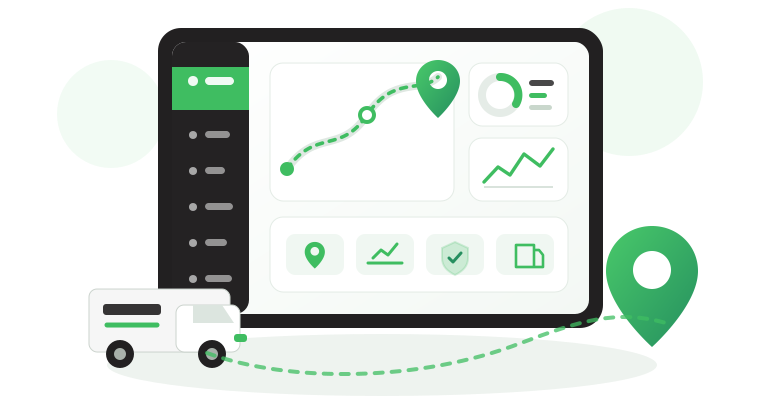


Fleet Management Tools in Saudi Arabia and When to Use Them
Fleet managers in Saudi Arabia use different fleet management tools to track vehicles, manage documents, and complete transport-related transactions. When these tasks are spread across separate systems, missed renewals and unclear responsibilities can disrupt operations.
This guide explains which tools support each task, how to organize daily and weekly workflows, and when an integrated fleet platform becomes useful.
What are fleet management tools?
Fleet management tools include tracking software, in-vehicle devices, mobile apps, spreadsheets, and government portals used to manage vehicles, drivers, maintenance, costs, and regulatory tasks.
Each serves a different purpose. The key is knowing which tool provides the information, who must act on it, and where the task is completed.
Fleet management tools vs. software
Fleet management software is one part of the toolkit. It can flag an approaching vehicle inspection deadline, but the appointment must still be booked through the official periodic inspection platform.
Similarly, a driver ID reader can record who operated a vehicle, but it does not replace an official driving authorization when one is required.
For more on the capabilities and limitations of fleet software, see Fleet Management Software Features.
Types of fleet management Tools
Fleet management tools fall into five main categories. Each supports a different part of fleet operations, and some tasks require more than one tool.
| Tool Type | When to Use It |
|---|---|
| Fleet management software | Monitor vehicles, investigate operational exceptions, and schedule maintenance |
| Spreadsheets and forms | Record inspections, expenses, approvals, and data requiring manual input |
| Mobile apps | Manage field tasks, respond to alerts, and report incidents |
| In-vehicle devices | Capture vehicle activity, driver identity, and sensor data |
| Government platforms | Complete official transactions and monitor applicable regulatory requirements |
These tools work together. A tracking device records a speeding event, fleet software identifies the violation, and a supervisor reviews it through the mobile app.
Fleet software modules
The most useful fleet management software tools are those that help managers identify exceptions and follow up on them:
- Live tracking and trip history: Check current or last-reported vehicle locations and investigate route deviations or unexpected stops.
- Alarms and alerts: Detect configured violations, geofence exits, and communication gaps so the responsible team can investigate.
- Maintenance management: Identify vehicles approaching service thresholds based on distance, operating hours, or dates, where supported.
- Dashboards and scheduled reports: Monitor current fleet conditions and review recurring problems without manually compiling every report.
For help evaluating these capabilities, see fleet management software features.
Spreadsheets, forms, and templates
Not every fleet record comes from a tracking device. Physical inspections, fuel purchases, handovers, and incident investigations still require information entered by employees, whether through digital forms or spreadsheets.
Common fleet management spreadsheets and forms include:
- Pre-trip checklist and handover form: Record vehicle condition, defects, odometer readings, and responsibility at handover using a vehicle inspection checklist.
- Accident report form: Capture incident details, photographs, and report references for investigation and claims follow-up.
- Traffic fines log: Match fines with vehicle and driver records, then track their resolution.
- Tire log: Record fitting dates, positions, mileage, and replacements to investigate premature wear.
- Fuel log: Record refills, quantities, and odometer readings, particularly where automated fuel data is unavailable.
- Vehicle register: Maintain consistent vehicle identifiers, branch assignments, and document records across departments.
The priority is to maintain accurate records that the responsible team can update and retrieve. Safee provides ready-made forms in its free templates library.
Mobile apps for drivers and supervisors
Fleet management apps give field teams access to the information and tasks relevant to their responsibilities.
- Supervisor apps: Let authorized users review vehicle locations, receive supported alerts, and investigate operational exceptions away from the office.
- Driver apps: Can provide assigned journeys, task updates, navigation, and digital forms, depending on the application.
- Najm app: Supports accident reporting and report-status tracking for incidents within Najm’s service coverage in Saudi Arabia.
When selecting an app, verify that field updates reach the main fleet platform and that required tasks can be completed or preserved during connectivity interruptions.
For deployment requirements, see fleet management app.
In-vehicle devices and sensors
Fleet management hardware determines which operational data the software can receive. Choose devices according to the information your team needs:
- GPS tracker: Provides location, speed, and trip data. Ignition and other vehicle signals depend on the device and installation.
- Driver ID reader: Uses supported iButton or RFID identification to associate vehicle activity with a driver when identification is completed.
- Fuel sensor or CANbus integration: Provides available fuel-level or consumption data, depending on vehicle compatibility and installed equipment.
- Vehicle camera: Captures road-facing or cabin footage according to the installed cameras and recording configuration, supporting incident investigation.
- Temperature sensor: Monitors refrigerated cargo conditions and supports alerts when configured temperature limits are exceeded.
- Satellite backup device: Provides an additional communication channel on remote routes where cellular coverage is unavailable, subject to network coverage and device capabilities.
For construction equipment and other assets serviced by operating hours, confirm that the tracking device can read the required engine-hour signal before using it for maintenance scheduling.
For device selection and compatibility, see fleet management hardware.
Saudi platforms fleet managers use
Fleet managers in Saudi Arabia rely on different platforms for transport licensing, vehicle inspections, tracking requirements, and employee services. Knowing which platform handles each task—and who is responsible—helps prevent missed renewals and operational delays.
| Platform or Service | Main Task | Responsible Team |
|---|---|---|
| Absher Business | Complete eligible establishment services, including residency and visa transactions | Government relations or authorized administrator |
| Naql | Issue and renew operating cards, driver cards, and applicable transport licenses | Transport or compliance team |
| Wasl | Connect required vehicle-tracking data for regulated transport activities through the relevant provider | Tracking provider, with fleet team oversight |
| Najm | Report and follow up on traffic accidents within its service coverage | Driver and claims team |
| Periodic Inspection Platform | Book vehicle inspections and check inspection status | Fleet coordinator |
| Muqeem | Manage resident employees’ immigration-related records and transactions | HR or government relations |
Not every fleet needs all these services. Operating cards and Wasl connections depend on the transport activity and applicable requirements. Najm is an accident and insurance service rather than a government portal.
Naql and Wasl also serve different purposes. Naql handles transport-related administrative transactions, while Wasl receives required operational data through connected providers. Fleet managers should verify both document validity and tracking connection status where applicable.
For activity-specific guidance, see our articles on the Saudi operating card and the Wasl platform in Saudi Arabia.
Who should manage platform access?
When only one employee can complete a government transaction, their absence can delay renewals or other time-sensitive tasks. Assign clear responsibilities and arrange authorized backup access:
- Primary and backup owners: Assign someone to complete each transaction and an authorized replacement, using the platform’s available delegation options.
- Access register: Record account owners, permissions, and responsibilities without sharing passwords.
- Access reviews: Remove unnecessary permissions when employees leave or change roles.
- Renewal ownership: Send document expiry reminders to the responsible employee and confirm that the transaction was completed.
Fleet management software can help track deadlines, but renewals and official submissions must still be completed through the appropriate platforms.
To identify which vehicle records and reminders Safee can help you manage, get a Fleet-Fit Recommendation.

Which fleet management tools fit each task?
A fleet manager needs different tools depending on how frequently a task requires attention. The following routine connects each task to its data source and the action it supports.
Daily fleet checks
- Vehicle connectivity: Use the fleet tracking platform to identify delayed or offline devices. Check the last reported location and time, then investigate prolonged gaps with the driver or technical team.
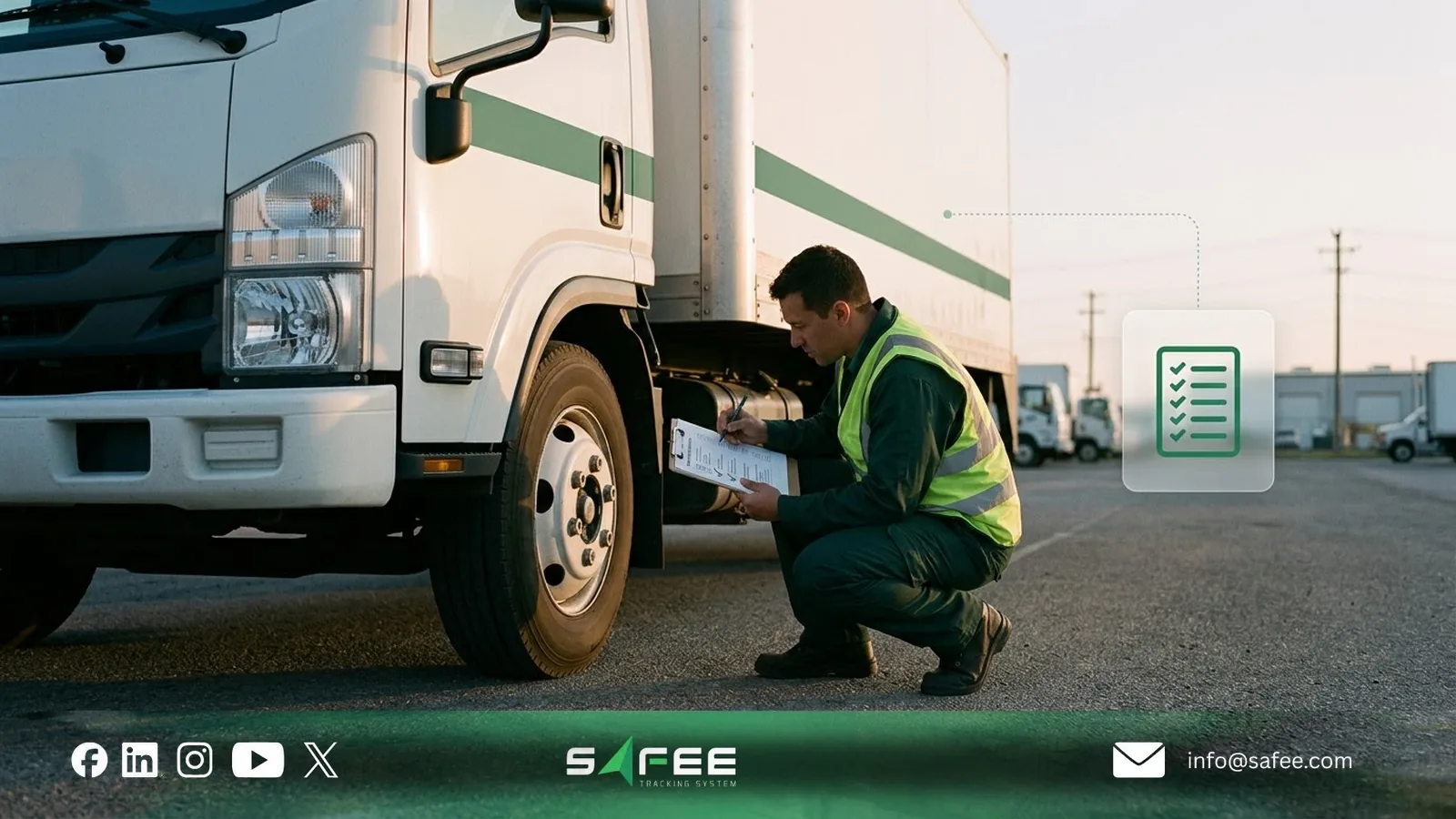
- Pre-trip inspections: Use a paper or digital checklist to confirm vehicle readiness. Escalate safety-critical defects and keep affected vehicles out of service until cleared.
- Driving alerts: Review speeding, geofence, and other configured alerts. Prioritize urgent safety events and investigate repeated violations.
- Trip assignments: Use a dispatch sheet or journey management system to confirm vehicle availability, driver assignment, and any applicable operating restrictions.
- Accident reporting: Follow emergency and incident procedures, use Najm where its service applies, and retain supporting records for investigation and claims.
Prioritize by operational risk, not just alert count. An urgent safety event may require attention before an offline tracker, while a long communication gap on a remote route may justify immediate escalation.
Weekly fleet reviews
- Fuel reconciliation: Compare fuel-card transactions with refueling records, vehicle mileage, and available sensor data. Investigate discrepancies only after checking that the records cover the same period.
- Driver performance: Use driver reports to identify recurring speeding or harsh-driving events. Compare results against distance driven and operating conditions before assigning corrective actions.
- Maintenance planning: Review upcoming and overdue service tasks, confirm workshop availability, and identify vehicles that should not be dispatched before inspection or repair.
For example, if fuel-card records show 400 liters purchased while the system estimates 180 liters consumed during the same week, first check opening and closing tank levels, transaction dates, and sensor accuracy. The difference alone does not establish fuel loss.
For a more detailed reconciliation process, see fleet fuel cards. Use fleet management KPIs to select measures for recurring reviews.
Monthly fleet reviews
- Vehicle operating costs: Calculate cost per kilometer using consistent cost categories. Compare similar vehicles and routes, and investigate unusual changes rather than treating every difference as poor performance.
- Vehicle documents: Review registration (Istimara), periodic inspection, and insurance expiry dates. Assign renewals early enough to meet applicable deadlines.
- Driver and transport documents: Check driving licenses, residency documents, and operating cards where applicable. Confirm that the responsible team completes each renewal.
- Traffic fines: Reconcile each company vehicle fine with trip and driver records. Use the company vehicle fines driver matcher to support investigation, while verifying driver identity before assigning responsibility.
Monthly reviews should identify trends requiring action. If a vehicle’s cost per kilometer rises for three consecutive months, examine maintenance costs, utilization, mileage, and operating conditions before deciding what to change.
New to the role? Our 30-day plan for fleet managers helps organize these recurring responsibilities.

When are spreadsheets no longer enough?
Excel can work well for a small fleet with consistent records, clear ownership, and manageable reporting needs. The problem begins when manual updates and disconnected files delay decisions or create conflicting information.
Signs your spreadsheets have reached their limit
- Conflicting vehicle records: Operations, maintenance, and finance maintain different versions of the same information.
- Missed document deadlines: Expiry dates are recorded but not reviewed or assigned for renewal.
- Unverified driver assignments: Trip records and manual logs cannot reliably identify who operated a vehicle.
- Unreconciled fuel costs: Receipts and fuel-card data cannot be checked efficiently against mileage or measured consumption.
- Time-consuming reporting: Staff repeatedly combine several files to produce the same weekly or monthly report.
These problems indicate a need for better data ownership, validation, or integration—not necessarily an immediate replacement of every spreadsheet.
For a broader migration approach, see moving from manual to digital fleet management.
Moving spreadsheet data into a fleet platform
A reliable migration starts with the quality of existing records:
- Clean the vehicle register: Confirm unique vehicle identifiers, registration numbers, vehicle types, branches, and current assignments. Resolve duplicates before importing.
- Standardize dates and documents: Use a consistent date format and identify whether existing records use Gregorian or Hijri dates. Verify expiry dates against the original documents.
- Match devices to vehicles: Check each tracker’s IMEI and assigned vehicle, including equipment that has been replaced or transferred.
- Validate the imported records: Review rejected entries, then test a sample of vehicle assignments, document dates, and device connections before approving the migration.
For Safee deployment, confirm the supported import template and validation process with the onboarding team. Vehicle and document records can then support the relevant tracking and expiry-monitoring workflows.
Do not treat a successful import as proof that the records are correct. Assign owners to update the data after migration and verify that important reminders reach the employees responsible.
To review the compatibility of your existing records and devices, request a Safee Fleet Demo.
How Safee supports your fleet toolkit
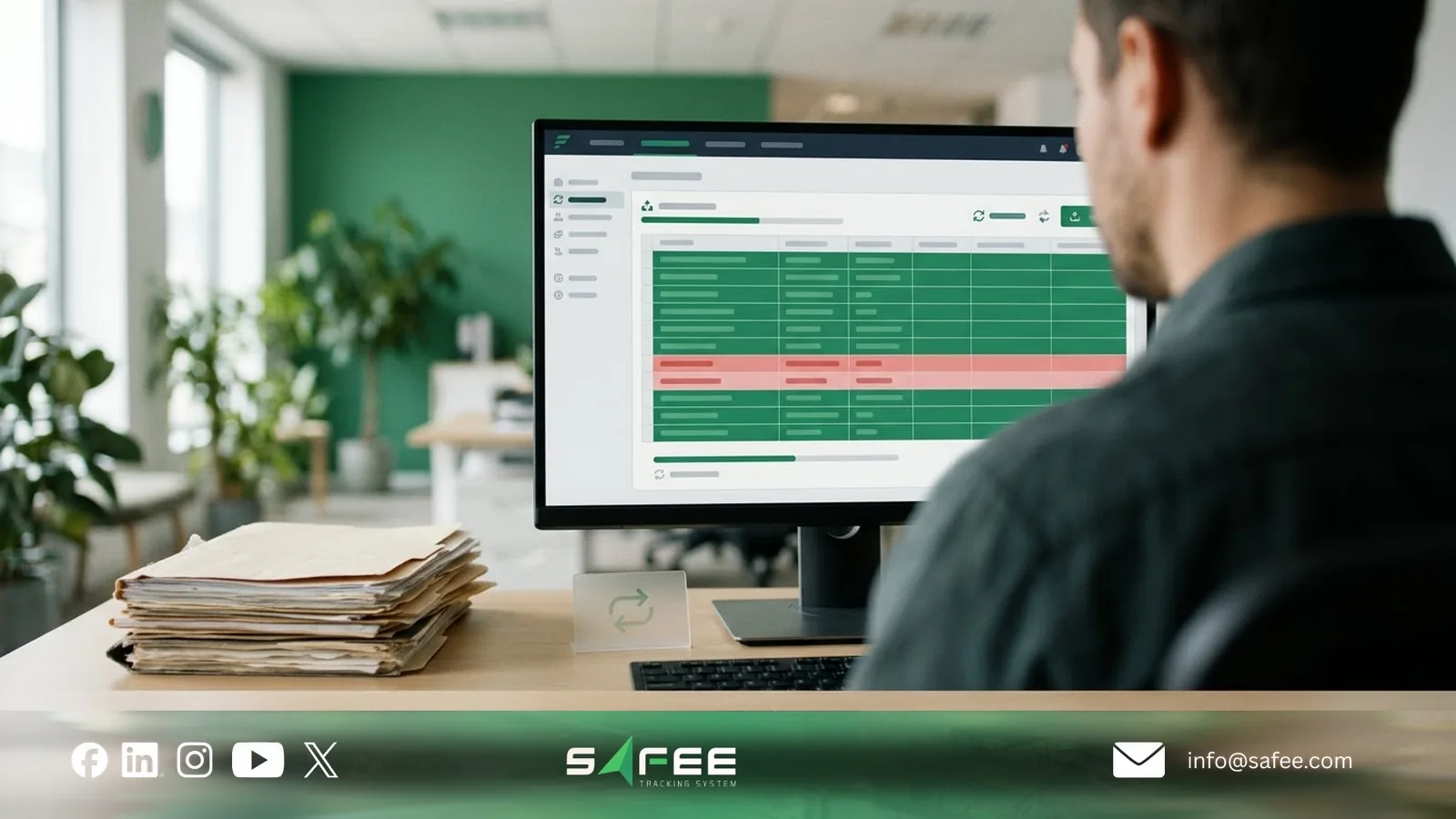
At Safee, we bring vehicle tracking, operational alerts, maintenance, driver records, and reporting into one fleet management platform. This helps teams reduce manual checks while keeping official transactions on their designated portals.
- Tracking and connectivity: Live Vehicle Tracking shows vehicle locations, trip history, and connection status. Where supported, devices can store records during communication interruptions and transmit them after reconnection.
- Operational alerts: Alarms and Alerts notifies assigned users of configured events, including speeding, geofence activity, and supported device or sensor exceptions.
- Maintenance and documents: Maintenance tools support service tasks and reminders based on configured dates, mileage, or operating hours. The Expiries Explorer helps teams follow recorded document deadlines.
- Fuel and drivers: Supported fuel readings help investigate consumption and refueling patterns. Driver Management connects driver records and assignments with relevant activity and performance reports.
- Reporting: Fleet Reporting supports scheduled reports and PDF or Excel exports, reducing repetitive manual preparation.
- Wasl integration: For applicable Saudi transport activities, Safee supports Wasl-related tracking integration. Fleet teams should verify the required connection and investigate transmission issues with the service provider.
Some capabilities depend on the installed GPS device, sensors, available vehicle data, and enabled modules. Fuel monitoring and driver identification, for example, require compatible data sources.
Safee can help monitor vehicle and document information, but it does not replace Absher Business, Naql, periodic inspection booking, or other official services. The responsible team must still complete and confirm those transactions.
To see how Safee can organize tracking, maintenance, alerts, and reporting for your vehicles, request a Safee Fleet Demo.
FAQs about fleet management tools
Can a small company manage its fleet with Excel?
Yes. Excel can handle vehicle registers, document dates, and basic cost records when updates and responsibilities are controlled. Live tracking, automated alerts, and device-generated data require additional tools.
Does every fleet manager need the same software?
No. The right tools depend on fleet size, operating activities, reporting needs, and applicable regulations. A regulated transport fleet may need integrations that a small field-service fleet does not.
Do Saudi fleets need GPS tracking for Wasl?
A compatible tracking connection is required for activities covered by the relevant Wasl requirements. Confirm whether your activity and vehicles are included, and what equipment and service-provider arrangements apply.
Can Safee replace Saudi government portals?
No. Safee supports monitoring, records, and reminders, but official licensing, renewals, inspections, and other transactions remain with the relevant platforms.
Ready to improve your fleet operations?
Tell us what you would like to improve. A Safee specialist will reply by email.
Usually replies within one business day • No sales spam
Your details are used only to respond to your request. Privacy Policy