
Fleet Management Technology: What Does Your Fleet Need?
Buying fleet management technology based on a list of features can lead to unnecessary costs. A fleet struggling to identify drivers may need an RFID reader before an expensive camera system. Likewise, a fuel sensor may add little value if the vehicle already provides reliable fuel data through CANbus.
The right choice starts with the operational problem, the data needed to solve it, and the cost of making that data usable. This guide explains the available technologies, their limitations, and what to verify before investing in equipment for GCC fleets.
What is fleet management technology?
Fleet management technology includes vehicle tracking devices, sensors, communication networks, and software that collect and turn fleet data into operational information.
These technologies support decisions about vehicle location, driver safety, fuel consumption, maintenance, and asset utilization. However, the information available depends on the vehicle, installed hardware, connectivity, and software configuration.
The goal is not to collect more data, but to obtain reliable information that helps your team identify problems and take action.
GPS tracking, telematics, and IoT
These terms describe related technologies, but they are not interchangeable:
- GPS tracking: Uses satellite positioning to determine vehicle location, movement, and speed. A tracking device typically sends this information to a platform through a communication network.
- Fleet telematics: Combines vehicle tracking with transmitted operational data, such as ignition status, driving events, and supported engine readings. The available information depends on the device and vehicle integration.
- IoT fleet management: Connects vehicles and other assets through sensors and communication devices. Examples include temperature monitoring in refrigerated trucks and door sensors on cargo trailers.
The distinction matters when comparing suppliers. A GPS tracker may provide the location data you need without offering CANbus engine readings or support for additional sensors.
Before choosing a device, ask which data it can actually capture, how frequently it reports, and what happens when connectivity is lost.
For more detail, explore telematics fleet management and IoT fleet management.
Which fleet technology do you need first?
There is no single equipment package that fits every fleet. Start with the problem you need to solve and check whether your existing devices can already provide the required data.
- Limited vehicle visibility: Start by evaluating GPS fleet tracking or existing OEM telematics. Confirm location accuracy, reporting frequency, and connectivity on your actual routes.
- Unidentified drivers: Consider an iButton or RFID reader when vehicles are shared between shifts. Verify that identification records match the correct driver and trip.
- Unexplained fuel costs: First check available consumption records and CANbus fuel data. Add a calibrated fuel sensor where the existing readings cannot support the investigation.
- Recurring safety incidents: Consider video telematics with appropriate road-facing cameras or driver monitoring. Test recording quality, relevant alerts, and false positives before deployment.
- Remote routes without cellular coverage: Determine whether delayed trip records are acceptable. Add satellite backup when critical location or emergency messages must be communicated during outages.
For each proposed technology, ask the supplier to confirm vehicle compatibility, installation requirements, data accuracy, and ongoing costs. Test the required function on representative vehicles before approving a fleet-wide rollout.
Use Safee’s GPS Tracker and Sensor Selector to build a device list by vehicle group and identify the questions to include in supplier quotations.
In-vehicle fleet management technologies
Choosing the right fleet management technology starts with identifying the data your fleet needs and whether your vehicles can provide it. The table below compares common devices and the requirements to check before installation.
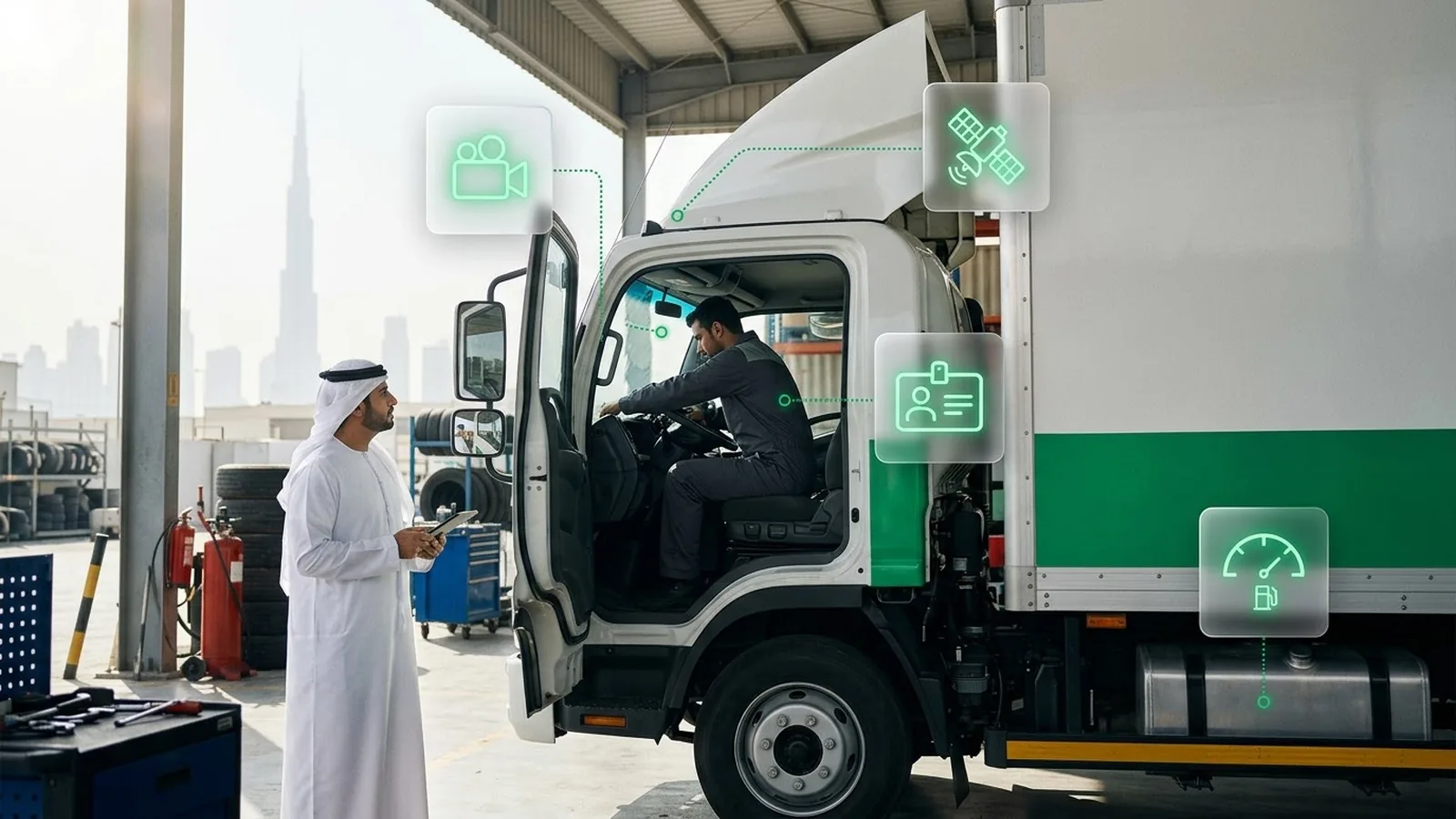
| Technology | What It Monitors | What to Check Before Installation |
|---|---|---|
| GNSS tracker | Location, speed, and trips | Power, antenna placement, and connectivity |
| CANbus interface | Available engine, fuel, and mileage data | Vehicle compatibility and supported signals |
| OBD device | Supported diagnostics and tracking data | Port compatibility, available data, and security |
| Fuel level sensor | Tank levels, refills, and unusual drops | Tank compatibility and calibration |
| Temperature and humidity sensors | Refrigerated cargo conditions | Sensor placement, accuracy, and alert thresholds |
| Door sensor | Cargo door opening and closing | Compatible inputs and event recording |
| Weight sensor | Vehicle or trailer load | Installation and calibration |
| Tire pressure sensors | Tire pressure and supported temperature readings | Sensor compatibility and alert thresholds |
| Camera and MDVR | Incident footage and supported safety alerts | Camera coverage, storage, and analytics |
| Driver ID reader | Operator identification | RFID or iButton compatibility |
| Panic button | Driver-triggered emergencies | Device input and alert connectivity |
These technologies serve different operational needs. The following sections explain their limitations and the checks that matter before deployment.
GNSS tracking and CANbus or OBD data
GNSS trackers determine vehicle location using satellite signals. GPS is one GNSS technology. A receiver can calculate its position without cellular coverage, but transmitting that position to the fleet platform requires a working communication link.
CANbus monitoring can provide vehicle data such as fuel consumption, engine hours, and mileage when the manufacturer exposes those signals and the tracking device supports them.
However, CANbus readings do not automatically match dashboard values. Data availability and interpretation vary by vehicle make, model, year, and device configuration.
Before installation, confirm which signals each vehicle provides and compare sample readings with the relevant vehicle records.
OBD devices can simplify installation, but they may offer fewer parameters, occupy the diagnostic port, and be easier to disconnect than hardwired equipment.
For device options, see our guide to GPS fleet tracking devices.
Fleet sensors for fuel, cargo, and tires
Additional fleet IoT sensors are useful when standard tracking or vehicle data cannot answer a specific operational question.
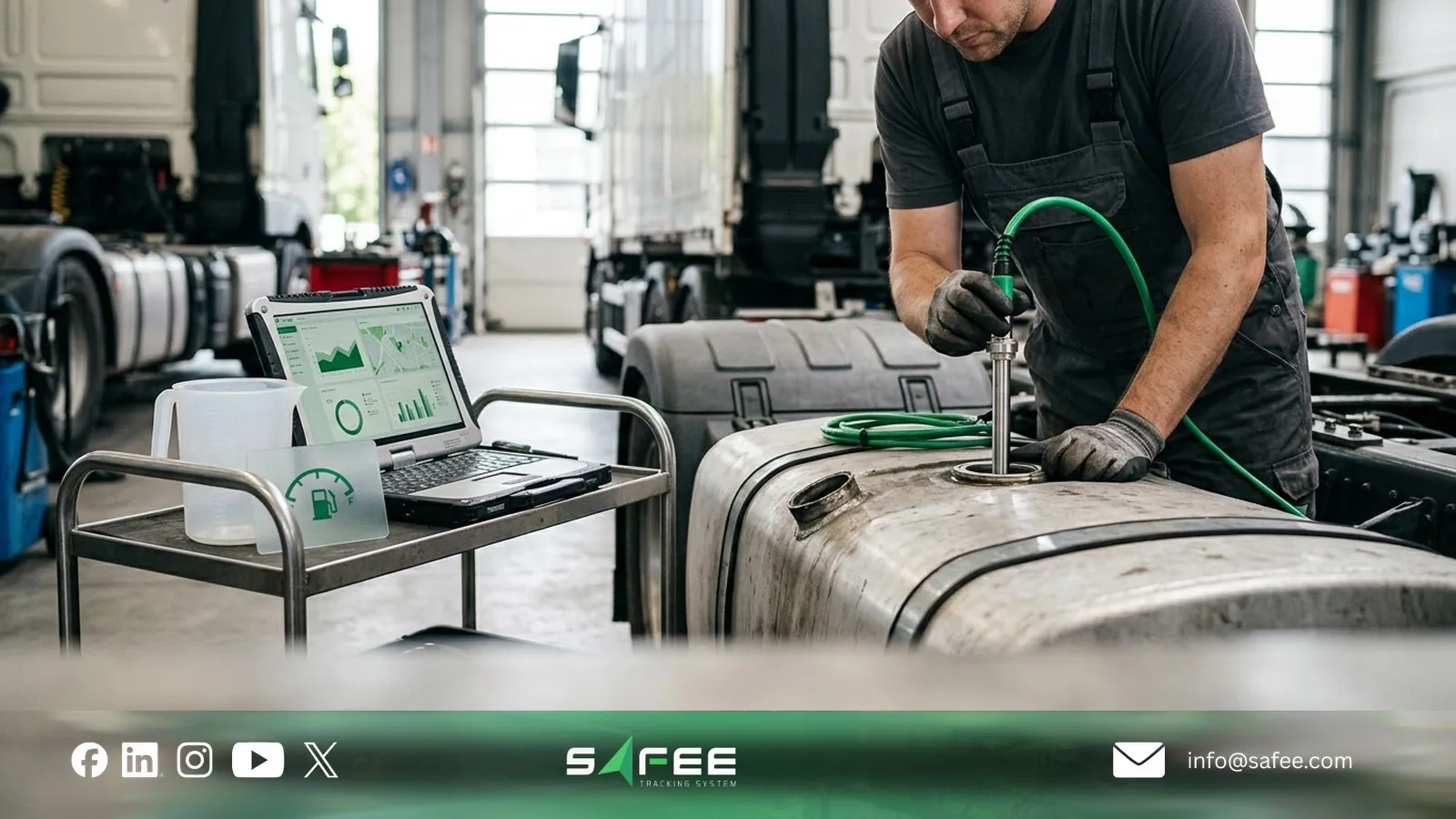
- Fuel sensors: Monitor refills and unusual tank-level changes. Verify calibration and compare readings with actual refueling records before investigating discrepancies.
- Temperature and humidity sensors: Monitor refrigerated cargo conditions. Check placement, measurement accuracy, and whether alerts reach supervisors in time to respond.
- Door sensors: Record cargo door events. Compare unexpected openings with delivery schedules before treating them as security incidents.
- Weight sensors: Support load monitoring where compatible equipment is installed. Verify calibration and do not assume these readings replace certified weighing.
- Tire pressure sensors: Help identify abnormal pressure. Confirm sensor-to-wheel assignments and configure suitable thresholds.
Sensors may connect through wired or wireless interfaces, depending on the equipment. Before purchasing them, confirm that your existing tracker has the required inputs and that the platform can process their data.
A panic button can also support driver emergencies, but its alerts require a functioning communication channel. On routes without cellular coverage, determine whether satellite backup is necessary.
For device compatibility and installation requirements, see fleet management hardware and IoT.
Video telematics and driver safety alerts
Video telematics combines vehicle cameras with event recording and supported driver safety analytics. Depending on the equipment, it may provide two types of alerts:
- Driver Monitoring System (DMS/DSM): Detects supported signs of fatigue or distraction, such as prolonged eye closure or looking away from the road.
- Advanced Driver Assistance Systems (ADAS): Warn about supported driving risks, including unsafe following distances or lane departures.
Not every camera supports both systems. Before deployment, test alert accuracy during actual driving conditions, including night journeys and roads with poor lane markings.
Also verify video quality, event timestamps, storage capacity, and data usage. Continuous streaming consumes substantially more cellular data than GPS messages, while transmitting selected event clips may reduce bandwidth requirements.
Access to road-facing and in-cab footage should be restricted according to operational needs and applicable privacy requirements.
Read more about fleet tracking with cameras and the Safee Driver Monitoring and Assistance System.
Driver identification with RFID and iButton
When multiple drivers share a vehicle, GPS tracking alone cannot establish who was driving.
A compatible driver identification system uses an RFID card or iButton key to associate vehicle activity with the operator who presents the identifier. This helps managers investigate driving events and review performance across shifts.
Some configurations also support start authorization, but this requires compatible hardware and approved vehicle integration.
Before deployment, verify how identities are assigned, linked to trips, and updated when drivers change vehicles. Also establish procedures for lost credentials and unauthorized card sharing.
A recorded ID identifies the credential used, not necessarily the person driving. Reliable accountability requires both compatible technology and consistent operator procedures.
How Fleet Management Technology Delivers Data
Collecting vehicle data is only the first step. Fleet management technology must also deliver that data when your team needs it.
Cellular tracking supports routine monitoring, store-and-forward preserves records during outages, and satellite backup can transmit critical messages beyond cellular coverage. The right choice depends on whether delayed data is acceptable or your operation requires alerts during a network outage.
Cellular Networks and 3G Shutdowns
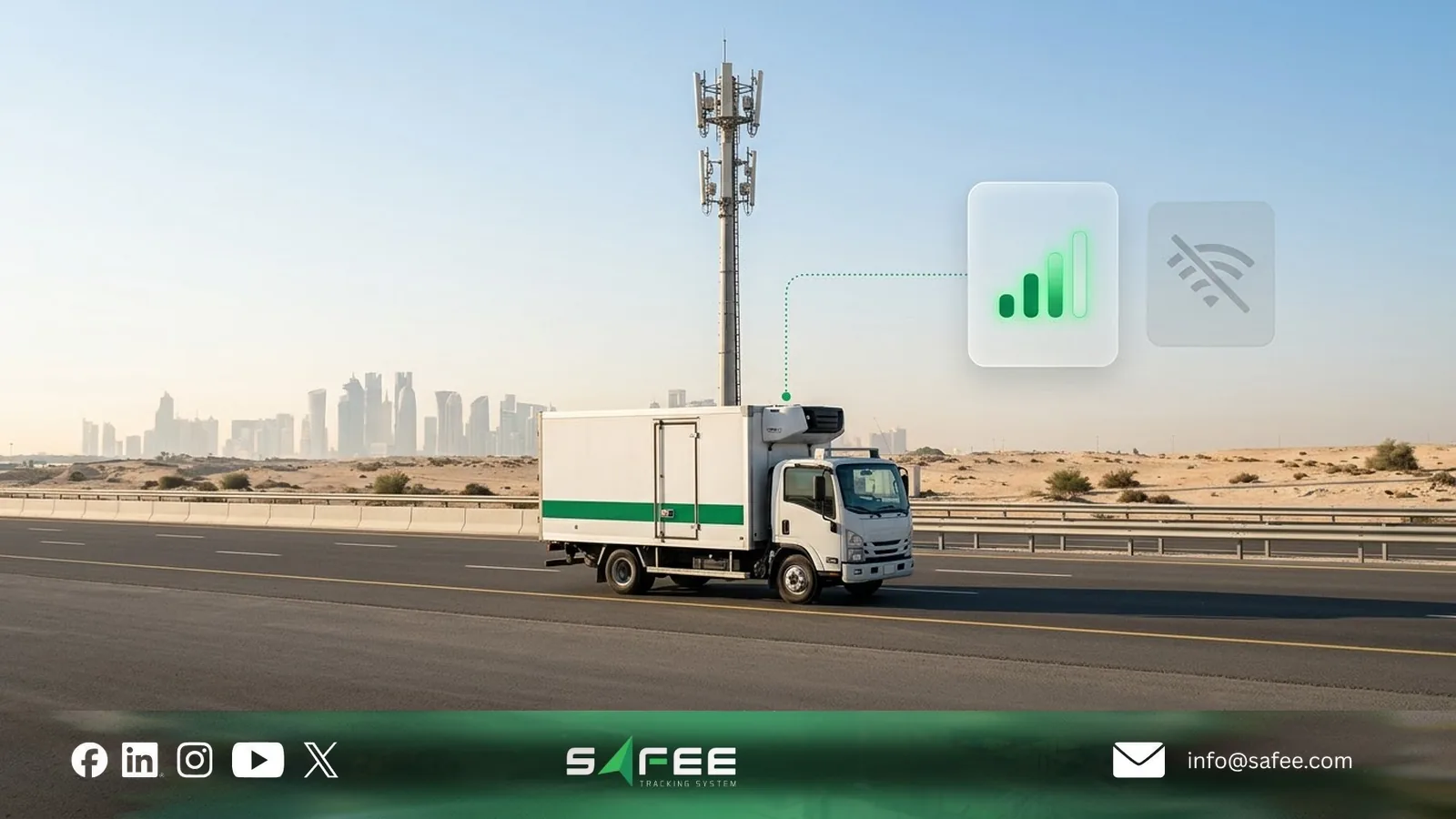
Most fleet trackers transmit data through a cellular network. Before purchasing devices, confirm which network generations and frequency bands they support in the countries where your vehicles operate.
Older trackers that depend on 2G or 3G face connectivity risks as networks are retired. For example, Qatar’s Communications Regulatory Authority required operators to discontinue 3G services by December 31, 2025.
Network availability and shutdown schedules vary by country and operator. Before buying or replacing trackers:
- Check compatibility: Identify devices that rely on legacy networks and confirm support for available 4G/LTE bands.
- Review connectivity: Verify SIM coverage, roaming, and reporting requirements across your routes.
- Test reconnection: Confirm that devices resume reporting and upload stored records after coverage returns.
For more on connectivity requirements, see our guide to fleet tracking SIM cards.
Satellite Backup for Remote Fleets
A GPS tracker can calculate its position without cellular coverage, but it cannot transmit that position to the fleet platform without another communication link.
If your team can wait until coverage returns, a tracker with store-and-forward may be sufficient. It stores supported readings locally and uploads them later, provided its memory can accommodate the outage.
When location updates or emergency alerts must reach supervisors during the gap, satellite fleet tracking becomes an option.
Depending on the supported device and configuration, satellite backup can transmit:
- Position updates at configured intervals.
- Driver-triggered emergency alerts.
- Location requests from authorized supervisors.
Satellite communication generally carries fewer messages at a higher cost than cellular tracking. It also depends on network coverage and suitable reception conditions.
Before purchasing, confirm which messages must arrive during an outage, the required delivery time, the expected message volume, and the monthly cost.
Use Safee’s Satellite Vehicle Tracking Needs Tool to assess whether your routes need cellular tracking, store-and-forward, or satellite backup.
Cloud Fleet Platforms, Mobile Apps, and APIs
A cloud fleet management platform receives supported device data and makes it available through maps, alerts, reports, and dashboards. Mobile apps give authorized supervisors access to relevant information away from the office.
However, receiving data does not guarantee that the platform interprets it correctly.
Before selecting a platform, verify:
- Device compatibility: Does it support the protocols and data fields used by your existing trackers and sensors?
- Data accuracy: Can it identify delayed records and associate events with the correct vehicles and drivers?
- Operational access: Can relevant teams receive alerts and investigate events without unnecessary manual steps?
Fleet management APIs can exchange selected information with ERP, transport management, or other business systems. But an API does not automatically mean every integration is available or works in both directions.
Confirm which records each system owns, what information can be exchanged, how frequently it updates, and how failed transfers are detected.
For more detail, see cloud-based fleet management software and fleet management ERP integration.
Fleet Analytics and AI
Fleet analytics helps managers turn tracking and sensor data into operational decisions. However, not every automated feature uses artificial intelligence.
- Rule-based alerts: Detect configured events, such as speeding or prolonged stops, allowing supervisors to investigate exceptions.
- Driver scoring: Compares driving events against distance traveled or other relevant measures to identify recurring safety concerns.
- Video analytics: Compatible cameras detect supported signs of distraction or fatigue. Accuracy depends on camera placement, lighting, and operating conditions.
- Maintenance analytics: Uses service intervals, operating hours, and available fault codes to identify maintenance needs. Predicting future failures requires additional validated models and suitable historical data.
Basic alerts can provide value immediately when the devices and thresholds are configured correctly. Advanced predictions, however, require sufficient reliable data and evidence that the models perform well under actual fleet conditions.
Before paying for an AI feature, ask what decision it supports, how its accuracy was tested, and what action your team should take when it detects a problem.
For more on turning fleet data into decisions, see fleet management analytics.
Fleet technology in Gulf conditions
Fleet management technology must withstand local operating conditions and meet the requirements of the activities it supports. For GCC fleets, the main checks are equipment reliability in extreme heat, connectivity on remote routes, and compliance with applicable Saudi data-reporting rules.
Heat, dust, and device installation
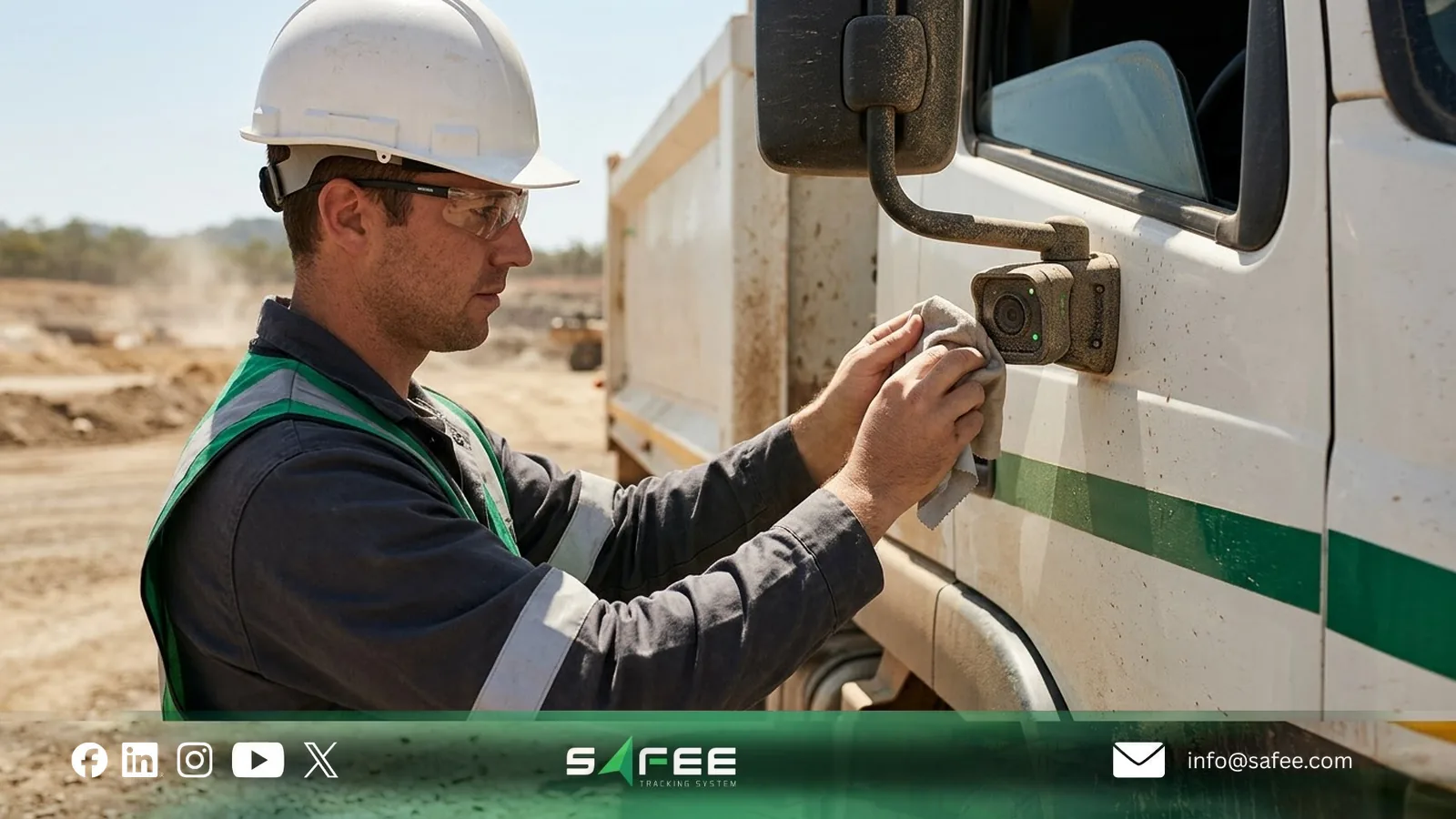
Summer heat can raise temperatures inside parked vehicles beyond the outdoor air temperature. Before buying trackers, cameras, or sensors, check their specified operating temperature range, not just their storage temperature.
Installation also affects reliability. Mount tracking devices away from direct sunlight and heat sources without obstructing GNSS reception. For external cameras and sensors, check their dust and water protection ratings and protect exposed cables and connectors.
Before approving installation across the fleet:
- Test devices after prolonged parking in hot conditions.
- Check location reporting, camera operation, and sensor readings after the vehicle restarts.
- Include camera lens cleaning and inspection of exposed connections in routine maintenance.
Ask installers to document mounting locations and confirm that equipment performs reliably under your actual operating conditions.
Tracking on remote Gulf routes
Desert roads, oil fields, and remote construction sites may have intermittent cellular coverage. Before selecting a tracking solution, review the routes your fleet actually uses and identify where communication gaps affect supervision or driver safety.
For ordinary trip reporting, store-and-forward may be sufficient. The device records data during an outage and uploads it once connectivity returns.
For remote operations where supervisors must receive emergency alerts during an outage, consider satellite backup with a compatible panic button. Test message delivery on representative routes rather than assuming continuous coverage.
The key question is whether your team can wait for stored records or needs to communicate with the vehicle while it is outside cellular coverage.
For sector-specific operating risks, read about oil and gas fleet management software.
Saudi Wasl and municipal data requirements
In Saudi Arabia, technology selection may also depend on the transport activity and its regulatory reporting requirements.
The Transport General Authority (TGA) requires certain regulated transport activities to use approved tracking arrangements and connect applicable vehicle data to the Wasl platform.
Required information varies by activity. It may include vehicle location and status, while relevant heavy transport or refrigerated operations may need additional weight, temperature, or humidity readings.
Before purchasing equipment for a regulated activity:
- Confirm the activity: Check whether Wasl integration applies to your transport license and vehicle category.
- Identify required data: Verify which tracking and sensor readings must be transmitted for that activity.
- Check the provider: Confirm that the tracking provider and proposed devices support the applicable integration.
- Test the connection: Verify vehicle and device identifiers, sensor readings, timestamps, and message status. A working fleet dashboard does not necessarily prove that Wasl receives current, valid data.
Municipal projects may have separate requirements. For example, contractors operating under applicable Jeddah Municipality arrangements may need to register and track project vehicles through the city’s management platform, including relevant Madinati integration.
These obligations should be verified against the current requirements for the specific activity or contract, rather than applied to every Saudi fleet.
For details, see our guide to the Wasl platform in Saudi Arabia.
If you need to confirm device and sensor compatibility for your activity, talk to a Safee Fleet Expert before purchasing or upgrading equipment.
How to choose fleet technology without overbuying
The best fleet management technology is not necessarily the system with the most features. It is the combination of devices and software that solves a measurable operational problem at a justified cost.
Before requesting quotes, define what you need to monitor, which vehicles need it, and what action your team will take when the data arrives.
Proven technologies and newer capabilities
GPS tracking, driver identification, CANbus monitoring, fuel sensors, and temperature monitoring are established technologies. However, their reliability still depends on compatible hardware, correct installation, and configuration.
More advanced capabilities, such as predictive maintenance and AI-supported video alerts, need additional validation before fleet-wide deployment.
For example, lane departure warnings may perform differently on roads with faded markings, while predictive maintenance needs suitable vehicle data and evidence that its recommendations are reliable.
Start with a pilot covering representative vehicles and operating conditions. Set acceptance criteria for data accuracy, missing records, false alerts, and the time needed to investigate an event.
A successful demonstration is not enough. The technology should produce reliable results during normal operations and support a decision your team can act on.
For more on evaluating emerging capabilities, read about smart fleet management and fleet maintenance management software.
Check compatibility and total cost
Before purchasing fleet management hardware, verify the complete deployment requirements:
- Vehicle compatibility: Confirm that each make and model exposes the required CANbus or diagnostic data.
- Existing hardware: Check whether installed trackers have the inputs, interfaces, and firmware needed for additional sensors.
- Platform support: Verify that the software can interpret the proposed device protocol and required data fields.
- System integration: Identify any ERP, OEM telematics, or other business systems that must exchange information with the fleet platform.
- Total cost: Compare equipment, installation, calibration, subscriptions, connectivity, maintenance, integration, and vehicle downtime.
For mixed fleets, check whether existing OEM systems or installed trackers can provide useful data before adding duplicate hardware. See our comparison of OEM telematics and fleet tracking.
Ask suppliers to document the proposed devices, supported data, installation responsibilities, and acceptance tests for each vehicle group.
Approve fleet-wide deployment only after a representative pilot meets the agreed requirements.
If you need help matching devices and sensors to your vehicles, request a Fleet-Fit Recommendation from Safee.

How Safee supports fleet technology on one [latform
At Safee, we connect compatible fleet management devices, sensors, cameras, and operational records within one platform. This helps Fleet, Operations, Maintenance, and HSE teams review relevant information without treating each technology as a separate system.
The available functions depend on the installed hardware, supported protocols, enabled modules, and deployment configuration.
- Tracking and driver identification: Live Vehicle Tracking provides vehicle locations and trip history. Compatible RFID or iButton readers, together with Driver Management, support driver-to-vehicle assignment and event reviews.
- Engine and fuel monitoring: Supported CANbus interfaces provide available vehicle readings, while Fuel Explorer analyzes fuel information from compatible CANbus sources or calibrated sensors.
- Cargo monitoring: Compatible temperature, humidity, door, and weight sensors provide additional information for refrigerated transport and other specialized operations.
- Video telematics: Video-iVMS supports video monitoring and event clips, with DSM and ADAS alerts where the camera equipment and license support them.
- Remote-route monitoring: Compatible trackers can store records during cellular outages. SatComm adds supported satellite location requests and emergency alerts through compatible Iridium or Orbcomm devices.
- Alerts, reporting, and integration: Alarms and Alerts identifies configured exceptions, while Fleet Reporting supports scheduled reviews. Available APIs can exchange selected records with other business systems.
Safee also supports selected remote device commands where compatible equipment and permissions are configured. Vehicle immobilization requires a controlled, authorized procedure that avoids road-safety risks.
In Saudi Arabia, Safee has announced its CST approval as a tracking service provider. Requirements for TGA-regulated activities, Wasl connections, and individual devices must still be verified against the applicable deployment scope.
The value is not simply connecting more devices. It is ensuring that the information each device provides can be monitored, investigated, and used by the responsible team.
Before deployment, our team reviews your vehicle types, existing hardware, required data, and integration needs to determine which configurations are supported.
To evaluate your existing equipment and the technology your fleet actually needs, request a Safee Fleet Demo.
FAQs about fleet management technology
What technology is used in fleet management?
Fleet management uses GPS trackers, telematics devices, sensors, cameras, communication networks, and software. The combination depends on the vehicles, operational risks, and data required.
Does every fleet vehicle need a camera?
No. Cameras are useful when video evidence or driver safety monitoring addresses a specific risk. Many fleets can meet their basic visibility needs through tracking and appropriate driving-event data.
Can I add new technology to existing trackers?
Possibly. Check the tracker’s available inputs, supported interfaces, firmware, and platform compatibility. Test the proposed sensor or accessory before installing it across the fleet.
Does Safee guarantee tracking outside cellular coverage?
No. Compatible SatComm devices can provide supported location requests and emergency messages over satellite. This reduces communication gaps but does not guarantee continuous tracking or transmission of all vehicle data.
Ready to improve your fleet operations?
Tell us what you would like to improve. A Safee specialist will reply by email.
Usually replies within one business day • No sales spam
Your details are used only to respond to your request. Privacy Policy