Fleet Management Operations Guide: How to Run a Fleet Step by Step
Fleet management operations can look simple from the outside—keep vehicles moving and know where they are—but the real work is coordinating vehicles, drivers, journeys, maintenance, costs, exceptions, and accountability so daily decisions do not depend on calls, memory, or disconnected files. At Safee, we treat fleet operations as a repeatable management system: see what is happening, identify what needs attention, assign ownership, act, and verify the result.
This article explains the operating model from zero. You will see the core components of fleet operations, the principles that remain constant, how the day-to-day operating cycle works, how responsibilities are divided across departments, which skills new fleet managers should build, and how Safee connects tracking, alerts, drivers, maintenance, journeys, reporting, analytics, and integrations as the operation matures.
What fleet management operations actually means
Fleet management operations coordinate the people, vehicles, information, rules, and decisions required to keep a fleet productive and controlled.
At a basic level, the operation has to answer recurring questions:
- Which vehicles are available, active, delayed, stopped, or unavailable?
- Who is responsible for each vehicle or journey?
- Which vehicles require maintenance attention?
- Which operational exceptions need action now?
- Are routes and journeys progressing as expected?
- Where are avoidable costs or repeated operational problems appearing?
- What records are needed to explain what happened later?
- Which information should Operations, HSE, Maintenance, Finance, and management review?
Telematics supports this process by connecting vehicle-generated information with management decisions. At Safee, we use Telematics to turn GPS, vehicle data, diagnostics, communications, event rules, and platform logic into usable operational information.
Good fleet operations therefore depend on more than data collection. They require a management process around that data.
Five things fleet management operations always include
Although fleets differ by industry, geography, vehicle type, and risk profile, five operating areas remain fundamental.
- Vehicles and assets: The team needs a reliable view of which vehicles exist, where they belong operationally, whether they are available, and which maintenance or operating issues affect them.
- Drivers and responsibility: A vehicle event is much easier to investigate when the organization knows which driver was assigned, which journey was being performed, and who owns the follow-up. Our Driver Management supports driver records and assignment workflows, including static and dynamic driver arrangements.
- Movement and journeys: Operations teams need visibility into location, trips, routes, stops, Geofences, journey progress, and exceptions. Depending on the operating model, that may extend from Live Vehicle Tracking into a structured Journey Management System (JMS).
- Exceptions and corrective action: Not every data point requires human intervention. The important operating skill is identifying the events that do. Our Alarms and Alerts capability supports configurable exception monitoring around areas such as vehicle activity, driver events, Geofences, routes, and maintenance-related conditions.
- Review and improvement: Daily activity eventually needs to become management evidence. Our Fleet Reporting can provide filtered and scheduled records, while Tracking Data Analyzer (TDA) supports deeper analysis of tracking information and recurring patterns.
Together, these five areas form the operating loop: know what is happening, identify what needs attention, assign action, document the result, and improve the process. For a deeper view of the outcomes that this loop is meant to create, read our benefits of a fleet management system guide.
Explore our Essential Modules to see how the core operational functions connect inside the Safee platform.
Want to see how this operating model would map to your vehicles, drivers, alerts, and reports? Request a Safee demo using real workflows from your fleet.
Introduction to fleet management for new fleet and operations teams
This introduction to fleet management is designed for people who have operational responsibility but do not necessarily come from a Telematics or fleet-software background. It is a practical fleet management guide for understanding the daily decisions first, before evaluating individual tools.
That includes:
- New Fleet Manager taking control of an existing operation;
- Operations Manager whose vehicles are managed through calls and spreadsheets;
- HSE team trying to connect vehicle and driver events with follow-up;
- Logistics manager dealing with route, delivery, or utilization issues;
- Maintenance team that needs clearer service triggers and vehicle readiness;
- Finance team trying to connect fleet costs with operational evidence;
- Government or enterprise fleet trying to create stronger accountability;
- Organization moving from basic GPS tracking toward wider fleet management.
It can also be used alongside existing fleet management resources, internal procedures, training material, and fleet management studies. The objective here is operational rather than academic: understand which decisions have to happen every day and build a system that makes those decisions repeatable.
Think of this article as a guide to fleet management that can evolve with the operation rather than a static vehicle fleet management guidebook. Fleet management changes as vehicles, sites, users, policies, integrations, and risk levels change.
The basic fleet management principles that don’t change
Technology changes. The basic fleet management principles change much less.
Whether a fleet uses paper records, spreadsheets, GPS tracking, Telematics, or a connected fleet platform, management still needs to establish visibility, ownership, operating rules, exception handling, maintenance discipline, cost control, and review.
Software improves the speed and quality of those processes. It does not remove the need to design them. For organizations formalizing those operating rules, our fleet management policy guide explains how ownership, evidence, and exception response can be documented.
Fleet management principles
Three fleet management principles provide a useful foundation.
Visibility
Means knowing enough about the operation to make a decision. That can include vehicle location, movement, driver assignment, route progress, maintenance status, active exceptions, or historical activity.
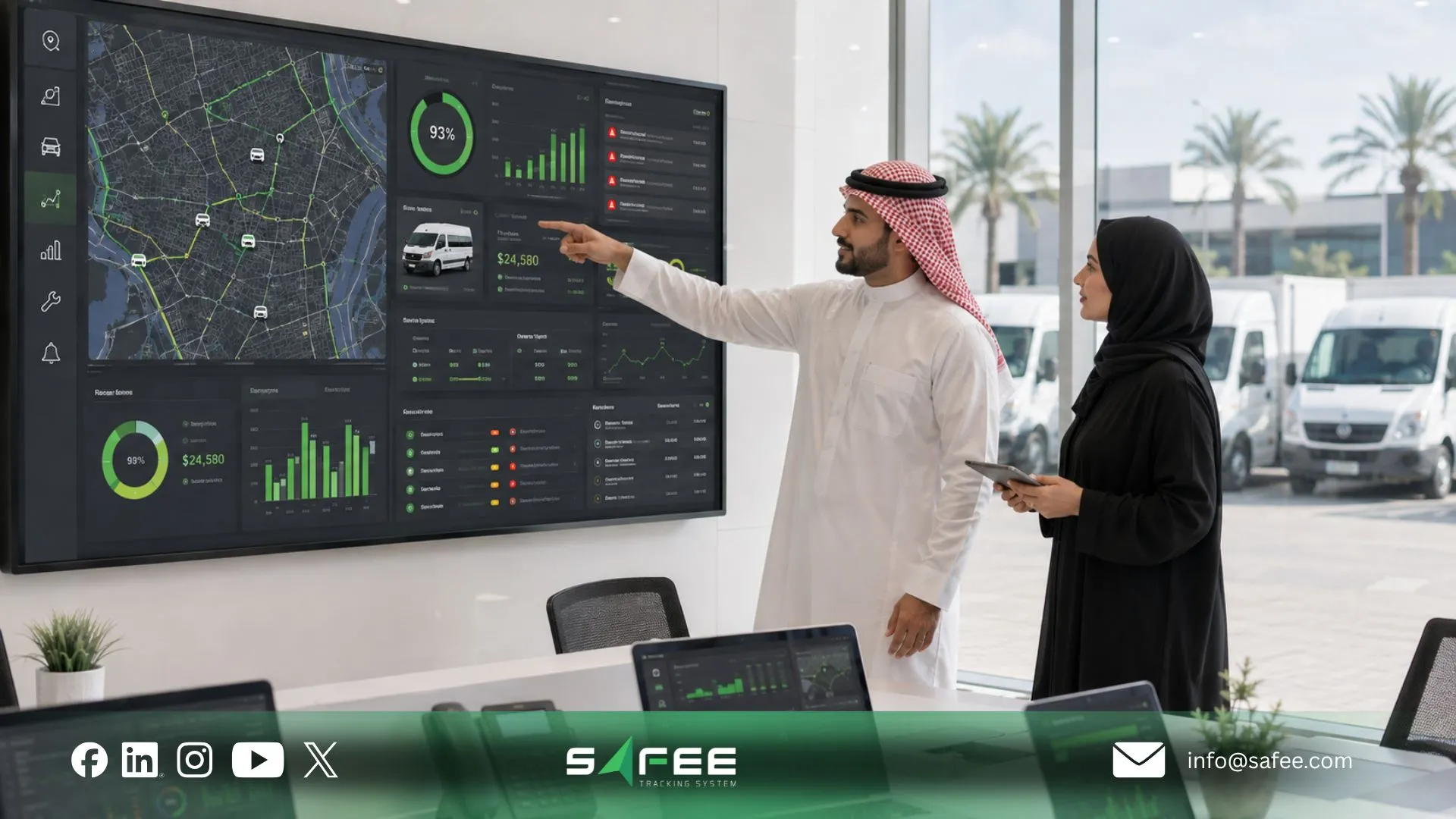
Our Fleet Monitoring & Insights provides map-based operational visibility with vehicle information, filters, historical views, route and Geofence context, while other modules connect that visibility with alerts, drivers, maintenance, and reports.
Control
Means defining what should happen when the information reveals an exception. An alert with no owner is not controlled. A maintenance reminder with no action process is not controlled. A report that nobody reviews is not controlled.
The operating questions should therefore be explicit:
- What condition matters?
- Who receives it?
- Who investigates it?
- What action is expected?
- When does it escalate?
- Where is the outcome recorded?
- How is the pattern reviewed later?
Cost
Means connecting spend to operational causes rather than reviewing totals in isolation. Fuel use, downtime, inefficient routing, avoidable idling, repeated maintenance issues, vehicle utilization, and driver behavior can all affect the cost base. The exact data available depends on the modules, hardware, sensors, integrations, and configuration in use.
These principles of fleet management work together. Visibility without control creates information overload. Control without visibility becomes guesswork. Cost reduction without operational context can damage service or vehicle readiness.
Fleet management operating cycle
So, how does fleet management work when translated into a daily routine?
A practical operating cycle looks like this:
- Prepare. Confirm vehicle availability, driver assignments, planned journeys, maintenance restrictions, and known operational issues.
- Monitor. Review live movement, journey progress, vehicle status, and relevant operating data.
- Detect. Identify configured exceptions such as route deviations, Geofence activity, unsafe driving events, long stops, maintenance triggers, or other fleet-specific conditions.
- Prioritize. Separate events that require immediate action from those that belong in later review.
- Assign. Route each issue to the responsible person or department.
- Act. Dispatch, Maintenance, HSE, drivers, supervisors, or other owners take the defined operational action.
- Verify. Confirm whether the condition was resolved and whether the underlying records support the explanation.
- Report. Capture recurring operational information for supervisors and management.
- Review. Compare patterns across vehicles, drivers, routes, sites, periods, or event types.
- Improve. Adjust routes, thresholds, maintenance schedules, responsibilities, procedures, training, or configuration.
That is how fleet management works as a management discipline: information becomes an exception, the exception receives an owner, the owner takes action, and the result becomes evidence for the next decision.
We support different parts of this loop through connected modules. Fleet Monitoring & Insights provides operational context; Alarms and Alerts surfaces configured exceptions; Driver Management connects relevant events with driver assignments; Maintenance Module supports maintenance tasks and triggers; and Fleet Reporting supports recurring review.
For more structured trip control, Journey Management System (JMS) can extend the process into journey planning, route controls, monitoring, and post-journey review.
See Alarms and Alerts Module for the exception layer that connects detection with operational response.
If your team currently sees fleet problems but struggles to decide who should act, contact Safee to map alert ownership, reporting cadence, and escalation workflows around your operation.
Modern fleet management vs the spreadsheet-and-radio era
Traditional fleet coordination often relies on human follow-up.
A dispatcher calls a driver for location. Maintenance dates sit in a calendar. Vehicle assignments live in a spreadsheet. An incident may be explained through calls and messages. Management reports are assembled after the operating period ends.
Those tools are not inherently useless. The problem is that they separate information from action.
Modern fleet management connects the operating context.
Instead of asking only, “Where is the vehicle?”, the team can work toward questions such as:
- Which vehicle is involved?
- Who is assigned to it?
- What journey or route is relevant?
- What exception occurred?
- Is there historical context?
- Does the vehicle have a maintenance issue?
- Who owns the response?
- What should management review later?
Our Administration Panel provides a centralized structure for sites, categories, vehicles, drivers, users, and permissions. Fleet Monitoring & Insights provides operational monitoring. Driver Management connects driver identity and assignment context. Fleet Reporting supports structured review.
The change is therefore not simply “paper versus software.” It is fragmented fleet knowledge versus connected fleet operations.

Fleet management techniques
Useful fleet management techniques should reduce the distance between an operating event and a good decision.
That requires four connected layers:
- Vehicles provide the physical operating context.
- Drivers establish responsibility and human context.
- Data provides evidence about movement, events, maintenance, fuel, sensors, or other configured inputs.
- Decisions determine whether that information changes an action.
This distinction matters because collecting more fleet data does not automatically create better management. A fleet can have GPS devices, reports, and dashboards and still operate reactively if nobody defines what information matters or who owns the response.
Fleet management techniques for moving from manual work to connected operations
The progression from manual administration to a connected operation usually happens in stages.
- Stage 1: Record: The fleet starts by creating reliable records for vehicles, drivers, assignments, maintenance requirements, sites, and operating categories.
- Stage 2: Observe: Tracking and monitoring replace repeated location calls and make current or historical activity easier to investigate.
- Stage 3: Detect: Rules and alerts identify defined exceptions rather than requiring someone to watch every vehicle constantly.
- Stage 4: Assign: Exceptions are connected with responsible teams: Operations, HSE, Maintenance, Finance, supervisors, or another owner.
- Stage 5: Automate recurring work: Maintenance triggers, scheduled reports, alert delivery, and other repeatable workflows reduce manual checking where the platform configuration supports it. Our Maintenance Module, for example, supports maintenance tasks triggered by factors such as odometer readings, dates, and configured combinations or recurring conditions.
- Stage 6: Analyze: Teams stop reviewing incidents only one by one and start comparing patterns. Tracking Data Analyzer (TDA) and our interactive analysis capabilities can support grouping, filtering, aggregation, dashboards, and deeper review of connected records.
- Stage 7: Integrate: Fleet information becomes part of the wider business architecture. We support Business Integration through APIs that can connect fleet information with systems such as ERP, waybill, or asset-management environments. Our Hardware Agnostic approach also allows the platform architecture to work with diverse compatible hardware and sensors rather than tying every workflow to one device type.
This progression is one of the most important fleet management insights for new managers: automation should follow process clarity. Do not automate a workflow whose ownership and purpose are still undefined.
Fleet management practices for clear roles and responsibilities
Strong fleet management practices make ownership explicit.
| Area | Typical primary owner | Supporting teams | Operating question |
| Vehicle availability | Fleet / Operations | Maintenance | Which vehicles can be dispatched? |
| Driver assignment | Fleet / Operations | HR / HSE | Who is responsible for this vehicle or journey? |
| Live movement | Dispatch / Operations | Fleet | Where is the vehicle and what is happening? |
| Driver exceptions | HSE / Fleet | Operations | Does this event require intervention or coaching? |
| Maintenance | Maintenance / Fleet | Operations | What is due, open, overdue, or affecting readiness? |
| Journey control | Operations / HSE | Fleet | Is the journey progressing within the approved operating process? |
| Fuel review | Fleet / Operations | Finance | Is the available fuel data consistent with expected activity? |
| Reporting | Fleet / Management | HSE / Finance / Operations | Which trends or exceptions require management action? |
| Users and permissions | System Administration | Department owners / IT | Who needs access to which operational information? |
| Integration | IT / Systems | Fleet / Finance / Operations | Which records must move between systems, and which system owns them? |
The exact allocation differs between organizations. What matters is that responsibilities are deliberately assigned.
Our Administration Panel supports user and permission structures, while connected modules allow different teams to work from shared vehicle, driver, alert, journey, maintenance, and reporting context.
For compliance-related workflows, organizations should separately verify the laws, reporting obligations, required documents, data-retention rules, privacy requirements, and authority integrations applicable to their geography and industry. Fleet software should support the defined operating process; it should not be assumed to create regulatory compliance automatically.
20 fleet management skills every new manager should build
A new fleet professional does not need to master every system immediately. These fleet management skills build the foundation for effective control:
- Fleet inventory control — know which vehicles and assets belong to which site, category, or operating group.
- Vehicle-status interpretation — distinguish movement, stops, inactivity, connectivity issues, and genuine exceptions.
- Driver-assignment management — understand who is operating which vehicle and how assignments are recorded.
- Dispatch prioritization — decide which vehicle, driver, or journey should receive attention first.
- Route and journey review — compare planned activity with what happened operationally.
- Geofence management — use defined operational zones to add location context to vehicle activity.
- Alert design — configure only events that have a clear operating purpose and response.
- Alert ownership — assign each important exception to a person or team.
- Escalation design — know when an unresolved issue should move to the next level.
- Maintenance planning — connect service requirements with actual vehicle usage and readiness.
- Downtime review — distinguish necessary downtime from repeated or avoidable operational disruption.
- Driver-performance review — use contextual records rather than judging isolated events without investigation.
- Fuel-data interpretation — understand which fuel information is available and which data source produced it.
- Report design — build reports around decisions rather than filling them with every available field.
- KPI selection — choose measures linked to safety, availability, cost, productivity, or service objectives.
- Data-quality checking — recognize missing, delayed, inconsistent, or incorrectly assigned records before acting on them.
- Cross-department communication — translate fleet events into information Maintenance, HSE, Finance, IT, and leadership can use.
- Access governance — understand which users require which permissions and why.
- Trend analysis — compare vehicles, drivers, sites, periods, or event categories to find recurring problems.
- Continuous improvement — convert repeated findings into changes in thresholds, routes, maintenance, training, procedures, or system configuration.
These skills are more durable than learning a particular dashboard. They help a manager use changing fleet management techniques without losing the operating principles underneath them.
Use Fleet Reporting to support recurring management review and keep operational evidence consistent over time.
Building a fleet function from scratch? Talk to Safee about structuring vehicles, users, alerts, maintenance workflows, dashboards, and recurring reports around the responsibilities your team already has.
Safee: Modern fleet management operations you can grow into
At Safee, we build around a connected fleet-management environment rather than a single tracking screen.
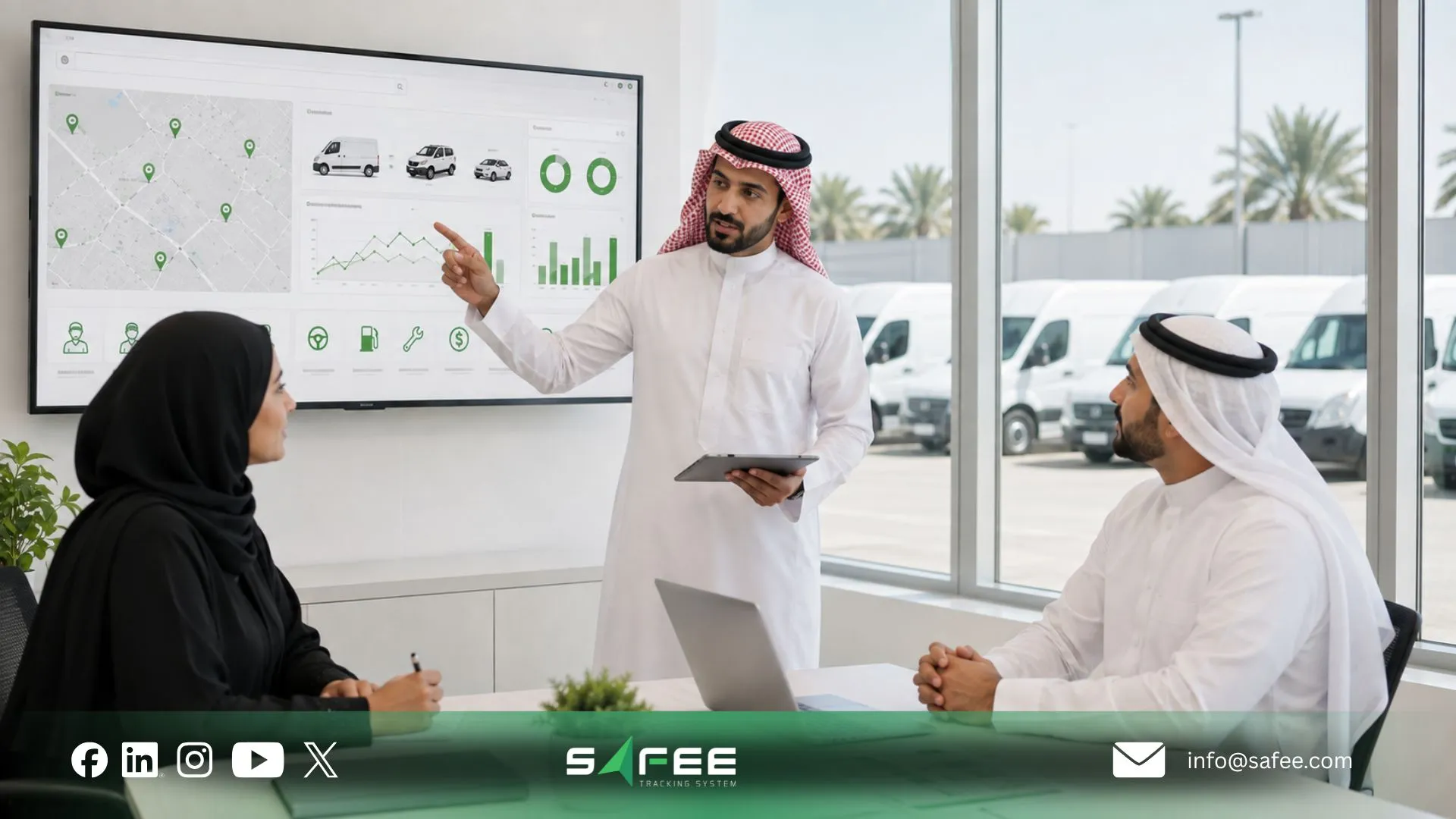
Our platform brings together operational capabilities such as Live Vehicle Tracking, Fleet Monitoring & Insights, Alarms and Alerts, Driver Management, Maintenance Module, Fleet Reporting, Journey Management System (JMS), Tracking Data Analyzer (TDA), Mobile App access, Business Integration, and additional modules that can be introduced according to operational requirements.
That matters because fleets rarely mature all at once.
A team may first need to answer:
Where are our vehicles?
Then:
Which exceptions matter?
Later:
Who owns those exceptions?
Then:
How do we control maintenance, drivers, journeys, reports, and access?
Eventually:
How do we connect this fleet environment with the rest of the business and analyze recurring performance patterns?
This staged progression is a practical way to think about the future of fleet management. The direction is not simply toward more GPS points. It is toward a more connected operational context: flexible hardware, specialized sensors, structured analytics, configurable workflows, and integration with enterprise systems. Our current platform architecture reflects these directions through Hardware Agnostic deployment, Business Integration, TDA, Fleet Reporting, Telematics, and modular operating capabilities.
Explore our Added Value Modules to see the expansion path beyond core fleet workflows.
Safee vs running fleet operations on spreadsheets
| Task | Spreadsheets & Manual Logs | Safee |
| Vehicle location | Calls, messages, or manually recorded updates | Live Vehicle Tracking and Fleet Monitoring and Insights provide connected vehicle-location and operating context |
| Maintenance due dates | Calendars, worksheets, and manual follow-up | Maintenance Module supports service tasks, configured maintenance triggers, alerts, and maintenance records |
| Driver responsibility | Driver lists and manually updated assignments | Driver Management connects driver records and assignments with operational activity |
| Cost and operational review | Periodic reconciliation across separate files | Connected fleet, fuel, maintenance, driver, journey, and reporting data can provide operational evidence where the relevant modules and data sources are configured |
| Reporting | Teams manually collect and rebuild spreadsheet reports | Fleet Reporting supports filtered reports, scheduled delivery, and exportable records |
We document customizable Fleet Reporting, maintenance-task automation, driver-assignment workflows, centralized administration, and live monitoring as connected parts of the platform.
The important distinction is governance. A spreadsheet can record a result. A connected fleet-management workflow can help teams connect the record with the vehicle, driver, event, owner, and follow-up process.
For regulatory or compliance use cases, verify the exact reporting, record-retention, authority-integration, privacy, and evidentiary requirements applicable to the fleet before treating any system output as sufficient.
How fleet operations mature with Safee
There is no single correct starting configuration.
A fleet still dependent on driver calls may begin with visibility.
A fleet already using GPS may need better exception management.
A maintenance-heavy operation may prioritize Maintenance Module workflows.
An HSE-led fleet may place greater emphasis on driver context, alarms, journey controls, and recurring review.
A larger enterprise may need to establish sites, user permissions, integration requirements, and reporting governance before expanding further.
A useful maturity path is:
- Start with structure: Define vehicles, drivers, sites, categories, users, and responsibilities.
- Build visibility: Connect the operational information the team needs to see.
- Define exceptions: Decide which conditions require action rather than generating alerts without ownership.
- Connect workflows: Bring driver, maintenance, journey, fuel, or other relevant context into the operating process.
- Govern review: Set reporting cadence, access permissions, escalation, and management ownership.
- Analyze patterns: Use historical records and tools such as TDA to move from individual incidents toward recurring patterns and performance analysis.
- Integrate where justified: Connect fleet information with ERP, asset management, waybill, or other business environments when there is a defined data requirement.
- Expand around real needs: Add specialized modules, compatible sensors, Mobile App access, video, SatComm, or other capabilities when the use case requires them rather than deploying technology without an operating purpose. We describe Safee as modular, Hardware Agnostic, and integration-ready, allowing the environment to expand as operating requirements change.
This is also why the future of fleet management should be viewed as an operating architecture rather than a device purchase. The fleet increasingly needs to connect vehicles, people, events, analytics, and enterprise systems while preserving data quality and clear ownership.
Use Tracking Data Analyzer (TDA) when the operation needs to move from daily monitoring into deeper analysis of recurring patterns.
FAQs about fleet management operations
What is fleet management in simple terms?
Fleet management is the process of organizing vehicles, drivers, maintenance, journeys, operating data, costs, and exceptions so the fleet can perform its work reliably. It combines daily operational control with reporting and continuous improvement.
What are the core principles of fleet management?
The core principles of fleet management are visibility, clear responsibility, operational control, preventive maintenance, exception management, cost awareness, reliable data, and recurring review. The objective is to turn fleet information into consistent actions rather than collect data without a defined response.
What skills does a fleet manager need?
A fleet manager needs operational prioritization, vehicle and driver management, maintenance planning, alert governance, data interpretation, reporting, cost awareness, communication, and analytical skills. Strong managers also know how to assign ownership and turn repeated fleet problems into process improvements.
What is the future of fleet management?
The future of fleet management is moving toward more connected vehicles, flexible hardware, specialized sensors, integrated business data, automated exception workflows, and deeper analytics. At Safee, that direction is reflected in Telematics, Hardware Agnostic architecture, Business Integration, Tracking Data Analyzer, Fleet Reporting, and connected operational modules.
Ready to improve your fleet operations?
Tell us what you would like to improve. A Safee specialist will reply by email.
Usually replies within one business day • No sales spam
Your details are used only to respond to your request. Privacy Policy