

Release 6.7.4: New Equipment Module and Module Filter
Version: 6.7.4
Release 6.7.4 launches the Equipment module for tracking equipment status (active or inactive) from vehicle data inputs, and adds a new module filter to the Monitoring page.
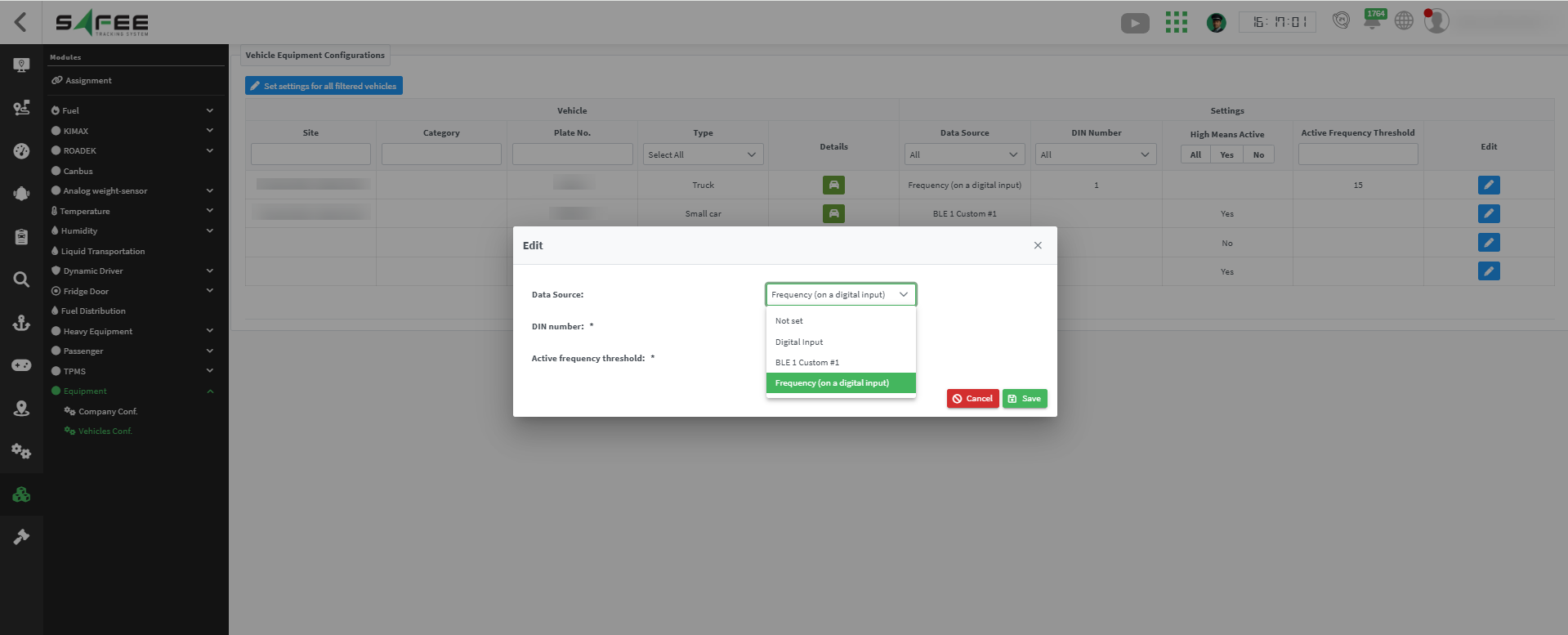
You can also:
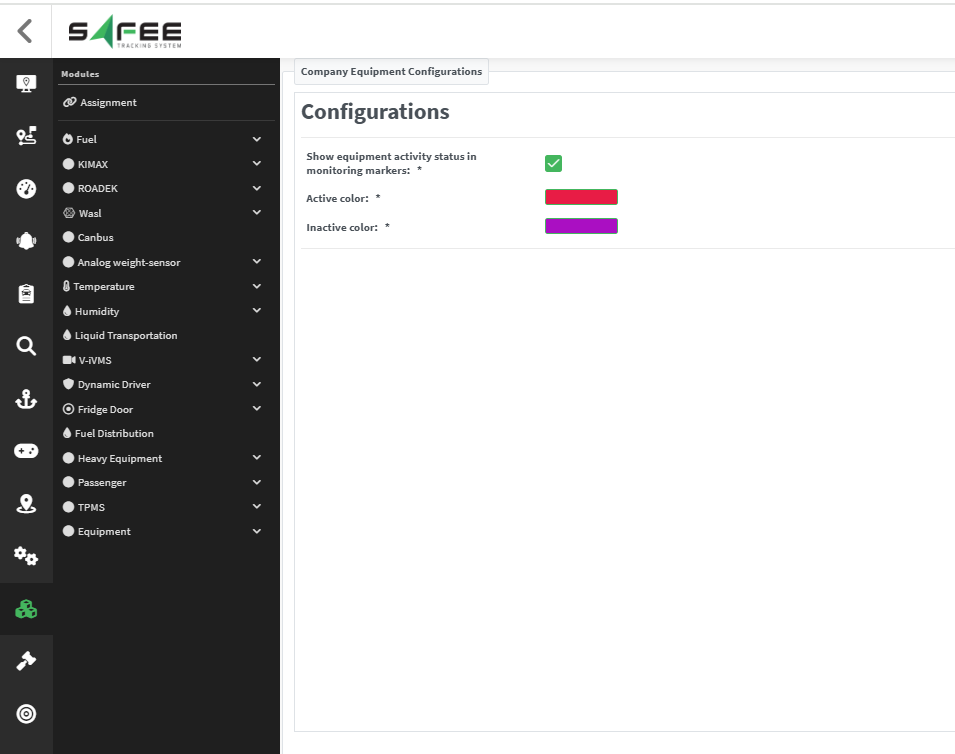
- Define the colours of the Active and Inactive equipment states from the company configuration.
- Control whether equipment status is shown on the monitoring map.
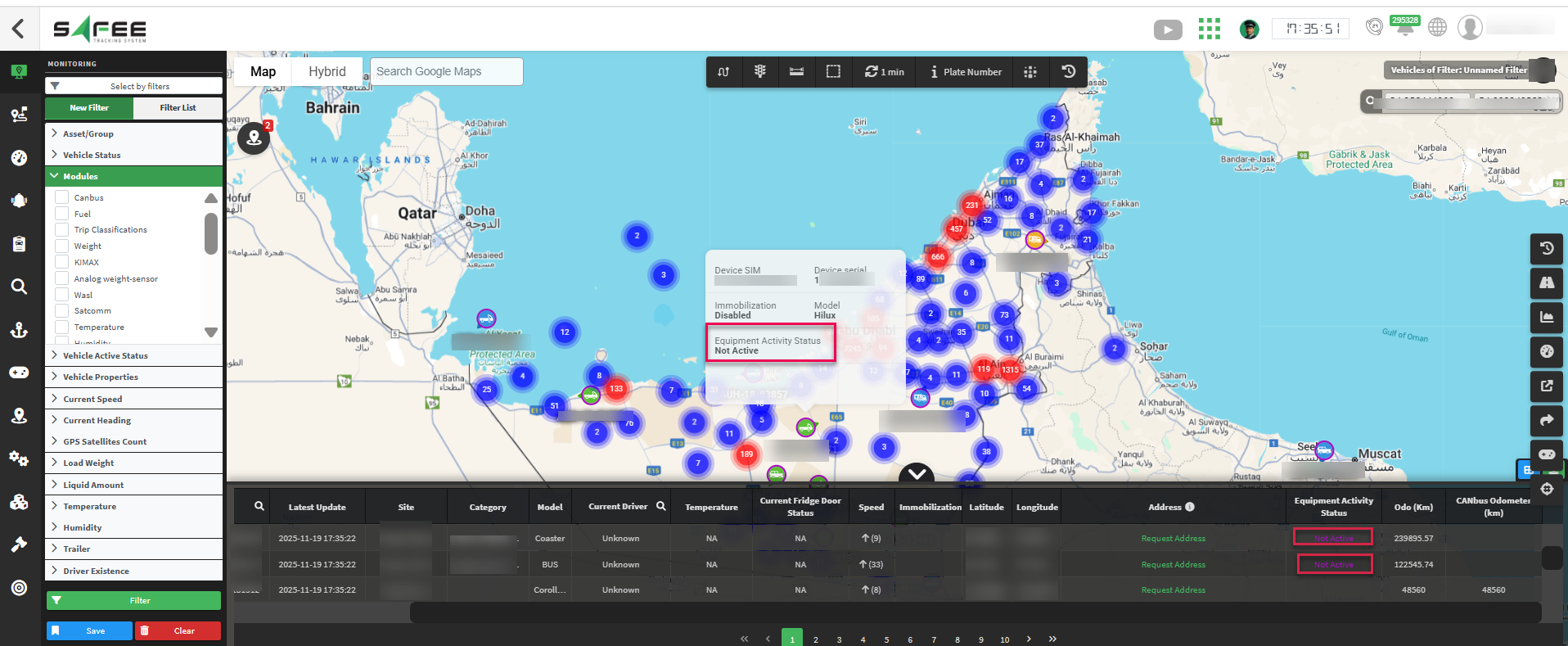
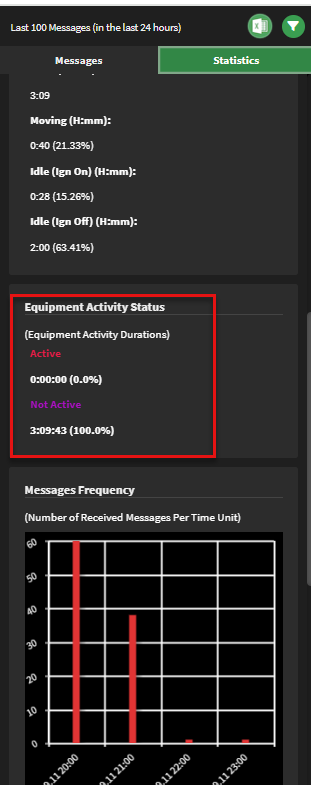
- The Vehicle History page shows the percentage of time the equipment was active or inactive in the selected date range, under the Statistics tab.
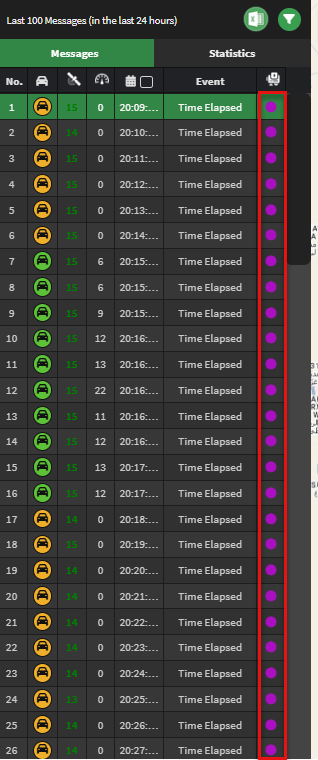
- A new column in the messages table shows the equipment activity status at the time of each message.
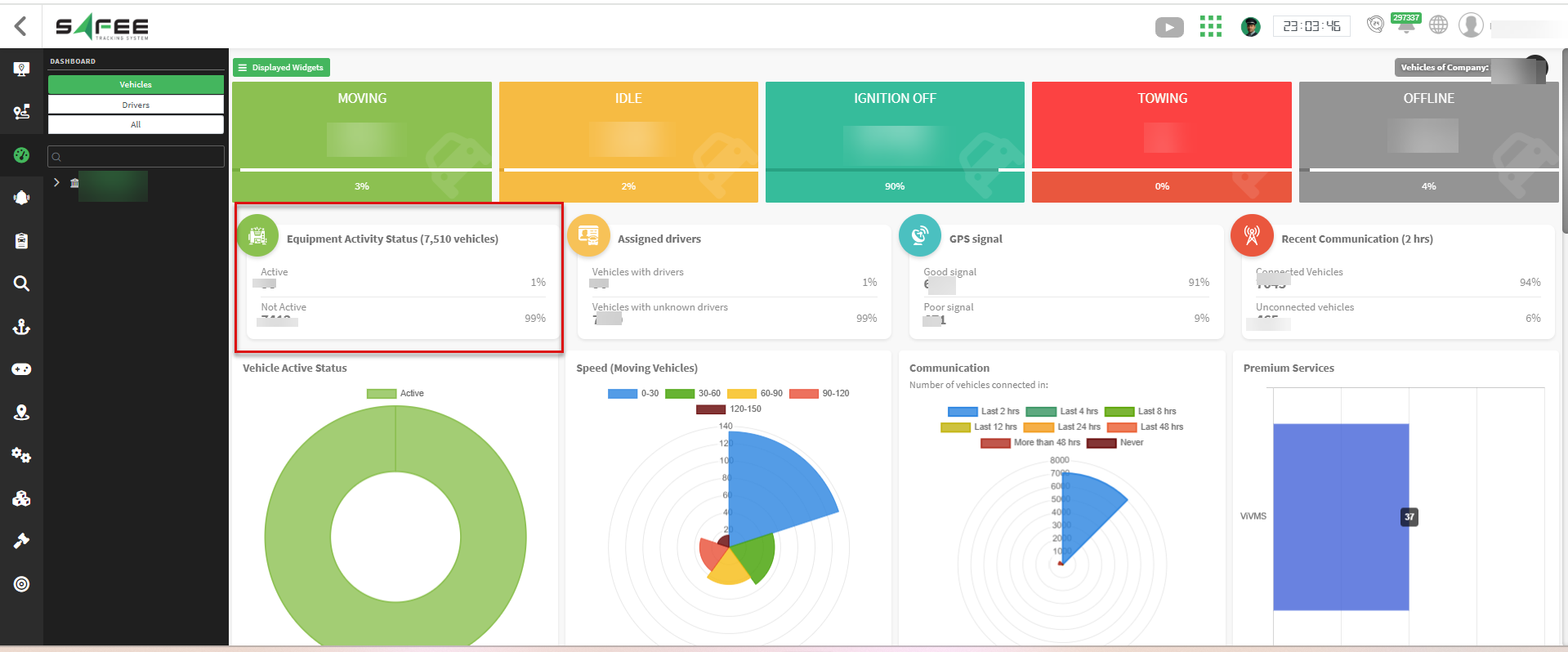
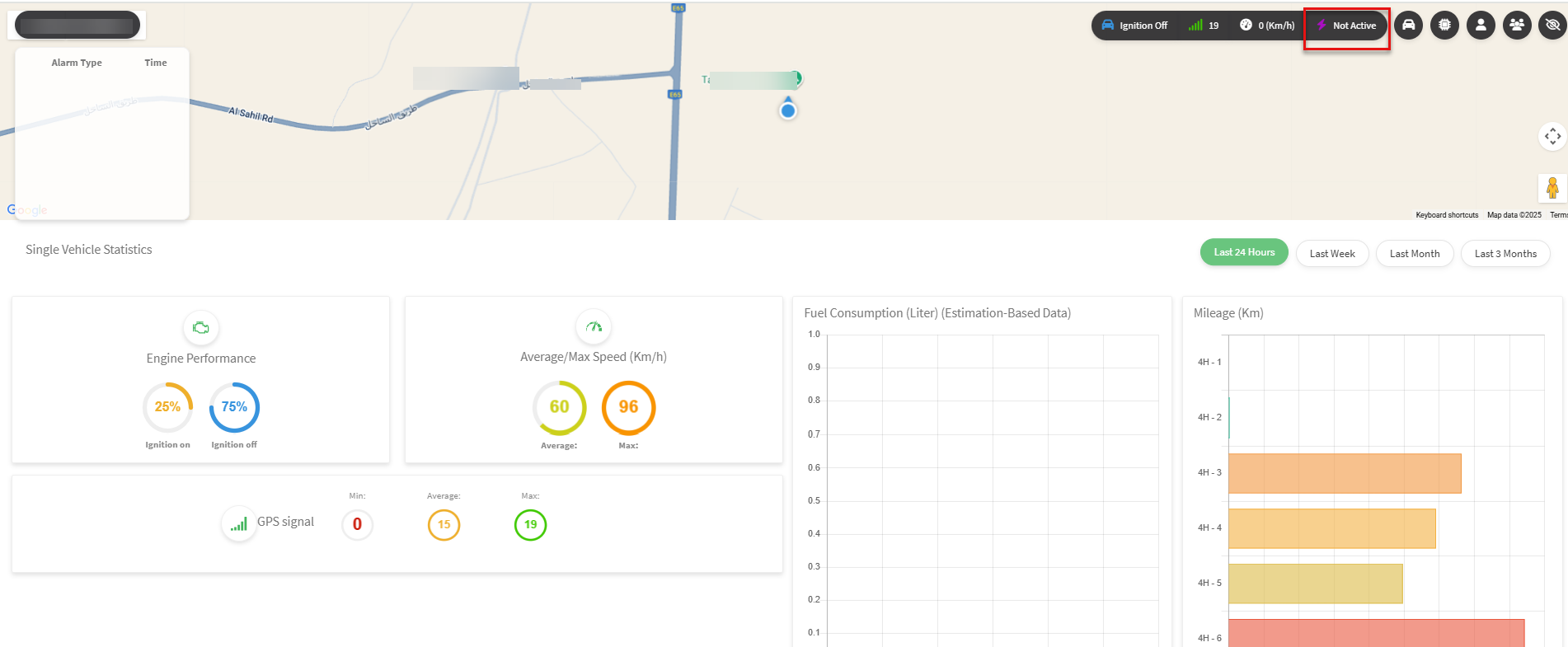
- On the single vehicle dashboard, equipment activity uses the company colours and appears only for vehicles that have the module and have sent activity data.
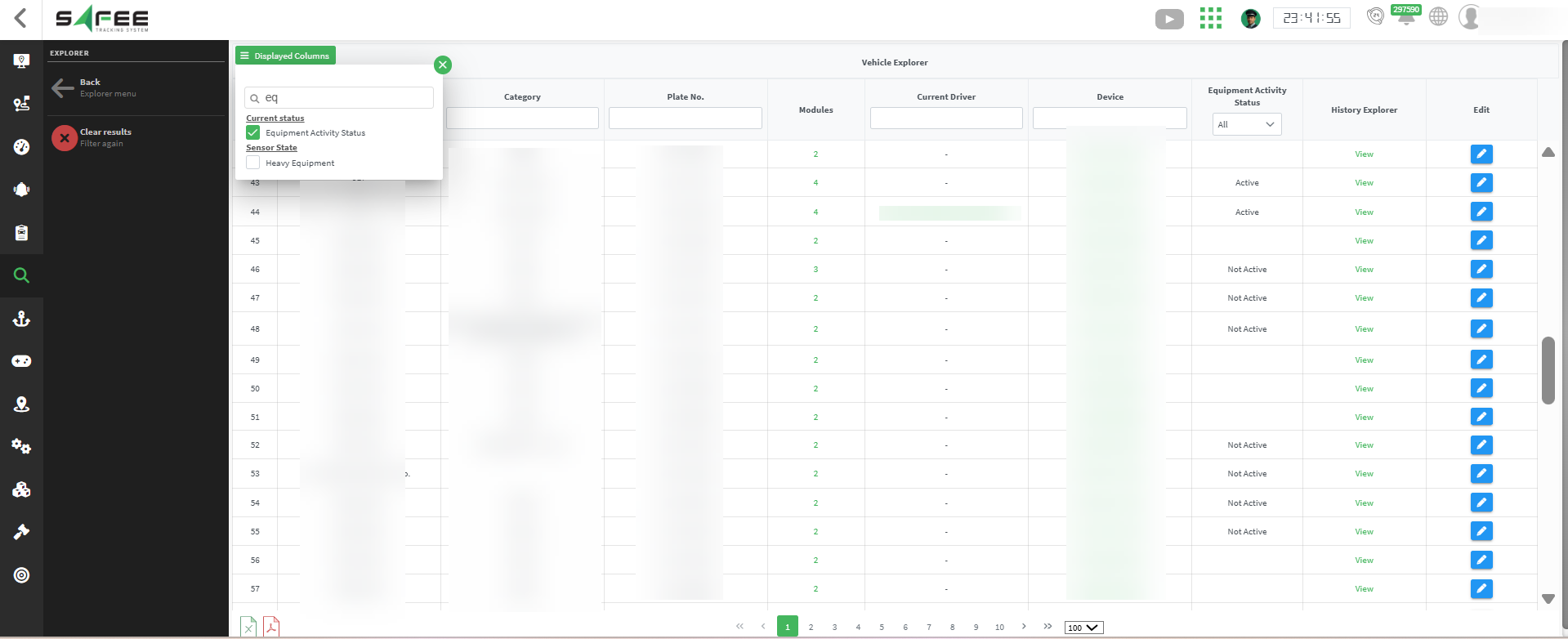
- It was also added to the Vehicle Bulk Management pages for companies that have the Equipment module.
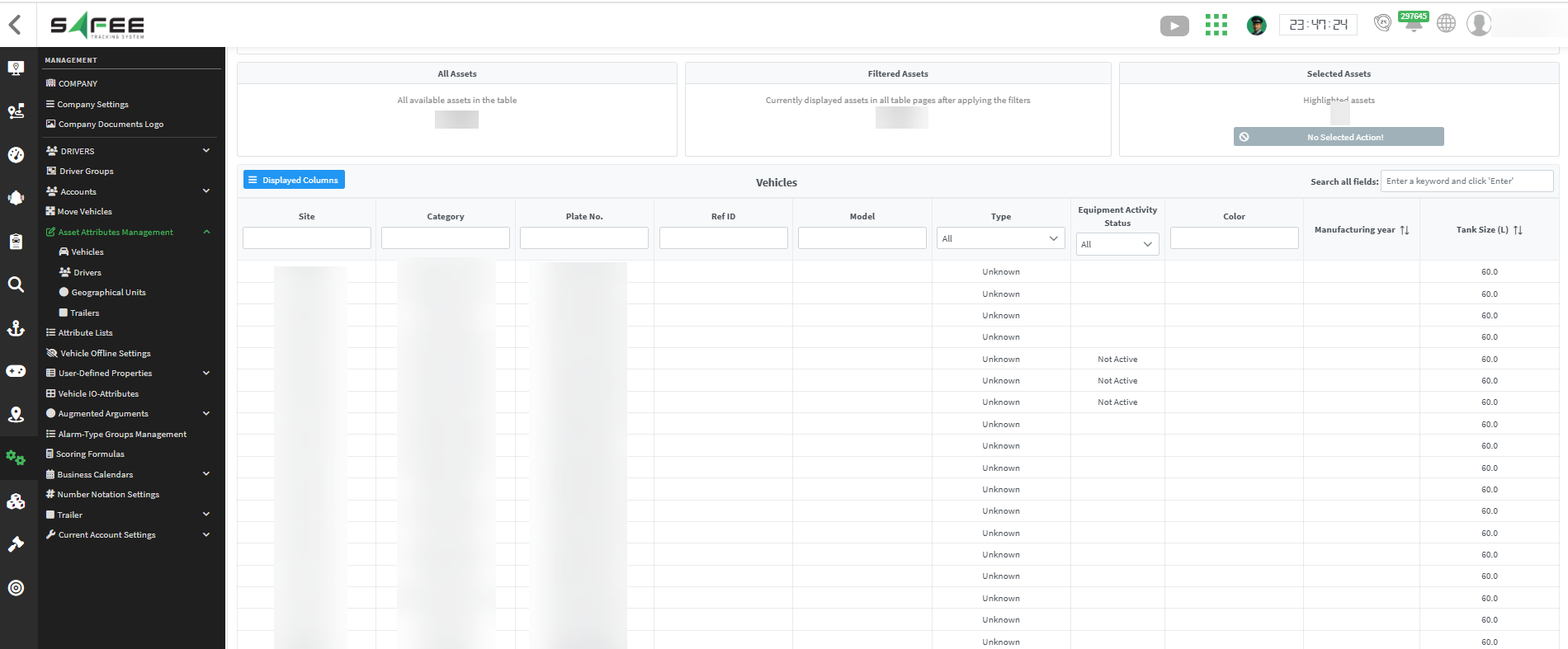
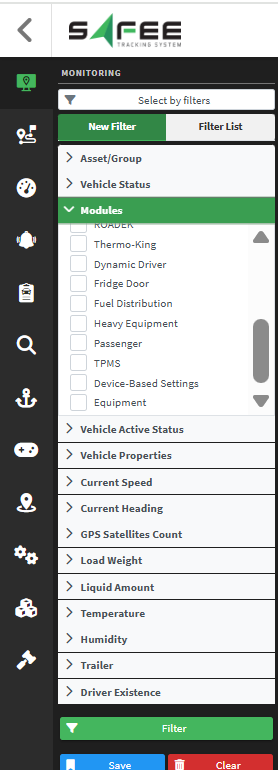
For the official release notes, see Release 6.7.4 in the Safee documentation.
Safee Tracking System
Ready to improve your fleet operations?
Tell us what you would like to improve. A Safee specialist will reply by email.
Usually replies within one business day • No sales spam
Your details are used only to respond to your request. Privacy Policy

