

Release 6.6.16: Account Cloning and Custom Google Maps Style
Version: 6.6.16
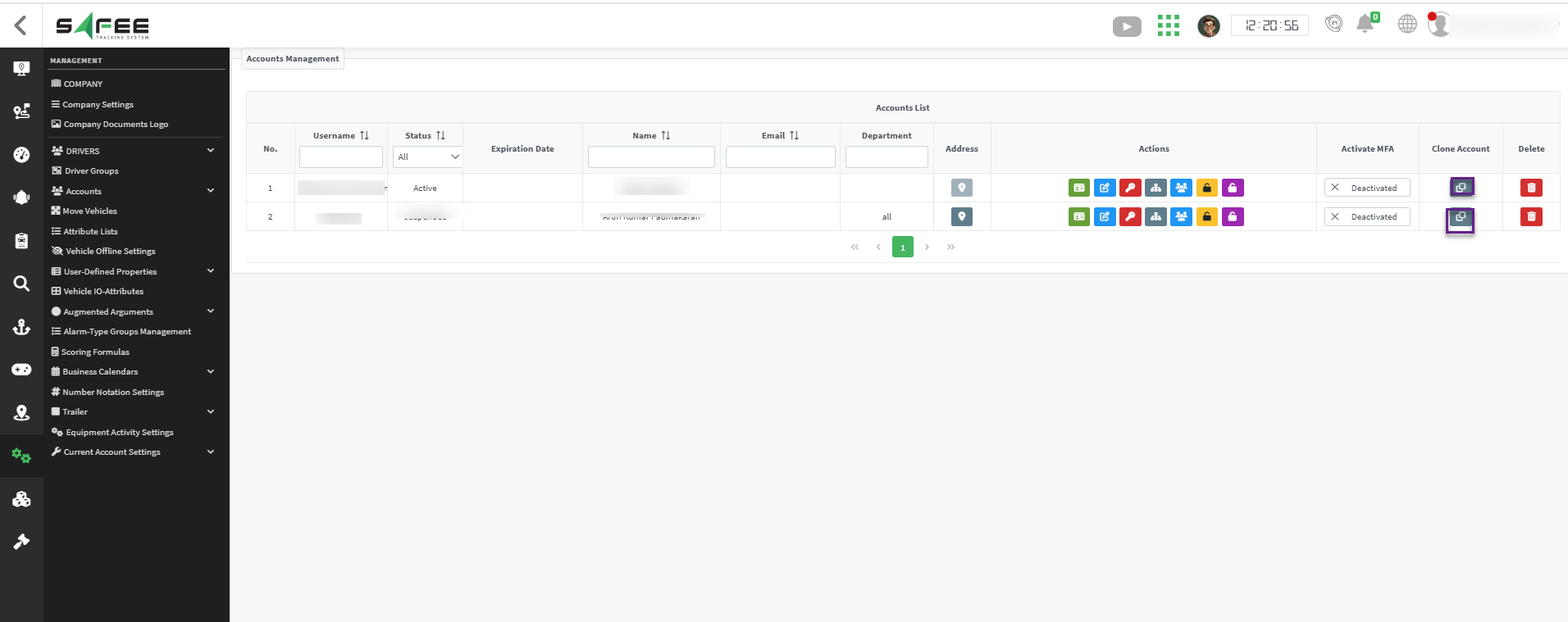
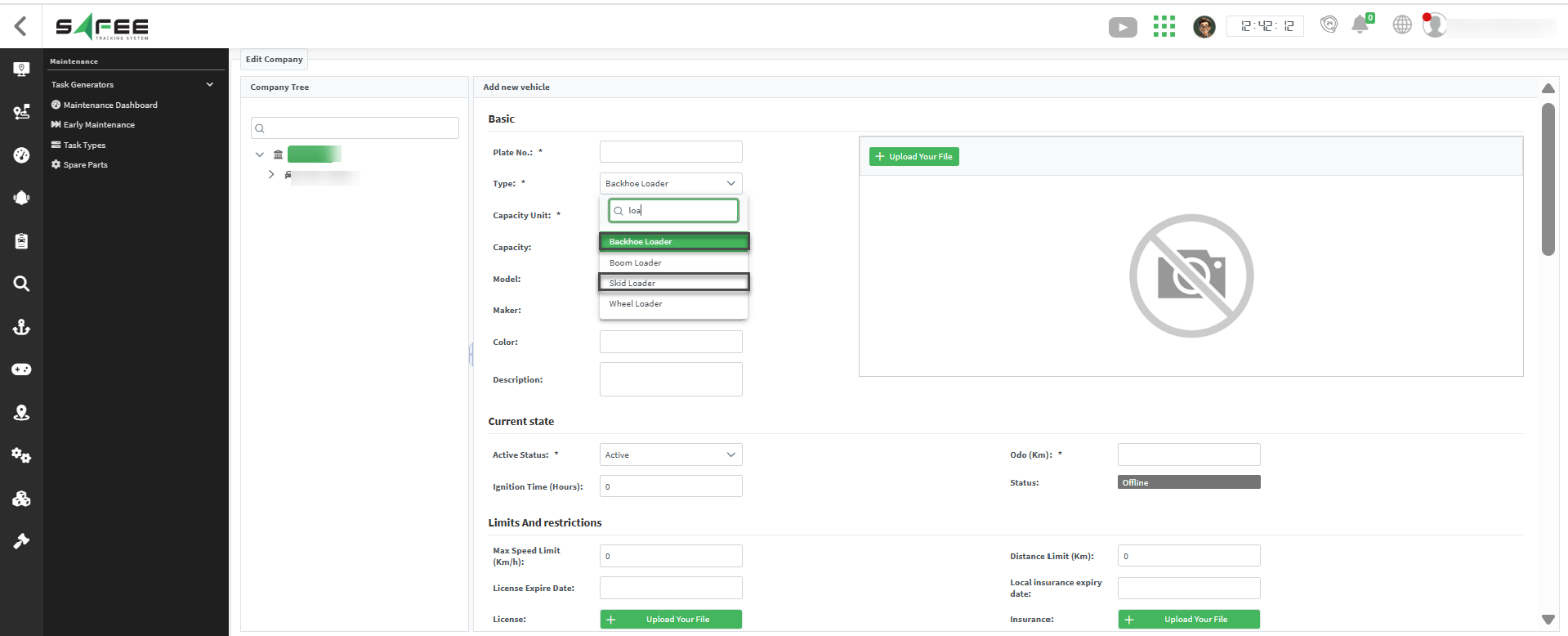
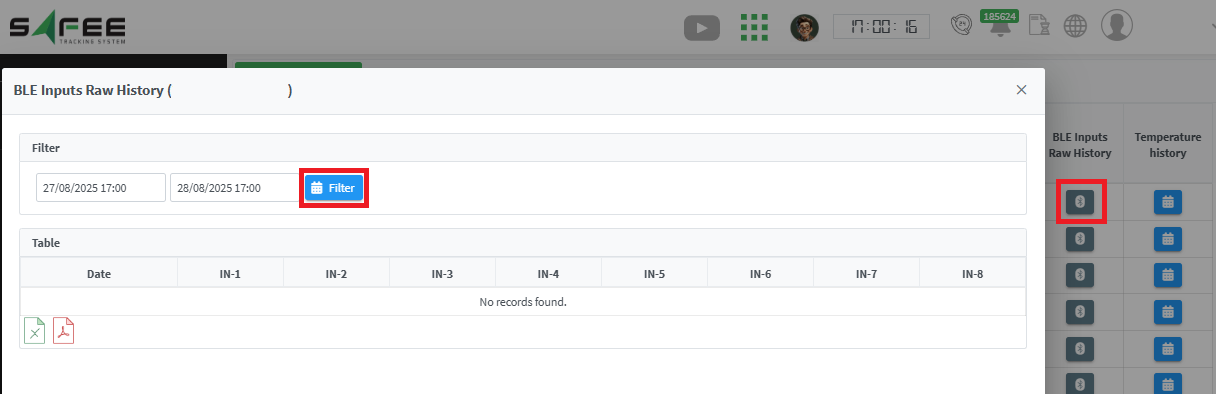
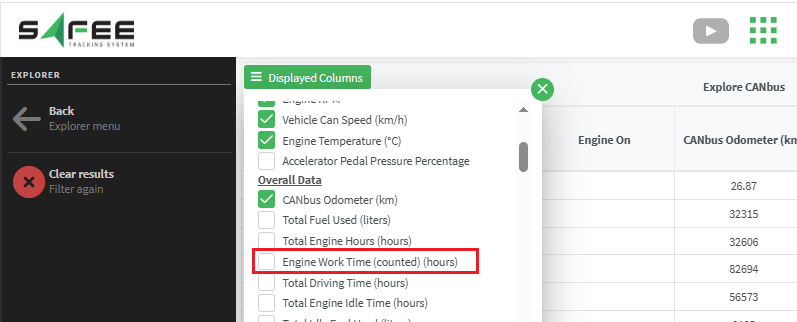
Release 6.6.16 adds client account cloning, search by coordinates and custom map styles, along with new vehicle types, BLE raw data and a new device.
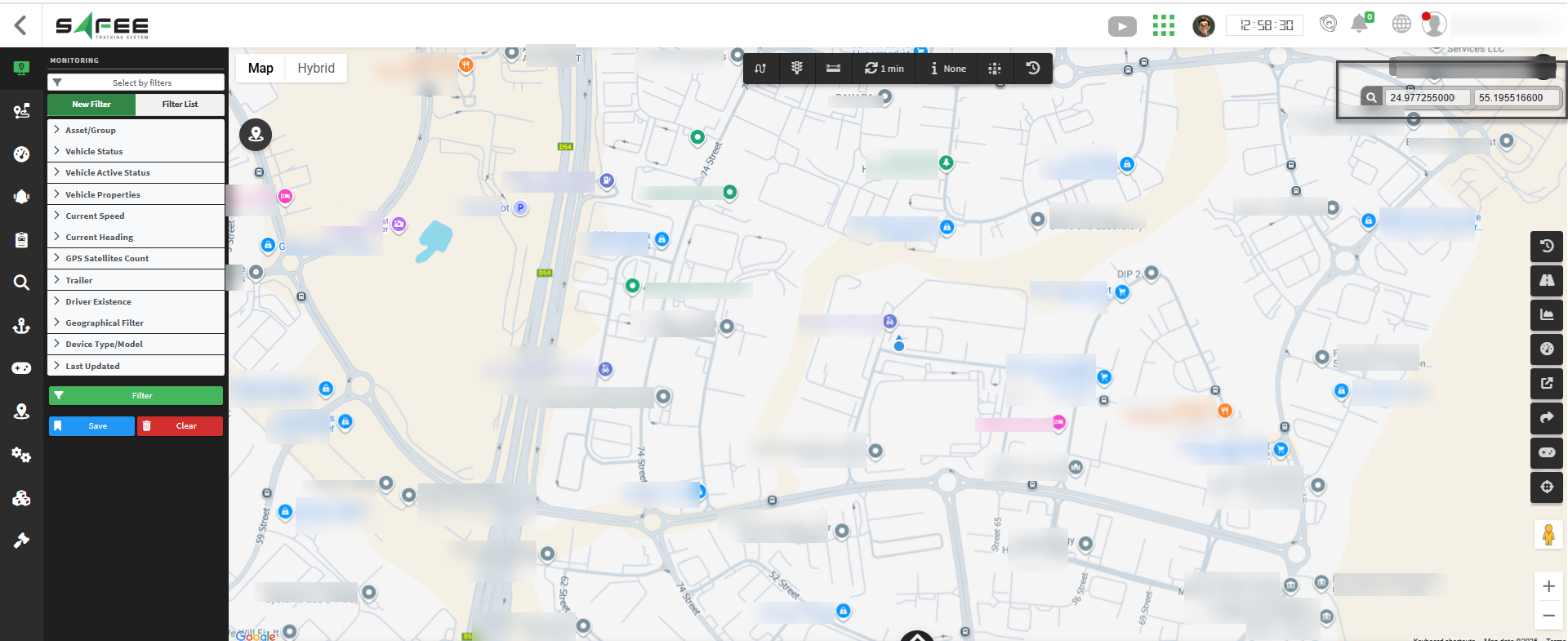
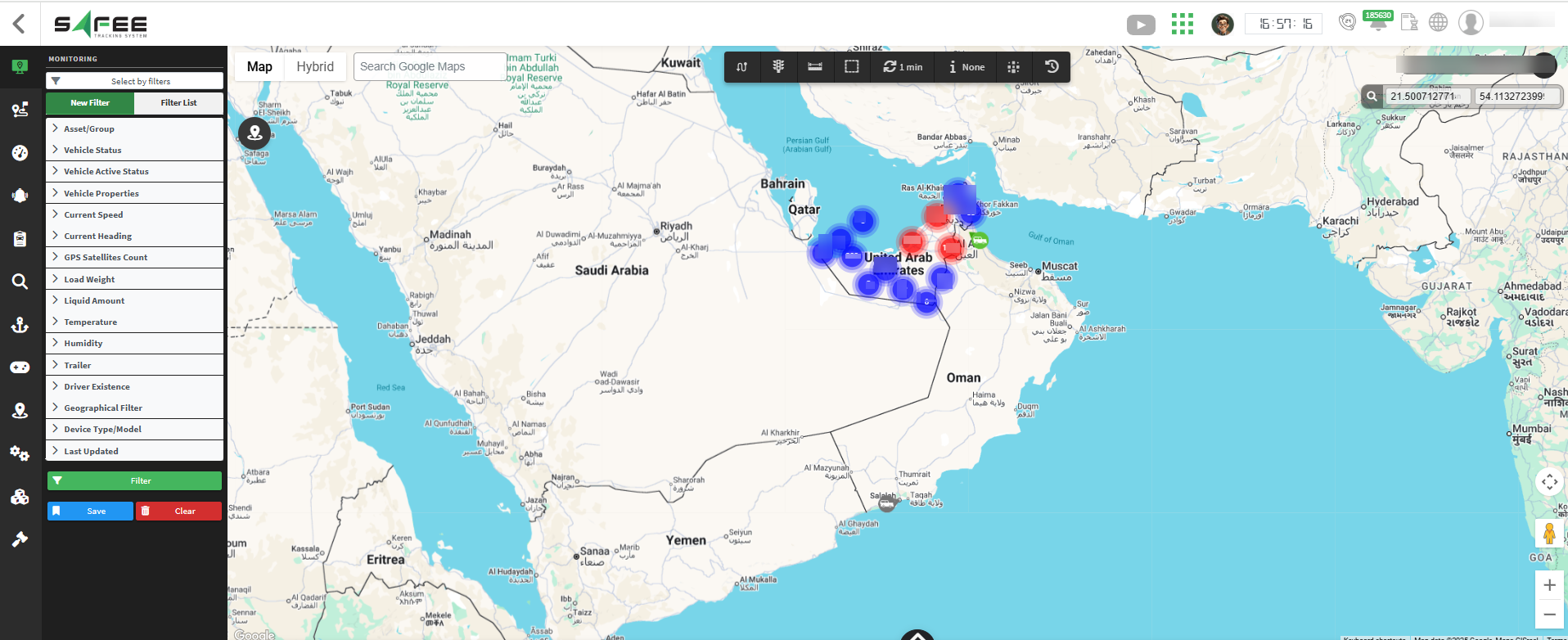
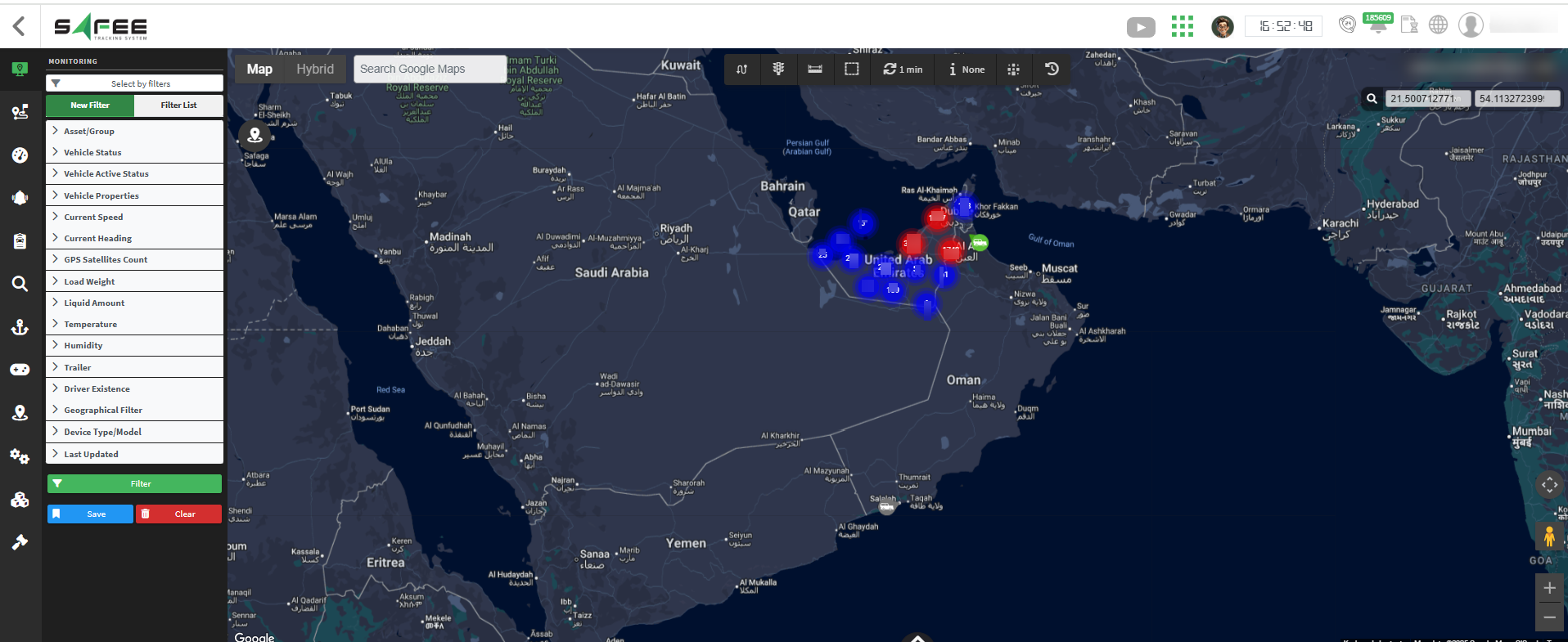
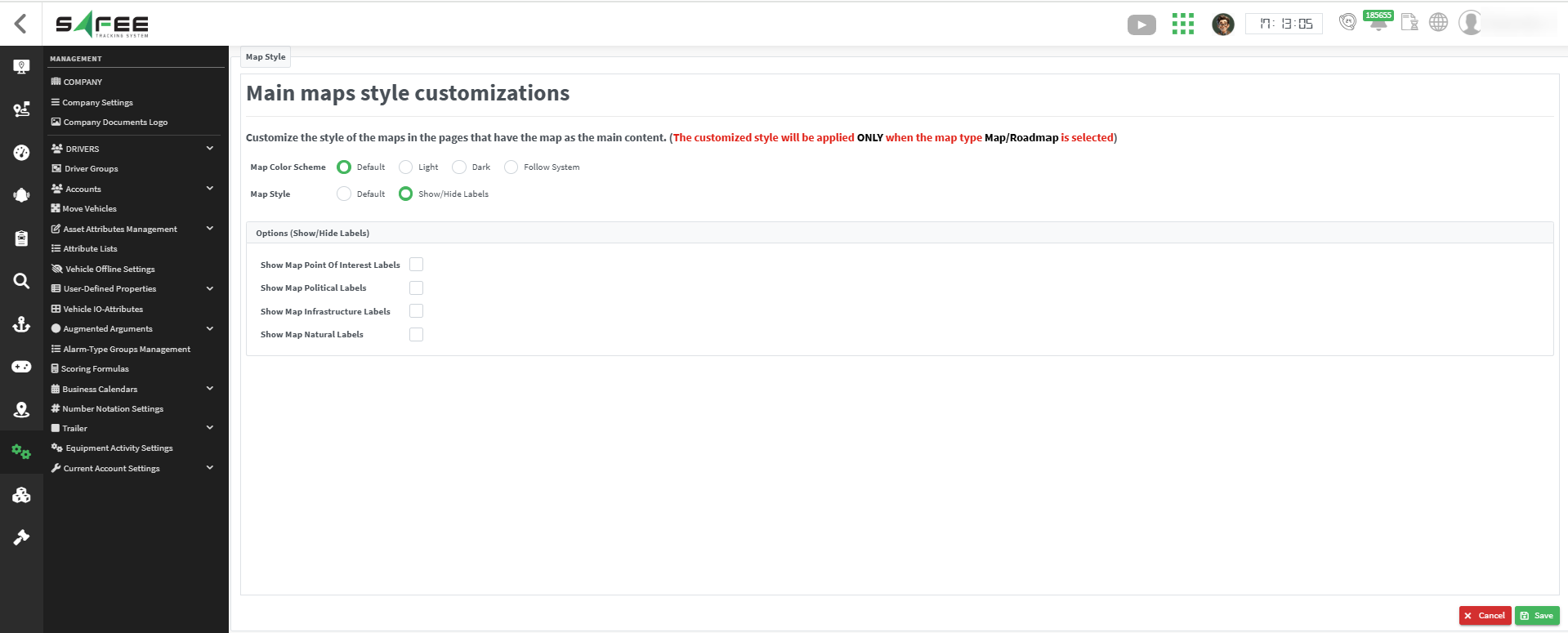
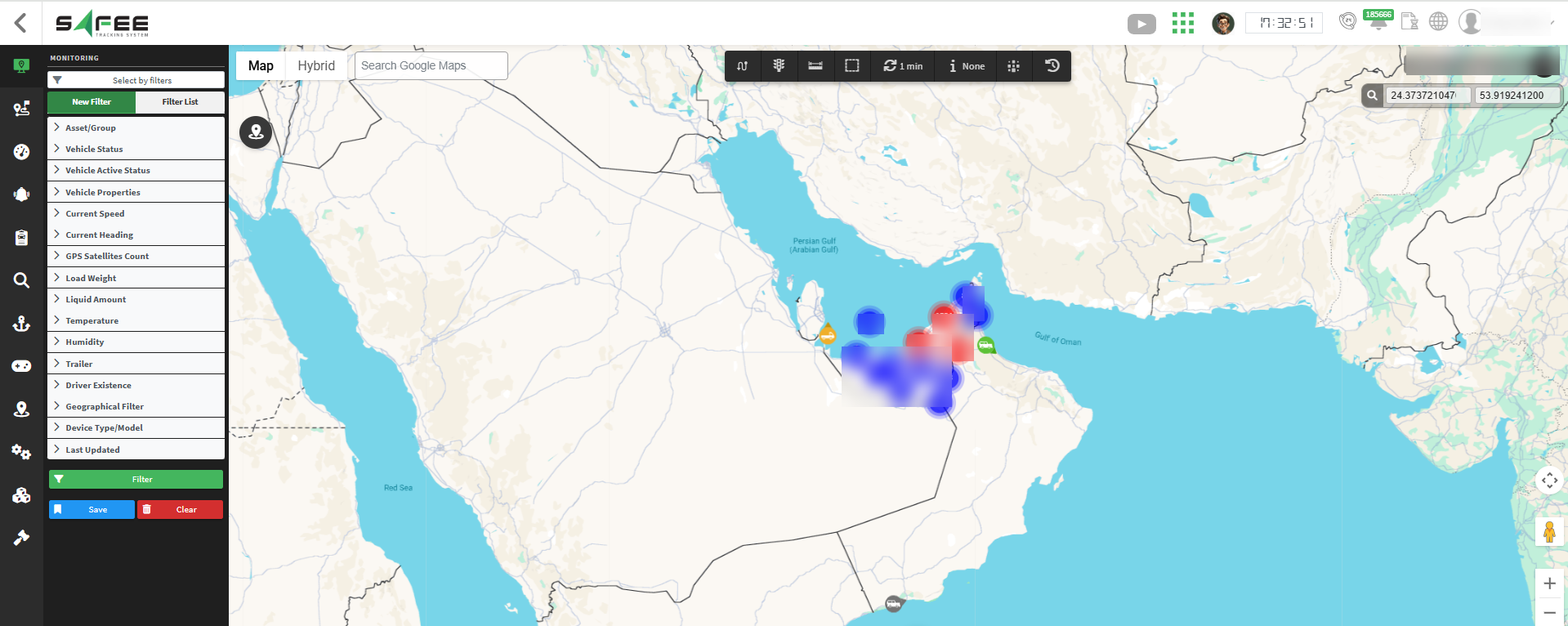
- Points of Interest only: restaurants, hotels, museums, parks, gas stations, shops. Turning them off removes business and place names but leaves the map features.
- Political Features only: countries, states or provinces, cities, districts. Turning them off may keep the borders but removes names like “California” or “France”.
- Infrastructure Elements only: road names, highway shields, train stations, airports and transit lines. Turning them off keeps the roads but removes their names and numbers.
- Natural Features only: mountains, rivers, lakes, oceans, forests and deserts, such as “Rocky Mountains” or “Mississippi River”.
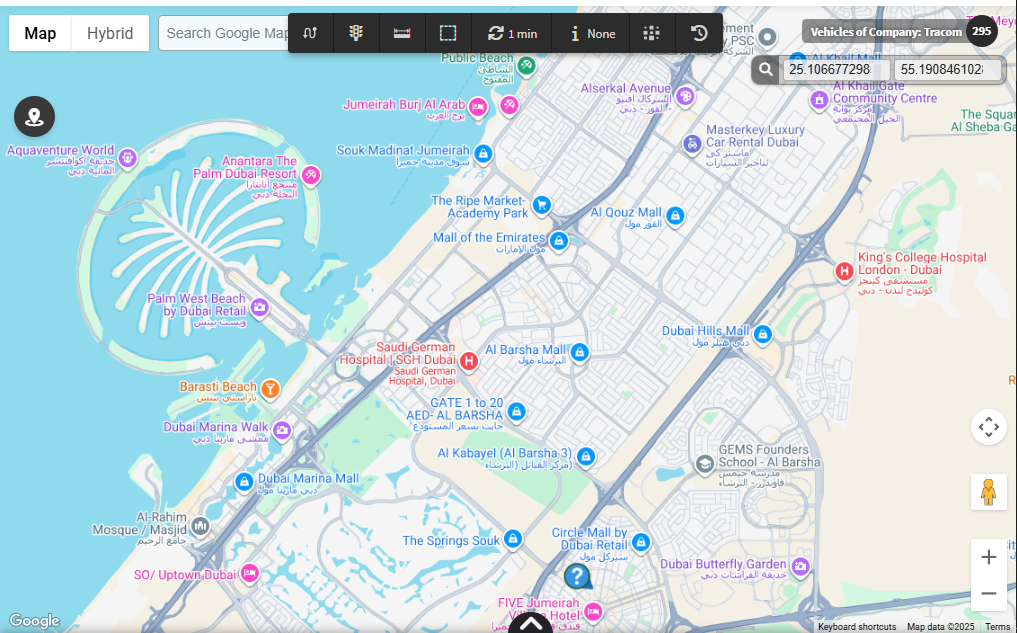
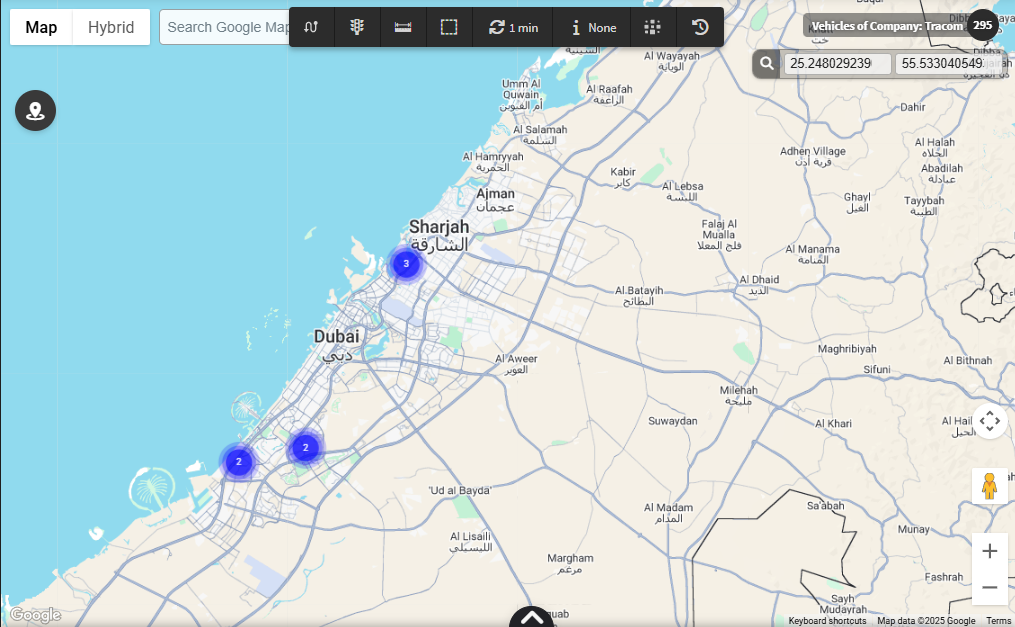
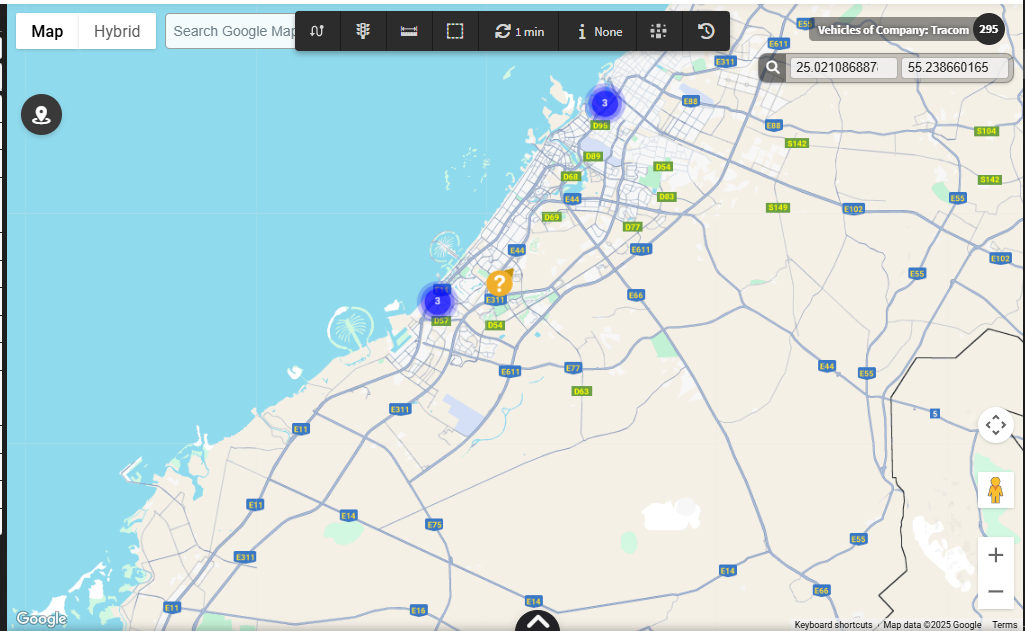
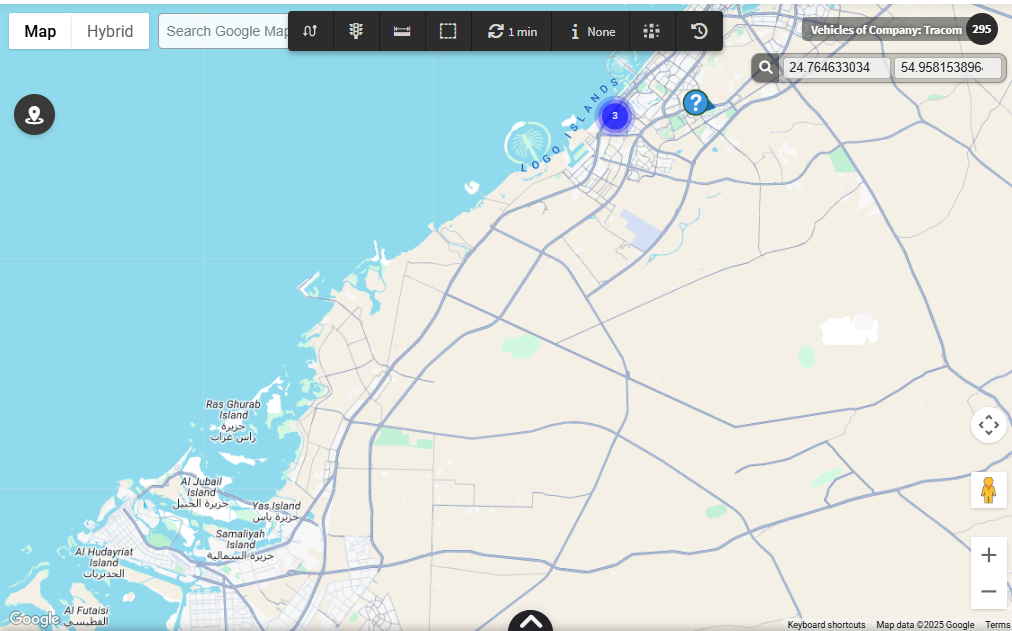
For the official release notes, see Release 6.6.16 in the Safee documentation.
Safee Tracking System
Ready to improve your fleet operations?
Tell us what you would like to improve. A Safee specialist will reply by email.
Usually replies within one business day • No sales spam
Your details are used only to respond to your request. Privacy Policy

