


Release 6.9.7: Driver Workload and Vehicle Deletion Policy
Version: 6.9.7
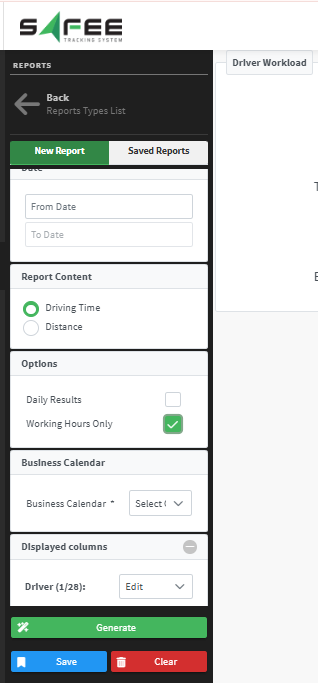
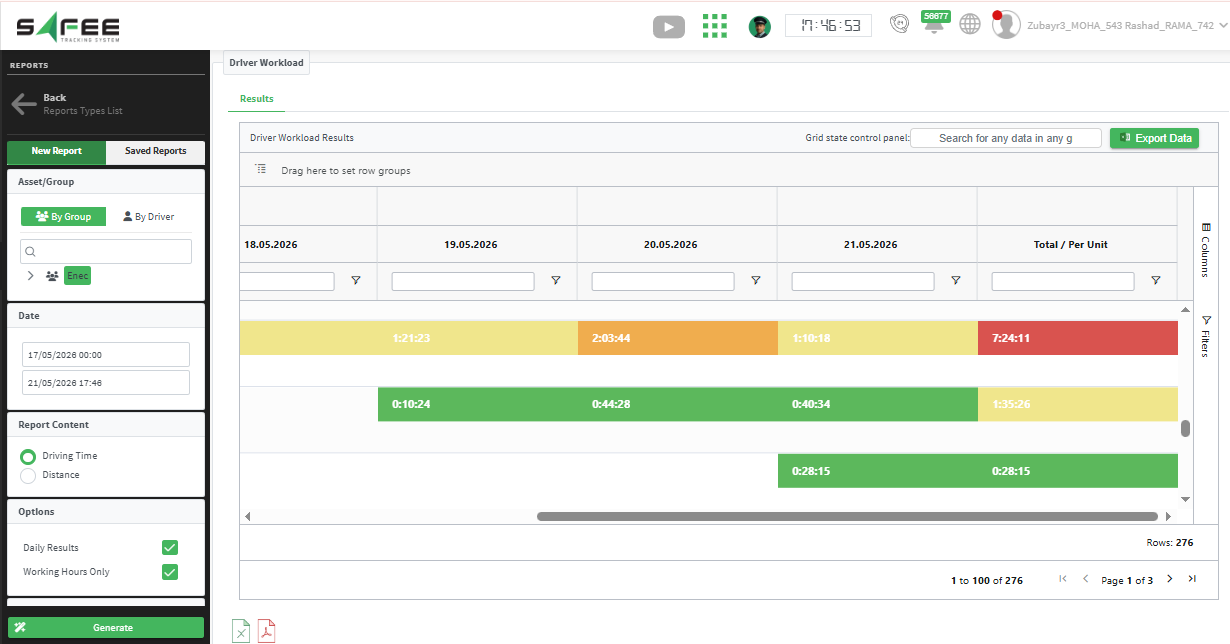
Release 6.9.7 combines broad operational changes: a rebuilt Driver Workload Report, clearer offline handling, updated Wasl registration, and a new vehicle deletion policy.
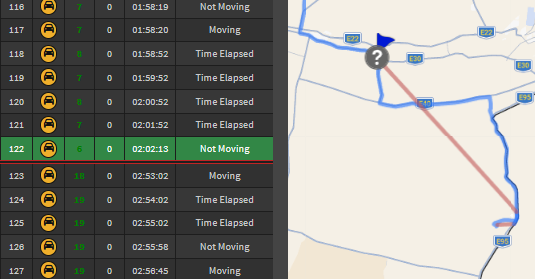
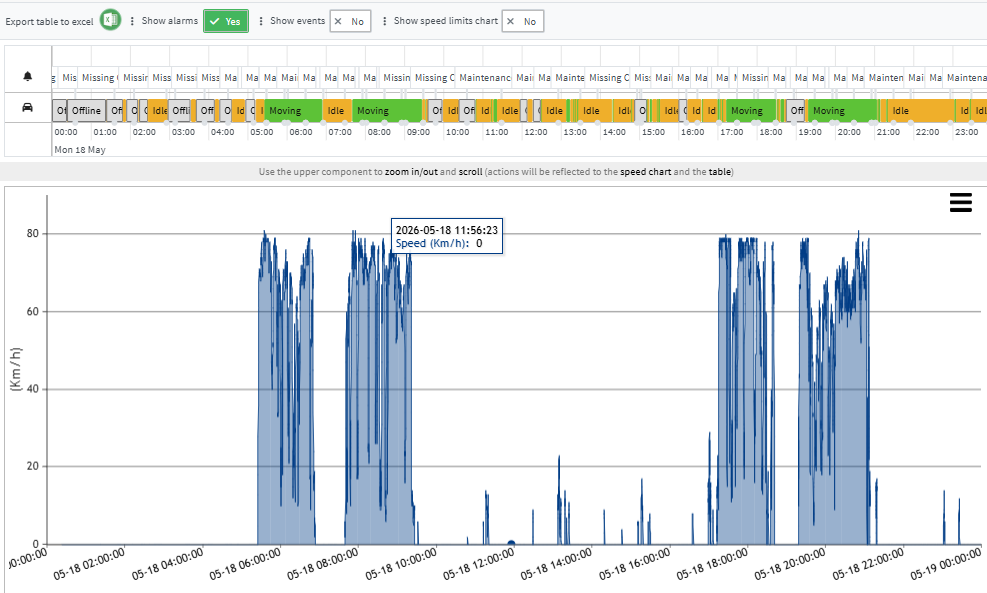
The Vehicle Timeline now includes offline states in the main status timeline and excludes those periods from timeline statistics.
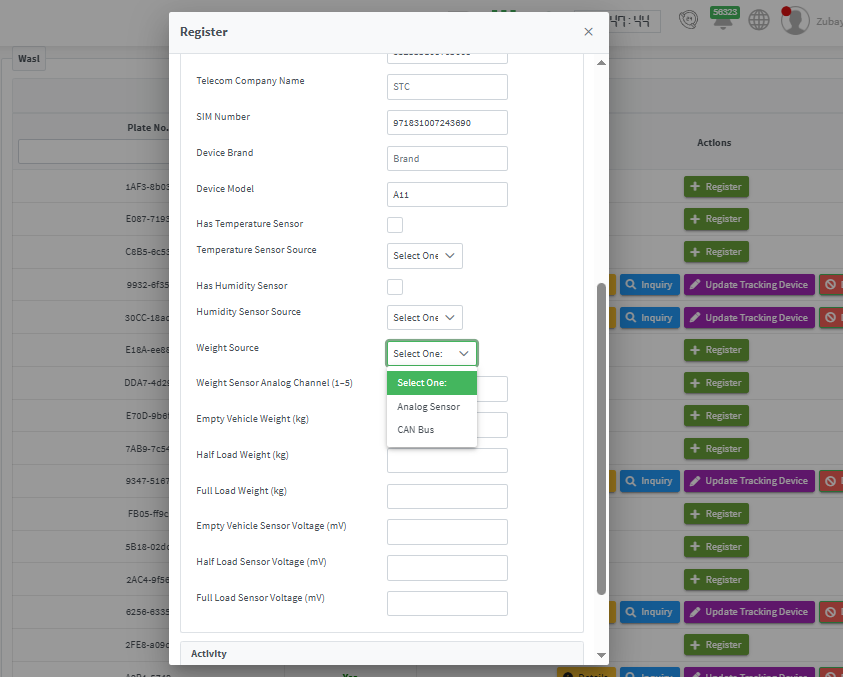
Supported Guide Versions:
- Inside Cities 1.3
- Motorcycle Delivery 1.2
- SFDA 1.10
- Specialized, international, educational and rental bus tracking 1.6
- Towing Cars Service Tracking 2.1
- Light Transport 1.2
- Default Tracking 1.32
- Transportation Between Cities Tracking Services 2.22
Vehicle deletion policy
- Deleted vehicles can be restored within 90 days only.
- After 90 days, the vehicle and related data are permanently deleted.
- Restoration is coordinated with the partner and restores tracking data only.
For the official release notes, see Release 6.9.7 in the Safee documentation.
Safee Tracking System
Ready to improve your fleet operations?
Tell us what you would like to improve. A Safee specialist will reply by email.
Usually replies within one business day • No sales spam
Your details are used only to respond to your request. Privacy Policy

