


Release 6.4.8: Conditional Commands and Mobile App Enhancements
Version: 6.4.8
Release 6.4.8 introduces conditional commands, adds circle geofence import from Excel, and enhances the Android and iOS mobile apps.
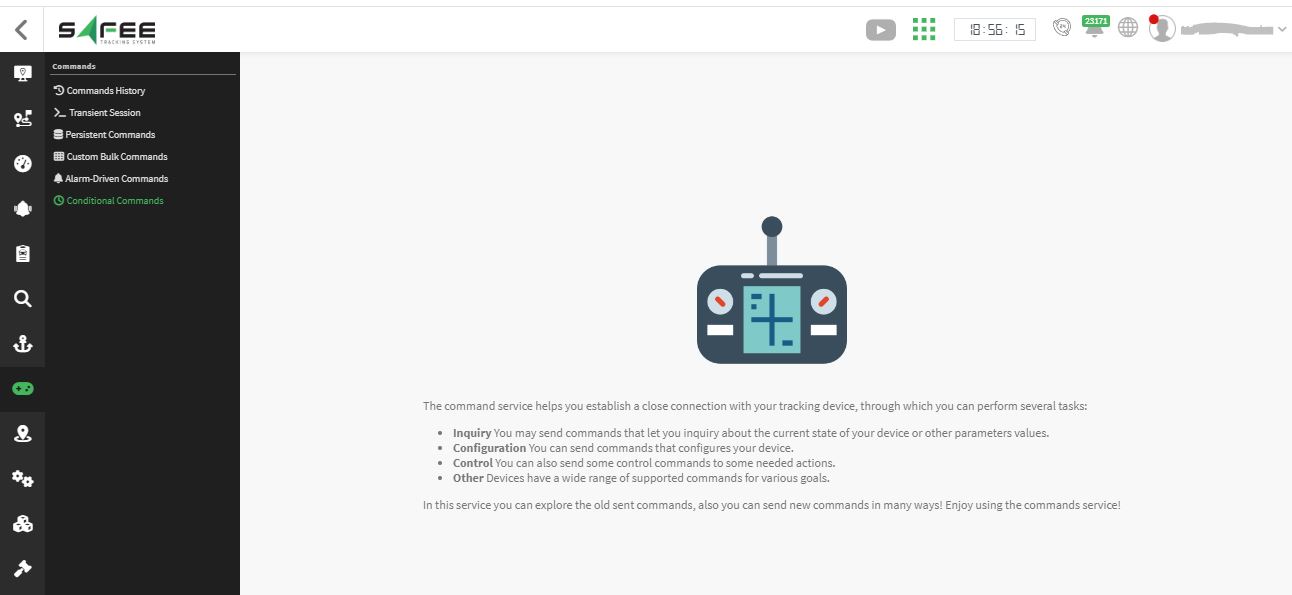
The wizard has seven steps:
- Basic information: a suitable name for the scheduler.
- Scheduling information: choose a periodic schedule that keeps scheduling the command whenever the conditions are met, or a one-time schedule, and set the next execution time. For periodic schedules you can restrict it to specific days and times.
- Geographical conditions: schedule the command only when the target vehicle is inside or outside a specific geofence, or keep “Everywhere” to ignore any geofence condition.
- Target device type and model: pick the type and model the scheduler targets.
- Vehicles to send the command to: the system lists all vehicles with the selected device type and model so you can pick the recipients.
- Command information: the command type, how long the system should keep trying to send it, and any additional conditions on vehicle speed and ignition state.
- Confirmation: review your choices and confirm.
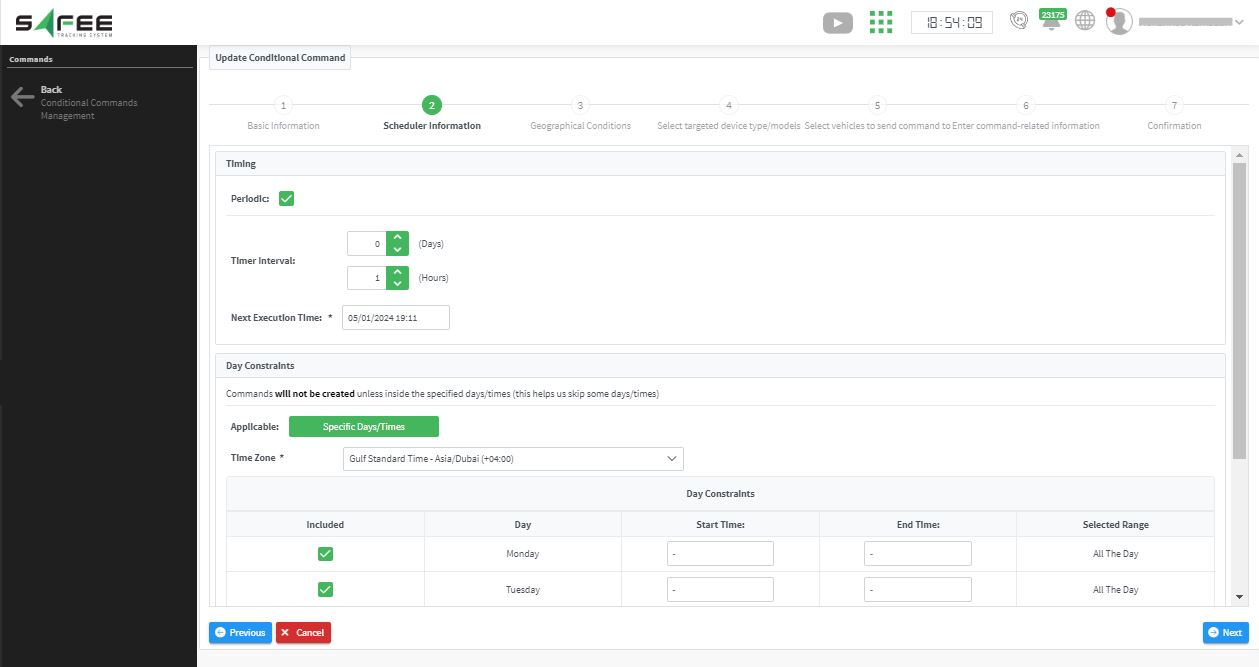
After the scheduler is created, the system creates the scheduled command at the set time (or periodically) only if all the conditions in steps 2, 3, 4 and 5 are met. It then keeps validating the additional conditions from step 6 throughout the set timeout to decide whether to send the command to the vehicle, just like a regular scheduled command.
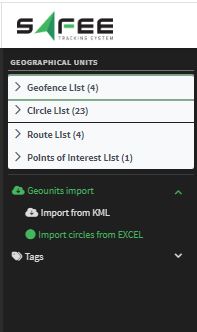
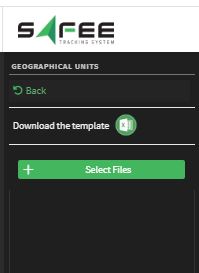
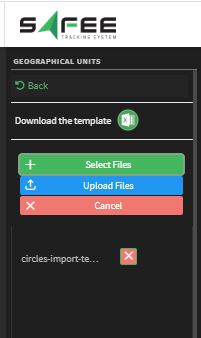
Once a file is selected, new buttons appear: Cancel to go back, Select files to pick a different file, and Upload files to show the read geofences and insert them.
For the official release notes, see Release 6.4.8 in the Safee documentation.
Ready to improve your fleet operations?
Tell us what you would like to improve. A Safee specialist will reply by email.
Usually replies within one business day • No sales spam
Your details are used only to respond to your request. Privacy Policy

