

Release 5.5.8: Numbers Notation and a Wider Vehicle History Window
Version: 5.5.8
Release 5.5.8 introduces two enhancements: control over how numbers are displayed in the system, and an expanded time window for vehicle history.

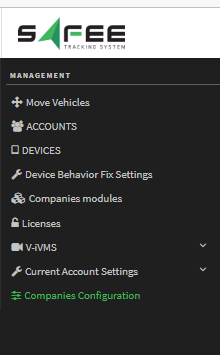

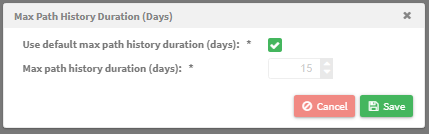
Warning: loading 30 days of vehicle history sends tens of thousands of tracking points to your browser and consumes significant resources. If your device has less than 16 GB of RAM, narrow the time filters rather than selecting a whole month.
For the official release notes, see Release 5.5.8 in the Safee documentation.
Safee Tracking System
Ready to improve your fleet operations?
Tell us what you would like to improve. A Safee specialist will reply by email.
Usually replies within one business day • No sales spam
Your details are used only to respond to your request. Privacy Policy

