


Release 5.3.4: Bulk Custom Commands for Partner Accounts
Version: 5.3.4
Release 5.3.4 enables command sending from partner accounts and improves the commands history with finer filters.
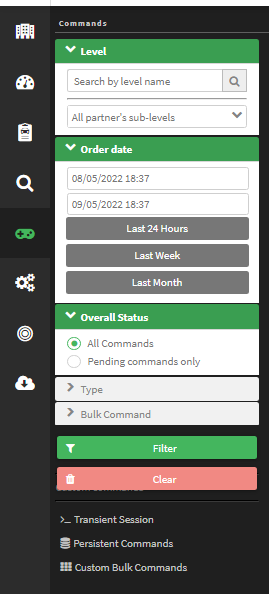
- Review the important notes.
- Select the device type and model or models.
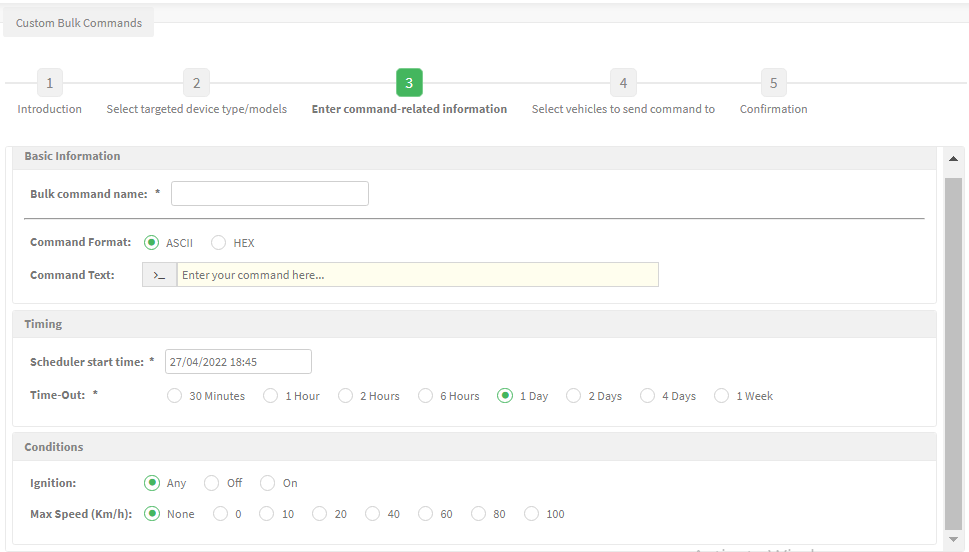
- Configure the command format, timing, retry duration and vehicle conditions.
- Choose the target vehicles matching the selected device type.
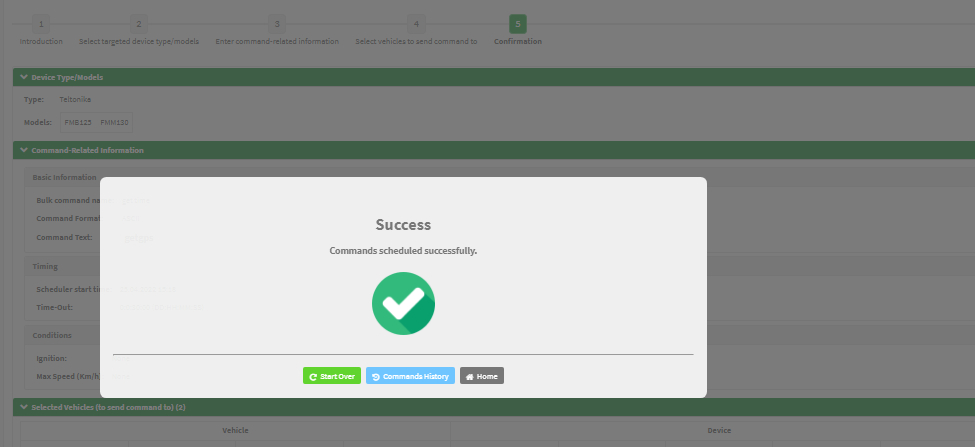
- Review and confirm the selections.
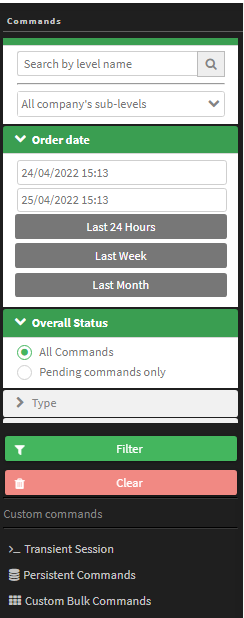
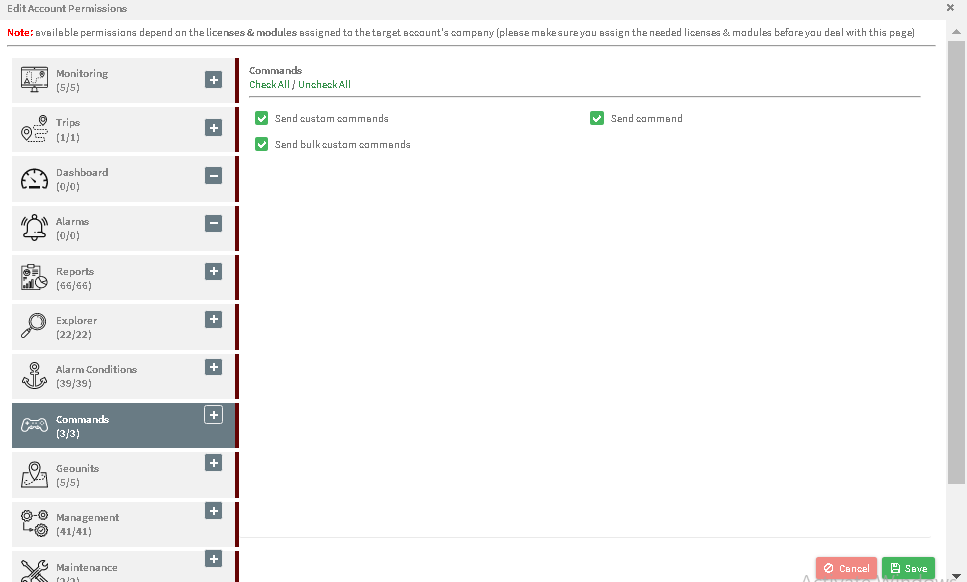

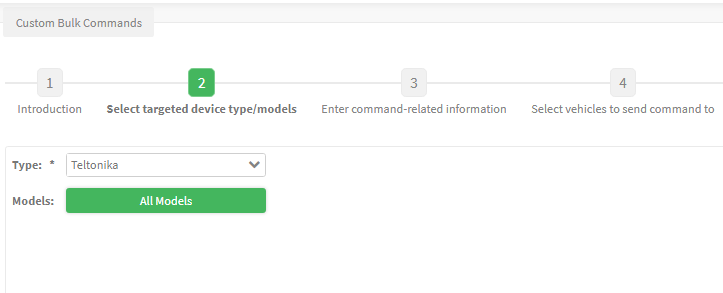
After confirmation you can schedule more commands, review the command history or return home. Transient sessions (a single command with an immediate response) and persistent commands (scheduled retries until success or failure) keep working as before.
For the official release notes, see Release 5.3.4 in the Safee documentation.
Safee Tracking System
Ready to improve your fleet operations?
Tell us what you would like to improve. A Safee specialist will reply by email.
Usually replies within one business day • No sales spam
Your details are used only to respond to your request. Privacy Policy

