


Release 6.7.1: Device-Based Settings and BLE Battery Charge
Version: 6.7.1
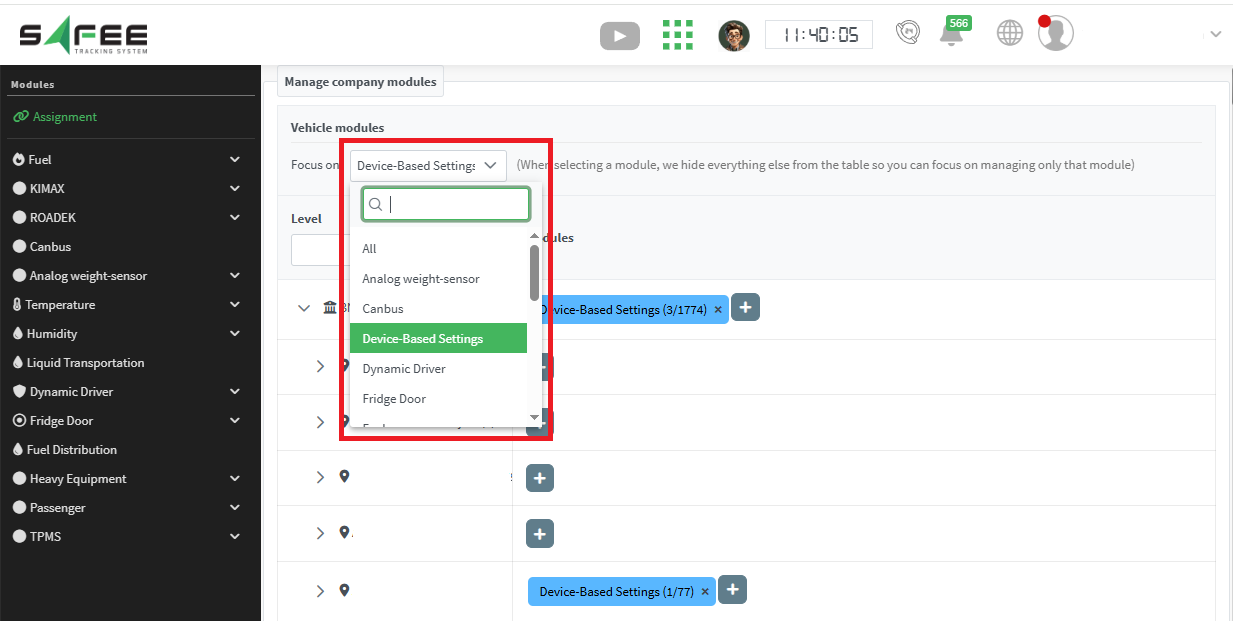
Release 6.7.1 adds a new source for equipment activity, shows BLE battery charge in the Message History report, and introduces a module that controls device behavior when the GPS signal is weak.
- Digital inputs: the ordinary settings you are used to.
- BLE 1 custom #1: the new source that reads this parameter from Teltonika devices and interprets it as the activity status of the connected equipment. The expected values are 0 or 1, expressing active or inactive as per your settings.
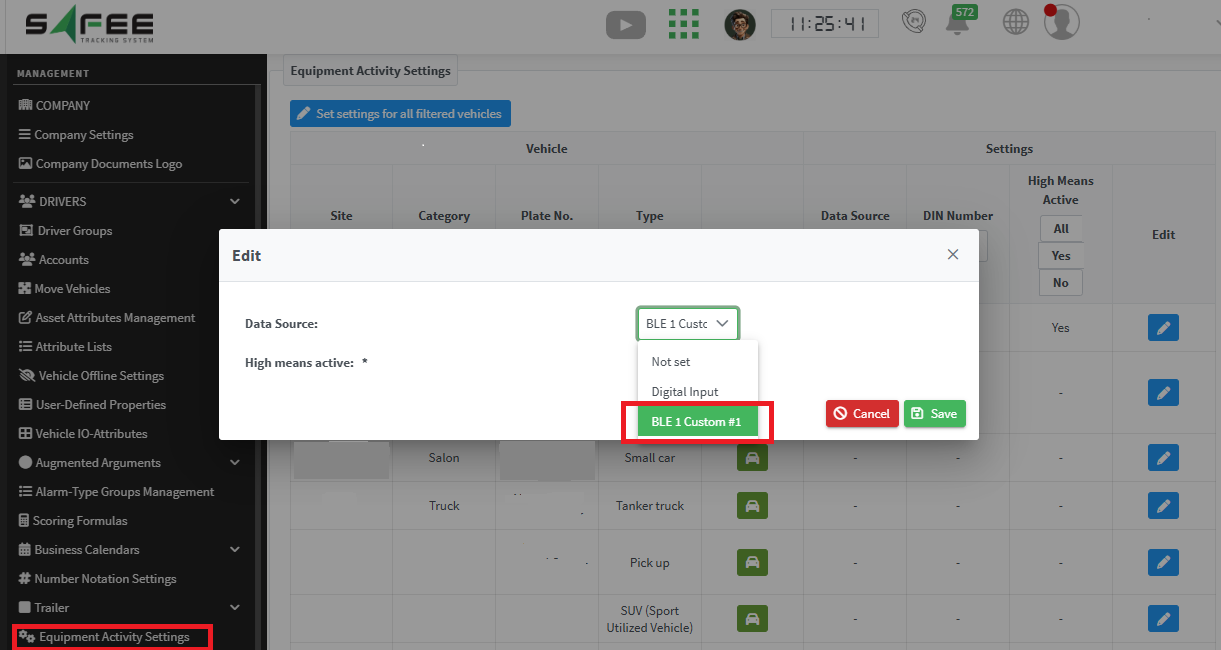
After choosing the source, select the applied logic with the High means active checkbox. The result appears in the Equipment Activity report as usual, with the periods when BLE 1 custom #1 was active and inactive, which represent your equipment’s activity times.
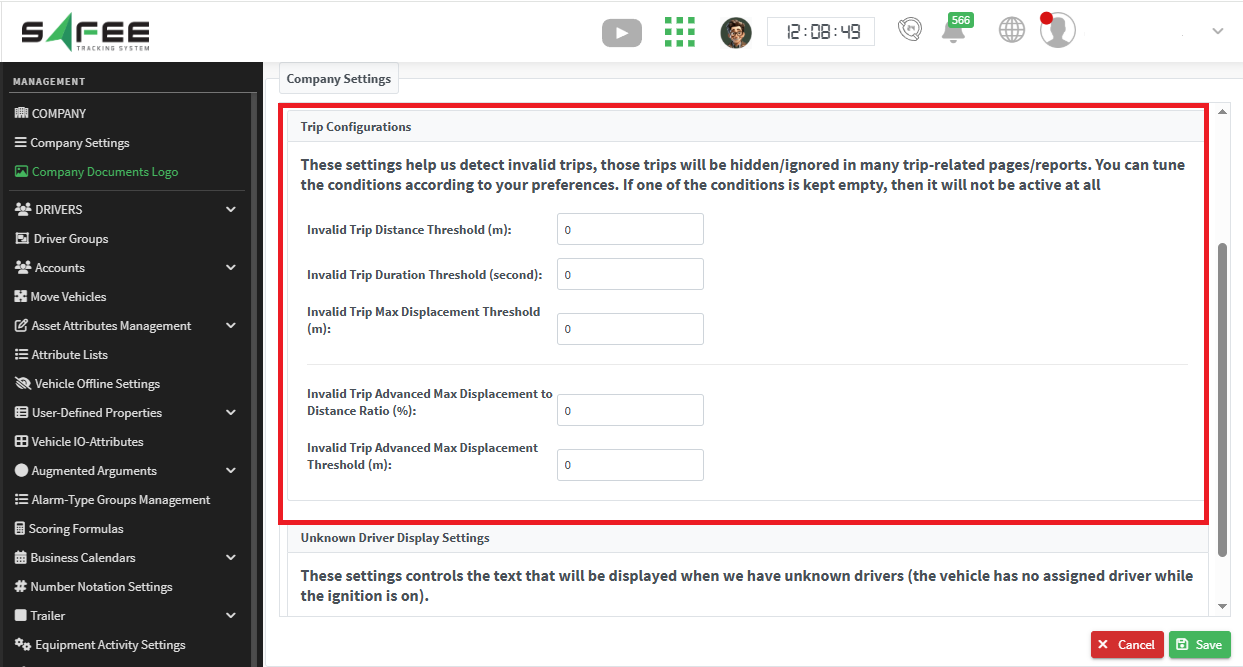
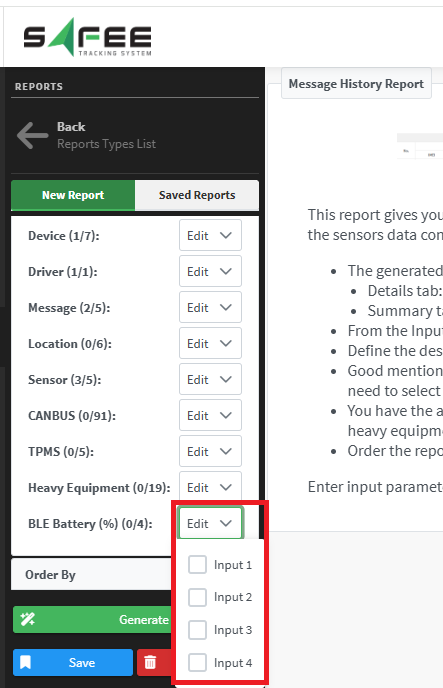
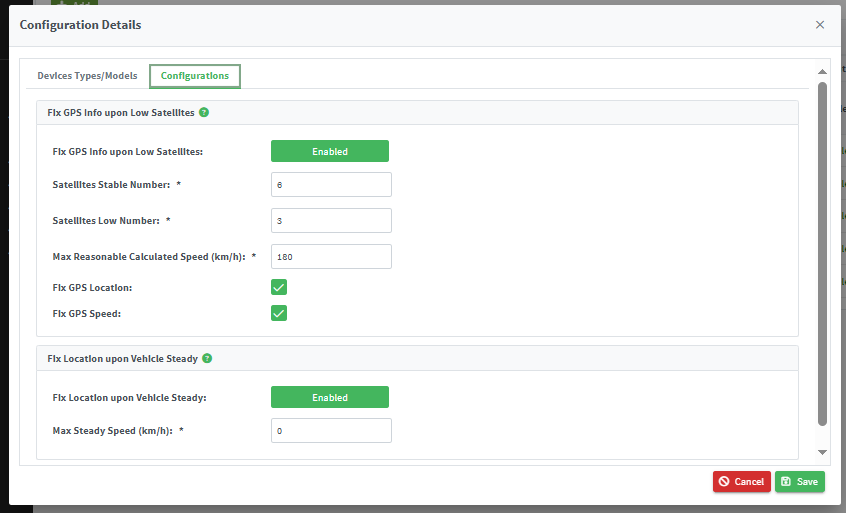
For the official release notes, see Release 6.7.1 in the Safee documentation.
Ready to improve your fleet operations?
Tell us what you would like to improve. A Safee specialist will reply by email.
Usually replies within one business day • No sales spam
Your details are used only to respond to your request. Privacy Policy

