

Release 6.7.3: Equipment Frequency Source and Geofence Export
Version: 6.7.3
Release 6.7.3 adds a new equipment activity source for Teltonika devices, makes the Monitoring page remember your choices, and adds exporters to the Geofence Backtrack report.
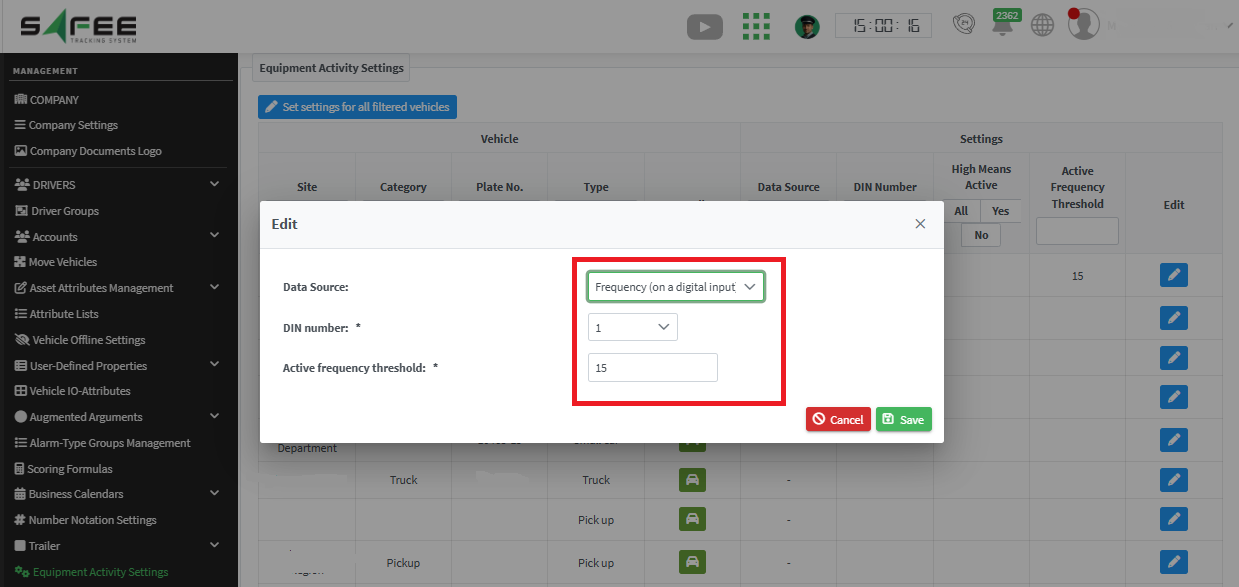
- Go to Management > Company Admin and open Equipment Activity Settings.
- Select Edit for the relevant configuration.
- Choose Frequency (on a digital input) as the data source.
- Specify which digital input is in use.
- Set the activity threshold: when the received frequency exceeds it, the equipment registers as ACTIVE.
Then check the activity and non-activity periods in the Equipment Activity report.
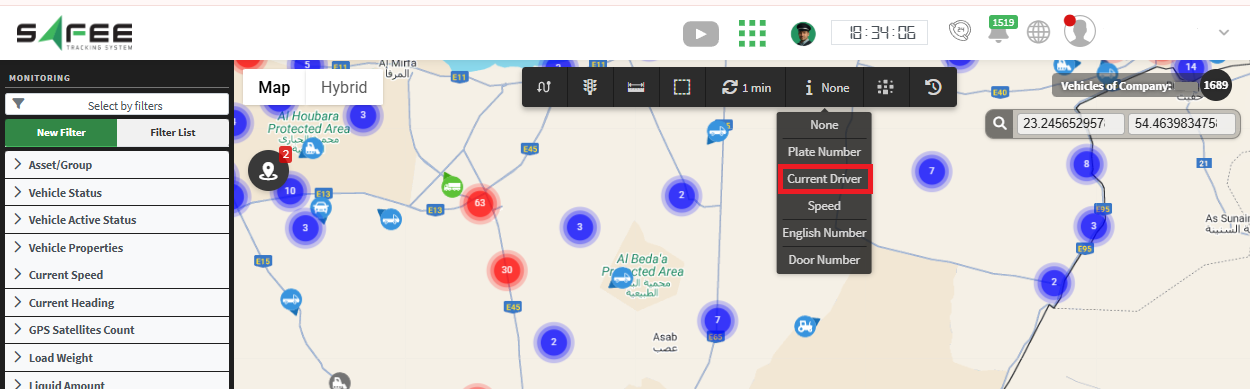
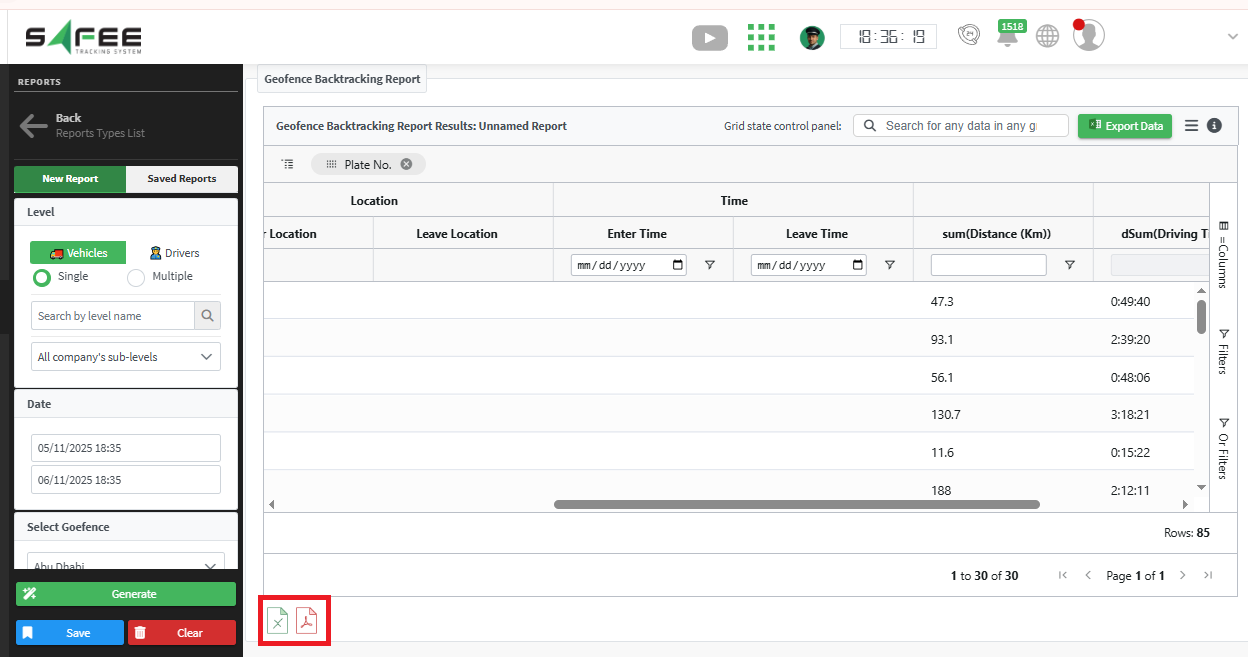
For the official release notes, see Release 6.7.3 in the Safee documentation.
Safee Tracking System
Ready to improve your fleet operations?
Tell us what you would like to improve. A Safee specialist will reply by email.
Usually replies within one business day • No sales spam
Your details are used only to respond to your request. Privacy Policy

