


Release 6.7.0: Dynamic Asset Attributes in Every Report
Version: 6.7.0
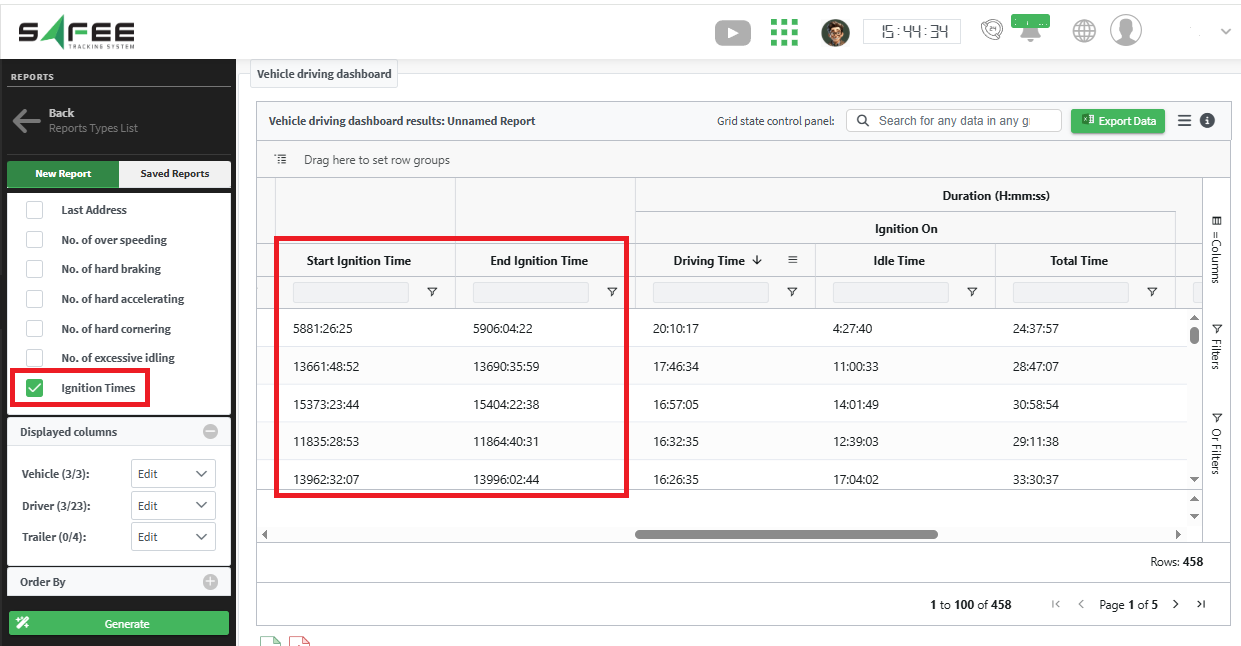
Release 6.7.0 connects every report to the attributes you define for your assets, and adds two ignition time columns to the vehicle driving dashboard report.
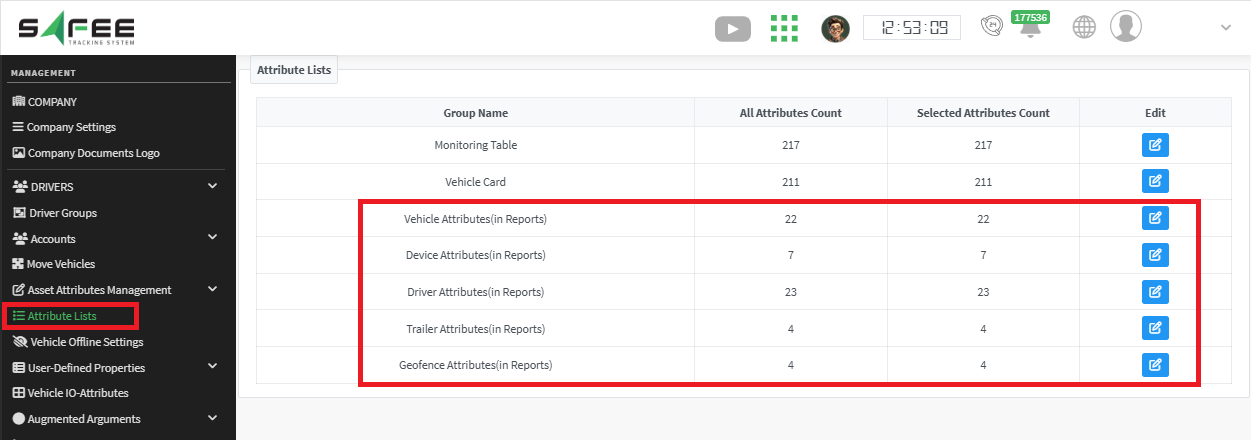
Reports that included asset information used to show a fixed set of standard fields. Now you can:
- View custom attributes: all reports include your custom asset attributes as columns you can display.
- Filter by custom attributes: use them as filters to generate more precise reports tailored to your business.
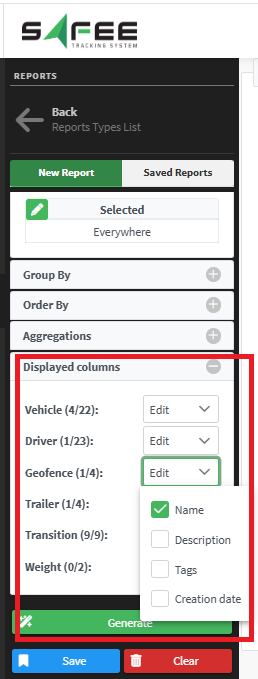
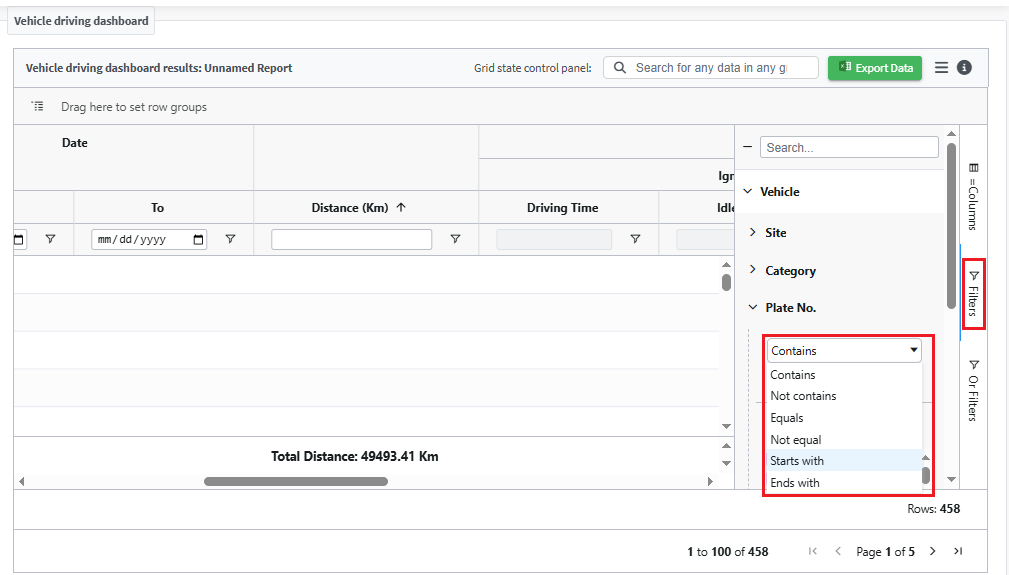
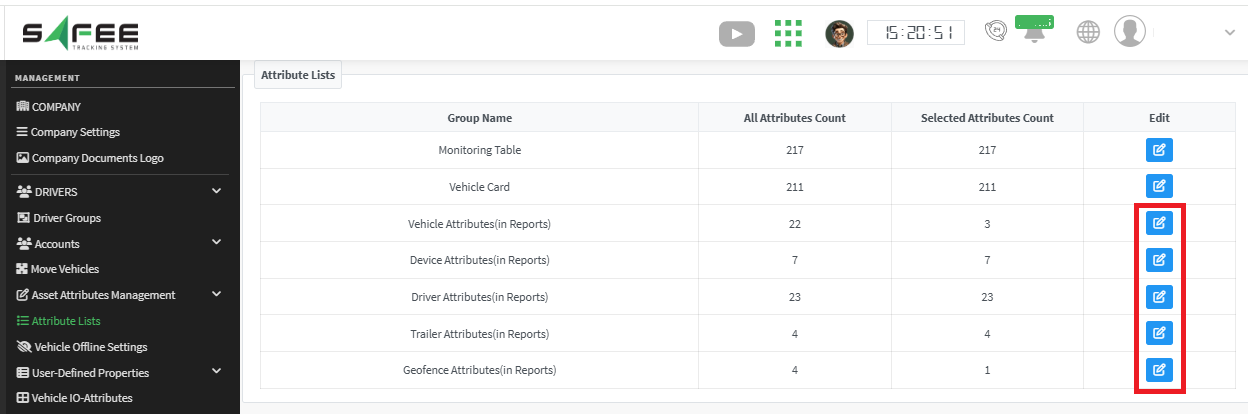
Simply specify the required attributes from the attributes list in the management page, and they become available in the reports’ filters.
For the official release notes, see Release 6.7.0 in the Safee documentation.
Safee Tracking System
Ready to improve your fleet operations?
Tell us what you would like to improve. A Safee specialist will reply by email.
Usually replies within one business day • No sales spam
Your details are used only to respond to your request. Privacy Policy

