


Release 6.6.13: Bulk Update of User-Defined Properties
Version: 6.6.13
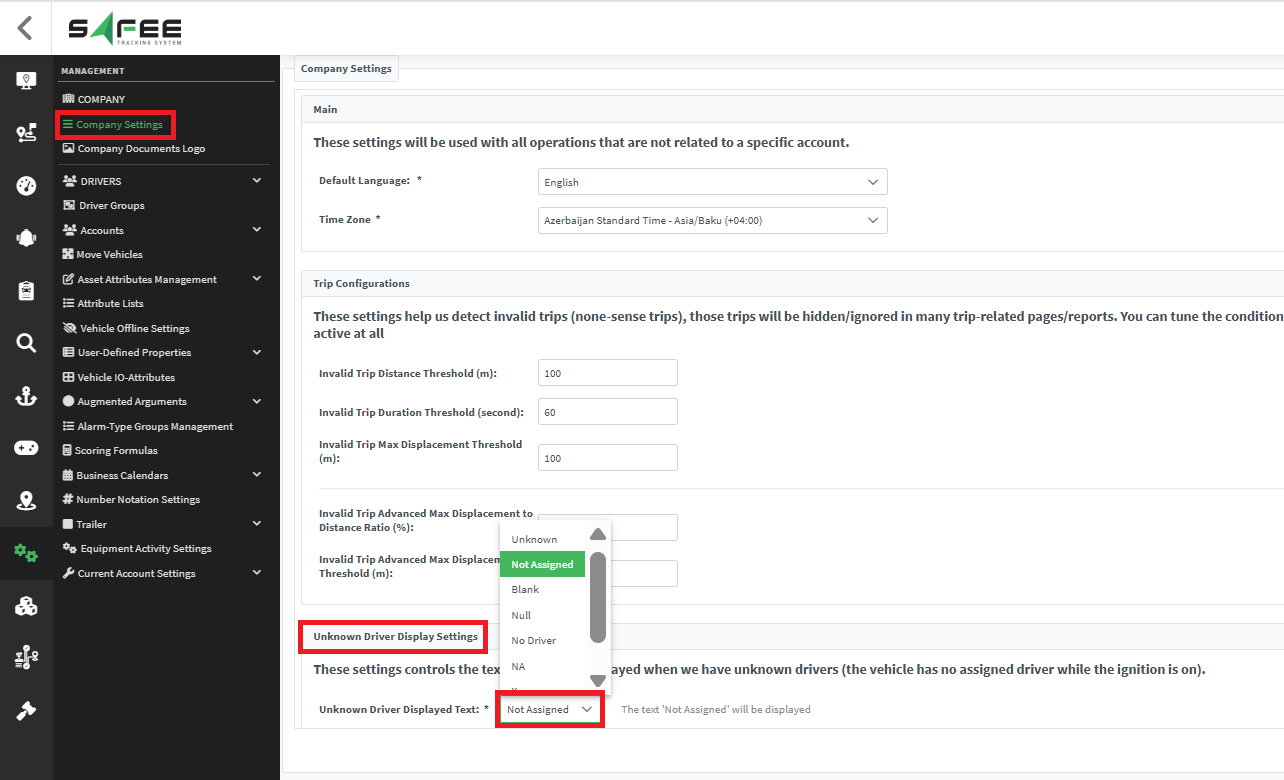
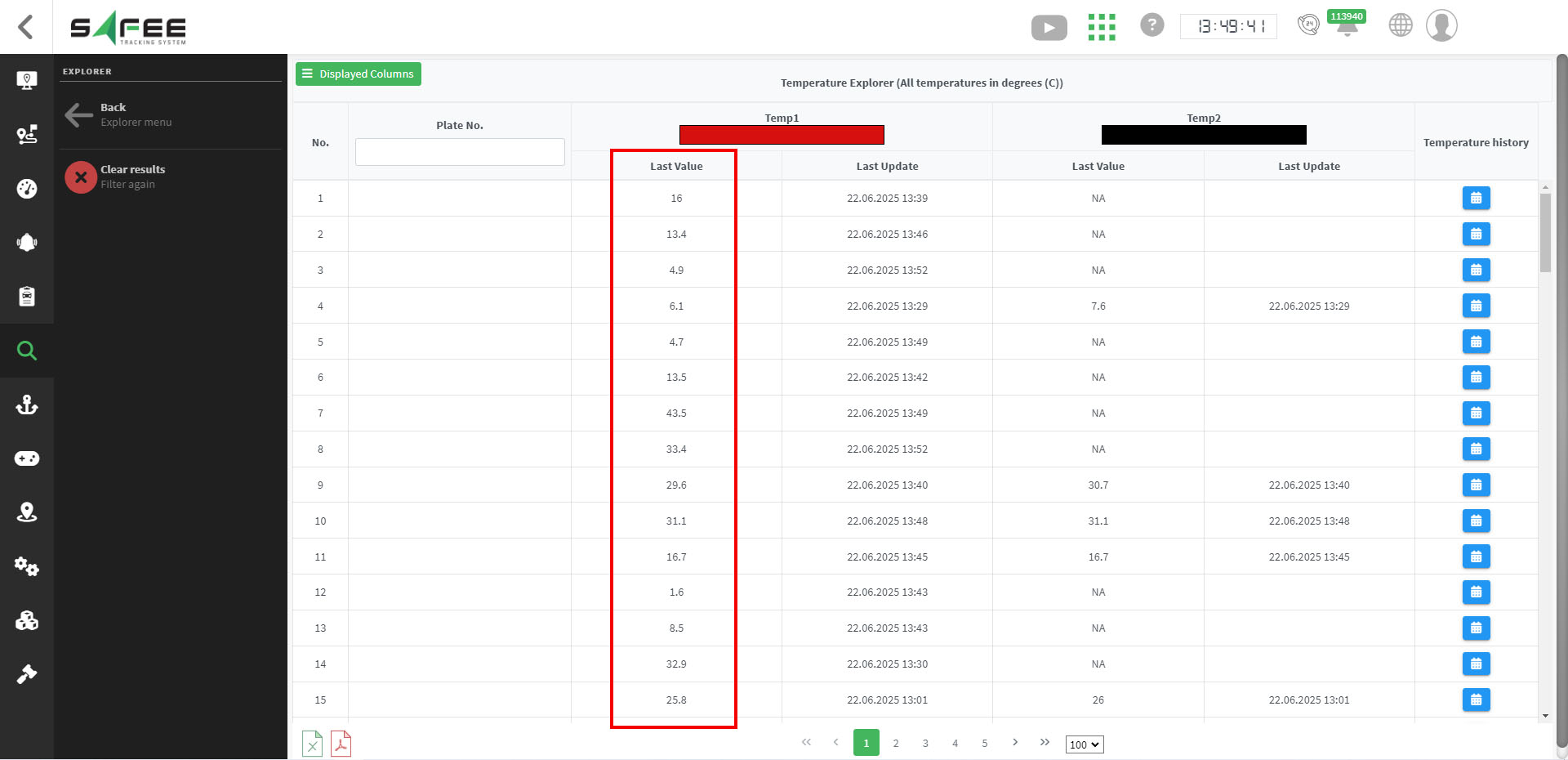
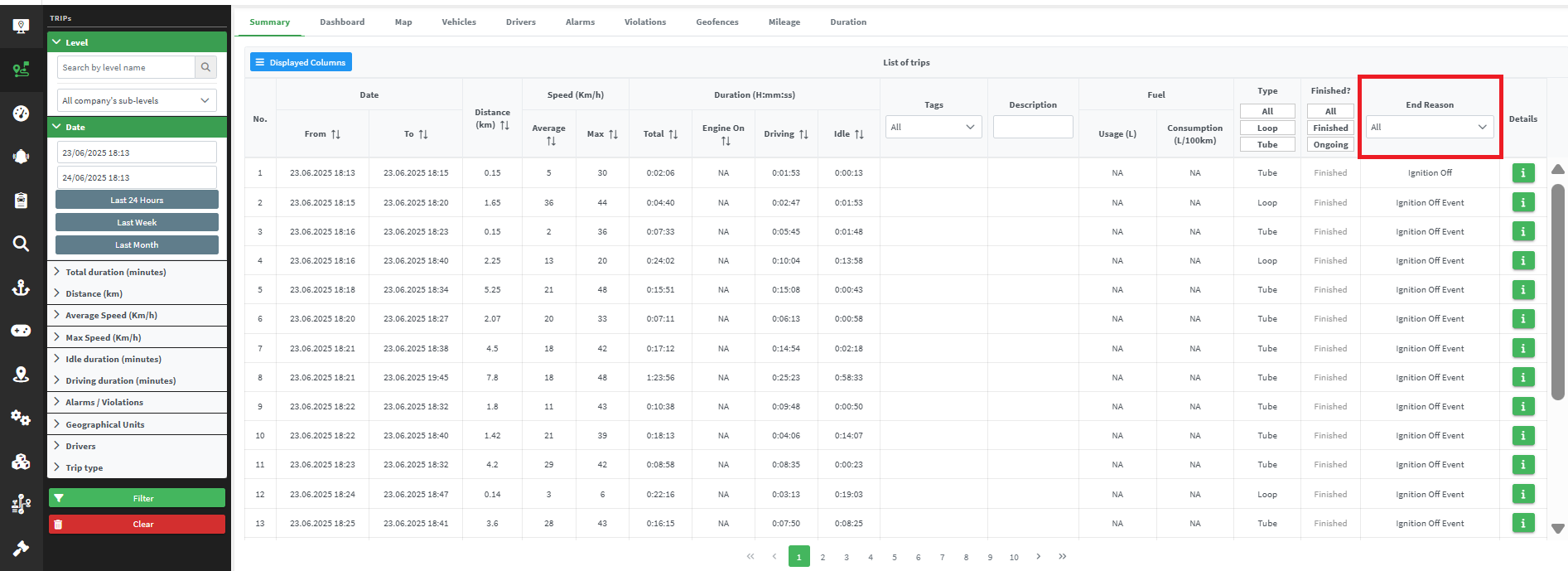
Release 6.6.13 lets you edit user-defined properties for many assets at once, and improves Dynamic Driver, the Temperature/Humidity Explorer and the Trips page.
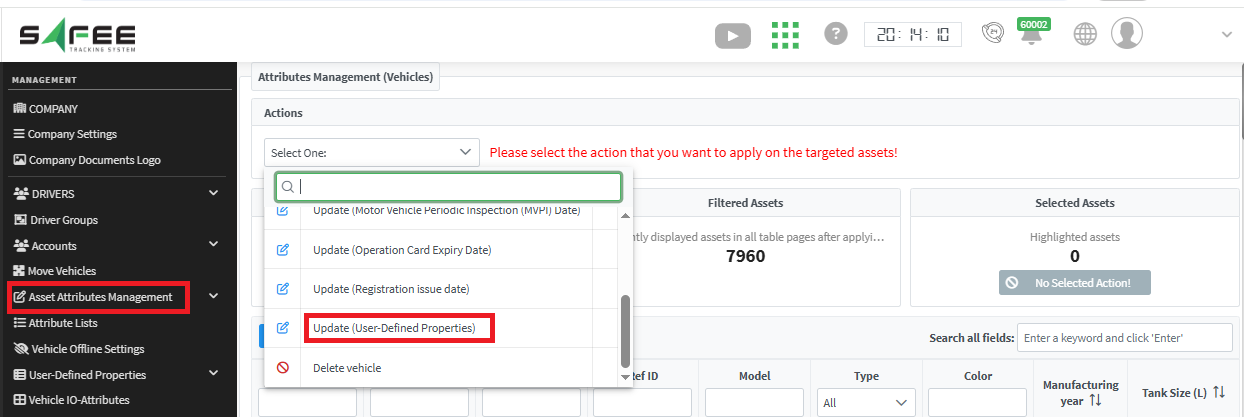
- Open Asset Attributes Management.
- Select the new User-Defined Properties option.
- Make the changes you need.
- Use the Displayed Columns menu to choose the fields you want to edit.
For the official release notes, see Release 6.6.13 in the Safee documentation.
Safee Tracking System
Ready to improve your fleet operations?
Tell us what you would like to improve. A Safee specialist will reply by email.
Usually replies within one business day • No sales spam
Your details are used only to respond to your request. Privacy Policy

