


Release 6.5.10: AVL Inputs Alarm, Command Templates and Reports
Version: 6.5.10
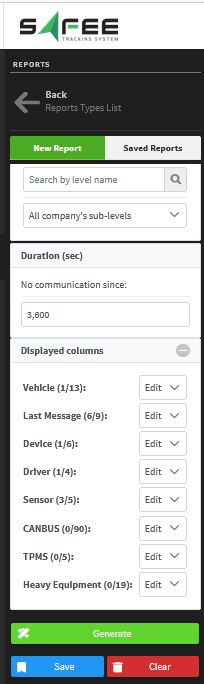
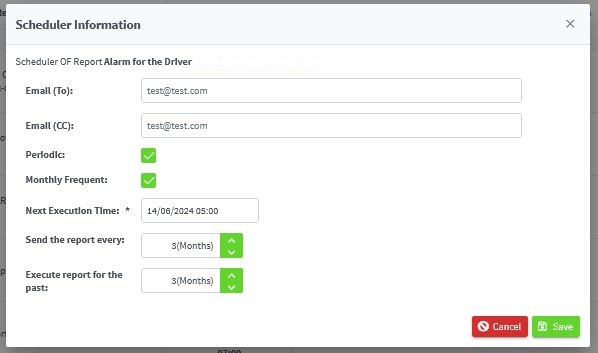
Release 6.5.10 adds a new alarm condition for tracker inputs, introduces command templates, and upgrades the communication report and report scheduling.
The wizard has six steps:
- Condition name: choose a suitable name.
- Level: select the level it applies to.
- Geofences: set conditions inside or outside geofences.
- Parameters: the backbone of the generator, including time tolerance, ignition status, digital inputs, analog inputs and day and time constraints.
- Notifications: select how you are notified: system, popup, email, mobile app or WhatsApp.
- Confirmation: review the settings before saving.
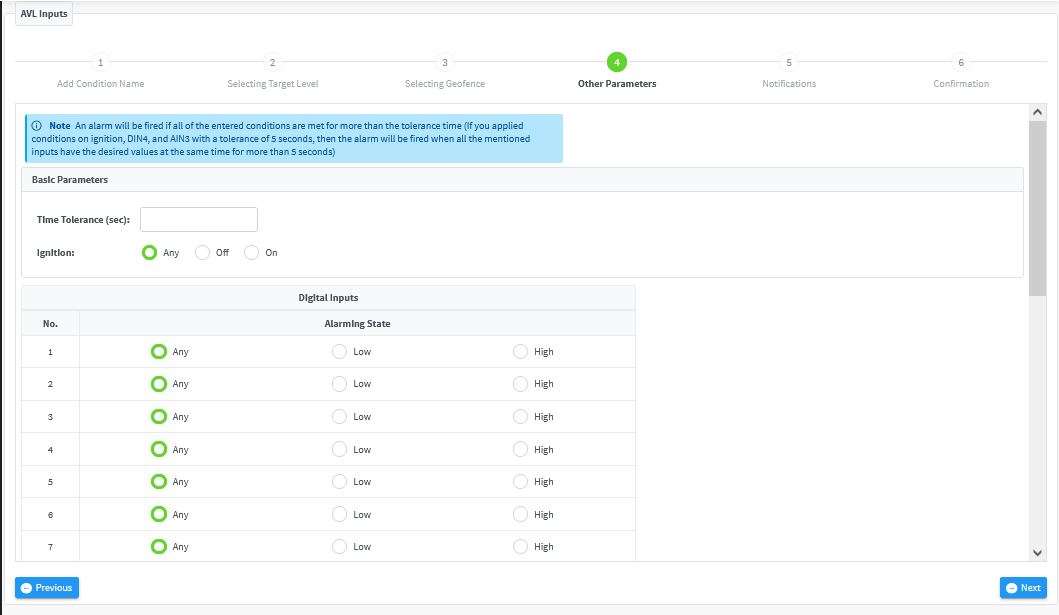
The system monitors the conditions you set and fires the alarm once all of them are met.
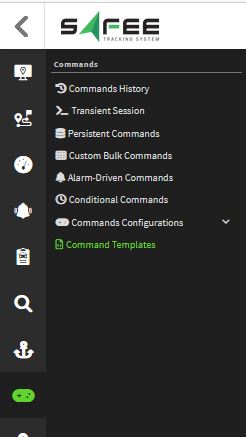
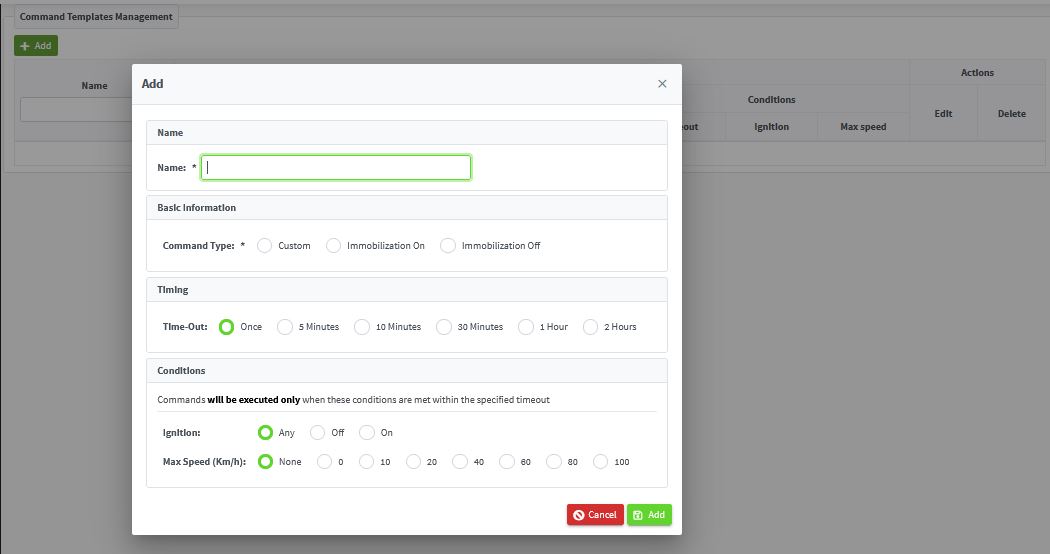
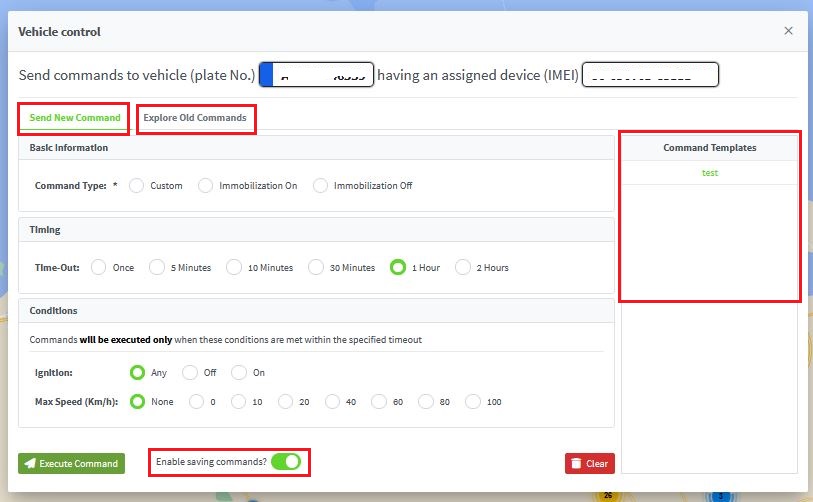
To create a template, click Add and fill in the template name, command type, scheduler and required conditions.
Template functionality is integrated into the command dialog on the monitoring page, so you can:
- Send any immediate command from the monitoring page, including immobilization commands.
- Access all the scheduler and condition options.
- Choose to save the command or run it once.
- Pick a predefined template to execute.
For the official release notes, see Release 6.5.10 in the Safee documentation.
Ready to improve your fleet operations?
Tell us what you would like to improve. A Safee specialist will reply by email.
Usually replies within one business day • No sales spam
Your details are used only to respond to your request. Privacy Policy

