

Release 6.3.3: Overloading Alarm and Wasl Report Enhancements
Version: 6.3.3
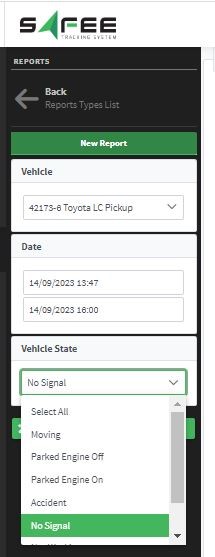
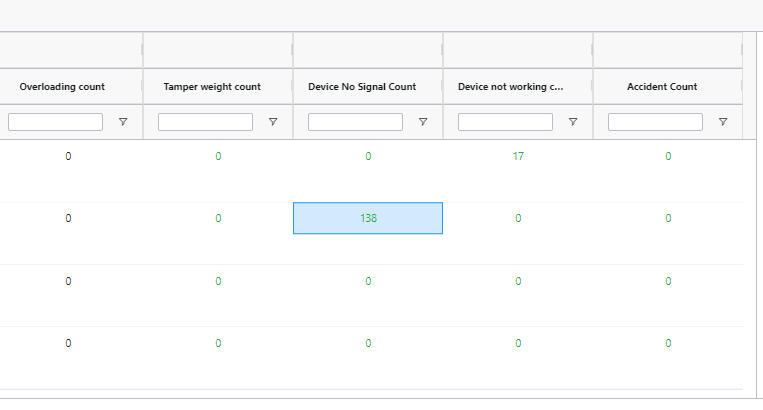
Release 6.3.3 improves the load weight alarm and enhances the Wasl reports to speed up your violation investigations.
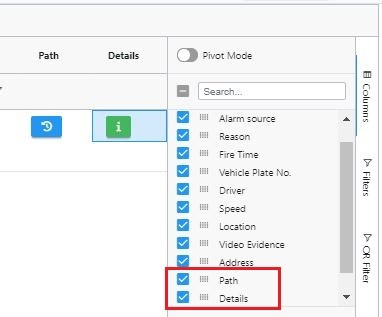
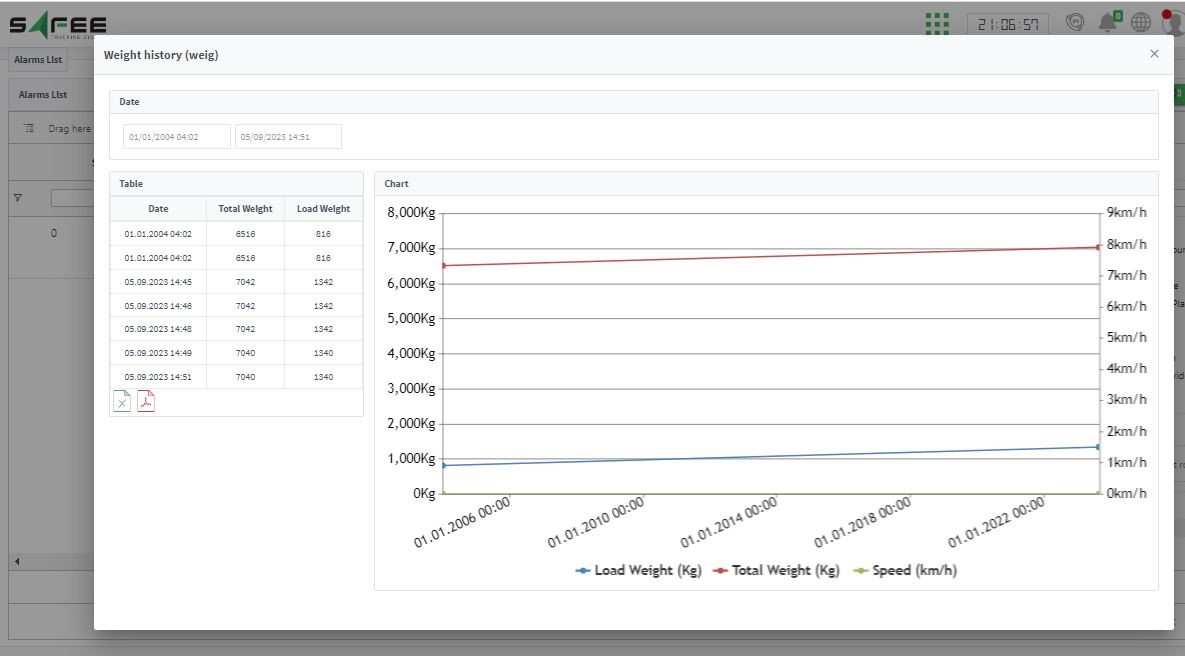
Two new columns were added to the alarms page: a Path column that links to the vehicle history filtered to the alarm’s time range, and a Details column that shows a popup with the weight history during the alarm period.
For the official release notes, see Release 6.3.3 in the Safee documentation.
Safee Tracking System
Ready to improve your fleet operations?
Tell us what you would like to improve. A Safee specialist will reply by email.
Usually replies within one business day • No sales spam
Your details are used only to respond to your request. Privacy Policy

