


Release 5.6.6: Journey Information on the Vehicle Card for JMS Users
Version: 5.6.6
Release 5.6.6 lets users with a Journey Management System (JMS) license display active journey details directly on the vehicle card in the monitoring page.
- Open the Management tab.
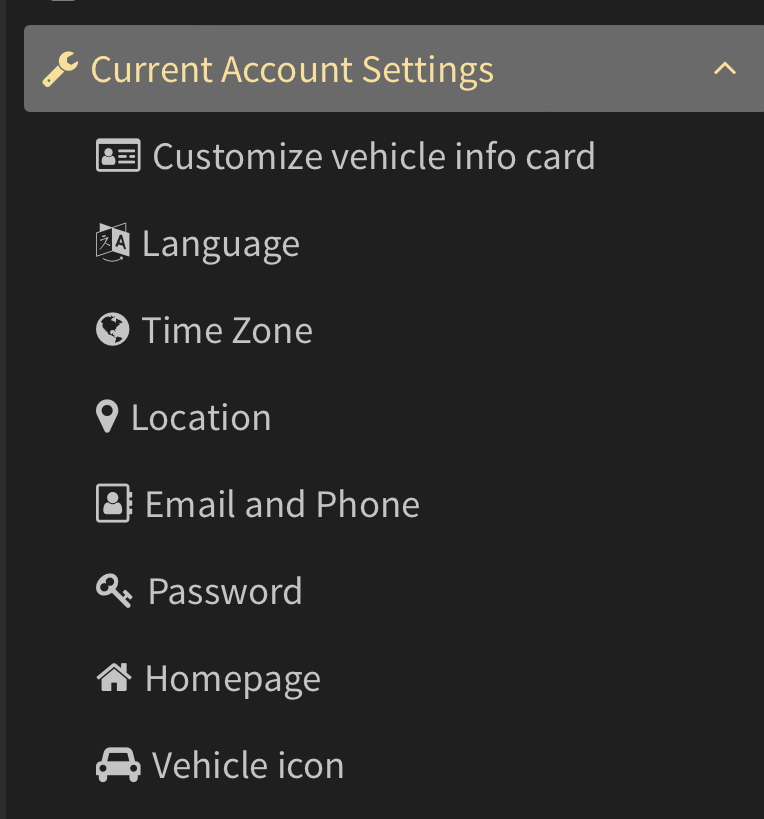
- Go to Account settings.
- Open Vehicle card info.
- Select the information you want from the available JMS data.
- Save the changes and return to the monitoring page.
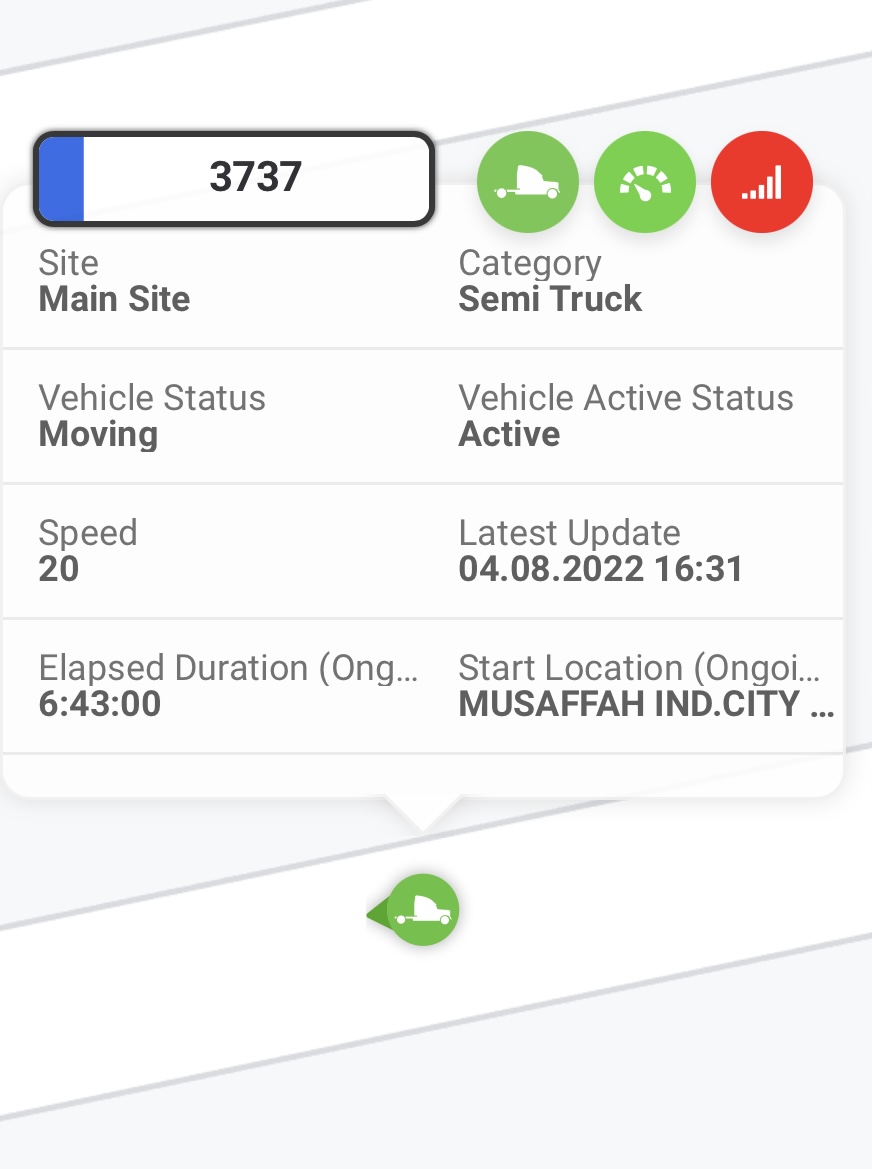
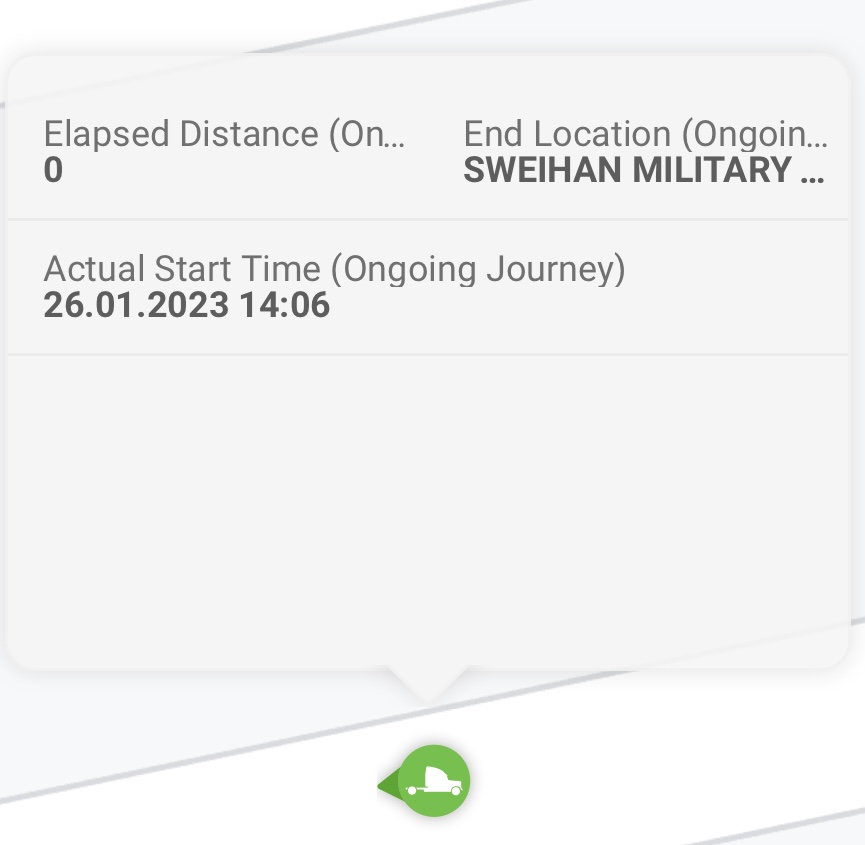
- Click any vehicle with an active journey to view the details.
As a result, vehicle cards display the relevant journey information when a journey is active.

For the official release notes, see Release 5.6.6 in the Safee documentation.
Safee Tracking System
Ready to improve your fleet operations?
Tell us what you would like to improve. A Safee specialist will reply by email.
Usually replies within one business day • No sales spam
Your details are used only to respond to your request. Privacy Policy

