


Release 5.5.5: Edit Drivers List, Maintenance Tasks and SP2000 Report
Version: 5.5.5
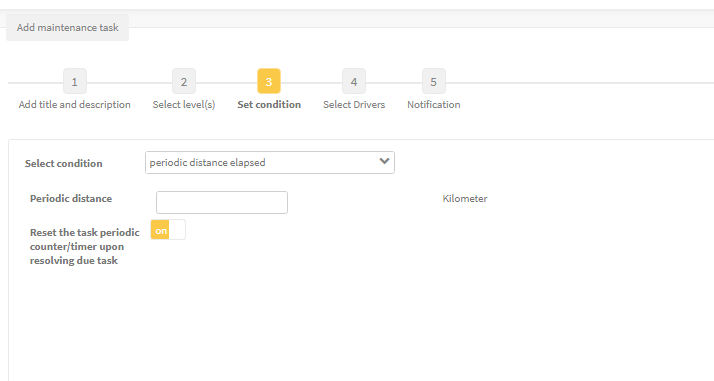
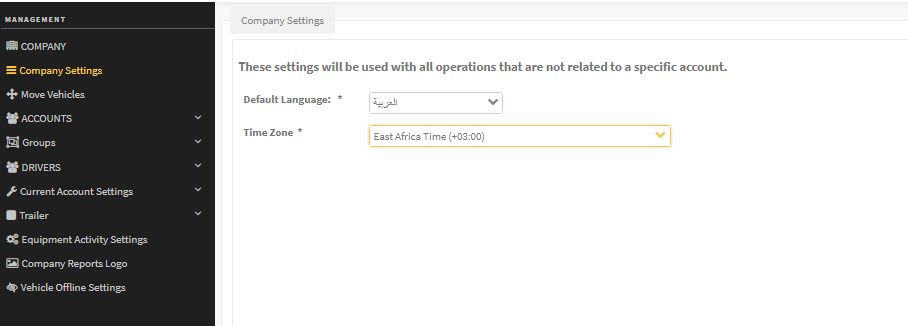
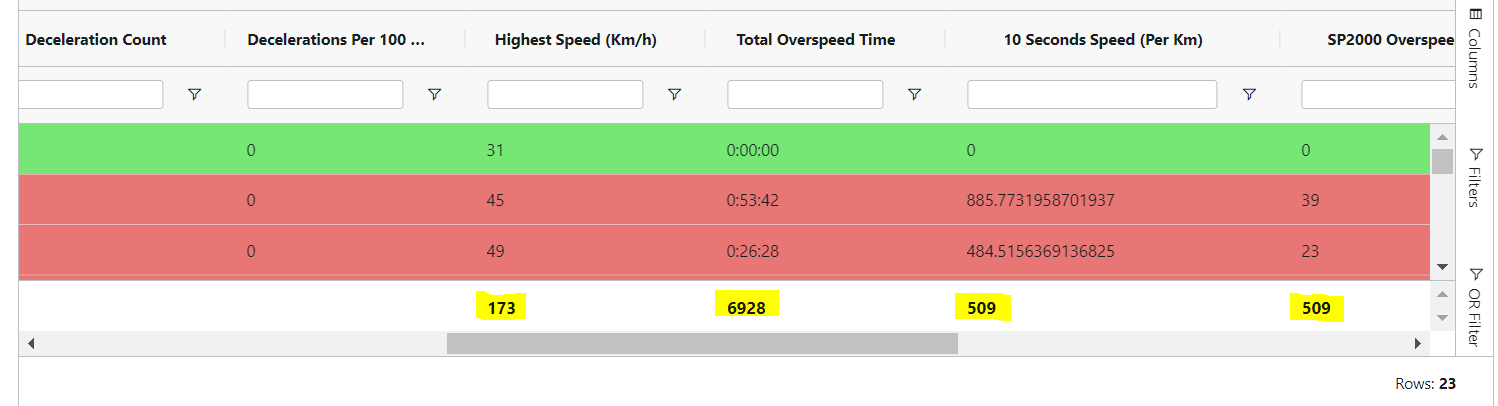
Release 5.5.5 brings four improvements: editing drivers via import, better periodic maintenance tasks, a default address language, and an upgraded SP2000 RAG report.
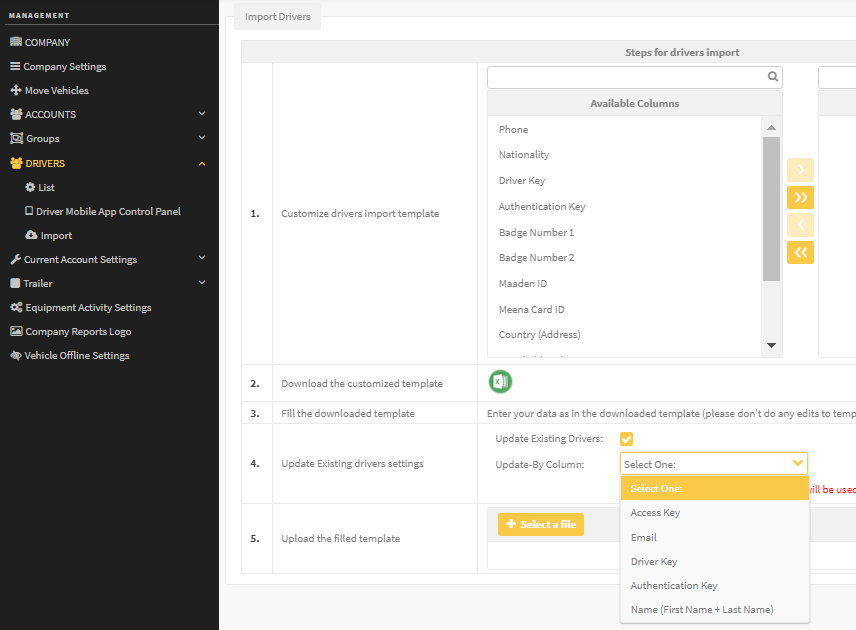
- Enable Update existing drivers settings in the import workflow.
- Select the reference column that identifies each driver.
- Upload the modified spreadsheet.
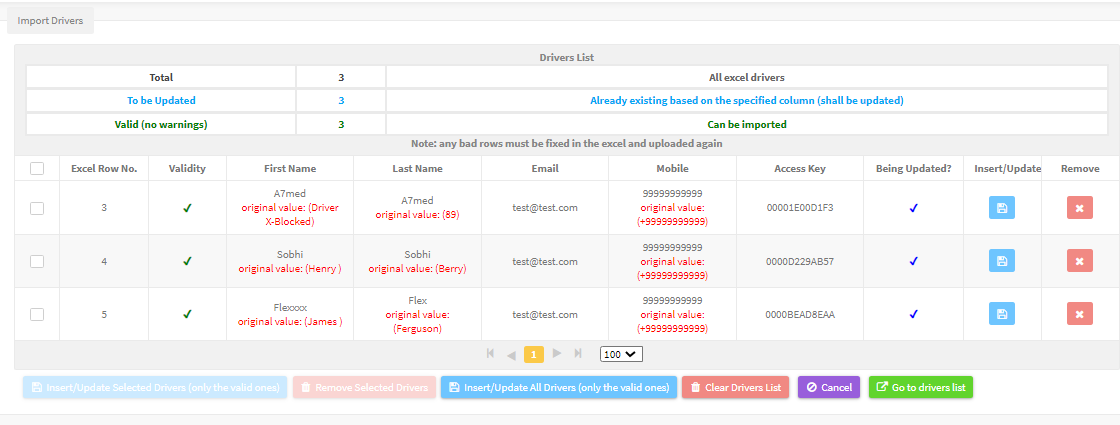
The system validates the changes before applying them, and adds a new driver if no match is found.
For the official release notes, see Release 5.5.5 in the Safee documentation.
Safee Tracking System
Ready to improve your fleet operations?
Tell us what you would like to improve. A Safee specialist will reply by email.
Usually replies within one business day • No sales spam
Your details are used only to respond to your request. Privacy Policy

