


Release 5.1.3: RALG Report and Company Logo in Exports
Version: 5.1.3
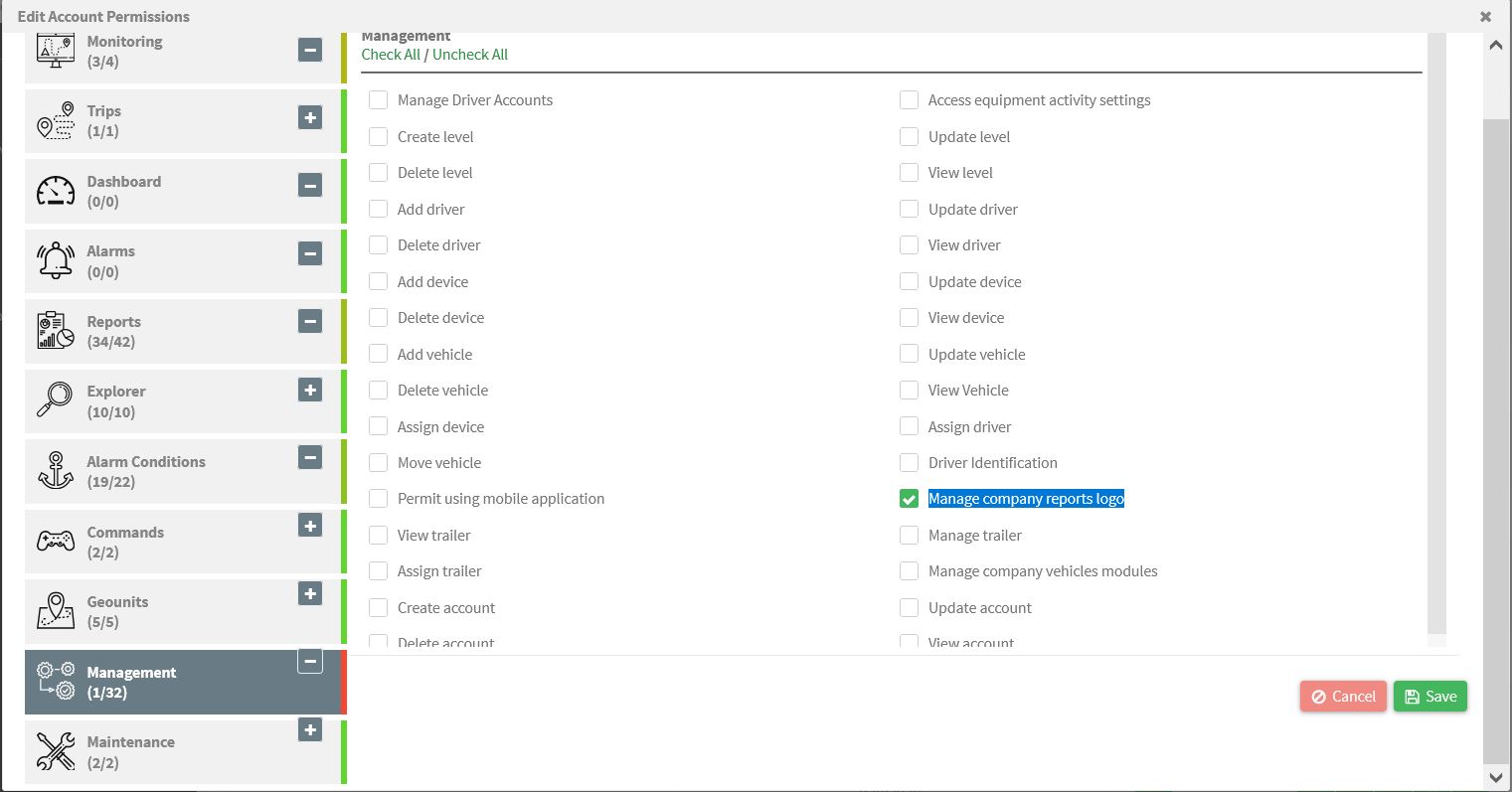
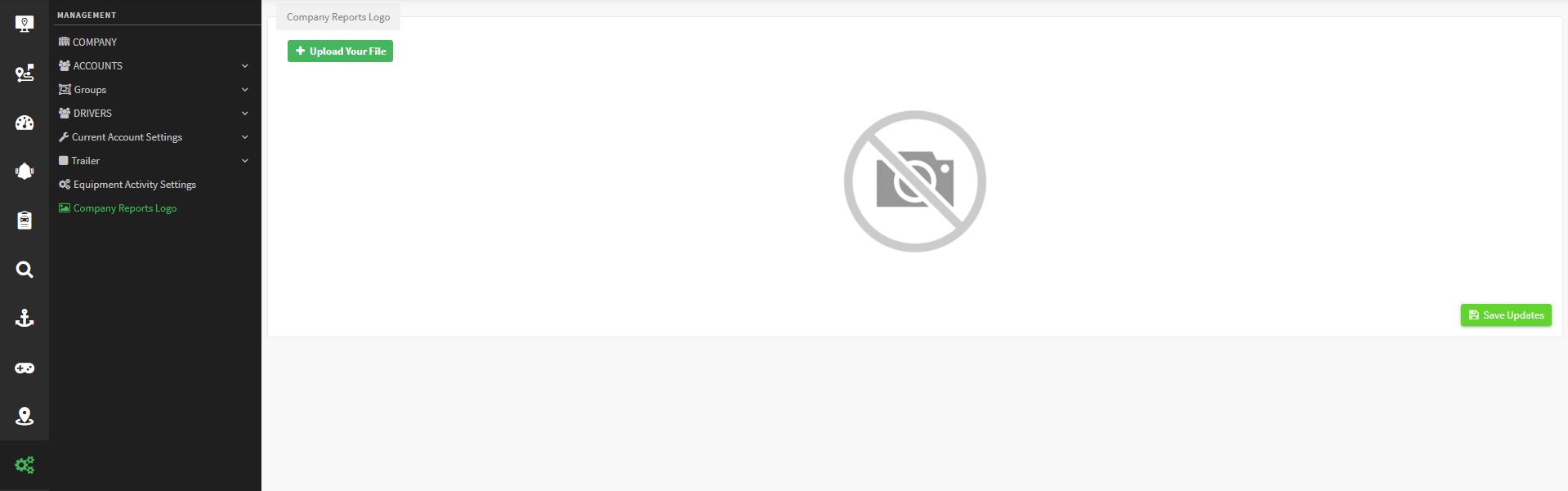
Release 5.1.3 delivers three features: the RALG report, a company logo in exported reports and an enhanced RAG report.
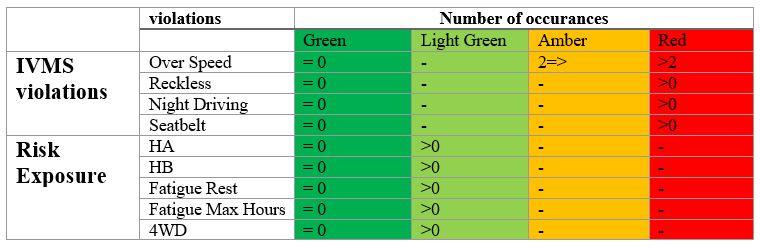
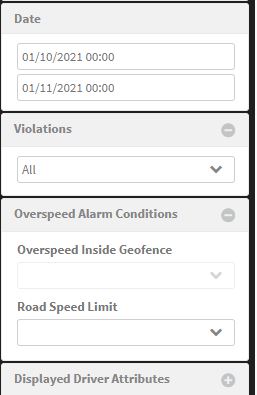
All the alarm conditions above can be selected at the report input to be included in or excluded from the report output.
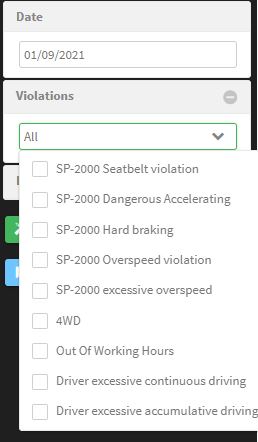
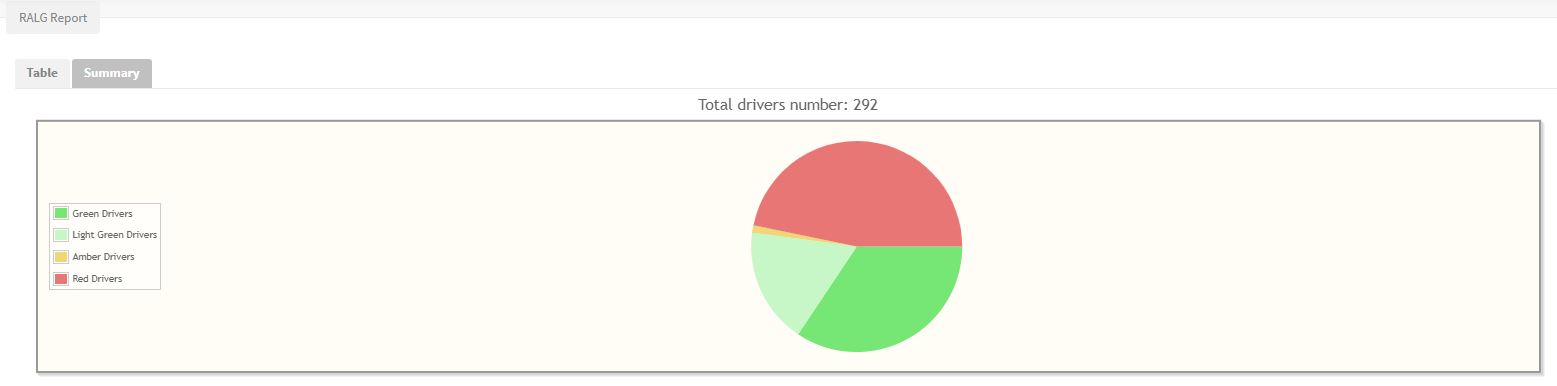
You generate monthly reports by selecting driver groups, alarm conditions and the desired driver attributes. Results display in a table and in a summary pie chart.

Reports generated by vehicle include only the drivers currently assigned to the vehicles, while reports generated by drivers show all the drivers of the chosen group.
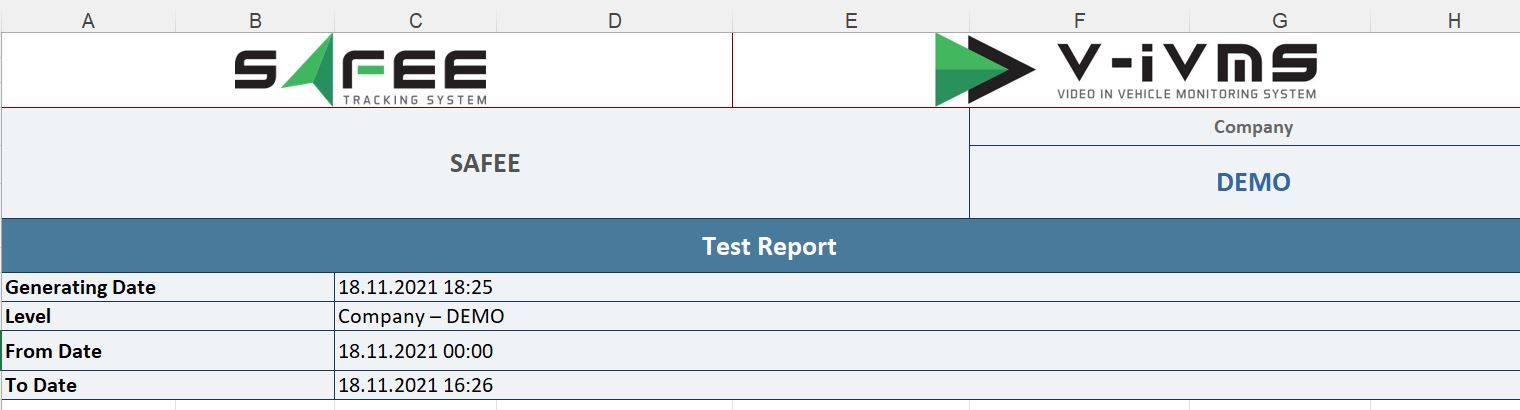
For the official release notes, see Release 5.1.3 in the Safee documentation.
Ready to improve your fleet operations?
Tell us what you would like to improve. A Safee specialist will reply by email.
Usually replies within one business day • No sales spam
Your details are used only to respond to your request. Privacy Policy

