

Release 3.10.3: Fuel Module, Orbcomm, RAG Report and Violation Reports
Version: 3.10.3
Release 3.10.3 brings a large set of additions: an enhanced fuel module, Wasl for individuals, new devices, the Orbcomm satellite communication service, and performance, violation and trip reports.
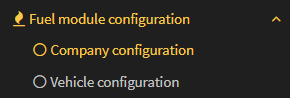
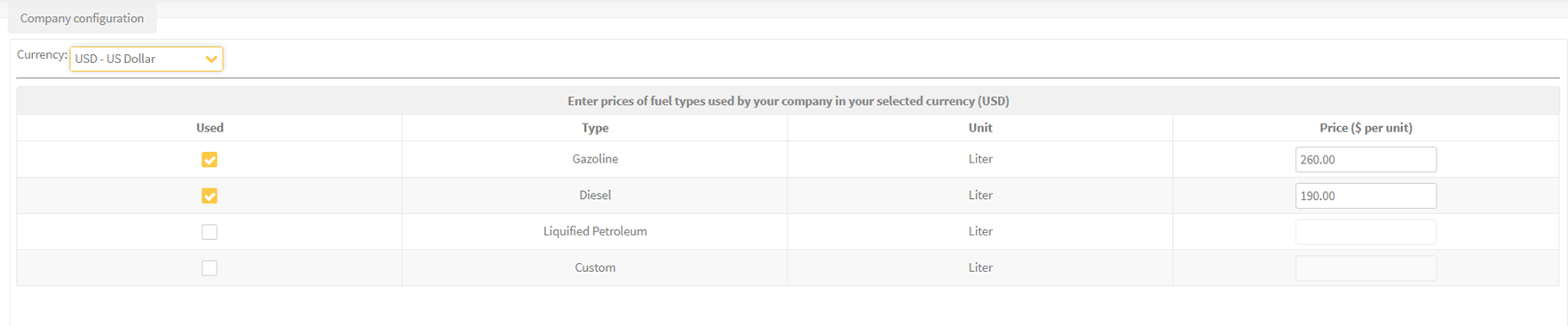
- Company configuration: set the fuel types and unit pricing.
- Vehicle configuration: basic settings (fuel type and tank size), the fuel source (CANbus or an external sensor), the voltage configuration for sensor-based fuel tracking, CANbus extra configuration (optional processing toggles), the low indicator configuration (fuel level threshold alerts) and the fuel level correction that prevents anomalous fill detection.
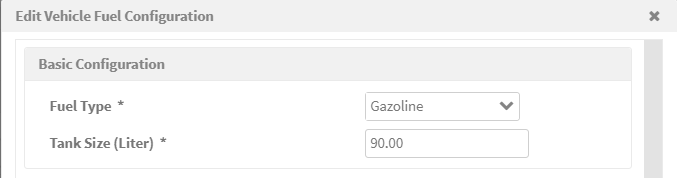

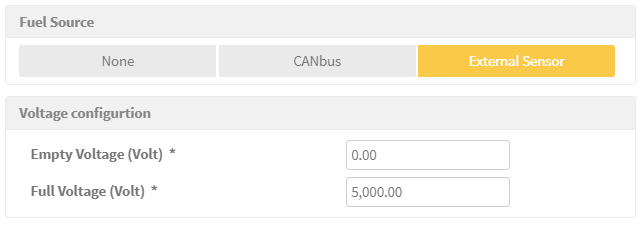
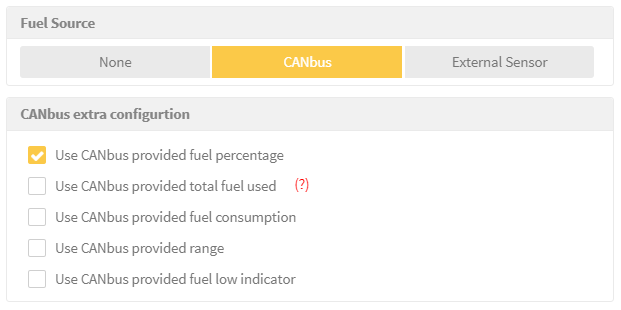
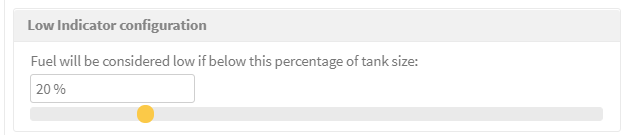

Caution: when the fuel source is CANbus, check the option Use CANbus provided total fuel used. When it is enabled, the total fuel used is taken as reported by the vehicle CANbus.
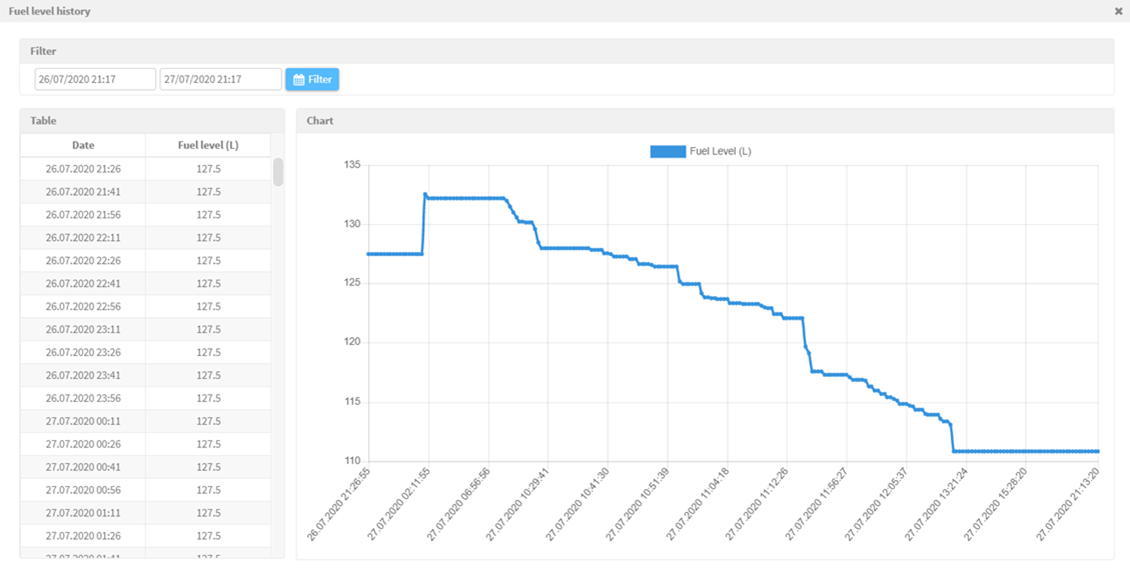
The Fuel Explorer displays the total fuel used, consumption per 100 km, fuel level and percentage, idle fuel usage, low indicators, range and the change history, with graphical monitoring. The Fuel Explorer also includes a fuel history graph that plots the fuel level over time.

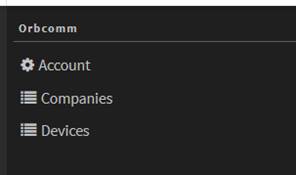
- The partner grants the Orbcomm module to companies.
- The partner adds the Orbcomm devices from the devices page.
- The partner registers the devices and sets the daily location request licenses.
- The admin assigns the module to vehicles.
- The admin registers the vehicles in the service and sets the communication thresholds.
- A missing-communication alarm is raised if no message arrives from a vehicle within the threshold.
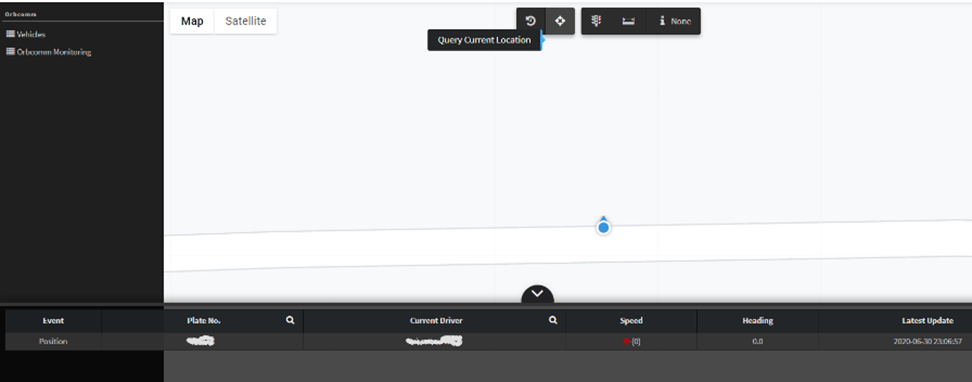
- Monitor the vehicles and query the current location through the map interface.


RAG report
A performance measurement that classifies drivers by color (Green, Amber, Red) based on customizable violation scores: acceleration, deceleration, speeding and seatbelt violations.
The score is calculated from the acceleration and deceleration counts per 100 km, plus the seconds of speeding per 10 km, plus the seatbelt violations. The color thresholds are: Green below 1, Amber from 1 to below 3, and Red 3 or above.
Driving violation reports
- Vehicle out of work zone: detects approved area and working hours violations.
- Vehicle driving violations: tracks resting criteria violations with duration and distance filters.
- Driver driving violations: tracks resting criteria at the driver level with group filtering options.
Trip reports
Vehicle and driver trip reports covering up to 3 months, with daily, monthly or period aggregation options.
Fixes and enhancements
Automatic device type detection based on port identification, and minor bug fixes.
For the official release notes, see Release 3.10.3 in the Safee documentation.
Ready to improve your fleet operations?
Tell us what you would like to improve. A Safee specialist will reply by email.
Usually replies within one business day • No sales spam
Your details are used only to respond to your request. Privacy Policy

