

Release 6.5.19: Driver Groups, Sensor State and New Widgets
Version: 6.5.19
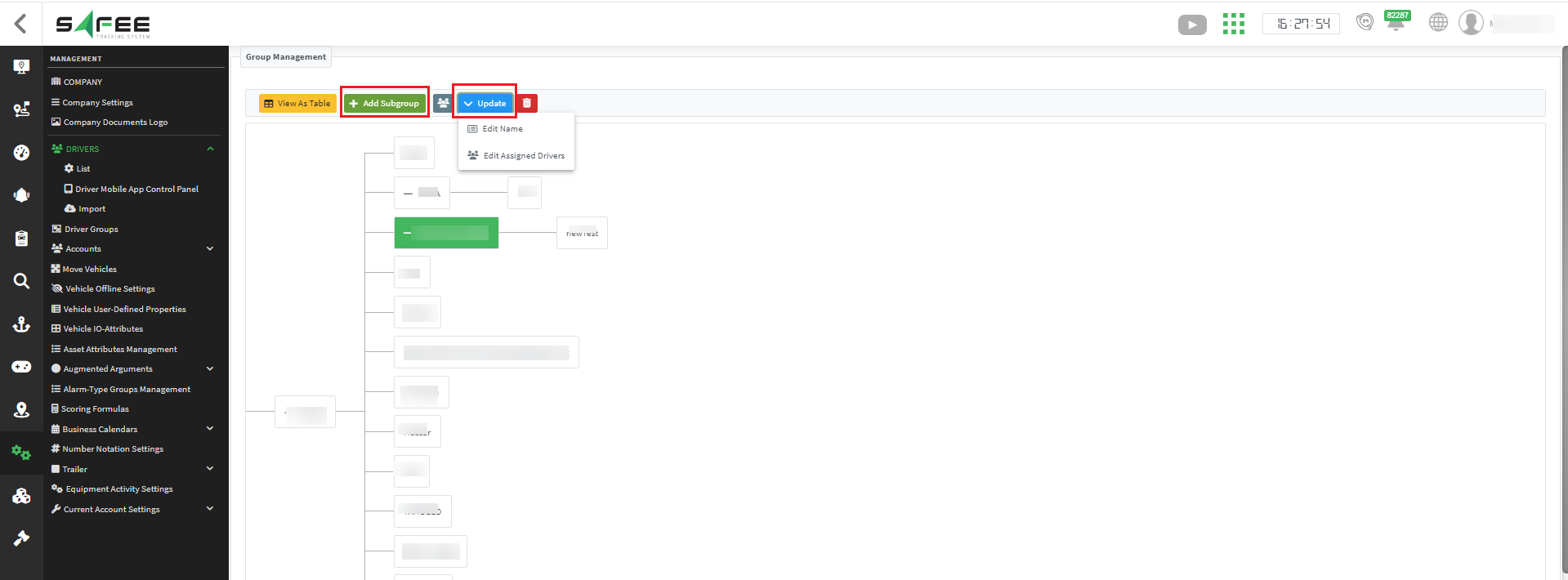
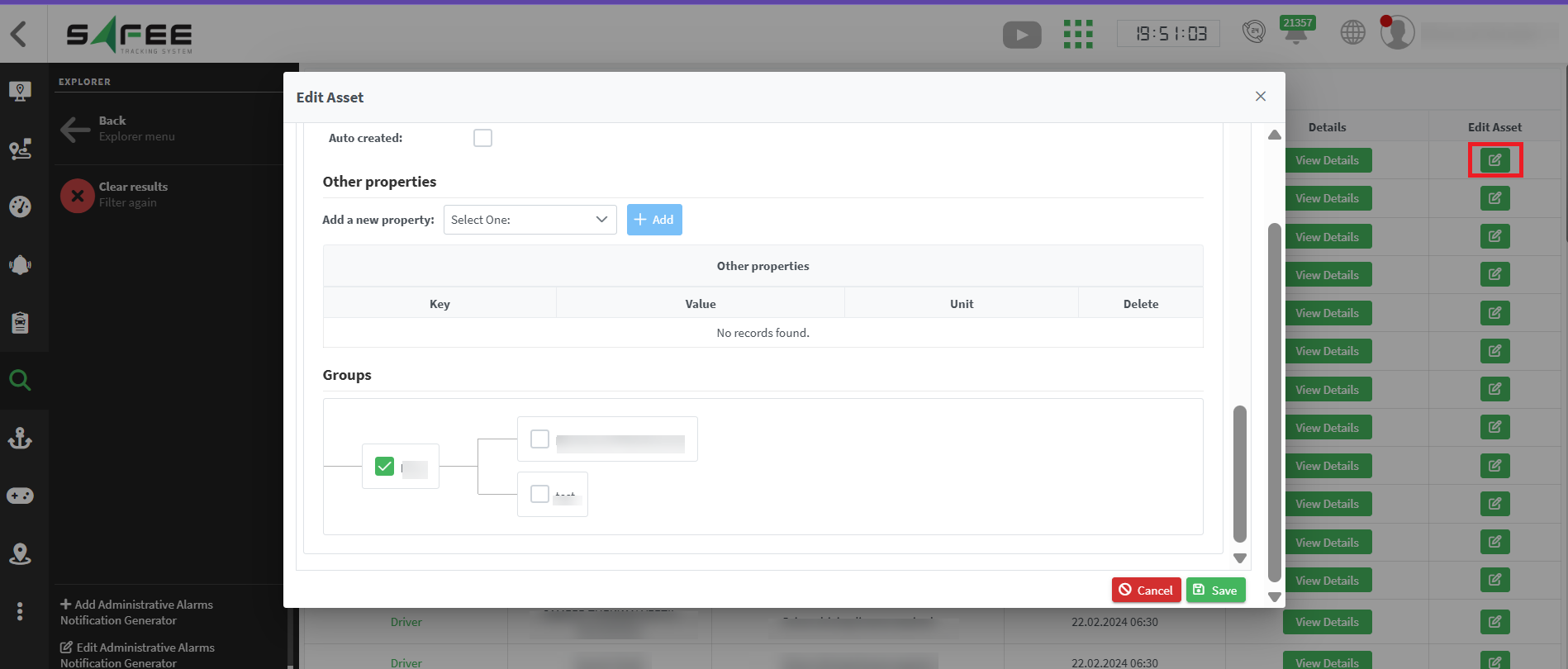
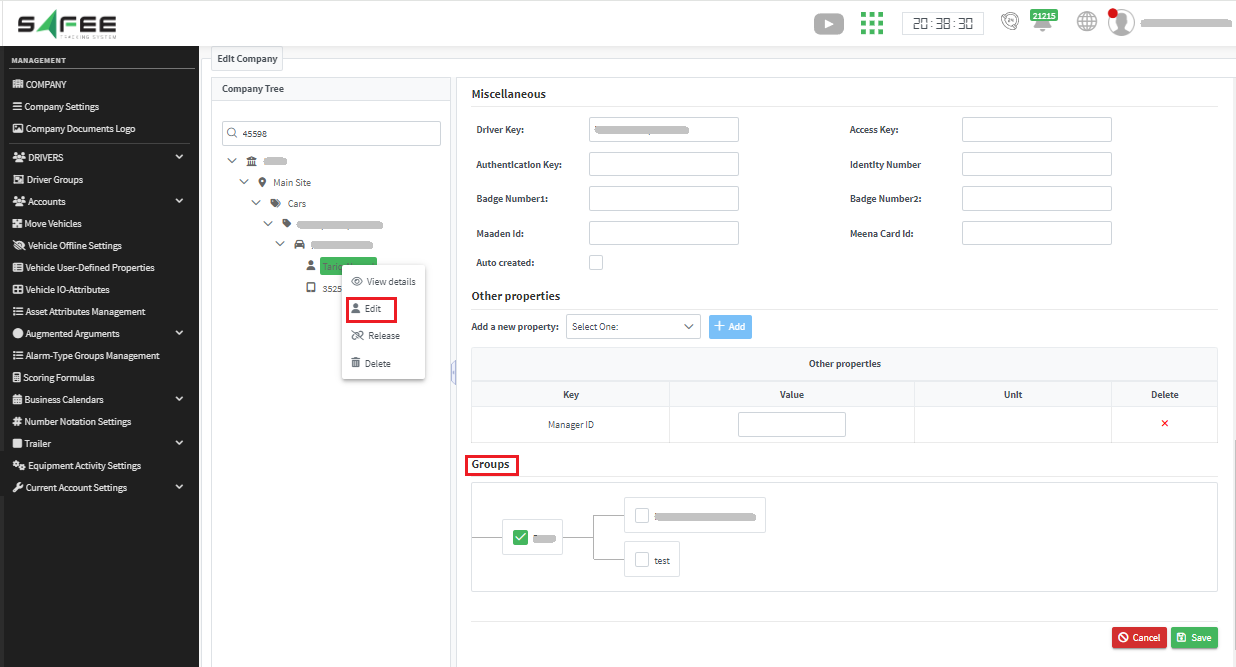
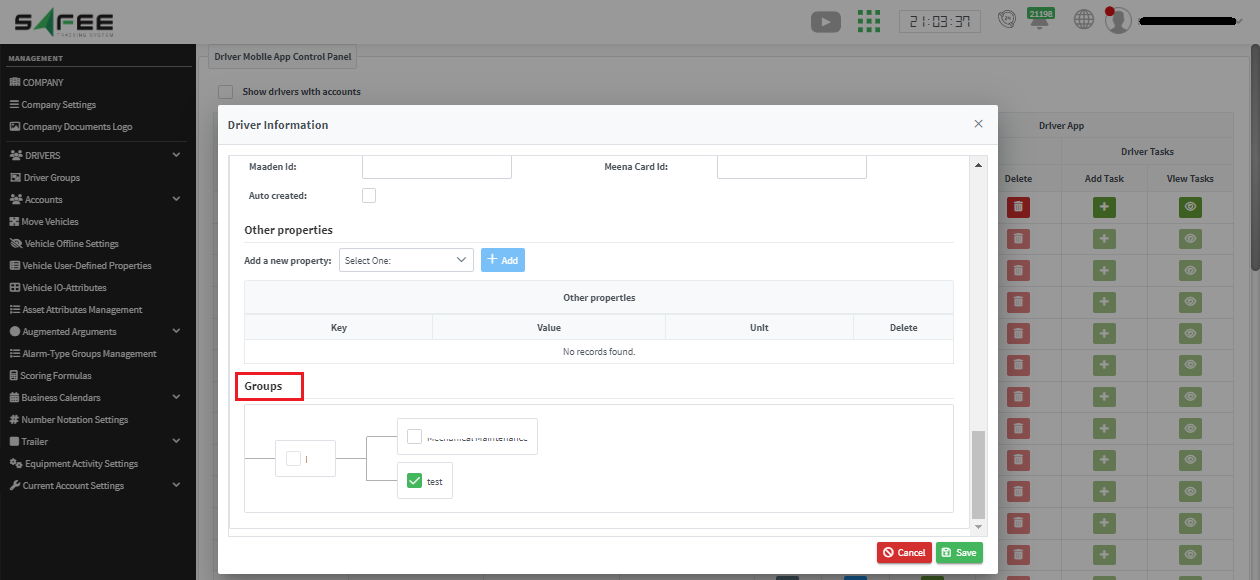
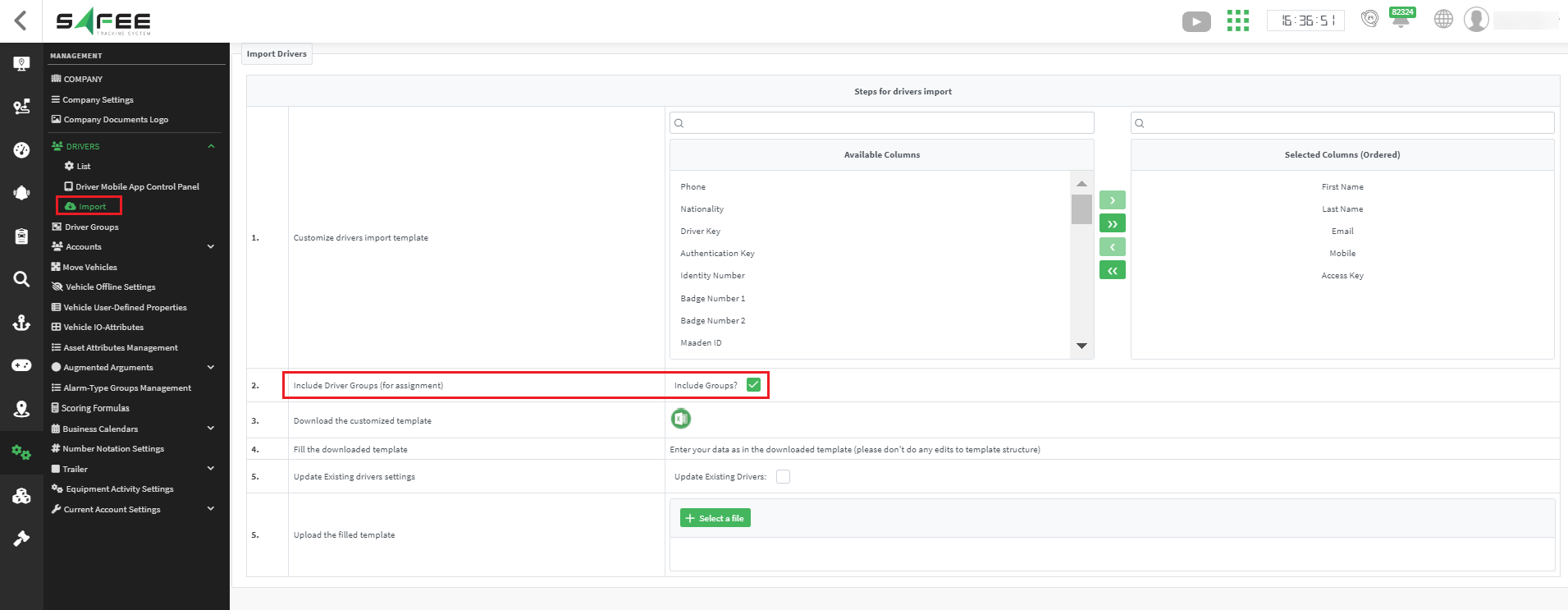
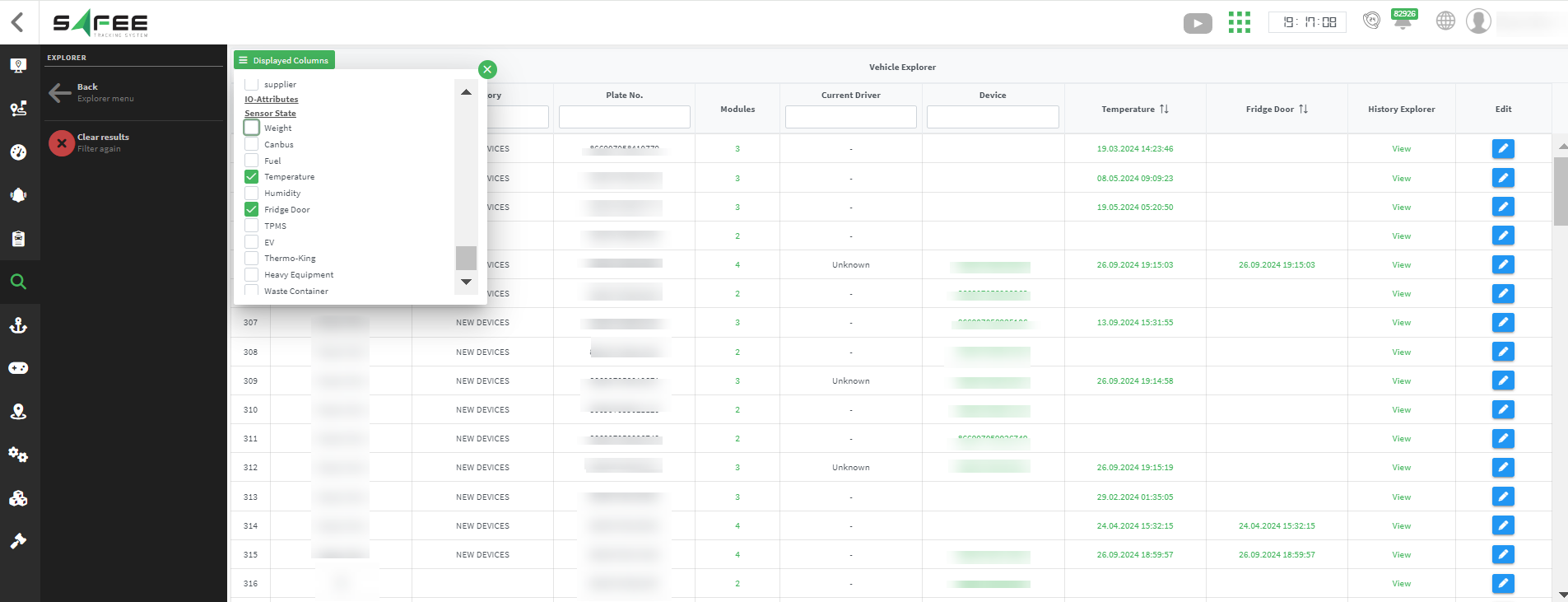
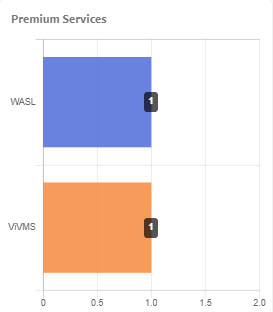
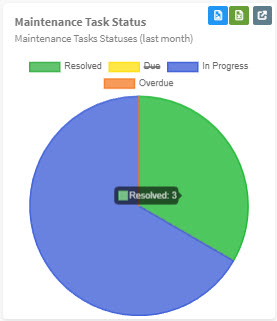
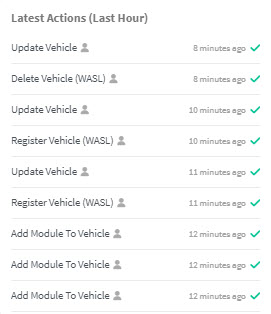
Release 6.5.19 makes it easier to assign drivers to groups from several pages, shows sensor values in the vehicle explorer, adds three new dashboard widgets, and introduces multi-factor authentication.
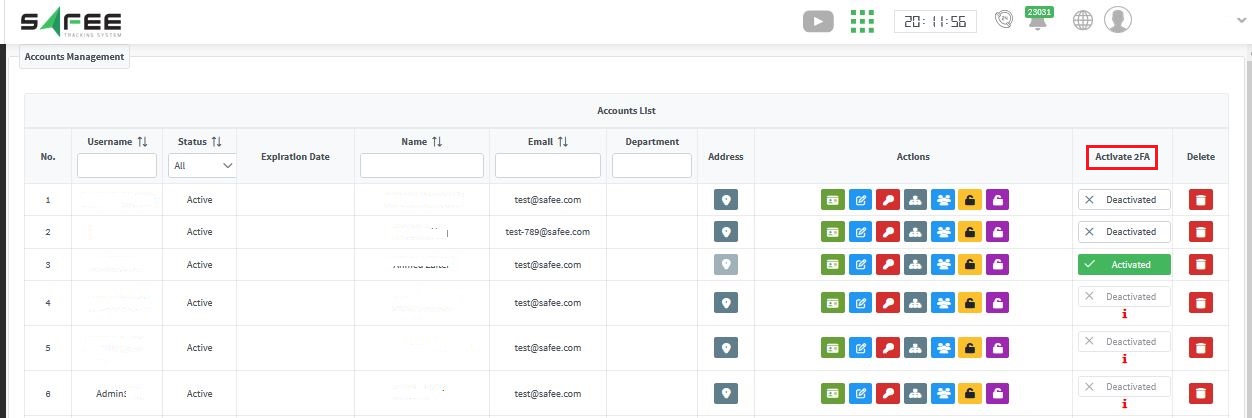
Important: the account must have a valid email address before MFA is activated, because verification codes are sent to it.
On the first login to an MFA-enabled account, a code is sent to the account’s email address.
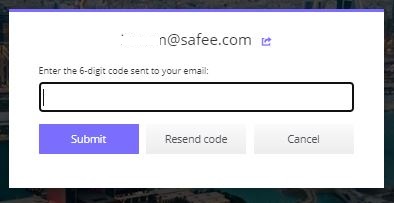
The platform then shows the steps to link the account with an authenticator app on the user’s smartphone.
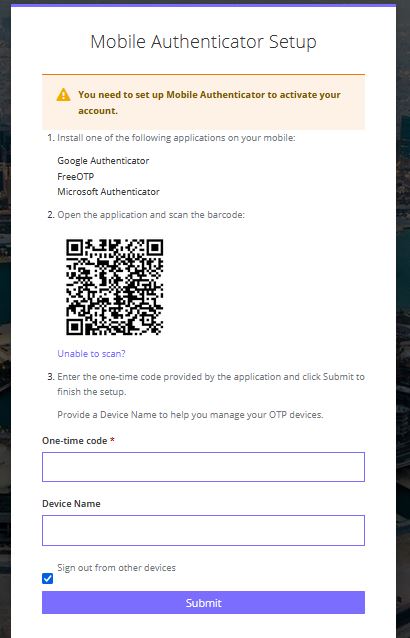
On every later login, the user enters the code displayed in the authenticator app.
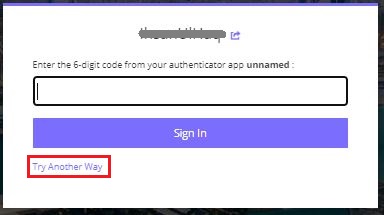
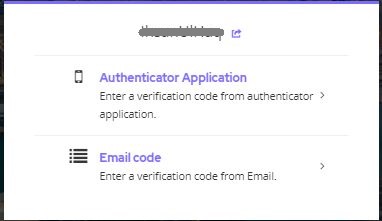
Users can also select Try Another Way to verify with either the authenticator app or an email code.
For the official release notes, see Release 6.5.19 in the Safee documentation.
Ready to improve your fleet operations?
Tell us what you would like to improve. A Safee specialist will reply by email.
Usually replies within one business day • No sales spam
Your details are used only to respond to your request. Privacy Policy

